
Short answer
- Code: connect GitHub in your project's settings. Lovable creates a new private repository and keeps it in two-way sync. It works on every plan, Free included.
- Or download the code as a ZIP from Project settings → Git, on paid plans.
- Database and files: export the database, download the storage files, then set up sign-in, secrets and environment variables again where you move. Lovable calls this developer work.
- Restored into a Supabase project, your users keep their passwords.
- Lovable can't connect to a GitHub repository that already exists: it always creates a new one.
Two things to move. The code, and the backend behind it.
A Lovable project is a web app plus, usually, a backend. Lovable apps created since May 13, 2026 use TanStack Start and render their pages on the server; older ones use React and Vite. The data lives in a PostgreSQL database, either on Lovable's built-in backend (built on Supabase's open-source foundation) or in a Supabase project you connected yourself.
The code moves through GitHub. The built-in backend doesn't: its database, its files and its sign-in settings move separately. If you connected your own Supabase project, the data is already yours and only the code has to move.
Export the code. Through GitHub, on every plan.
- 01Add a GitHub connectionIn Workspace settings → Git → GitHub (or Project settings → Git → GitHub), click Add account. A workspace owner or admin does this once.
- 02Install the Lovable GitHub appIn the GitHub popup, choose your account or organization, pick all repositories or only some, then click Install & Authorize.
- 03Connect the projectIn Project settings → Git → GitHub, click Connect next to the connection. Lovable creates a new repository, private by default, and starts the two-way sync.
- 04Clone itThe project's GitHub settings show clone URLs for HTTPS, SSH and the GitHub CLI. Clone the repository and you have the code on your machine.
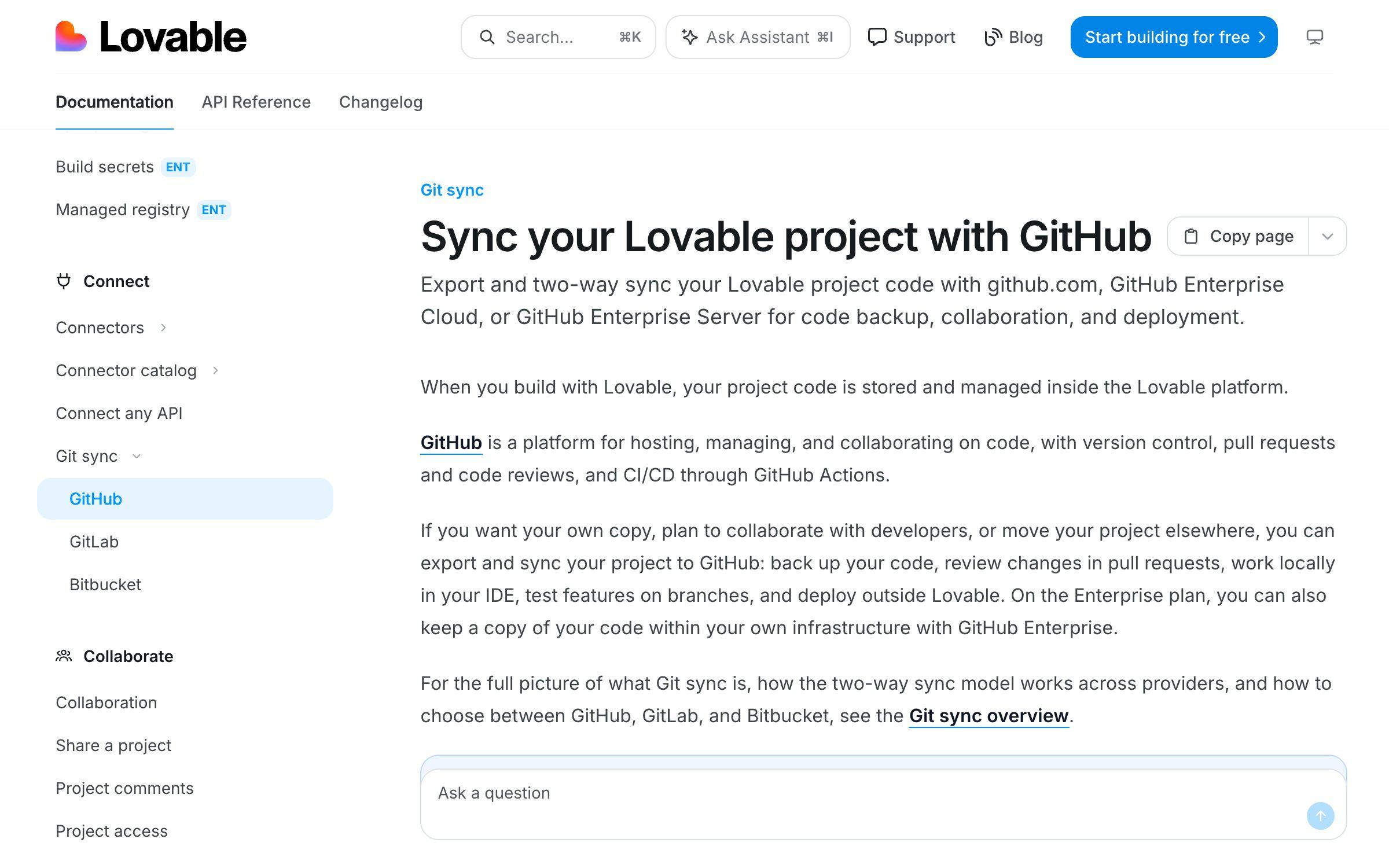
Changes made in Lovable land in GitHub, and pushes to the synced branch come back into Lovable. Lovable syncs one branch at a time, the repository's default branch unless you switch.
Or download a ZIP. No GitHub needed, on paid plans.
If you only want a copy, open Project settings → Git and use Download codebase, or open the code editor and click Download codebase at the bottom of the file tree. Lovable lists this on paid plans.
What Git sync won't do. From Lovable's list of limitations.
- It can't connect a project to a repository that already exists: it always creates a new one.
- If you disconnect and reconnect, Lovable creates another new repository. The first one stays on GitHub, unlinked.
- Deleting the GitHub repository stops the sync. Renaming it, or your account, doesn't.
- Only one branch is edited and synced at a time.
Move the database and files. Not one step, by Lovable's own account.
- 01Export the databaseExport your project's data from its database settings, then check the export before you go further.
- 02Download the storage filesUploaded files are in More → Storage. Download them.
- 03Restore it where you're goingRestore the export into your own Supabase or PostgreSQL project. In Supabase, your users keep their passwords; people signed in at the switch sign in again.
- 04Set the rest up againAt the destination, you set up sign-in, secrets, environment variables and any outside services again.
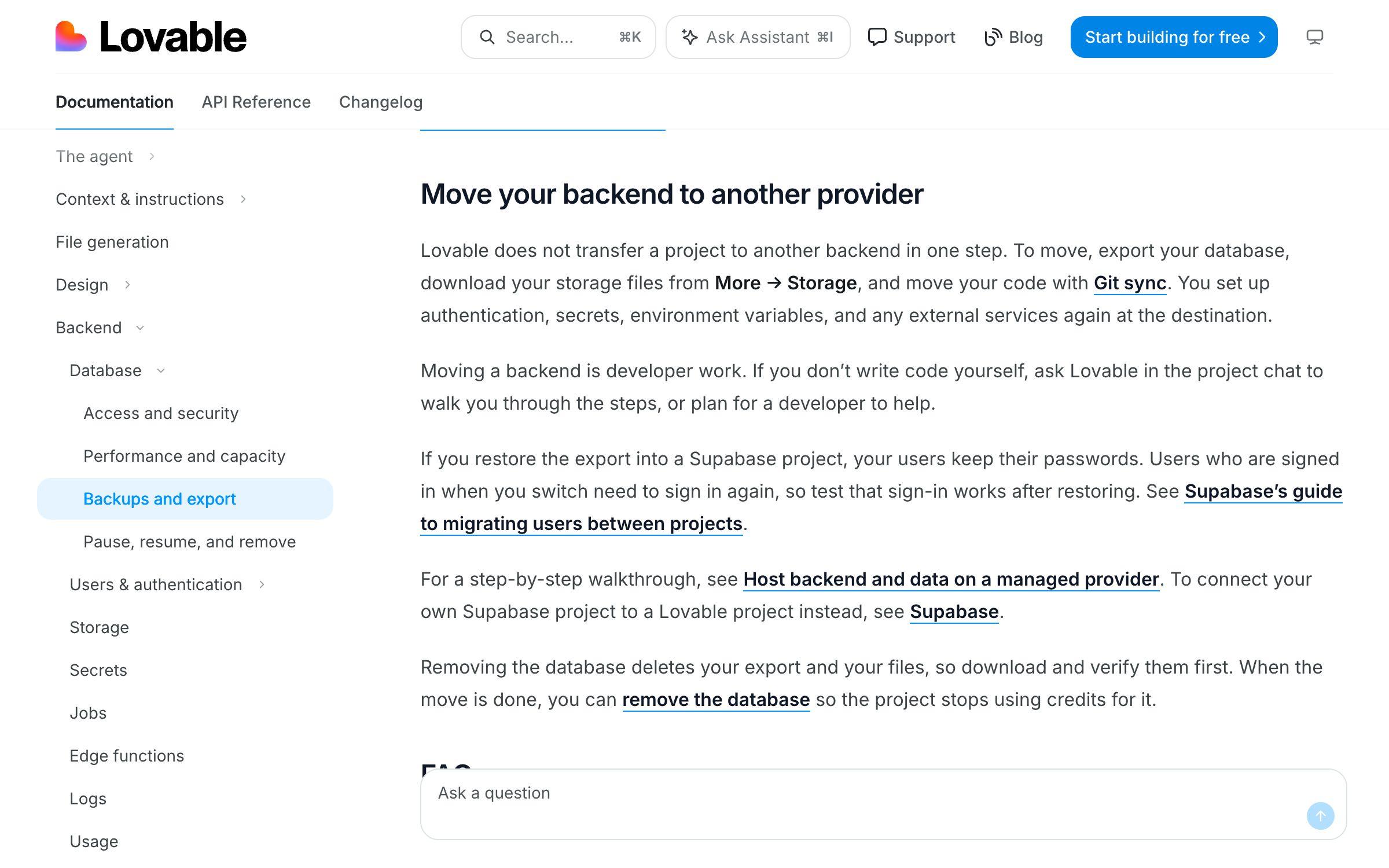
Lovable's documentation says moving a backend is developer work, and suggests asking Lovable in the project chat to walk you through it, or planning for a developer's help. Removing the database in Lovable deletes the export and the files, so download and verify them first.
Where to take it next. Three ways to go.
- Keep coding it yourself. The repository opens in Cursor, Claude Code or any editor; the front end deploys on hosts like Vercel or Netlify, with your Supabase project behind it.
- Stay on Lovable and keep the GitHub copy as a backup you control.
- Bring it to Capacity. Connect GitHub in Capacity (Connect a tool), then ask the agent to import the repository. It reads the code, works out how to start it, runs it on its own machine and shows the preview.
On Capacity, an imported project works on your own repository by default: the agent pushes to a capacity branch and opens a pull request, so nothing reaches your main branch until you merge it. That needs admin rights on the repository, to add a deploy key; without them the agent works on a copy instead. Your Supabase project stays yours: you add its keys as the project's variables. We haven't tested every Lovable project this way, so check the preview before you rely on it.
Bring it to Capacity. The agent imports your repository.
Connect GitHub and ask Capacity's agent to import your Lovable repository. It runs it on its own machine, shows you the preview, and keeps working on your repository through pull requests.
Questions people ask. Short answers, with the details above.
Can I export my Lovable code for free?
Yes. GitHub sync works on every plan, Free included. Downloading the code as a ZIP is listed on paid plans.
Do I own the code Lovable writes?
Lovable's FAQ says you do: the apps, the customer data stored in Lovable and the AI output you generate, subject to third-party rights in the underlying AI models.
Can I move my Lovable app to my own Supabase?
Yes, but not in one step. Export the database and restore it into your Supabase project, move the storage files and the code, then set up sign-in, secrets and outside services again. Your users keep their passwords.
Can I connect Lovable to a GitHub repository I already have?
No. Git sync always creates a new repository. To start a Lovable project from existing code, Lovable suggests downloading the repository as a ZIP, importing it as a project, then connecting Git sync.
What is a Lovable project built with?
Apps created since May 13, 2026 use TanStack Start, which renders pages on the server; older apps use React and Vite. The database is PostgreSQL, on Lovable's built-in backend or your own Supabase. Lovable doesn't offer another framework.
Can Capacity run my Lovable project?
Capacity's agent imports a GitHub repository, works out how to start it and runs it with a live preview, on any paid plan. A Lovable export is a regular repository, but we haven't tested every one: ask the agent to import yours and check the preview.