
Short answer
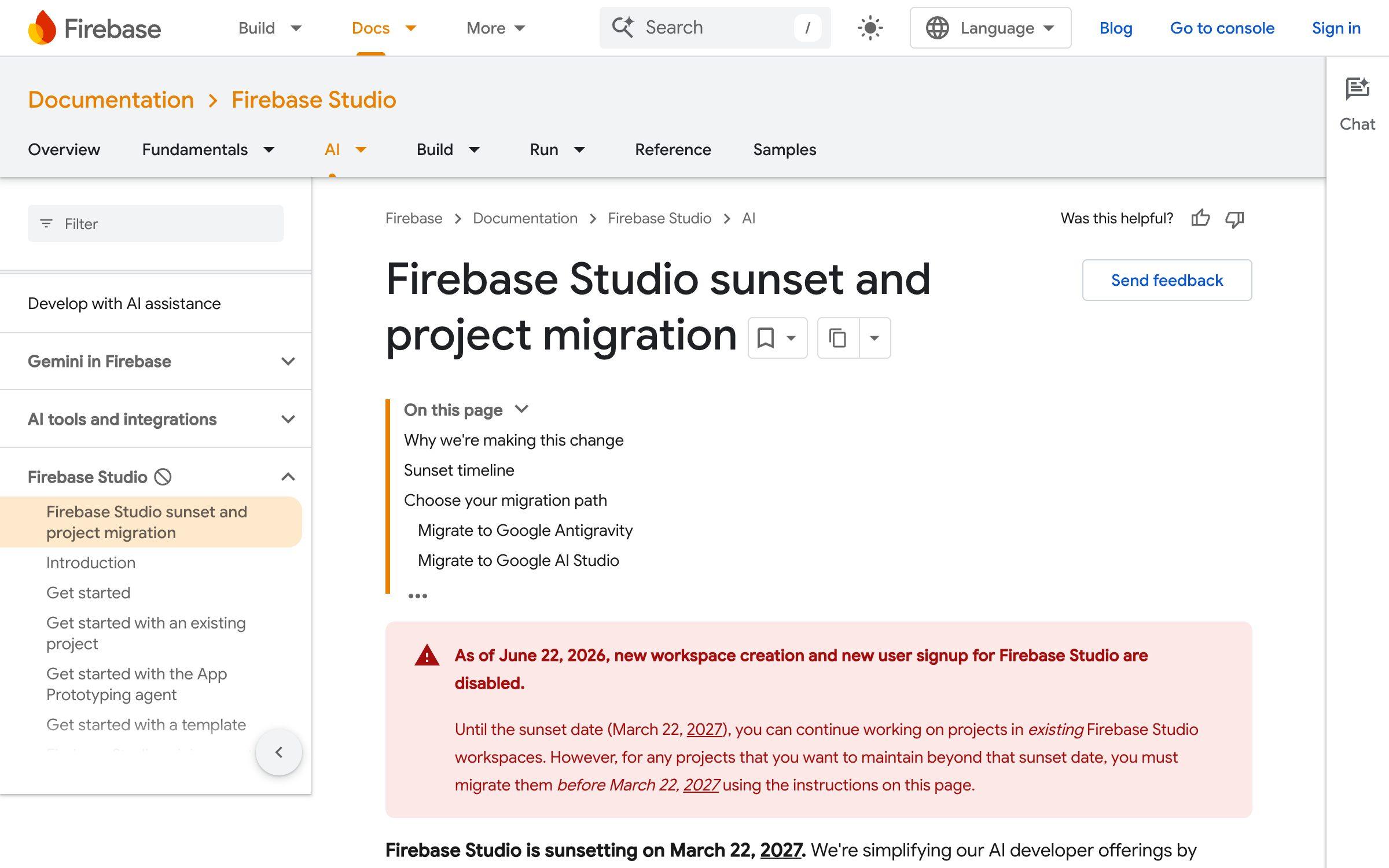
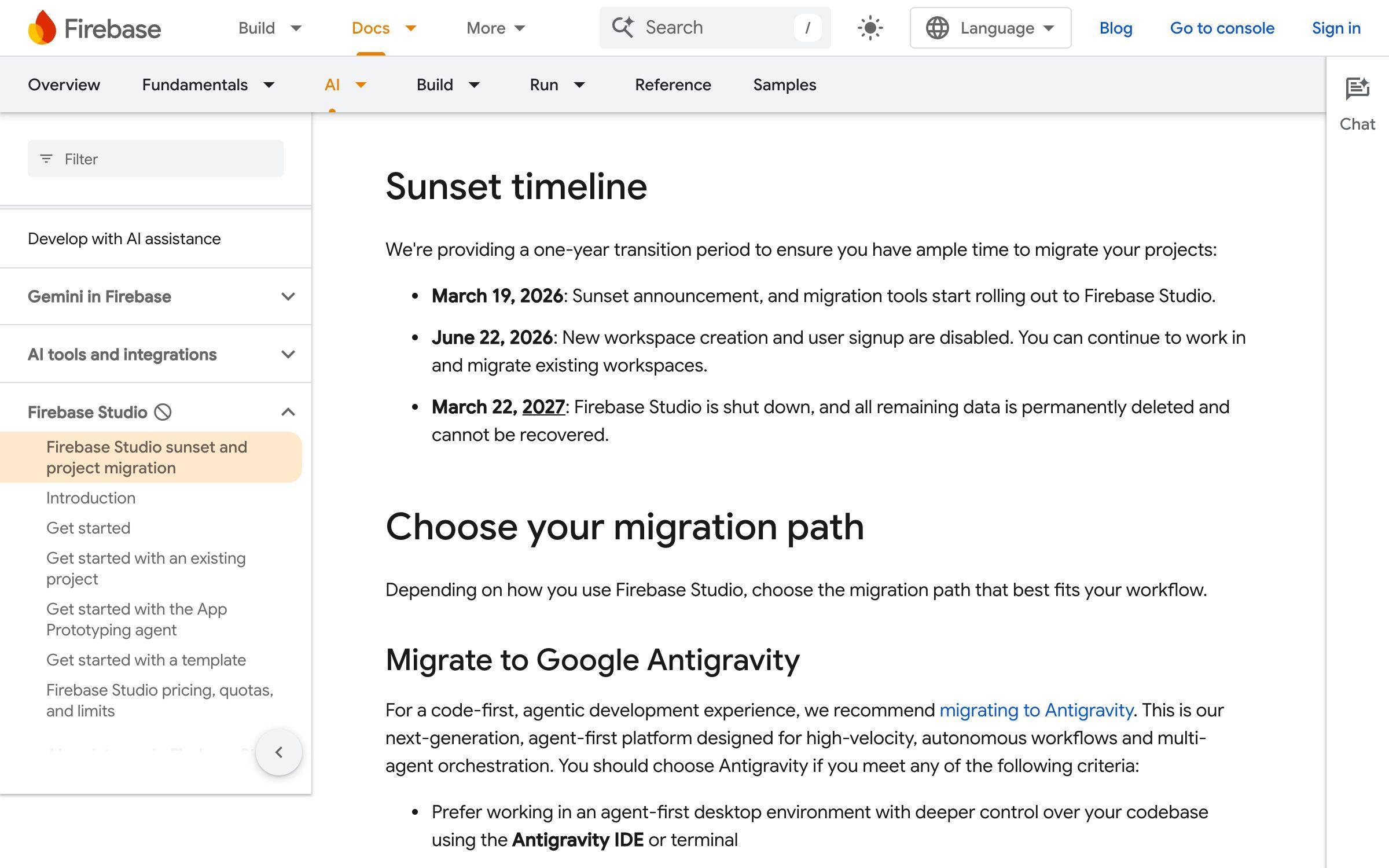
- Deadline: March 22, 2027. After that, Firebase Studio and every workspace left in it are gone.
- Built with the App Prototyping agent? Move now → Prepare for AI Studio → Move to Google AI Studio.
- Working in the code? Move now → Zip and Download, open the folder in the Antigravity IDE and run @fbs-to-agy-export.
- Going somewhere else? Move now → Zip and Download, or export the workspace to GitHub.
- Your Firestore database, Firebase Authentication and App Hosting keep working: only the development environment closes.
The dates. A year from announcement to shutdown.
| Date | What happens |
|---|---|
| March 19, 2026 | What happensGoogle announces the sunset; migration tools start rolling out in Firebase Studio. |
| June 22, 2026 | What happensNo more new workspaces or new users. Existing workspaces keep working and can be migrated. |
| March 22, 2027 | What happensFirebase Studio shuts down. All remaining data is permanently deleted and can't be recovered. |
From Google's Firebase Studio sunset page, updated November 18, 2026.
Your Firebase backend isn't part of the shutdown. Cloud Firestore, Firebase Authentication, App Hosting and your users' data keep working, whichever tool the code moves to.
Three ways out. Two from Google, one anywhere.
| Path | Google suggests it if you | What it's like |
|---|---|---|
| Google AI Studio | Google suggests it if youBuilt the app with the App Prototyping agent, prefer the browser, want the fastest way from prompt to a published app | What it's likeA web-based builder with an agent, GitHub sync and publishing to Cloud Run |
| Google Antigravity | Google suggests it if youStarted from a template or an imported repository, mostly use Code View, need a local environment | What it's likeA desktop agent platform and IDE; you install it with Node.js 20+ and the Firebase CLI |
| Another tool | Google suggests it if youWant to manage the code and the deployment yourself | What it's likeExport the code as a zip or to GitHub, then open it anywhere |
You can also start in AI Studio and export to Antigravity later: Code tab → Export → Export to Antigravity.
Move to Google AI Studio. From a button in your workspace.
- 01Start the moveClick Move now at the top of your Firebase Studio workspace, then Prepare for AI Studio.
- 02Open it in AI StudioWhen the preparation is done, click Move to Google AI Studio and accept the terms if asked. Your code opens in a new AI Studio workspace; converting and loading can take several minutes.
- 03PublishEither keep your hosted.app address or custom domain through App Hosting and GitHub sync (next section), or click Publish in AI Studio, import your Firebase project and publish to a new run.app address on Cloud Run.
If your app uses Google Sign-In, add the new AI Studio domain to Authorized domains in the Firebase console's Authentication settings, or sign-in stops working. If the AI Studio agent stalls during the move, Google suggests telling it to continue where it left off.
Keep your URL. Stay on Firebase App Hosting.
- 01Store your Gemini API keyIn the Firebase console, open App Hosting, your backend (usually named studio), Settings → Environment, and add the contents of your .env file. Firebase Studio did this for you; after the move you do it yourself, because the .env file shouldn't go to GitHub.
- 02Sync the code to GitHubIn AI Studio's GitHub panel, install the GitHub app, create a repository, check that .env isn't in the file list, and commit.
- 03Connect App Hosting to the repositoryBack in App Hosting, Settings → Deployment → Connect to GitHub, pick the repository, branch main and root directory /, then Save and deploy.
Outside AI Studio, the Firebase CLI keeps the URL too: run firebase init apphosting in the exported project, choose Link to an existing backend, pick studio, then firebase deploy.
Move to Google Antigravity. An agent does the conversion.
- 01Install what it needsThe Antigravity IDE, Node.js 20 or later and the Firebase CLI 15.10.0 or later.
- 02Export the workspaceClick Move now, then Zip and Download (or run Firebase Studio: Zip & Download from the command palette). Unzip it and open the folder in the Antigravity IDE.
- 03Run the migration promptIn the Agent pane, enter @fbs-to-agy-export. Google suggests a Gemini Flash model for this, to save tokens. The agent converts the project and asks for your help along the way.
- 04Preview and publishStart the dev server from Run and Debug, then tell the agent to publish your app. It deploys with firebase deploy, to your existing URL if you'd published to App Hosting before.
Take it out of Google's tools. Export first, then choose.
- 01Export the codeMove now → Zip and Download, or export the workspace to GitHub. If the export stalls, delete node_modules, large media files and build folders and try again.
- 02Keep your keysNote your Firebase configuration and your Gemini API key: wherever the app goes, they become environment variables. The code is a standard web app, so any host can run it, at a new URL.
- 03Open it in the new toolTools that work from code can take it from there: an AI editor or a terminal agent on the folder, or a builder that imports a GitHub repository.
What doesn't come along. Check these before the deadline.
- Your agent chat history isn't in the zip. It's in the workspace's /home/user/.idx/ai folder: open /home/user from File → Open Folder, right-click .idx/ai and choose Zip and Download. Prototyper prompts also show in the project's git log.
- Only the person who created a workspace can use Move now. If one was shared with you, duplicate it under your account, or export the code and point it at your own Firebase project and keys.
- The Zip and Download window can be caught by a pop-up blocker: allow pop-ups for Firebase Studio if nothing happens.
Bring it to Capacity. Our product, so weigh it accordingly.
Export the workspace to GitHub, connect GitHub in Capacity (Connect a tool), and ask the agent to import the repository. It reads the code, works out how to start it, runs it on its own machine and shows the preview. Add your Firebase configuration and Gemini API key as the project's variables, and your Firestore data and signed-up users stay where they are.
An imported project works on your own repository by default: the agent pushes to a capacity branch and opens a pull request, so nothing reaches your main branch until you merge it. That needs admin rights on the repository; without them the agent works on a copy. We haven't tested every Firebase Studio export this way, so check the preview before you rely on it.
Bring it to Capacity. The agent imports your repository.
Export your Firebase Studio workspace to GitHub and ask Capacity's agent to import it. It runs the app on its own machine, shows you the preview, and keeps working on your repository through pull requests.
Questions people ask. Short answers, with the details above.
When is Firebase Studio shutting down?
On March 22, 2027. It stopped accepting new workspaces and new users on June 22, 2026, and existing workspaces work until the shutdown.
What happens to my data after March 22, 2027?
Everything still in Firebase Studio is permanently deleted and can't be recovered. Your Firebase project itself, with Firestore, Authentication and App Hosting, isn't affected.
How do I export my code from Firebase Studio?
Click Move now at the top of the workspace, then Zip and Download, or export the workspace to GitHub. If nothing happens, allow pop-ups, or run Firebase Studio: Zip & Download from the command palette.
Can I keep my hosted.app URL?
Yes, by continuing to publish to Firebase App Hosting: from AI Studio through GitHub sync, from Antigravity's publish step, or with the Firebase CLI linked to your existing backend, usually named studio.
Should I move to Google AI Studio or Antigravity?
Google suggests AI Studio if you built with the App Prototyping agent and prefer the browser, and Antigravity if you work in the code, started from a template or an imported repository, or need a local environment.
Can Capacity run my Firebase Studio project?
Capacity's agent imports a GitHub repository, works out how to start it and runs it with a live preview, on any paid plan. A Firebase Studio export is a regular web app, but we haven't tested every one: export yours to GitHub, ask the agent to import it and check the preview.