
12 Best AI App Builder Platforms of 2026
12 Best AI App Builder Platforms of 2026
Gone are the days when building an application required months of development and a team of expert coders. Today, the landscape is being radically transformed by AI-powered app builders that can turn a simple text description into a fully functional, production-ready application. This new wave of tools democratizes software creation, empowering entrepreneurs, small business owners, and creators to launch MVPs, internal tools, and complex SaaS products at a fraction of the traditional time and cost. Many of these platforms are instrumental in enabling robust business process automation examples, leading to significant efficiency gains for companies of all sizes.
But with a growing market of powerful options, choosing the best AI app builder for your specific project can be challenging. Each platform has distinct strengths, learning curves, and ideal use cases, from building simple internal dashboards to launching complex, scalable web applications.
This guide provides a comprehensive breakdown of the top platforms available today. We'll dive deep into the key features, pricing, pros, and cons of each tool to help you make an informed decision. Every entry includes screenshots and direct links, giving you everything you need to find the perfect solution to bring your idea to life.
1. Capacity
Best for Rapid Full-Stack App Generation
Capacity distinguishes itself as a premier AI app builder by transforming natural language descriptions into production-ready, full-stack web applications. It’s an exceptional choice for entrepreneurs, startups, and agencies aiming to convert ideas into functional products with unprecedented speed and efficiency. Unlike platforms that only handle front-end UI or basic logic, Capacity generates complete, modern tech stacks, including Next.js, TypeScript, and Tailwind CSS.

The platform’s standout feature is its agentic AI, which possesses a global understanding of the entire codebase. This allows it to perform complex, multi-file refactoring and automatically fix bugs, a capability that dramatically reduces development errors and manual intervention. This sophisticated AI makes Capacity a strong contender for the title of best AI app builder available today.
Key Features & Use Cases
- Natural Language to Code: Simply describe your app, and Capacity’s AI generates the UI, business logic, authentication, and database schema.
- Agentic AI for Code Integrity: The AI agent proactively identifies and resolves issues, ensuring the codebase remains clean and robust, reducing errors by up to 90%.
- No Vendor Lock-In: You can easily export the entire codebase and self-host, giving you complete ownership and control over your application.
This makes Capacity ideal for building MVPs, internal tools, B2B SaaS platforms, and dashboards. Users report launching revenue-generating projects in a single weekend, a testament to its 20x development speed advantage.
Pricing and Access
Capacity operates on an adaptive, pay-per-action pricing model, which aligns costs with actual usage. While there is no free trial due to the resource-intensive AI backend, this structure provides a scalable and cost-effective alternative to hiring a development team.
Pros:
- AI-powered full-stack generation from simple text prompts.
- Advanced agent mode for automatic bug fixing and code refactoring.
- Seamless export and self-hosting with no vendor lock-in.
- Significantly reduces development time (20x) and cost (10x).
Cons:
- No free trial available, requiring initial investment to test.
- Usage-based pricing can be complex to predict initially.
Website: https://capacity.so
2. Glide
Glide excels at transforming data sources like Google Sheets, Excel, or Airtable into polished, data-driven applications with remarkable speed. It stands out as one of the best AI app builder platforms for internal tools, client portals, and inventory management systems, embedding AI functionalities directly into the app creation workflow. You can easily drag-and-drop "Glide AI" components to perform tasks like summarizing text, generating images, extracting data from documents, or classifying information without writing a single line of code.
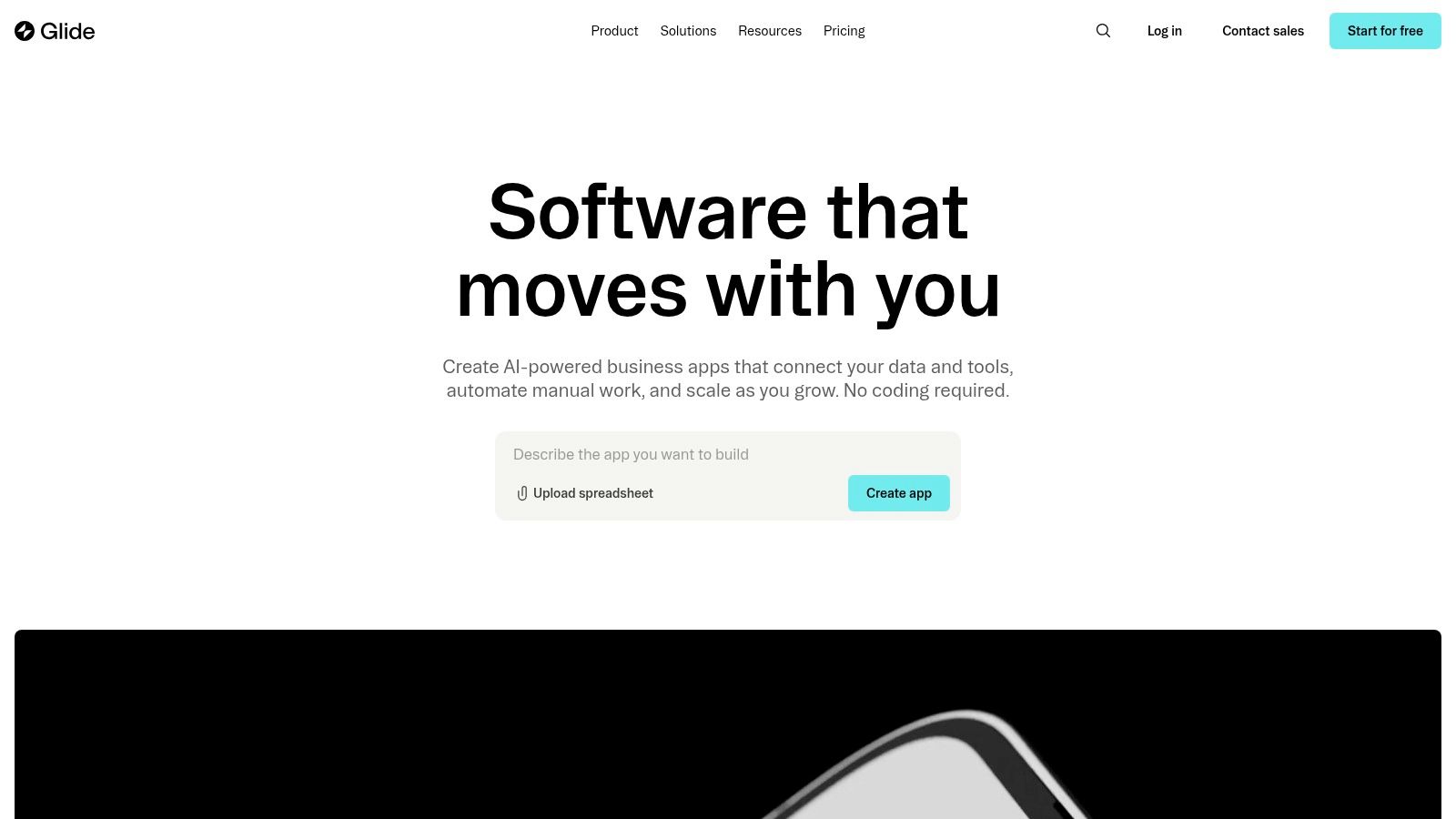
This tight integration makes adding intelligent features incredibly intuitive for non-technical makers. The platform’s strength lies in its ability to quickly build functional, responsive apps with a professional UI, directly on top of your existing data.
Key Features & Use Cases
- Glide AI: Native components for text summarization, image generation, data extraction, and classification.
- Data-First Approach: Instantly builds an app interface from sources like Google Sheets, Airtable, and BigQuery.
- Best For: Creating internal dashboards, simple CRMs, employee directories, and customer-facing portals where the primary function is displaying and interacting with structured data.
Pros & Cons
- Pros: Extremely fast prototyping from spreadsheets, polished UI components out-of-the-box, clear usage-based limits.
- Cons: Primarily suited for data-centric (CRUD) apps; complex custom logic can be difficult to implement. Usage limits and update quotas may require plan upgrades for high-traffic apps.
Pricing
Glide offers a free tier for personal projects, with paid plans starting at $49/month for the Maker plan, scaling up with team and business tiers based on user counts and feature needs.
3. FlutterFlow
FlutterFlow bridges the gap between no-code simplicity and low-code power, offering a visual builder for creating native mobile, web, and desktop applications. It stands out by giving users complete control over their source code, making it an excellent AI app builder for teams that need both speed and scalability. Its "AI Gen" feature can generate entire pages from text prompts, create schemas, and write custom functions, dramatically accelerating the development process for both simple and complex projects.

This platform is ideal for startups and developers who want to build a feature-rich MVP quickly but also need the flexibility to export clean Flutter code for custom development later. The tight integration with backend services like Firebase and Supabase, combined with robust version control via GitHub, provides a professional-grade workflow.
Key Features & Use Cases
- AI Gen: Generate UI from text, build database schemas, and create custom code snippets to speed up development.
- Full Code Export: Download the entire Flutter source code for your project at any time, eliminating platform lock-in.
- Best For: Building cross-platform MVPs, complex internal tools, and client-facing mobile apps where customizability and future scalability are critical.
Pros & Cons
- Pros: Source code download and one-click app store deployment, scales from MVP to production, strong developer workflow with GitHub integration.
- Cons: Higher learning curve than pure no-code tools; advanced capabilities often require upgrading to Pro or Teams plans.
Pricing
FlutterFlow has a free plan for hobbyists. Paid plans start at $30/month for the Standard plan, with Pro and Team plans offering advanced features like code download and GitHub integration.
4. Thunkable
Thunkable is a no-code platform dedicated to building native mobile apps for both iOS and Android from a single project. It positions itself as a strong contender for the best AI app builder by integrating AI functionalities directly into its drag-and-drop interface, allowing creators to build sophisticated, AI-powered mobile experiences. Users can leverage built-in integrations with services like OpenAI and Microsoft Azure to add features like image recognition, language translation, and conversational AI.
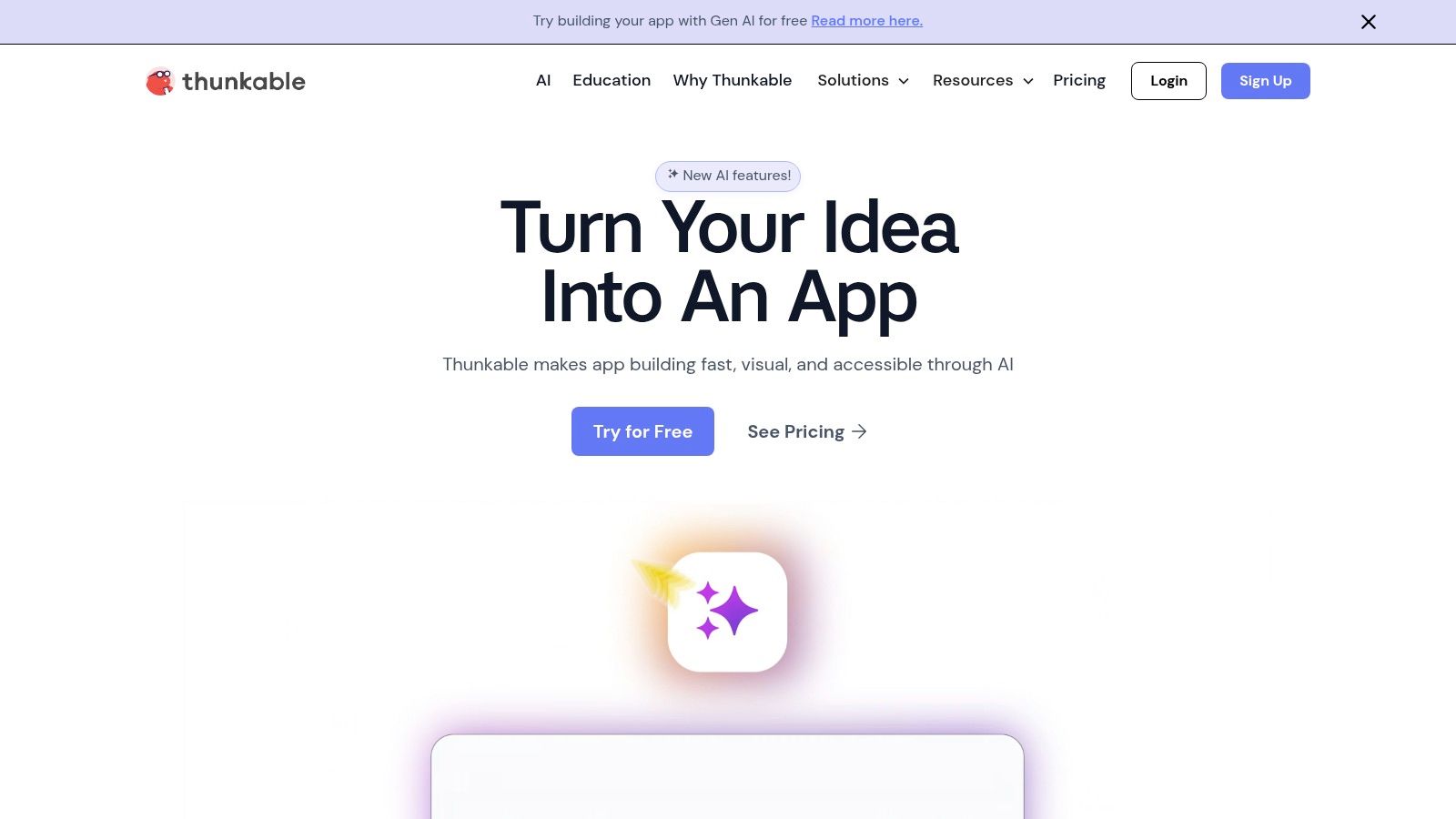
The platform is designed for a seamless transition from idea to app store, offering direct publishing pipelines. This focus on true mobile app creation, complete with push notifications and monetization options, makes it a unique and powerful choice for those looking to launch a commercial app without touching a line of code. You can learn more about how Thunkable fits into the no-code AI landscape.
Key Features & Use Cases
- Native Mobile Focus: Build and publish real iOS and Android apps directly to the Apple App Store and Google Play Store.
- Drag-and-Drop AI: Integrates with leading AI services for features like image recognition, text processing, and speech-to-text.
- Best For: Creating commercial mobile apps, educational tools, and prototypes that require native device features like the camera, GPS, or push notifications.
Pros & Cons
- Pros: Straightforward mobile-first workflow, direct publishing to app stores, education and classroom-friendly options.
- Cons: The free plan is quite limited in project and storage capacity. Accessing advanced features and removing branding requires a higher-tier paid plan.
Pricing
Thunkable provides a free plan for getting started. Paid plans begin at $45/month for the Starter plan, with higher tiers available for teams and businesses needing more resources and advanced features.
5. Google AppSheet
Google AppSheet is a powerful no-code platform deeply integrated into the Google Workspace ecosystem, allowing users to build robust applications directly from data sources like Google Sheets and Drive. It stands out as one of the best AI app builder options for operational and field-service workflows, leveraging Google's AI and ML capabilities for features like optical character recognition (OCR), predictive modeling, and a "Smart Assistant" that interprets natural language commands.
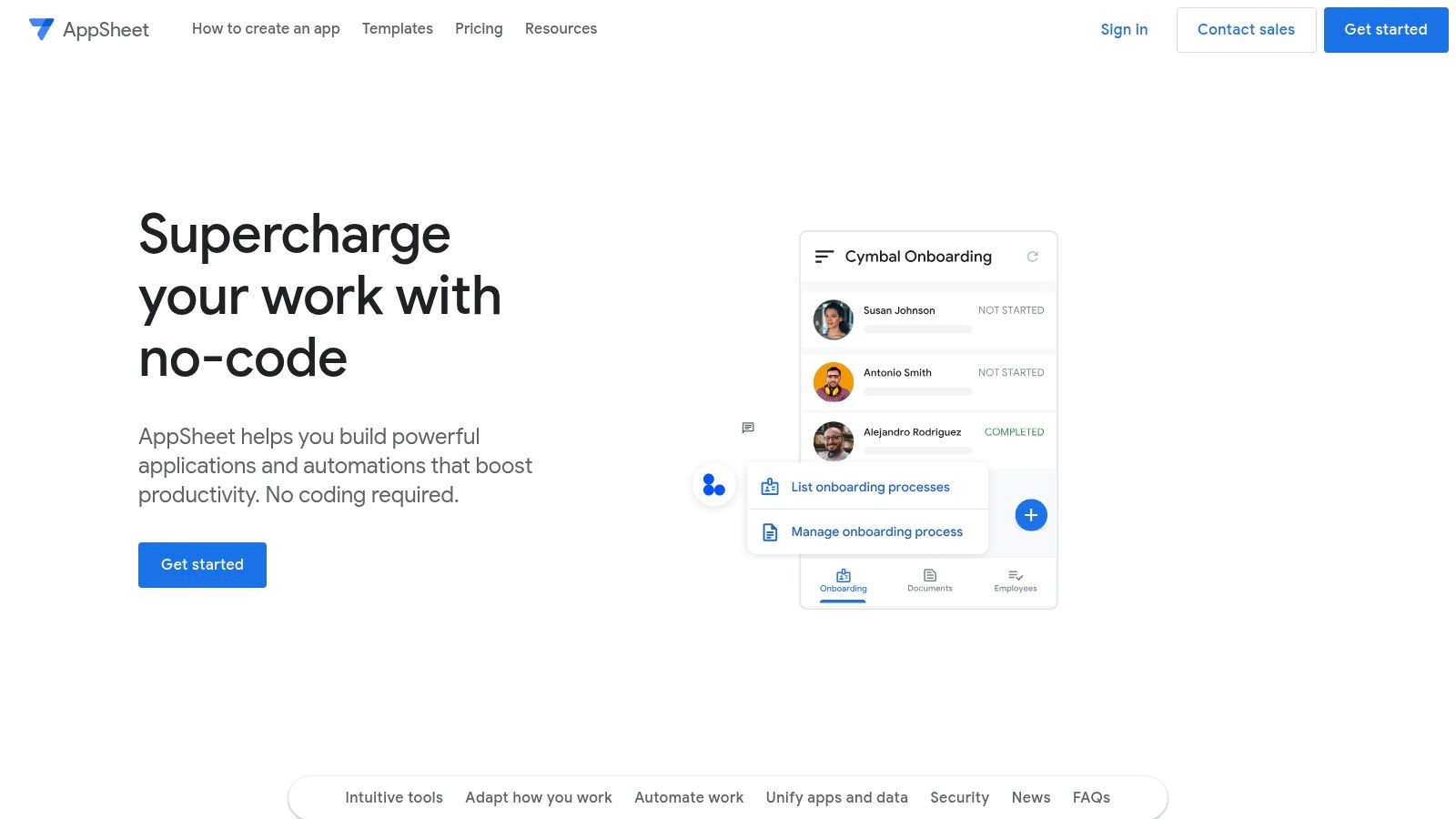
This native integration makes it exceptionally easy for teams already using Google Workspace to automate processes, capture data on the go, and manage workflows without extensive development. The platform is designed for creating practical, task-oriented internal tools that are secure and scalable. You can build an app without coding to streamline everything from inventory management to safety compliance checks.
Key Features & Use Cases
- AI and ML Integration: Features like OCR for scanning documents, predictive modeling based on your data, and natural language processing.
- Deep Google Workspace Connection: Seamlessly builds apps from Google Sheets, Forms, and Docs, leveraging existing data and user authentication.
- Best For: Creating field service apps, operational dashboards, inventory management systems, and internal tools for data capture and process automation.
Pros & Cons
- Pros: Strong integration with the Google ecosystem, excellent for mobile data capture and offline use, transparent per-user pricing with a generous prototyping tier.
- Cons: User experience customization can be limited for highly complex apps; enterprise features may require a Google Workspace admin for setup and deployment.
Pricing
AppSheet offers a free tier for prototyping with up to 10 users. Paid plans start at $5/user/month for the Starter plan and $10/user/month for the Core plan, with custom pricing available for Enterprise tiers.
6. Microsoft Power Apps
Microsoft Power Apps is an enterprise-grade, low-code platform that empowers business users to build custom applications integrated deeply within the Microsoft ecosystem. Its AI capabilities, powered by Copilot and AI Builder, make it a strong contender for the best AI app builder for organizations standardized on Microsoft 365 and Azure. Users can describe the app they want in natural language, and Copilot will generate the underlying data tables and app screens, significantly accelerating development.
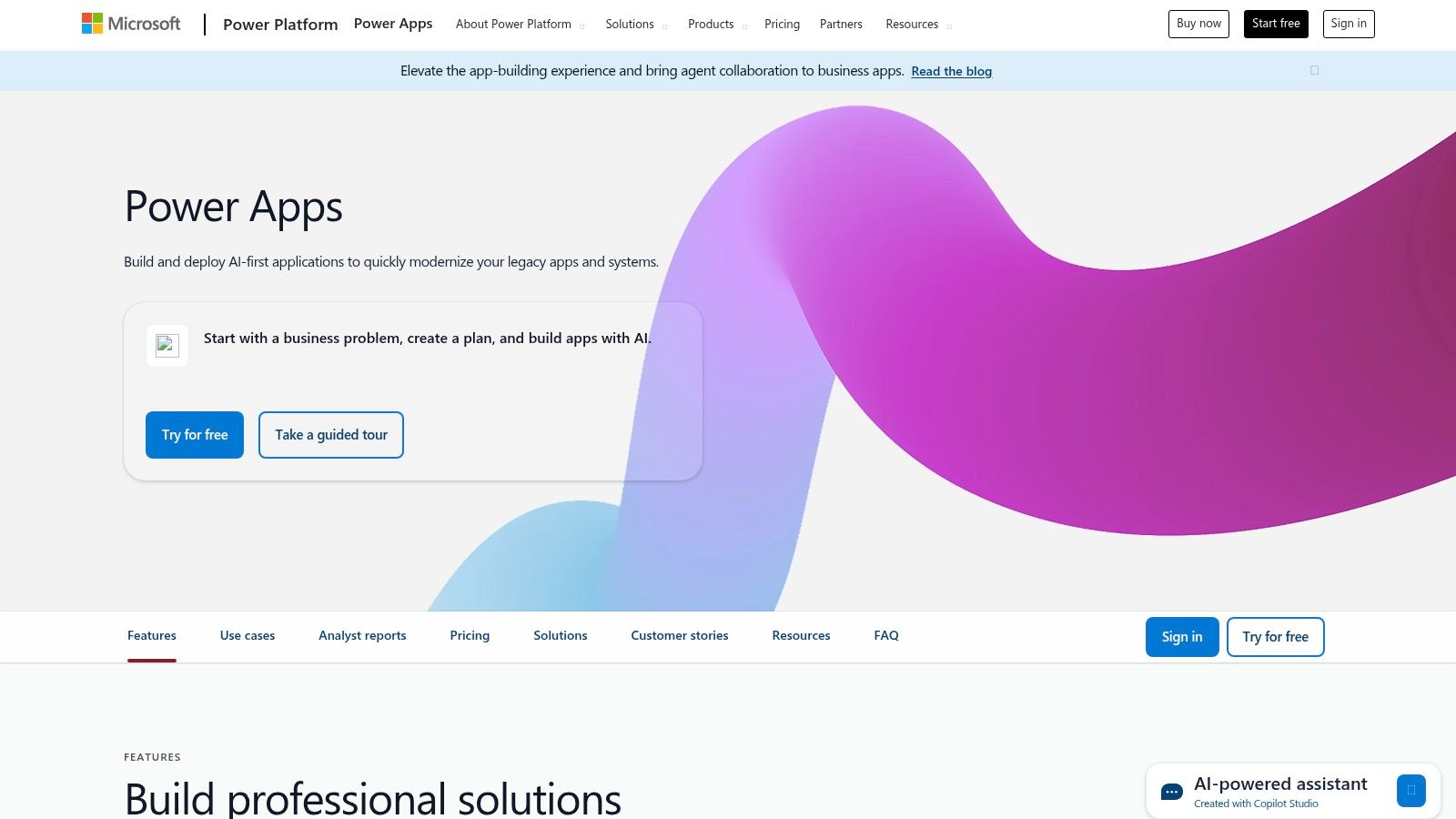
The platform’s key advantage lies in its seamless integration with tools like SharePoint, Teams, and Dynamics 365, along with robust data governance through Dataverse. AI Builder provides pre-built models for tasks like form processing, object detection, and text classification, which can be easily added to any app.
Key Features & Use Cases
- Copilot Assistance: Build apps and data tables using natural language descriptions, from initial design to formula generation.
- AI Builder: A comprehensive suite of pre-built and custom AI models for tasks like invoice processing, sentiment analysis, and business card reading.
- Best For: Creating internal business process automation apps, field service solutions, and data-entry forms that connect to existing Microsoft services and require enterprise-level security.
Pros & Cons
- Pros: Strong security, compliance, and administration controls; rich integration with Microsoft 365, Dynamics, and Azure; a free developer plan is available for building and testing.
- Cons: Licensing can be complex and is often bundled within various Microsoft SKUs; provides the best value for organizations already heavily invested in the Microsoft ecosystem.
Pricing
Power Apps is licensed on a per-user or per-app basis. Plans start at $5 per user/app/month, with premium plans that include AI Builder credits starting at $20 per user/month. A free Developer Plan is also available.
7. Bubble
Bubble is one of the most powerful and mature visual development platforms, empowering users to build full-stack web applications without code. It has recently integrated AI capabilities directly into its editor, allowing creators to generate entire pages or even functional app MVPs from a simple text prompt. This makes it an exceptional AI app builder for those who need deep customization alongside AI-driven development speed.
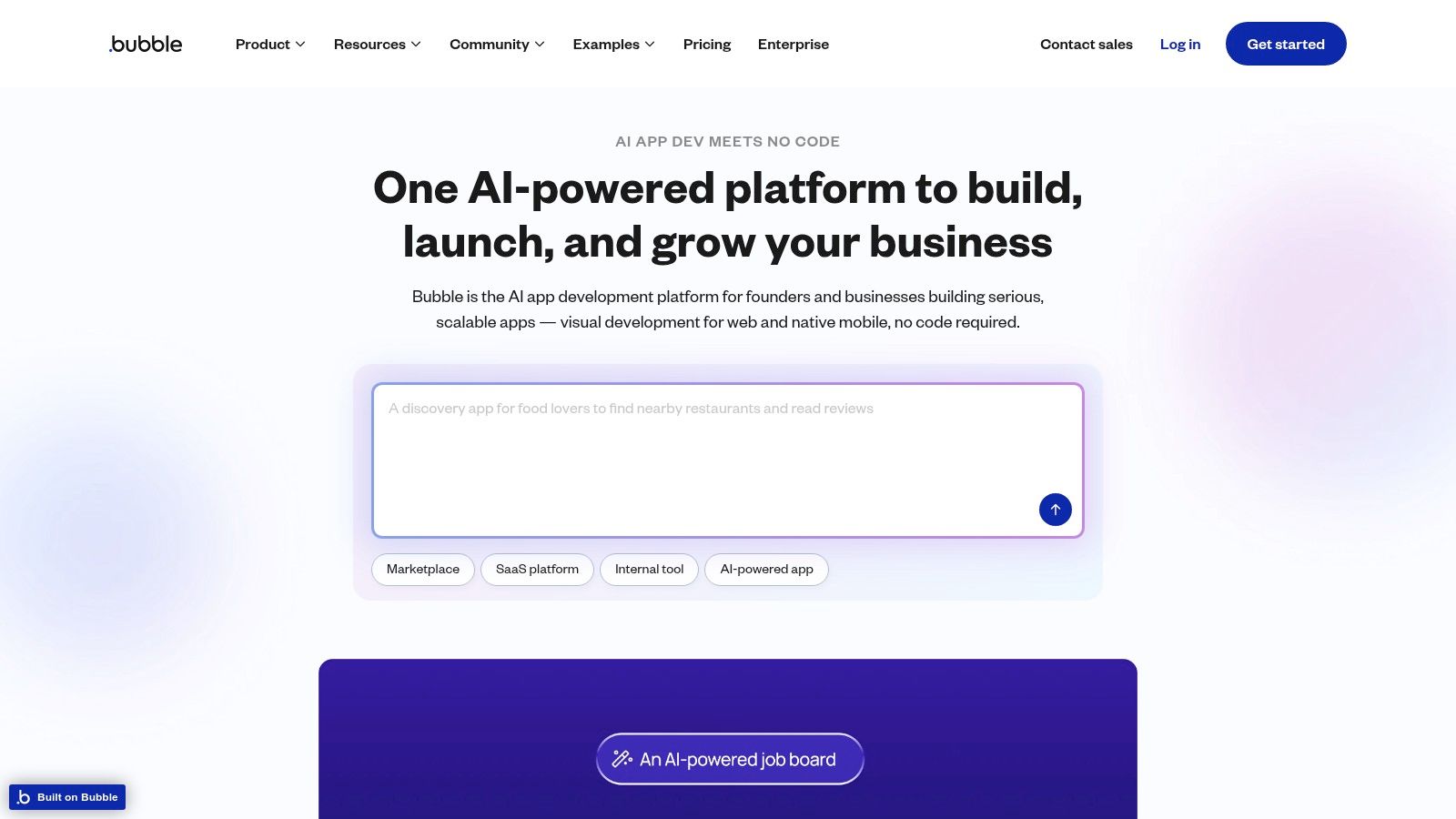
Beyond its native AI features, Bubble's strength lies in its unmatched flexibility. The platform’s extensive plugin marketplace and robust API connector give you direct access to services like OpenAI, Eden AI, and other large language models. This allows for the creation of highly sophisticated AI-powered applications with complex logic, custom data structures, and unique workflows that other platforms may struggle to support. As a veteran in the field, Bubble is often considered one of the best no-code platforms available.
Key Features & Use Cases
- AI-Powered Generation: Build pages and application structures using natural language prompts directly within the editor.
- Extensive Plugin Marketplace: Easily integrate third-party AI services like OpenAI for text generation, image analysis, and more.
- API Connector: Create custom integrations with any AI model or service that offers an API for maximum flexibility.
- Best For: Building complex, scalable web apps like social networks, marketplaces, or internal tools that require custom AI logic.
Pros & Cons
- Pros: Unparalleled design and workflow flexibility, a massive community with countless templates and plugins, and active development of new AI features.
- Cons: Pricing can become complex and costly as your app scales; there is no native code export, leading to potential vendor lock-in.
Pricing
Bubble offers a free plan for learning and building, with paid plans starting at $32/month for the Starter tier. Plans scale based on workload units, database storage, and other performance-related metrics.
8. Retool
Retool is a developer-centric platform designed for building powerful internal applications with remarkable speed. It uniquely positions itself as one of the best AI app builder solutions for technical teams, introducing "Retool AI" to automate complex workflows. With Retool AI, you can build custom AI agents that understand natural language commands, query databases, trigger APIs, and execute multi-step business logic across your systems, turning conversational requests into actions.
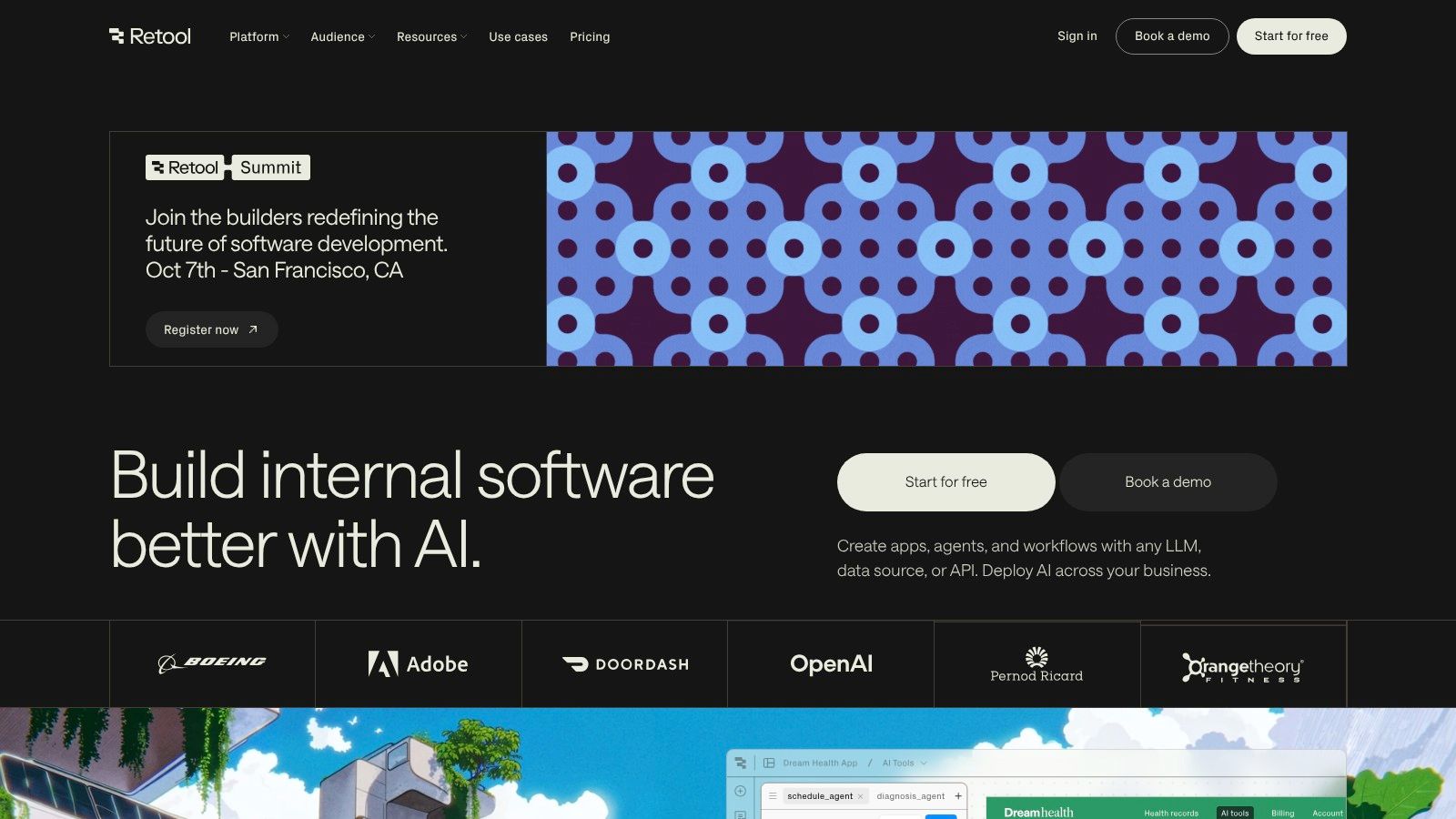
This low-code environment allows engineers to leverage pre-built UI components and connect to any database or API, while still writing custom JavaScript or SQL for complex logic. The platform excels where other no-code tools fall short, offering granular control needed for sophisticated admin panels, support dashboards, and operational tooling.
Key Features & Use Cases
- Retool AI: Build AI agents and chatbots that can query data, summarize information, and execute actions across connected systems.
- Low-Code/Pro-Code Hybrid: Drag-and-drop UI builder combined with the ability to write custom JavaScript and SQL for full control.
- Best For: Creating complex internal tools, admin panels, database GUIs, and operational dashboards for engineering, support, and data teams.
Pros & Cons
- Pros: Excellent for complex, data-heavy internal tools; hybrid low-code/pro-code approach accelerates engineering workflows; granular control over app logic and integrations.
- Cons: Requires some coding knowledge (SQL/JavaScript) to use effectively; the UI is more functional than aesthetically polished for consumer-facing apps.
Pricing
Retool offers a free plan for up to 5 users. Paid plans start at $10/user per month for the Team plan, with Business and Enterprise tiers available for more advanced features. Retool AI is priced separately based on usage ("Actions").
9. Softr
Softr is a premier no-code platform for building client portals, partner apps, and internal tools directly from your existing data sources like Airtable or Google Sheets. While not an "AI-native" builder in the same vein as some others, its strength lies in creating polished, secure, and functional web apps where AI features can be integrated via third-party tools and API connections, making it a versatile choice for business applications. It allows makers to quickly assemble complex interfaces using pre-built, customizable blocks.

The platform is designed for speed and ease of use, enabling users to launch a fully functional progressive web app (PWA) with secure user authentication in minutes. This makes it an excellent option for businesses that need to deliver data-driven tools without deep technical expertise, serving as a powerful front-end for their business logic.
Key Features & Use Cases
- Pre-built Functional Blocks: Includes lists, kanban boards, calendars, charts, and forms that connect directly to your data.
- Granular Permissions: Advanced user groups, roles, and SSO (on higher tiers) provide robust data governance.
- Best For: Creating secure client portals, internal dashboards, resource directories, and partner management systems on top of existing Airtable or Google Sheets data.
Pros & Cons
- Pros: Extremely fast for shipping portals and tools from data, solid authentication and permissions model, competitive user capacity on its Business tier.
- Cons: Deeply custom UI or complex business logic may require custom code blocks or workarounds. App performance is dependent on the speed of the connected data source.
Pricing
Softr has a free plan for getting started. Paid plans begin at $49/month for the Basic plan, with Business and Enterprise tiers offering more advanced features, higher user limits, and enhanced security options.
10. Zoho Creator
Zoho Creator is a powerful low-code platform that extends beyond simple app creation into comprehensive business solutions. As an AI app builder, it stands out by offering both pre-built AI models and the ability to train custom ones for tasks like object detection, sentiment analysis, and OCR. This makes it ideal for enterprises and SMBs looking to build sophisticated internal tools and client-facing applications with deep intelligence and automation.
Its strength lies in its tight integration with the broader Zoho ecosystem and numerous third-party services, allowing you to build apps that connect seamlessly with your existing CRM, finance, and marketing workflows. You can orchestrate complex business processes using its visual workflow builder, blueprints, and approval systems, embedding AI at critical decision points.
Key Features & Use Cases
- Custom and Pre-Built AI: Train custom models for specific business needs or use out-of-the-box AI for forecasting, keyword extraction, and sentiment analysis.
- Workflow Automation: Design sophisticated business logic, approval processes, and automated tasks with visual tools.
- Best For: Building enterprise-grade internal tools, custom business applications, and automated workflow solutions that require deep integration and custom AI logic.
Pros & Cons
- Pros: Strong focus on business apps with automation and data, well-integrated across the Zoho suite and external services, supports multiple deployment environments and governance.
- Cons: Can have a steeper learning curve than simpler no-code tools; pricing can be complex and varies by region.
Pricing
Zoho Creator offers a free plan for up to one user. Paid plans start at $8/user/month (billed annually) for the Standard tier, scaling up to the Ultimate plan at $20/user/month with more advanced features and higher limits.
11. Airtable (with AI add-on)
Airtable has evolved from a powerful database-spreadsheet hybrid into a formidable data-first app builder, now enhanced with a robust AI add-on. It excels at creating operational and content workflow applications by allowing teams to build custom interfaces and automations directly on top of their core data. With Airtable AI, you can embed fields that summarize text, categorize records, translate content, or even generate formulas, making it an excellent choice for teams already using it as their system of record.
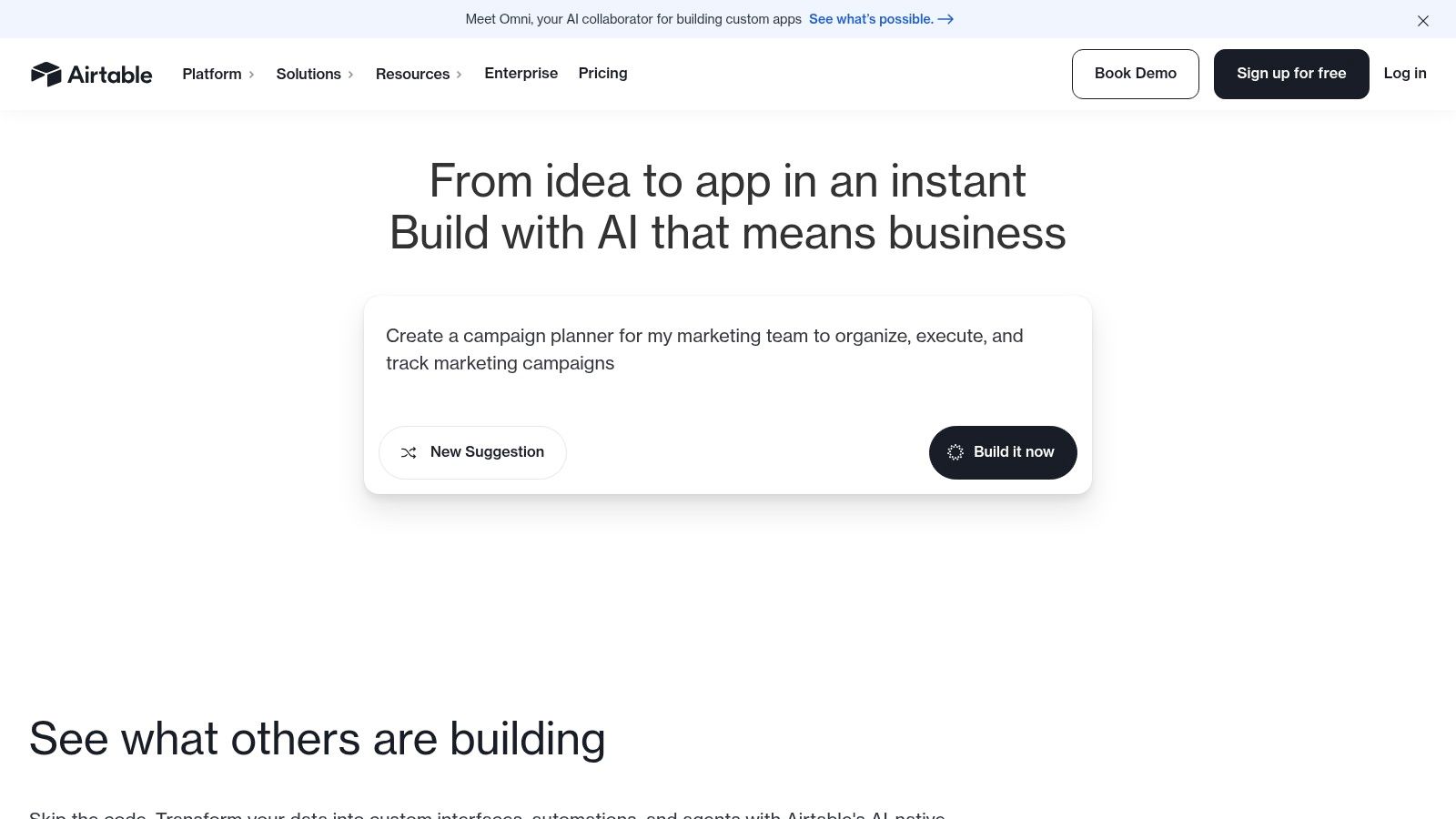
This integration of AI directly into the data layer allows for the creation of sophisticated internal tools and workflows. Users can build custom front-ends using Interfaces, trigger complex multi-step automations with AI actions, and develop custom AI agents to handle repetitive operational tasks without leaving the platform.
Key Features & Use Cases
- Airtable AI: A suite of features including an AI assistant, AI-powered fields for summarization and classification, document extraction, and the ability to build custom AI agents.
- Interfaces & Automations: Build custom front-end applications and trigger intelligent workflows based on your data.
- Best For: Creating custom CRMs, project management dashboards, content production pipelines, and operational tools where data management is central.
Pros & Cons
- Pros: Excellent for teams already invested in the Airtable ecosystem, flexible AI credits system, strong collaboration and granular permission controls.
- Cons: AI is a paid add-on that requires credit management. Best suited for data-centric operational apps rather than pixel-perfect, public-facing websites.
Pricing
Airtable AI is an add-on available on paid plans, which start at $24/seat/month. AI credits are purchased separately, allowing teams to scale usage based on their needs.
12. G2 – No-Code Development Platforms category
While not a builder itself, G2’s No-Code Development Platforms category is an indispensable research tool for anyone searching for the best AI app builder. It functions as a comprehensive marketplace where you can compare dozens of platforms based on verified user reviews, feature sets, and market presence. This resource is crucial for validating your shortlist and discovering emerging tools you might have otherwise missed.
G2 provides detailed vendor pages that aggregate user-submitted pros and cons, screenshots, and often pricing information, saving you hours of manual research. The platform’s strength lies in its powerful filtering system, allowing you to narrow down options by company size, specific features like AI integration, and user satisfaction scores.
Key Features & Use Cases
- Grid™ Reports: Visual charts that rank platforms into Leaders, Contenders, and Niche players based on user satisfaction and market presence.
- Verified User Reviews: Authentic feedback from real users detailing their experiences, which is invaluable for making an informed decision.
- Best For: Researching and comparing potential app builders, validating a purchase decision, and understanding a platform's reputation before committing.
Pros & Cons
- Pros: Broad coverage of nearly every major player, helpful for comparing features side-by-side, authentic user reviews provide real-world insights.
- Cons: Not an actual app builder; it's a research directory. Some in-depth information and comparison features require creating a free G2 account.
Pricing
G2 is free to use for browsing and reading reviews.
Top 12 AI App Builders Feature Comparison
| Platform | Core Features/Capabilities | User Experience & Quality ★★★★☆ | Value & Pricing 💰 | Target Audience 👥 | Unique Selling Points ✨ |
|---|---|---|---|---|---|
| 🏆 Capacity | AI-powered full-stack app from natural language; multi-file refactoring; modern stack exports | Lightning-fast build; robust collaboration; 90% fewer bugs | Pay-per-action, up to 10x cheaper than developers | Solo makers, startups, small teams, agencies | AI-driven code quality fixes; no vendor lock-in; export/self-host |
| Glide | No-code data-driven web/mobile apps with Glide AI blocks; spreadsheet integration | Polished UI; responsive; clear usage limits | Usage-based plans; requires upgrades for higher limits | Internal tools, client portals, simple B2B apps | Native AI blocks; fast prototyping from spreadsheets |
| FlutterFlow | Visual builder + code export; AI Agents; templates; Firebase/Supabase integration | Strong developer workflow; scalable; rich components | Pro/Teams plans for advanced features | Teams wanting pixel control + code access | AI automation; one-click store deployment; extensive UI library |
| Thunkable | Mobile no-code builder with AI tokens; publish to stores; monetization support | Mobile-first UX; clear publishing limits | Freemium tier with limits; paid tiers for advanced features | Educators, mobile app creators | AI tokens; easy app store publishing; education-friendly |
| Google AppSheet | Google ecosystem integrated no-code; ML helpers (OCR, Smart Assistant) | Deep Google integration; strong for mobile data capture | Transparent per-user pricing | Operations, field workflows | Google Workspace native AI & automation |
| Microsoft Power Apps | Low-code with Copilot; AI Builder credits; 1000+ connectors | Enterprise-grade; strong security/compliance | Complex licensing; best within MS365/Azure ecosystems | Enterprises standardized on Microsoft stack | Copilot AI build; extensive integration; governance |
| Bubble | Visual web builder moving to AI-powered dev; plugin/API ecosystem | Flexible workflows; large community; active AI dev | Pricing complex at scale; no full export | Web app creators needing flexibility | AI app/page builders; rich plugin support |
| Retool | Developer-friendly internal apps; AI "Agents" for orchestration | Utilitarian UI; hybrid low-code/no-code | Usage-based hourly AI pricing | Technical teams for internal tools | AI agents for task automation; database & API connectivity |
| Softr | No-code portals/internal tools from Airtable, Sheets, SQL | Quick launch; solid auth/perms | Competitive user caps on Business tier | Portals, client apps, internal tools | Prebuilt blocks; e-signature; PWA export |
| Zoho Creator | Low-code with custom AI models; workflow automation; multi-experience deployments | Business-focused; governance features | Regional pricing varies | SMBs to enterprises | Built-in & custom AI; portal & branded app support |
| Airtable (with AI add-on) | Data-centric AI apps; Interfaces, Automations, AI suite including document extraction | Strong collaboration; flexible AI credit system | AI as add-on requiring credit management | Operational/content workflow teams | AI assist for data workflows; admin model controls |
| G2 – No-Code Platforms | Market comparison site with rankings, reviews, pricing | User ratings and feedback; vendor insights | Free to browse; some info behind account | Buyers/researchers of no-code tools | Extensive platform discovery & validation |
Choosing the Right AI Builder to Bring Your Vision to Life
The landscape of application development has been fundamentally reshaped by the rise of intelligent, intuitive tools. As we've explored, the journey from a simple idea to a fully functional AI-powered application is no longer a multi-month endeavor requiring a large team of specialized developers. The platforms detailed in this guide, from Bubble's comprehensive ecosystem to Glide's data-driven simplicity, represent a new era of creation.
The central takeaway is that there is no single "best ai app builder" for everyone. The ideal choice is deeply personal, tied directly to your specific goals, technical expertise, and project scope. Your decision-making process should be a strategic evaluation, not a quest for a one-size-fits-all solution.
How to Make Your Final Decision
To select the right tool, start by clearly defining your project's non-negotiables. Ask yourself critical questions:
- What is my core functionality? Is it an internal tool for data management (like Retool or Airtable), a customer-facing mobile app (like FlutterFlow or Thunkable), or a complex web application (like Bubble or Zoho Creator)?
- What is my technical comfort level? Are you a non-technical founder who needs a purely visual interface like Softr, or a developer looking to accelerate your workflow with a low-code powerhouse like Microsoft Power Apps?
- What are my long-term goals? Consider scalability and vendor lock-in. A generative AI tool like Capacity, which produces clean, exportable code, offers a future-proof path, allowing you to move beyond the platform as your needs evolve. This is a crucial consideration for startups planning for significant growth.
- What is my budget? Evaluate the pricing tiers not just for today, but for where you expect your user base to be in a year. Factor in costs for integrations, database capacity, and per-user fees.
Final Implementation Considerations
Once you've shortlisted a few options, the real test begins. Don't just rely on feature lists; sign up for free trials and build a small proof-of-concept. This hands-on experience will reveal more about a platform's usability and limitations than any review. Pay close attention to the user interface and overall user experience the builder can produce. A powerful backend is useless if the front-end is clunky and unintuitive, so ensure the platform enables you to follow foundational web design principles for a polished final product.
The power to build is now more accessible than ever. By carefully aligning a platform's strengths with your unique vision, you can select a partner that not only helps you launch your application but also empowers you to innovate, adapt, and succeed in a dynamic digital world. The right AI app builder is waiting to turn your concept into a tangible reality.
Ready to experience the future of app development? If you're looking for an AI-native builder that writes clean, human-readable code you can own, explore Capacity. Transform your ideas into a high-quality codebase in minutes and accelerate your journey from concept to launch with Capacity.