
Clone a website with AI
and keep building on it
Paste the address of one page. Capacity screenshots it, reads its text, images and styles, and rebuilds it as a React and Tailwind project in about 10 minutes.
About 10 minPaid planClaude Sonnet 5.5
Clone pages you have the right to copy, like your own site or a client's with their permission. You're responsible for how you use the result. Terms
The original, and the clone
cal.com's homepage, cloned on 7 October 2026 in 10.9 minutes. Drag the line to compare.
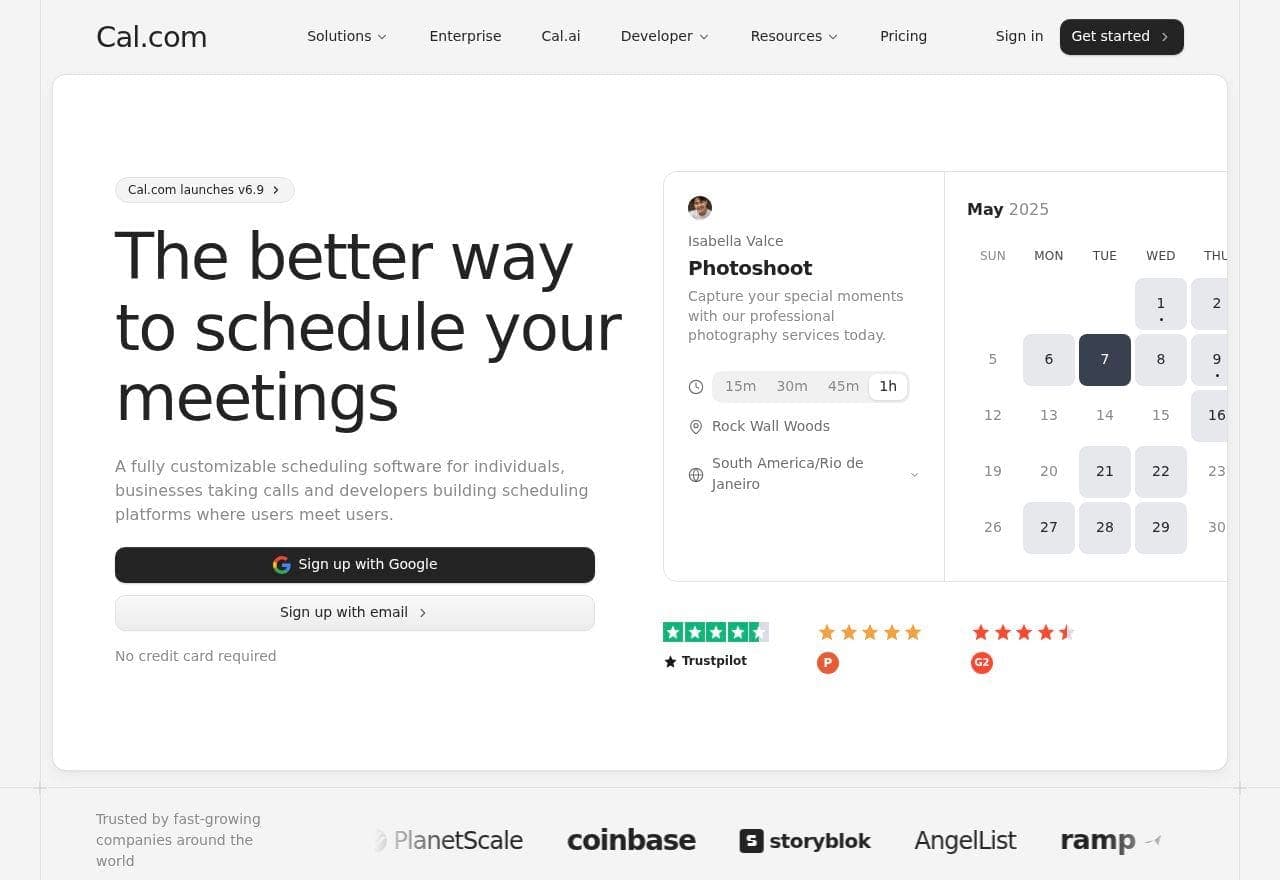
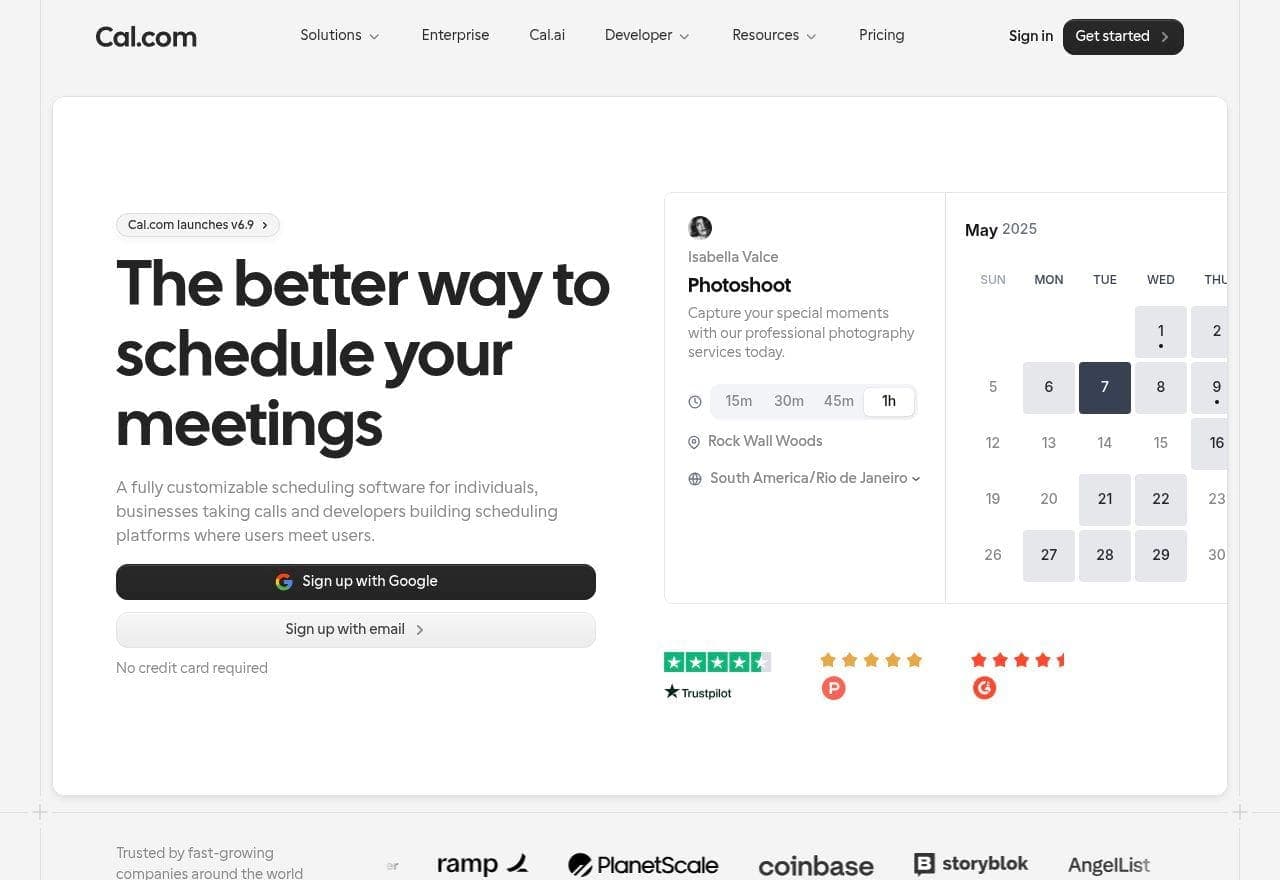
Both sides are screenshots taken the same day at 1280 px. The clone is shown as it came out, before any edit. Sections, text, images and the booking widget match; the clone's headings came out lighter than the original's.
What happens after you paste a URL
One page in, one React project out.
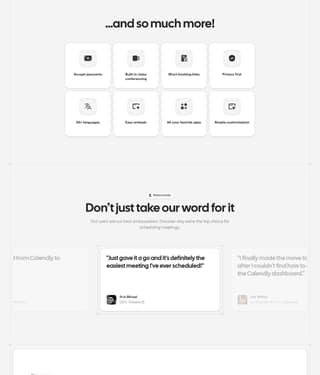
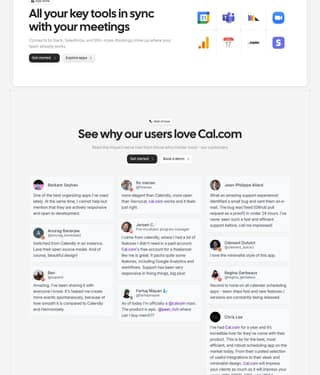
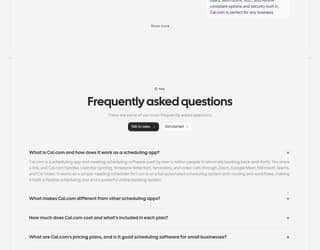
Capacity captures the page
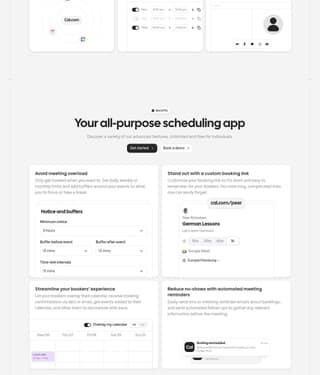
It opens the page at 1280 px wide like a visitor who isn't signed in, scrolls it so lazy images load, and takes a full-page screenshot, cut into slices the model can read. It stops at 7,000 px.
- fonts
- Cal Sans · Inter · Roboto Mono
- h1
- 64px · weight 600 · #242424
- h2
- 48px · weight 600
- text
- 14px · weight 300
- page text
- 20,000 characters
It reads what's under the pixels
The page's text in reading order, its links and image addresses, and the fonts and sizes the browser computed, so the clone starts from the real copy instead of guessing it from a picture.
Clone https://cal.com
The Cal.com homepage is rebuilt as a single page, and the production build passes.
10.9 min · React + TailwindThen it builds a project
Capacity's builder writes the page as a React and Tailwind project with Claude Sonnet 5.5 and checks that the build passes. On cal.com that took 10.9 minutes.
Close to the original, not pixel-perfect
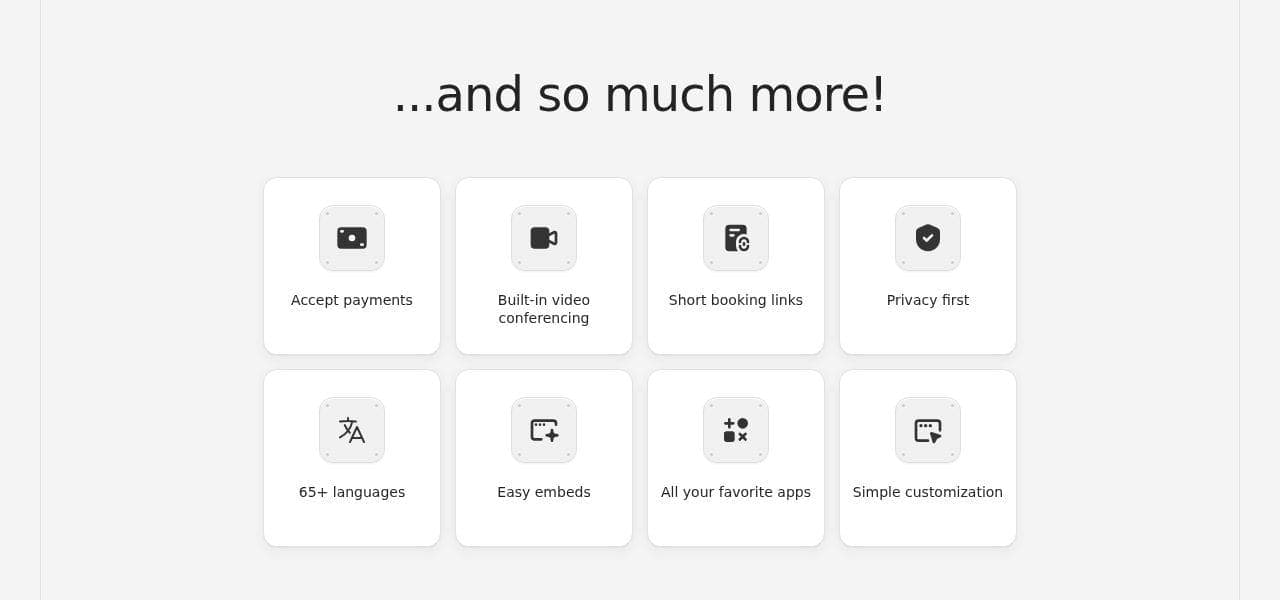
On cal.com the clone kept the same sections in the same order, with the real text, images, logos and widgets. The details don't always follow: the headings came out lighter, and when a font isn't on Google Fonts the builder uses the closest free one. A very long page loses its bottom past 7,000 px.
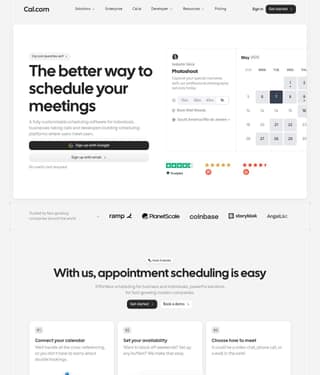
It follows the screenshots top to bottom: nav, hero with the booking widget and ratings, logo strip, "How it works", "Benefits", testimonials, FAQ.
Then it's your project
The clone is a normal Capacity project. Ask for changes in the chat, check them in the preview, and publish on your own domain. Images still load from the original site's addresses, so swap in your own before you publish.
Good reasons to clone a page
- 01
Your own site
Move a page off an old builder or theme into a project you can edit by chat.
- 02
Client work
Rebuild a client's current page, with their go-ahead, as the starting point for a redesign.
- 03
A design you have a license for
Turn a template or theme you bought into a React project you can keep changing.
What comes over, and what doesn't
| Part of the page | In the clone |
|---|---|
| Sections and layout | Rebuilt in the same order, from the screenshots |
| Text and links | The page's real text; links to other pages point to # |
| Images | Loaded from the original site's addresses |
| Fonts | The same font when it's on Google Fonts, otherwise the closest free one |
| Mobile layout | Adapted by the builder: the capture is desktop only |
| Tracking scripts, cookie banners, chat widgets | Left out |
| Logins, payments, databases | Not cloned; add them afterwards by chat |
| Other pages of the site | Not crawled: one page per clone |
Questions, answered
How does the AI clone a website?
You paste the address of one page. Capacity opens it at 1280 px wide, takes a full-page screenshot, and reads its text, images, links and the fonts and colors the browser computed. Capacity's builder then recreates that page as a React and Tailwind project, with Claude Sonnet 5.5 by default.
How long does a clone take?
About 10 minutes. When we cloned cal.com's homepage, it took 10.9 minutes to go from the URL to a working project.
Does it clone the whole website?
No, only the page you paste. Capacity doesn't crawl the other pages of the site. Once the first page is built, you can add pages by describing them in the chat, or clone another page as a separate project.
How close is the clone to the original?
The structure and content come out close; the details don't always. On cal.com we got the same sections in the same order, the real text and images, the logos and the widgets, but the headings came out lighter than the original's. When a font isn't on Google Fonts, the builder uses the closest free one. The screenshot stops at 7,000 px, so the bottom of a very long page is missing.
What doesn't get copied?
Tracking scripts, cookie banners and chat widgets are left out. Images are loaded from the original site's addresses, so replace them with your own before you publish. Logins, payments and databases aren't cloned either: you get the page itself, and you can add features afterwards by chatting, like in any Capacity project.
How much does it cost to clone a website?
Cloning needs a paid Capacity plan and at least 5 credits. The clone then uses credits like any first build: our cal.com test came to about 14.
See plans and creditsCan I edit the clone and publish it?
Yes. The clone is a normal Capacity project. Change the text, swap the images, add sections by chatting, check the preview, and publish it on your own domain.
Which websites can I clone?
Pages you have the right to copy: your own site, a client's site with their permission, or a design you hold a license for. The page has to be public and served over https, since Capacity loads it like a visitor who isn't signed in; if it can't load the page, it stops before creating a project. You're responsible for how you use the result, and site owners can report a copy of their site to abuse@capacity.so.
Read the terms of serviceDo I need to know how to code?
No. You paste a URL, then change the result by describing what you want in the chat.
Paste a URL.
Keep the project.
Clone a pageAbout 10 min · paid plan
Related: AI landing page builder · AI MVP builder · Compare AI app builders