
Quick answer
Lovable and Bolt.new are the closest switches for an app built from a chat, Replit adds a full code workspace, and Base44 has the cheapest entry plan. Emergent also builds web and mobile apps with AI agents.
Capacity, which we make, builds a working app from a description or straight from Claude or ChatGPT, with native mobile apps, hosting and a custom domain included on every paid plan. Google AI Studio is the free option from Google, and developers who want the code in their own hands use Cursor or Claude Code.
| Tool | Best for | Paid plans from | Free plan | Watch out for |
|---|---|---|---|---|
| Capacity | a working app online built from a description or from Claude or ChatGPT, with native mobile apps and a custom domain on every paid plan. | $25/month | Web app: no. Desktop: 1 project | No free plan on the web; login via Clerk, Auth0 or Supabase |
 Lovable | the closest chat-to-web-app switch, with GitHub sync on every plan. | €25/month | Yes, 5 credits a day (up to 30 a month) | Builds web apps, not native ones |
 Bolt.new | a like-for-like switch: prompt to a running web app in the browser. | $25/month | Yes, 1M tokens a month | Token use grows with the project |
 Replit | people who want an AI agent, a real code workspace and hosting in one place. | $20/month | None listed | Agent usage is billed on top |
 Base44 | non-technical builders who want an all-in-one app with the backend handled. | $16/month (yearly) | Yes, 25 message credits a month | Two kinds of credits to track |
 Emergent | web and mobile apps built by AI agents, with store submission for mobile. | $20/month | Yes, 10 credits a month | 50 credits a month per deployed app |
 v0 by Vercel | React and Next.js teams who want polished UI and deploy on Vercel. | $30/user/month | Yes, 7 messages a day | Cost depends on the model and tokens |
 Google AI Studio | a free start from Google: full-stack web apps and native Android apps built with Gemini. | Free; paid API by usage | Yes, the Gemini API free tier | Deployed apps use your API key and Cloud Run |
 Cursor | developers who want an AI coding agent in their own codebase. | $8/month | Yes, limited | You need to be comfortable with code |
| Claude Code | developers who want Anthropic's coding agent in their terminal, IDE or browser. | Claude Pro (€18/month) | No | No hosting; built for developers |
Why people look for a Blink.new alternative. The reasons that come back most often.
Blink says more than a million people have built on it, and its pitch is that one prompt gets you a live app with its database, logins and hosting. The people who look elsewhere usually give one of these four reasons.
Fixes cost credits too
Every request uses credits, including fixing a bug or asking a question, and bigger requests use more. Paid plans add 5 credits a day on top of their monthly credits. “It created authentication errors that consumed credits at an alarming rate,” Rob T. wrote on Trustpilot in November 2026.
Keeping an app live is paid in credits
On Starter and Pro, production hosting uses 50 credits a month for up to 10,000 visits, and each custom domain and each code download costs 5 credits. They're included on Max.
The backend and the stores need higher plans
Background jobs, scheduled tasks and Git on your own GitHub repository start on Pro ($50 a month, or $25 billed yearly). Publishing to the App Store and Google Play is a Max feature, from $200 a month or $100 billed yearly.
A small free plan
The free plan gives 5 credits a day, up to 30 a month, for public projects only. “in the free plan only write 2 sentence and the 5 credits gone in a minute,” Raul S. wrote on Trustpilot in June 2026.
How we compared them. The same questions for every tool.
- What you get from one sentence: a page, a front end, or a full app with its data, login and hosting.
- What keeping the app online costs: included in the plan, or billed in credits or usage.
- Which plan unlocks a custom domain, the code, the backend and the app stores.
- Native mobile apps for iOS and Android, and how they reach the stores.
- How you pay: credits, tokens, daily allowances, seats or API usage.
- Who it's built for: small businesses, founders, product teams or developers.
Build from a description
01 · our product
Capacity
Best for a working app online built from a description or from Claude or ChatGPT, with native mobile apps and a custom domain on every paid plan.
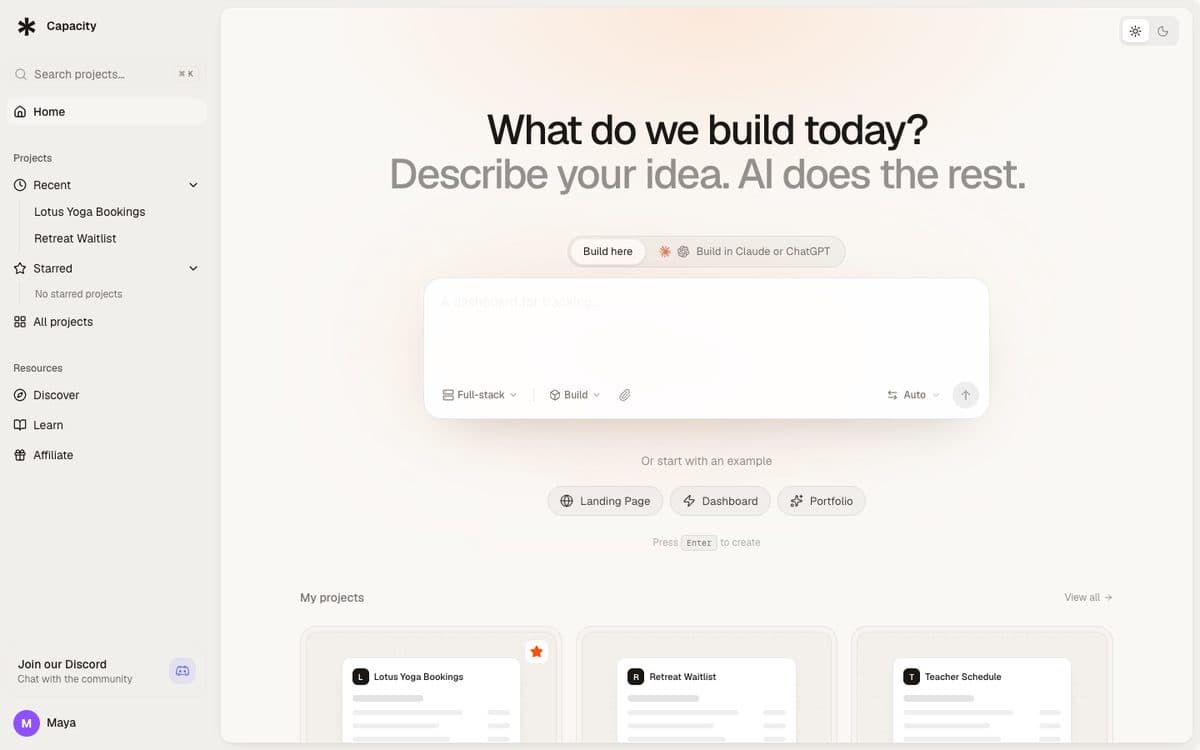
Capacity turns a plain-language description into a working app: a React front end, a server and its own database, published at a capacity.studio address or on your own domain. You change it by chatting, each change shows up in the preview, and any earlier version is one click away. In the project editor you choose the model (Claude Opus 5.5, Claude Sonnet 5.5, Fable 5.1, Mistral Large 4 or Kimi K3) or leave it on Auto; Capacity's agent runs on Claude Sonnet 5.5, Opus 5.5 or Fable 5.2. “I built a new project from scratch thanks to capacity and I've been kind of blown away,” François V. wrote on Trustpilot in January 2026, adding that issues along the way got quick answers.
Why pick Capacity over Blink.new
- Build from the AI you already pay for: connect Capacity to Claude, ChatGPT or Mistral and build from the chat. Your subscription writes the code, Capacity hosts the app, and building this way is unlimited on every paid plan.
- Plug your own Claude plan into the Capacity agent (Connect a tool → Claude): its work then costs no credits.
- Native mobile apps: Expo projects that you submit to TestFlight and Google Play from the publish dialog, with your own store accounts.
- A custom domain on every paid plan, a full version history, and a website cloner that rebuilds an existing page as a project you keep editing.
- Capacity Desktop ($249 once, macOS and Windows) runs the same builder on your computer with your Claude or ChatGPT plan, and pushes the code to your own GitHub.
Watch out for
- The web app has no free plan for building: paid plans start at $25 a month. Capacity Desktop has a free plan with one project.
- Login isn't built in: you add it with the Clerk or Auth0 extension, or a Supabase connection.
- In the web app, a new project's code downloads as a zip. A project imported from your GitHub stays on your repository, through pull requests; pushing a new project to GitHub is a Desktop feature.
- Unlike Blink, there's no free plan for building on the web: it starts at $25 a month.
Pricing
Starter $25/month (100 credits), Growth $69/month (250 credits), Professional $129/month (500 credits), Business $299/month (1,000 credits). Every plan includes unlimited projects, custom domains and unlimited building from Claude and ChatGPT.

02
Lovable
Best for the closest chat-to-web-app switch, with GitHub sync on every plan.
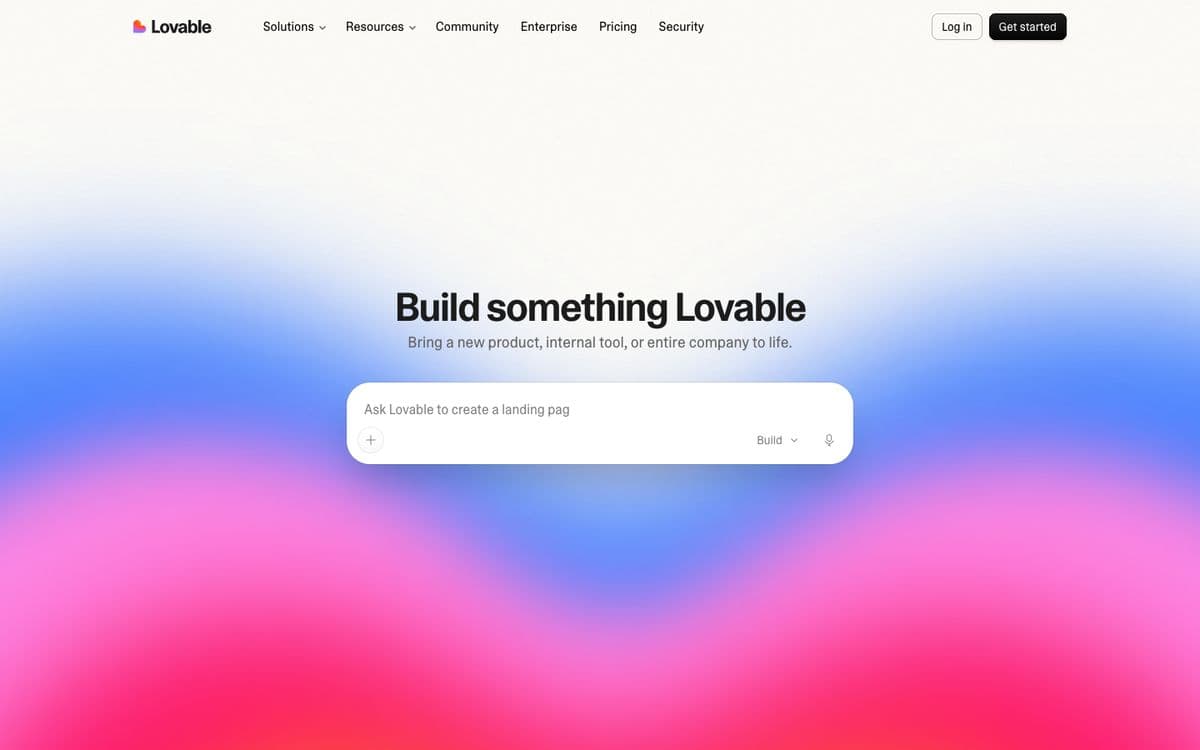
Lovable builds web apps from a chat with a live preview beside it. Lovable Cloud adds the backend, with a database, user login, file storage and server functions on a Supabase foundation, and your code syncs both ways with GitHub on every plan.
Why pick it over Blink.new
- The chat and the preview are the whole interface, so it feels lighter than a Replit workspace.
- Two-way GitHub sync on every plan, including Free, so a developer can take over later.
- It also works from its own desktop app, from ChatGPT and as an MCP server.
Watch out for
- Each message uses credits, and Lovable Cloud usage is billed in credits too once its monthly grant is used.
- For the App Store or Google Play, Lovable points you to a PWA or a Capacitor wrapper you set up yourself.
“Easy to use and fun! however slightly difficult to know how many credits are needed from the start and what the cost will be in the end,” Vincent C. wrote on Trustpilot in November 2026, in a four-star review.
Pricing
Free: 5 build credits a day, up to 30 a month. Pro: €25/month for 100 monthly credits, with rollovers, top-ups and custom domains. Business: €50/month, adding a team workspace and SSO. Prices shown in euros from France.

03
Bolt.new
Best for a like-for-like switch: prompt to a running web app in the browser.
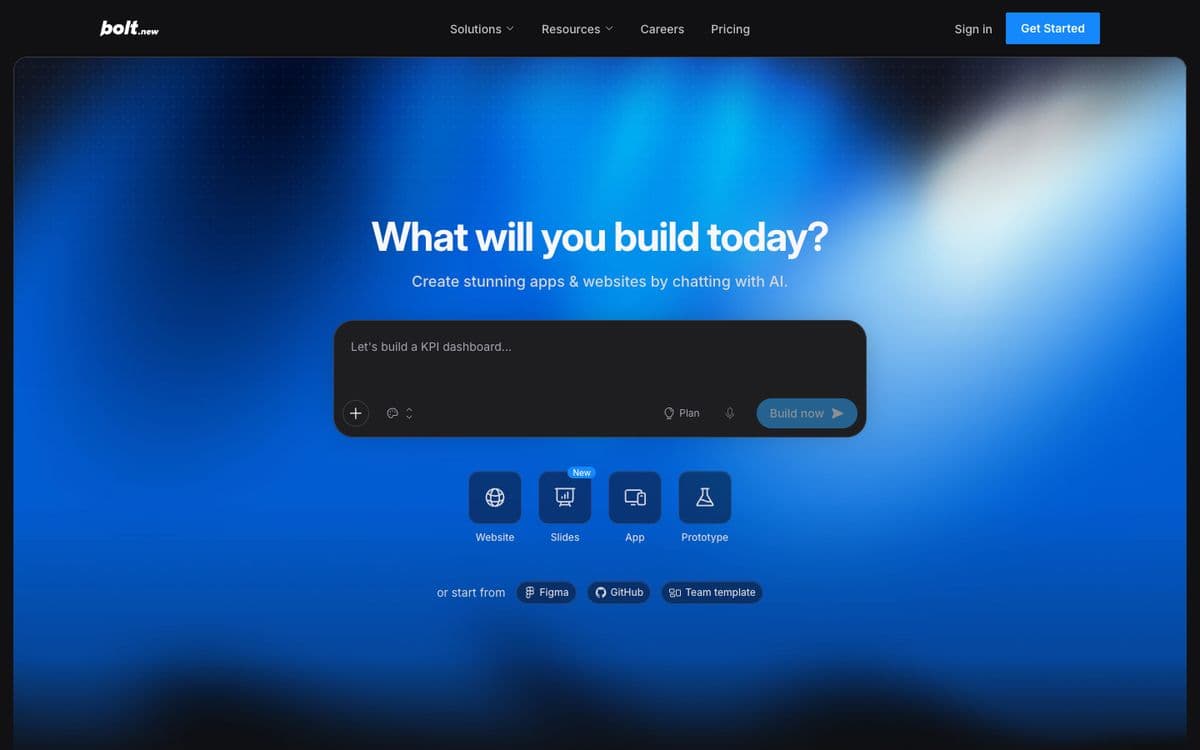
Bolt, from StackBlitz, builds websites and web apps from a chat in your browser and deploys them. It's the tool most comparison guides name first as a Lovable alternative, because the experience is the closest: describe it, watch it build, publish.
Why pick it over Blink.new
- The workflow is almost the same as Lovable's, so there's little to relearn.
- You can start from a prompt, a Figma file, a GitHub repository or a team template.
- On Pro, unused tokens roll over to the next month.
Watch out for
- Billing is in tokens, and long fix-and-retry sessions on a large project use them up faster.
- The free plan stops at 300K tokens a day and 1M a month.
“Had it build an app and it just kept draining the tokens as it tried to fix what should have been coded right in the first place,” Steve P. wrote on Trustpilot in July 2026.
Pricing
Free: 300K tokens a day, 1M a month. Pro: $25/month, no daily limit, from 10M tokens a month, unused tokens roll over. Teams: $30 per member per month.

04
Replit
Best for people who want an AI agent, a real code workspace and hosting in one place.
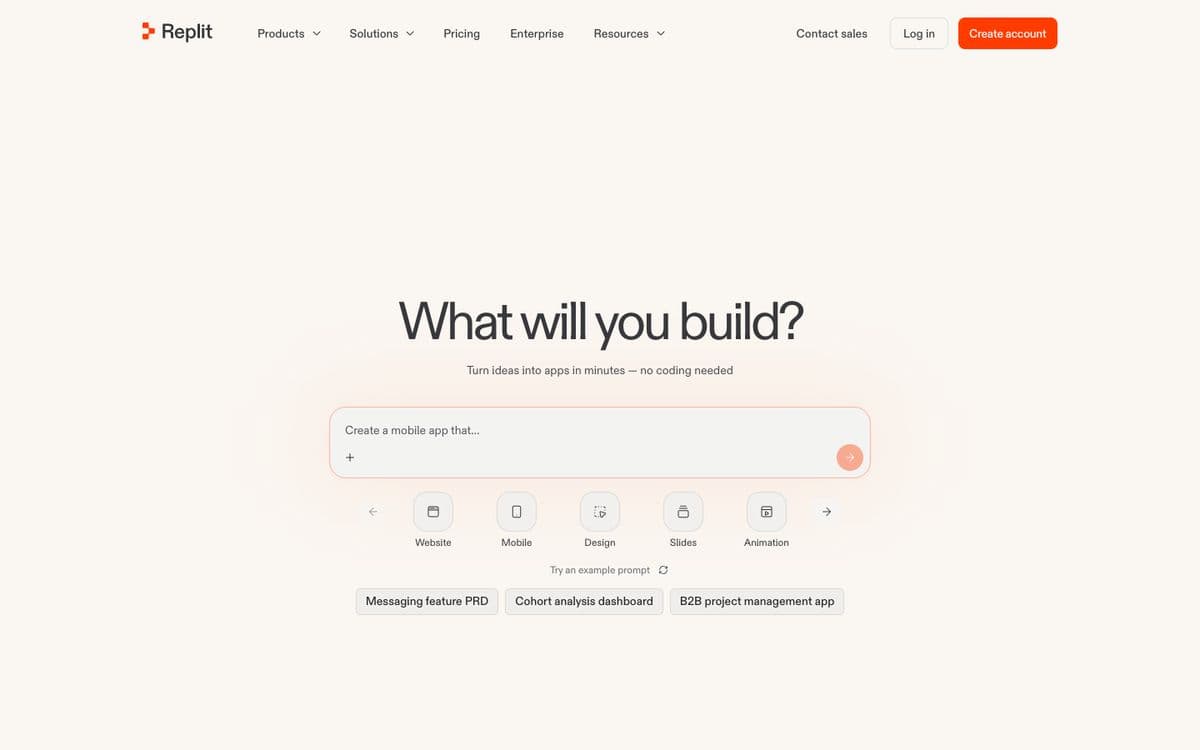
Replit pairs its Agent, which builds apps from a description, with a full cloud workspace: editor, database, hosting and deployment. You can stay in the chat, or open the code whenever you want to change something yourself. It builds websites and mobile apps. “You can get to 80% of a project very quickly, it’s the final 20% that gets tricky,” James W. wrote on Trustpilot in December 2025, in a four-star review.
Why pick it over Blink.new
- Everything from the first prompt to hosting lives in one product.
- You can move into the code as you learn, without leaving the tool.
- A Plan mode and up to ten agents working in parallel on the Pro plan.
Watch out for
- Heavier work is billed by effort beyond the credits in your plan, so a long build is hard to price in advance.
- The workspace shows more of the technical side than Lovable does, which can be a lot for non-technical founders.
“Complex tasks that previously cost $5–$10 started costing $20–$70+ with zero real-time visibility into the charge,” Mark P., on the Pro plan, wrote on Trustpilot in July 2026.
Pricing
Core: $20/month ($18/month billed yearly), with up to 30 hours of chat on Free Mode and $20 of usage for the more powerful models. Pro: $100/month ($90/month billed yearly). Enterprise on request. No free plan is listed on the pricing page.

05
Base44
Best for non-technical builders who want an all-in-one app with the backend handled.
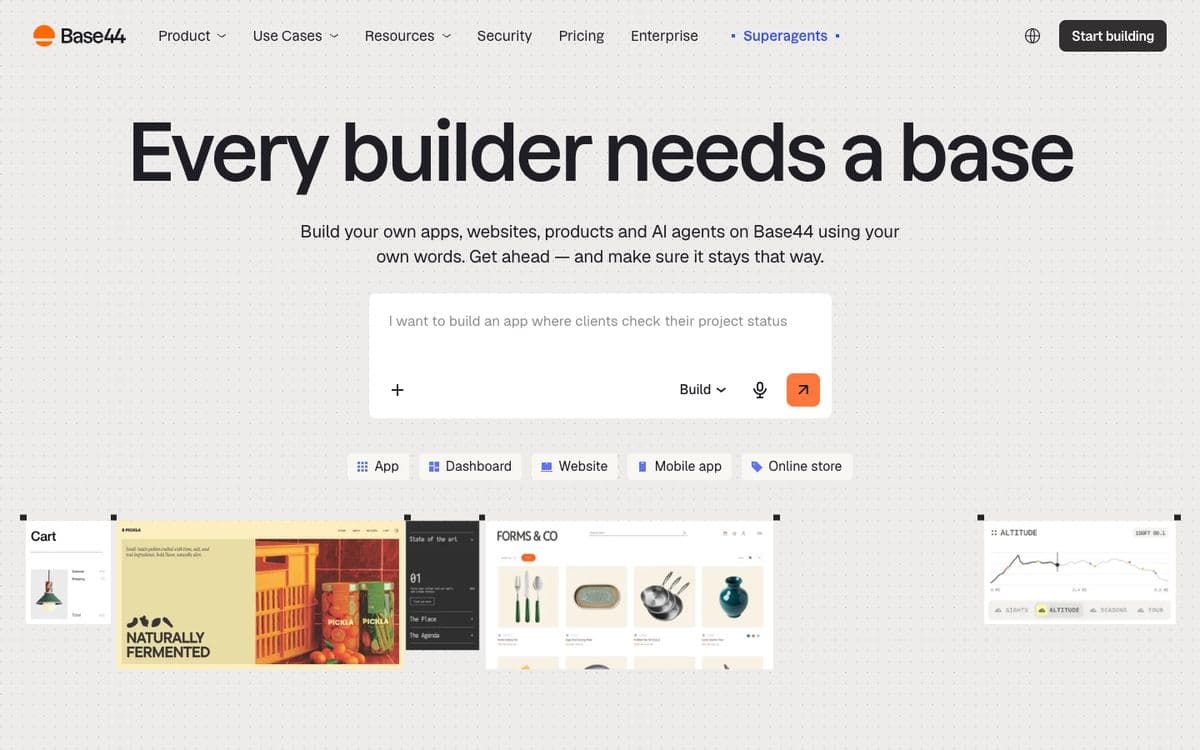
Base44 builds the front end, backend, database, user login and payments from a plain-language description, runs the apps on its own infrastructure, and connects to tools like Gmail, Slack, Notion and HubSpot. It makes websites, internal tools, online stores and mobile apps.
Why pick it over Blink.new
- The lowest entry price on this list: Starter is $16 a month billed yearly.
- Login and payments are part of what it builds, not an add-on.
- A free domain for a year on paid plans.
“Base44.com allowed me, a non-technical person for websites to build a beautiful one,” Liz L., a small-business owner, wrote on Trustpilot in September 2026.
Watch out for
- Plans count two kinds of credits, message credits and integration credits, so check both before a busy month.
- GitHub integration starts on the Builder plan ($40 a month billed yearly).
“The most frustrating part was seeing almost 9,000 integration credits still available,” Josh wrote on Trustpilot in November 2026, unable to type in the builder until the message credits reset.
Pricing
Free: 25 message credits a month. Billed yearly: Starter $16/month (100 message credits), Builder $40 (250), Pro $80 (500), Elite $160 (1,200). Billed monthly: $20, $50, $100 and $200.

06
Emergent
Best for web and mobile apps built by AI agents, with store submission for mobile.
Emergent builds web and mobile apps through a conversation with AI agents that design, code and deploy them. You describe the app, the agents build it, and you keep shaping it by chatting; mobile apps can be packaged for the App Store and Google Play. “The first time I tried it, I described the app I wanted in plain English and it built the whole first version in one shot,” Rob wrote on Trustpilot in November 2026.
Why pick it over Blink.new
- Web and mobile apps from the same conversation.
- GitHub integration and private hosting from the $20 Standard plan.
- Pro adds a 1M context window, custom AI agents and more computing power.
Watch out for
- Each deployed app costs 50 credits a month, half of Standard's 100 credits.
- The next plan after Standard ($20) is Pro, at $200 a month.
Pricing
Free: 10 credits a month. Standard: $20/month with 100 credits, GitHub integration and private hosting. Pro: $200/month with 750 credits. Each deployed app costs 50 credits a month; extra credits can be bought.

07
v0 by Vercel
Best for React and Next.js teams who want polished UI and deploy on Vercel.
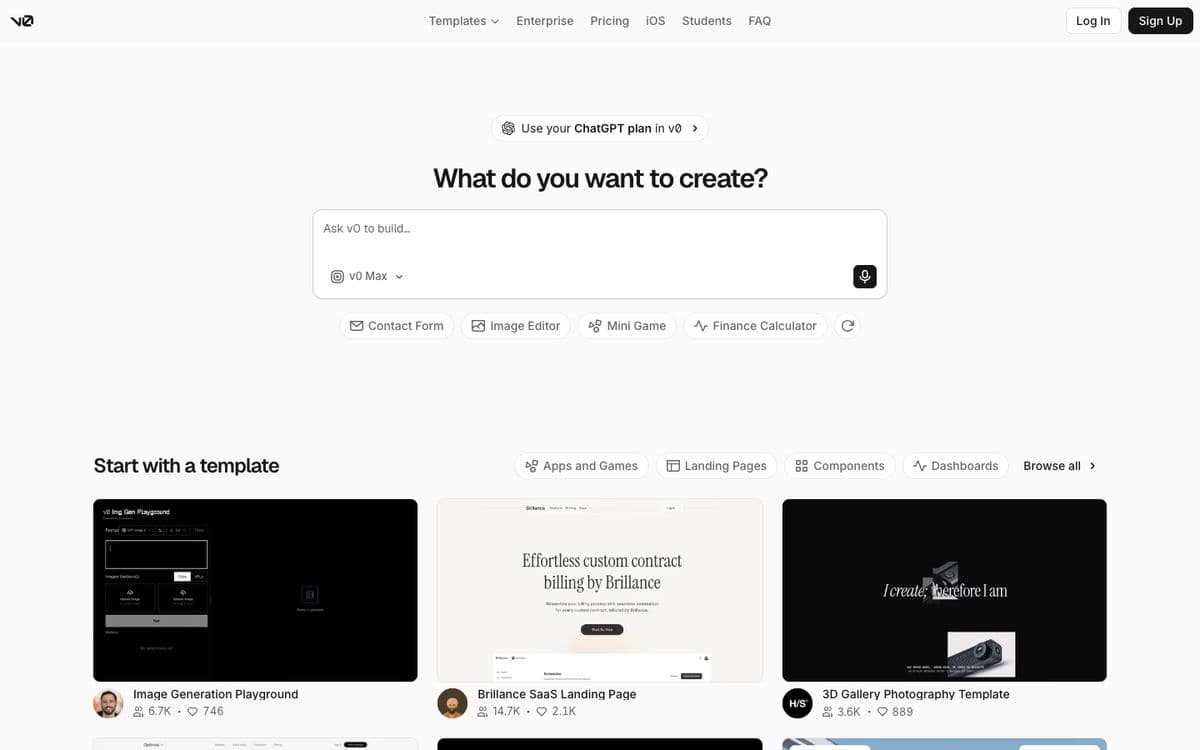
Vercel's v0 builds web apps and interfaces from a prompt, with a visual Design Mode, GitHub sync and one-click deploys to Vercel. It's known for clean React and Tailwind output that developers can drop into an existing codebase. “I am impressed with the tool—it’s very fast at building websites and generating designs. The main downside, though, is the high pricing!” Mon S. wrote on Trustpilot in February 2026.
Why pick it over Blink.new
- Some of the most polished interface code of any tool here.
- GitHub sync and deploys to Vercel on every plan, including the free one.
- Teams share chats and billing on vercel.com.
- ChatGPT Plus, Pro and Business subscribers can build with their ChatGPT plan: eligible responses count towards it instead of v0 credits.
Watch out for
- The free plan gives $5 of one-time credits, then 7 messages a day.
- Usage is billed by tokens at each model's rate, so cost depends on the model you pick. With a ChatGPT plan you still need v0 credits: each request carries a small fee, and some features always use credits.
- It assumes you're comfortable around React and Vercel.
Pricing
Free: $5 of one-time credits, 7 messages a day. Plus: $30 per user per month, with $30 of monthly credits and $2 of free daily credits. Business: $100 per user per month.

08
Google AI Studio
Best for a free start from Google: full-stack web apps and native Android apps built with Gemini.
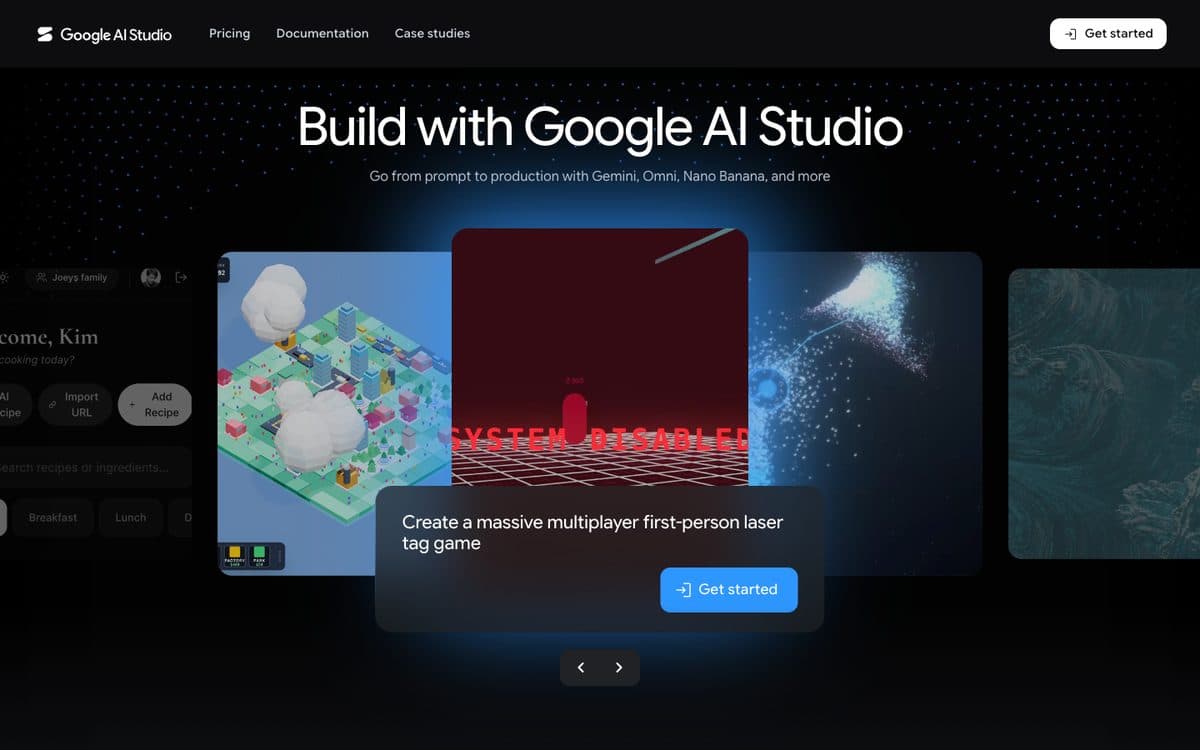
Google AI Studio's Build mode turns a prompt into a full-stack web app, with a React front end and a Node.js server, or a native Android app in Kotlin with Jetpack Compose. It can set up Firebase with a Firestore database and deploys the app to Google Cloud Run. Google also points Firebase Studio users here: Firebase Studio no longer accepts new workspaces and shuts down on March 22, 2027.
Why pick it over Blink.new
- Free to start on the Gemini API's free tier, with Google's latest models.
- The code is yours: export it as a zip, or connect a GitHub repository with two-way sync.
- Eligible accounts publish up to two apps on the Starter Tier, at an ai.studio address, without a Google Cloud billing account.
Watch out for
- A deployed app uses your API key for every user's Gemini calls, and Cloud Run pricing may apply.
- On the free tier, Google uses your content to improve its products; beyond the Starter Tier, publishing needs a Google Cloud project with billing.
Pricing
Free tier: free input and output tokens, limited access to some models, content used to improve Google's products. Paid tier: pay as you go per million tokens, priced by model. Deployed apps run on Google Cloud Run, billed by usage; the Starter Tier publishes up to two apps without a billing account.
For developers

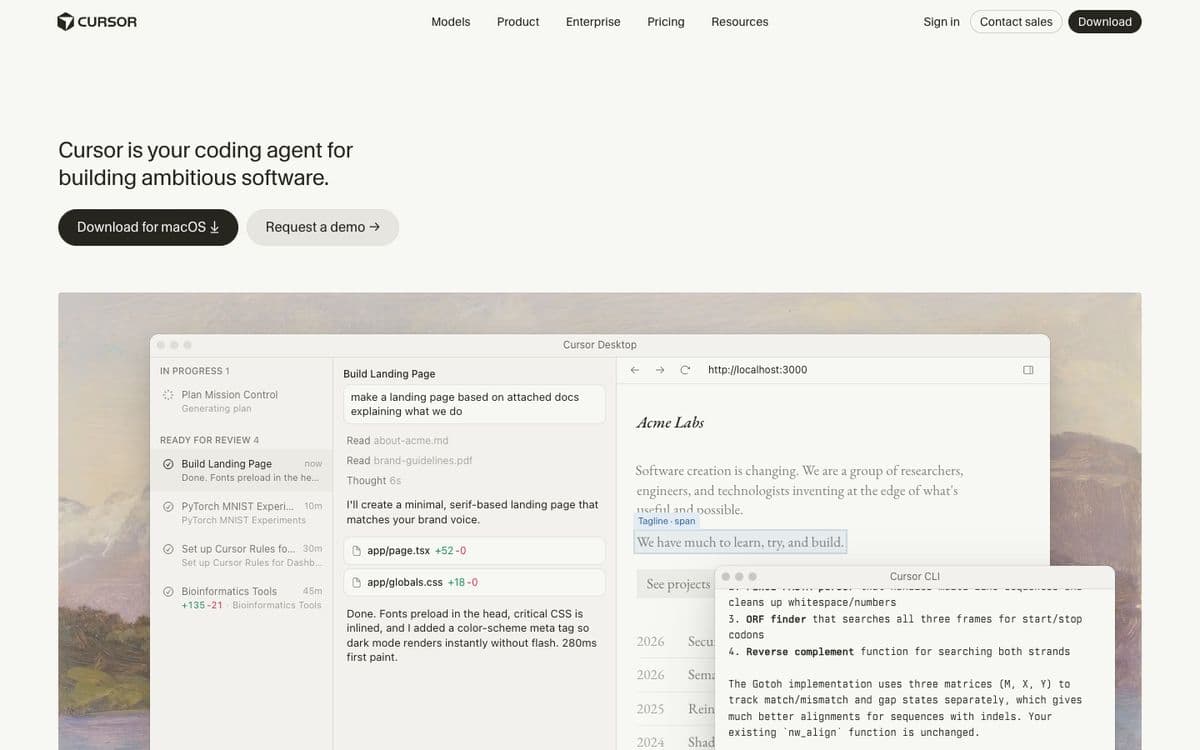
Cursor is a code editor built around AI agents. You open your project, describe the change, and the agent edits the files; you review and keep what works. Its plans now bundle Grok models and features from X.
Why pick it over Blink.new
- Your code stays on your machine and in your repository.
- Works on any stack, not only the ones a hosted builder supports.
- Cloud agents and automations on the higher plans.
Watch out for
- It's a developer tool: there's no hosting, and you deploy the app yourself.
- The plans mix AI usage with Grok and X features, so read what each tier includes.
“The VS Code interface is excellent, but the pricing is increasingly difficult to justify,” Jai wrote on Trustpilot in October 2026, locked into an annual plan.
Pricing
Free with limited AI usage. Plus $8/month, Premium $30/month (4x more usage than Plus), Super $100/month, Ultra $200/month. Teams from $30 per user per month.
10
Claude Code
Best for developers who want Anthropic's coding agent in their terminal, IDE or browser.
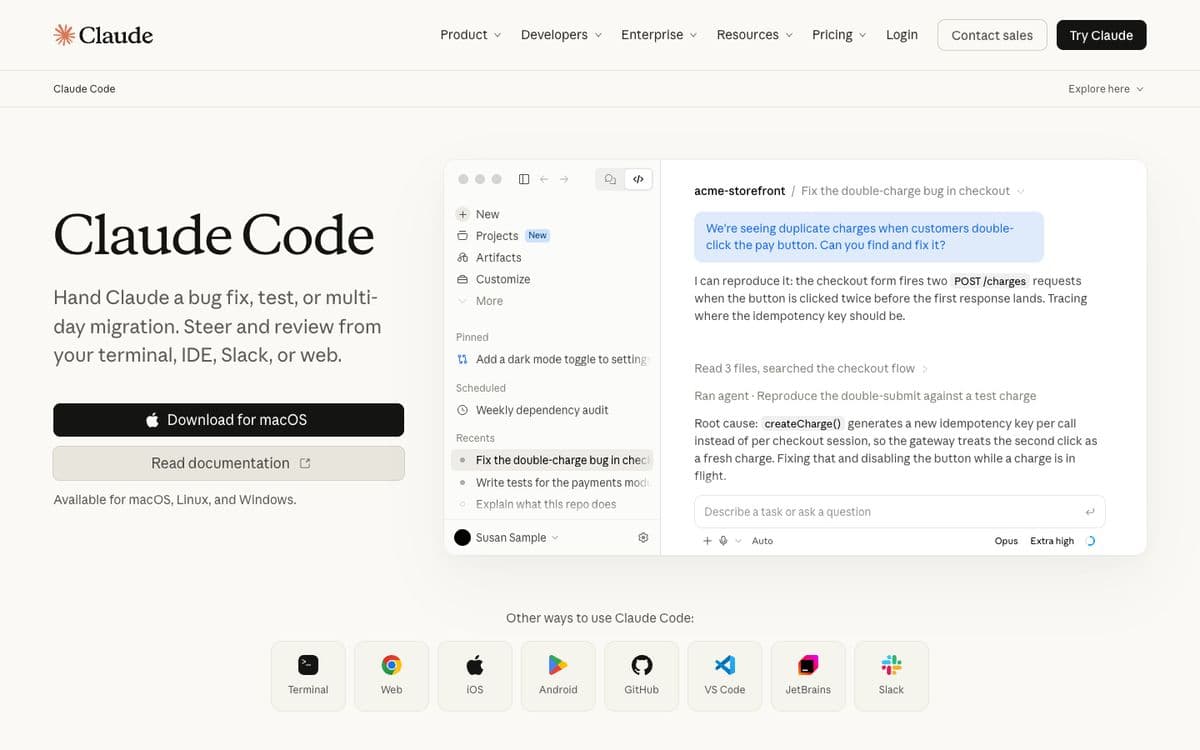
Claude Code is Anthropic's coding agent. You give it a task, from a bug fix to a multi-day migration, and steer it from your terminal, your IDE, Slack or the web. It runs on macOS, Linux and Windows and comes with a Claude subscription. “I've been in ops for 30 years, Claude Code has changed how I work,” linsomniac wrote on Hacker News in March 2026.
Why pick it over Blink.new
- Included in Claude Pro and Max, so there's no separate tool to pay for.
- Works on any codebase, with the code on your machine and in your repository.
- If you'd rather not run it yourself, Capacity Desktop runs Claude Code for you on macOS or Windows, and Capacity's web app builds from Claude.ai.
Watch out for
- There's no hosting or database: you deploy and run the app yourself.
- It's built for developers and expects you to review code.
Pricing
Included in Claude Pro: €18/month, or €15/month billed yearly (prices shown in Europe). Max €90/month for 5x Pro's usage, Ultra €180/month for 10x.
Blink.new and its alternatives, side by side. From each official site, November 26, 2026.
| Feature |  Blink.new | Capacity | Lovable | Bolt.new | Replit | Base44 | Emergent | v0 by Vercel | Google AI Studio | Cursor | Claude Code |
|---|---|---|---|---|---|---|---|---|---|---|---|
| Paid plans from | $25/month ($13 yearly) | $25/month | €25/month | $25/month | $20/month ($18 yearly) | $16/month (yearly) | $20/month | $30/user/month | Pay as you go | $8/month | Claude Pro (€18/month) |
| Free plan | Yes, 5 credits a day (30 a month) | Desktop only (1 project) | Yes | Yes | None listed | Yes | Yes, 10 credits a month | Yes | Yes | Yes | No |
| How usage is billed | Monthly credits plus 5 a day; hosting, domains and code downloads in credits | Monthly credits; building from Claude or ChatGPT unlimited | Monthly credits | Tokens | Plan credits, then effort-based pay-as-you-go | Message and integration credits | Monthly credits; 50 a month per deployed app | Credits spent at each model's token rate | Gemini API tokens, Cloud Run usage | AI usage pools, bundled with Grok and X | Your Claude plan's usage |
| Hosting | Yes, 50 credits a month up to 10,000 visits (included on Max) | Yes, custom domain on every paid plan | Yes | Yes | Yes, metered deployments | Yes | Yes, paid in credits | Yes, on Vercel | Google Cloud Run | No | No |
| Mobile apps | Web, iOS and Android; store publishing on Max | Native (Expo, TestFlight and Google Play) | PWA or Capacitor, set up yourself | – | Yes, from Agent | Web view wrapper for the stores | iOS and Android, with store submission tools | No | Native Android (Kotlin) | If you code it | If you code it |
| Taking your code with you | Download (5 credits on Starter and Pro); your GitHub from Pro | Zip download; your GitHub if imported, or from Desktop | Two-way GitHub sync | Import from GitHub | Your Replit workspace | GitHub from the Builder plan | GitHub from Standard | GitHub sync on every plan | Zip export, two-way GitHub sync | Your own repository | Your own repository |
| Built for | Small businesses and teams | Non-technical founders, small businesses | Founders, designers, product teams | Makers and developers | Builders and developers | Non-technical builders | Small businesses, agencies, product teams | React developers and designers | Builders and developers using Gemini | Developers | Developers |
How to choose an alternative to Blink.new. Start from what you need, not from the ranking.
 The closest chat-to-app switchLovable
 A generous free plan to try an ideaBolt.new
 Agent, code workspace and hosting in one placeReplit
 The lowest entry priceBase44
 Web and mobile apps built by agentsEmergent
 Polished React interfaces on Vercelv0 by Vercel
 Free, from Google, with Android appsGoogle AI Studio
 An agent on your own codebaseCursor or Claude Code
When to stay on Blink.new
If your app fits Starter's 100 monthly credits plus the 5 a day, its traffic stays under 10,000 visits a month, and you like having the database, sign-in and Stripe set up in one message, Blink is a fair place to stay. If you need the app stores, budget for Max.
Alternatives to Blink.new: questions people ask. Short answers, with the details above.
What is the best alternative to Blink.new?
For the same build-from-a-chat experience, Lovable and Bolt.new are the closest, Replit adds a code workspace, and Base44 is the cheapest to start. Capacity builds from a description or from Claude or ChatGPT with native mobile apps and hosting included, and Google AI Studio is the free option from Google.
How much does Blink.new cost?
Free gives 5 credits a day, up to 30 a month. Starter is $25 a month ($13 billed yearly) for 100 credits, Pro $50 ($25 yearly) for 200, and Max from $200 ($100 yearly) for 800 or more. Paid plans add 5 credits a day, and hosting uses 50 credits a month for up to 10,000 visits on Starter and Pro.
What do Blink.new reviews say?
On November 26, 2026, Blink's Trustpilot page had 17 reviews averaging 1.8 out of 5. Most are about billing and about credits used up on errors. Blink's own pricing page quotes happy users from LinkedIn and Discord.
Is there a free Blink.new alternative?
Yes. Google AI Studio is free to start on the Gemini API's free tier, and Lovable, Bolt.new, Base44, Emergent, v0 and Cursor have free plans with limits. The Capacity web app has no free plan; Capacity Desktop has one with a single project.
Blink.new vs Lovable: which should I use?
Both build a full app from a chat. Blink includes a database, sign-in, Stripe and mobile apps, and charges credits for hosting, domains and code downloads on its lower plans. Lovable builds web apps, includes hosting in its plans and syncs your code to GitHub on every plan, including Free.
Can I move my app off Blink.new?
Yes. You can download the code (5 credits on Starter and Pro, included on Max) or use Git on your own GitHub repository from Pro. A tool that works from a repository can pick it up: Cursor, Claude Code, Replit, Bolt or Capacity, whose agent imports a GitHub repository and keeps working on it. The database and sign-in move separately.
Is there a Blink.new alternative for mobile apps?
Yes. Capacity builds Expo apps you submit to TestFlight and Google Play from every paid plan, Emergent has store submission tools, Replit's Agent builds mobile apps, and Google AI Studio builds native Android apps.
Related comparisons
Try the alternative we build.
Describe your app in a sentence and Capacity builds it, or connect it to Claude or ChatGPT and build from the chat. Plans from $25 a month.