Quick answer
To upload a spreadsheet and get an app back, Glide reads every sheet, formulas included, and builds an internal app for desktop and phone; Zite turns an Excel or CSV file into lists, forms and dashboards with unlimited users; Base44 imports CSV and Excel files into an app built from a description.
To keep the spreadsheet where it is, Microsoft Power Apps builds on an Excel workbook in OneDrive or another cloud store (or turns it into a Dataverse table), Google AppSheet builds on Google Sheets or .xlsx files, and Softr and Noloco put portals and team apps on a Google Sheet.
To move the data into a database first, Airtable and Knack import the file. Capacity, which we make, takes another route: it builds a custom app with its own database from a description, not from your file.
| Tool | Best for | Paid plans from | Free plan | Watch out for |
|---|---|---|---|---|
 Glide Glide | the closest thing to dropping in a spreadsheet and getting an internal app back, for desktop and phone. | $25/month | Yes, limited credits | Google Sheets is copied, not written back |
 Zite Zite | teams that want their spreadsheet turned into a shared app with workflows, with unlimited users. | $20/month (yearly) | Yes, 50 credits a month | Excel uploads are a one-time import |
 Base44 Base44 | a custom app built from a description, with your Excel or CSV data imported into its tables. | $16/month (yearly) | Yes, 25 message credits a month | Imports add rows; they never update |
 Microsoft Power Apps Microsoft Power Apps | companies on Microsoft 365 that want an app on an Excel workbook kept in OneDrive, or on a Dataverse table made from it. | $20/user/month (yearly) | Developer Plan, build and test only | Every app user needs a license |
 Google AppSheet Google AppSheet | teams on Google Workspace who want an app on their Google Sheets or Excel files, with the data staying in the sheet. | $5/user/month | Free to build, up to 10 test users | Priced per user; public apps need Publisher Pro |
 Softr Softr | business teams that keep their data in Google Sheets or Airtable and want a portal or internal tool on top. | $19/month (yearly) | Yes, 5 AI credits a month | No direct Excel data source |
 Noloco Noloco | client portals and team apps on a Google Sheet that stays in use, with edits written back to it. | $65/month (yearly) | Yes, 50 active clients | Records and client seats are capped per plan |
 Airtable Airtable | teams ready to move the spreadsheet into a shared database, with Omni building interfaces and automations on it. | $20/seat/month (yearly) | Yes, 1,000 records per base | Formulas come in as values |
 Knack Knack | a secure database app with logins and roles, built from an imported Excel, CSV or Google Sheets file. | $59/month | No, a free trial | Imports are one-time |
| Capacity | outgrowing the spreadsheet altogether: a custom app with its own database, built from a description rather than from the file. | $25/month | Web app: no. Desktop: 1 project | Builds from a description, not your file |
From a spreadsheet to an app. What changes, and what to check first.
Import, or live connection
An import copies the rows into the tool's own database: a file uploaded to Glide, Base44 or Zite, or imported into Airtable or Knack, is a copy, and later edits to the file don't flow in. A live connection leaves the data in the sheet and reads and writes it: Power Apps on Excel in the cloud, AppSheet, Softr, Noloco and Zite on Google Sheets.
What happens to your formulas
Airtable keeps each formula's result and drops the formula. AppSheet treats formula columns as read-only and lets the sheet recompute them. Power Apps can't build an app on Excel data with a calculated column. Glide reads formulas to understand the sheet. Expect to rebuild the calculations that matter in the new tool.
Clean the sheet before you start
One row per record, one column per field, headings in the first row. Power Apps needs the data formatted as an Excel table, and Noloco wants headings in row 1, data from row 2 and no pivot tables on any tab, hidden ones included.
Who edits, and from where
A shared spreadsheet gives everyone the same access. An app gives each person a login and only the rows they need. It also changes how people work together: AppSheet can't save to an Excel file someone has open in Office 365, and Power Apps' Excel connector can lock a file for up to 6 minutes.
How we compared them. The same questions for every tool.
- How the data gets in: a one-time import, or a live connection to Excel or Google Sheets.
- What happens to formulas, and where calculations live afterwards.
- Who can see and edit which rows, and how people sign in.
- Whether people can use the app on a phone.
- What it costs for the number of people who'll use it.
- A dash in the comparison table means the tool's documentation doesn't list it.
Upload the spreadsheet, AI builds the app

01
Glide
Best for the closest thing to dropping in a spreadsheet and getting an internal app back, for desktop and phone.
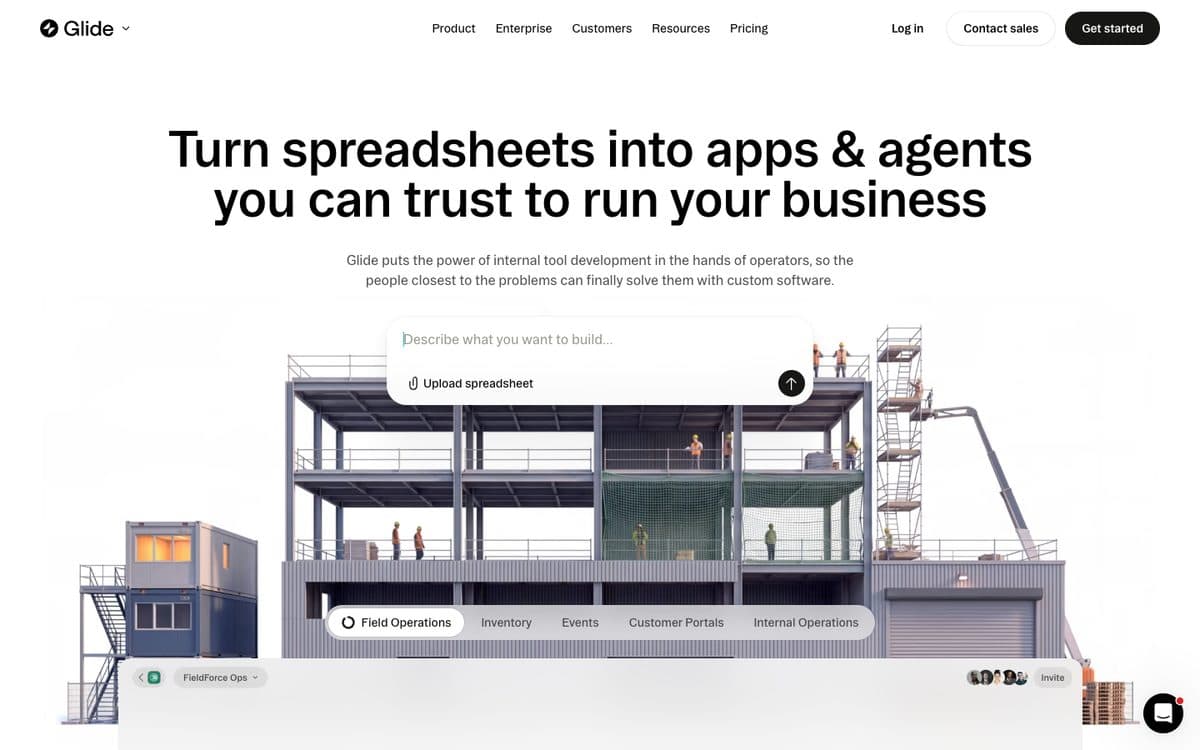
GlideOS, Glide's current platform, builds internal business apps from a spreadsheet, a prompt or a file. You upload an Excel, CSV or ODS file or connect a Google Sheet; its SheetSense system reads every sheet, formulas, lookups and notes included, and the Glide Agent builds an app for desktop and phone on the project's own database.
Why pick it
- Made for this exact step, and you can click any number in the app to see how it was calculated.
- Apps are private to your company by default, and every table exports to CSV.
- A free plan with 10 projects to try it.
Watch out for
- A connected Google Sheet is copied into a table: GlideOS doesn't write changes back to the sheet, and edits made in the app stay in Glide.
- Publishing needs a paid plan, Basic apps are limited to your organization's members, and public apps start on Plus at $50 a month.
Pricing
Free: limited credits, 2 team members, 10 projects. Basic: $25/month (100 credits, 2 published apps). Plus: $50/month (250 credits, 5 published apps, public apps). Pro: $125/month for 5 members (500 credits, unlimited published apps and workflows). Enterprise on request.

02
Zite
Best for teams that want their spreadsheet turned into a shared app with workflows, with unlimited users.
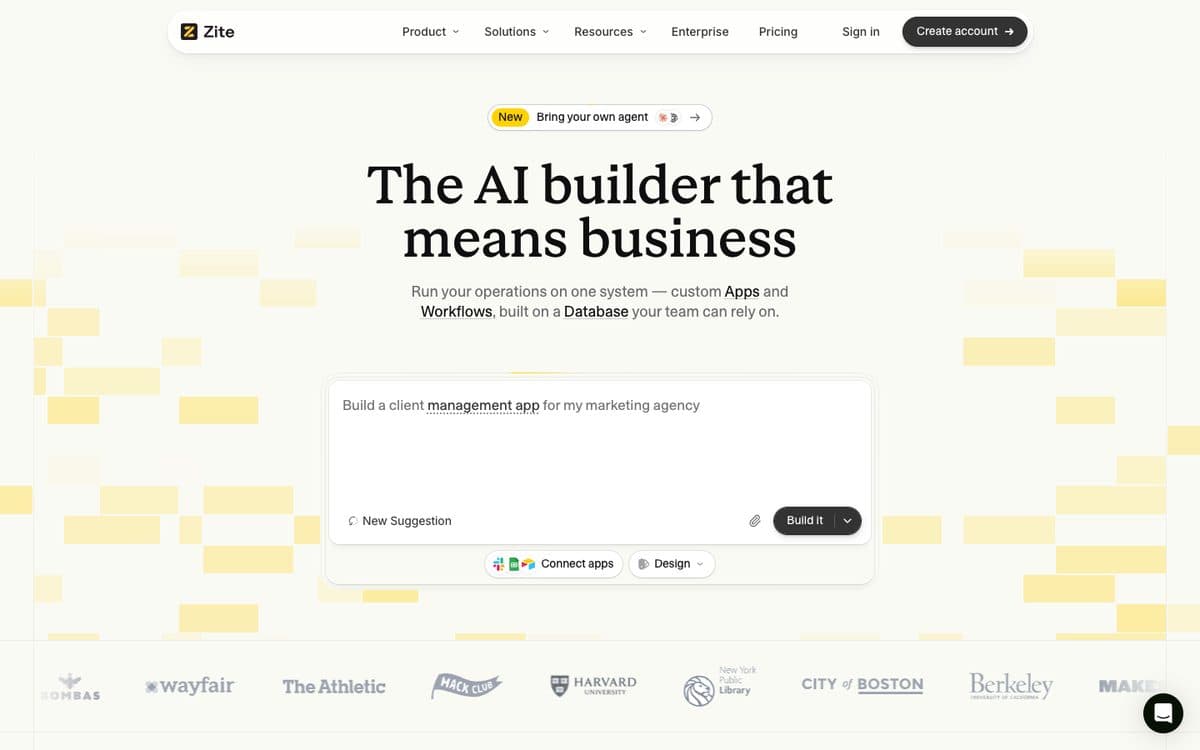
Zite builds business apps and workflows on its own database from a description. Upload an Excel or CSV file, say how people should use the data, and Zite turns the rows into searchable lists, forms and dashboards. A Google Sheet can instead stay connected, with the app reading and updating its rows.
Why pick it
- Both routes: import an Excel or CSV file into Zite's database, or keep a Google Sheet as the source and edit it from the app.
- Imports take up to 250,000 records at once, and a new workspace up to 20 CSV files, one table per file.
- Unlimited users on every plan, which suits tools a whole team uses.
Watch out for
- An uploaded Excel file is a one-time import: changes to the original spreadsheet don't reach the app.
- Records and workflow runs are capped per plan: 5,000 records and 1,000 runs a month on Free.
Pricing
Free: 50 credits a month, 5,000 records, 1,000 workflow runs. Billed yearly: Pro $20/month (100 credits, 100,000 records, a custom domain), Business $75/month (400 credits, 250,000 records, your own AI). Team and Enterprise on request.

03
Base44
Best for a custom app built from a description, with your Excel or CSV data imported into its tables.
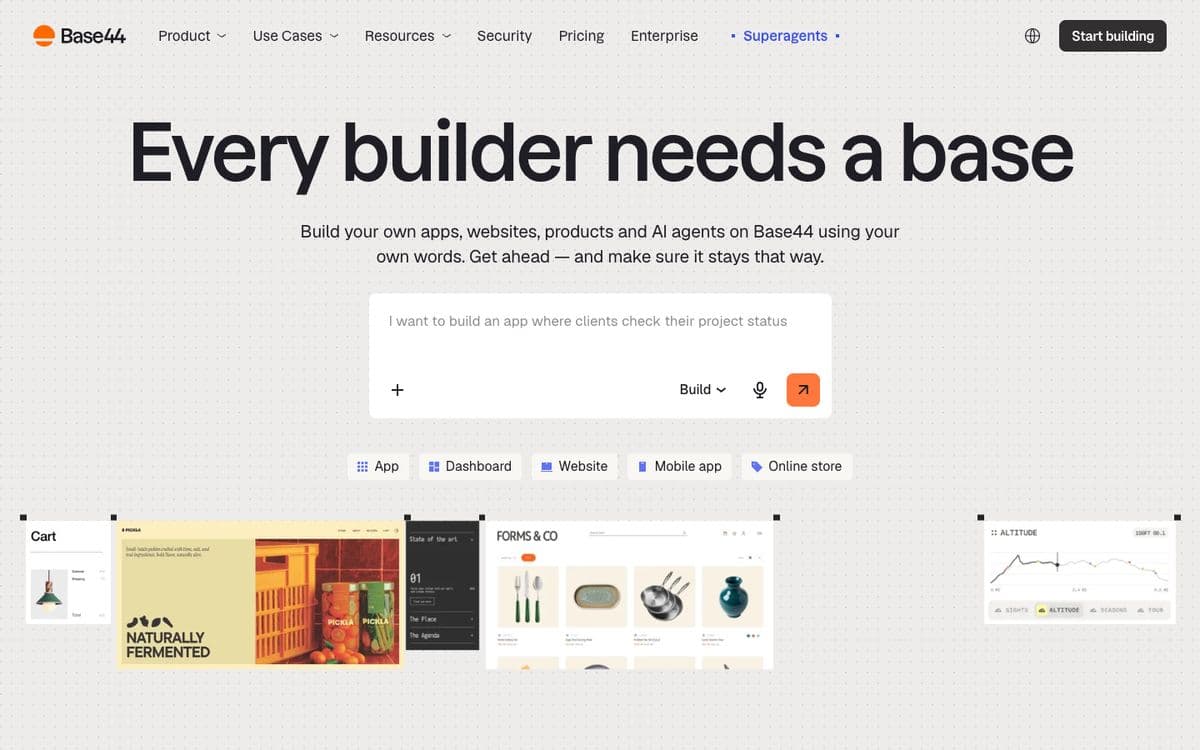
Base44, owned by Wix since 2025, builds the front end, backend, database, user login and payments from a plain-language description and runs the app on its own infrastructure. To bring a spreadsheet in, you import a CSV or Excel file (.xlsx or .xls) into the app's tables, from the dashboard or by asking the AI chat, which maps the columns to fields.
Why pick it
- A workbook with several sheets can go in one sheet at a time or all at once, each into its matching table.
- Login and roles come with the app, with data rules such as Creator Only, where people see only the records they created.
- Starter is $16 a month billed yearly.
Watch out for
- Imports add new rows and never update existing ones: to replace a table's data, you delete its records and import again.
- Plans count two kinds of credits, message credits and integration credits, so check both before a busy month.
Pricing
Free: 25 message credits a month. Billed yearly: Starter $16/month (100 message credits), Builder $40 (250), Pro $80 (500), Elite $160 (1,200). Monthly billing costs about 20% more.
Keep the spreadsheet, put an app on top

04
Microsoft Power Apps
Best for companies on Microsoft 365 that want an app on an Excel workbook kept in OneDrive, or on a Dataverse table made from it.
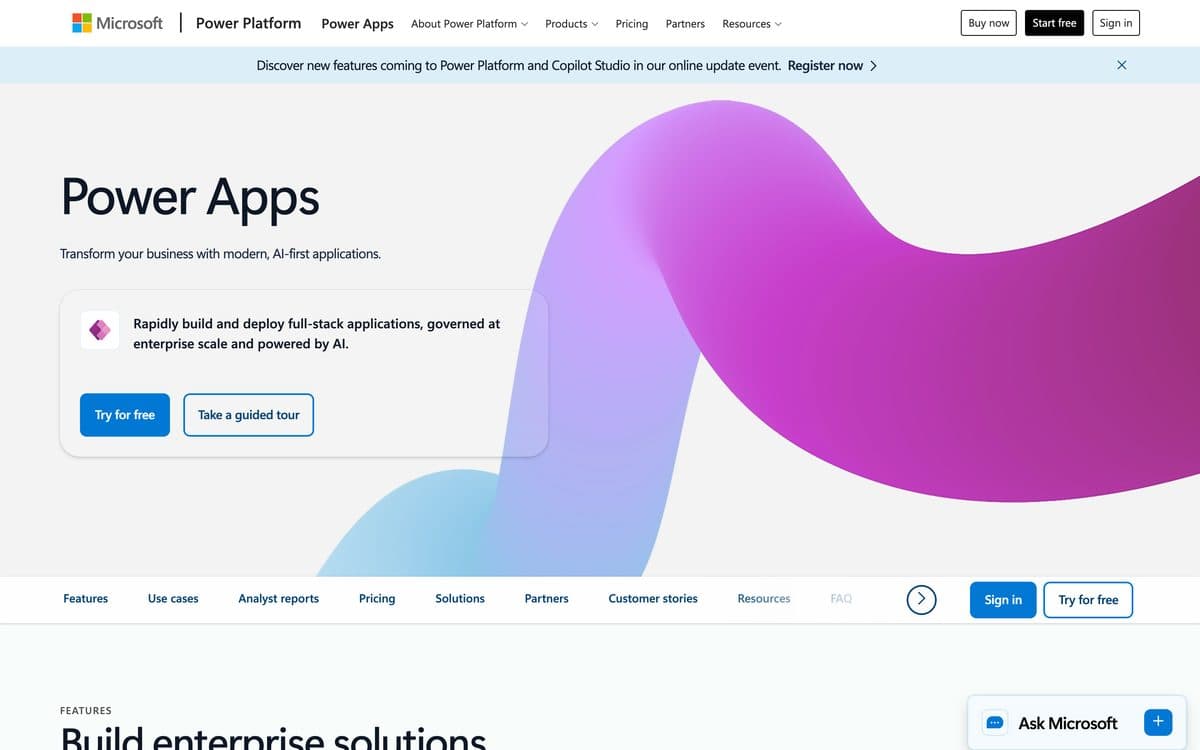
Power Apps is Microsoft's low-code platform for business apps. Copilot turns a description into Dataverse tables you then build a canvas app on, an uploaded Excel or CSV file becomes a Dataverse table and an app, and you can also build on a workbook kept in OneDrive or another cloud store. The wrap feature packages canvas apps as branded iOS and Android apps for Google Play, Apple Business Manager or Microsoft Intune.
Why pick it
- Starts from data you already have: upload an Excel or CSV file (up to 5 GB) or connect to a workbook in the cloud.
- Apps run in the browser and in the Power Apps mobile app for iOS, Android and Windows.
Watch out for
- The data must be formatted as an Excel table, and Excel data with a calculated column can't be used to build an app.
- The Excel Online (Business) connector takes files up to 25 MB and can lock a file for up to 6 minutes after an update.
- Everyone who uses an app needs a license: Premium at $20 per user a month (yearly), or pay-as-you-go at $10 per active user per app a month. The Developer Plan is for building and testing, not production.
Pricing
Developer Plan: free, to build and test apps in three developer environments, not for production. Power Apps Premium: $20 per user/month, paid yearly, unlimited apps for the assigned user, 250 MB Dataverse database and 2 GB file capacity. Premium with a 2,000-seat minimum: $12 per user/month, paid yearly. Pay-as-you-go through Azure: $10 per active user per app per month (Microsoft Learn). Extra Dataverse database capacity: $40 per GB/month, paid yearly.

05
Google AppSheet
Best for teams on Google Workspace who want an app on their Google Sheets or Excel files, with the data staying in the sheet.
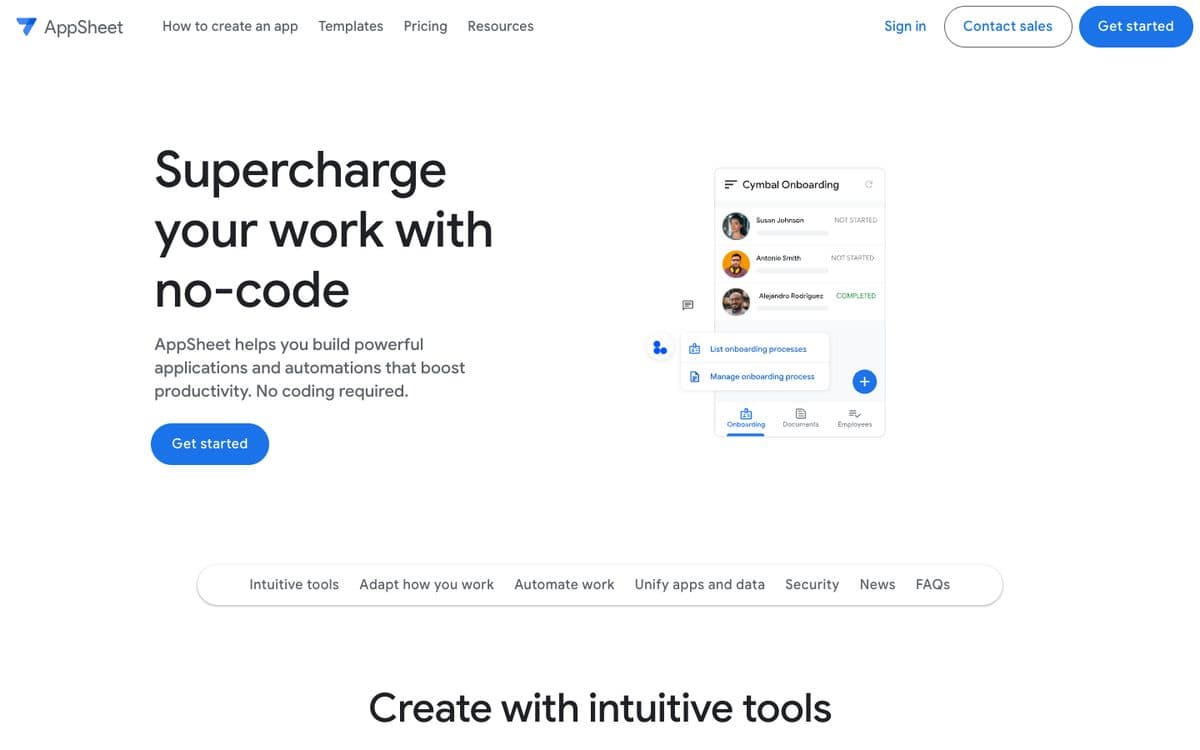
AppSheet is Google's no-code app builder: apps and automations on Google Sheets, its own database, SQL databases and APIs, with forms, barcodes, signatures and photos, and integrations with Gmail, Chat and the rest of Google Workspace. With Gemini, you describe what the app should do and it builds it.
Why pick it
- The sheet stays the source: AppSheet works on Google Sheets, or on .xlsx files in OneDrive and SharePoint.
- Spreadsheet formulas are recomputed in the sheet when data syncs back, and AppSheet's own app formulas run on the device, even offline.
- AppSheet Core comes with most paid Google Workspace plans, so many teams already have it.
Watch out for
- Columns with spreadsheet formulas are read-only in the app, and Excel support is .xlsx only, not .xls or .xlsm.
- If someone has the Excel file open for editing in Office 365, AppSheet can't save changes to it.
- Every signed-in user counts toward the per-user price, $5 to $20 a month by plan.
Pricing
Free to build and test with up to 10 users. Starter $5 per user per month, Core $10 (included in most paid Google Workspace plans), Enterprise Plus $20. Public apps need AppSheet Publisher Pro.

06
Softr
Best for business teams that keep their data in Google Sheets or Airtable and want a portal or internal tool on top.
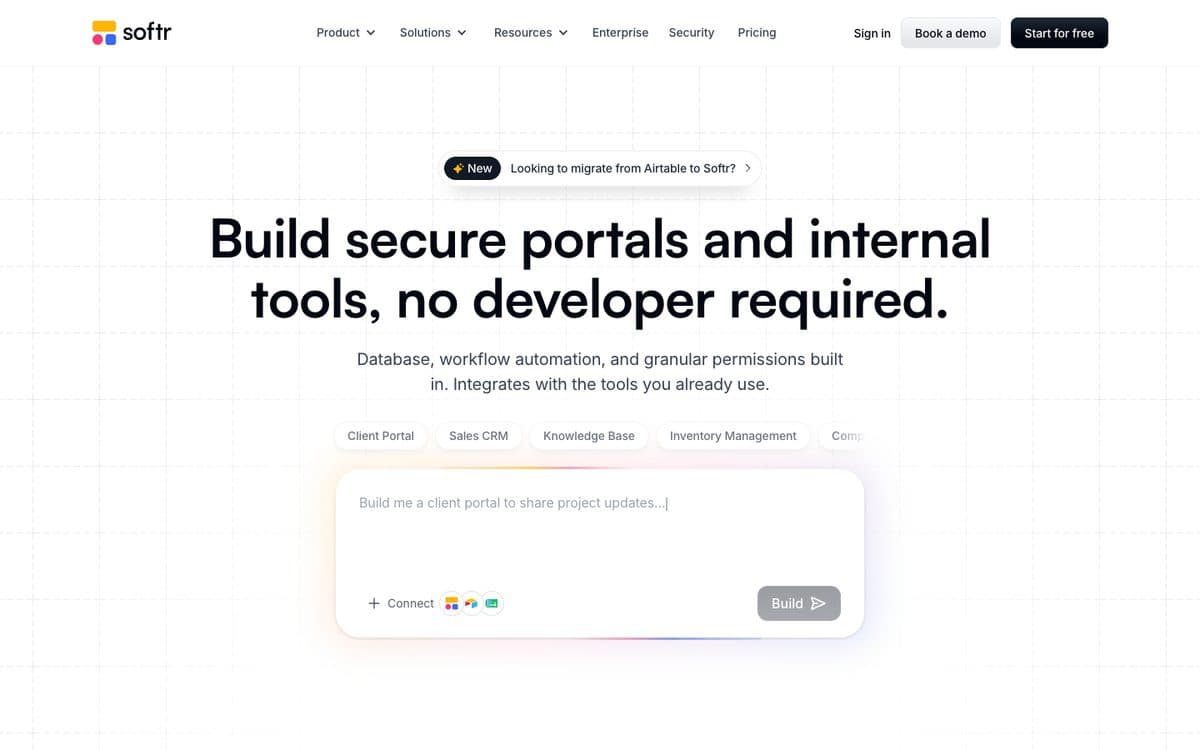
Softr is an AI app builder for business operations: secure internal tools and client portals with databases, workflow automation and integrations included. You build with AI or with no-code blocks, and connect data from its own databases or tools like Airtable and Notion.
Why pick it
- Google Sheets stays the data source: Softr reads and updates the sheet, adding a Softr Record ID column to keep track of each row.
- Or import a CSV into Softr Databases, its built-in relational database.
- Built for portals: granular permissions and visibility, Google sign-in and one-time passwords for your app's users from Pro.
Watch out for
- Excel isn't among Softr's data sources: move the data to Google Sheets, or import it into Softr Databases as a CSV.
- App users are capped per plan: 5 team plus 5 client users on Basic, 10 plus 50 on Pro.
Pricing
Free: 5 AI credits a month. Billed yearly: Basic $19/month (10 AI credits, custom domain), Pro $99/month (50 AI credits, no Softr branding, permissions, custom code), Business $329/month (100 AI credits, 2FA, installable mobile app with push notifications). Yearly billing gives two months free.

07
Noloco
Best for client portals and team apps on a Google Sheet that stays in use, with edits written back to it.
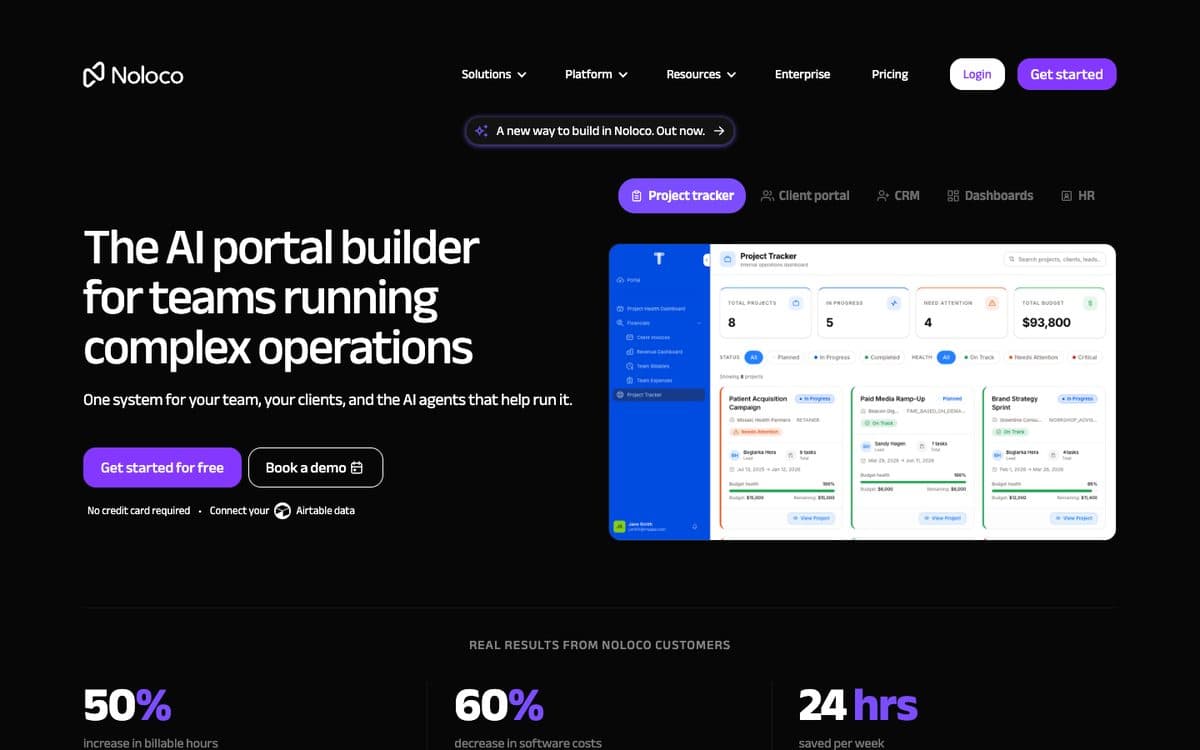
Noloco calls itself the AI portal builder for teams running complex operations: one system for your team, your clients and the AI agents that help run it. You build client portals, CRMs, project trackers and dashboards with its AI, Nola, on Noloco Tables or on the Airtable and Google Sheets data you already have.
Why pick it
- Your app reads, updates and creates rows in your Google Sheet, on a scheduled sync whose frequency depends on your plan.
- Made for client portals: each client gets a branded, real-time space with as much access as they need, and no more.
- Unlimited team seats on the free plan, and a 14-day trial of Build with every feature.
Watch out for
- The free plan stops at 50 active clients and 2,000 records, with Noloco Tables or a CSV import as the only data sources.
- Every tab, hidden ones included, needs headings in row 1, data from row 2 and no pivot tables, or the sync fails.
Pricing
Free: 30 AI credits a month plus 5 a day, unlimited team seats, 50 active clients, 2,000 records. Build: $79/month, or $65/month billed yearly (250 AI credits, 10 team seats, 1,000 active clients, 25,000 records, other data sources, 2FA). Enterprise: custom. Non-profits get 50% off.
Move the sheet into a database first

08
Airtable
Best for teams ready to move the spreadsheet into a shared database, with Omni building interfaces and automations on it.
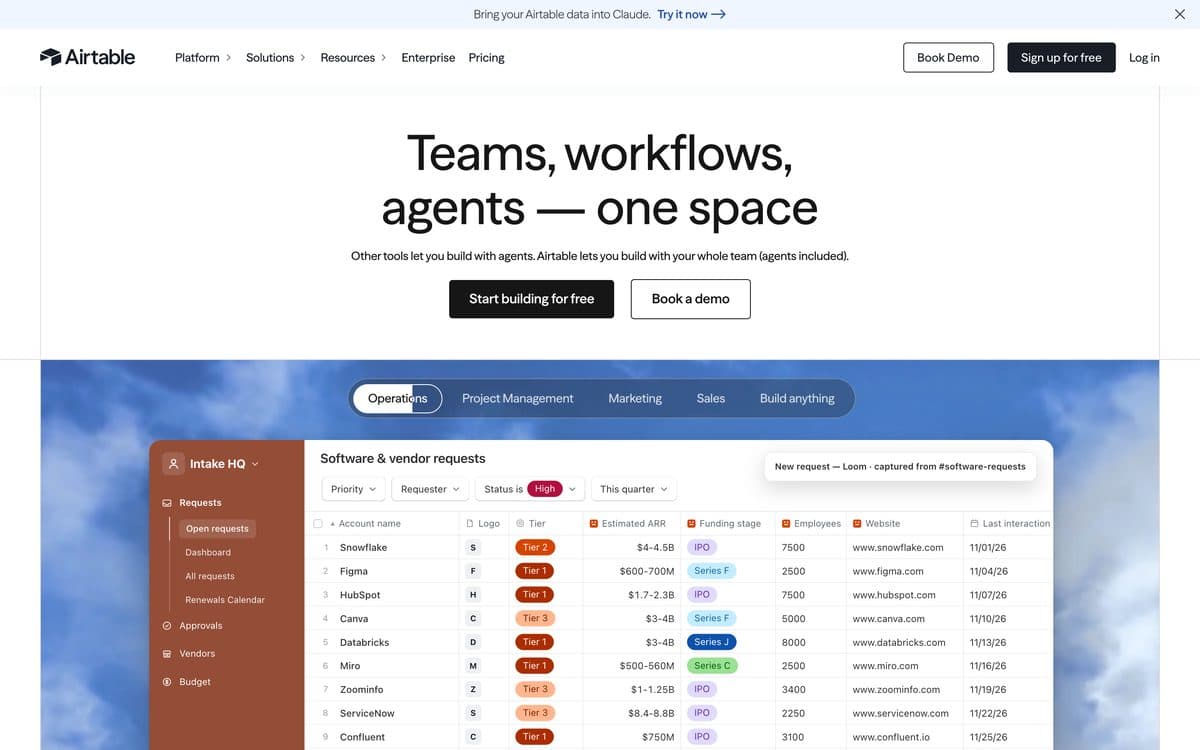
Airtable is a no-code platform where teams build apps on shared tables, with interfaces, automations and AI. Omni, its conversational builder, creates an app's tables, interfaces and automations from a description and answers questions about your data. Apps run in Airtable on the web and in its iOS and Android apps.
Why pick it
- Each sheet of an imported workbook becomes its own table, with the first row as field names.
- Omni builds tables, interfaces and automations from a description, on every plan including Free.
- Everything Omni creates stays editable with Airtable's drag-and-drop tools, alongside its integrations and sync.
Watch out for
- The import keeps each formula's result, not the formula, so calculations are rebuilt in Airtable.
- Excel imports stop at 5MB (CSV at 100MB), and Google Sheets comes in once, with no live sync.
- Priced per seat, and records are capped per base: 1,000 on Free, 50,000 on Team, 125,000 on Business.
Pricing
Free: up to 5 editors, 1,000 records per base, 500 AI credits per editor a month, 100 automation runs. Team: $20 per seat/month billed yearly or $24 billed monthly, 50,000 records per base, 15,000 AI credits per paid user, 25,000 automation runs. Business: $45 per seat/month billed yearly or $54 monthly, 125,000 records, 20,000 AI credits, SSO. Enterprise Scale: custom pricing, 500,000 records. Extra AI credits from $20/month for 10,000.

09
Knack
Best for a secure database app with logins and roles, built from an imported Excel, CSV or Google Sheets file.
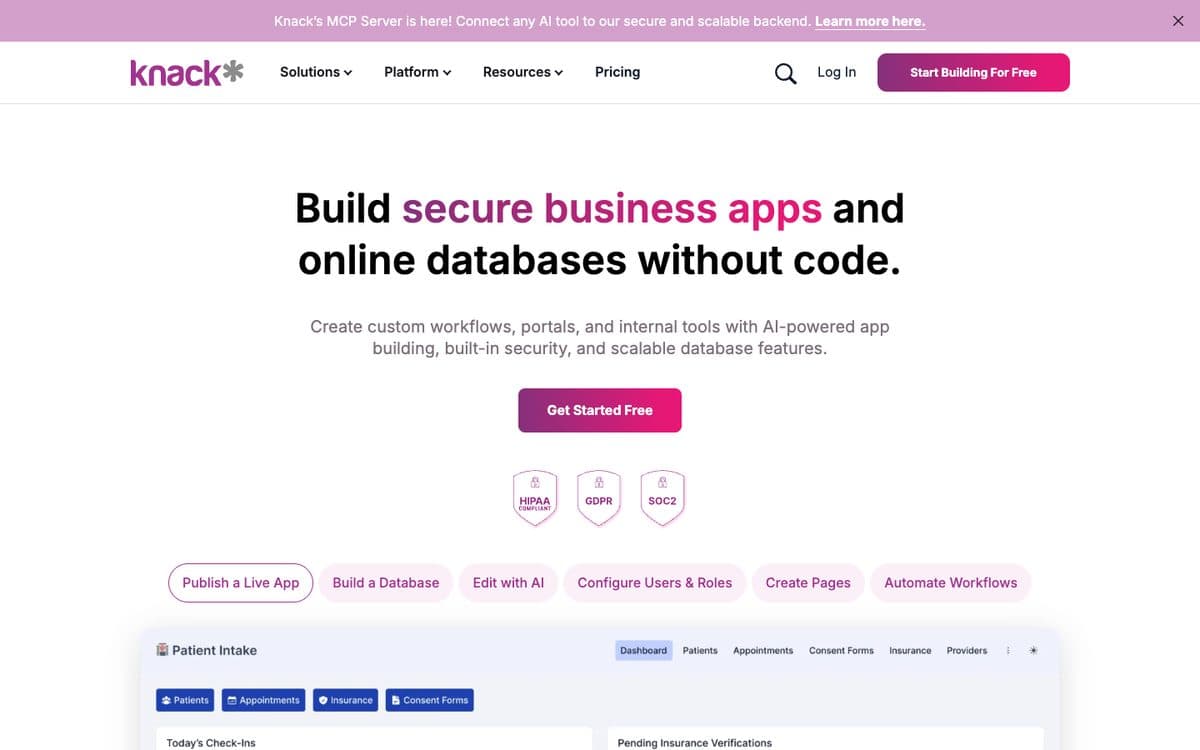
Knack builds secure business apps and online databases without code: custom workflows, portals and internal tools on a relational database, with AI-powered app building, users and roles, and automations through Knack Flows and its API. Its MCP server lets other AI tools use Knack as a backend.
Why pick it
- Imports .csv, .xls and .xlsx files up to 250 MB, or a Google Sheet, and can update existing records by matching a field such as an email.
- Unlimited users and roles on every plan, so a portal with many clients doesn't add seat costs.
- A relational database at the core, with record change history on Pro and above.
Watch out for
- Imports are one-time: later changes in Google Sheets don't reach Knack, and formula fields can't receive imported values.
- There's no free plan, only a trial, and the $19 and $49 prices are for a new customer's first three months.
Pricing
Billed monthly: Starter $59/month (3 apps, 20,000 records, 25 AI credits), Pro $130/month (unlimited apps, 50,000 records, a custom domain, 50 AI credits), Corporate from $300/month. Enterprise on request. New customers pay $19 and $49 for the first three months.
Describe the app instead
10 · our product
Capacity
Best for outgrowing the spreadsheet altogether: a custom app with its own database, built from a description rather than from the file.
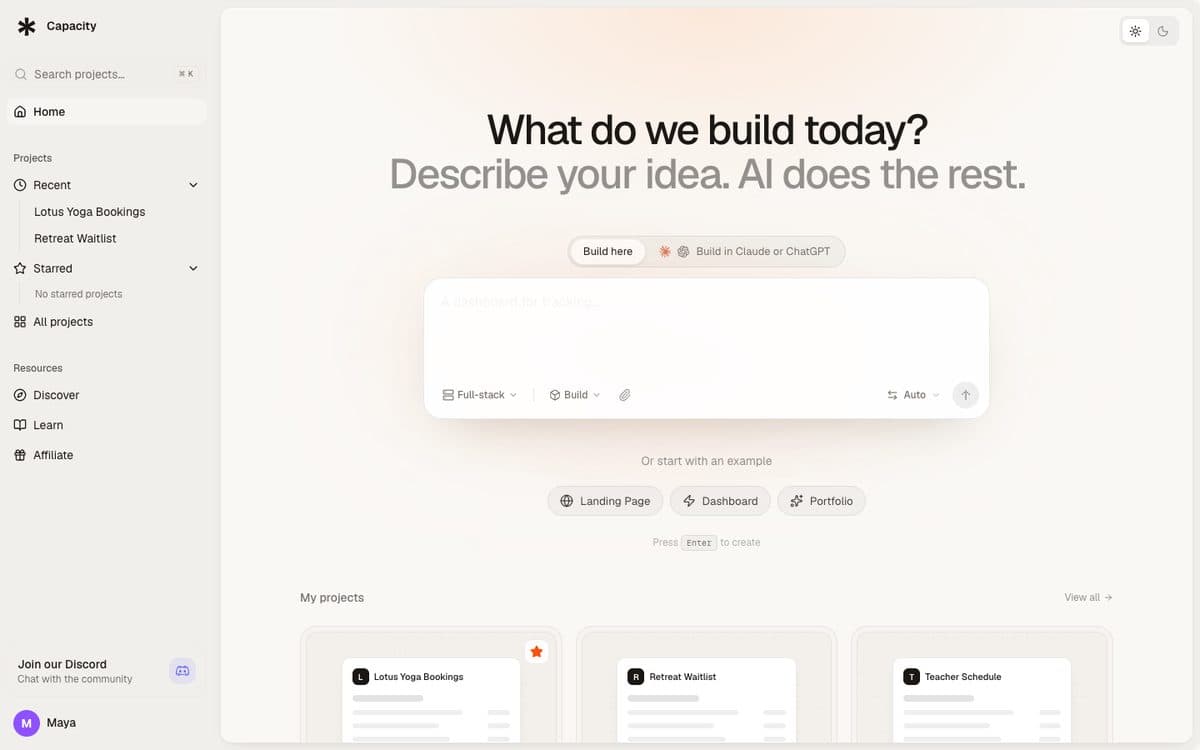
Capacity turns a plain-language description into a working app: a React front end, a server and its own database, published at a capacity.studio address or on your own domain. It starts from a description rather than a spreadsheet: you describe the app your spreadsheet was standing in for, then change it by chatting and see each change in a preview.
Why pick Capacity
- Not limited to tables and forms: a custom app with its own screens, logic and database, on your own domain.
- Native mobile apps as Expo projects, submitted to TestFlight and Google Play from the publish dialog.
- Build from Claude, ChatGPT or Mistral through Capacity's connector, unlimited on every paid plan.
Watch out for
- It's built around a description, not your file: plan how your existing rows will get into the new app.
- Login isn't built in: you add Clerk, Auth0 or a Supabase connection.
- The web app has no free plan: paid plans start at $25 a month. Capacity Desktop (macOS and Windows) has a free plan with one project.
Pricing
Starter $25/month (100 credits), Growth $69/month (250 credits), Professional $129/month (500 credits), Business $299/month (1,000 credits). Every plan includes unlimited projects, custom domains and unlimited building from Claude and ChatGPT.
The 10 tools, side by side. From each official site, October 17, 2026.
| Feature | Glide | Zite | Base44 | Microsoft Power Apps | Google AppSheet | Softr | Noloco | Airtable | Knack | Capacity |
|---|---|---|---|---|---|---|---|---|---|---|
| Paid plans from | $25/month | $20/month (yearly) | $16/month (yearly) | $20/user/month (yearly) | $5/user/month | $19/month (yearly) | $65/month (yearly) | $20/seat/month (yearly) | $59/month | $25/month |
| Free plan | Yes, publishing on paid plans | Yes | Yes | Developer Plan, not for production | To build and test | Yes | Yes, Noloco Tables or CSV only | Yes, 1,000 records per base | Trial only | Desktop only (1 project) |
| How the spreadsheet gets in | Upload Excel, CSV, ODS; Google Sheets copied | Excel or CSV import; Google Sheets live | CSV or Excel import | Live Excel in the cloud, or upload to Dataverse | Live Google Sheets or .xlsx | Live Google Sheets; CSV import | Google Sheets, scheduled sync | Import (Excel up to 5MB) | Import CSV, XLS, XLSX, Google Sheets | Built from a description |
| Edits go back to the sheet | No | Google Sheets: yes; Excel: no | – | Yes, with the Excel connector | Yes | Yes (Google Sheets) | Yes (Google Sheets) | No | No | – |
| Spreadsheet formulas | Read by SheetSense | – | – | Calculated columns block the app | Read-only, recomputed in the sheet | – | IMPORTRANGE supported | Result kept, formula dropped | Can't import into formula fields | – |
| On a phone | Desktop, tablet and phone | – | Web view wrapper for the stores | Power Apps mobile app | Mobile and web apps | Installable web app (Business) | – | iOS and Android apps | – | Native (Expo, TestFlight and Google Play) |
How to choose. Start from what you need, not from the ranking.
 Drop in a spreadsheet, get an internal appGlide
 A team app from a sheet, unlimited usersZite
 A custom app with your Excel data importedBase44
 The workbook stays in Excel, on Microsoft 365Microsoft Power Apps
 The data stays in Google SheetsGoogle AppSheet
 A portal or tool on a Google SheetSoftr
 Client portals that write back to the sheetNoloco
 Move the sheet into a shared databaseAirtable
 A secure database app with rolesKnackA custom app built from a descriptionCapacity
Questions people ask. Short answers, with the details above.
Can AI turn an Excel spreadsheet into an app?
Yes. Glide reads an uploaded spreadsheet, formulas included, and its agent builds the app; Zite turns an Excel or CSV file into lists, forms and dashboards; Base44 imports CSV and Excel files into an app it builds from a description. Power Apps can also turn an uploaded Excel file into a Dataverse table and an app.
Can I turn a spreadsheet into an app for free?
To try it, yes. Glide's free plan builds but doesn't publish; Zite's free plan has 50 credits and 5,000 records; AppSheet is free to build and test with up to 10 users; Airtable's free plan holds 1,000 records per base; Power Apps' Developer Plan builds and tests but isn't for production. For a team using the app every day, expect a paid plan.
Will my Excel formulas still work?
Rarely as they are. Airtable keeps each formula's result but not the formula, Knack can't import into formula fields, and Power Apps can't build on Excel data with a calculated column. AppSheet keeps formulas in the sheet and shows those columns read-only. Glide reads formulas to understand the sheet. Plan to rebuild key calculations in the app.
Does the app stay in sync with my spreadsheet?
Only with a live connection. Power Apps' Excel connector, AppSheet, Softr and Noloco (on a schedule) read and write the sheet, and so does Zite's Google Sheets integration. Files uploaded to Glide, Base44 or Zite, and imports into Airtable or Knack, are copies: later edits to the file don't reach the app.
Should I use Google Sheets instead of Excel?
If you want the sheet to stay live, it widens your options: AppSheet, Softr, Noloco and Zite all work on a live Google Sheet, while Excel stays live mainly in Power Apps and AppSheet, and only in the cloud (OneDrive or SharePoint for AppSheet). Glide copies a Google Sheet in, and Airtable and Knack import it once.
Power Apps or AppSheet for an Excel spreadsheet?
Power Apps if your company is on Microsoft 365: it connects to a workbook in OneDrive or other cloud storage, or uploads the file (up to 5 GB) into a Dataverse table, and every user needs a license: $20 a month billed yearly on Premium, or $10 per active user per app on pay-as-you-go. AppSheet if you're on Google Workspace, where Core is often included; it reads .xlsx files in OneDrive and SharePoint too.
How should I prepare my spreadsheet?
Put one record per row and one field per column, with headings in the first row and nothing above them. Format the data as an Excel table for Power Apps, remove pivot tables for Noloco, and simplify heavy formulas: Microsoft's Excel connector can time out on complex recalculations.
Related comparisons
Try the one we build.
Describe your app in a sentence and Capacity builds it, or connect it to Claude or ChatGPT and build from the chat. Plans from $25 a month.