Quick answer
For admin panels and dashboards on your company's own databases and APIs, Retool is built for exactly that, and Appsmith and Budibase are open source and free to host yourself. Inside Microsoft 365 or Google Workspace, Power Apps and AppSheet build on the data and licenses you already have.
To replace a spreadsheet without a developer, Zite includes unlimited users on every plan, Glide turns the spreadsheet your team runs on into an app for desktop and phone, and Softr and Airtable put interfaces on data you keep in Airtable, Google Sheets or their own databases.
Capacity, which we make, builds a custom tool with its own database from a description or from Claude or ChatGPT. It has no ready-made connectors to company databases like Retool's, and login is an extension you add.
| Tool | Best for | Paid plans from | Free plan | Watch out for |
|---|---|---|---|---|
| Capacity | a custom tool that replaces a spreadsheet, such as a tracker or an approval app, built from a description with its own database. | $25/month | Web app: no. Desktop: 1 project | No connectors to company databases |
 Zite Zite | non-technical teams replacing spreadsheets with apps and workflows, with unlimited users on every plan. | $20/month (yearly) | Yes, 50 credits a month | Credits and records are capped |
 Glide Glide | operations teams turning the spreadsheet they run on into an internal app for desktop and phone. | $25/month | Yes, limited credits | Published apps are capped per plan |
 Retool Retool | engineering and operations teams building admin panels and dashboards on their own databases and APIs. | €9/builder/month (yearly) | Yes, up to 5 users | Priced per builder and per user |
 Appsmith Appsmith | developers building admin panels on databases and APIs, who want to host the tool themselves. | $15/user/month | Yes, up to 5 users (cloud) | Made for developers, billed per user |
 Budibase Budibase | IT teams that want open-source apps, agents and automations on their own data, self-hosted for free. | $19/month (yearly) | Yes, self-hosted open source | Hard monthly action limits; end users extra |
 Softr Softr | business teams putting internal tools and portals on Airtable, Google Sheets, HubSpot or Softr's own database. | $19/month (yearly) | Yes, 5 AI credits a month | App users capped per plan |
 Airtable Airtable | teams whose tool is mostly a shared table, with interfaces and automations built on top. | $20/seat/month (yearly) | Yes, 1,000 records per base | Per-seat pricing, records capped per base |
 Microsoft Power Apps Microsoft Power Apps | companies on Microsoft 365 building internal apps on Dataverse and the connectors they already use. | $20/user/month (yearly) | Developer Plan, build and test only | Every app user needs a license |
 Google AppSheet Google AppSheet | teams on Google Workspace who want internal apps on their Sheets, often already paid for. | $5/user/month | Free to build, up to 10 test users | Priced per user; public apps need Publisher Pro |
What an internal tool builder has to get right. Data, users, hosting and permissions.
Replacing a spreadsheet, or an admin panel
A spreadsheet that has outgrown itself needs a real database, forms and per-person access: Zite, Glide, Airtable and Capacity build that. An admin panel sits on a database your company already runs: Retool, Appsmith and Budibase are made to connect to it.
Per-user pricing adds up
Retool, Appsmith, Power Apps and AppSheet bill per user, and Airtable per seat. For 20 people, Power Apps Premium is $400 a month billed yearly and Appsmith Business $300; Zite Pro stays $20 a month billed yearly, before its credit and record caps. Count the people who will only use the tool, not just the ones who build it.
Hosting it yourself
Appsmith's open-source Community Edition and Budibase's open-source plan are free to run on your own servers, and Retool offers self-hosted and air-gapped deployments on Enterprise. That matters when the data can't leave your network.
Permissions and SSO
Internal tools hold payroll, customer and stock data, so check who sees what. Retool's rich permissions start on Business and SSO on Enterprise, Glide's org-level roles on Pro, Softr's granular permissions on Pro, and Zite sets roles by table and action, with SSO on Enterprise.
How we compared them. The same questions for every tool.
- Where the data comes from: a database the tool includes, or the databases, spreadsheets and APIs you already run.
- How you build: from a description, by assembling widgets, or by writing some code.
- What each extra person costs, for builders and for people who only use the tool.
- Whether you can host it on your own servers.
- Roles, permissions and SSO, and which plan they need.
- A dash in the comparison table means the tool's site doesn't list it.
Build from a description
01 · our product
Capacity
Best for a custom tool that replaces a spreadsheet, such as a tracker or an approval app, built from a description with its own database.
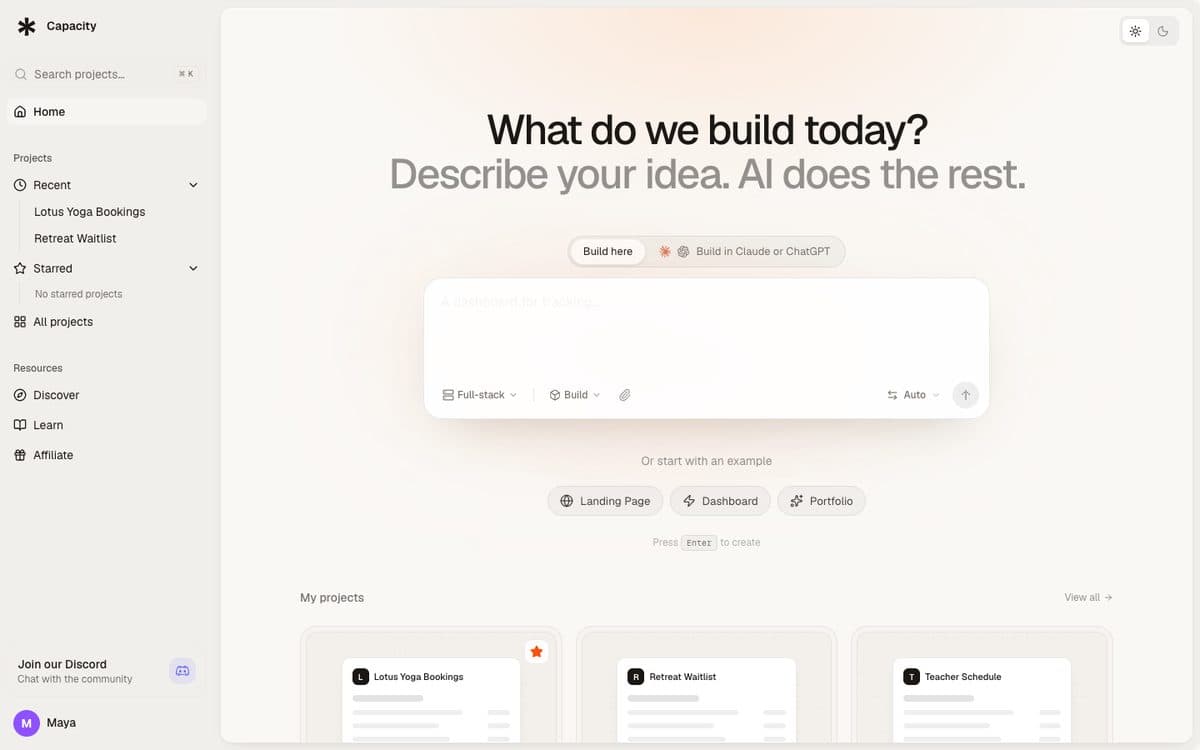
Capacity turns a plain-language description into a working app: a React front end, a server and its own database, published at a capacity.studio address or on your own domain. You describe the tool your team needs, change it by chatting, and see each change in a preview, with a full version history.
Why pick Capacity
- One monthly plan priced by building credits (100 on the $25 Starter plan) with unlimited projects, so several team tools share it.
- Build from Claude, ChatGPT or Mistral through Capacity's connector: your own subscription writes the code, unlimited on every paid plan.
- Email from the tool through Resend, Brevo or SendGrid extensions, and the code as a zip on any paid plan.
Watch out for
- No ready-made connectors to your company's databases and APIs like Retool's or Appsmith's: the app keeps its data in its own database, or in Supabase through the connection.
- Login isn't built in: you add Clerk, Auth0 or a Supabase connection so your team can sign in.
- The web app has no free plan: paid plans start at $25 a month. Capacity Desktop (macOS and Windows) has a free plan with one project.
Pricing
Starter $25/month (100 credits), Growth $69/month (250 credits), Professional $129/month (500 credits), Business $299/month (1,000 credits). Every plan includes unlimited projects, custom domains and unlimited building from Claude and ChatGPT.

02
Zite
Best for non-technical teams replacing spreadsheets with apps and workflows, with unlimited users on every plan.
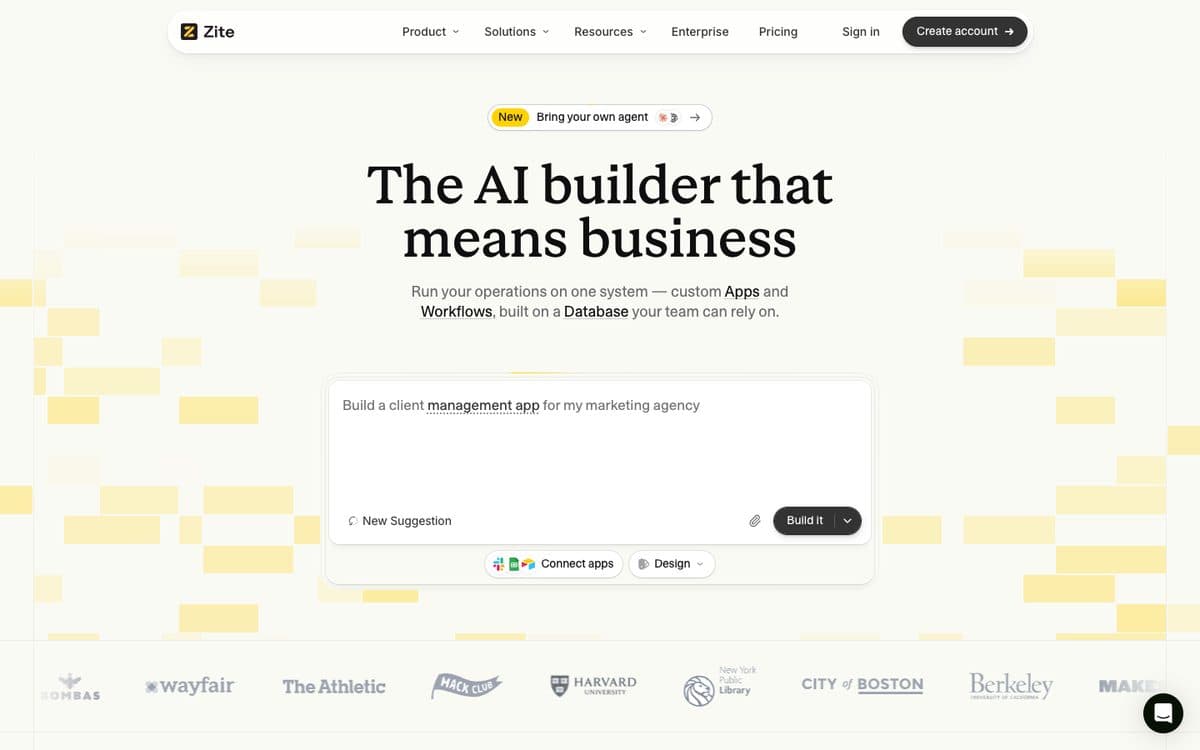
Zite builds business apps and workflows on its own database from a description, so a team can run its operations in one place, from a prompt like "a client management app for my marketing agency", connected to the apps it already uses. Every plan, including Free, has unlimited users, apps and editors.
Why pick it
- Unlimited users, apps and editors on every plan, including Free: the price doesn't grow with your headcount.
- Connects to Google Sheets, Excel files, Airtable, Notion, Snowflake, Gmail, Outlook and Microsoft Teams, among others.
- Internal apps use your organization's members and permissions, with roles by table and action; SSO is on Enterprise.
Watch out for
- Monthly credits cap how much you build: 50 on Free (10 messages a day), 100 on Pro, 400 on Business.
- Records and workflow runs are capped per plan: 5,000 records and 1,000 runs a month on Free.
Pricing
Free: 50 credits a month, 5,000 records, 1,000 workflow runs. Billed yearly: Pro $20/month (100 credits, 100,000 records, a custom domain), Business $75/month (400 credits, 250,000 records, your own AI). Team and Enterprise on request.

03
Glide
Best for operations teams turning the spreadsheet they run on into an internal app for desktop and phone.
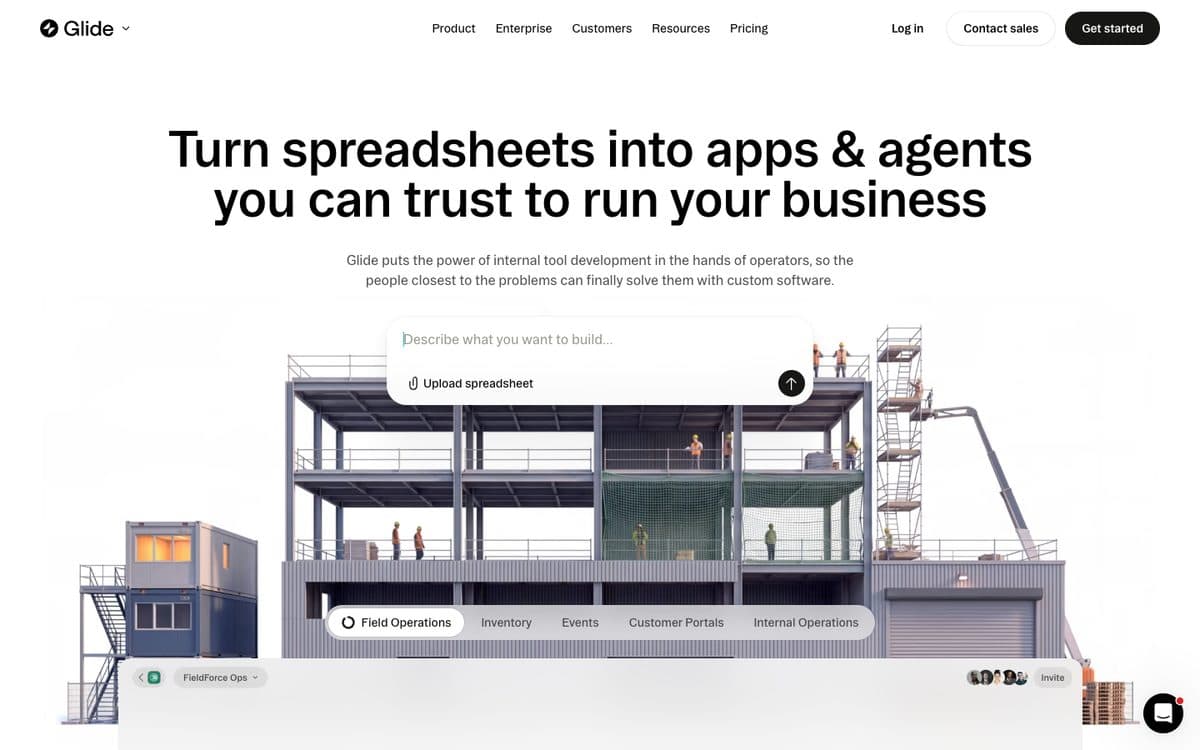
Glide is an AI app builder for internal business apps: you describe the tool, and Glide builds it on its own platform with integrations and workflows, then publishes it to your team or, from Plus, to the public. You choose how hard its agent works (light, medium or heavy).
Why pick it
- Upload a spreadsheet or connect a Google Sheet, and Glide's SheetSense reads every sheet, formulas, lookups and notes included, before the agent builds the app.
- Apps are private to your company by default and work on desktop, tablet and phone.
- Pro adds unlimited published apps and workflows, org-level roles and building with your own agent over MCP.
Watch out for
- A connected Google Sheet is copied in: GlideOS doesn't write changes back to the sheet.
- Pro, where the limits lift, starts at $125 a month for 5 team members.
Pricing
Free: limited credits, 2 team members, 10 projects. Basic: $25/month (100 credits, 2 published apps). Plus: $50/month (250 credits, 5 published apps, public apps). Pro: $125/month for 5 members (500 credits, unlimited published apps and workflows). Enterprise on request.
Internal tool platforms on company data

04
Retool
Best for engineering and operations teams building admin panels and dashboards on their own databases and APIs.
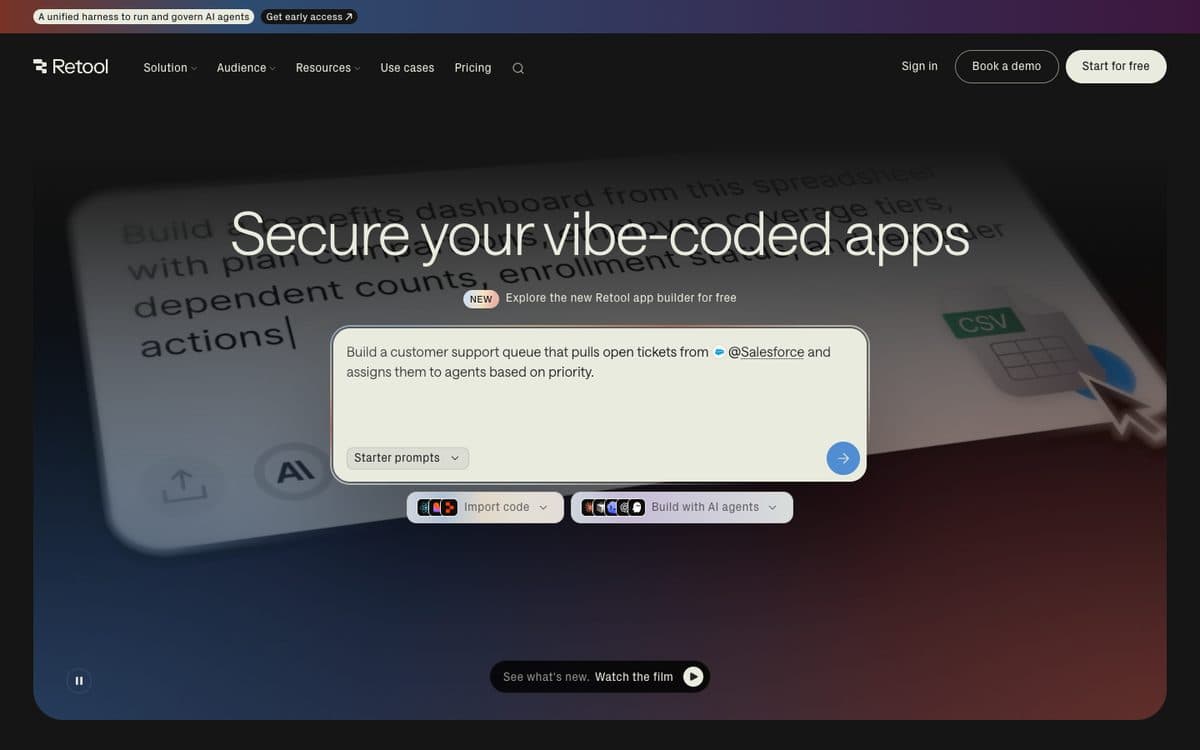
Retool builds internal software with AI: describe the app and its app builder returns a production-ready app with security and governance built in, or build with your own AI agent through Retool's MCP server and command-line tool. Around the apps sit workflows, its own database, mobile apps and self-hosting.
Why pick it
- Connects to all your databases and APIs, with staging and production resources from Team so you can test before touching live data.
- Self-hosted and air-gapped deployments on Enterprise.
- Data-level and role-based permissions on Business; granular roles, Git source control and SSO (SAML or OpenID) on Enterprise.
Watch out for
- Every builder and every internal user is a monthly line: on Team, €9 per builder and €5 per internal user, billed yearly.
- A builder is anyone who created or edited an app or workflow that month, so occasional editors count too.
Pricing
Free: up to 5 users, 250 AI credits a month. Billed yearly: Team €9 per builder and €5 per internal user a month (1,000 AI credits), Business €46 per builder and €14 per internal user (3,000 AI credits, external users and embedded apps, the first 50 external users free). Enterprise: custom. Prices shown in euros from France.

05
Appsmith
Best for developers building admin panels on databases and APIs, who want to host the tool themselves.
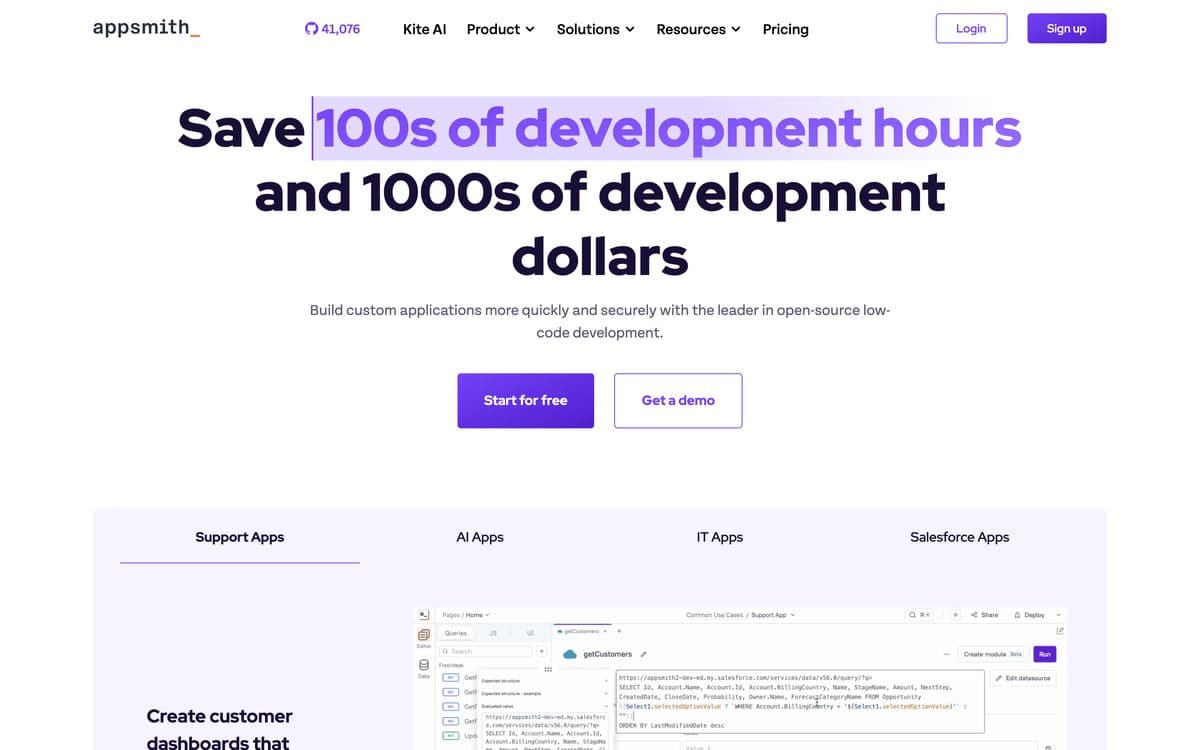
Appsmith is an open-source low-code platform for internal tools such as admin panels, dashboards and back-office apps. You connect databases, SaaS tools and REST or GraphQL APIs, assemble the interface from drag-and-drop widgets and write logic in JavaScript, with AI that writes widgets and logic from a prompt. You can use Appsmith's cloud or host any edition yourself.
Why pick it
- Open source under Apache 2.0, and every edition can run on your own servers, with an air-gapped add-on on Enterprise.
- Git version control on every plan (3 repos on Free), with CI/CD on Enterprise.
- No extra charge for developer seats, and custom domains on every plan.
Watch out for
- Made for developers: you assemble the screens and write JavaScript yourself, with AI helping on widgets and logic.
- Free covers up to 5 cloud users; Business bills every workspace member ($15 a month, up to 99 users), and Enterprise starts at $2,500 a month for 100 users.
Pricing
Free: up to 5 users on the cloud, unlimited apps, 5 workspaces, 3 Git repos, community support. Business: $15 per user/month, billed at the end of each month, up to 99 users, workflows, audit logs, removable branding. Enterprise: $2,500/month for 100 users, SAML/OIDC SSO, SCIM, CI/CD, usually billed yearly. New sign-ups get a 15-day Business trial, and the open-source Community Edition is free to self-host.

06
Budibase
Best for IT teams that want open-source apps, agents and automations on their own data, self-hosted for free.
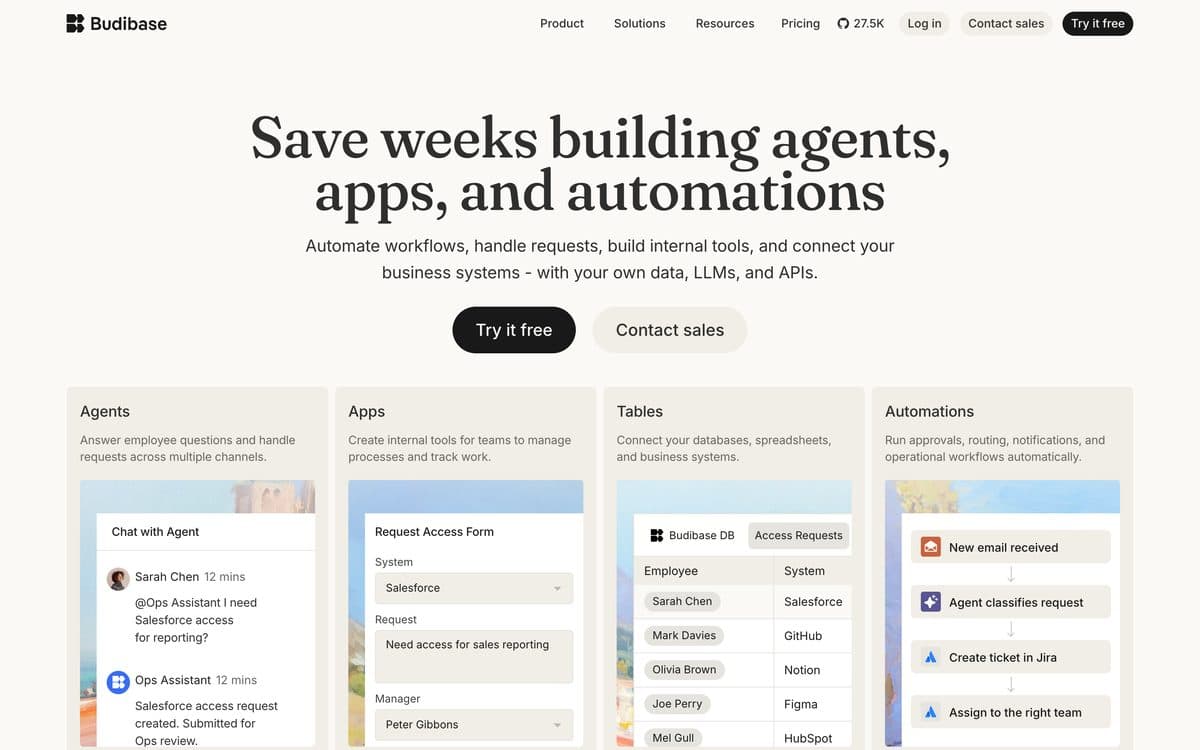
Budibase builds AI agents, internal apps and automations on your own data, models and APIs. Its agents answer employee questions and handle requests in channels like Slack, Discord and Microsoft Teams, its apps give teams forms and tables to manage processes, and its automations run approvals, routing and notifications. It is open source: host it yourself, or let Budibase run it on Budibase Cloud.
Why pick it
- A free, open-source self-hosted plan with unlimited apps, automations, agents and users, on one workspace.
- Connects to the databases, spreadsheets and business systems you already have, and lets you bring your own AI key.
- ISO 27001 certified, with SSO, role-based access and backups, and air-gapped deployment on Enterprise.
Watch out for
- Actions are hard monthly limits: Pro allows 5,000, and when you reach the limit you move to a higher tier to keep agents and automations running.
- On Budibase Cloud, Pro has 1 creator and 1 workspace, and each end user is an add-on at $5 a month (yearly billing; monthly is 20% more).
Pricing
Budibase Cloud, billed yearly: Pro $19/month (5,000 actions, or 10,000 for $29; 1 creator, 1 workspace, 2,000 AI credits), Premium $49/month (20,000 actions, or 50,000 for $79; 10 workspaces, custom branding, SSO), Business $299/month (250,000 actions, 3 creators, unlimited workspaces). Billed monthly: $23, $59 and $359. End users $5 per user a month and extra creators $50 a month on Premium and Business (yearly billing; 20% more monthly). Enterprise: custom. Self-hosted: free open-source plan, Enterprise on request. 14-day free trial.
Apps on your team's data

07
Softr
Best for business teams putting internal tools and portals on Airtable, Google Sheets, HubSpot or Softr's own database.
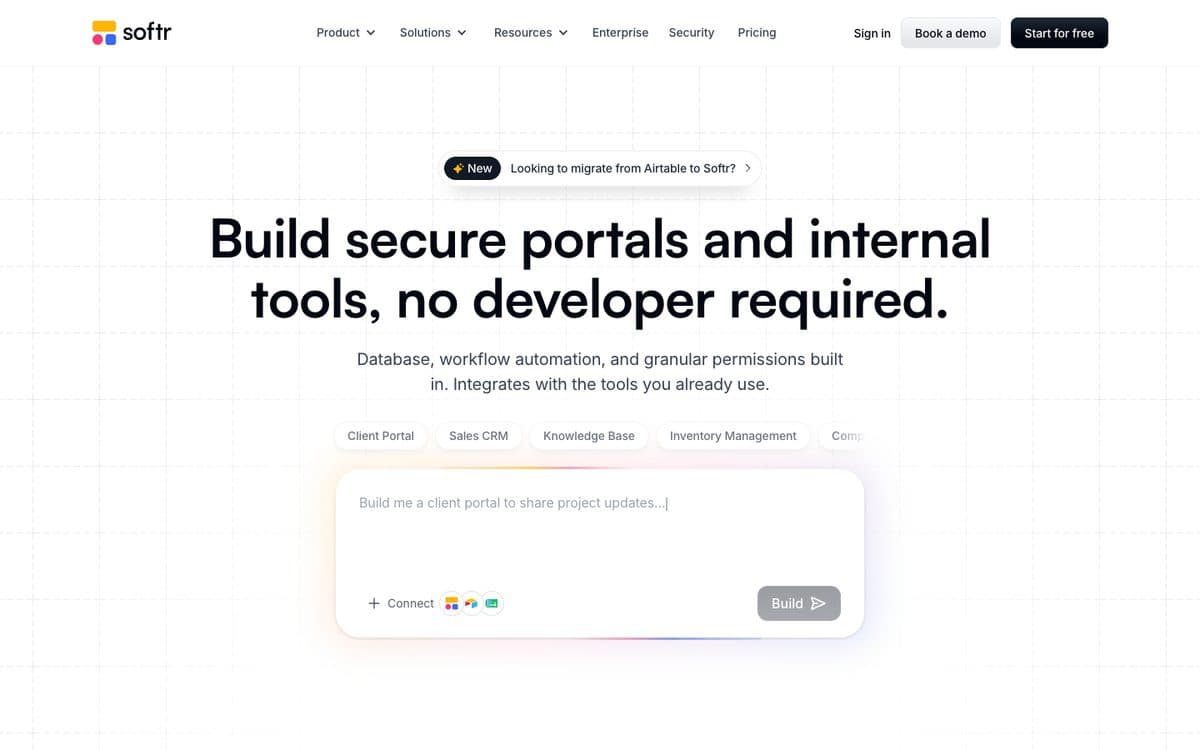
Softr is an AI app builder for business operations: secure internal tools and client portals with databases, workflow automation and integrations included. You build with AI or with no-code blocks, and connect data from its own databases or tools like Airtable and Notion.
Why pick it
- Unlimited apps, databases, workflows, agents and forms even on the free plan, with an API and an MCP server.
- The data stays where it is: Airtable, Google Sheets, Notion, HubSpot or Salesforce, with PostgreSQL, MySQL and SQL Server on Business.
- Team users, on your company's email domain, are counted apart from client users: Pro includes 10 team and 50 client users.
Watch out for
- AI credits are few (5 a month free, 10 on Basic, 50 on Pro), so most building is done with no-code blocks.
- Granular permissions start on Pro ($99 a month billed yearly); SQL databases and global data restrictions on Business ($329).
Pricing
Free: 5 AI credits a month. Billed yearly: Basic $19/month (10 AI credits, custom domain), Pro $99/month (50 AI credits, no Softr branding, permissions, custom code), Business $329/month (100 AI credits, 2FA, installable mobile app with push notifications). Yearly billing gives two months free.

08
Airtable
Best for teams whose tool is mostly a shared table, with interfaces and automations built on top.
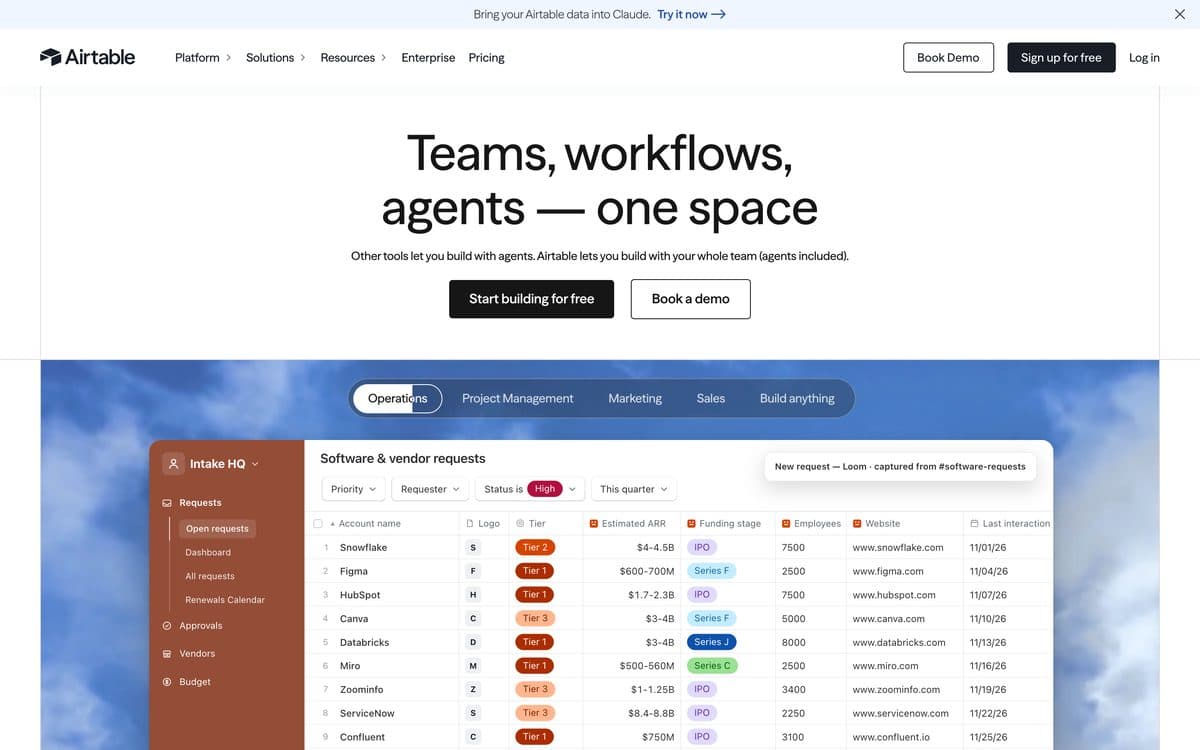
Airtable is a no-code platform where teams build apps on shared tables, with interfaces, automations and AI. Omni, its conversational builder, creates an app's tables, interfaces and automations from a description and answers questions about your data. Apps run in Airtable on the web and in its iOS and Android apps.
Why pick it
- Omni builds tables, interfaces and automations from a description, on every plan including Free.
- Building and changing apps with Omni uses no AI credits; analysis questions about your data cost 10 credits each.
- Everything Omni creates stays editable with Airtable's drag-and-drop tools, alongside its integrations and sync.
Watch out for
- Priced per seat, and records are capped per base: 1,000 on Free, 50,000 on Team, 125,000 on Business.
- Apps live inside Airtable; giving people outside your team access needs the Portals add-on, from $120 a month for 15 guests.
Pricing
Free: up to 5 editors, 1,000 records per base, 500 AI credits per editor a month, 100 automation runs. Team: $20 per seat/month billed yearly or $24 billed monthly, 50,000 records per base, 15,000 AI credits per paid user, 25,000 automation runs. Business: $45 per seat/month billed yearly or $54 monthly, 125,000 records, 20,000 AI credits, SSO. Enterprise Scale: custom pricing, 500,000 records. Extra AI credits from $20/month for 10,000.
Inside Microsoft 365 and Google Workspace

09
Microsoft Power Apps
Best for companies on Microsoft 365 building internal apps on Dataverse and the connectors they already use.
Power Apps is Microsoft's low-code platform for business apps. Copilot turns a description into Dataverse tables you then build a canvas app on, an uploaded Excel or CSV file becomes a Dataverse table and an app, and you can also build on a workbook kept in OneDrive or another cloud store. The wrap feature packages canvas apps as branded iOS and Android apps for Google Play, Apple Business Manager or Microsoft Intune.
Why pick it
- Builds on Microsoft 365 and Dataverse, with prebuilt, custom and on-premises connectors.
- Starts from data you already have: upload an Excel or CSV file (up to 5 GB) or connect to a workbook in the cloud.
- A free Developer Plan to build and test unlimited apps, and Premium users can run unlimited apps.
Watch out for
- Everyone who uses an app needs a license: Premium at $20 per user a month (yearly), or pay-as-you-go at $10 per active user per app a month. The Developer Plan is for building and testing, not production.
- Building with Copilot needs a Dataverse database in your environment, some Copilot features are in preview, and availability depends on your region.
Pricing
Developer Plan: free, to build and test apps in three developer environments, not for production. Power Apps Premium: $20 per user/month, paid yearly, unlimited apps for the assigned user, 250 MB Dataverse database and 2 GB file capacity. Premium with a 2,000-seat minimum: $12 per user/month, paid yearly. Pay-as-you-go through Azure: $10 per active user per app per month (Microsoft Learn). Extra Dataverse database capacity: $40 per GB/month, paid yearly.

10
Google AppSheet
Best for teams on Google Workspace who want internal apps on their Sheets, often already paid for.
AppSheet is Google's no-code app builder: apps and automations on Google Sheets, its own database, SQL databases and APIs, with forms, barcodes, signatures and photos, and integrations with Gmail, Chat and the rest of Google Workspace. With Gemini, you describe what the app should do and it builds it.
Why pick it
- AppSheet Core comes with most paid Google Workspace plans, so many teams already have it.
- Close to the spreadsheet model teams know, with automations that send email, SMS and push notifications.
- Free to build and test with up to 10 users, for as long as you like.
Watch out for
- Every signed-in user counts toward the per-user price, $5 to $20 a month by plan.
- Public apps without sign-in need a Publisher Pro subscription, and building with Gemini needs a paid Google Workspace license.
Pricing
Free to build and test with up to 10 users. Starter $5 per user per month, Core $10 (included in most paid Google Workspace plans), Enterprise Plus $20. Public apps need AppSheet Publisher Pro.
The 10 tools, side by side. From each official site, October 17, 2026.
| Feature | Capacity | Zite | Glide | Retool | Appsmith | Budibase | Softr | Airtable | Microsoft Power Apps | Google AppSheet |
|---|---|---|---|---|---|---|---|---|---|---|
| Paid plans from | $25/month | $20/month (yearly) | $25/month | €9/builder/month (yearly) | $15/user/month | $19/month (yearly) | $19/month (yearly) | $20/seat/month (yearly) | $20/user/month (yearly) | $5/user/month |
| Free plan | Desktop only (1 project) | Yes | Yes | Yes, up to 5 users | Yes, up to 5 users (cloud) | Self-hosted open source | Yes | Yes | Developer Plan, not for production | To build and test |
| How people are billed | Monthly plan with building credits | Unlimited users on every plan | Team members per plan (5 on Pro) | Per builder and per internal user | Per user on Business | Cloud end users $5/month each | App users capped per plan | Per seat | Per user, or per active user per app | Per user |
| Your existing data | Own database; Supabase connection | Sheets, Excel, Airtable, Notion, Snowflake | Spreadsheets and files, copied in | All databases and APIs | Databases, SaaS tools, REST and GraphQL | Databases, spreadsheets, business systems | Airtable, Sheets, HubSpot; SQL on Business | Its own tables, integrations and sync | Dataverse, Microsoft 365, on-premises | Sheets, SQL databases, APIs |
| Self-hosting | – | – | – | Enterprise, including air-gapped | Every edition; Community Edition free | Free open-source plan | – | – | – | – |
| Mobile | Native (Expo, TestFlight and Google Play) | – | Desktop, tablet and phone | Retool Mobile | – | – | Installable web app (Business) | iOS and Android apps | Power Apps mobile; wrap for the stores | Mobile and web apps |
How to choose. Start from what you need, not from the ranking.
 A spreadsheet replaced, unlimited usersZiteA custom tool built from a descriptionCapacity
 The spreadsheet your team runs on, as an appGlide
 Admin panels on company databasesRetool
 Open source, on your own serversAppsmith
 Self-hosted apps, agents and automationsBudibase
 Tools on Airtable, Sheets or HubSpot dataSoftr
 A shared table with interfaces on topAirtable
 Your company runs on Microsoft 365Microsoft Power Apps
 Your company runs on Google WorkspaceGoogle AppSheet
Questions people ask. Short answers, with the details above.
What is the best AI tool to build internal tools?
For tools on your company's databases and APIs, Retool, with Appsmith and Budibase as open-source options you can host yourself. To replace a spreadsheet without a developer, Zite (unlimited users) or Glide. On Microsoft 365, Power Apps; on Google Workspace, AppSheet. For a custom tool built from a description, Capacity.
Which internal tool builder is cheapest for a team?
It depends on how many people use the tool. Zite includes unlimited users from its free plan, with Pro at $20 a month billed yearly. Per-person tools grow with the team: AppSheet from $5 per user, Retool €5 per internal user plus €9 per builder (Team, yearly), Appsmith $15 per user, Power Apps $20 per user billed yearly. Budibase and Appsmith can be self-hosted for free.
Can I build an internal tool on my existing database?
Yes. Retool connects to all your databases and APIs, Appsmith to databases, SaaS tools and REST or GraphQL APIs, and Budibase to databases, spreadsheets and business systems. Softr connects PostgreSQL, MySQL and SQL Server on its Business plan, AppSheet works with SQL databases, and Power Apps has on-premises connectors. Capacity and Glide keep the data in their own database.
Which internal tool builders can I self-host?
Appsmith (every edition, with a free open-source Community Edition), Budibase (a free open-source self-hosted plan with unlimited users) and Retool (self-hosted and air-gapped on Enterprise).
Retool, Appsmith or Budibase?
Retool is a hosted platform priced per builder and per user, with rich permissions on Business and self-hosting on Enterprise. Appsmith is open source, built for developers who write JavaScript, and bills $15 per user on its cloud Business plan. Budibase is open source too, adds AI agents and automations, and its self-hosted plan is free with unlimited users.
Can non-developers build internal tools with AI?
Yes. Zite, Glide and Capacity build from a description, Airtable's Omni builds tables, interfaces and automations from a prompt on every plan, and Softr builds with AI or no-code blocks. Retool also generates apps from a description, while Appsmith expects you to write some JavaScript.
Is AppSheet included in Google Workspace?
AppSheet Core is included in most paid Google Workspace plans, so many teams already have it. Otherwise AppSheet costs $5 per user a month on Starter, $10 on Core and $20 on Enterprise Plus, and it's free to build and test with up to 10 users.
Related comparisons
Try the one we build.
Describe your app in a sentence and Capacity builds it, or connect it to Claude or ChatGPT and build from the chat. Plans from $25 a month.