Quick answer
If you don't code, pick an app builder. Lovable is the one most guides name first for a web app, Bolt.new has the most generous free plan, Replit puts the agent, the code and hosting in one place, and Base44 has the cheapest entry plan. Capacity, which we make, builds a working app from a description or straight from Claude or ChatGPT, with native mobile apps.
If you write code, pick a coding agent. Cursor is the AI editor most guides recommend, Claude Code and OpenAI Codex come with the Claude or ChatGPT plan you may already pay for, GitHub Copilot is the cheapest paid plan at $10 a month, Google Antigravity is free for individuals, Devin takes whole tasks and returns pull requests, and Cline is open source.
v0 sits between the two: it builds polished React interfaces and deploys them on Vercel.
| Tool | Best for | Paid plans from | Free plan | Watch out for |
|---|---|---|---|---|
| Capacity | non-technical founders who want a real app online, built from a description or from Claude or ChatGPT. | $25/month | Web app: no. Desktop: 1 project | No free plan on the web; login via Clerk or Supabase |
 Lovable Lovable | a web app from a chat, with the code synced to GitHub. | €25/month | Yes, 5 credits a day (up to 30 a month) | Builds web apps, not native ones |
 Bolt.new Bolt.new | building in the browser with a free plan generous enough to try a real idea. | $25/month | Yes, 1M tokens a month | Token use grows with the project |
 Replit Replit | people who want an AI agent, a real code workspace and hosting in one place. | $20/month | None listed | Heavier Agent work billed by effort |
 Base44 Base44 | non-technical builders who want an all-in-one app with the backend handled. | $16/month (yearly) | Yes, 25 message credits a month | Two kinds of credits to track |
 v0 by Vercel v0 by Vercel | React and Next.js teams who want polished UI and deploy on Vercel. | $30/user/month | Yes, 7 messages a day | Cost depends on the model and tokens |
 Cursor Cursor | developers who want an AI editor with agents built in. | $8/month | Yes, limited | No hosting; you deploy yourself |
| Claude Code | developers who want Anthropic's coding agent in their terminal, IDE or browser. | Claude Pro (€18/month) | No | No hosting; built for developers |
 OpenAI Codex OpenAI Codex | developers who already pay for ChatGPT and want an agent in the cloud, the terminal and the IDE. | ChatGPT Plus (€23/month) | Limited, on ChatGPT Free | Limits follow your ChatGPT plan |
 GitHub Copilot GitHub Copilot | developers whose code already lives on GitHub, at the lowest paid price here. | $10/month | Yes, 2,000 completions a month | Agent use draws on monthly credits |
 Google Antigravity Google Antigravity | developers who want several agents working in parallel, free to start. | Free; more with Google AI Pro | Yes, with weekly rate limits | Limits depend on your Google AI plan |
 Devin Devin | teams handing whole tasks to an agent, and Windsurf users (its editor is now Devin Desktop). | $20/month | Yes, light quota | Returns pull requests, not a hosted app |
 Cline Cline | developers who want an open-source agent and to pay only for the AI they use. | Free + AI usage | Yes, open source | You pay for AI inference as you go |
What counts as vibe coding. Two kinds of tools, for two kinds of people.
You describe, the AI writes the code
Vibe coding is building software in plain language: you say what you want, and an AI writes it, runs it and fixes it while you watch the result rather than the code.
App builders, for people who don't code
Capacity, Lovable, Bolt.new, Replit, Base44 and v0 take a description and return a running app, usually with hosting. You steer by chatting and looking at a preview.
Coding agents, for developers
Cursor, Claude Code, Codex, Copilot, Antigravity, Devin and Cline work on a codebase you own, in your editor or terminal. You review what they write and deploy it yourself.
Where the money goes
Builders bill credits or tokens on top of a plan and include hosting. Agents come with a subscription you may already have (Claude, ChatGPT, Google AI, GitHub) or bill the AI you use, and leave hosting to you.
How we compared them. The same questions for every tool.
- Who it's for: someone who never wants to see code, or a developer working on a codebase.
- What you get from one sentence: an interface, a full app with its data, or changes in your repository.
- Whether hosting, a database and a custom domain are included.
- How you pay: credits, tokens, effort, a subscription you already have, or the AI you use.
- Native mobile apps for iOS and Android.
- Where the code lives, and whether you can take it with you.
App builders, for people who don't code
01 · our product
Capacity
Best for non-technical founders who want a real app online, built from a description or from Claude or ChatGPT.
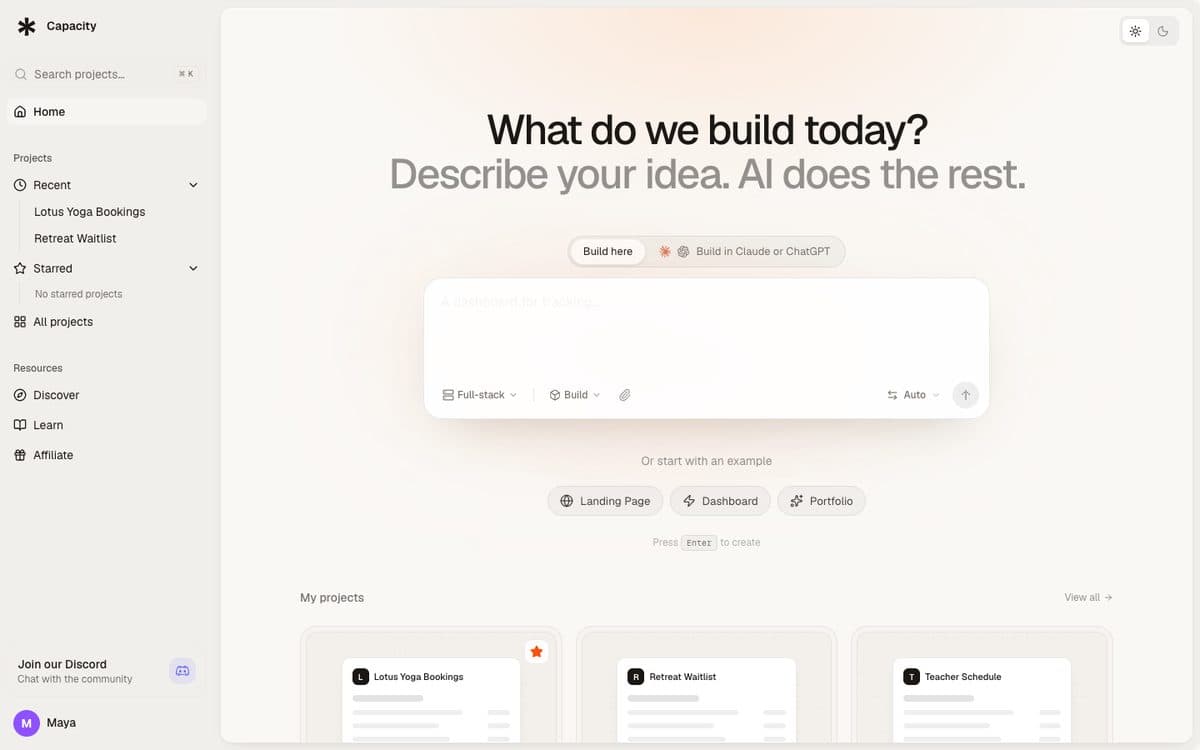
Capacity turns a plain-language description into a working app: a React front end, a server and its own database, published at a capacity.studio address or on your own domain. You change it by chatting and watch each change in the preview. You choose the model (Claude Opus 5.5, Claude Sonnet 5.5, Fable 5.1, Mistral Large 4 or Kimi K3) or leave it on Auto.
Why pick Capacity
- A fixed monthly price: each plan comes with a set number of credits, and building from Claude, ChatGPT or Mistral is unlimited on every paid plan, because your own subscription writes the code while Capacity hosts the app.
- Native mobile apps: Expo projects that you submit to TestFlight and Google Play from the publish dialog, with your own store accounts.
- Hosting, a database and a custom domain are part of every paid plan, with a full version history to roll back any change.
- Capacity Desktop ($249 once, macOS) runs the same builder on your Mac with your Claude Code or ChatGPT plan, and pushes the code to your own GitHub.
Watch out for
- The web app has no free plan for building: paid plans start at $25 a month. Capacity Desktop has a free plan with one project.
- Login isn't built in: you add it with the Clerk extension or a Supabase connection.
- In the web app, your code downloads as a zip; pushing to your own GitHub is a Desktop feature.
- A smaller community and template library than Lovable's or Replit's.
Pricing
Starter $25/month (100 credits), Growth $69/month (250 credits), Professional $129/month (500 credits), Business $299/month (1,000 credits). Every plan includes unlimited projects, custom domains and unlimited building from Claude and ChatGPT.

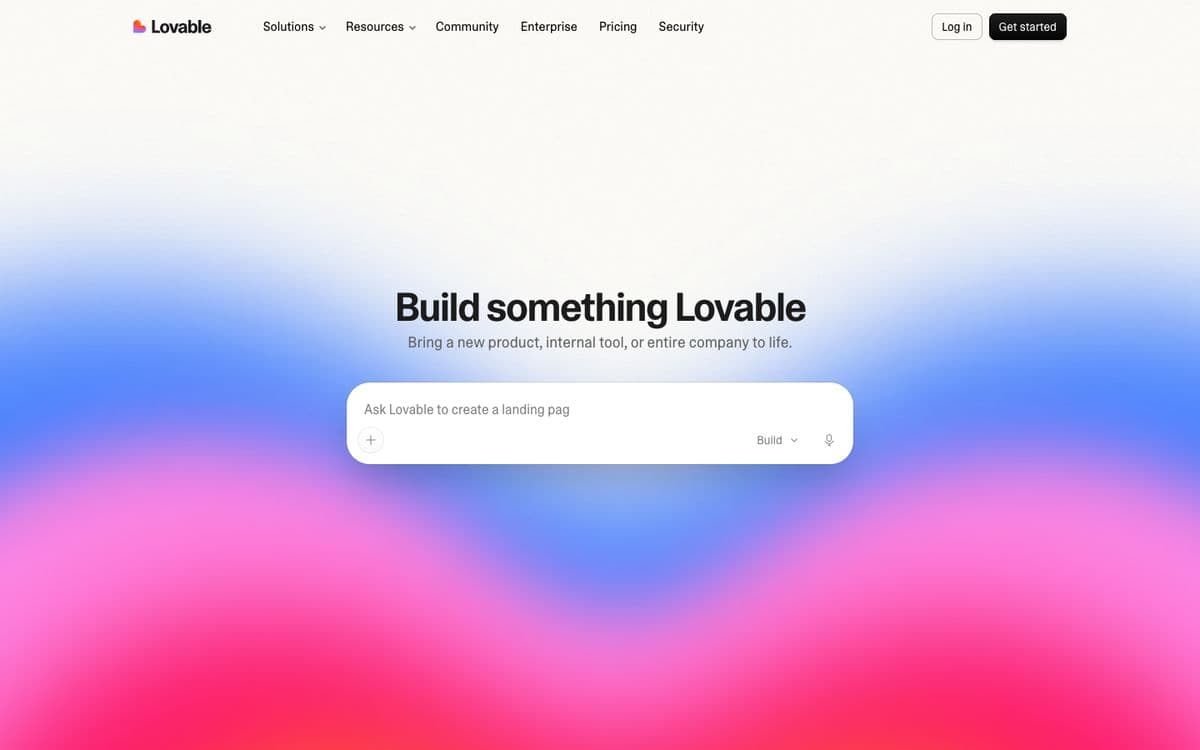
Lovable builds web apps from a chat with a live preview beside it. Lovable Cloud adds the backend, with a database, user login, file storage and server functions on a Supabase foundation, and your code syncs both ways with GitHub on every plan.
Why pick it
- The tool most 2026 guides name first for non-technical founders building a web app.
- The chat and the preview are the whole interface, and Lovable Cloud adds the database, login and storage.
- Two-way GitHub sync on every plan, including Free, so a developer can take over later.
Watch out for
- Each message uses credits, and Lovable Cloud usage is billed in credits too once its monthly grant is used.
- For the App Store or Google Play, Lovable points you to a PWA or a Capacitor wrapper you set up yourself.
Pricing
Free: 5 build credits a day, up to 30 a month. Pro: €25/month for 100 monthly credits, with rollovers, top-ups and custom domains. Business: €50/month, adding a team workspace and SSO. Prices shown in euros from France.

03
Bolt.new
Best for building in the browser with a free plan generous enough to try a real idea.
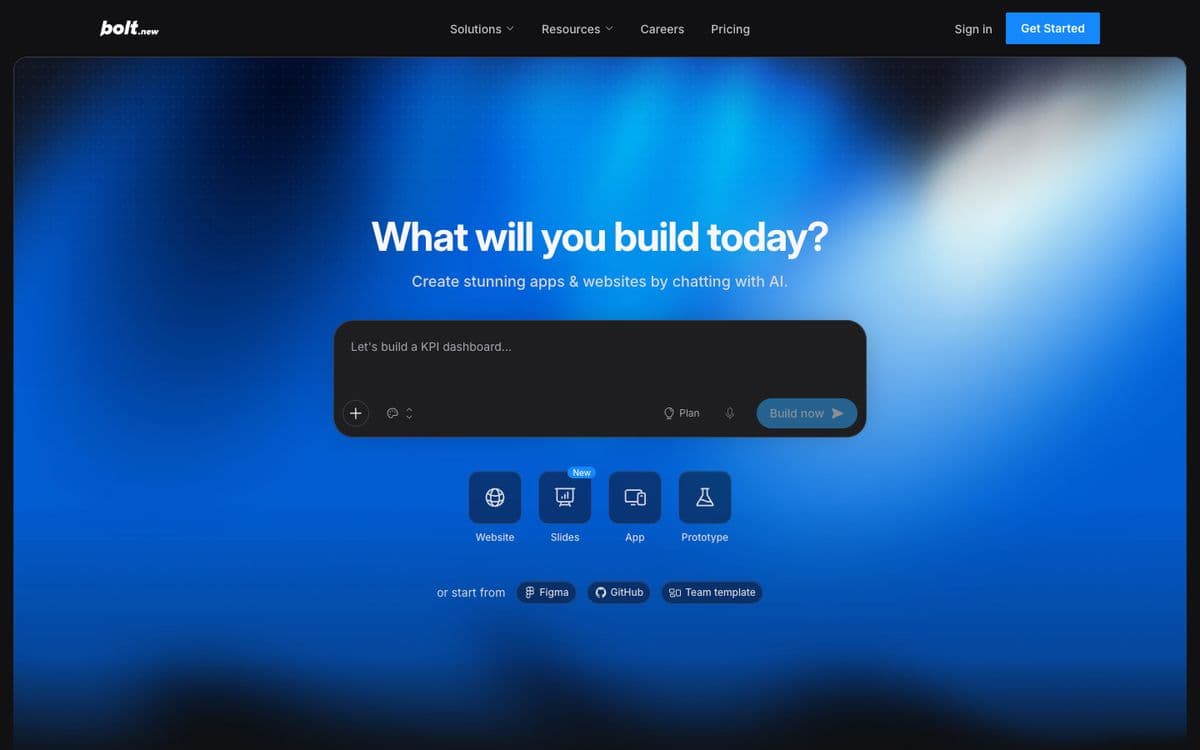
Bolt, from StackBlitz, builds websites and web apps from a chat in your browser and deploys them. Like Replit, the code sits right there if you want it; unlike Replit, the chat and the preview stay in front.
Why pick it
- One of the most generous free plans here: 300K tokens a day, 1M a month.
- You can start from a prompt, a Figma file, a GitHub repository or a team template.
- On Pro, unused tokens roll over to the next month.
Watch out for
- Billing is in tokens, and long fix-and-retry sessions on a large project use them up faster.
- Teams pay per member, $30 a month each.
Pricing
Free: 300K tokens a day, 1M a month. Pro: $25/month, no daily limit, from 10M tokens a month, unused tokens roll over. Teams: $30 per member per month.

04
Replit
Best for people who want an AI agent, a real code workspace and hosting in one place.
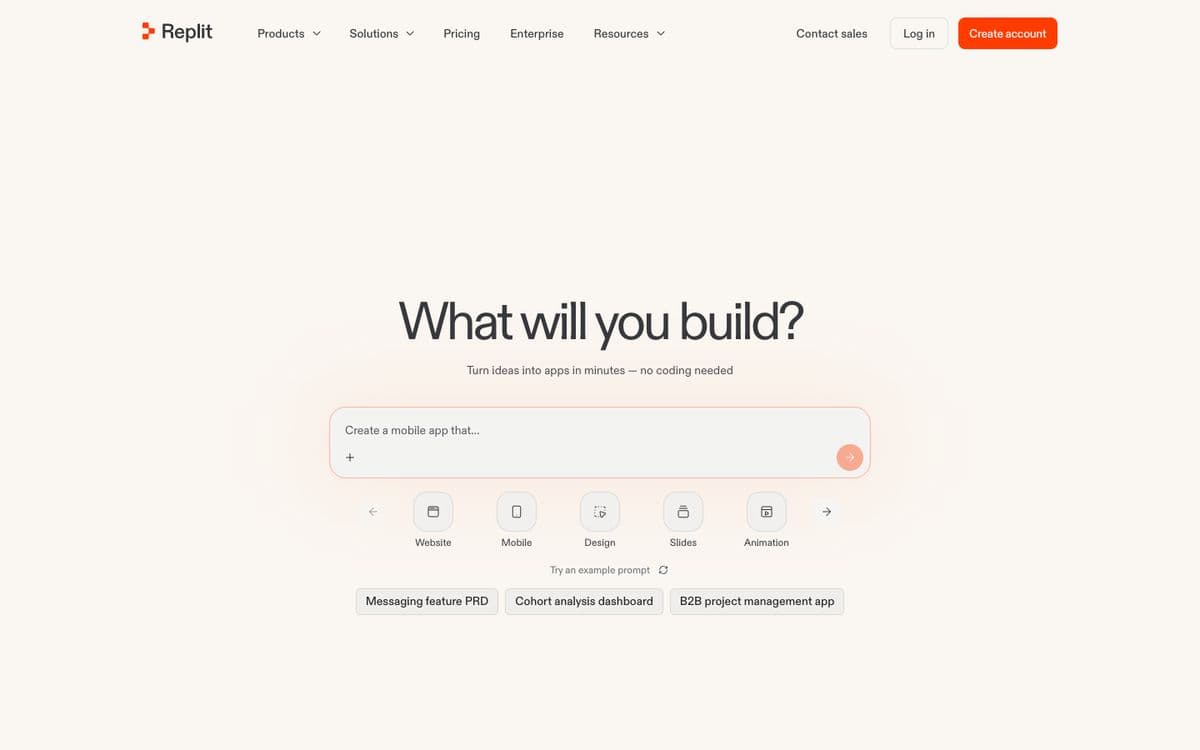
Replit Agent builds web and mobile apps from a chat, sets up the database and user login, tests its own work in a browser, and publishes the app with hosting, monitoring and custom domains. The code sits in a full cloud workspace you can open whenever you want.
Why pick it
- Everything from the first prompt to hosting lives in one product.
- The Agent tests and fixes its own work in a browser while it builds.
- Up to ten agents working in parallel on the Pro plan.
Watch out for
- Plans include monthly credits ($20 on Core); beyond them, usage is billed by effort, so a long build is hard to price in advance.
- The workspace shows the technical side, which can be a lot for non-technical founders.
Pricing
Core: $20/month ($18/month billed yearly), with up to 30 hours of chat on Free Mode and $20 of usage for the more powerful models. Pro: $100/month ($90/month billed yearly). Enterprise on request. No free plan is listed on the pricing page.

05
Base44
Best for non-technical builders who want an all-in-one app with the backend handled.
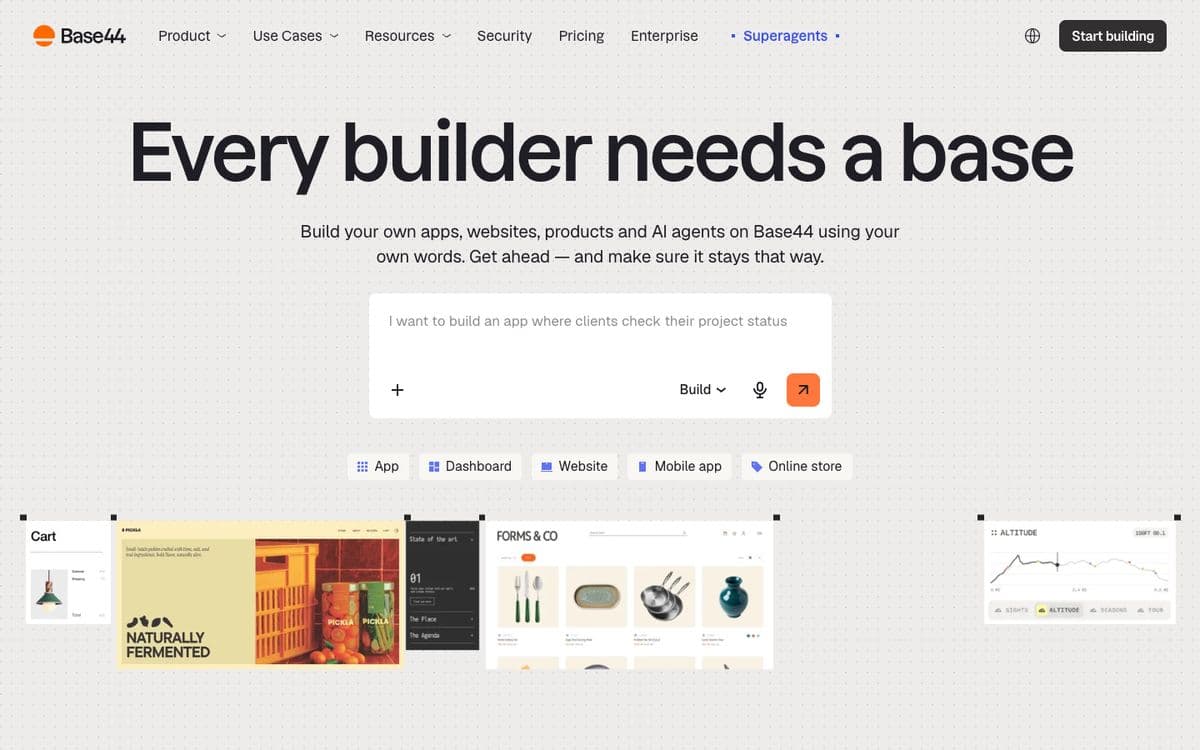
Base44, owned by Wix since 2025, builds the front end, backend, database, user login and payments from a plain-language description, runs the apps on its own infrastructure, and connects to tools like Gmail, Slack, Notion and HubSpot. It makes websites, internal tools, online stores and mobile apps.
Why pick it
- The lowest entry price for an app builder on this list: Starter is $16 a month billed yearly.
- Login and payments are part of what it builds, not an add-on.
- It wraps your app for the App Store and Google Play and helps you submit it.
Watch out for
- Plans count two kinds of credits, message credits and integration credits, so check both before a busy month.
- GitHub integration starts on the Builder plan ($40 a month billed yearly).
- Store apps are your web app in a native web view, not a native rebuild.
Pricing
Free: 25 message credits a month. Billed yearly: Starter $16/month (100 message credits), Builder $40 (250), Pro $80 (500), Elite $160 (1,200). Monthly billing costs about 20% more.

06
v0 by Vercel
Best for React and Next.js teams who want polished UI and deploy on Vercel.
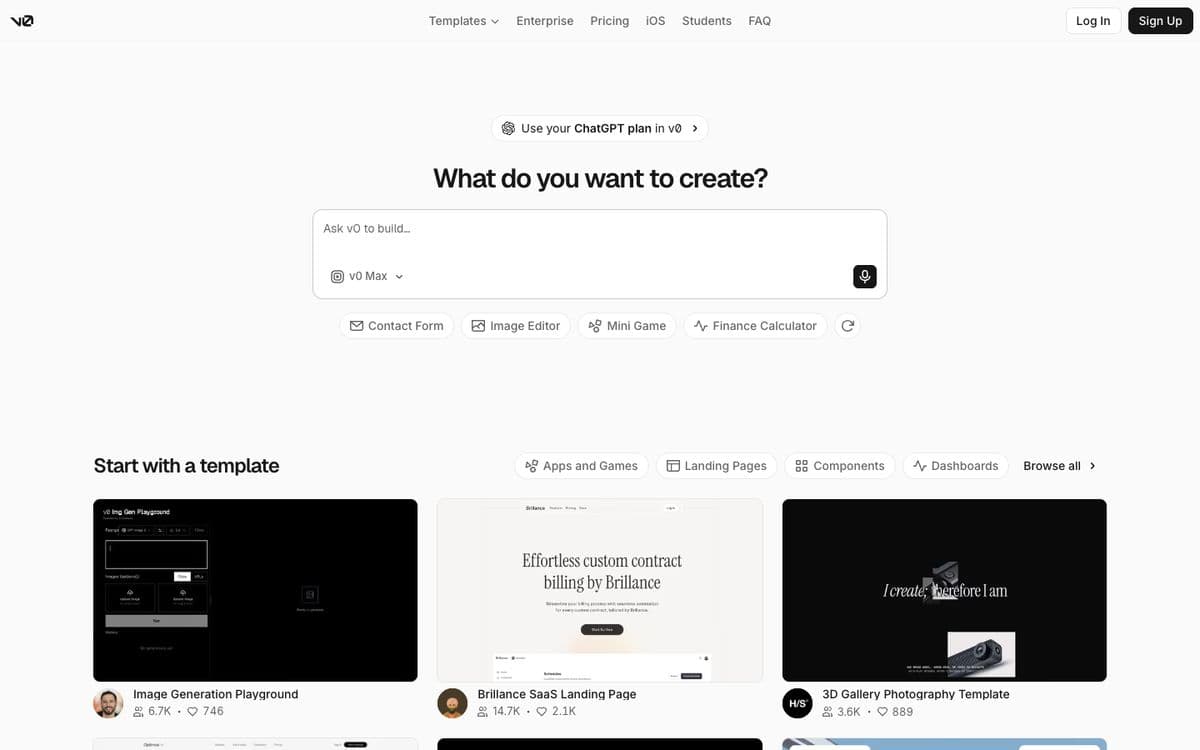
Vercel's v0 builds web apps and interfaces from a prompt, with a visual Design Mode, GitHub sync and one-click deploys to Vercel. It's known for clean React and Tailwind output that developers can drop into an existing codebase.
Why pick it
- Some of the most polished interface code of any tool here.
- GitHub sync and deploys to Vercel on every plan, including the free one.
- Teams share chats and billing on vercel.com.
Watch out for
- The free plan gives $5 of one-time credits, then 7 messages a day.
- Usage is billed by tokens at each model's rate, so cost depends on the model you pick.
- It assumes you're comfortable around React and Vercel.
Pricing
Free: $5 of one-time credits, 7 messages a day. Plus: $30 per user per month, with $30 of monthly credits and $2 of free daily credits. Business: $100 per user per month.
Coding agents, for developers

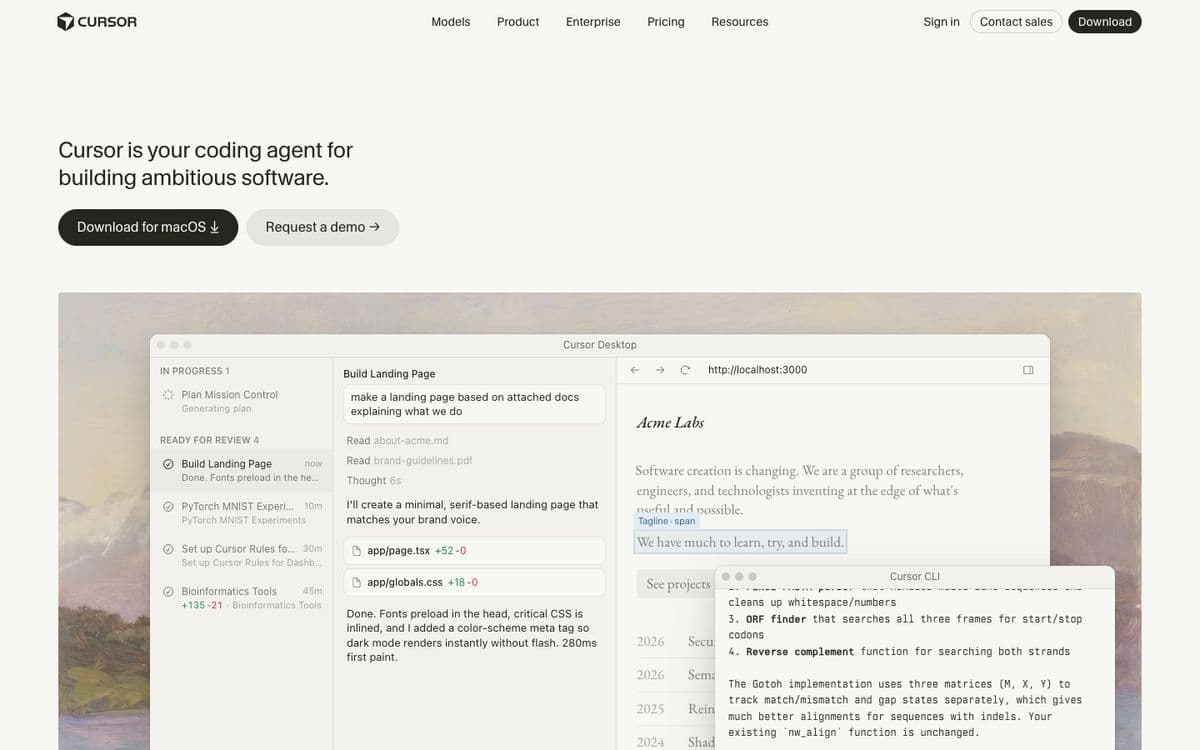
Cursor is a code editor built around AI agents. You open your project, describe the change, and the agent edits the files; you review and keep what works. It's the most common pick in 2026 guides for developers who want AI inside their editor. Its plans now bundle Grok models and features from X.
Why pick it
- Your code stays on your machine and in your repository.
- Works on any stack, not only the ones a hosted builder supports.
- Cloud agents and automations on the higher plans.
Watch out for
- It's a developer tool: there's no hosting or database, and you deploy the app yourself.
- The plans mix AI usage with Grok and X features, so read what each tier includes.
Pricing
Free with limited AI usage. Plus $8/month, Premium $30/month (4x more usage than Plus), Super $100/month, Ultra $200/month. Teams from $30 per user per month.
08
Claude Code
Best for developers who want Anthropic's coding agent in their terminal, IDE or browser.
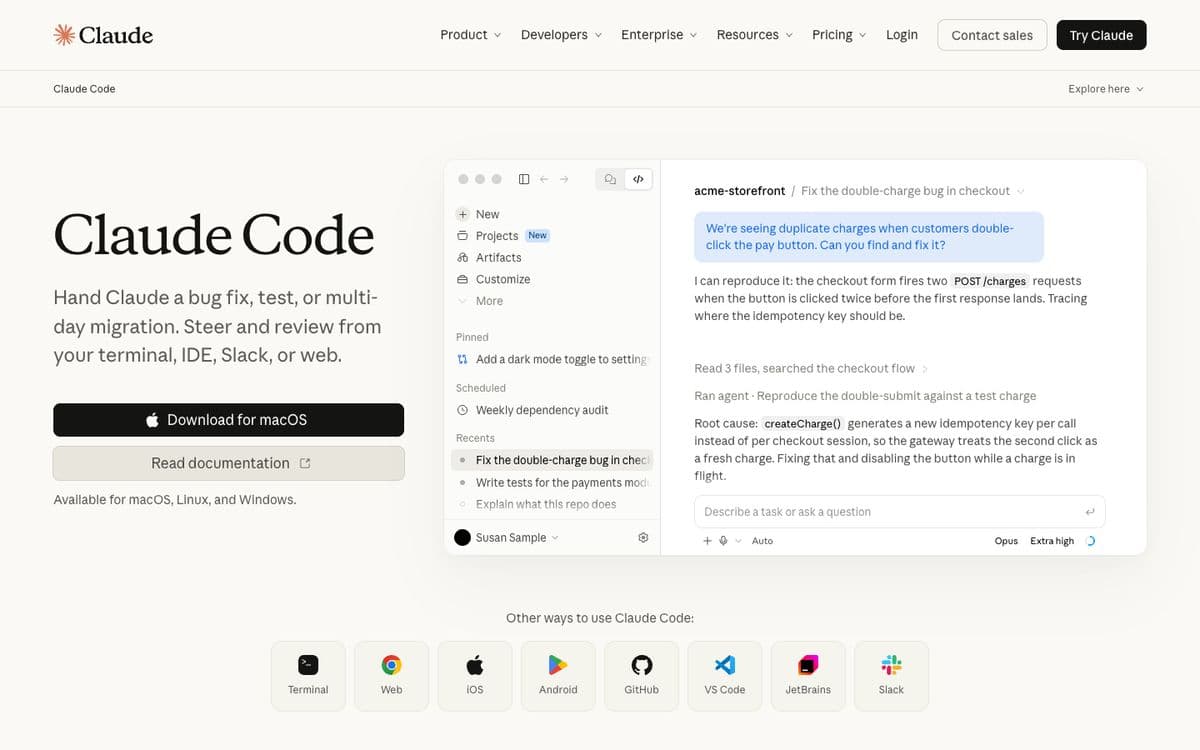
Claude Code is Anthropic's coding agent. You give it a task, from a bug fix to a multi-day migration, and steer it from your terminal, your IDE, Slack or the web. It runs on macOS, Linux and Windows and comes with a Claude subscription.
Why pick it
- Included in Claude Pro and Max, so the price is a flat subscription rather than a meter per task.
- Works on any codebase, with the code on your machine and in your repository.
- If you'd rather not run it yourself, Capacity Desktop runs Claude Code for you on a Mac, and Capacity's web app builds from Claude.ai.
Watch out for
- There's no hosting or database: you deploy and run the app yourself.
- It's built for developers and expects you to review code.
Pricing
Included in Claude Pro: €18/month, or €15/month billed yearly (prices shown in Europe). Max from €90/month for 5x or 20x more usage.

09
OpenAI Codex
Best for developers who already pay for ChatGPT and want an agent in the cloud, the terminal and the IDE.
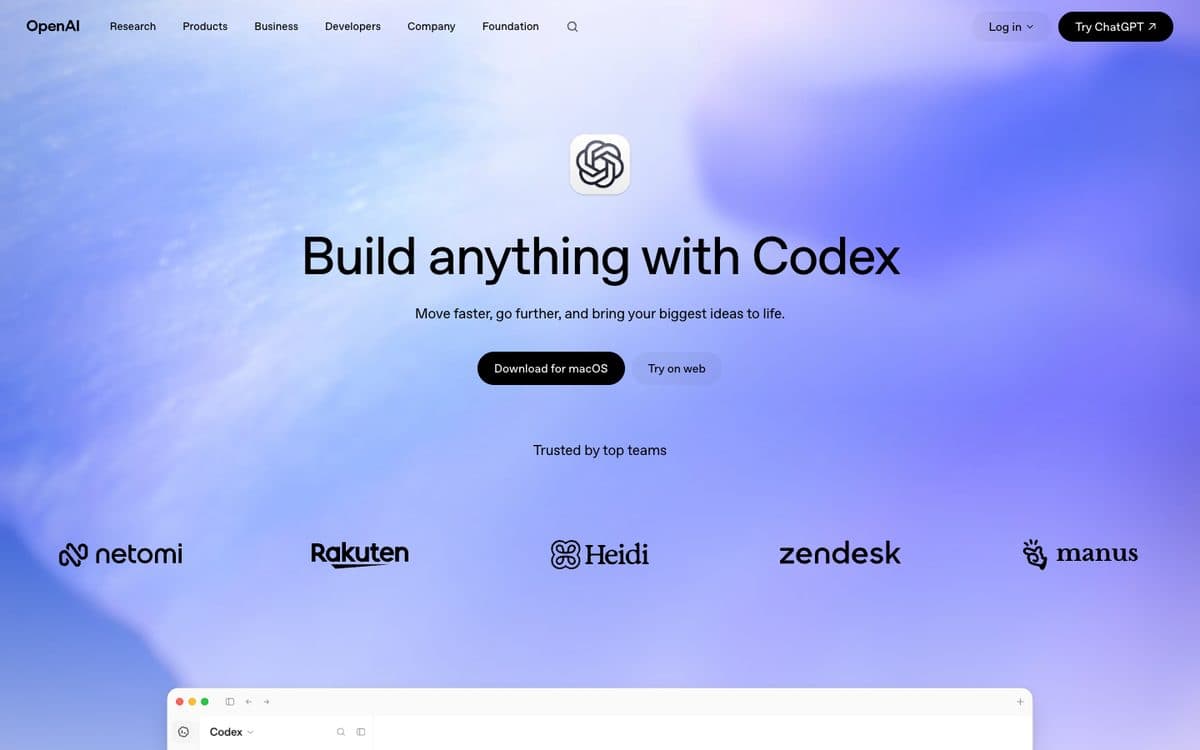
Codex is OpenAI's coding agent, included in ChatGPT plans. It runs in the ChatGPT app on macOS, on the web as Codex cloud, as an extension in your IDE and as a command-line tool, all tied to the same ChatGPT account.
Why pick it
- Included in ChatGPT Plus, Pro and Business, so you may already have it.
- Cloud tasks keep running when you close your laptop, with a reusable environment for each repository.
- It runs several agents in parallel and reviews pull requests automatically.
Watch out for
- It works on a repository: there's no hosting or database, and you deploy the app yourself.
- OpenAI sizes Plus for focused coding sessions each week; for full workdays it points to Pro, from €103 a month.
Pricing
Free: limited Codex access. Plus: €23/month. Pro: from €103/month, with three usage tiers. Business: €21 per user per month billed yearly, for 2 seats or more. Prices shown in euros from France.

10
GitHub Copilot
Best for developers whose code already lives on GitHub, at the lowest paid price here.
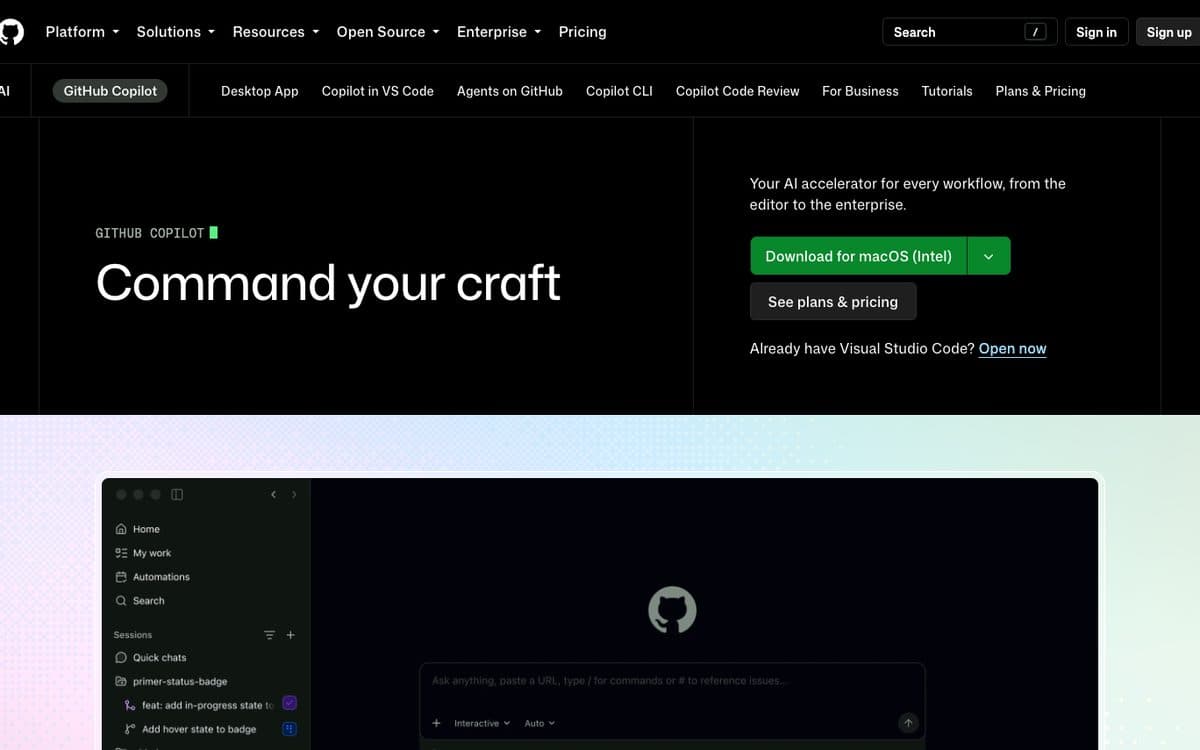
GitHub Copilot started as autocomplete and is now a set of agents: a desktop app, Copilot in VS Code and other editors, a command-line tool, and a cloud agent with code review on GitHub. It works where your repository, issues and pull requests already are.
Why pick it
- Pro is $10 a month, the lowest paid plan on this list.
- Pro can also run third-party agents, Claude Code and Codex, from Copilot.
- Works in VS Code, Visual Studio, JetBrains IDEs, Xcode, Neovim, Eclipse and Zed.
Watch out for
- Chat, agent mode, code review, the cloud agent and the CLI all use GitHub AI Credits, so heavy agent work can need extra credits.
- It's a developer tool: no hosting, no database, you ship the app yourself.
Pricing
Free: 2,000 completions a month, Copilot CLI. Pro: $10/month with the cloud agent, code review and $15 of monthly credits. Pro+: $39/month with premium models including Opus and $70 of credits. Max: $100/month with $200 of credits. Extra credits can be bought.

11
Google Antigravity
Best for developers who want several agents working in parallel, free to start.
Antigravity is Google's agent development platform: a desktop app to run several local agents in parallel, an agentic IDE with an agent manager, IDE extensions, a command-line tool and an SDK for building your own agents. It gives access to a variety of agent models, including Google's latest Gemini models.
Why pick it
- Free for individuals, with unlimited Tab completions and command requests.
- The app runs several agents in parallel, organised by project, with scheduled messages for routine work.
- One platform across an app, an IDE, extensions for other IDEs, a CLI and an SDK.
Watch out for
- The free plan has basic weekly rate limits; higher limits come with Google AI Pro or Ultra.
- It works on your code: hosting and a database are yours to set up.
Pricing
Individual: $0/month with basic weekly rate limits. Google AI Pro and Google AI Ultra raise the limits and add a flexible AI credit pool. Organisations: through Google Cloud, with Gemini Enterprise Standard and Plus plans from $30 per seat per month, or pay as you go.

12
Devin
Best for teams handing whole tasks to an agent, and Windsurf users (its editor is now Devin Desktop).
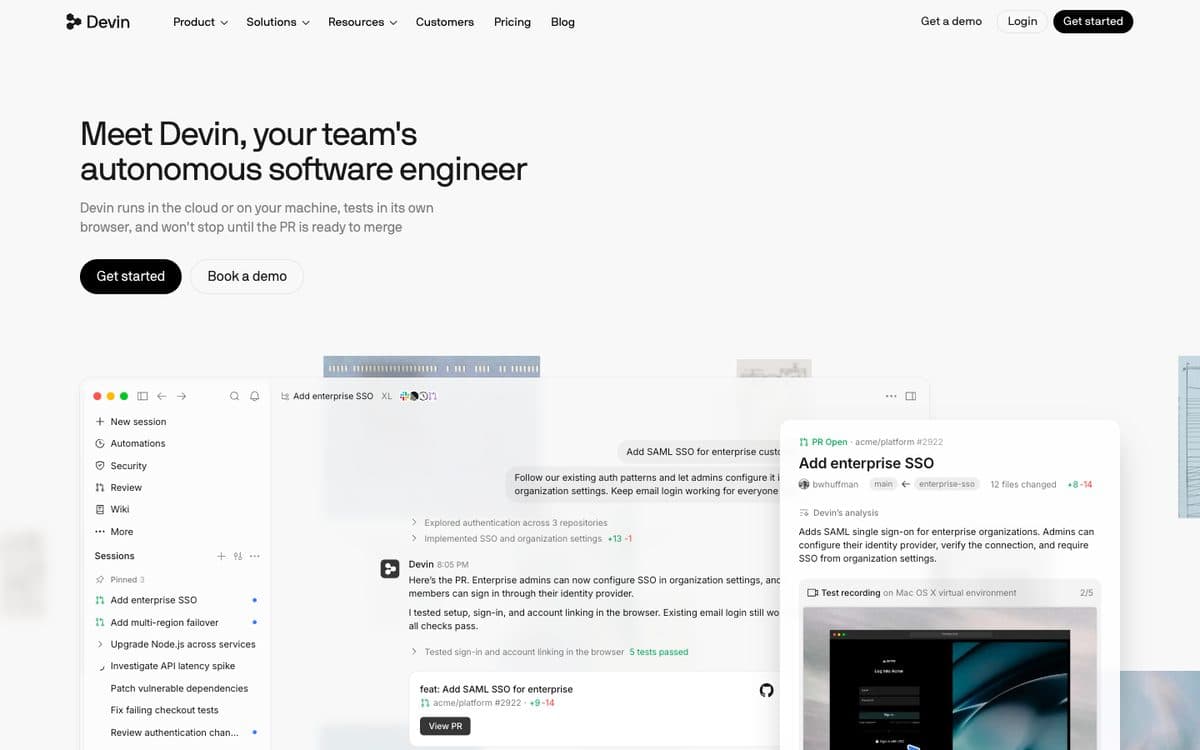
Devin calls itself an autonomous software engineer: it runs in the cloud or on your machine, tests its work in its own browser and keeps going until the pull request is ready to merge. Devin Desktop is the editor, with unlimited Tab completions; windsurf.com's pricing page now leads to it.
Why pick it
- Hands-off: you assign a task and review a pull request.
- Pro includes Devin Cloud and frontier models from OpenAI, Claude, Gemini and SpaceXAI, plus open-source models.
- Team plans add sharing and collaboration, centralized billing and an admin dashboard, for up to 200 users.
Watch out for
- It works on a codebase and opens pull requests; it doesn't host a finished app for you.
- Usage beyond your plan's quota is bought at API pricing.
Pricing
Free: a light agent quota and unlimited Tab completions. Pro: $20/month. Max: $200/month. Teams: $80/month plus $40 per full developer seat. Enterprise on request.

13
Cline
Best for developers who want an open-source agent and to pay only for the AI they use.
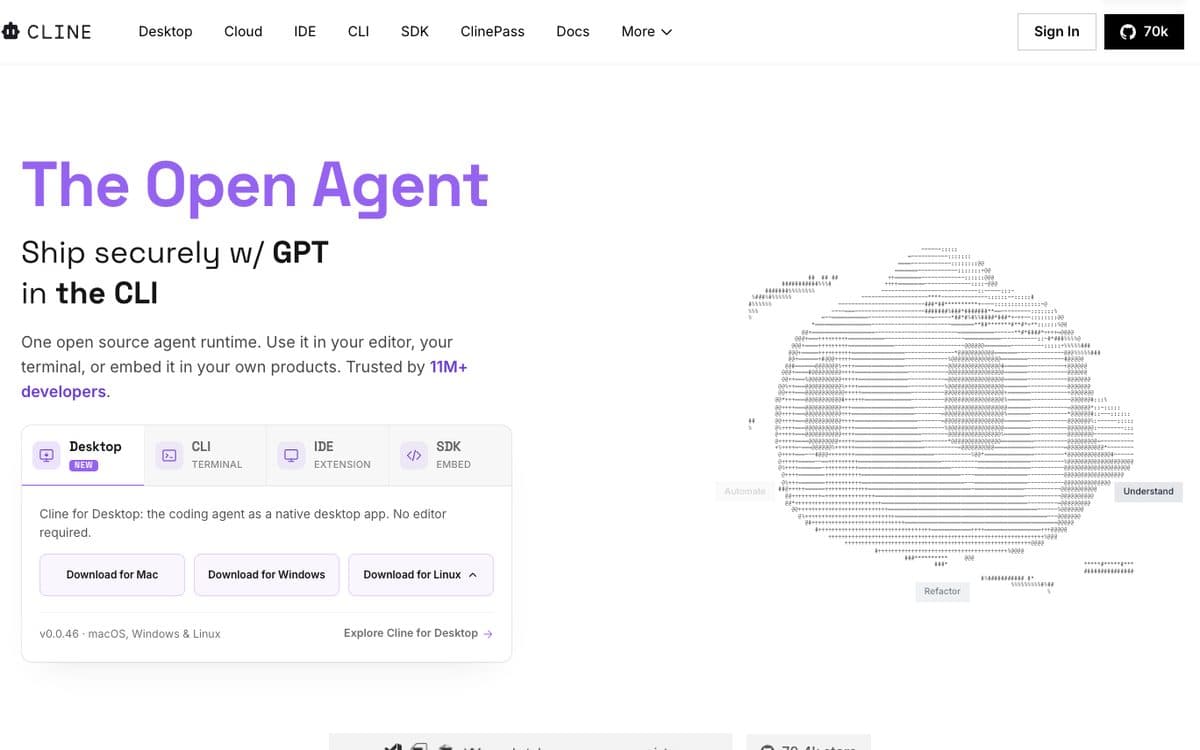
Cline is an open-source coding agent you use as a VS Code extension, in your terminal, as a desktop app or embedded in your own product through its SDK. You bring your own API keys from providers like Anthropic, OpenAI or Google, or buy inference through Cline at cost.
Why pick it
- Free and open source for individual developers, with no subscription or seat fee.
- Works with many providers (Anthropic, Gemini, OpenAI, OpenRouter, AWS Bedrock, DeepSeek and more), so you can switch whenever you like.
- Runs where you work: VS Code, the terminal or a desktop app, with JetBrains on Enterprise.
Watch out for
- Usage-based: what you pay is what the model provider charges for the work, so a heavy month costs more.
- No hosting or database: you deploy the app yourself.
Pricing
Free for individual developers: you pay only for AI inference, with your own API keys or through Cline. Enterprise (SSO, JetBrains extension, centralised billing, team dashboard): custom pricing.
The 13 tools, side by side. From each official site, October 15, 2026.
| Feature | Capacity | Lovable | Bolt.new | Replit | Base44 | v0 by Vercel | Cursor | Claude Code | OpenAI Codex | GitHub Copilot | Google Antigravity | Devin | Cline |
|---|---|---|---|---|---|---|---|---|---|---|---|---|---|
| Paid plans from | $25/month | €25/month | $25/month | $20/month ($18 yearly) | $16/month (yearly) | $30/user/month | $8/month | €18/month (Claude Pro) | €23/month (ChatGPT Plus) | $10/month | Google AI Pro | $20/month | Free + AI usage |
| Free plan | Desktop only (1 project) | Yes | Yes | None listed | Yes | Yes | Yes | No | Limited access | Yes | Yes | Yes | Yes (open source) |
| How usage is billed | Monthly credits; building from Claude or ChatGPT unlimited | Monthly credits | Tokens | Plan credits, then effort-based pay-as-you-go | Message and integration credits | Credits spent at each model's token rate | AI usage pools, bundled with Grok and X | Your Claude subscription | Your ChatGPT plan's limits | Monthly GitHub AI Credits | Weekly rate limits by Google AI plan | Plan quota, extra at API pricing | The AI you use, at cost or with your keys |
| Hosting included | Yes, custom domain on every paid plan | Yes | Yes | Yes, metered deployments | Yes | Yes, on Vercel | No | No | No | No | No | No | No |
| Mobile apps | Native (Expo, TestFlight and Google Play) | PWA or Capacitor, set up yourself | – | Yes, from Agent | Web view wrapper for the stores | No | If you code it | If you code it | If you code it | If you code it | If you code it | If you code it | If you code it |
| Where the code lives | Zip download; GitHub push from Desktop | Two-way GitHub sync | In Bolt; import from GitHub | Your Replit workspace | GitHub from the Builder plan | GitHub sync on every plan | Your own repository | Your own repository | Your own repository | Your GitHub repository | Your own repository | Pull requests to your repository | Your own repository |
| Built for | Non-technical founders, small businesses | Founders, designers, product teams | Makers and developers | Builders and developers | Non-technical builders | React developers and designers | Developers | Developers | Developers | Developers on GitHub | Developers | Engineering teams | Developers |
How to choose. Start from what you need, not from the ranking.
 A web app from a chat, code synced to GitHubLovable
 A generous free plan to try an ideaBolt.new
 Agent, code workspace and hosting in one placeReplit
 The lowest entry price for an all-in-one appBase44
 Polished React interfaces on Vercelv0 by Vercel
 An AI editor for your codebaseCursorAn agent on the Claude or ChatGPT plan you haveClaude Code or Codex
 The cheapest paid agent, for code on GitHubGitHub Copilot
 A free agent platform from a big labGoogle Antigravity
 Open source, paying only for the AICline
Questions people ask. Short answers, with the details above.
What is the best vibe coding tool?
It depends on whether you write code. For people who don't, Lovable is the most recommended web app builder, Bolt.new the most generous free plan, Replit the all-in-one workspace, and Capacity the one that builds from Claude or ChatGPT and ships native mobile apps. For developers, Cursor is the most common AI editor, and Claude Code and Codex come with Claude and ChatGPT subscriptions.
What are the best vibe coding tools for beginners?
App builders that keep you in a chat and a preview: Lovable, Bolt.new, Base44 and Capacity. Replit suits beginners who want to learn the code along the way. Coding agents like Cursor or Claude Code assume you can read and deploy code.
Is there a free vibe coding tool?
Yes. Google Antigravity is free for individuals with weekly rate limits, Cline is free and open source (you pay the AI you use), GitHub Copilot Free includes 2,000 completions a month, and Lovable, Bolt.new, Base44, v0, Cursor and Devin have free plans with limits. ChatGPT Free includes limited Codex access. The Capacity web app has no free plan; Capacity Desktop has one with a single project.
What's the cheapest vibe coding tool?
Among paid plans: Cursor Plus at $8 a month, GitHub Copilot Pro at $10 and Base44 Starter at $16 a month billed yearly. With Cline you pay only for the AI you use. Your real cost depends on how much AI work your project needs.
Cursor vs Claude Code: which is better for vibe coding?
Both work on a codebase you own. Cursor is an editor with agents built in, from $8 a month. Claude Code is Anthropic's agent for the terminal, IDE, Slack or web, included in Claude Pro and Max. Pick by where you like to work.
Lovable vs Bolt: which should I use?
They're close. Both turn a prompt into a web app you can publish. Lovable counts credits per message and syncs your code to GitHub on every plan; Bolt counts tokens, has a daily limit on its free plan and rolls unused tokens over on Pro.
Can I vibe code a mobile app?
Yes. Capacity builds Expo apps you submit to TestFlight and Google Play from its publish dialog, Replit's Agent builds mobile apps, and Base44 wraps your web app for the stores. Lovable points you to a PWA or Capacitor. With a coding agent, you can build a mobile app if you code it.
Can I vibe code from ChatGPT or Claude?
Capacity connects to Claude, ChatGPT and Mistral: you ask for an app in the chat, your subscription writes the code, and Capacity hosts it and puts it on your domain (on a paid Capacity plan). Lovable also has a ChatGPT app. Codex is part of ChatGPT and Claude Code part of Claude, for developers.
What happened to Windsurf?
Its editor now lives on as Devin Desktop: windsurf.com's pricing page leads to Devin's, where Devin Desktop has a free plan and a Pro plan at $20 a month.
Related comparisons
Try the one we build.
Describe your app in a sentence and Capacity builds it, or connect it to Claude or ChatGPT and build from the chat. Plans from $25 a month.