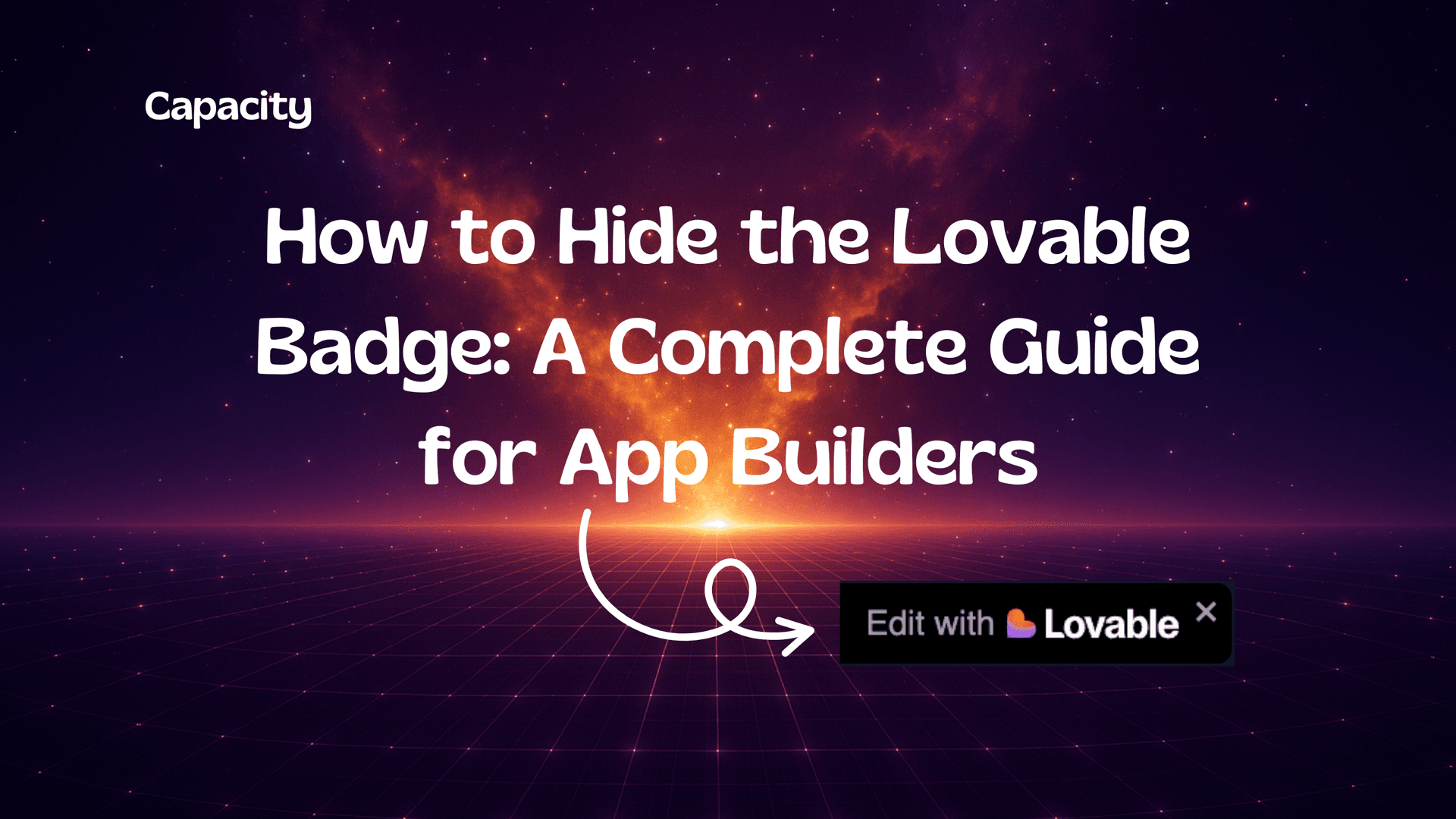
How to Hide the Lovable Badge: A Complete Guide for App Builders
How to Hide the Lovable Badge: A Complete Guide for App Builders
In today’s highly competitive digital landscape, creating visually polished, brand-centric web applications is more important than ever. While AI-powered platforms like Lovable make it easy for anyone to build sophisticated web apps, they often add their own branding, usually in the form of a “badge” or watermark such as “Edit with Lovable” visible on your app’s UI. For businesses, agencies, and solo founders aiming for a professional, customized look, removing such badges becomes a crucial finishing touch before launching.

If you’re searching for clear, actionable, and up-to-date information on how to hide or remove the Lovable badge, you’ve come to the right place. This guide breaks down what these badges are, why they exist, your available options for hiding them (including free and paid solutions), and important considerations before you deploy your project.
As an added layer of expertise, we’ll compare the Lovable ecosystem with other state-of-the-art alternatives, highlighting AI-powered no-code app builders like Capacity.so, which delivers production-ready web apps with complete control over branding, code export, and deployment.

Table of Contents
- What Is the Lovable Badge and Why Does It Appear?
- Reasons to Remove Platform Badges From Your Web App
- Methods to Hide or Remove the Lovable Badge
- Step-by-Step Guide: Hiding the Lovable Badge Based on Your Workflow
- FAQs About Lovable Badges, Branding, and Alternative Builders
- Capacity AI Web App Builder: Power, Flexibility, and Brand Control
- Best Practices For a Polished, Brand-Exclusive Web App
- Conclusion: The Path to a Professional, Badge-Free Web Application
What Is the Lovable Badge and Why Does It Appear?
The "Lovable Badge"—most commonly displayed as an “Edit with Lovable” link or noticeable watermark—serves several purposes within the Lovable ecosystem:
- Brand Visibility: It helps promote Lovable’s platform to new audiences using your app.
- Editor Access: Offers users (especially in developer or staging environments) a quick way to return to the Lovable app builder interface.
- Plan Differentiation: Signals whether a project is on a free or paid subscription, as most platforms reserve badge-free experiences for their premium users.
According to user documentation and common best practices in the web app builder industry, badges can appear in multiple places:
- Footer or lower-right corner of each page
- In overlays or modals during “edit mode”
- As static or “hover-to-edit” badges on UI components
For businesses looking to ensure a white-label experience, the presence of such branding can break the visual coherence or professional appearance of their product.
Reasons to Remove Platform Badges From Your Web App
Why are so many product builders keen to hide the Lovable badge (or any similar platform branding) before launch? Here’s what professionals, agencies, and SaaS founders report:
- Brand Consistency:
Clean, unbranded applications project professionalism and reinforce your own brand identity. - User Trust:
Customers can be wary of applications displaying third-party watermarks, raising questions about ownership, maturity, or support. - Agency & Consulting Needs:
White-label deliverables are essential for agencies delivering custom apps or dashboards to clients. - Resale & Licensing:
If you plan to resell, license, or scale your solution, visible platform branding is often a dealbreaker. - UI/UX Considerations:
Even small badges can create undesirable clutter or visual breaks, particularly on mobile devices.
These reasons highlight why so many teams invest in paid plans, code customization, or alternative platforms with enhanced branding control (such as Capacity).
Methods to Hide or Remove the Lovable Badge
Depending on your technical proficiency, Lovable subscription tier, and deployment targets, there are several ways to either hide or permanently remove the badge. Let’s break down the most effective methods:
A. Using Official Features (Paid Plans)
Lovable’s own documentation and upgrade paths indicate:
Removing the “Edit with Lovable” badge is a premium feature, available only on Pro or Business plans. Once upgraded, you’ll see new options within your project settings to disable badge display globally or per project.
— Industry documentation, 2025
How to remove the badge with a paid plan:
- Upgrade to a Pro, Starter, Launch, or Business plan.
- Navigate to your project settings/dashboard.
- Look for an option such as “Remove branding” or “Hide badge.”
- Toggle off the badge and redeploy/publish your app.
Summary table:
| Plan | Badge Removal | Other Benefits |
|---|---|---|
| Free | Not available (default) | Limited credits, public projects only |
| Pro/Business | Available via settings | Custom domains, more credits, production code, private projects |
Pro tip: Always test your app post-removal to confirm that badges are hidden from all device views.
B. Production Deployments and Automatic Badge Removal
In many AI app builders, including Lovable:
- Badges are present in development or preview environments for easier iteration and support feedback.
- Deploying your app as a production build (e.g., to Vercel, AWS, or a custom server) can automatically suppress the badge if your plan supports this.
How this works:
- The builder will detect the production environment (via environment variables or DNS) and remove the badge as part of the final asset packaging process.
- This method requires no manual code editing if the plan supports white-labeling.
If you use platforms like Capacity, this process is streamlined:
Capacity enables instant deployment to Vercel or AWS with production-ready, unbranded code by default (subscription permits complete code export as well).
C. Manual Removal via Code Edits (Advanced)
If you have access to your app’s source code (via platform export or direct editing), you may manually remove the Lovable badge.
Steps for manual removal:
- Locate the Badge Code:
- Search your codebase for keywords like “Lovable”, “Edit with Lovable”, or watermark-related classes.
- Badge code may appear in the main layout, footer component, or a global overlay file.
- Comment Out or Delete Badge:
- Remove or comment out the JSX/HTML element displaying the badge.
- Also check for conditional logic based on environment or user role.
- Check for CSS or JS Injections:
- Ensure there are no styles/scripts reinserting the badge at runtime.
- Remove any related event handlers or modal triggers.
- Test Thoroughly:
- Run your app in various environments (development, production, staging).
- Inspect mobile and desktop views.
Caution:
Modifying generated code could affect updates or platform support. Always back up before editing, and ensure compliance with your platform’s terms of service.
D. Ethical and Compliance Considerations
- Respect Platform Terms:
While technical hacks can remove badges, doing so without a proper plan/license can violate terms of service and may lead to issues with support or copyright. - Upgrade for Peace of Mind:
The most sustainable approach is to upgrade your Lovable plan or seek a platform like Capacity AI Web App Builder, which offers code export and white-label branding in a compliant way.
Step-by-Step Guide: Hiding the Lovable Badge Based on Your Workflow
This section summarizes the recommended approach, tailored to your use case.
1. Using the Lovable App Only (No Direct Code Access)
- If on Free Plan:
Badge removal is not available. Consider upgrading or explore white-labeling with platforms like Capacity.so, which offers code export and full branding control. - If on Pro/Business Plan:
- Go to your Lovable dashboard
- Open your project’s settings
- Find “Remove badge” toggle (or similar wording)
- Disable the badge and redeploy
2. With Code Export or Advanced Access
- Open your exported codebase in your preferred editor (VS Code, WebStorm, etc).
- Search for badge elements in your main layout/footer files.
- Comment out or remove the code.
- Test for any broken references or missing styles.
- Build and deploy your app.
3. Using Next.js or Other Modern Frontend Frameworks
- Remove badge code from
layout.tsx/js,_app.tsx, or the relevant component. - For Tailwind CSS or styled-components, ensure badge-related classes are also cleaned up.
- Run a build for production; confirm in the deployed version that the badge is gone.
4. When Using Instant Deploy via Platforms (Vercel, AWS, etc.)
- Most platforms will remove badges for production builds (if your license allows that).
- If deploying via Capacity, select the “No branding” option during deployment.
FAQs About Lovable Badges, Branding, and Alternative Builders
1. Can I remove the Lovable badge for free?
No—according to official platform documentation, badge removal is gated behind Pro or Business plans. Manual workarounds may violate platform terms and risk support issues.
2. Will hiding the badge break my app?
In rare cases (especially with direct code edits), removing UI elements can break layout or cause console errors. Always test thoroughly.
3. Can I remove badges only on certain pages?
Some platforms let you configure where badges display. Look for per-page toggle options in your dashboard or settings.
4. Are there platforms that let me build fully white-label, production-grade apps instantly?
Yes—for example, Capacity.so allows you to build, export, and deploy Next.js apps with no default branding, complete code access, and instant deploy to Vercel/AWS.
5. Is it ethical/legal to hack away badges on free plans?
It is typically against terms of service. For client projects or commercial launches, always use a compliant method via paid plans or open platforms.
Capacity AI Web App Builder: Power, Flexibility, and Brand Control
While Lovable pioneered easy AI-powered web app building, the modern web builder landscape offers new solutions for teams demanding more control over branding, code, and workflow flexibility.
Capacity stands out with key advantages:
- AI-Driven, No-Code IDE:
Instantly transform ideas into Next.js web apps—custom dashboards, SEO tools, property managers, and more—without writing a single line of code. - Full Branding Control:
Users can export production-ready code, modify as needed, and deploy anywhere, with no default branding on your live apps. - Modern Tech Stack:
Built with TypeScript, Tailwind CSS, modern API standards (tRPC/REST), and seamless deployment to Vercel or AWS. - Collaboration and Customization:
Teams can collaborate, version apps, and extend functionality as requirements evolve. - Flexible for Agencies and Enterprises:
Exportable code removes vendor lock-in, critical for white-label, multi-client, or mission-critical projects. - Production-Ready Always:
Designs and code are optimized for real-world deployments, ensuring UI/UX polish and maintainability.
This unique combination makes Capacity a go-to solution for teams that want the speed and power of AI—but insist on professionalism and freedom from platform limitations.
Best Practices For a Polished, Brand-Exclusive Web App
To maximize professionalism and deliver a seamless brand experience, follow these strategies:
- Plan for Branding Early:
Decide on your platform and subscription plan with white-label needs in mind. Account for badge removal in your project timeline and budget. - Test in Multiple Environments:
Don’t just preview your app—deploy a staging build to preview how it looks for real users on production URLs. - Check Across Devices:
Badges can appear or misalign on mobile or tablets. Look for any hidden overlays or floating badges. - Document Your Changes:
If removing badges via manual code edits, keep a log for future maintainers and updates. - Use Exportable, Modifiable Platforms:
If long-term flexibility is a priority, consider no-code/low-code platforms such as Capacity AI Web App Builder, which never lock you into unwanted branding. - Ensure Compliance:
Always stay aligned with platform terms to avoid surprises during support or platform upgrades.
Conclusion: The Path to a Professional, Badge-Free Web Application
Building a modern web app with AI-powered platforms like Lovable is easier than ever—but managing platform branding is a final, crucial step before you go public. Whether you upgrade to a premium plan to remove the badge, edit the exported code manually, or choose a platform designed from the ground up for white-labeling and code ownership like Capacity AI Web App Builder, your approach should always be intentional, compliant, and focused on your brand’s needs.
Badge removal isn’t just about looks: it’s a signal to your users, clients, and stakeholders that your product belongs to you. For businesses, agencies, and SaaS founders, investing in the right tools and workflows pays dividends in trust, professionalism, and growth.
Ready to build your next app without limitations or unwanted branding?
Explore Capacity, and put complete creative and technical control back in your hands.
Stay ahead in the no-code revolution—prioritize professionalism, user experience, and platform independence for every product you launch.