Quick answer
For a native app from a chat, Rork writes native iPhone and Android code and has App Store tools built in, Newly builds React Native apps and uploads them to TestFlight for you, and CatDoes builds Expo apps with a backend included. Capacity, which we make, builds Expo apps from a description or from Claude or ChatGPT and submits them to TestFlight and Google Play from its publish dialog.
If you'd rather design screen by screen, FlutterFlow builds Flutter apps with code you can download from $39 a month, Adalo publishes native apps on flat pricing from $36 a month billed yearly, and Bubble builds React Native apps that share a backend with your web app.
Whichever you pick, the app is published under your own store accounts: the Apple Developer Program costs $99 a year and a Google Play developer account $25, once.
| Tool | Best for | Paid plans from | Free plan | Watch out for |
|---|---|---|---|---|
| Capacity | founders who want a native Expo app built from a description or from Claude or ChatGPT, sent to TestFlight and Google Play from one dialog. | $25/month | Web app: no. Desktop: 1 project | No free plan on the web; login is an extension |
 Rork Rork | founders whose product is the iPhone app, with App Store tools built in. | $20/month | Design mode only | Building starts on Pro |
 Newly Newly | native iOS and Android apps from a chat, uploaded to TestFlight for you, with the code yours to keep. | $25/month | No | No free plan; credits follow the agent's work |
 CatDoes CatDoes | an Expo app with its backend and error monitoring included, or a mobile app made from your website. | $20/month ($17 yearly) | Yes, 15 credits | Store releases start on Starter |
 Thunkable Thunkable | native apps built by chatting and published to both stores from Thunkable itself. | $19/month ($18 yearly) | Yes, 2,000 one-time AI tokens | Live published apps start on Builder |
 Floot Floot | putting a web app built from Claude, ChatGPT or Cursor into the stores, from the same project. | $25/month | Yes, 100 building actions a day | Store apps are the web app in a native shell |
 Replit Replit | people who want the mobile app, its backend and a code workspace in one place. | $20/month | None listed | Effort-based billing; App Store guides only |
 FlutterFlow FlutterFlow | teams who want a Flutter app with code they can download and one-click App Store deployment. | $39/month | Yes, up to 2 projects | More of a design tool than a prompt |
 Adalo Adalo | native iOS and Android apps on flat pricing, published from one visual canvas. | $36/month (yearly) | Yes, 500 records per app | AI assistant still in beta |
 Bubble Bubble | a web app and a native mobile app on one backend, with complex logic built visually. | $42/month (yearly, mobile) | Yes, on-device testing | Store builds capped per month |
Before you pick a mobile builder. What the app is made of, and what the stores ask of you.
Native, web view or installable web app
A native app is built for the phone, in Swift or Kotlin, or in React Native or Flutter, which render native screens. A web-view app is your website inside a native shell such as Capacitor: quicker to make, but Apple's App Review page warns that a website served inside an iOS app doesn't make a quality app. An installable web app skips the stores: people add it to their home screen from the browser.
Two store accounts, in your name
Every builder here publishes under your own accounts. The Apple Developer Program is $99 a year and a Google Play developer account is a one-time $25. The builder does the build and often the upload; the listing, the review and the account stay yours.
TestFlight comes before the App Store
On iPhone, a build goes to TestFlight first: up to 100 people from your team and up to 10,000 external testers. The first build you share outside your team is checked by App Review, so TestFlight is also your first review.
Google Play's 12-tester rule
A personal Google Play account created after November 13, 2023 has to run a closed test with at least 12 testers, opted in for 14 days in a row, before it can publish to production. Plan those two weeks into your launch date.
What changes the bill
Most AI builders bill credits that follow the agent's work, so a long fix costs more than a small change. Visual builders bill differently: Adalo by published app, FlutterFlow by seat, Bubble by plan with a monthly cap on store builds.
How we compared them. The same questions for every tool.
- What the app is made of: native code (Swift, Kotlin, React Native, Flutter) or a web app in a native shell.
- How it reaches TestFlight, the App Store and Google Play, and what you still do yourself.
- Whether the backend (database, login, storage) is included or something you connect.
- Whether you can download the code or sync it to GitHub, and from which plan.
- What the first plan that publishes to the stores costs, and how usage is billed.
- A dash in the comparison table means the tool's site doesn't list it.
Build from a description
01 · our product
Capacity
Best for founders who want a native Expo app built from a description or from Claude or ChatGPT, sent to TestFlight and Google Play from one dialog.
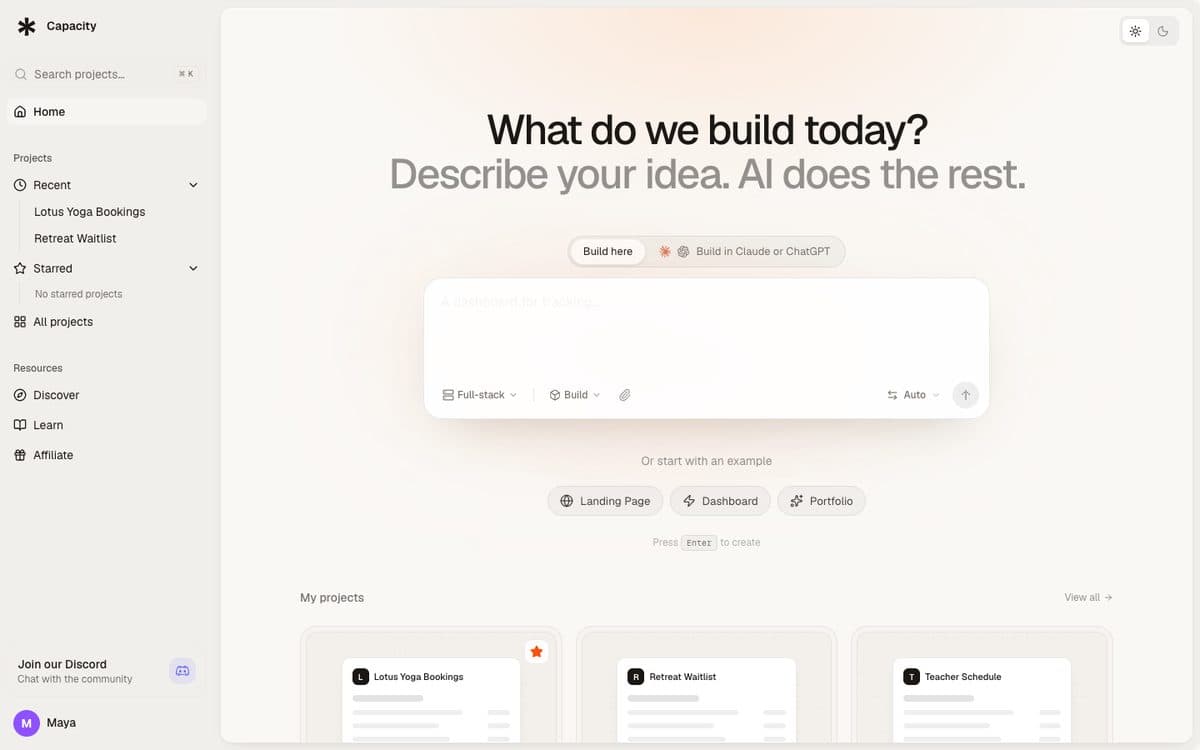
Capacity turns a plain-language description into a working app with a server and its own database. For phones, it builds an Expo project that you submit to TestFlight and Google Play from the publish dialog, with your own Apple and Google developer accounts. For the web, it builds a React front end published at a capacity.studio address or on your own domain. You change the app by chatting and see each change in a preview.
Why pick Capacity
- Native mobile apps as Expo projects, submitted to TestFlight and Google Play from the publish dialog.
- Build from Claude, ChatGPT or Mistral through Capacity's connector: your own subscription writes the code, and it's unlimited on every paid plan.
- A fixed monthly price with a set number of credits (100 on the $25 Starter plan), and a full version history to roll back any change.
- Your code downloads as a zip on any paid plan, and Capacity Desktop (macOS and Windows) pushes it to your own GitHub.
Watch out for
- The web app has no free plan: paid plans start at $25 a month. Capacity Desktop has a free plan with one project.
- Login isn't built in: you add it with the Clerk or Auth0 extension, or a Supabase connection.
- A smaller community and template library than Bubble's or FlutterFlow's.
Pricing
Starter $25/month (100 credits), Growth $69/month (250 credits), Professional $129/month (500 credits), Business $299/month (1,000 credits). Every plan includes unlimited projects, custom domains and unlimited building from Claude and ChatGPT.

02
Rork
Best for founders whose product is the iPhone app, with App Store tools built in.
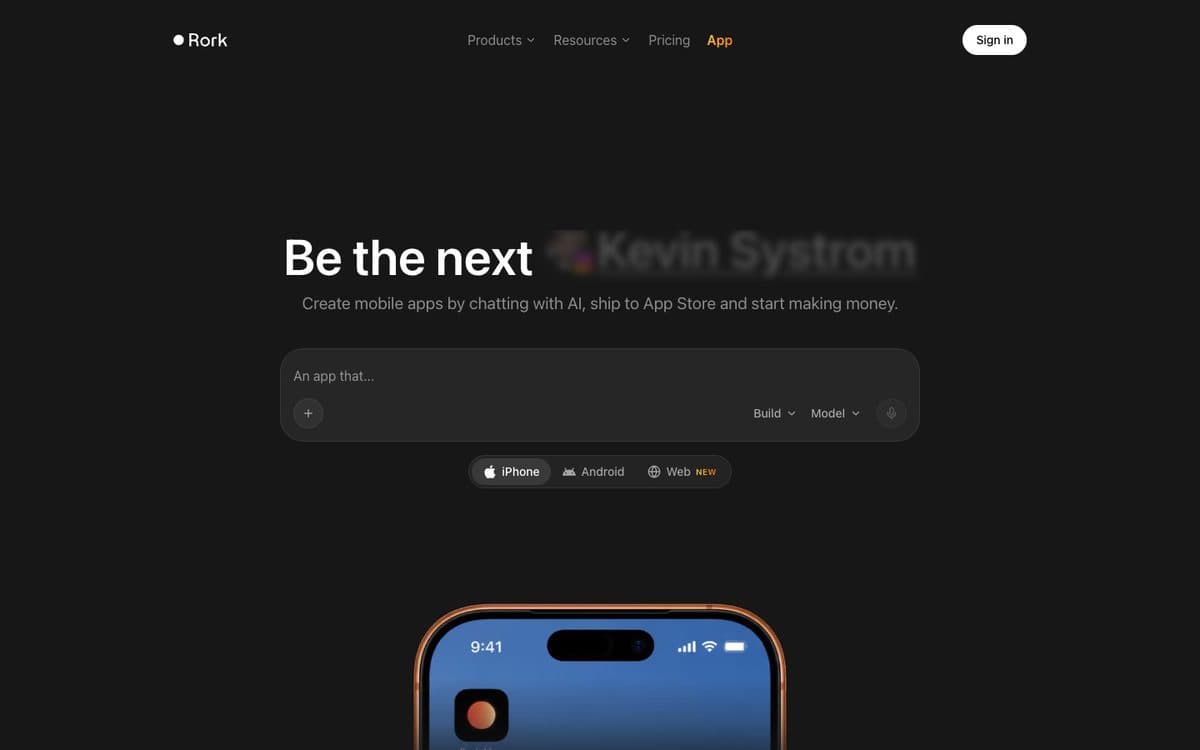
Rork builds mobile apps by chatting with AI: iPhone apps in SwiftUI, Android apps in Kotlin with Compose, and web apps, with tools around the App Store such as an AI App Store reviewer and a screenshot studio. Rork Max adds iPad, Apple Watch, Vision Pro, widgets and games.
Why pick it
- Native code: SwiftUI for iPhone, Kotlin with Compose for Android.
- Built around shipping to the App Store, with an AI reviewer and a screenshot studio.
- RevenueCat handles in-app purchases and subscriptions, and paid plans sync the code both ways with GitHub.
Watch out for
- The free plan only explores designs (35 design credits a month); building working apps starts on Pro.
- Rork describes Pro's 100 credits a month as right for basic apps and prototypes; Max is $200 a month.
- Android apps come out as an .aab file you upload to Play Console yourself, and Max apps are iOS only.
Pricing
Free: design mode, 35 design credits a month (5 a day). Pro: $20/month, 100 credits, iPhone, Android and web apps. Max: $200/month for 1,000 credits (up to 10,000), iOS, iPad, Apple Watch and Vision Pro.

03
Newly
Best for native iOS and Android apps from a chat, uploaded to TestFlight for you, with the code yours to keep.
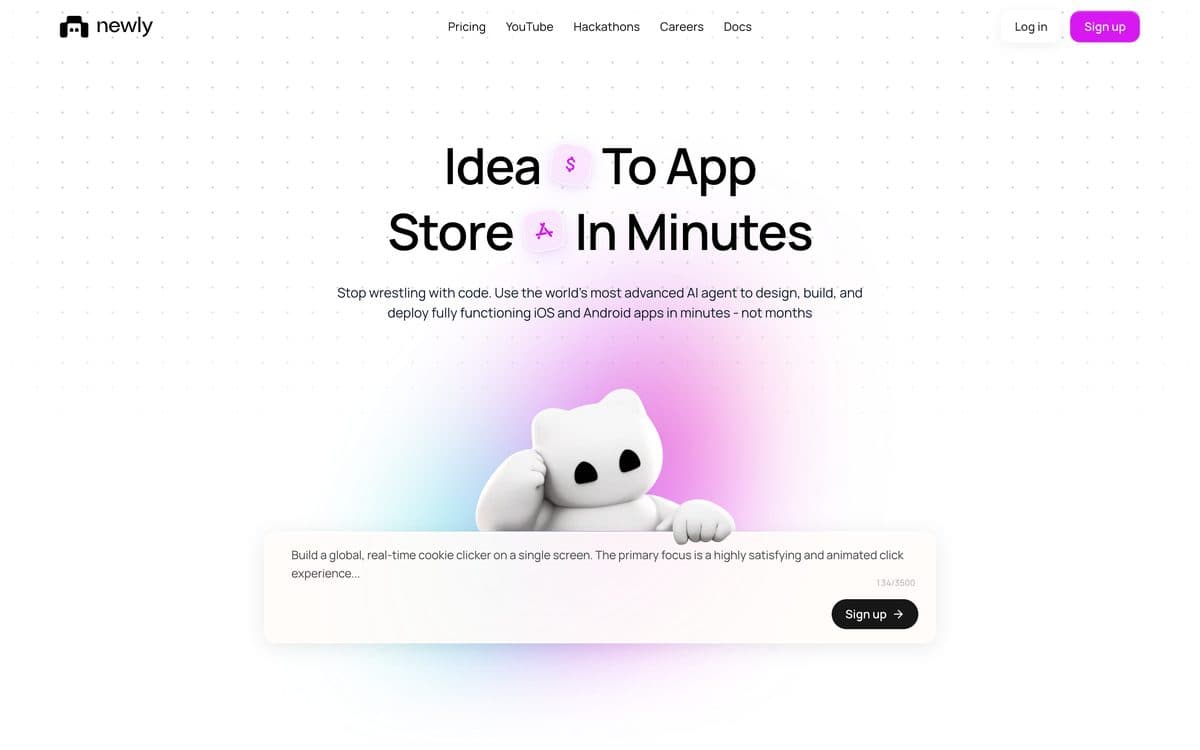
Newly builds native iOS and Android apps from a chat: its agent writes a React Native and Expo app, you try it on cloud simulators, and Newly builds it and uploads it to TestFlight and Google Play internal testing. When the app needs accounts or shared data, the agent adds Newly Backend, with sign-in, an API, a Postgres database and file storage.
Why pick it
- Native React Native and Expo code that you can download or keep in your own GitHub repository.
- Previews, cloud simulators, native builds, TestFlight uploads and backend hosting don't use credits.
- A Deploy tab fills in the App Store listing and sends Android builds to Google Play internal testing in one press.
Watch out for
- No free plan: a new account starts with 0 credits, and plans start at $25 a month.
- Credits follow the agent's work, so a first build or a long fix can use dozens; you still submit to App Review yourself, with your own Apple and Google developer accounts.
Pricing
One Agent plan, no free tier: $25/month for 50 credits a month, with tiers doubling up to $1,600/month for 3,200 credits. Billed yearly it costs 20% less, $240/year for the first tier. Newly Apex, with automated device testing and store compliance, is marked coming soon.

04
CatDoes
Best for an Expo app with its backend and error monitoring included, or a mobile app made from your website.
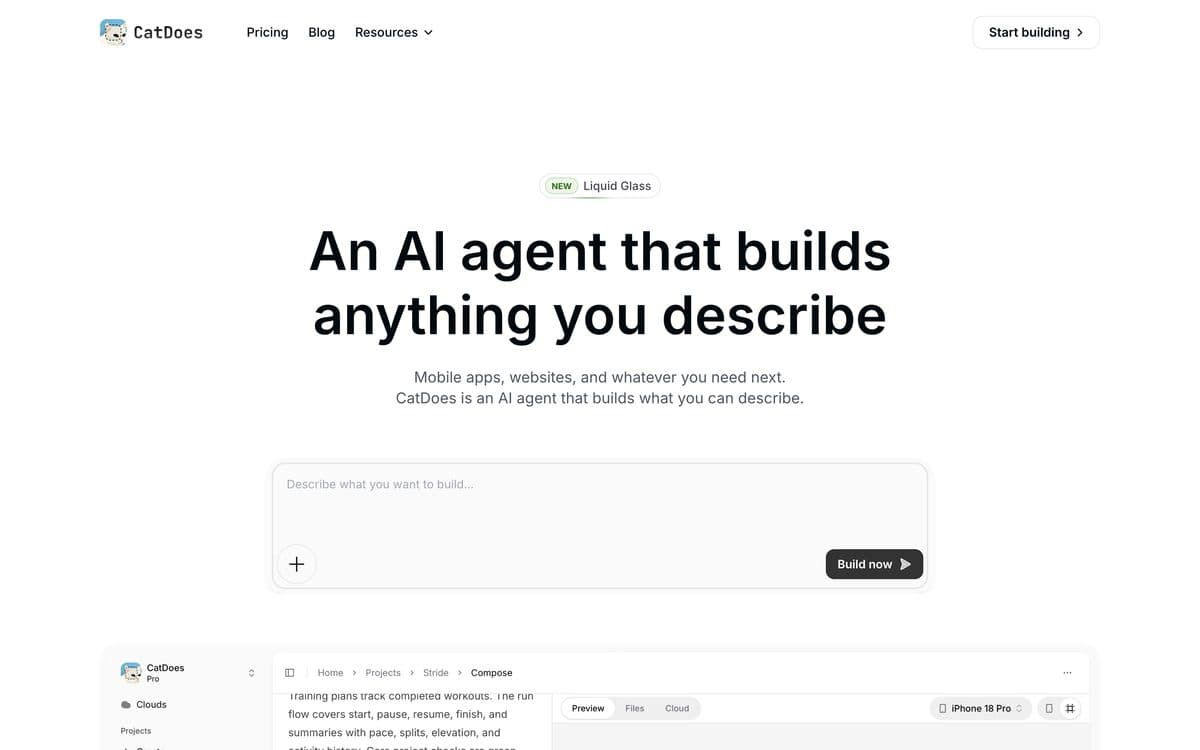
CatDoes is an AI agent that builds mobile apps and websites from a description: it plans the work, writes the code, runs the tests and prepares the build, on its own computer in the cloud. Mobile apps use React Native with Expo and websites Vite or Next.js, and CatDoes Cloud adds the database, sign-in, storage and edge functions on every plan.
Why pick it
- Releases to the App Store and Google Play, with .ipa, .apk and .aab exports, from the Starter plan.
- The CatDoes Cloud backend and CatDoes Watch error monitoring are included on every plan.
- Turns an existing website into a mobile app from its URL, and imports GitHub repos.
Watch out for
- Store releases, custom domains and removing the CatDoes badge start on Starter ($50/month, $42 yearly); code export and two-way GitHub sync aren't on Starter.
- Credit use depends on the conversation history and the code generated, so one request can cost less than a credit or several.
Pricing
Free: 15 credits, 1 public project, web deployment. Billed monthly: Core $20 (50 credits a month, 2 projects, private projects, GitHub import), Starter $50 (200 credits, 5 projects, App Store and Google Play releases, custom domain, no badge), Plus $100 (400 credits), Pro $200 (900 credits, 20 projects, two-way GitHub sync, code export), Max $399 (2,000 credits). Billed yearly: Core $17, Starter $42, Plus $84 and Pro $168 a month; Max shows $399 on both. Enterprise on request; local taxes are added.

05
Thunkable
Best for native apps built by chatting and published to both stores from Thunkable itself.
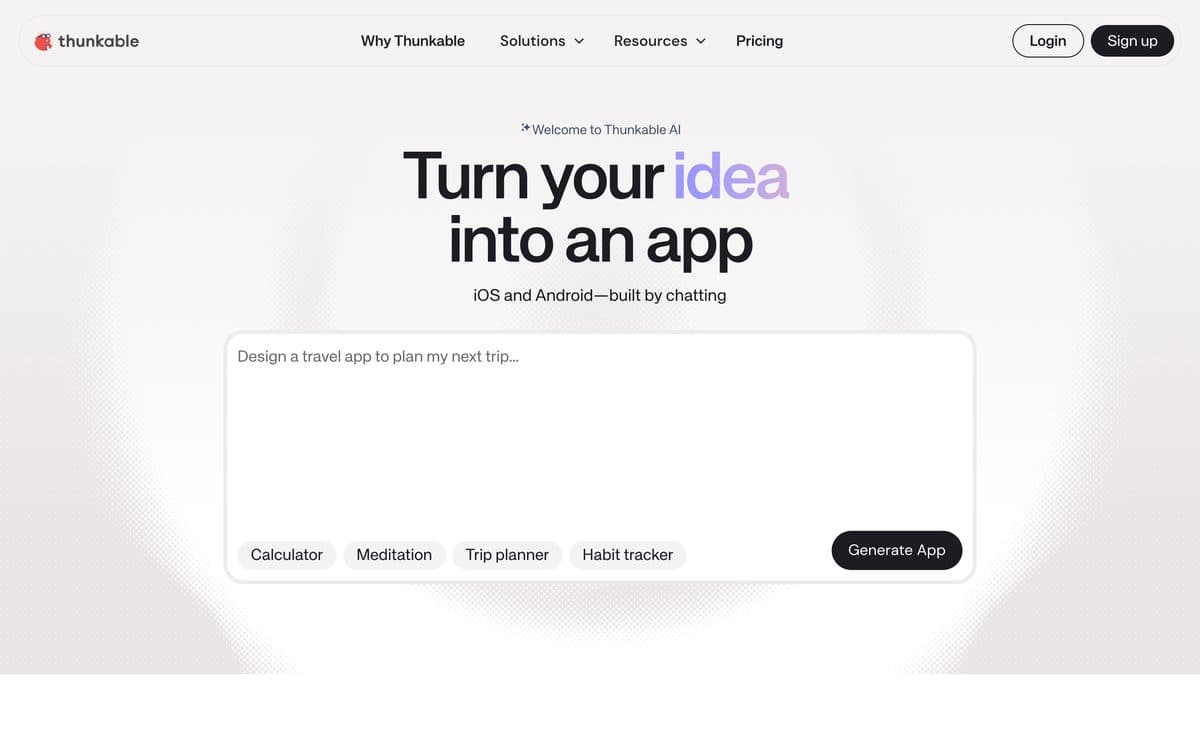
Thunkable builds native iOS and Android apps by chatting with its AI: you describe the app, it generates the screens, logic and design, and you test it on your phone with the Thunkable Live app. You publish to the App Store and Google Play, or as a web app, from Thunkable itself.
Why pick it
- Publishes native apps to the App Store and Google Play directly from the platform.
- Discuss Mode helps plan the project and troubleshoot, and a code editor lets you edit the code alongside the AI.
- Over ten years of app building; its home page counts 5 million users and 11 million apps created.
Watch out for
- Free tokens are a one-time 2,000 and Free projects are public; live published apps start on Builder ($59/month, or $37/month yearly) with 1 app, and unlimited apps need Advanced.
- If the subscription lapses, private projects go read-only and published apps become unavailable to their users; the cloud database runs on your own Supabase account.
Pricing
Free: 2,000 AI tokens (one-time), 3 public projects, 5 screens per project. Accelerator: $19/month billed monthly or $18/month billed yearly, 20,000 AI tokens a month, 5 public and 1 private project, 10 screens per project. Builder: $59/month or $37/month billed yearly, 50,000 tokens, unlimited public and 10 private projects, 1 live published app, custom branding. Advanced: $189/month or $99/month billed yearly, 100,000 tokens, unlimited projects and live published apps. Enterprise and Education on request.

06
Floot
Best for putting a web app built from Claude, ChatGPT or Cursor into the stores, from the same project.
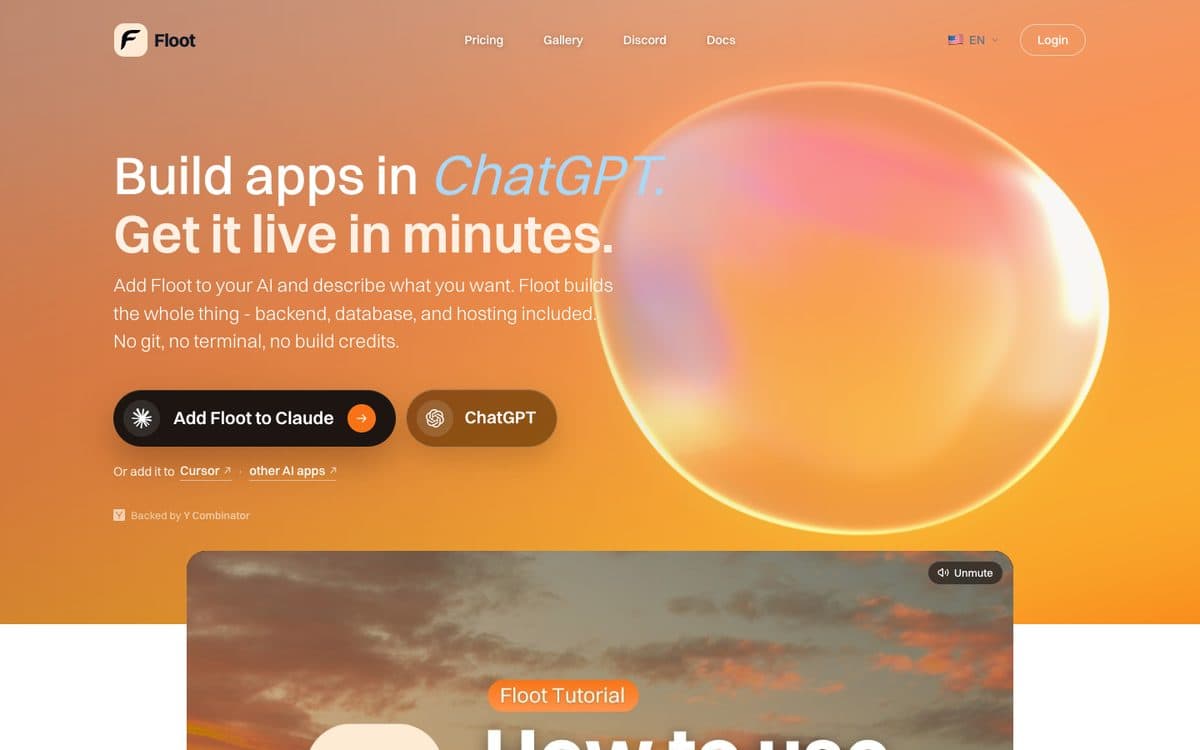
Floot builds apps from the AI you already use: you add it to Claude, ChatGPT or Cursor as a connector, describe the app, and Floot builds it with its backend, database and hosting. The same project ships as a website, as an app people install from the browser, and as App Store and Google Play apps, which Floot builds with Capacitor 8: your web app in a native shell.
Why pick it
- Every plan includes mobile app builds: 2 a month on Free, 12 on Pro, unlimited on Power.
- One project for the web and both stores, so there's no second app to keep in sync.
- You can download the Xcode and Android Studio projects and build them on your own machine.
Watch out for
- The store apps are your web app in a native shell, not a native rebuild.
- Connecting Google Play needs a paid plan, and the stores need your own Apple and Google developer accounts.
Pricing
Free: 100 building actions a day, 2 mobile app builds a month. Pro: $25/month with 1,000 actions a day, $10 of hosting and 5,000 AI credits a month, custom domains. Power: $100/month with 5,000 actions a day, $25 of hosting and 15,000 AI credits. Yearly billing gives two months free.

07
Replit
Best for people who want the mobile app, its backend and a code workspace in one place.
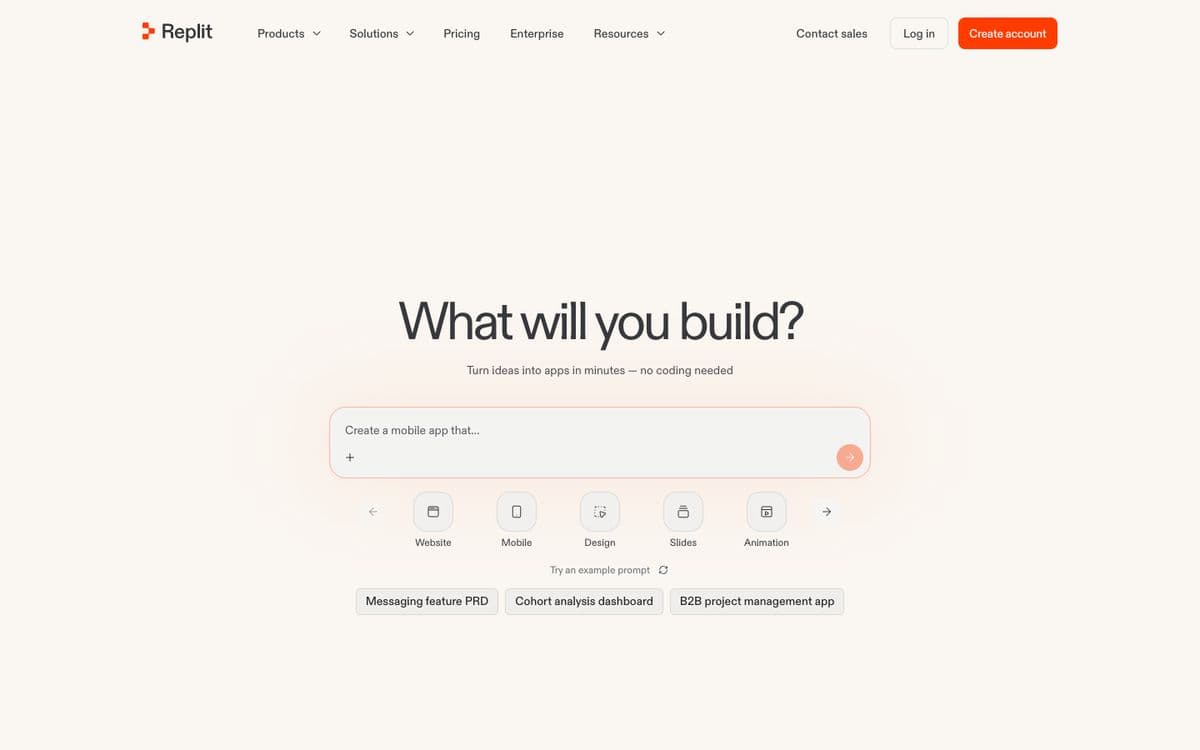
Replit Agent builds web and mobile apps from a chat, with the database, user login and hosting set up for you and the code in a full cloud workspace. Mobile apps are Expo projects you try on your phone with Expo Go; when the app is ready, Replit's Launch feature builds it, signs it and uploads it to App Store Connect from the Publishing tab.
Why pick it
- Launch builds, signs and uploads the iPhone app to App Store Connect, ready for TestFlight and review.
- Step-by-step guides for login with Clerk, payments with RevenueCat, push notifications and the camera.
- The Agent tests and fixes its own work in a browser while it builds.
Watch out for
- Plans include monthly credits ($20 on Core); beyond them, usage is billed by effort, so a long build is hard to price in advance.
- Its mobile publishing guides cover TestFlight and the App Store; none covers Google Play.
Pricing
Core: $20/month ($18/month billed yearly), with up to 30 hours of chat on Free Mode and $20 of usage for the more powerful models. Pro: $100/month ($90/month billed yearly). Enterprise on request. No free plan is listed on the pricing page.
Visual builders with AI

08
FlutterFlow
Best for teams who want a Flutter app with code they can download and one-click App Store deployment.
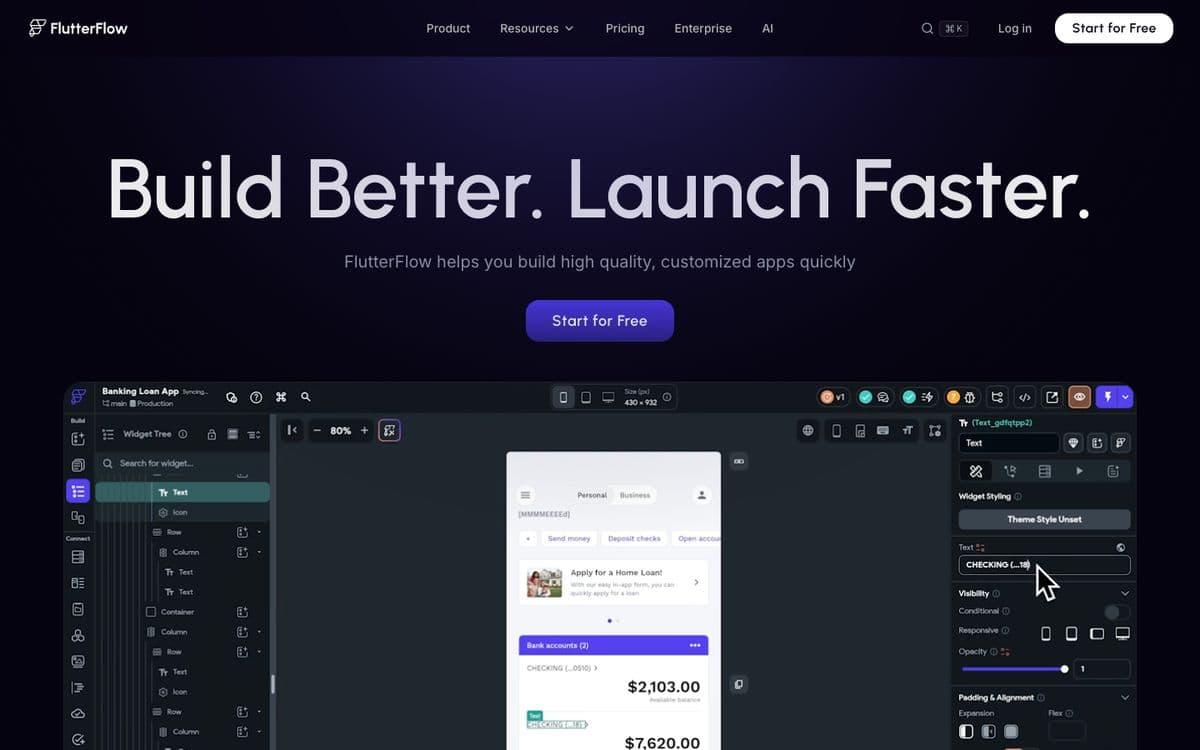
FlutterFlow builds Flutter apps for iOS, Android and the web in a visual editor, with AI to generate pages and components. It's the usual pick when the native mobile app is the product.
Why pick it
- Strong native mobile results with fine control over every screen.
- Download the project's source code or an APK from the Basic plan.
- One-click App Store deployment from the Basic plan, $39 a month.
- Push to GitHub and work in VS Code on higher plans.
Watch out for
- You build screen by screen in an editor, so it asks more of you than a prompt-to-app tool.
- Team plans are priced per seat.
Pricing
Free: up to 2 projects. Basic: $39/month. Growth: $80/month for the first seat, $55 for the second. Business: $150/month for the first seat.

09
Adalo
Best for native iOS and Android apps on flat pricing, published from one visual canvas.
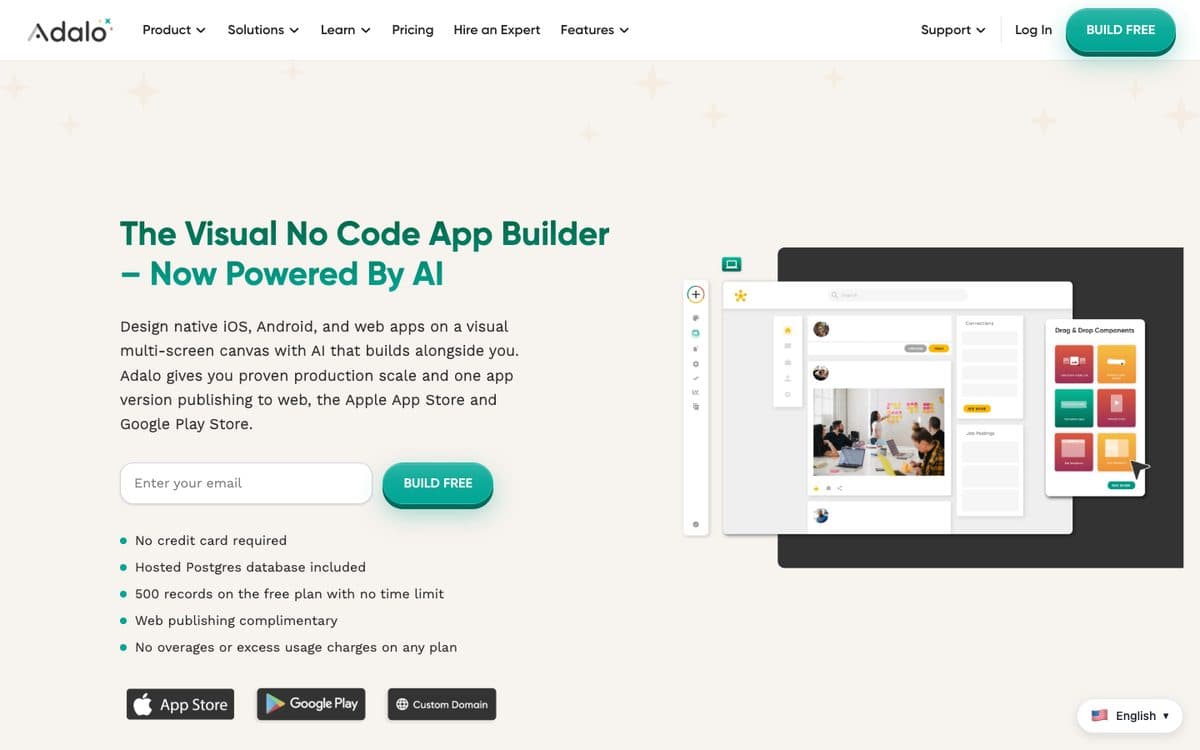
Adalo is a visual no-code app builder: you design native iOS, Android and web apps on a multi-screen canvas, with an AI assistant, Ada, that builds alongside you, a hosted Postgres database, and one app version published to the web, the App Store and Google Play.
Why pick it
- Flat pricing: no usage or token-based charges on any plan.
- Automated App Store publishing from the Starter plan.
- A hosted Postgres database is included, even on the free plan.
- Native builds (IPA and APK), with Stripe payments among its listed features.
Watch out for
- You design screen by screen, and the Ada AI assistant is labelled beta.
- Plans limit published apps: 1 on Starter, 2 on Professional, 5 on Team.
Pricing
Free: 500 records per app, no published app. Billed yearly: Starter $36/month (1 published app, custom domain, App Store publishing), Professional $52/month (2 apps, 5 editors), Team $160/month (5 apps, 10 editors). Monthly billing costs 20% more.

10
Bubble
Best for a web app and a native mobile app on one backend, with complex logic built visually.
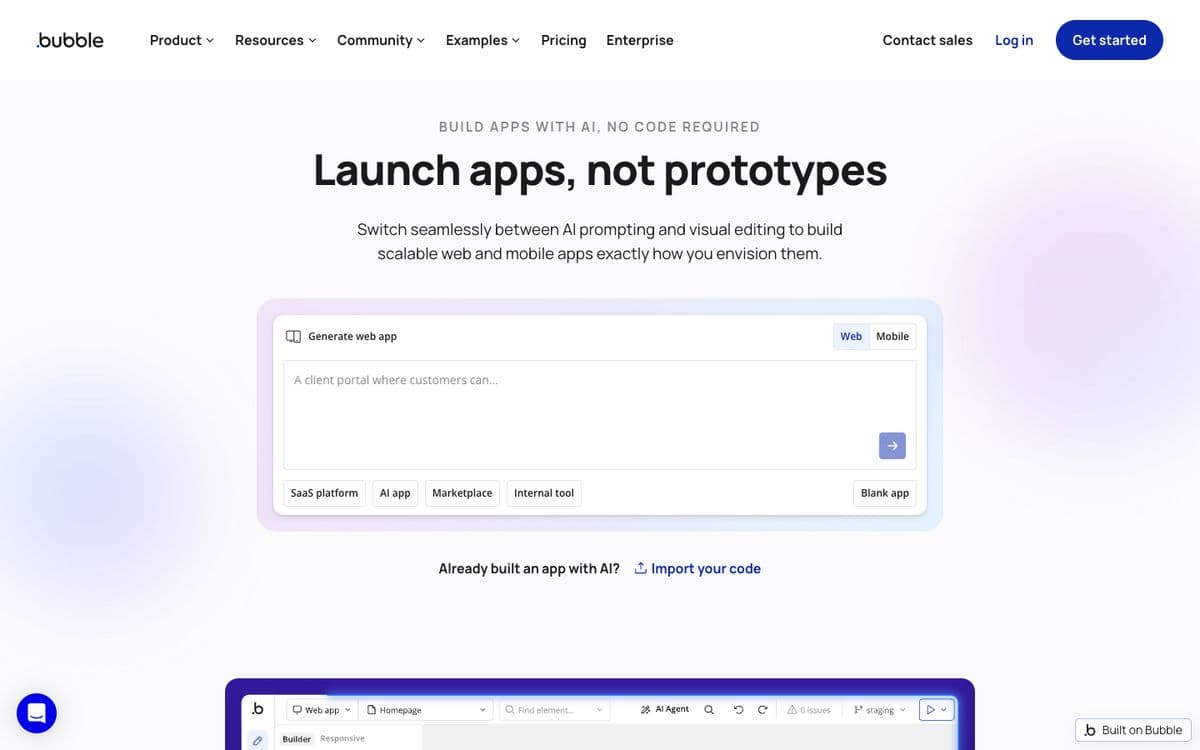
Bubble is the long-standing visual app builder. It starts from an AI prompt and lets you switch between prompting and editing visually. Its native mobile apps run on React Native, share the database and workflows with your web app, and are submitted to the App Store and Google Play from Bubble's editor, without Xcode or Android Studio.
Why pick it
- Native apps on React Native, not a web page in a wrapper.
- Unlimited over-the-air updates on every mobile plan, so most changes ship without a new store review.
- On the Web & Mobile plans, your web and mobile apps share one database, workflows and API connections.
Watch out for
- Paid mobile plans cap store builds: 5 build submissions a month and 3 live app versions on Starter.
- TestFlight and Google Play testing need a paid plan; Free tests on your own device only.
- It takes longer to learn than prompt-only builders, and Bubble doesn't export code.
Pricing
Free: build and test on your own device. Billed yearly, mobile only: Starter $42/month (5 build submissions a month, 3 live app versions), Growth $169/month (10 submissions, 5 versions), Team $449/month (20 submissions, 8 versions). Web and mobile together: Starter $59, Growth $209, Team $549 a month. Web only starts at $29. Every paid plan includes unlimited over-the-air updates.
The 10 mobile builders, side by side. From each official site, October 17, 2026.
| Feature | Capacity | Rork | Newly | CatDoes | Thunkable | Floot | Replit | FlutterFlow | Adalo | Bubble |
|---|---|---|---|---|---|---|---|---|---|---|
| Paid plans from | $25/month | $20/month | $25/month | $20/month ($17 yearly) | $19/month ($18 yearly) | $25/month | $20/month ($18 yearly) | $39/month | $36/month (yearly) | $42/month mobile (yearly) |
| Free plan | Desktop only (1 project) | Design mode only | No | Yes, 15 credits | Yes, 2,000 one-time tokens | Yes, 2 mobile builds a month | None listed | Yes, up to 2 projects | Yes, 500 records per app | Yes, on-device testing |
| What the app is made of | Expo (React Native) | SwiftUI, Kotlin with Compose | React Native and Expo | React Native with Expo | Native iOS and Android | Web app in a Capacitor shell | Expo | Flutter | Native iOS and Android | React Native |
| Store publishing from | Every paid plan | Pro ($20/month) | Its only plan ($25/month) | Starter ($50, $42 yearly) | Builder ($59, $37 yearly) | Free (Google Play needs a paid plan) | Core ($20/month) | Basic ($39/month) | Starter ($36/month yearly) | Starter ($42/month yearly) |
| Getting it to the stores | TestFlight and Google Play from the publish dialog | App Store publishing built in; .aab for Play Console | Uploads to TestFlight and Google Play internal testing | App Store and Google Play releases; .ipa, .apk, .aab | Publishes to both stores | Builds and submits to both stores | Builds, signs and uploads to App Store Connect | One-click App Store deployment | Automated App Store publishing | Submits to both stores from the editor |
| Backend | Server and database; login via Clerk, Auth0 or Supabase | Supabase or Firebase, set up on request | Newly Backend: sign-in, Postgres, storage | CatDoes Cloud: database, sign-in, storage | Cloud database on your own Supabase | Postgres, login and storage built in | Database and login set up by Agent | Firebase or Supabase integration | Hosted Postgres database | Built-in database, shared with the web app |
| Taking your code with you | Zip download; GitHub push from Desktop | Two-way GitHub sync on paid plans | Download, or your own GitHub | Code export and GitHub sync on Pro | – | Zip on paid plans; Xcode and Android Studio projects | Your Replit workspace | Code download from Basic, GitHub from Growth | – | No code export |
How to choose. Start from what you need, not from the ranking.
 An iPhone-first app with App Store toolsRork
 TestFlight uploads done for you, code in your GitHubNewly
 An Expo app with the backend includedCatDoesTurning your existing website into an appCatDoes
 Building and publishing in one tool, by chattingThunkable
 One project for the web and both storesFloot
 App, backend and a code workspace togetherReplit
 A Flutter app with code you can downloadFlutterFlow
 Native apps with no usage chargesAdalo
 A web app and a mobile app on one backendBubble
Questions people ask. Short answers, with the details above.
What is the best AI mobile app builder in 2026?
It depends on the app. For a native iPhone app from a chat, Rork ($20 a month) writes SwiftUI and has App Store tools built in. Newly ($25 a month) and CatDoes (from $20) build React Native apps with a backend, and Capacity ($25) builds Expo apps from a description or from Claude or ChatGPT. If you'd rather design visually, FlutterFlow builds Flutter apps with downloadable code, Adalo publishes native apps on flat pricing, and Bubble shares one backend between web and mobile.
Can I build an iPhone app with AI without coding?
Yes. Every builder on this list goes from a description or a visual editor to a build you can test, and most upload it for you: Newly and Capacity send it to TestFlight, Replit uploads it to App Store Connect, and Rork, Adalo, FlutterFlow and Bubble publish from their own editor. You still need an Apple Developer Program membership ($99 a year), and the app goes through App Review like any other.
How much does it cost to publish an app on the App Store and Google Play?
The stores charge $99 a year for the Apple Developer Program and $25 once for a Google Play developer account. On top of that comes the builder's plan that publishes to the stores: $20 a month on Rork Pro, $25 on Newly or Capacity, $36 a month billed yearly on Adalo Starter, $39 on FlutterFlow Basic, $42 billed yearly on Bubble's mobile Starter, and $50 on CatDoes Starter.
What's the difference between a native app, a web-view app and a PWA?
A native app is built for the phone: SwiftUI or Kotlin (Rork), React Native and Expo (Capacity, Newly, CatDoes, Bubble, Replit) or Flutter (FlutterFlow). A web-view app is a website in a native shell, like Floot's Capacitor builds: one project for every platform, but the screens are web pages rather than native ones. A PWA is installed from the browser and never goes through a store.
Which AI app builders let me export the code?
Newly lets you download the code or keep it in your own GitHub. FlutterFlow downloads the source from its $39 Basic plan and pushes to GitHub from Growth. Rork syncs with GitHub on paid plans, CatDoes exports code from its $200 Pro plan, and Floot downloads a zip on paid plans along with Xcode and Android Studio projects. Capacity downloads a zip on any paid plan, and Capacity Desktop pushes to GitHub. Bubble doesn't export code.
Do I need a Mac to publish an iPhone app?
Not with these builders. Replit's builds compile on Expo's servers, Rork Max compiles on Macs in the cloud, Floot builds on its own machines, Bubble submits without Xcode, and Newly and Capacity send the build to TestFlight for you. You need a Mac only if you choose to build an exported project yourself in Xcode.
How long does it take to get an app into the stores?
On iPhone, Apple says it typically reviews 50% of submissions in under 24 hours and 90% in under 48. On Android, a personal Google Play account created after November 13, 2023 first has to run a closed test with at least 12 testers for 14 days in a row, so count about two weeks before production.
Can I turn my website into a mobile app with AI?
Yes. CatDoes builds a mobile app from your website's URL, Floot turns any app built on Floot into store apps, and Bubble's Web & Mobile plans run a web app and a native app on one backend. Keep in mind that Apple's review guidelines say an app that only shows a website isn't a quality app, so give it something the site can't do, like notifications or the camera.
Related comparisons
Build your mobile app with Capacity.
Describe your app in a sentence and Capacity builds it, or connect it to Claude or ChatGPT and build from the chat. Plans from $25 a month.