Webflow is UP
All Systems Operational
Common Webflow Issues
What can go wrong when Webflow experiences problems
Designer Not Loading
Can't access the Webflow Designer to edit your site, experiencing slow loading or connection errors.
Published Site Down
Your live website is slow or completely inaccessible to visitors, leading to lost traffic and opportunities.
CMS Issues
Problems with the CMS, including content not updating, collection items not loading, or API errors.
Hosting & CDN Problems
SSL certificate errors, custom domain issues, or CDN distribution problems affecting global site access.
Build Your Website Without Platform Worries
Create your own website with Capacity. Deploy to reliable cloud infrastructure with global CDN and 99.9% uptime.
Build websites using just words
Describe what you want in plain English. Capacity's AI understands your vision and builds it for you.

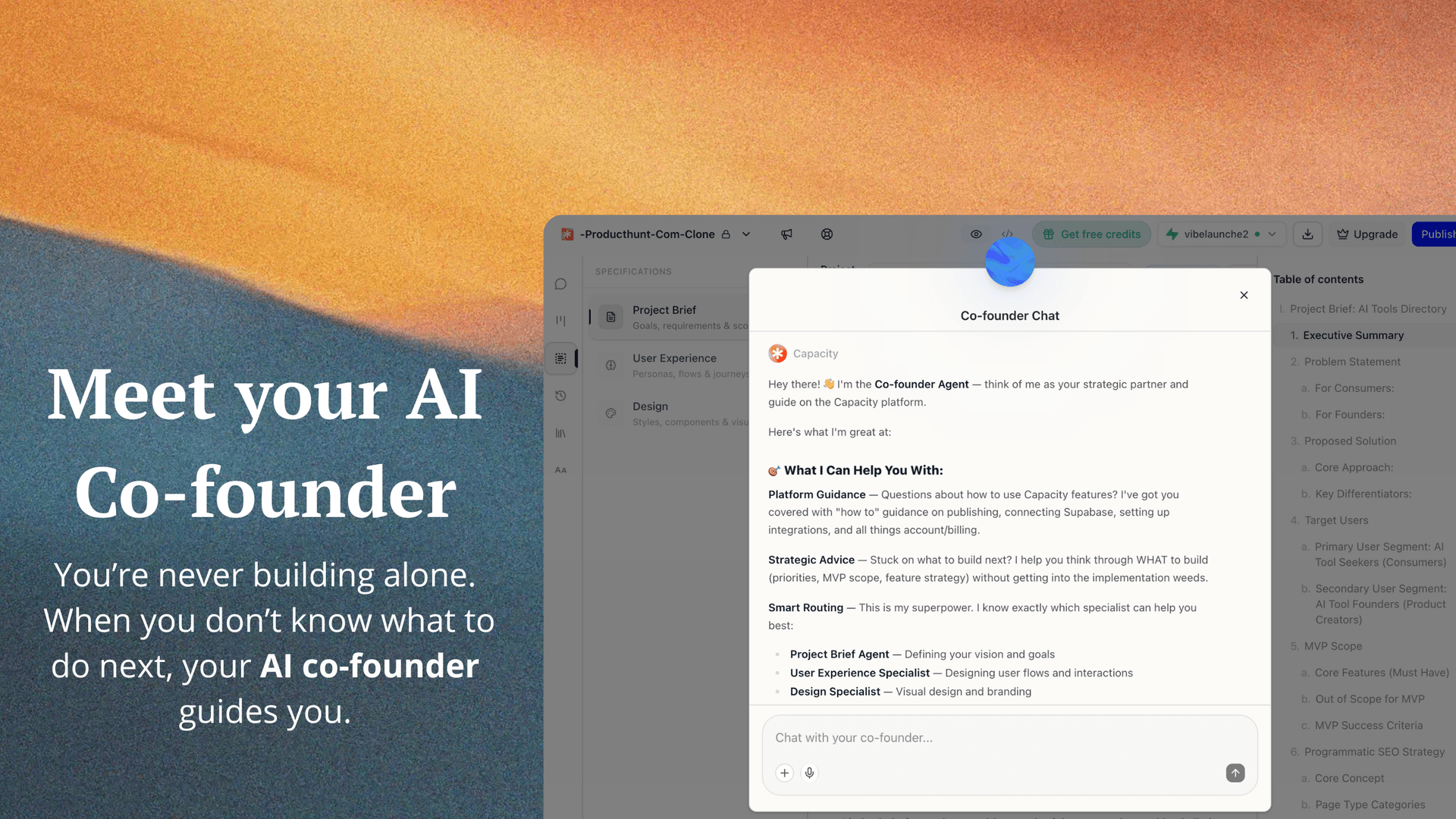
Meet your AI cofounder
Never get lost. Your AI assistant guides you through every step of building your website.
Why people choose Capacity
Your website stays online, always.
Always Online
99.9% uptime guarantee
Fast Everywhere
Loads quickly worldwide
No Tech Skills Needed
Just describe what you want
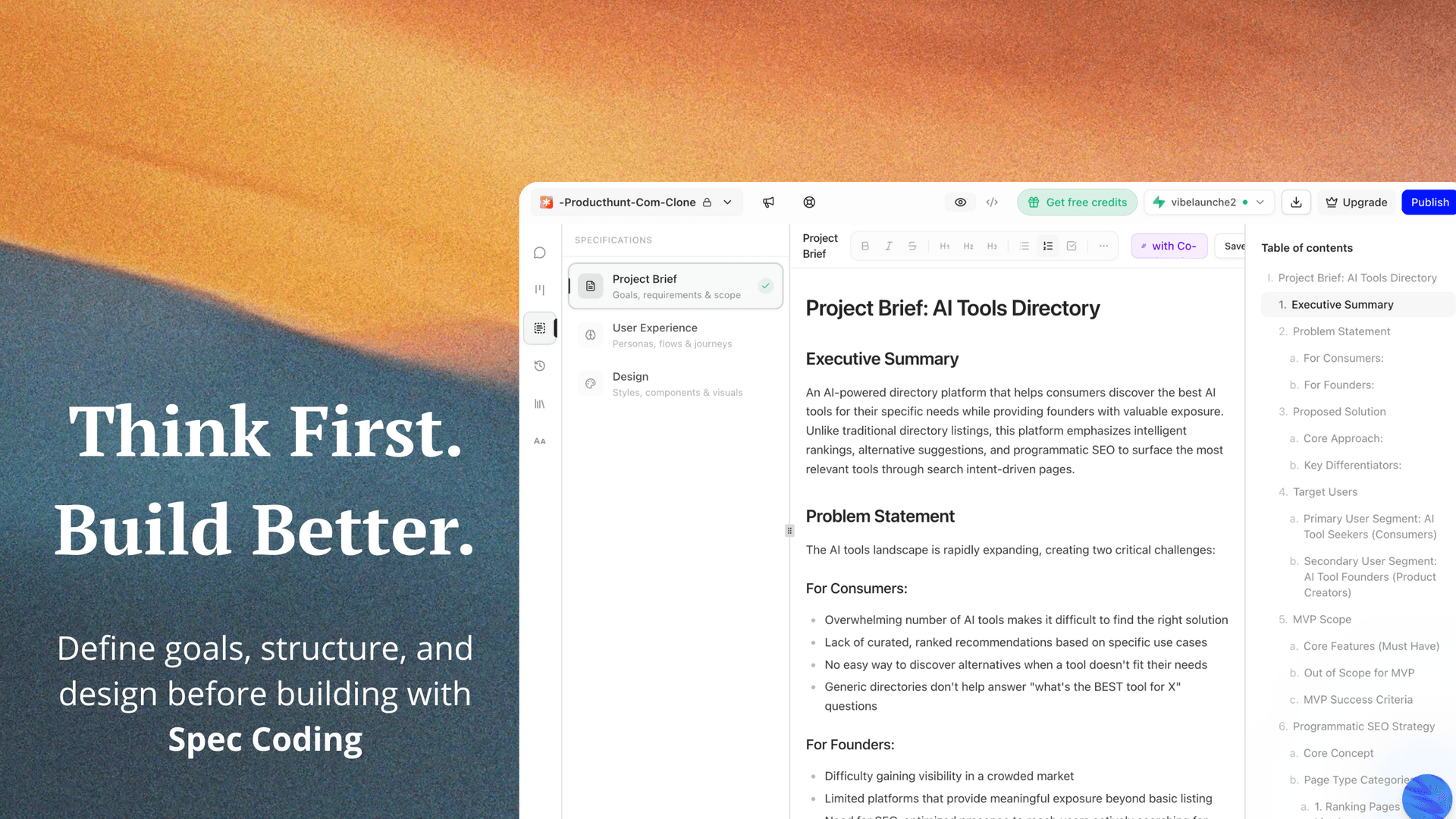
Think first, build better
Spec-first development ensures your website is built right the first time. No more endless iterations.
Frequently Asked Questions
Everything you need to know about Webflow outages
Why is Webflow down?
Webflow can experience downtime due to server maintenance, high traffic, infrastructure issues, CDN problems, or software updates. Webflow typically resolves issues quickly and posts updates on their status page at status.webflow.com.
How long do Webflow outages usually last?
Most Webflow outages are resolved within minutes to a few hours. Major outages are rare but can take longer. You can check the Webflow status page for real-time updates and estimated resolution times.
Is my Webflow site affected?
If Webflow is showing as down or degraded, your site may be affected. This could impact your published website, the Designer editor, CMS content, or form submissions. Check your site directly to confirm.
What happens to my website during a Webflow outage?
During an outage, your published website may be slow or inaccessible. Form submissions might fail, and you may not be able to access the Designer or make changes. Your site data is typically preserved.
How can I avoid losing visitors during Webflow downtime?
Consider building with a platform like Capacity that gives you more control over your infrastructure. With Capacity, you can deploy to reliable cloud hosting with 99.9% uptime and aren't dependent on a single platform.
What should I do when Webflow is down?
First, verify the outage on Webflow's status page (status.webflow.com). Communicate with your visitors or clients about the issue. Wait for Webflow to resolve it - they typically restore service quickly. For critical sites, consider a backup solution.
Can I get notified when Webflow goes down?
Yes, you can subscribe to Webflow's status page for email notifications. Third-party monitoring services like UptimeRobot or Pingdom can also alert you to downtime on your specific site.
Is there a Webflow alternative that doesn't go down?
While no platform has 100% uptime, building your own website with Capacity gives you more control. Capacity deploys to global CDN infrastructure with automatic failover, giving you better reliability than depending on any single platform.