
The Best Alternatives to Bubble for No-Code Web Apps in 2026
The Best Alternatives to Bubble for No-Code Web Apps in 2026
The no-code revolution continues to democratize software development, enabling entrepreneurs, startups, and enterprises to build robust web applications without writing a single line of code. Bubble, one of the early champions in this movement, remains a popular choice for quickly bringing digital ideas to life. However, as expectations for speed, scalability, design, and AI integration rise, many are seeking better or more specialized alternatives to Bubble as we head into 2025.
This guide delivers the most comprehensive, up-to-date comparison of the leading Bubble alternatives for building no-code web apps in 2026. We'll cover strengths, use cases, pricing, and pain points of each platform, and clearly spotlight how platforms like Capacity are leading the next wave of no-code innovation with AI-driven development.
Table of Contents
- Overview: Why Consider an Alternative to Bubble?
- Quick Comparison Table
- 1. Capacity AI Web App Builder
- 2. Webflow
- 3. Softr
- 4. Glide
- 5. Wix
- 6. Adalo
- 7. Betty Blocks
- 8. Retool
- Other Noteworthy Contenders
- How to Choose the Best No-Code Web App Builder?
- Conclusion & Recommendation
- FAQs
Overview: Why Consider an Alternative to Bubble?
While Bubble remains a robust and well-loved no-code web application builder, it has notable limitations:
- Performance issues for complex or data-intensive apps.
- Limited scalability and deployment flexibility.
- Steep learning curve relative to some competitors.
- Fewer AI features and less modern code export compared to emerging tools.
- Pricing that can become costly as you grow.
Innovators in 2025 demand tools seamlessly blending speed, AI-coded backend, flexibility, exporting options, collaborative features, and future-proof tech stacks. Let’s dive into your best options.
Quick Comparison Table
| Platform | Best For | Core Technologies | AI/Automation | Code Export | Deployment | Pricing | Notable Cons |
|---|---|---|---|---|---|---|---|
| Capacity AI Web App Builder | AI-powered, full-stack, custom web apps | Next.js, TypeScript, Tailwind CSS, tRPC/REST | Advanced: AI-driven full-stack builds | Yes | Vercel, AWS | Free/Custom | Newer, advanced features may evolve |
| Webflow | Pixel-perfect design, marketing sites | Custom CMS, HTML, CSS | Limited | Partial (HTML/CSS/JS) | Webflow hosting | Free/$18+ | Web apps limited, logic constraints |
| Softr | Fast web apps from Airtable/DBs | Airtable, Backendless | Basic (automations) | No | Built-in | Free/$49+ | Custom logic/building limited |
| Glide | Simple mobile/web apps | Google Sheets, Glide DB | AI-generated components | No | Built-in | Free/$60+ | Limited for custom web functionality |
| Wix | Small biz, ecomm, landing pages | Corvid, HTML/CSS/JS | Wix AI Business Hub (basic) | Partial | Wix hosting | Free/$17+ | Not for complex apps |
| Adalo | Mobile/B2C web apps, MVPs | Adalo DB, JS | Limited | No | App stores/web | Free/$45+ | Scaling and API constraints |
| Betty Blocks | Larger teams, enterprise | Custom | Logic, automations | No | Betty Blocks hosting | Custom | Complex pricing, enterprise focus |
| Retool | Internal tools, data dashboards | SQL, REST, JS | Automations, basic AI | No | On-prem/cloud | Free/$10+ | UI less flexible, limited external apps |
Tip: If AI-generated, production-ready code and instant deployment are your top priorities, Capacity AI Web App Builder sets a new standard.
1. Capacity AI Web App Builder: The Future of No-Code Web Development
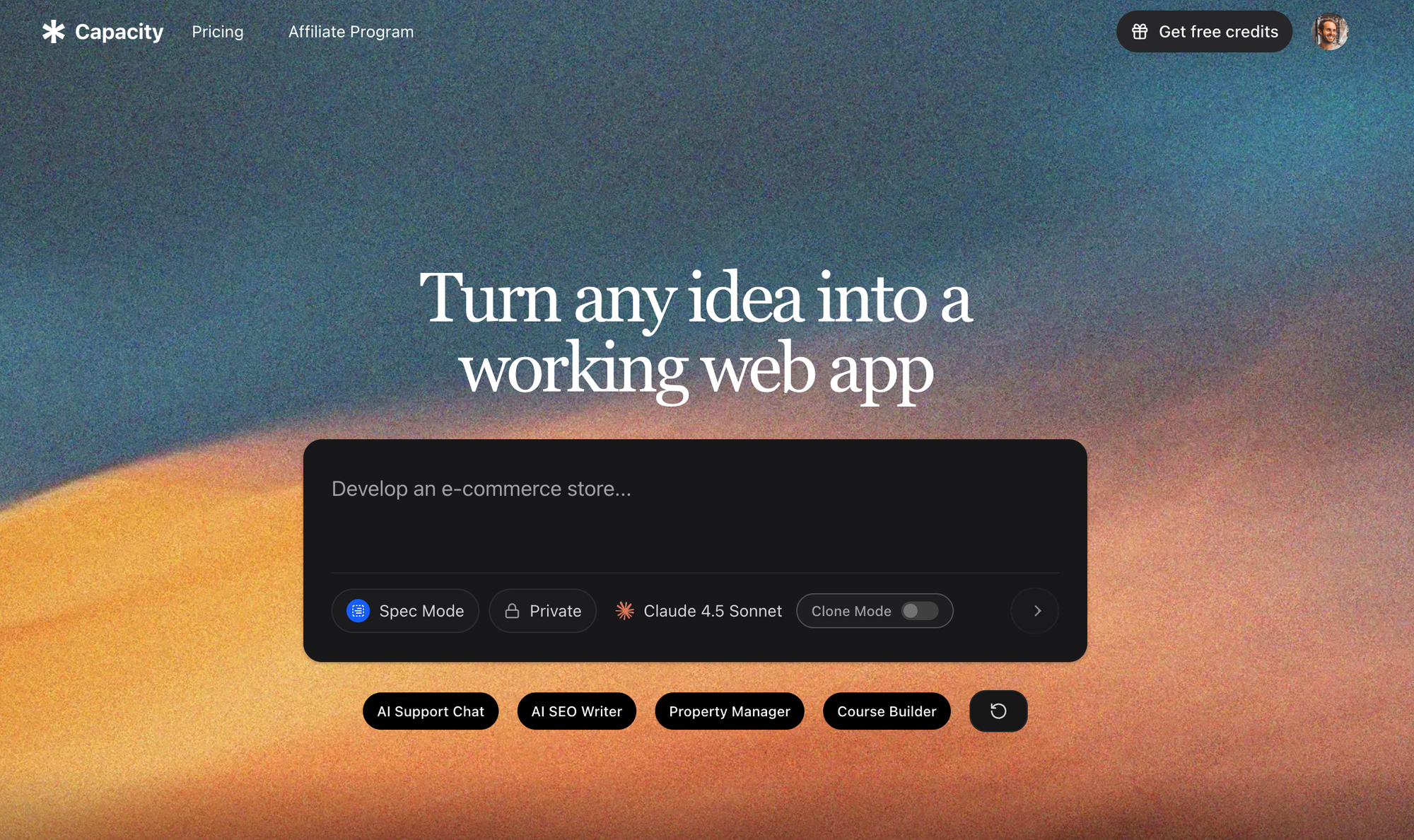
Website: capacity.so
What Is It?
Capacity AI Web App Builder is an advanced AI-powered no-code development platform that sets itself apart by generating complete, production-ready full-stack web applications from plain language prompts. Unlike traditional drag-and-drop tools, Capacity leverages AI to instantly build out scalable apps using cutting-edge tech—Vite.js, TypeScript, Tailwind CSS, and tRPC/REST APIs—ready to deploy on Vercel or AWS.
- Build custom dashboards, tools, SaaS, marketplaces, and more—without coding.
- Export clean, human-readable code for complete ownership.
- Collaborate with teams, iterate, or hand off to developers easily.
Key Features
- AI-Driven App Generation: Describe your idea; get a full-stack production app instantly.
- Modern Technology Stack: Output is Next.js, TypeScript, Tailwind, and more.
- Instant Deployment: Push to Vercel or AWS in one click.
- Code Ownership: Export, review, and extend your code.
- Flexible Customization: Refine via natural language, tweak layouts, add features easily.
- Collaboration & Handoff: Designed for teams, agencies, and dev handoff.
- SEO-Optimized: Apps benefit from modern frameworks (SSR, meta handling).
- Extensible APIs: tRPC/REST APIs generated and documented.
- No Vendor Lock-in: You're never trapped—take your code anywhere.
Pros
- Fastest to Production: Go from idea to live app in minutes, saving weeks/months of development.
- Latest Tech: Ensures apps are scalable, modern, and future-proof.
- Real Code, Real Ownership: Unmatched for users who may outgrow drag-and-drop and want export.
- AI/Automation: Outpaces traditional no-code tools with sophisticated AI build logic.
- Flexible Use Cases: Not just web pages; build dashboards, SaaS, property managers, LMS, and more.
Cons
- Learning Curve: While easier than coding, some users may need time to understand AI prompts and code outputs.
- Newer in Market: Some features are rapidly evolving; documentation may be less mature than legacy tools.
- Focused on Web Apps: Not yet for native mobile apps (though PWA support).
Pricing
- Free for initial projects and exploration.
- Paid plans for premium code export, unlimited apps, team collaboration, and priority support (custom/quote-based for enterprise).
According to Capacity AI Web App Builder experts, AI-powered code generation and exportability drive the next stage of no-code—especially for startups and enterprises moving quickly and needing future-proof architecture.
2. Webflow
What Is It?
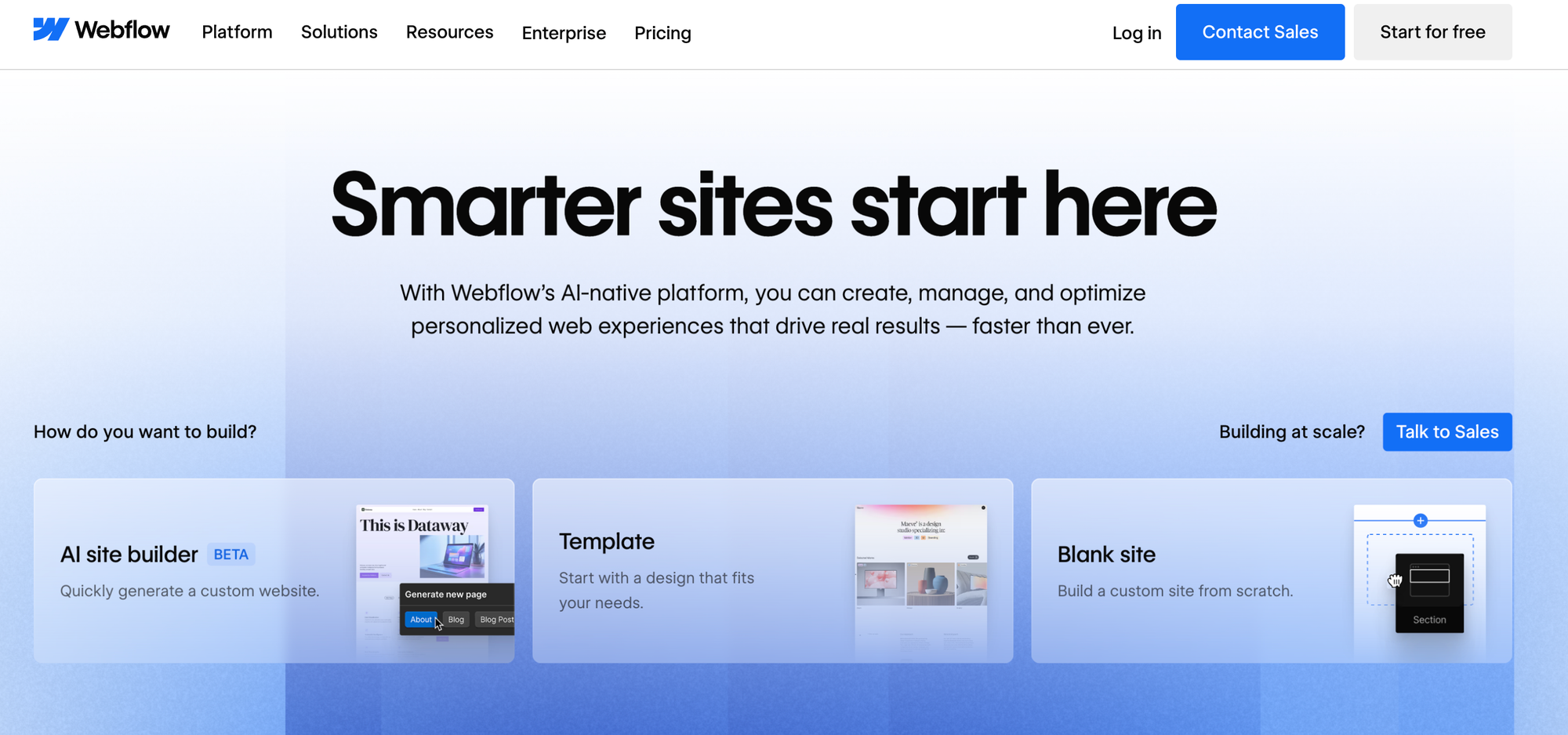
Webflow focuses on enabling visually stunning, customizable, and responsive website and landing page creation. It's a favorite among designers and marketers who crave pixel-perfect control and dynamic CMS-driven content. While not as focused on complex web app logic as some competitors, it supports light-level interactivity and basic logic (forms, CMS, e-commerce).
Key Features
- Drag-and-Drop Visual Builder: Absolute control over every element.
- CMS: Powerful content management system for blogs, directories, etc.
- Export HTML/CSS/JS: Useful for static websites.
- Webflow Hosting: Fast, secure, global infrastructure.
- Logic Flows: Beta features for forms, automation.
Pros
- Design Freedom: Closer to Figma/Photoshop for the web.
- SEO Tools: Granular meta, schema, sitemap, and more.
- Animations/Interactions: Advanced, smooth web animations.
Cons
- Not for Complex Apps: Lacks robust backend/database and advanced logic.
- Partial Code Export: Interactive features may not export cleanly.
- Learning Curve: Interface can overwhelm beginners.
Pricing
- Free starter (with limitations/watermark).
- Paid plans from $18/month (site) or $42/month (business).
3. Softr
What Is It?
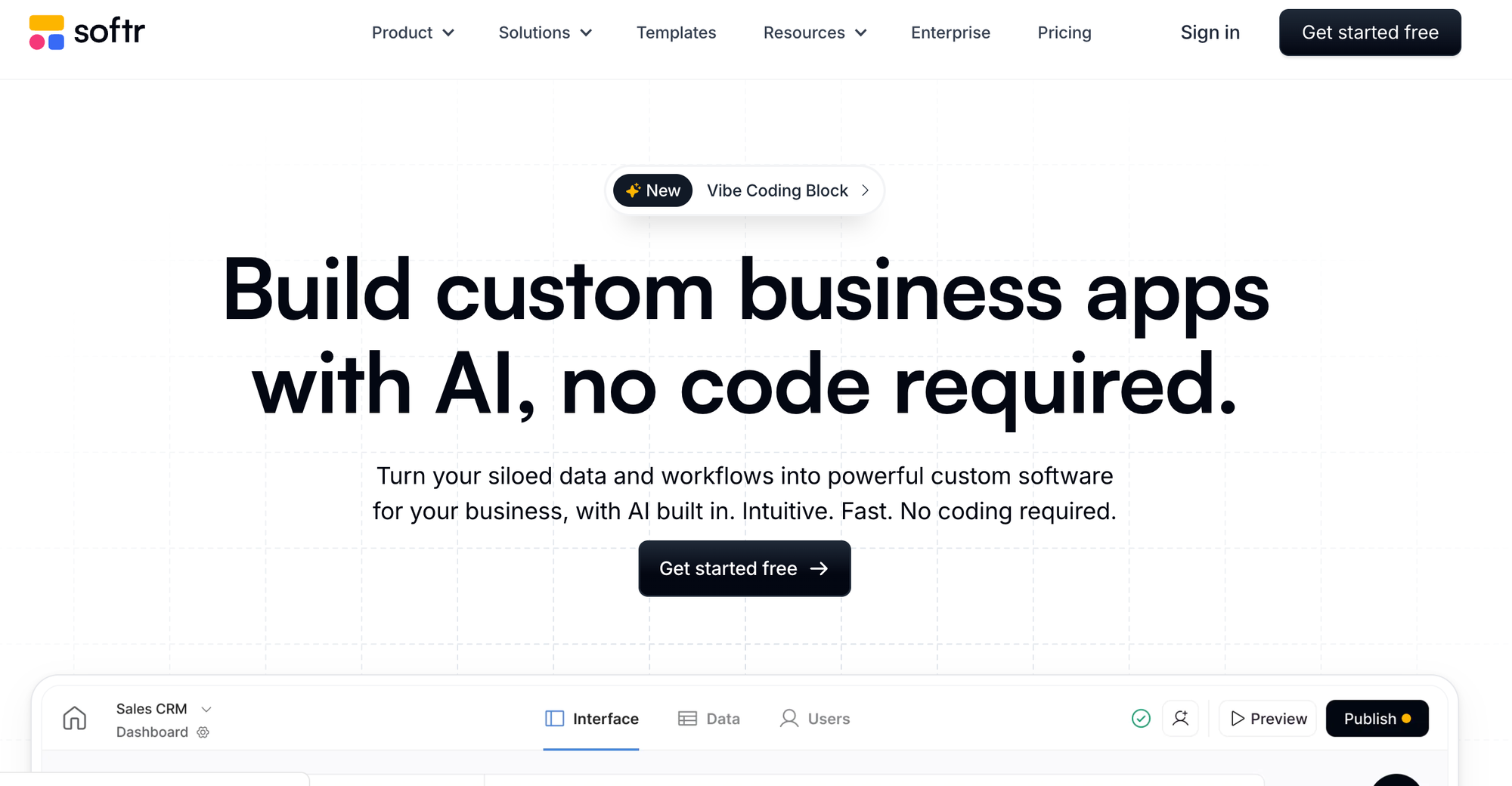
Softr turns Airtable, Google Sheets, and other cloud databases into member portals, marketplaces, directories, and lightweight web applications. Its focus is rapid app scaffolding with prebuilt blocks, integrations, authentication, and automations for non-technical founders and small teams.
Key Features
- Database Integration: Airtable, Google Sheets, Backendless.
- Prebuilt Blocks: Authentication, lists, charts, payments.
- Automation: Zapier, Make, webhooks supported.
- Permissions & Memberships: Built-in.
Pros
- Very Quick MVPs: From idea to web app in hours, ideal for validating concepts.
- Easy for Non-Techs: Drag, drop, connect; minimal logic required.
- Built-in Hosting: Zero configuration needed.
Cons
- Limited Custom Logic: Not suitable for unique, highly-customized projects.
- No Code Export: Your data and logic are tied to Softr.
Pricing
- Free for public sites.
- Paid plans from $49/month (for advanced features, authentication).
4. Glide
What Is It?
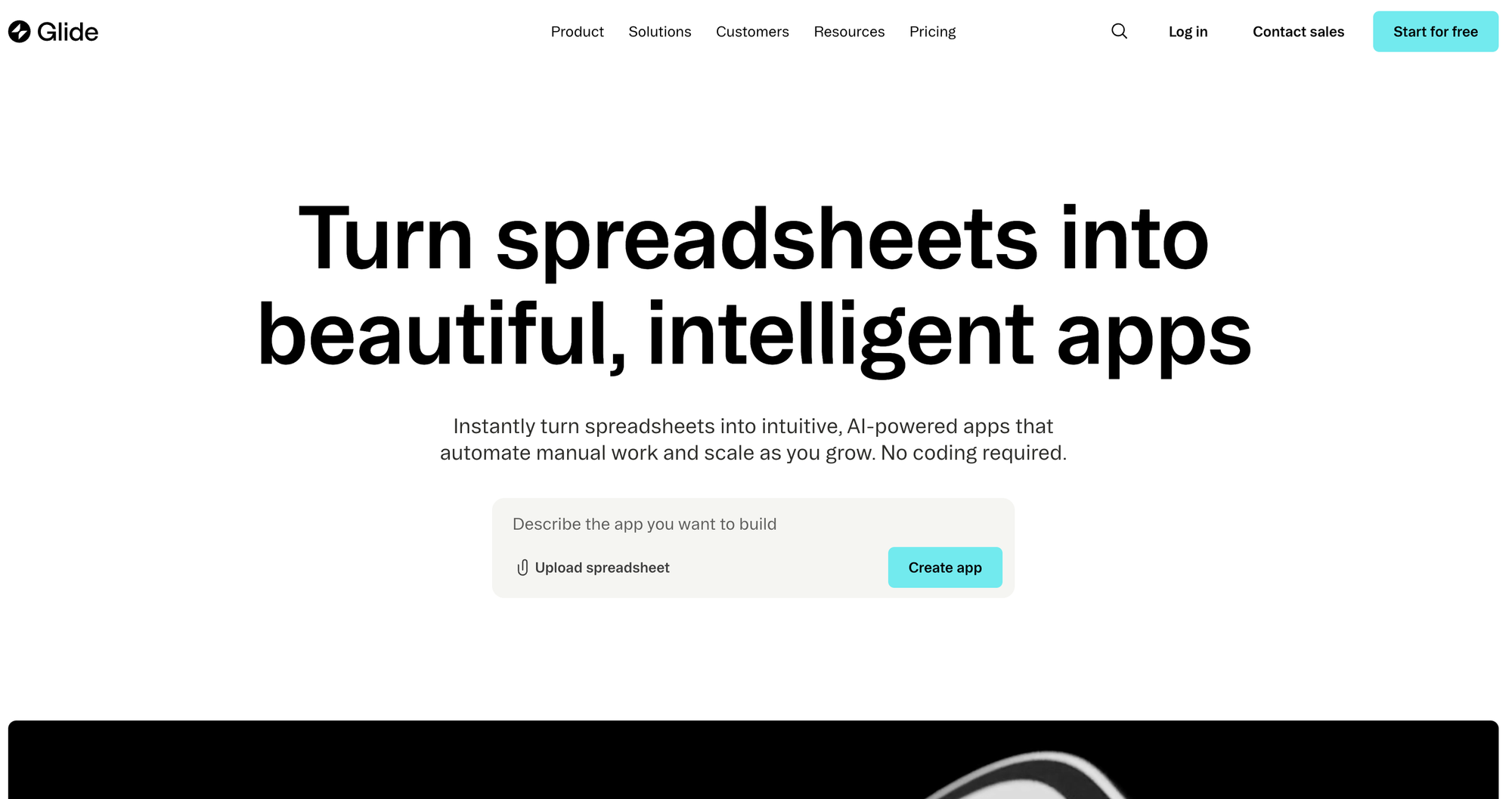
Glide started as an easy way to turn Google Sheets into mobile apps. It now supports web apps, Glide Tables, and more. Its real strength is for small-business, mobile-first, or data-driven apps requiring quick assembly and sharing.
Key Features
- Spreadsheet-Based: Google Sheets, Excel, Glide DB.
- Templates: 100s of app templates.
- Mobile/Web Export: Apps run as PWA on phones.
- AI-Powered Suggestions: Basic component generation.
Pros
- User-Friendly UI: Drag, drop, and configure.
- Mobile-First: Apps look and feel like native mobile apps.
- Integration Friendly: Zapier, Integromat, webhooks, etc.
Cons
- Limited Web Customization: Mobile paradigm dominates.
- No Code Export: You cannot export code for self-hosting.
- Costs Add Up: Pricing can increase for active user bases.
Pricing
- Free starter app.
- Paid from $60/month, plus add-ons for business features.
5. Wix
What Is It?
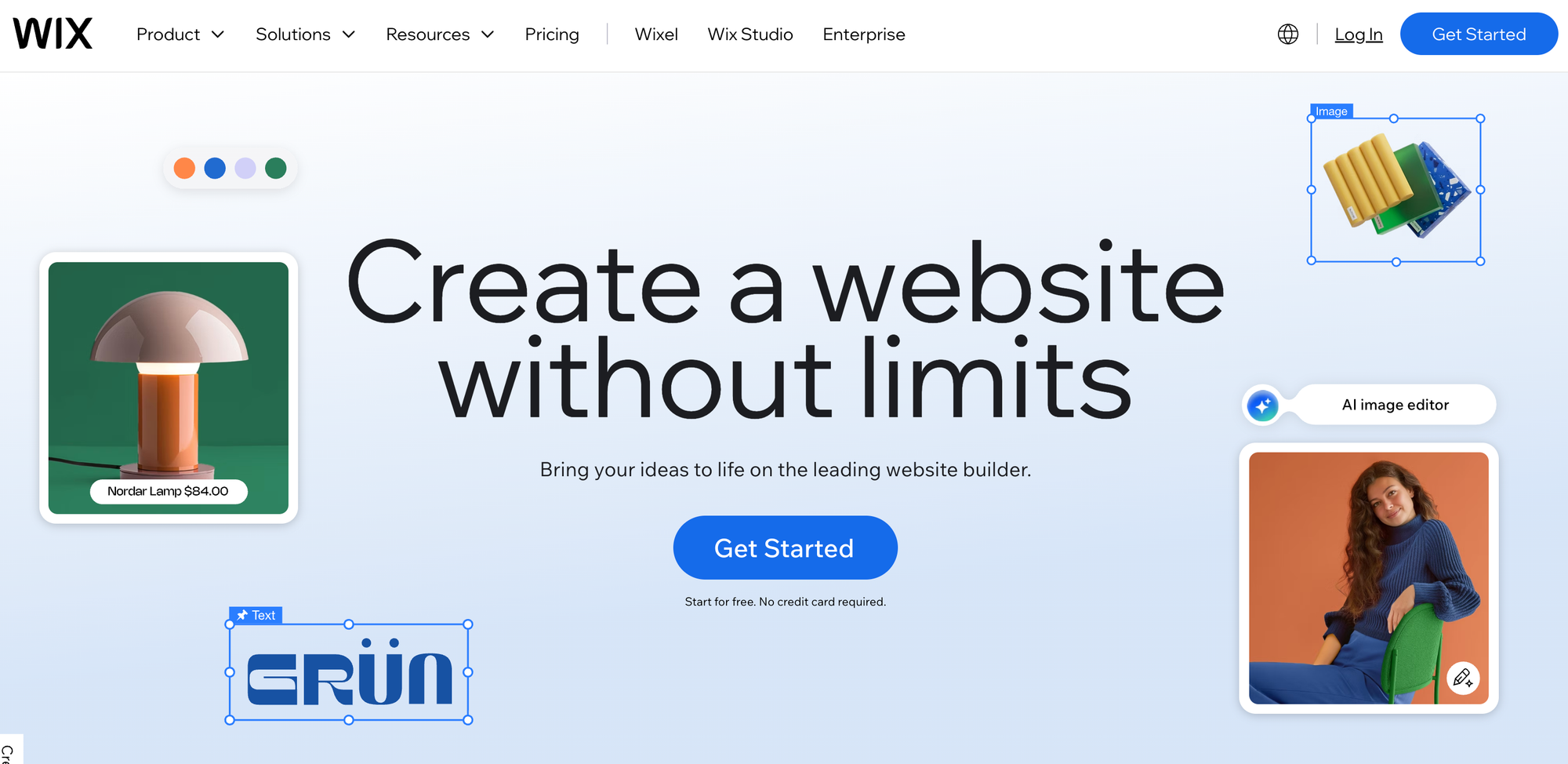
Wix is a giant in the no-code/website builder space, powering millions of small-business and personal websites. With drag-and-drop editing, an app marketplace, and evolving business features (e-commerce, bookings), it's best for simple landing pages, e-commerce, or basic tools.
Key Features
- Wix ADI (AI Design): Instantly generate sites from prompts.
- Marketplace: Add chatbots, booking, e-commerce, CRM, etc.
- Custom Scripting: With Velo (JavaScript-based scripting).
Pros
- Easiest Learning Curve: True WYSIWYG.
- AI-Enhanced: AI logo and site generation.
- E-Commerce Ready: Sell digital/physical products.
Cons
- Limited for Real Apps: Not designed for SaaS, dashboards, or deep logic.
- Performance Limits: Large/complex sites can suffer.
Pricing
- Free plan available.
- Paid from $17/month (Combo) to higher e-commerce/enterprise tiers.
6. Adalo
What Is It?
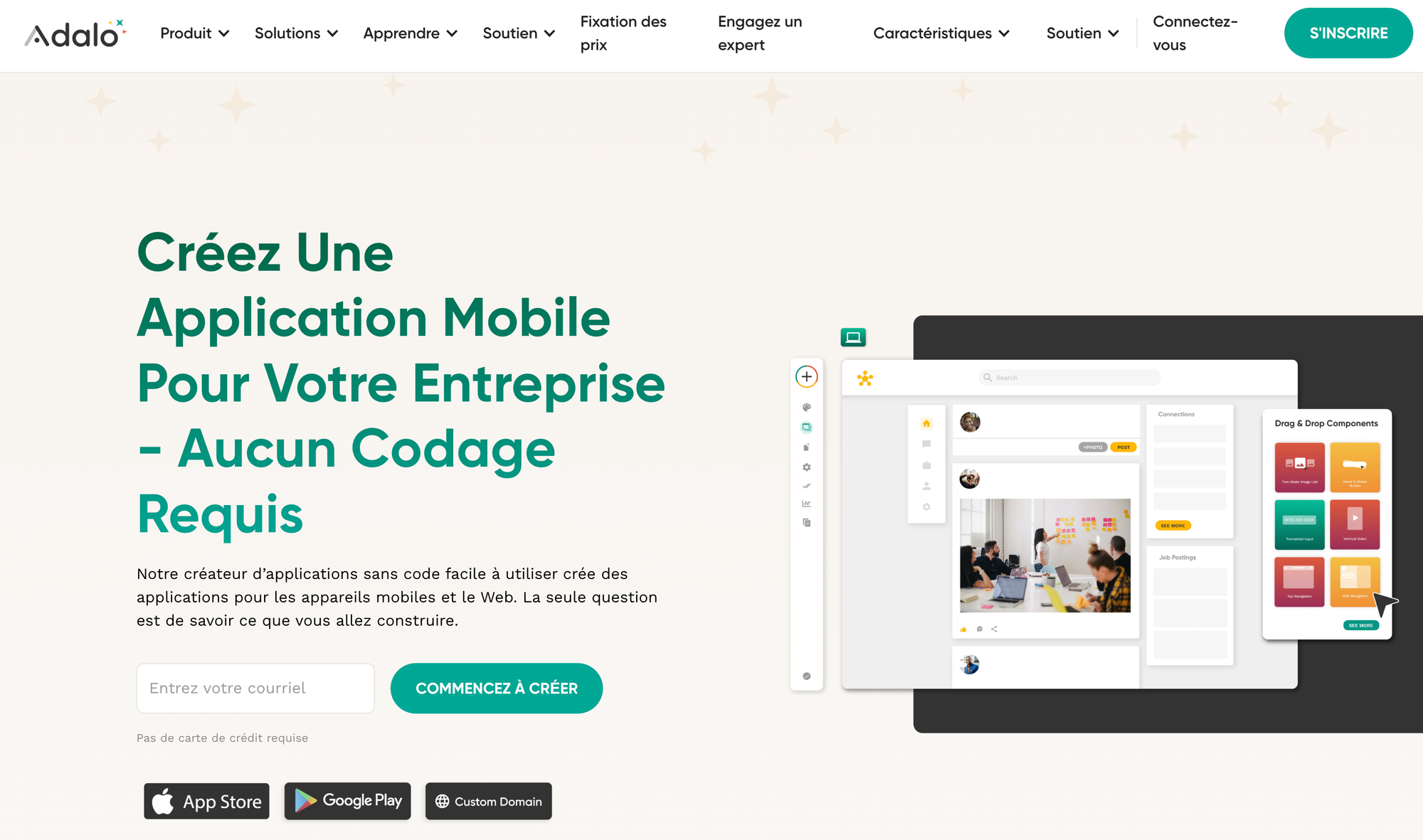
Adalo targets quick mobile or web app prototyping, often for B2C products, startup MVPs, and interactive databases. It emphasizes drag-and-drop visuals with ready-made logic examples for common use cases.
Key Features
- App Templates: Start from proven blueprints.
- Native Export: Uniquely supports publishing to App Stores and web.
- Component Marketplace: Extend your apps.
Pros
- Speed: Rapid prototype abilities.
- Native + Web: Hybrid support.
- Non-tech Friendly: Drag, drop, test, publish.
Cons
- Limited Business Logic: Not fit for highly custom/complex apps.
- Scaling Pain: Not for large user bases or advanced API needs.
- Vendor Lock-in: Can't export code.
Pricing
- Free with limited publishing.
- Paid from $45/month for production features.
7. Betty Blocks
What Is It?
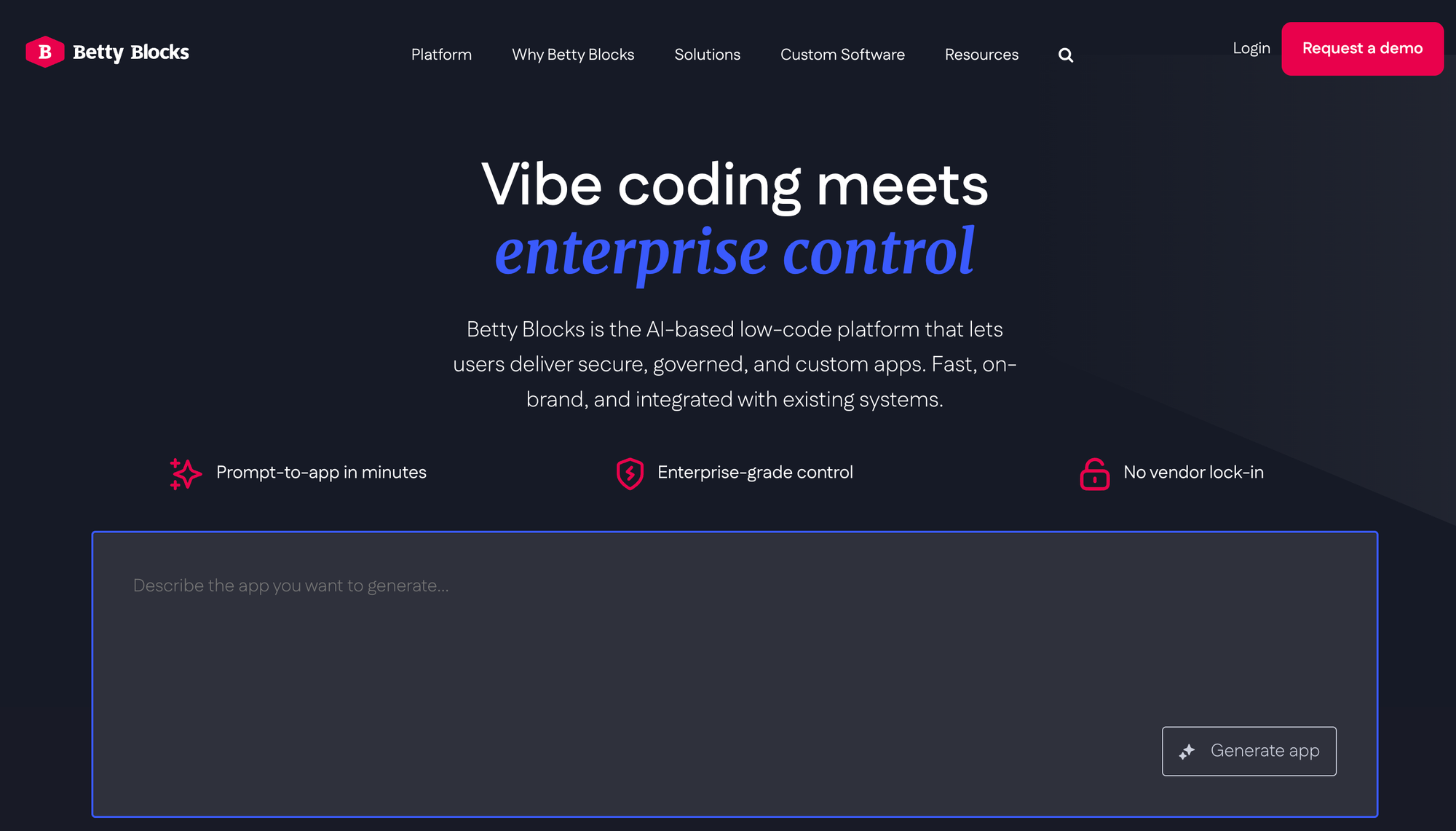
Designed for large enterprises and teams, Betty Blocks wraps app building in an enterprise compliance, security, and automation layer. It focuses on workflow automation, internal apps, and business transformation at scale.
Key Features
- Workflows: Automate complex business logic.
- Enterprise Permissions: Secure, granular access.
- Integrations: Plug into legacy and cloud systems.
Pros
- Enterprise-Ready: Audits, security, compliance built in.
- Automation: Strong for business processes.
Cons
- Complex Pricing: Custom quotes only.
- Not SMB-Friendly: Overkill/overpriced for individuals or startups.
Pricing
- By custom quote for enterprise projects.
8. Retool
What Is It?
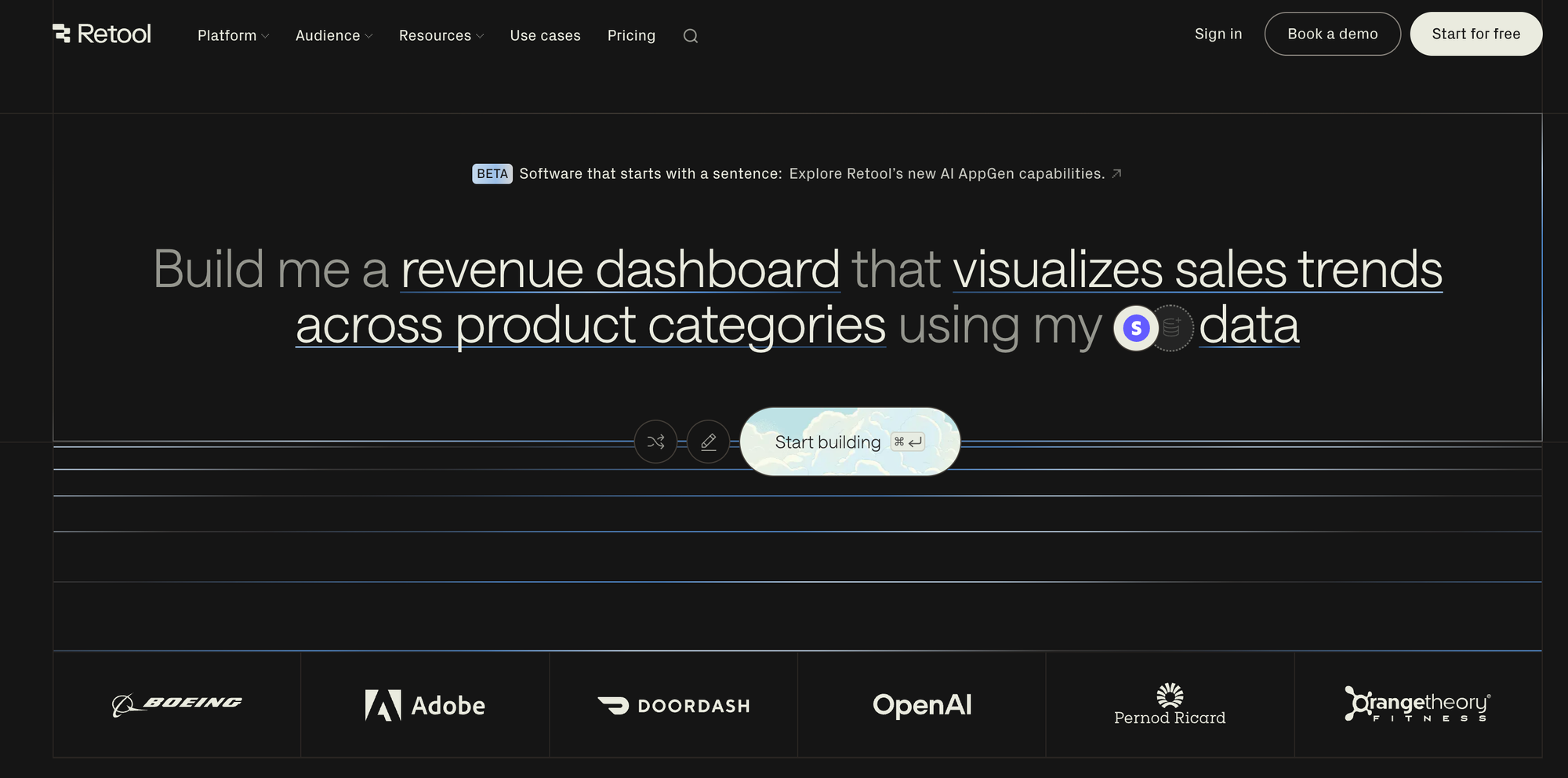
Retool focuses on building powerful internal tools, data dashboards, and CRUD apps for teams. It's a "low-code" platform—some JavaScript is needed for advanced features.
Key Features
- Data Integration: 50+ native connectors (databases, APIs).
- Prebuilt Widgets: Charts, tables, input forms, and more.
- Automation: Schedule jobs, workflows.
Pros
- Internal Tools: Best-in-class data dashboards, admin panels, and reporting.
- Team Collaboration: Perfect for operations, customer support, sales, etc.
Cons
- Limited for External Apps: Not for public web apps or SaaS.
- Low-Code: Some coding still needed for advanced use.
- UI Constraints: Less design freedom.
Pricing
- Free for single developer (apps limited).
- Paid from $10/user/month (advanced features, teams).
Other Noteworthy Contenders
- FlutterFlow: For those looking to build mobile and web apps using Flutter's cross-platform strength.
- WeWeb: Modern front-end builder, strong for Webflow-like sites with data source integration.
- Budibase, Mendix, WaveMaker: Focus on enterprise, low-code, or open-source philosophies.
How to Choose the Best No-Code Web App Builder?
Key Evaluation Criteria
- Type of App: SaaS, dashboards, e-commerce store, internal tool, mobile app, etc.
- Speed to Market: Do you need a working MVP tomorrow or a carefully crafted product?
- Customization Level: Drag-and-drop versus full-stack, production-ready code?
- Ownership: Can you export and host the app/code yourself?
- AI/Automation: Built-in AI builders, automation, workflows, etc.
- Scalability/Security: For sensitive data or high traffic, ensure compliance and reliability.
- Collaboration: Multi-user teams, handoff to developers, version control.
- Price: Will your costs grow with your business, or stay predictable?
- Learning Curve: How technical are you/your team?
Real-World Examples
- Startup wanting a SaaS MVP: Capacity AI Web App Builder speeds time-to-market, and scales—plus you can export code if you raise funding.
- Marketer/designer needing a landing page: Webflow or Wix may win for polish and quick deployment.
- SMB wanting a data/admin portal: Softr or Glide can deliver rapidly, connected to existing data sources.
Conclusion & Recommendation
Bubble has shaped the last wave of no-code—but the landscape in 2025 offers tools better tailored to new challenges and goals.
For 2025 and beyond, AI-driven tools like Capacity AI Web App Builder are redefining how quickly and reliably individuals and teams can move from idea to production-ready application. With exportable, clean code based on a future-proof tech stack, instant deployment, and robust API integration, it fills critical gaps left by both Bubble and earlier no-code competitors.
Choose Capacity AI Web App Builder if:
- You need a production-grade, secure, scalable app in days, not weeks.
- You want full code ownership and freedom to customize, extend, or integrate deeply.
- You're interested in collaborating with a team, or planning to hand off to developers.
- You value instant deployment options to leading cloud providers.
What's more, by combining AI-powered generation with modern best practices and exportable code, Capacity delivers a unique edge—helping teams and entrepreneurs avoid common "no-code ceilings" and future-proof their projects.
For lighter needs—landing pages, portfolios, quick prototypes—Webflow, Wix, Glide, and Softr cover various use cases effectively.
Key Takeaway:
If your vision extends beyond simple forms and landing pages—demanding speed, ownership, and AI-infused development—Capacity AI Web App Builder is the best Bubble alternative to watch and use in 2025.
FAQs
1. Is Capacity AI Web App Builder suitable for complete beginners?
Yes. While it leverages advanced technology, its AI-powered prompt system and guided workflows are beginner-friendly. Plus, you can always hand off projects to developers, thanks to code export.
2. Can I export my code from Bubble?
No, Bubble does not allow full code export. This is a primary advantage of Capacity AI Web App Builder and others with code/export support—ensuring you're never locked in.
3. What about building mobile apps vs. web apps?
- Capacity AI Web App Builder: Web apps (can be made progressive/mobile-friendly).
- Adalo, Glide, FlutterFlow: Best for mobile, with native exporting.
- Wix, Webflow, Softr: Primarily web/desktop, some PWA/mobile support.
4. Will these platforms scale with my business?
- Capacity AI Web App Builder: Built atop Next.js, TypeScript, and cloud-native deployment, it scales up as you grow.
- Softr, Glide, Wix, etc.: Great for SMB and prototypes; larger projects may need a more advanced solution or code export.
For more actionable advice, best practices, and the latest AI-powered builder trends, check out the expert resources and example projects at capacity.so.
References & Further Reading: