
What Is Windsurf? Codeium's AI Code Editor Explained (2026)
What Is Windsurf? Codeium's AI Code Editor Explained (2026)
The AI code editor space has exploded over the past two years - and right at the center of that explosion sits Windsurf. Formerly known as Codeium, Windsurf has rapidly evolved from a simple autocomplete tool into a full-blown AI-powered code editor that promises to change the way developers write software. But what exactly is Windsurf? Is it worth switching from your current setup? And how does it stack up against the growing list of alternatives?
In this guide, we break down everything you need to know about Windsurf in 2026: its features, pricing, how the Cascade AI engine works, honest pros and cons, and the best alternatives available right now.
What Is Windsurf?
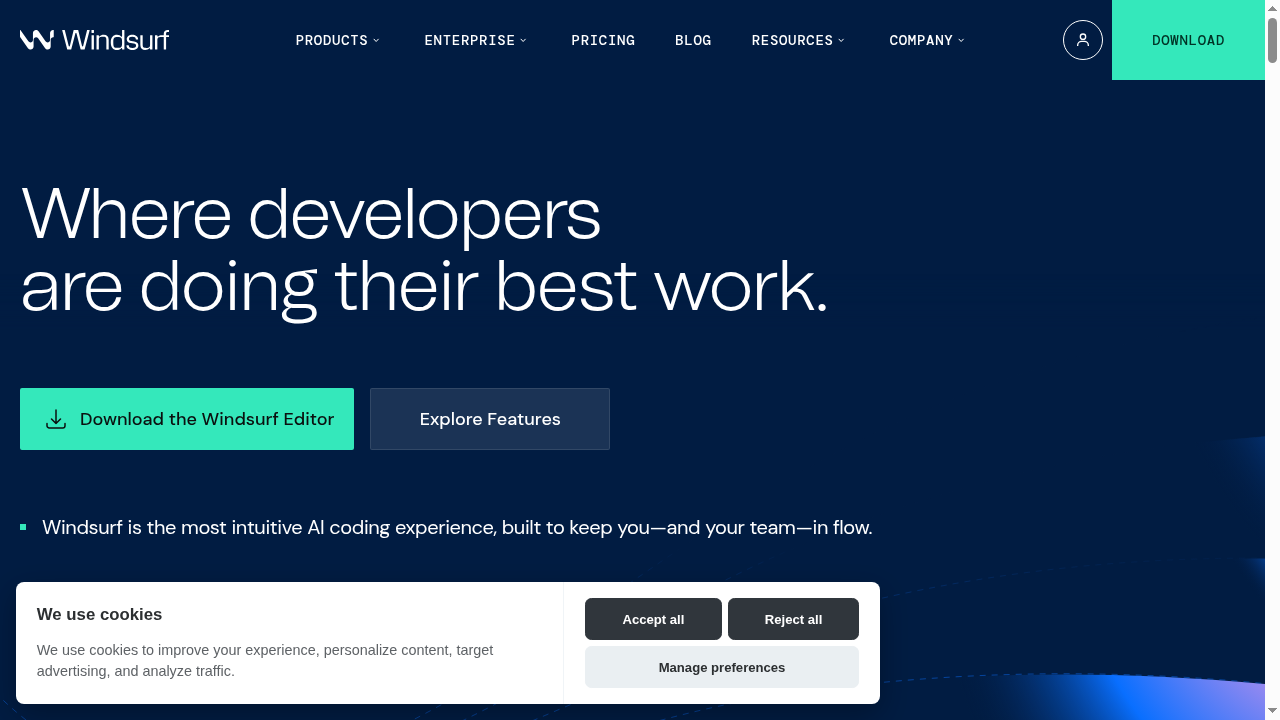
Windsurf is an AI-native code editor built by the team formerly known as Codeium. It is a standalone desktop application, built on top of the VS Code architecture, that deeply integrates AI into every part of the coding workflow. Unlike simple AI assistants that bolt onto existing editors, Windsurf was designed from the ground up to make AI a first-class citizen in the development process.
At its core, Windsurf aims to eliminate the friction between thinking about code and writing code. You describe what you want, and Windsurf's AI engine - called Cascade - handles the implementation across multiple files, runs terminal commands, fixes errors, and keeps track of your entire project context.
The result? According to Windsurf's own data, their AI writes approximately 94% of the code in typical workflows, freeing developers to focus on architecture, creativity, and problem-solving rather than boilerplate.
The Story Behind Windsurf: From Codeium to a Full Editor
Windsurf started life as Codeium, a popular AI autocomplete extension for VS Code, JetBrains, and other editors. Codeium built a massive user base - over a million developers - by offering a generous free tier and solid code completion capabilities.
But the team recognized something important: bolting AI onto an existing editor would always be limited. To truly reimagine the coding experience, they needed to control the entire environment. So they built Windsurf - a complete editor that puts AI at the center rather than the periphery.
This was a bold move. While competitors like Cursor took a similar path (forking VS Code and adding AI), Windsurf differentiated itself with a more opinionated, streamlined experience focused on flow state and agentic capabilities.
How Windsurf Works: The Cascade AI Engine
The heart of Windsurf is Cascade, its proprietary AI engine. Cascade is not just a chatbot that suggests code - it is an agentic system that can take multi-step actions autonomously. Here is what makes it special:
Deep Codebase Understanding
Cascade indexes your entire project and maintains a rich understanding of your codebase structure, dependencies, and patterns. When you ask it to make a change, it does not just look at the current file - it understands how your components connect, what your data models look like, and where changes need to propagate.
Multi-File Editing
Unlike basic AI assistants that work on one file at a time, Cascade can make coordinated changes across multiple files simultaneously. Need to add a new API endpoint with the route, controller, model, and tests? Cascade handles it all in one go.
Terminal Integration
Cascade can run terminal commands directly. It installs packages, runs build scripts, executes tests, and even starts development servers. With Turbo Mode enabled, it can auto-execute these commands without asking for permission each time, dramatically speeding up the workflow.
Memories and Context
One of Windsurf's standout features is Memories. Cascade remembers important details about your codebase and workflow across sessions. Your coding patterns, project structure, preferred frameworks - all of it persists so the AI gets smarter the more you use it.
Rules System
You can define project-specific rules that Cascade follows. For example, "Always use TypeScript strict mode" or "Follow Next.js app router patterns." This ensures the AI-generated code matches your team's standards and conventions.
MCP Support (Model Context Protocol)
Windsurf supports the Model Context Protocol, allowing you to connect external tools and services. Out of the box, you can integrate with Figma, Slack, Stripe, PostgreSQL, Playwright, and more. This means Cascade can pull in design files, query databases, or interact with third-party APIs as part of its workflow.
Drag and Drop Images
Drop a design mockup or screenshot directly into Cascade, and it will generate the corresponding UI code. This bridges the gap between design and development in a way that feels almost magical.
Lint Auto-Fix
Cascade automatically detects and fixes lint errors in code it generates. It monitors for issues and resolves them before you even notice, keeping the code clean and consistent.
"Continue My Work" Feature
Stepped away for lunch? Just tell Cascade to "continue my work" and it picks up right where you left off. It tracks your recent actions and context to seamlessly resume development.
Windsurf Pricing in 2026
Windsurf uses a credit-based pricing system that has been refined over the past year. Here is the current breakdown:
- Free Plan - $0/month: Unlimited Cascade access with basic features. A great way to try Windsurf with no commitment.
- Pro Plan - $15/month: 500 prompt credits per month, access to all premium AI models, Previews, Deploys, Fast Context, and the SWE-1.5 model. Add-on credits available at $10 for 250 credits.
- Teams Plan - $30/user/month: 500 credits per user per month, centralized billing, admin dashboard with analytics, and priority support. Add-on credits at $10/user/month under team management.
- Enterprise - Custom pricing: 1,000+ credits per user per month, SSO, access control, RBAC, knowledge base, volume discounts, hybrid deployment options, and dedicated account management.
The credit system means you pay based on how much you use the AI, rather than having a flat "unlimited" plan with hidden throttling. This is more transparent than some competitors, though it can feel unpredictable if you are a heavy user.
Key Features at a Glance
- VS Code-based: Familiar interface, supports VS Code extensions
- Cascade AI engine: Agentic, multi-file, context-aware
- Premium model support: Claude Sonnet 4.6, Gemini 3.1 Pro, and more
- Memories: Persistent codebase and workflow knowledge
- Turbo Mode: Auto-execute terminal commands
- MCP integrations: Figma, Slack, Stripe, databases, and more
- Image-to-code: Drop designs, get code
- JetBrains plugin: Cascade available natively in JetBrains IDEs
- Preview and Deploy: Built-in preview server and deployment
- 1M+ users: Large, active community
- 4,000+ enterprise customers: Proven at scale
Windsurf Pros and Cons
Pros
- Incredible flow state: Windsurf is arguably the most seamless AI coding experience available. The way Cascade handles multi-file edits, terminal commands, and error fixing in one fluid motion is genuinely impressive.
- Free tier is generous: Unlike Cursor, which has a limited trial, Windsurf offers unlimited free access to Cascade. This makes it accessible to students, hobbyists, and developers wanting to test the waters.
- Best-in-class UX: Multiple developers have noted that Windsurf's UX feels more intuitive than Cursor, especially for developers who are not power users. The Preview button, MCP setup, and overall polish stand out.
- Memories make it smarter over time: The persistent memory system means Windsurf genuinely learns your preferences, unlike tools that start fresh every session.
- MCP ecosystem: The plugin store for MCP servers makes it easy to extend Windsurf's capabilities without technical configuration.
- Active development: The team ships updates frequently. New model support (Gemini 3.1 Pro, Claude Sonnet 4.6) arrives quickly.
Cons
- Credit system can be confusing: While more transparent than "unlimited" plans, the credit-based pricing makes it hard to predict monthly costs. Heavy users may burn through 500 credits quickly.
- Still VS Code-dependent: Despite being a standalone editor, Windsurf inherits VS Code's limitations. If you prefer a completely different editor paradigm, you are out of luck (though the JetBrains plugin helps).
- AI hallucinations still happen: Like all AI coding tools, Cascade sometimes generates incorrect code or makes assumptions that do not match your intent. The more complex the task, the more likely this is.
- Lock-in concerns: Memories and rules are tied to Windsurf. If you switch editors, you lose that accumulated context.
- Turbo Mode can be risky: Auto-executing terminal commands is powerful but can lead to unintended consequences if Cascade misunderstands your intent.
- Not ideal for non-coders: While Windsurf dramatically speeds up development, it still requires programming knowledge. Non-technical users looking to build apps would be better served by no-code or AI app builder platforms.
7 Best Windsurf Alternatives in 2026
Windsurf is excellent, but it is not the right tool for everyone. Whether you need a no-code solution, a different AI coding paradigm, or just want to compare options, here are the seven best alternatives to consider.
1. Capacity.so - Best for Building Full-Stack Apps Without Coding
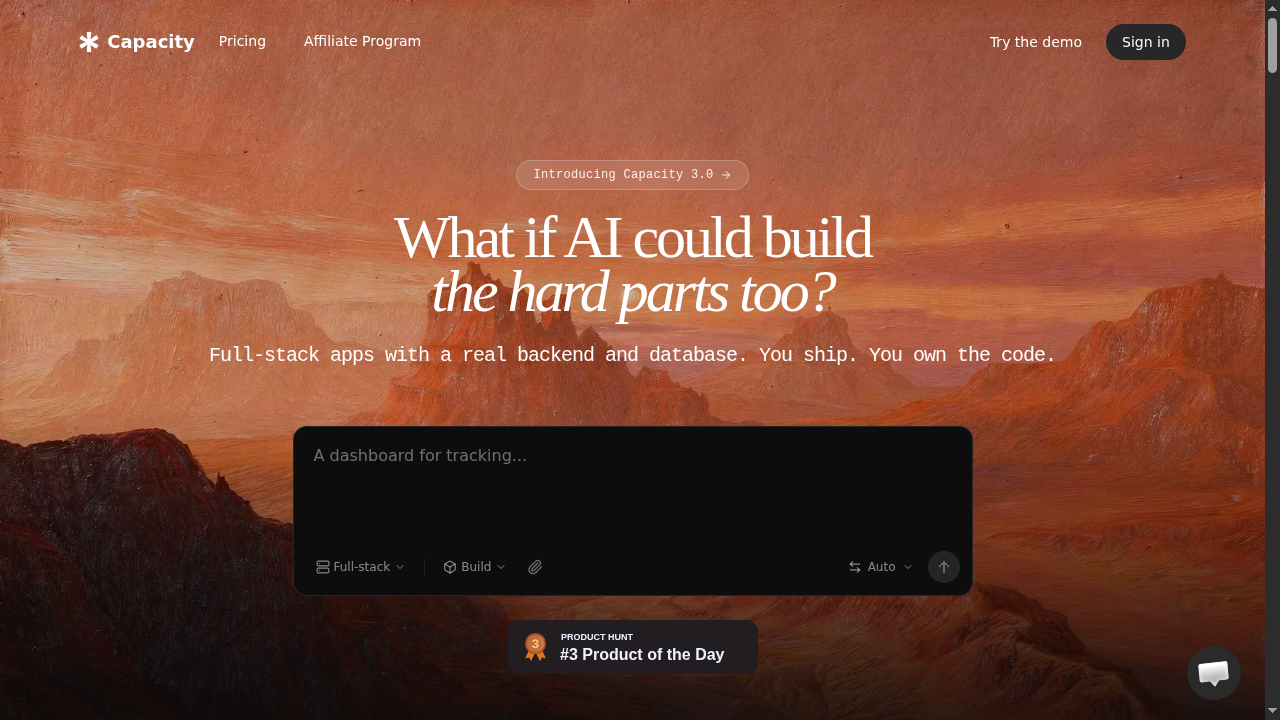
If Windsurf is designed for developers who want AI to speed up their coding, Capacity.so takes a fundamentally different approach: it lets you build complete, production-ready web applications through natural conversation, with zero coding required.
Capacity is an AI-powered platform that acts as your "AI Co-founder." You describe the app you want to build in plain English, and Capacity generates the entire thing - frontend, backend, database, and all. Unlike simple website builders, Capacity creates real full-stack applications using React, TypeScript, and Tailwind CSS on the frontend, with an Express backend and SQLite database.
What makes Capacity stand out is its two-mode approach. Vibe Mode lets you jump straight into building by describing what you want. Spec Mode helps you plan first, creating detailed specifications before any code is generated. This means even complex projects start with a solid foundation.
The platform supports multiple AI models including Claude, GPT-4, and Gemini, so you get the best results regardless of which model is performing best at any given time. You own 100% of the code, can export to GitHub, and deploy with a single click.
For entrepreneurs, startup founders, designers, and anyone with an app idea who does not want to learn programming, Capacity is the most direct path from idea to live product. Pricing is credit-based and starts free.
Best for: Non-technical founders, entrepreneurs, and anyone who wants a complete app without writing code.
2. Cursor - The Direct Competitor
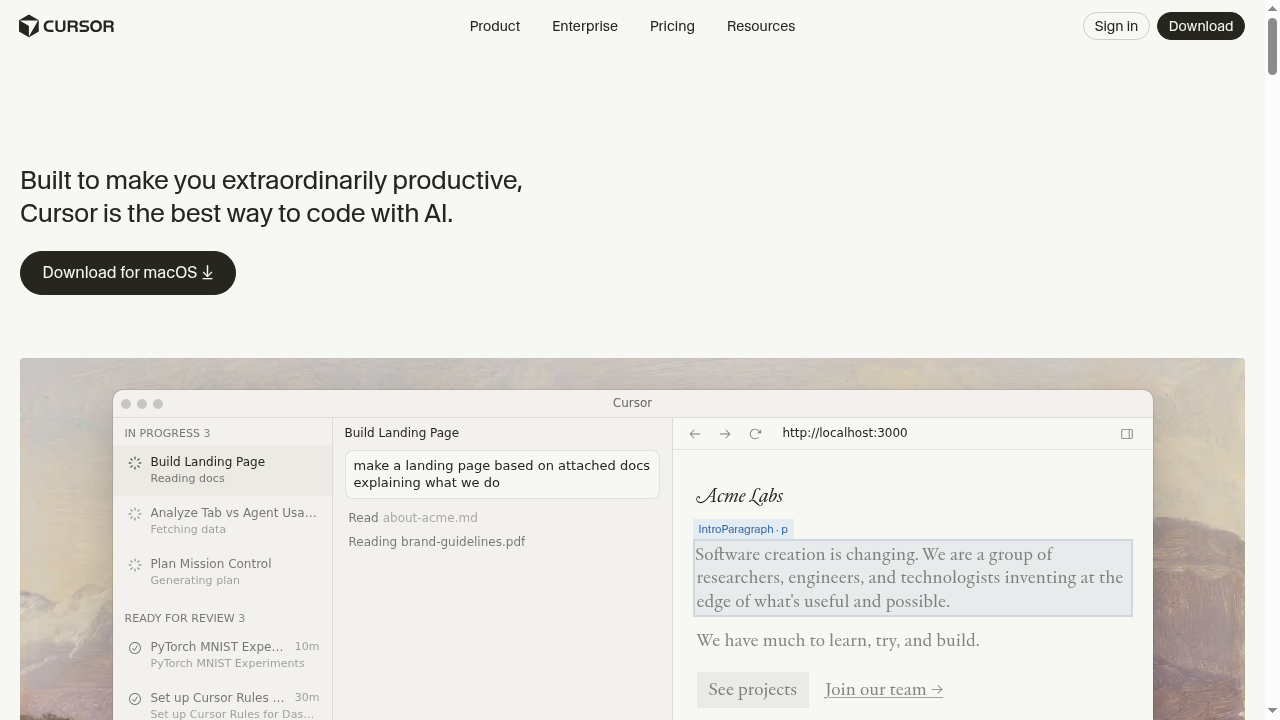
Cursor is Windsurf's most direct competitor and the tool it gets compared to most often. Like Windsurf, Cursor is a VS Code fork with deep AI integration. It offers its own agentic AI capabilities, multi-file editing, and codebase-aware context.
Where Cursor shines is in its raw power and flexibility. It was one of the first AI code editors to gain mainstream adoption, and its community is massive. Cursor offers features like Composer (its agent mode), inline editing with Cmd+K, and a chat interface that can reference your entire project.
However, many developers have noted that Windsurf's UX feels more polished and approachable. Cursor can feel more complex, with more knobs to turn and more configuration needed to get optimal results. Cursor's pricing starts at $20/month for the Pro plan, which is more expensive than Windsurf's $15/month option.
The choice between Cursor and Windsurf often comes down to personal preference. Power users who want maximum control may prefer Cursor. Developers who value a streamlined, intuitive experience tend to gravitate toward Windsurf.
Best for: Experienced developers who want maximum AI power and do not mind a steeper learning curve.
3. GitHub Copilot - The Enterprise Standard
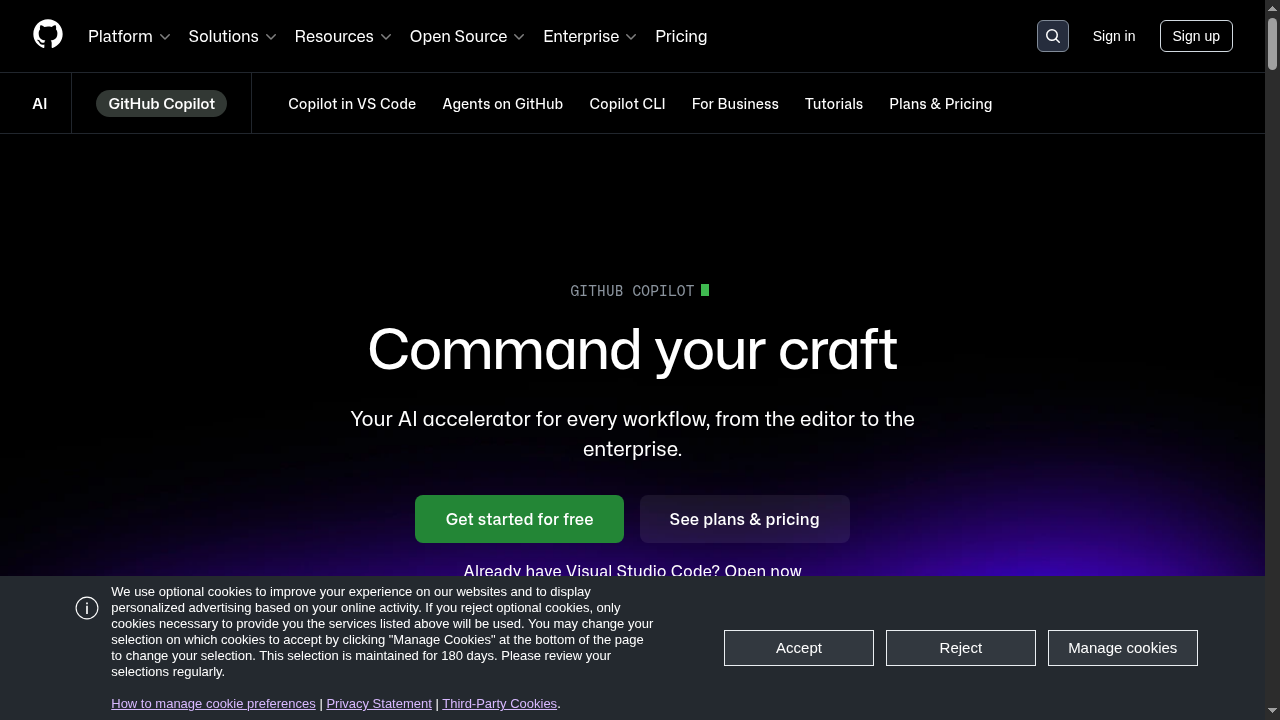
GitHub Copilot remains the most widely used AI coding assistant, largely because of its deep integration with the GitHub ecosystem and its backing by Microsoft. It works as an extension in VS Code, JetBrains, Neovim, and other editors rather than requiring a separate application.
Copilot's strength is in inline code completion and its tight GitHub integration. If your workflow revolves around GitHub - pull requests, code reviews, Actions, and Issues - Copilot fits seamlessly. The Copilot Chat feature brings conversational AI into the editor, and Copilot Workspace allows for multi-file planning and implementation.
That said, Copilot's agentic capabilities lag behind both Windsurf and Cursor. It is more of a "pair programmer" than an autonomous agent. It suggests code as you type and answers questions, but it does not take multi-step actions across your project the way Cascade does.
Pricing starts at $10/month for individuals and $19/user/month for business. Enterprise plans are available with additional security and compliance features. For teams already invested in the GitHub ecosystem, Copilot is the path of least resistance.
Best for: Teams deeply embedded in the GitHub ecosystem who want reliable AI assistance without changing their editor.
4. Bolt.new - AI Web App Builder in the Browser
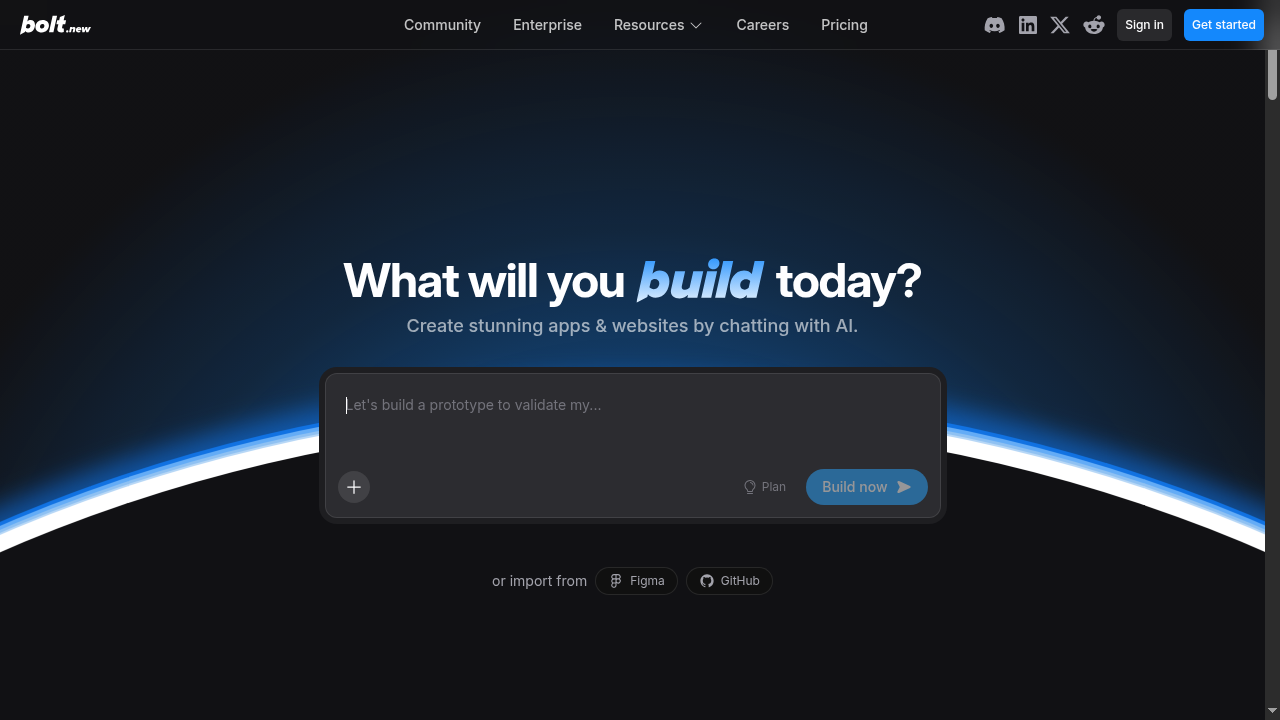
Bolt.new, created by StackBlitz, takes a completely different approach from Windsurf. Instead of being a desktop code editor, Bolt is a browser-based AI tool that generates full web applications from prompts. You describe what you want, and Bolt creates a complete, runnable application right in your browser using WebContainers technology.
What makes Bolt unique is its speed and immediacy. There is nothing to install, no environment to configure. You type a prompt, and within seconds you are looking at a running application that you can edit, test, and deploy. It supports frameworks like React, Next.js, Astro, and more.
Bolt is particularly impressive for prototyping and proof-of-concept work. Need to show a client what an app could look like? Bolt can have something running in under a minute. However, for production-grade applications with complex backends, you will likely outgrow Bolt's capabilities.
The platform operates on a token-based pricing model with a free tier. Pro plans start at $20/month. Bolt is ideal for rapid prototyping but lacks the depth needed for serious, ongoing development projects.
Best for: Quick prototyping, proof-of-concept demos, and developers who want to skip local setup entirely.
5. Lovable - AI App Builder for Non-Technical Users
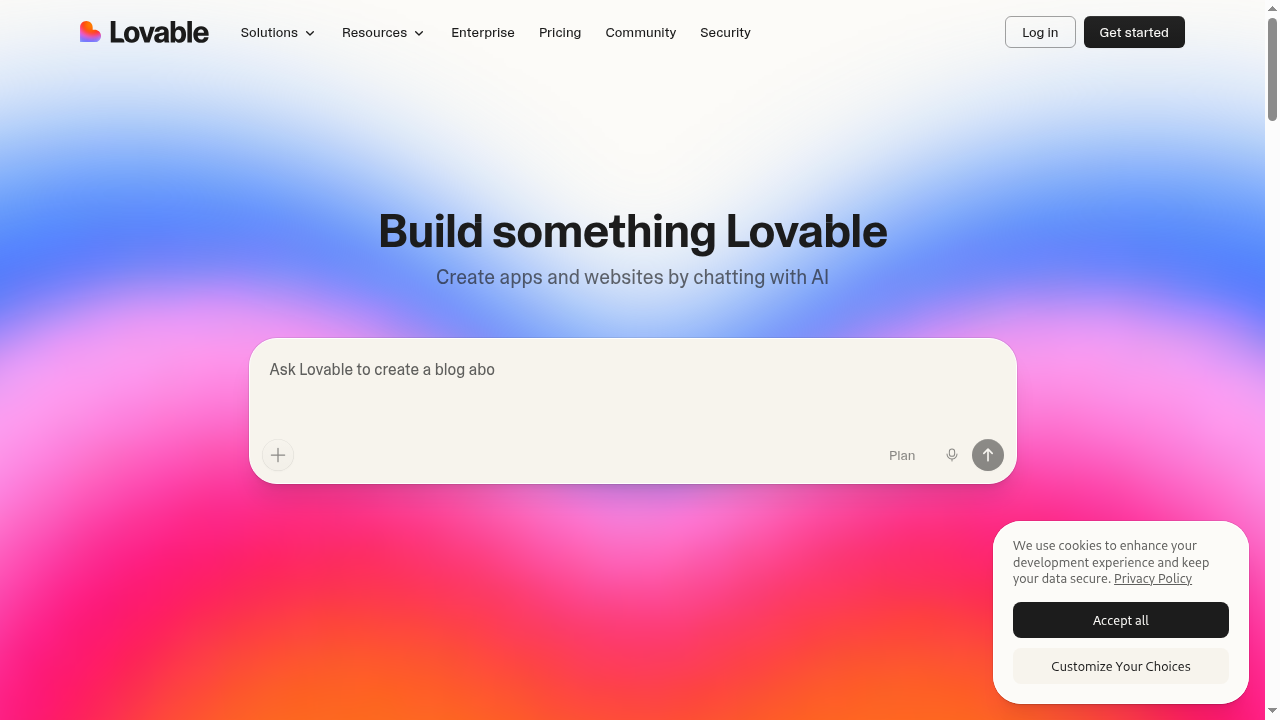
Lovable (formerly GPT Engineer) positions itself as the "AI app builder for non-technical users." Like Capacity.so, it lets you create web applications through natural language prompts without writing code. The difference is in the execution and target audience.
Lovable focuses heavily on creating beautiful, well-designed applications. It uses Supabase for backend functionality and generates React applications with clean, modern UI. The visual editor lets you refine the design after generation, making it feel more like a design tool than a coding tool.
Where Lovable falls short compared to more robust platforms is in backend complexity. Since it relies on Supabase, you are somewhat limited in terms of custom backend logic. Complex business rules, custom APIs, or specialized data processing may require additional work outside the platform.
Pricing starts at $20/month for the Starter plan, with higher tiers offering more AI messages and features. Lovable is a solid choice for building beautiful frontend-heavy applications, but teams needing full-stack flexibility should consider alternatives like Capacity.so that generate real backend code.
Best for: Designers and product people who want beautiful, frontend-focused apps without coding.
6. Replit - Cloud IDE with AI Built In
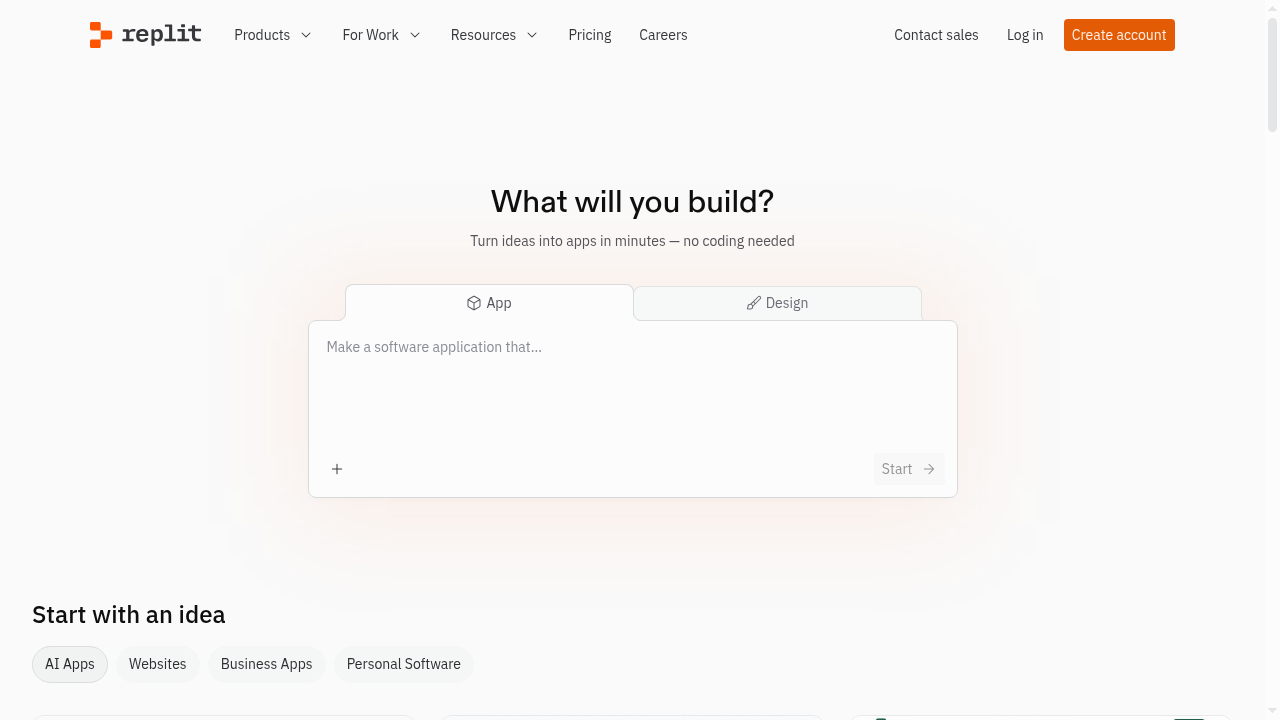
Replit has been a cloud-based IDE for years, and its pivot to AI-first development has made it one of the most interesting platforms in the space. Replit Agent can create entire applications from prompts, while the standard coding environment offers AI-assisted development for more hands-on work.
Replit's biggest advantage is that everything runs in the cloud. No local setup, no dependency management, no "it works on my machine" problems. You code in the browser, and your project is instantly shareable, deployable, and collaborative. The platform supports dozens of programming languages, not just web technologies.
The AI capabilities have improved significantly. Replit Agent can scaffold projects, install dependencies, create database schemas, and build functional applications. The chat-based AI assistant helps with debugging and code generation within existing projects.
However, Replit's cloud-only approach means you are dependent on their infrastructure. Latency can be an issue, and the coding experience - while good - does not match a native desktop editor like Windsurf or Cursor. Pricing starts at $15/month for the Replit Core plan, with additional costs for compute and deployment.
Best for: Students, educators, and developers who want a fully cloud-based development environment with AI.
7. V0.dev - Vercel's AI UI Builder
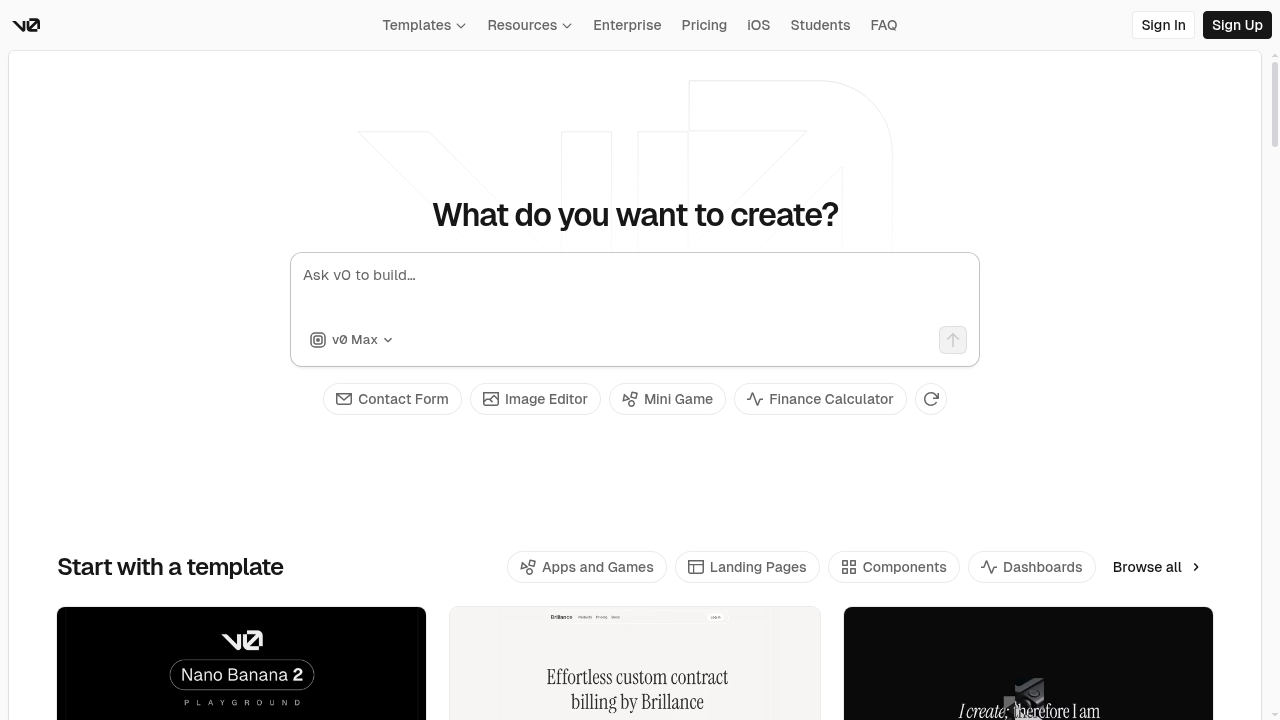
V0 by Vercel is a specialized AI tool focused specifically on generating UI components. Rather than building entire applications, V0 excels at creating individual React components, pages, and design systems using shadcn/ui and Tailwind CSS.
The workflow is simple: describe the UI you want, and V0 generates multiple variations for you to choose from. You can then iterate on the design, combine components, and export the code directly into your Next.js project. The integration with Vercel's deployment platform makes it trivially easy to go from generated UI to live website.
V0 is not a Windsurf replacement - it is complementary. Many developers use V0 to rapidly generate UI components and then bring those into their Windsurf or Cursor projects for further development. Think of it as a specialized tool for one part of the development workflow rather than an all-in-one solution.
V0 offers a free tier with limited generations, and paid plans start at $20/month. For frontend developers working with React and Next.js, it is an invaluable time-saver for UI work. But for backend logic, databases, and full application development, you will need additional tools.
Best for: Frontend developers and designers who need to rapidly generate React UI components.
Windsurf vs Alternatives: Comparison Table
| Tool | Type | Best For | Coding Required | Starting Price | AI Agent |
|---|---|---|---|---|---|
| Windsurf | Desktop code editor | AI-first coding | Yes | Free / $15/mo | Yes (Cascade) |
| Capacity.so | AI app builder | Full-stack apps, no code | No | Free | Yes |
| Cursor | Desktop code editor | Power users | Yes | Free / $20/mo | Yes (Composer) |
| GitHub Copilot | Editor extension | GitHub teams | Yes | $10/mo | Partial |
| Bolt.new | Browser app builder | Rapid prototyping | No | Free / $20/mo | Yes |
| Lovable | AI app builder | Beautiful apps | No | $20/mo | Yes |
| Replit | Cloud IDE | Cloud development | Optional | Free / $15/mo | Yes (Agent) |
| V0.dev | UI generator | React components | Some | Free / $20/mo | No |
Which Tool Should You Choose? A Decision Framework
With so many options, choosing the right tool depends on your specific situation. Here is a framework to help you decide:
Choose Windsurf if...
- You are a developer who wants the most seamless AI coding experience
- You value an intuitive UX over raw customizability
- You want a generous free tier to start with
- You appreciate persistent memory and learning AI
- You work primarily with web technologies
Choose Capacity.so if...
- You have an app idea but cannot code (or do not want to)
- You want a real full-stack application, not just a frontend
- You are a startup founder or entrepreneur building an MVP
- You want to own your code and export to GitHub
- You prefer describing what you want over writing it yourself
Choose Cursor if...
- You want maximum control and configurability
- You are an experienced developer comfortable with advanced AI tools
- You prefer a tool with a large existing community and ecosystem
Choose GitHub Copilot if...
- Your team is already deeply integrated with GitHub
- You want AI assistance without changing your editor
- Enterprise compliance and security features are essential
Choose Bolt.new if...
- You need rapid prototypes and demos
- You do not want to install anything locally
- Speed matters more than long-term maintainability
Choose Lovable if...
- Design quality is your top priority
- You are building a frontend-heavy application
- You want a visual editor for refinement
Choose Replit if...
- You want everything in the cloud
- You are a student or educator
- Collaboration and sharing matter most
Choose V0.dev if...
- You need React UI components specifically
- You are already in the Vercel/Next.js ecosystem
- You want to complement another coding tool, not replace it
Frequently Asked Questions
Is Windsurf free?
Yes, Windsurf offers a free plan with unlimited Cascade access. The free tier is more generous than most competitors. Paid plans start at $15/month for Pro, which adds premium AI models, more prompt credits, and features like Previews and Deploys.
Is Windsurf better than Cursor?
It depends on your priorities. Windsurf generally offers a more polished, intuitive experience with a better free tier. Cursor provides more raw power and customization. Many developers have switched from Cursor to Windsurf specifically for the UX improvements. Both are excellent tools - we recommend trying both to see which fits your workflow.
Can non-coders use Windsurf?
Windsurf is designed for developers, even though it significantly reduces the amount of code you need to write manually. If you cannot code at all, you would be better served by a platform like Capacity.so, which lets you build full-stack applications entirely through natural conversation.
What AI models does Windsurf support?
Windsurf supports all major AI models including Claude Sonnet 4.6, Gemini 3.1 Pro (with thinking variants), and other premium models. The free tier includes capable models, while Pro and above unlock the latest and most powerful options.
Does Windsurf work with JetBrains?
Yes! Windsurf's Cascade AI is available as a native plugin for JetBrains IDEs including IntelliJ IDEA, PyCharm, WebStorm, and others. This means you can get the Cascade experience without leaving your preferred JetBrains environment.
What is Cascade in Windsurf?
Cascade is Windsurf's proprietary AI engine. It is an agentic AI system that can understand your entire codebase, make multi-file changes, run terminal commands, auto-fix errors, and remember your preferences across sessions. Think of it as an autonomous coding partner rather than a simple autocomplete tool.
How does Windsurf's credit system work?
Each AI interaction in Windsurf costs a certain number of credits based on the complexity of the request and the model used. The Pro plan includes 500 credits per month, and you can purchase additional credits at $10 for 250. The free plan has unlimited basic access, while premium models and features require credits.
Can I use my VS Code extensions in Windsurf?
Yes, since Windsurf is built on the VS Code architecture, it supports most VS Code extensions. Your favorite themes, language support, linters, and other extensions should work as expected.
The Bottom Line
Windsurf has earned its place as one of the top AI code editors in 2026. Its combination of an intuitive UX, powerful Cascade AI engine, persistent memory, and generous free tier makes it a compelling choice for developers of all skill levels. The team ships updates rapidly, the community is growing, and the product keeps getting better.
That said, Windsurf is still a tool for developers. If you are a founder, entrepreneur, or creative professional with an app idea but no coding experience, you do not need to learn to code - you need a platform that can build it for you. That is exactly what Capacity.so does. Describe your vision, and Capacity turns it into a real, full-stack application you can deploy and own.
Whatever your background, the barrier between ideas and working software has never been lower. The question is not whether AI will help you build - it is which tool matches the way you think.