
What Is Vibe Coding? Everything You Need to Know in 2026
What Is Vibe Coding? Everything You Need to Know in 2026
If you've spent any time around tech conversations in the past year, you've almost certainly encountered the term "vibe coding." It's been called the Collins Dictionary Word of the Year for 2025. It's generated over 75,000 monthly searches. Y Combinator partners have debated it. Entire startups have been built around it. But strip away the hype, and what is vibe coding actually? Is it a paradigm shift in how software gets made, or just a catchy phrase for letting AI do the typing?
The answer, as usual, is more nuanced than either camp admits. Vibe coding represents a genuinely new relationship between humans and code - one where natural language replaces syntax, conversation replaces compilation, and the barrier to building software drops from years of training to minutes of describing what you want. But it also introduces new risks, new limitations, and a fundamentally different set of skills that matter.
This guide breaks down everything you need to know about vibe coding in 2026: where the term came from, how it actually works, what tools enable it, who it's for, and where it's headed. Whether you're a non-technical founder wondering if you can finally build that app idea, a developer curious about the workflow, or a skeptic looking for an honest assessment, this is the comprehensive resource you've been looking for.
What Is Vibe Coding? A Clear Definition
Vibe coding is a software development approach where you describe what you want to build in natural language, and an AI system generates the working code. Instead of writing JavaScript, Python, or any programming language manually, you have a conversation with an AI - explaining features, requesting changes, and iterating on results through plain English prompts.
The term was coined by Andrej Karpathy, former Director of AI at Tesla and co-founder of OpenAI, in a now-famous post in February 2025. His exact words:
"There's a new kind of coding I call 'vibe coding,' where you fully give in to the vibes, embrace exponentials, and forget that the code even exists."
Karpathy described a workflow where he would describe what he wanted, accept AI-generated code without meticulously reviewing it, run the application to see if it worked, and course-correct through further conversation if it didn't. The code itself became almost irrelevant - what mattered was the output, the running application, the "vibe."
This is the critical distinction that separates vibe coding from simply "using AI to help write code." As programmer Simon Willison put it: "If an LLM wrote every line of your code, but you've reviewed, tested, and understood it all, that's not vibe coding in my book - that's using an LLM as a typing assistant."
Vibe coding, in its purest form, means trusting the AI's output based on whether the application works, not whether the code looks right. You're steering by outcomes, not by implementation details.
The Spectrum of Vibe Coding
In practice, vibe coding exists on a spectrum rather than as a binary state:
- Full vibe coding: You describe features entirely in natural language, accept generated code without review, and judge purely by whether the app works. This is what Karpathy originally described.
- Guided vibe coding: You describe what you want in natural language but occasionally review key decisions, architecture choices, or security-sensitive code. Most practical vibe coding falls here.
- AI-assisted coding: You write significant code yourself but use AI for generation, completion, debugging, and refactoring, reviewing everything carefully. This is what tools like Cursor and Windsurf primarily enable.
The lines between these levels are blurry, and most practitioners move between them depending on what they're building. A quick internal tool might warrant full vibe coding. A payment processing system demands more careful review.
The Origin Story: How Vibe Coding Became a Movement
To understand why vibe coding matters, you need to understand the sequence of events that made it possible.
2023: "The Hottest Programming Language Is English"
Before coining "vibe coding," Karpathy made another prescient observation: that English was becoming the most important programming language. At the time, LLMs like GPT-3.5 and early GPT-4 could generate code snippets, but they struggled with anything complex. The idea that natural language could replace traditional programming was provocative but felt premature.
Early 2025: The Karpathy Post
By February 2025, the landscape had shifted dramatically. Claude 3.5 Sonnet, GPT-4 Turbo, and other advanced models could generate entire application components - not just functions, but full pages with routing, state management, and API integration. Karpathy's "vibe coding" post captured a workflow that many developers were already practicing but hadn't named. It resonated because it was honest: experienced programmers were shipping features by describing them in English and pressing Enter.
March 2025: Mainstream Recognition
The term spread rapidly. Merriam-Webster added it as a "slang & trending" expression. Y Combinator partners debated whether vibe-coded startups could be taken seriously. The New York Times ran a feature where journalist Kevin Roose, a non-programmer, built several functional applications using vibe coding tools - demonstrating that the approach genuinely lowered the barrier to software creation.
Late 2025: Collins Word of the Year
When Collins English Dictionary named "vibe coding" its Word of the Year for 2025, it signaled that the concept had moved beyond tech circles into mainstream awareness. The term resonated because it captured something people intuitively understood: technology was becoming conversational.
2026: The Maturation Phase
Today, vibe coding isn't just a concept - it's an industry. Dedicated platforms like Capacity.so, Lovable, Bolt.new, and V0.dev have built entire businesses around enabling this workflow. The tools have matured from generating simple pages to producing full-stack applications with databases, authentication, payment processing, and deployment. The conversation has shifted from "is this real?" to "which tool does it best?"
How Vibe Coding Actually Works (Step by Step)
Let's demystify the actual workflow. Here's what vibe coding looks like in practice, from idea to deployed application:
Step 1: Describe Your Idea
You start by telling the AI what you want to build. This can be as vague as "a task management app for remote teams" or as specific as "a Kanban board with drag-and-drop columns, user authentication via Google OAuth, real-time collaboration using WebSockets, and a dark mode toggle."
The quality of your description matters, but not in the way you might expect. You don't need technical precision - you need clarity about what the user experience should be. The best vibe coding prompts describe what users see and do, not how the code should be structured.
Step 2: AI Generates the Application
The AI model processes your description and generates actual source code - typically using modern web frameworks like React, Next.js, Vue, or Svelte on the frontend, with appropriate backend logic. Better tools generate complete project structures: file organization, component hierarchies, routing, styling, and even basic tests.
On platforms like Capacity.so, this step is preceded by an AI-driven planning phase where the system asks clarifying questions and proposes an architecture before generating code. This planning step is crucial because it prevents the most common failure mode: generating code that works initially but becomes unmaintainable as you add features.
Step 3: Review the Output (or Don't)
This is where the "vibe" part kicks in. In pure vibe coding, you run the application, see if it matches your vision, and iterate from there. You might never look at the source code. In more practical approaches, you might glance at the structure, check that the database schema makes sense, or verify that authentication is handling passwords correctly.
Step 4: Iterate Through Conversation
The magic of vibe coding is in the iteration. "Make the header sticky." "Add a search bar that filters in real-time." "The button color should be blue, not green." "When a user completes a task, show a celebration animation." Each instruction generates updated code, and you see the results immediately. This conversational loop is dramatically faster than traditional development - what might take a developer hours of coding, testing, and debugging happens in minutes.
Step 5: Deploy
Modern vibe coding platforms include one-click deployment. Your application goes from local preview to live URL in seconds, complete with HTTPS, CDN distribution, and often a free subdomain. Some platforms, like Capacity.so and Bolt.new, include hosting as part of the package.
What Can You Actually Build with Vibe Coding?
One of the most common questions about vibe coding is: "okay, but can it build real things?" The answer in 2026 is a confident yes - with caveats about complexity.
Excellent Results (Well-Suited for Vibe Coding)
- SaaS dashboards and admin panels: Data tables, charts, user management, settings pages. These follow well-established patterns that AI models handle reliably.
- Landing pages and marketing sites: Beautiful, responsive, SEO-optimized pages that would cost $3,000-10,000 from a web agency can be vibe coded in an afternoon.
- Internal business tools: CRMs, inventory trackers, employee directories, project management boards. The "software for one" or "software for your team" use case is where vibe coding shines brightest.
- MVP products: Functional minimum viable products for user testing and investor demos. Enough to validate an idea without burning months of development time.
- Portfolio and personal sites: Custom designs that go far beyond template-based builders like Squarespace or Wix.
- E-commerce stores: Product catalogs, shopping carts, checkout flows, order management.
- Content platforms: Blogs, forums, knowledge bases, documentation sites.
Good Results (Possible but Requires More Guidance)
- Multi-user collaborative apps: Real-time features like shared editing or live cursors require more specific prompting and architectural understanding.
- Complex data pipelines: Applications that process, transform, and analyze large datasets need careful guidance on performance and data modeling.
- API-heavy integrations: Connecting to third-party services (Stripe, Twilio, SendGrid) works but requires providing API documentation and handling edge cases.
Challenging (Proceed with Caution)
- High-security financial applications: Payment processing and financial data handling require expert review of generated code for security vulnerabilities.
- Real-time systems with strict latency requirements: Chat applications, live streaming, multiplayer games - the architecture decisions matter too much to leave entirely to AI.
- Large-scale enterprise systems: Applications with dozens of interconnected modules, complex permission systems, and thousands of concurrent users still benefit from traditional engineering practices.
The Best Vibe Coding Tools in 2026
The vibe coding ecosystem has matured into distinct categories of tools, each serving different users and use cases. Here's an honest breakdown of the major platforms:
Capacity.so - Best for Non-Technical Builders
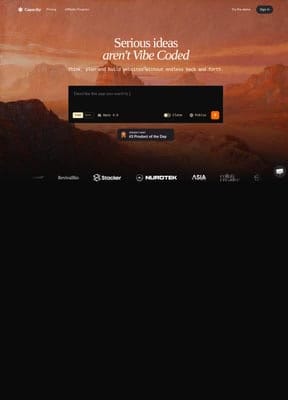
Capacity.so represents the most complete vision of what vibe coding should be. While most tools focus on the code generation step, Capacity wraps the entire journey - from ideation through planning, building, refining, and deploying - into a single conversational experience.
What makes Capacity stand out is its "AI Co-founder" approach. Instead of expecting you to write perfect prompts, the AI asks clarifying questions, suggests features, and builds an architectural plan before writing any code. This planning phase is genuinely valuable: it catches the kinds of structural problems that cause vibe-coded projects to collapse when you try to add complexity later.
The multi-model support (Claude, GPT-4, Gemini) means you're using the best AI for each specific task, and the one-click deployment eliminates the last technical hurdle between "it works on my screen" and "it's live on the internet."
For non-technical founders, solo creators, and small teams who want to build real applications, Capacity is the tool that most fully delivers on the vibe coding promise.
Lovable - Best for Rapid Prototyping
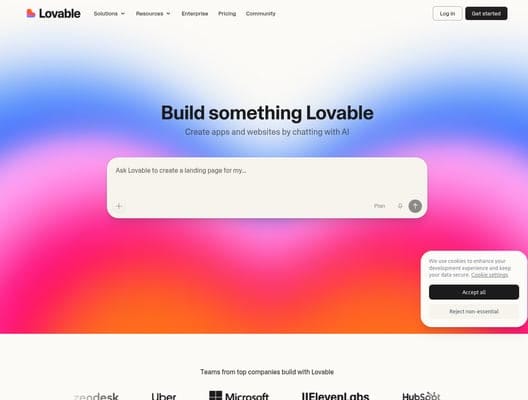
Lovable (formerly GPT Engineer) excels at the 0-to-1 phase. Describe what you want, and Lovable generates a polished, functional prototype faster than almost any other tool. The UI quality is consistently high - suitable for investor demos and user testing without embarrassment.
The trade-off is depth. Complex backend logic, custom database schemas, and multi-step API integrations can require manual intervention. Lovable is excellent at generating what you see but can struggle with what happens behind the scenes.
Bolt.new - Best for Professional Vibe Coding
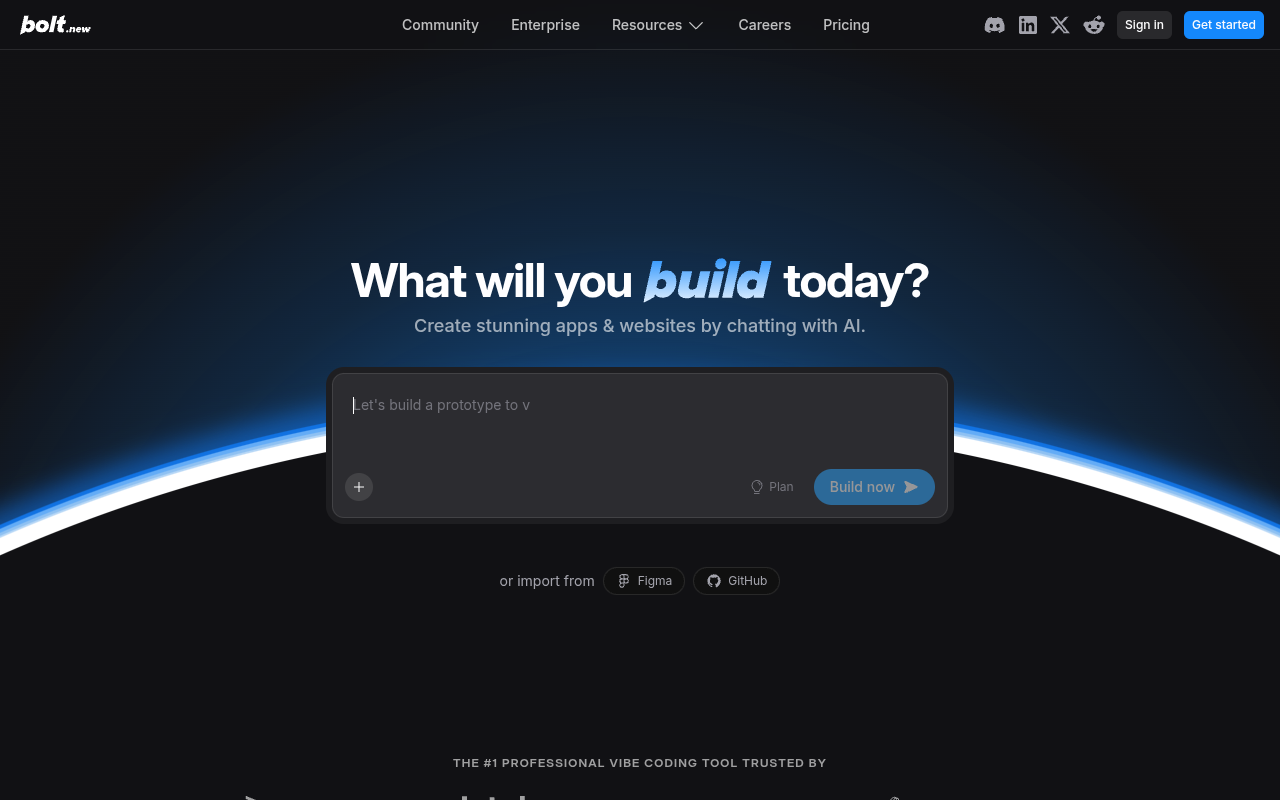
Bolt.new by StackBlitz occupies the middle ground between accessibility and power. Its standout feature is error handling - the platform automatically tests, refactors, and iterates on generated code, catching issues before you see them. The "Bolt Cloud" infrastructure provides databases, authentication, and analytics out of the box, making it suitable for production applications.
The interface can feel overwhelming for beginners, but for anyone with some technical comfort, Bolt delivers impressive results on complex projects.
Cursor AI - Best AI Code Editor
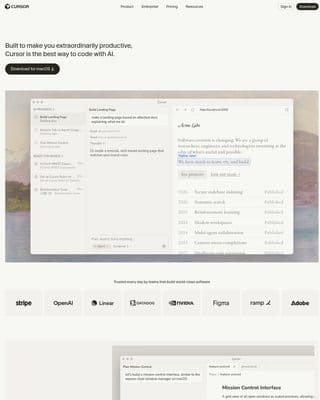
Cursor isn't a vibe coding platform in the traditional sense - it's a VS Code fork with deep AI integration. But it deserves mention because for developers, it represents the most powerful way to code with AI assistance. The autonomy slider lets you choose between subtle autocomplete and full autonomous agent mode. Used by over half the Fortune 500, Cursor is the professional's vibe coding tool.
V0.dev - Best for UI Components
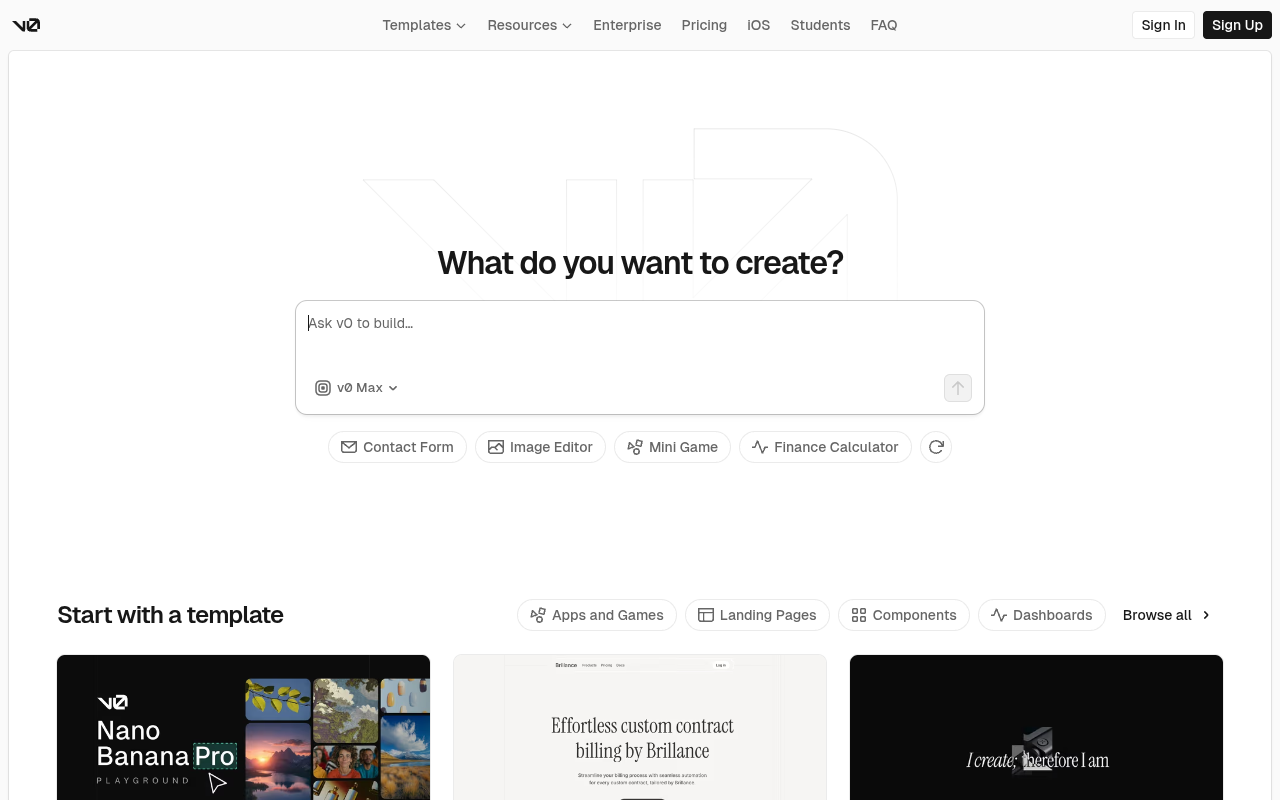
V0 by Vercel generates the most beautiful UI components in the vibe coding space. Built by the Next.js team, it produces shadcn/ui and Tailwind CSS components with a level of polish that's hard to match. The platform has expanded into full app building with agentic capabilities, database support, and Vercel deployment integration.
Replit - Best Browser-Based Environment
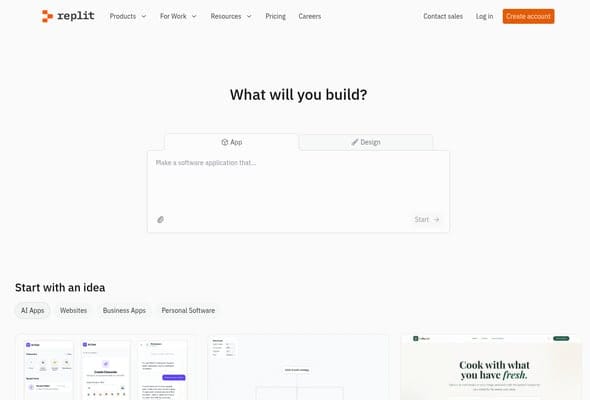
Replit removes every barrier to getting started. Open a browser, describe what you want, and the AI agent handles everything from code generation to deployment. The zero-setup approach makes it ideal for beginners, students, and anyone who doesn't want to install developer tools.
Windsurf - Best for Team Development
Windsurf (acquired by OpenAI, formerly Codeium) has grown to over 1 million users with its Cascade agent that remembers your codebase, auto-fixes errors, and supports external tool integration via MCP. The memory system and team features make it particularly suited for professional development teams.
Vibe Coding vs. Traditional Coding vs. No-Code
Understanding where vibe coding fits requires comparing it to what came before:
| Aspect | Traditional Coding | No-Code (Webflow, Bubble) | Vibe Coding |
|---|---|---|---|
| Input method | Write code manually | Drag-and-drop visual builder | Natural language conversation |
| Skill required | Programming languages, frameworks | Platform-specific knowledge | Clear communication |
| Output | Custom source code | Platform-locked application | Portable source code |
| Flexibility ceiling | Unlimited | Limited by platform | Very high (growing) |
| Speed (simple project) | Days to weeks | Hours to days | Minutes to hours |
| Maintenance | Manual, requires expertise | Platform-managed | Conversational updates |
| Cost | Developer salary ($100K+/year) | $30-300/month + learning time | $0-50/month for most tools |
| Code ownership | Full ownership | Vendor lock-in | Full ownership (usually) |
The key advantage of vibe coding over no-code is portability. No-code platforms like Bubble or Webflow lock you into their ecosystem - if they change pricing or shut down, rebuilding is painful. Vibe coding generates real source code (typically React, Next.js, or similar) that you own and can host anywhere. It's the flexibility of traditional coding with the accessibility of no-code.
The key advantage over traditional coding is speed and accessibility. A non-technical founder can build and deploy a functional SaaS product in a day instead of spending months (and tens of thousands of dollars) on a development team. An experienced developer can prototype ideas in minutes instead of hours.
Who Is Vibe Coding For?
Vibe coding isn't for everyone - at least not yet. Here's an honest breakdown of who benefits most and who should approach with caution:
Ideal for:
- Non-technical founders: You have a SaaS idea, a marketplace concept, or a business tool in mind but no programming skills. Vibe coding lets you build a working version to validate with real users before investing in a development team.
- Solo creators and indie hackers: You want to launch side projects, tools, and products without the overhead of hiring developers. Vibe coding makes you a one-person product team.
- Designers: You can create beautiful mockups but need development help to make them functional. Vibe coding bridges the gap between design and implementation.
- Product managers: You understand user needs and can articulate requirements clearly. Vibe coding lets you build prototypes to test hypotheses without depending on engineering sprints.
- Small business owners: You need custom internal tools (inventory management, client portals, scheduling systems) but can't justify the cost of custom development.
- Students and learners: You want to understand how software works by building things, using AI as a teaching assistant that explains its decisions.
Use with developer oversight:
- Startups scaling beyond MVP: Vibe coding is excellent for version 1, but scaling to thousands of users typically requires an experienced developer to review architecture, optimize performance, and handle edge cases.
- Applications handling sensitive data: Healthcare, financial, and legal applications need security review by qualified professionals, regardless of how the code was generated.
Not ideal for (yet):
- Mission-critical infrastructure: Operating systems, database engines, and safety-critical systems require deep expertise and meticulous code review.
- Large engineering teams: Teams of 20+ developers have established workflows, code review processes, and architecture standards that don't easily accommodate vibe-coded additions.
The Honest Pros and Cons of Vibe Coding
The discourse around vibe coding tends toward extremes: enthusiasts claim it will replace all developers; critics dismiss it as generating unmaintainable garbage. The reality is more measured.
Genuine Advantages
Democratization of software creation. For the first time in computing history, the ability to build custom software is not gatekept by years of technical training. A teacher can build a grading tool. A restaurant owner can build a reservation system. A nonprofit can build a donor management platform. This is genuinely transformative.
Dramatically accelerated development speed. Even for experienced developers, vibe coding compresses the time from idea to working application. What took days takes hours. What took hours takes minutes. This speed advantage compounds - faster prototyping means faster validation means faster iteration means better products.
Lower cost of experimentation. When building something takes an afternoon instead of a month, you can afford to try ten ideas instead of betting everything on one. This changes how people approach product development, favoring rapid experimentation over lengthy planning.
Accessible entry point to technical literacy. Many vibe coders report that using these tools has taught them more about how software works than any tutorial or course. When AI generates code and you can ask "why did you structure it this way?", you learn architecture, design patterns, and best practices through practical context.
Legitimate Concerns
Code quality and technical debt. AI-generated code often prioritizes "works now" over "maintainable later." Without expert review, projects can accumulate technical debt that makes them increasingly difficult to modify. This is the most valid criticism of vibe coding.
Security vulnerabilities. Generated code may not follow security best practices for input validation, authentication, data encryption, or access control. For applications handling user data, this is a serious concern that requires professional review.
The "just works" illusion. Vibe-coded applications can appear functional in demos while hiding bugs that emerge under real-world usage - edge cases, error handling, concurrent users, large datasets. Testing remains important even when you're not writing the code.
Dependency on AI model quality. Your application's quality is bounded by the AI model's capabilities. Model updates can change behavior unpredictably, and different models produce different results for the same prompt. This lack of determinism is unsettling for anyone used to traditional development's predictability.
The understanding gap. When something breaks in vibe-coded software, fixing it requires understanding what the code does - understanding that pure vibe coders deliberately avoided building. This creates a fragile dependency: you can build but you can't repair.
How to Start Vibe Coding Today
Ready to try it? Here's a practical roadmap for your first vibe coding project:
1. Choose the Right Tool for Your Skill Level
Complete beginners: Start with Capacity.so. The AI-guided planning phase will help you structure your idea properly, and you won't need to understand any technical concepts to get a working application deployed.
Some technical comfort: Try Bolt.new or Lovable. Both offer more control over the generation process while remaining accessible to non-developers.
Developers: Cursor or Windsurf will integrate AI into your existing workflow without requiring you to change how you work.
2. Start with a Small, Well-Defined Project
Don't try to build the next Airbnb on your first attempt. Good first projects:
- A personal portfolio or blog
- A simple todo or task management app
- A landing page for your business idea
- An internal tool (expense tracker, inventory list, contact directory)
- A calculator or converter tool for your niche
3. Write Clear, Outcome-Focused Prompts
Bad prompt: "Make me an app."
Better prompt: "Build a project management tool where users can create projects, add tasks with due dates and priority levels, assign tasks to team members, and view everything on a Kanban board with columns for To Do, In Progress, and Done."
Describe what users should see and do, not how the code should work. Include specifics about layout, features, and user flows.
4. Iterate in Small Steps
Don't try to describe your entire application in one prompt. Build incrementally:
- Start with the core feature
- Get that working and looking right
- Add the next feature
- Refine the design
- Add edge cases and polish
Each iteration should be small enough that you can easily verify the result and specific enough that the AI doesn't have to guess your intent.
5. Deploy Early, Iterate Often
One of vibe coding's greatest strengths is speed of deployment. Don't wait until everything is "perfect" to publish. Get a basic version live, share it with users, gather feedback, and improve. The tools make redeployment trivially easy.
The Future of Vibe Coding
Where is vibe coding headed? Based on current trajectories and emerging capabilities, here are the trends shaping the next 12-24 months:
Multi-Agent Development
Current vibe coding tools use a single AI model for everything. The next generation will use multiple specialized agents: one for UI design, one for backend architecture, one for database optimization, one for security review. This mirrors how human development teams work and should dramatically improve output quality.
Context-Aware AI That Learns Your Preferences
Tools like Windsurf are already experimenting with memory systems that remember your coding style, design preferences, and past decisions. As these systems mature, vibe coding will feel less like instructing a new assistant every time and more like working with a colleague who knows your project intimately.
Automated Testing and Security
The biggest gap in current vibe coding tools - testing and security - is being actively addressed. Expect tools that automatically generate comprehensive test suites, run security audits on generated code, and flag potential vulnerabilities before deployment.
Integration with Design Tools
Figma-to-code workflows are already emerging (Bolt.new and V0 both support Figma imports). As these integrations deepen, the design-to-deployment pipeline will become seamless: design in Figma, vibe code the functionality, deploy in one click.
Enterprise Adoption
Large organizations are beginning to adopt vibe coding for internal tools, prototyping, and innovation projects. As enterprise security, compliance, and governance features mature, this adoption will accelerate. The productivity gains are too significant to ignore.
Frequently Asked Questions
Who coined the term "vibe coding"?
Andrej Karpathy, former Director of AI at Tesla and co-founder of OpenAI, coined the term in February 2025 in a social media post describing his experience building software by describing features in natural language and accepting AI-generated code without detailed review.
Is vibe coding actually coding?
Vibe coding produces real source code (JavaScript, TypeScript, Python, etc.) using real frameworks (React, Next.js, etc.). The difference is who writes it: instead of a human typing each line, an AI generates the code from natural language descriptions. The output is genuine, portable, modifiable code.
Will vibe coding replace programmers?
Not in the foreseeable future. Vibe coding changes what programmers spend their time on - less boilerplate writing, more architecture decisions, review, and complex problem-solving. For non-technical people, it enables building software that previously required hiring developers. Both groups benefit; neither is replaced.
Is vibe-coded software secure?
AI-generated code can contain security vulnerabilities, just like human-written code. For applications handling sensitive data, professional security review is recommended regardless of how the code was produced. Basic applications (portfolio sites, internal tools, prototypes) are generally fine without specialized review.
What's the best vibe coding tool for beginners?
Capacity.so is the best starting point for complete beginners. Its AI Co-founder approach guides you through planning and building without requiring any technical knowledge. For those with some technical comfort, Lovable and Bolt.new are also excellent options.
How much does vibe coding cost?
Most vibe coding tools offer free tiers that let you build and test applications. Paid plans typically range from $10-50/month for individual users and $50-200/month for teams. This is dramatically cheaper than hiring a developer ($50-200/hour) or a development agency ($5,000-50,000 per project).
Can I export code from vibe coding tools?
Most modern vibe coding platforms let you export or access your generated source code. Tools like Capacity.so, Bolt.new, and Lovable generate standard React/TypeScript code that can be moved to any hosting platform. This is a key advantage over no-code tools that lock you into their ecosystem.
What's the difference between vibe coding and no-code?
No-code tools use visual builders with pre-built components and templates - you drag and drop within predefined constraints. Vibe coding uses AI to generate actual source code from natural language, offering much greater flexibility and customization. Vibe-coded output is real, modifiable code; no-code output is locked into the platform's framework.
Conclusion: The New Literacy
Vibe coding in 2026 is neither the miracle its evangelists proclaim nor the threat its critics fear. It's a genuinely new capability that expands who can build software, how fast it can be built, and what kinds of problems get solved with custom tools.
The most interesting thing about vibe coding isn't the technology - it's the people it empowers. The teacher building a custom classroom management system. The small business owner creating a client portal tailored to their exact workflow. The startup founder validating ten ideas in the time it used to take to build one. These aren't edge cases - they're the new normal.
If you've been waiting for the "right time" to try building software, this is it. The tools are mature, the learning curve is flat, and the only thing standing between your idea and a working application is a conversation. Start with Capacity.so if you want the most guided experience, or explore the other tools we've covered to find the best fit for your needs.
The era of vibe coding is here. The question isn't whether you'll participate - it's what you'll build.