
What Is Serverless? Architecture Explained Simply
What Is Serverless? Architecture Explained Simply
Serverless is one of those terms that sounds like marketing fiction. No servers? Really? Of course there are servers. Someone, somewhere, is racking hardware and running cooling fans. But the promise of serverless is real: you write code, you deploy it, and you never think about the infrastructure underneath. No patching operating systems, no provisioning virtual machines, no capacity planning at 3 AM.
This guide breaks down what serverless actually means, how the architecture works under the hood, when it makes sense (and when it absolutely does not), and which platforms are worth your time in 2026. Whether you are a developer evaluating your next stack or a founder trying to ship fast, this is everything you need to understand serverless computing - explained without the jargon.
What Does "Serverless" Actually Mean?
Serverless computing is a cloud execution model where the cloud provider dynamically manages the allocation and provisioning of servers. Your code runs in stateless compute containers that are event-triggered, ephemeral, and fully managed by a third party.
The key shift is operational responsibility. In a traditional setup, you rent a server (physical or virtual), install your runtime, deploy your app, configure networking, and handle scaling. With serverless, all of that disappears. You write a function, define a trigger (an HTTP request, a database change, a scheduled timer), and the platform handles everything else.
There are two main categories of serverless services:
- Function-as-a-Service (FaaS) - You deploy individual functions that execute in response to events. AWS Lambda, Google Cloud Functions, and Azure Functions are the big three. Your function spins up, runs, and shuts down. You pay only for the execution time.
- Backend-as-a-Service (BaaS) - Managed backend services that eliminate server-side logic entirely. Think Firebase for databases and authentication, Stripe for payments, Auth0 for identity. You consume APIs instead of building infrastructure.
Most real-world serverless architectures combine both. You might use Lambda functions for custom business logic while relying on DynamoDB (BaaS) for storage and Cognito (BaaS) for authentication.
How Serverless Architecture Works Under the Hood
Understanding the mechanics helps you make better architectural decisions. Here is what actually happens when a serverless function executes:
The Request Lifecycle
- Event trigger - Something happens: an HTTP request hits an API Gateway endpoint, a file lands in an S3 bucket, a message appears in a queue, or a cron schedule fires.
- Container provisioning - The platform checks if a warm container (one that recently handled a similar request) is available. If yes, it routes the request there. If not, it spins up a new container - this is the infamous "cold start."
- Code execution - Your function runs inside an isolated container with its allocated memory and CPU. It processes the event, does its work, and returns a response.
- Response and idle - The result goes back to the caller. The container stays warm for a few minutes in case another request comes in. If nothing arrives, the platform reclaims the resources.
Cold Starts: The Trade-off Nobody Hides Anymore
Cold starts happen when the platform needs to create a new execution environment from scratch. This includes downloading your code, initializing the runtime (Node.js, Python, Java, etc.), and running your initialization logic. Cold starts can add anywhere from 100ms to several seconds, depending on the runtime and package size.
In practice, cold starts matter less than people fear. High-traffic functions stay warm almost permanently. For low-traffic functions, techniques like provisioned concurrency (AWS Lambda) or minimum instances (Google Cloud Functions) keep containers pre-warmed at a cost. And edge runtimes like Cloudflare Workers avoid cold starts entirely by using V8 isolates instead of containers.
Scaling: The Part That Actually Matters
This is where serverless shines brightest. When traffic spikes, the platform creates more containers automatically. There is no auto-scaling group to configure, no load balancer to tune. Go from 10 requests per second to 10,000, and the platform handles it. Go back to zero, and you pay nothing.
The scaling model is fundamentally different from traditional architectures. Instead of scaling servers (vertical or horizontal), you scale at the function level. Each request gets its own execution context. This makes serverless naturally suited for workloads with unpredictable or bursty traffic patterns.
The Core Benefits of Serverless
1. Zero Infrastructure Management
No servers to patch. No operating systems to update. No capacity planning spreadsheets. The cloud provider handles security patches, runtime updates, and hardware failures. Your ops team (if you even need one) focuses on application-level concerns instead of infrastructure plumbing.
2. True Pay-Per-Use Pricing
Traditional cloud computing charges you for provisioned capacity - whether you use it or not. A t3.medium EC2 instance costs money 24/7, even at 3 AM when nobody visits your site. Serverless flips this model: you pay per invocation and per millisecond of compute time. AWS Lambda's free tier includes 1 million requests per month. For many startups and side projects, the bill is literally zero.
3. Automatic, Granular Scaling
Scaling is not just automatic - it is granular. Each function scales independently based on its own demand. Your image processing function can handle 1,000 concurrent executions while your user authentication function handles 50. No over-provisioning, no waste.
4. Faster Time to Market
When you remove infrastructure decisions from the development process, teams ship faster. No debates about instance sizes, no Terraform modules to write, no Kubernetes clusters to maintain. You write the business logic, deploy it, and move on. For startups racing to validate ideas, this acceleration is a genuine competitive advantage.
5. Built-in High Availability
Serverless platforms run across multiple availability zones by default. You do not need to architect for redundancy - it is baked in. If a data center goes down, traffic routes to healthy zones automatically. This level of resilience would take weeks to build yourself.
The Honest Downsides of Serverless
Serverless is not the right architecture for everything. Here are the real trade-offs you should consider:
1. Cold Start Latency
As discussed above, cold starts add latency. For user-facing APIs where every millisecond counts, this can be a problem. Java and .NET functions suffer the most (1-5 seconds). Node.js and Python are better (100-500ms). If you need consistent sub-50ms response times, a long-running server might be the better choice.
2. Vendor Lock-in
Your Lambda functions use AWS-specific event formats, IAM roles, and service integrations. Moving to Google Cloud Functions means rewriting significant parts of your application. Frameworks like the Serverless Framework and SST reduce this coupling, but they do not eliminate it. The lock-in is real, and you should factor it into long-term planning.
3. Debugging and Observability Challenges
Distributed serverless systems are harder to debug than monolithic applications. A single user request might trigger five different Lambda functions, two SQS queues, and a DynamoDB write. Tracing that flow requires purpose-built tools like AWS X-Ray, Datadog, or Lumigo. The local development experience is also rougher - running a full serverless stack on your laptop is possible but clunky.
4. Execution Time Limits
Most FaaS platforms impose time limits. AWS Lambda caps at 15 minutes. Google Cloud Functions at 9 minutes (2nd gen) or 60 minutes (Cloud Run). If your workload needs to run for hours (video transcoding, large data processing), you either need to break it into smaller chunks or use a different compute model like containers.
5. State Management Complexity
Serverless functions are stateless by design. Every invocation starts fresh. If your application needs to maintain state between requests, you must externalize it - to a database, cache (Redis/ElastiCache), or object storage. This is not necessarily bad architecture (stateless services are easier to scale), but it adds complexity compared to a traditional server that keeps data in memory.
Serverless vs. Traditional Architecture: A Clear Comparison
Here is how serverless stacks up against traditional server-based and container-based architectures:
| Aspect | Serverless (FaaS) | Containers (ECS/K8s) | Traditional VMs |
|---|---|---|---|
| Scaling | Automatic, per-request | Auto-scaling groups, manual config | Manual or basic auto-scale |
| Pricing | Pay per invocation | Pay per container-hour | Pay per server-hour |
| Cold starts | Yes (100ms-5s) | Minimal (pre-running) | None (always running) |
| Ops overhead | Near zero | Medium (cluster mgmt) | High (full stack) |
| Max execution time | 15 min (Lambda) | Unlimited | Unlimited |
| State management | External only | In-memory + external | Full control |
| Vendor lock-in | High | Medium | Low-Medium |
| Best for | Event-driven, bursty workloads | Microservices, steady traffic | Legacy apps, full control |
The honest answer is that most modern applications use a mix. Your API endpoints might be serverless, your background workers might run in containers, and your database might be a managed service. The best architecture is the one that fits your workload, team size, and budget - not the one that looks cleanest on a whiteboard.
Top Serverless Platforms in 2026
The serverless ecosystem has matured significantly. Here are the platforms that matter, with honest assessments of each.
AWS Lambda
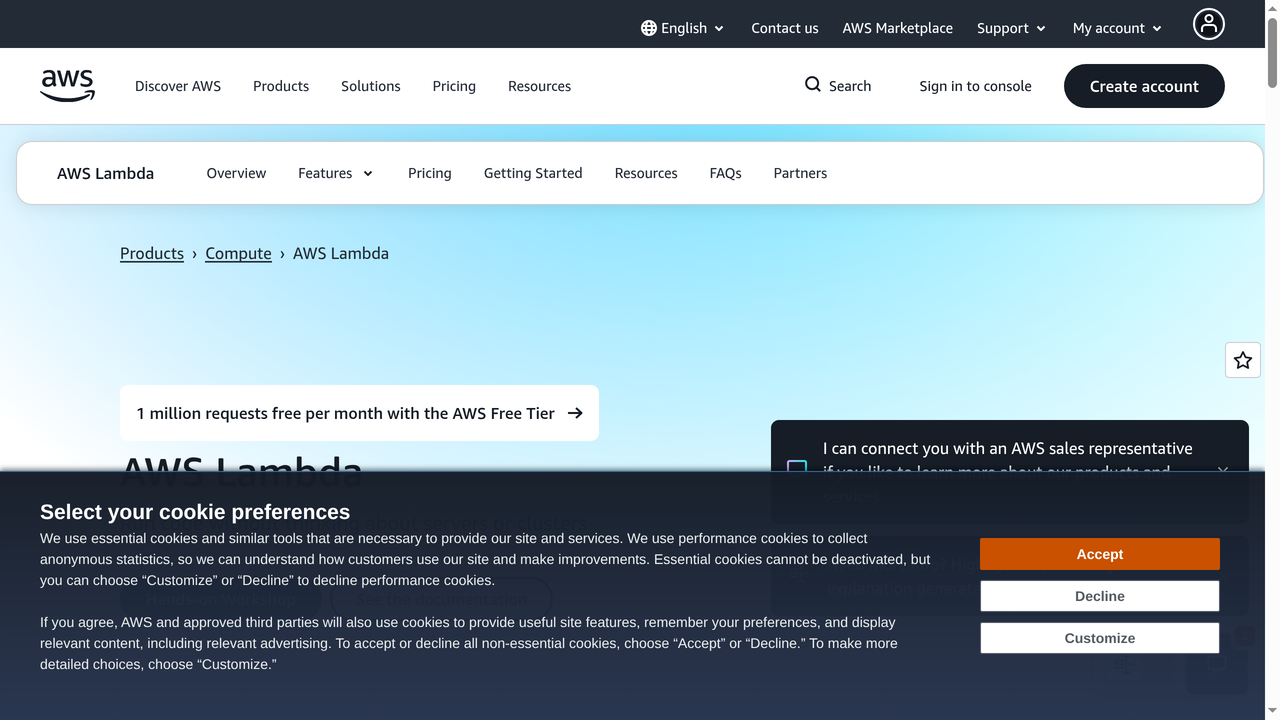
AWS Lambda is the industry standard. Launched in 2014, it has the deepest integration ecosystem of any serverless platform. Lambda connects natively to over 200 AWS services - S3, DynamoDB, API Gateway, SQS, EventBridge, Step Functions, and more. If you are already in the AWS ecosystem, Lambda is the default choice.
Key specs: Supports Node.js, Python, Java, .NET, Go, Ruby, and custom runtimes. Up to 10GB memory, 15-minute timeout, 1,000 concurrent executions by default (adjustable). Pricing starts at $0.20 per million requests plus $0.0000166667 per GB-second.
Best for: Teams already on AWS who want deep service integration and the largest community of serverless practitioners.
Google Cloud Functions
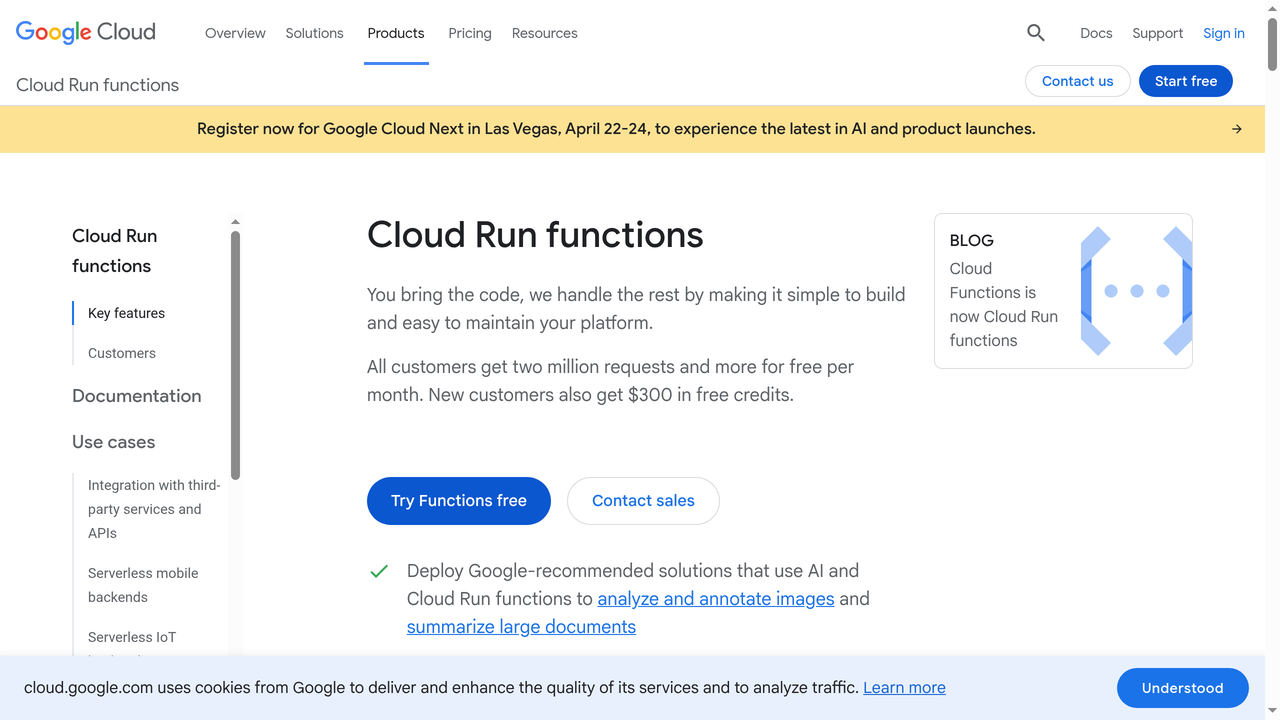
Google Cloud Functions (now in its 2nd generation, powered by Cloud Run) offers a clean developer experience with strong support for Node.js, Python, Go, Java, .NET, Ruby, and PHP. The 2nd gen functions run on Cloud Run under the hood, which gives you longer timeouts (up to 60 minutes), larger instances, and concurrency within a single instance - a significant advantage over Lambda's one-request-per-instance model.
Best for: Teams using Google Cloud, or anyone who values the ability to handle multiple concurrent requests per function instance (reducing costs for high-throughput scenarios).
Azure Functions
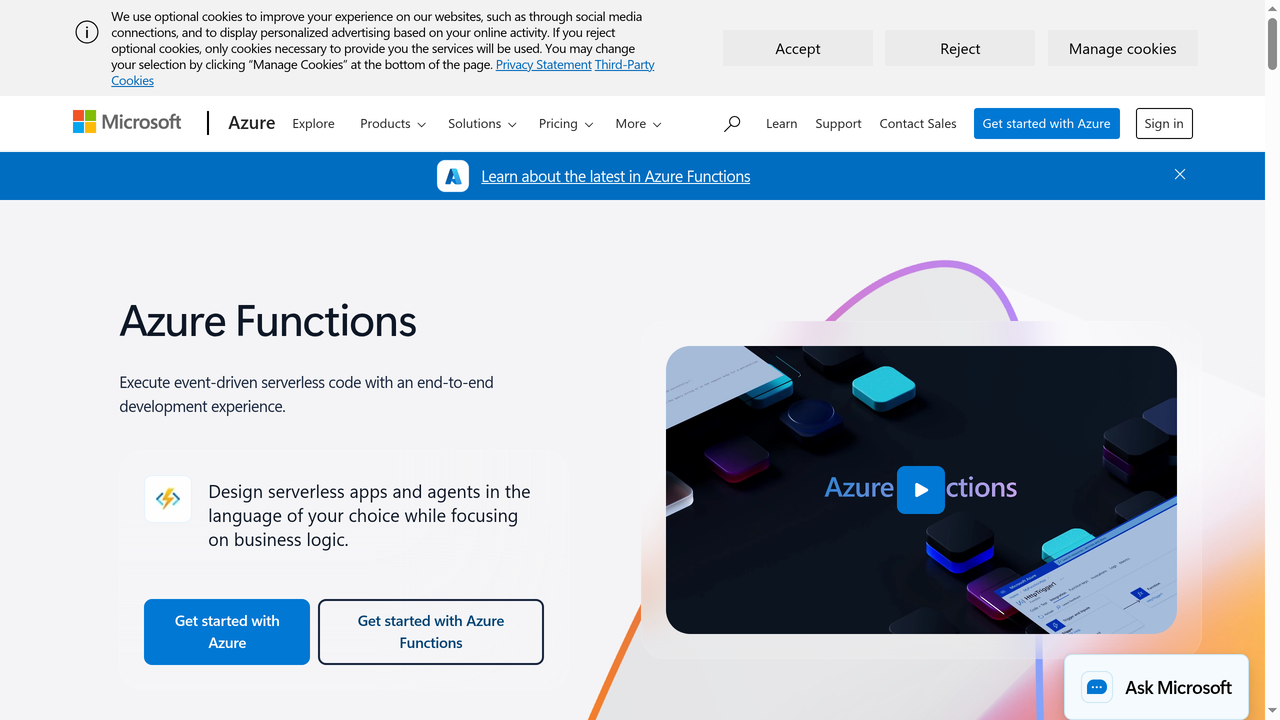
Azure Functions is Microsoft's entry in the FaaS market. Its standout feature is Durable Functions, an extension that lets you write stateful workflows in serverless. Instead of chaining functions through queues and state machines, you write orchestrator functions that manage complex workflows with retries, fan-out/fan-in patterns, and human interaction steps. If your use case involves multi-step processes, Azure Functions has an architectural advantage.
Best for: Enterprise teams in the Microsoft ecosystem, and anyone building complex stateful workflows without wanting to manage a separate orchestration layer.
Vercel
Vercel is not a traditional cloud provider - it is a frontend deployment platform that happens to include excellent serverless capabilities. Vercel Functions (powered by AWS Lambda under the hood) deploy automatically alongside your Next.js, Nuxt, or SvelteKit applications. The developer experience is unmatched: push to Git, and your functions deploy with your frontend. Edge Functions run on Cloudflare's network for ultra-low latency.
Best for: Frontend and full-stack developers who want the simplest possible deployment experience for web applications with API routes and server-side rendering.
Cloudflare Workers
Cloudflare Workers take a fundamentally different approach. Instead of running in containers, Workers execute in V8 isolates - the same technology that powers Chrome's JavaScript engine. This eliminates cold starts almost entirely (startup time is under 5ms) and runs your code on Cloudflare's network of 300+ data centers worldwide. The trade-off is a more constrained runtime: no Node.js APIs, limited CPU time (10-50ms on the free plan, 30s on paid), and a smaller ecosystem.
Best for: Latency-sensitive applications, API gateways, A/B testing, edge transformations, and any workload where global distribution and zero cold starts are priorities.
Netlify Functions
Netlify Functions provide an approachable on-ramp to serverless for web developers. Built on AWS Lambda, they deploy alongside your Netlify site with zero configuration. Background Functions support long-running tasks up to 15 minutes, and scheduled functions handle cron-like workloads. The integration with Netlify's edge network, forms, and identity services makes it a cohesive platform for Jamstack applications.
Best for: Web developers building Jamstack sites who want serverless capabilities without leaving the Netlify ecosystem.
When Should You Use Serverless?
Serverless is the right choice when your workload matches these patterns:
Ideal Use Cases
- API backends - REST and GraphQL APIs with variable traffic. Serverless handles spikes effortlessly and costs nothing during quiet periods.
- Event processing - File uploads triggering image resizing, database changes firing notifications, IoT data streams requiring real-time processing.
- Scheduled tasks - Cron jobs, report generation, data cleanup, email digests. No need for a server running 24/7 just to execute a script once a day.
- Webhooks and integrations - Receiving and processing webhooks from third-party services (Stripe, GitHub, Slack). Lightweight, event-driven, perfect for serverless.
- MVPs and prototypes - When you need to validate an idea quickly without committing to infrastructure. Serverless lets you ship a working backend in hours, not days.
- Chatbots and AI inference - Request-response patterns with unpredictable traffic. Pay only when users are actually chatting or making predictions.
When to Avoid Serverless
- Long-running computations - Video encoding, ML training, batch data processing that runs for hours. Use containers or VMs instead.
- Consistent high-traffic workloads - If your server handles 10,000 requests per second 24/7, a reserved instance or container is cheaper than per-invocation pricing.
- WebSocket-heavy applications - Real-time features like multiplayer games or live dashboards need persistent connections. While API Gateway supports WebSockets, the architecture becomes complex. Consider a dedicated server or managed WebSocket service.
- Applications requiring local state - If your app needs fast in-memory caching or session state between requests, the stateless model adds friction.
Building Serverless Applications in 2026: The Modern Toolkit
The serverless ecosystem has evolved far beyond "write a function, deploy it." Here are the tools and frameworks that define the modern serverless development experience:
Frameworks and Deployment
- SST (Serverless Stack) - The leading open-source framework for building serverless apps on AWS. SST provides a live development environment, infrastructure-as-code with constructs, and first-class support for Next.js, Remix, and Astro.
- Serverless Framework - The original serverless deployment tool. Supports AWS, Azure, Google Cloud, and more. Great for multi-cloud teams, though SST has overtaken it in developer mindshare for AWS-specific projects.
- AWS SAM - AWS's own Serverless Application Model. Tightly integrated with CloudFormation. Best for teams that want to stay within the AWS tooling ecosystem.
- Terraform - Not serverless-specific, but many teams use Terraform to manage their serverless infrastructure alongside other cloud resources. The trade-off is more verbose configuration compared to SST or SAM.
Building Full-Stack Serverless Apps with AI

One of the most exciting developments in the serverless space is how AI-powered development platforms are making serverless architecture accessible to everyone. Capacity.so is the leading AI platform for building full-stack web applications. You describe what you want in natural language, and Capacity generates a complete application - frontend, backend, database, and deployment - all built on serverless architecture by default.
This matters because serverless has always had a learning curve. Configuring API Gateway routes, setting up IAM permissions, managing DynamoDB tables - these are the friction points that slow teams down. Platforms like Capacity.so eliminate that friction entirely. You focus on your product idea, and the AI handles the architectural decisions, including choosing the right serverless patterns for your use case.
For teams that want the cost and scaling benefits of serverless without spending weeks learning cloud infrastructure, this AI-driven approach is becoming the fastest path from idea to production.
Real-World Serverless Architecture Patterns
Understanding common patterns helps you design better serverless systems:
1. API Gateway + Lambda + DynamoDB
The classic serverless trio. API Gateway handles HTTP routing and request validation. Lambda processes business logic. DynamoDB provides millisecond-latency data storage that scales automatically. This pattern powers thousands of production APIs and is the go-to starting point for serverless backends.
2. Event-Driven Processing Pipeline
A user uploads a file to S3. This triggers a Lambda function that validates the file. A success event publishes to SNS, which fans out to multiple subscribers: one Lambda resizes images, another extracts metadata, a third updates a search index. Each step is independent, retryable, and scales on its own. This is serverless at its best - loosely coupled, resilient, and efficient.
3. CQRS with EventBridge
Command Query Responsibility Segregation separates writes from reads. Write operations go through Lambda functions that publish events to EventBridge. Read-optimized Lambda functions consume these events and update read-specific data stores (like Elasticsearch or a denormalized DynamoDB table). This pattern works well for applications with different read and write scaling requirements.
4. Step Functions for Orchestration
AWS Step Functions (or Azure Durable Functions) coordinate multi-step workflows. Order processing is a classic example: validate payment, check inventory, reserve items, send confirmation email, schedule shipping. Each step is a Lambda function. Step Functions manages the flow, handles retries, and maintains state. Without this orchestration layer, you would be wiring together queues and state machines manually.
5. Edge Computing with Workers
Cloudflare Workers or Vercel Edge Functions run at the network edge, closest to users. Use cases include A/B testing (modify responses before they reach the user), geo-routing (redirect based on location), API rate limiting, and response transformation. The latency advantage is significant - serving from a data center 50ms away instead of 200ms away makes a noticeable difference in user experience.
Serverless Costs: What to Actually Expect
Serverless pricing sounds simple (pay per request), but real-world costs depend on several factors:
AWS Lambda Pricing Example
Assume your function uses 512MB memory and runs for 200ms per invocation:
- 1 million requests/month: ~$0.20 (requests) + ~$1.67 (compute) = ~$1.87/month
- 10 million requests/month: ~$2.00 + ~$16.67 = ~$18.67/month
- 100 million requests/month: ~$20.00 + ~$166.67 = ~$186.67/month
Compare that to a t3.medium EC2 instance at ~$30/month running 24/7. For low-to-moderate traffic, serverless wins easily. At very high sustained traffic, the math flips.
Hidden Costs to Watch
- API Gateway - $3.50 per million requests on AWS. This often exceeds the Lambda cost itself.
- Data transfer - Egress charges add up, especially for media-heavy APIs.
- Provisioned concurrency - Keeping functions warm costs money. Calculate whether you actually need it.
- CloudWatch Logs - Lambda logs everything by default. High-volume functions generate significant logging costs if you do not set retention policies.
Cost Optimization Tips
- Right-size function memory (Lambda scales CPU proportionally with memory)
- Use ARM/Graviton2 architecture - 20% cheaper, often faster
- Batch operations where possible (one Lambda processing 100 SQS messages is cheaper than 100 individual invocations)
- Set CloudWatch log retention to 7-30 days instead of indefinite
- Consider Cloudflare Workers for high-volume, lightweight workloads - the $5/month plan includes 10 million requests
The Future of Serverless
Serverless is not a trend - it is the direction cloud computing is heading. Several developments are accelerating adoption:
- AI-generated serverless apps - Platforms like Capacity.so are making it possible to build and deploy serverless applications through natural language, removing the last barrier to entry for non-infrastructure engineers.
- Edge-first architectures - Cloudflare Workers, Deno Deploy, and Vercel Edge Functions are pushing compute closer to users. The future is not just serverless - it is serverless at the edge.
- Improved cold starts - AWS Lambda SnapStart (for Java), Cloudflare Workers' V8 isolates, and pre-warming improvements are steadily reducing cold start latency. The gap between serverless and always-on servers is shrinking.
- Serverless databases - DynamoDB, PlanetScale, Neon, and CockroachDB Serverless offer true pay-per-query database pricing. The entire stack - compute, storage, and database - can now be serverless.
- WebAssembly (Wasm) runtimes - Wasm-based serverless runtimes promise even faster cold starts and language-agnostic execution. Spin by Fermyon and Cloudflare's Wasm support are early but promising.
Frequently Asked Questions
Is serverless really cheaper than traditional hosting?
For most workloads under 10 million requests per month, yes - significantly cheaper. Serverless eliminates the cost of idle resources, which is the biggest expense in traditional hosting. However, at very high sustained traffic (hundreds of millions of requests), dedicated servers or reserved instances can be more cost-effective. The breakeven point depends on your specific traffic patterns, function duration, and memory requirements.
Can I build a complete application entirely on serverless?
Absolutely. Modern serverless stacks support full applications: API Gateway for routing, Lambda for logic, DynamoDB or a serverless database for storage, S3 for static assets, CloudFront for CDN, and Cognito for authentication. Platforms like Capacity.so can generate these complete serverless architectures for you automatically.
What programming languages work with serverless?
All major languages are supported. AWS Lambda supports Node.js, Python, Java, .NET, Go, and Ruby natively, plus any language via custom runtimes. Google Cloud Functions and Azure Functions have similar support. Cloudflare Workers run JavaScript and TypeScript, with WebAssembly support for other languages.
How do I handle database connections in serverless?
This is a common challenge. Traditional databases (PostgreSQL, MySQL) use connection pools, but serverless functions create new connections on every cold start. Solutions include: using serverless-native databases (DynamoDB, FaunaDB), connection pooling services (RDS Proxy, PgBouncer), or HTTP-based database clients (Neon, PlanetScale) that do not require persistent connections.
Is serverless secure?
Serverless shifts much of the security responsibility to the cloud provider (patching, network security, physical security). However, you are still responsible for application-level security: input validation, authentication, authorization, secrets management, and least-privilege IAM policies. The reduced attack surface (no long-running servers to compromise) is generally considered a security advantage.
What is the difference between serverless and containers?
Containers (Docker/Kubernetes) give you more control over the runtime environment, support long-running processes, and allow persistent connections. Serverless is more hands-off, scales to zero, and has simpler deployment. Many teams use both: serverless for event-driven and API workloads, containers for persistent services and complex applications. They are complementary, not competing.
Conclusion: Should You Go Serverless?
Serverless is not a silver bullet, but it is the right choice for a growing number of use cases. If your application has variable traffic, event-driven workflows, or you simply want to ship faster without managing infrastructure, serverless delivers real value. The platforms are mature, the tooling is solid, and the cost model rewards efficient architectures.
Start small. Pick a single API endpoint or background task and deploy it serverless. See how it feels. Most teams that try serverless for one project end up adopting it for their next three. The economics and operational simplicity are that compelling.
And if you want to skip the infrastructure learning curve entirely, tools like Capacity.so let you describe your application in plain English and generate a production-ready serverless app in minutes. The future of building software is not about choosing between servers and serverless - it is about focusing on what your product does, not how it runs.