
What Is Retool? Pricing, Review & Alternatives (2026)
What Is Retool? Pricing, Review & Alternatives (2026)
What Is Retool, Really?
If you've spent any time looking into internal tools - admin panels, dashboards, approval workflows, CRUD apps - you've probably stumbled across Retool. It's one of the most well-known platforms in the "low-code for internal tools" space, and it's been around since 2017.
But here's the thing: Retool's marketing makes it sound like the answer to everything. The reality is more nuanced. It's a powerful tool, but it's not for everyone, and it definitely has some sharp edges that you won't find on the homepage.
In this guide, we're going to break down exactly what Retool is, how much it costs (spoiler: it adds up fast), what's genuinely great about it, what's frustrating, and what alternatives you should consider - especially if you're a startup or small team that doesn't want to lock into an expensive platform.
What Is Retool? The Basics
Retool is a low-code platform designed specifically for building internal tools. Think admin panels, customer support dashboards, inventory management apps, data approval workflows - anything your team needs internally but that isn't customer-facing.
The core idea is simple: instead of building these tools from scratch with React or Vue, you drag and drop pre-built components (tables, forms, buttons, charts) and connect them to your existing databases and APIs. You write small snippets of JavaScript or SQL where needed, but you skip most of the boilerplate.
Retool connects to pretty much everything: PostgreSQL, MySQL, MongoDB, REST APIs, GraphQL, Google Sheets, Stripe, Twilio, and dozens more. You can query your data sources directly and display the results in a UI without building a backend.
How Retool Works
The workflow is straightforward:
- Connect your data sources - databases, APIs, SaaS tools
- Drag components onto a canvas - tables, forms, text inputs, buttons, charts
- Write queries - SQL, JavaScript, or API calls that pull and push data
- Wire everything together - a button click triggers a query, a table selection populates a form, etc.
- Deploy internally - share with your team via Retool's hosting or self-host
It's genuinely fast for prototyping. If you know SQL and a bit of JavaScript, you can build a functional admin panel in an afternoon. That's the main selling point, and it's real.
Who Uses Retool?
Retool's sweet spot is mid-size to enterprise companies with dedicated engineering teams. Their customer list includes names like Amazon, DoorDash, and NBC. The typical user is a software engineer or technical operations person who needs to build internal tools quickly without going through a full development cycle.
That said, "low-code" is a bit misleading here. Retool is more like "less code" than "no code." If you're a non-technical person hoping to build an app by pointing and clicking, you'll hit a wall pretty quickly. The platform assumes you're comfortable with SQL queries and JavaScript expressions.
Retool Pricing Breakdown (2026)
Let's talk money, because this is where things get interesting - and by interesting, I mean potentially painful for your budget.
Retool has four tiers: Free, Team, Business, and Enterprise.
Free Plan
- Up to 5 users total
- Unlimited web and mobile apps
- 500 workflow runs per month
- Up to 5 modules
- 5GB database storage
- 100 monthly AI prompting credits
- Community support only
The free tier is decent for experimentation. You can build real apps and test the platform. But 5 users is a hard limit, and 500 workflow runs disappear fast if you're doing anything automated.
Team Plan - 9 EUR/month per builder
- Everything in Free
- Unlimited users (no 5-user cap)
- 5,000 workflow runs per month
- 5 EUR/month per internal user (end users who just use apps)
- Unlimited AI prompting credits
- Standard support
This sounds affordable until you do the math. Say you have 3 builders and 20 internal users. That's (3 x 9) + (20 x 5) = 127 EUR/month. Not terrible, but it climbs fast as your team grows.
Business Plan - 46 EUR/month per builder
- Everything in Team
- 14 EUR/month per internal user
- External user support (for customer-facing portals)
- Unlimited modules
- App themes and branding
- Staging and production environments
- SSO and advanced permissions
Here's where the price jumps hard. Same scenario - 3 builders and 20 internal users: (3 x 46) + (20 x 14) = 418 EUR/month. That's over 5,000 EUR/year for a small team. And if you need external users, pricing starts at 7.33 EUR/month each for 51-250 users.
Enterprise Plan - Custom pricing
- Everything in Business
- Full white-labeling
- Unlimited environments
- Audit logs
- Custom SLAs
- Dedicated support
No public pricing, but expect five figures annually. Enterprise plans are negotiated individually.
The Hidden Costs
What the pricing page doesn't make obvious:
- Workflow runs add up: If you exceed 5,000 runs/month, additional runs cost $75 per 5,000. Heavy automation users can easily burn through this.
- Per-seat pricing compounds: Every new team member costs you. In a growing company, this gets expensive fast.
- Self-hosting isn't free: If you want to run Retool on your own infrastructure (for compliance or data sovereignty), you still pay Retool licensing fees plus your own infrastructure costs.
- Switching costs: Once you build 50+ apps on Retool, migrating away is a massive undertaking. There's no export-to-code feature.
Retool Review: The Honest Pros and Cons
Let's get into what actually works and what doesn't. No sugarcoating.
What Retool Does Well
1. Speed of Prototyping
This is Retool's biggest strength, and it's real. If you need a CRUD interface for a database table, you can have something functional in 30 minutes. The drag-and-drop builder, combined with direct database queries, makes simple tools trivially fast to build.
2. Database Connectivity
Retool's resource system is excellent. Connecting to PostgreSQL, MySQL, MongoDB, or any REST API is straightforward. You can query multiple data sources in the same app, join data across databases, and handle complex data flows without building a separate backend.
3. Component Library
The built-in components cover most internal tool needs: tables with sorting/filtering/pagination, forms with validation, charts, file uploads, JSON viewers, and more. For standard admin panel patterns, you rarely need custom components.
4. JavaScript Flexibility
Unlike some no-code platforms that box you in, Retool lets you write JavaScript transformers, custom queries, and even embed custom React components. When the drag-and-drop isn't enough, you can code your way out.
5. Workflows
Retool Workflows (their automation feature) is genuinely useful. You can build multi-step automations triggered by schedules, webhooks, or app events. It's like a simplified version of Temporal or AWS Step Functions built right into the platform.
6. Enterprise Features
For larger companies, Retool checks the boxes: SSO/SAML, audit logs, granular permissions (RBAC), environment management, and self-hosting options. This is why Fortune 500 companies use it.
What Retool Gets Wrong
1. Not Actually "Low-Code" for Non-Technical Users
This is probably the biggest disconnect between marketing and reality. Retool calls itself low-code, but if you can't write SQL and JavaScript, you're stuck. Product managers, ops people, and other non-engineers will struggle to build anything beyond the simplest apps. Compare this to tools like Capacity.so where you literally describe what you want in plain English and the AI builds it for you.
2. UI Looks Dated
Let's be blunt: Retool apps look like internal tools from 2018. The default styling is functional but uninspiring. You can customize with CSS, but getting a modern, polished look requires significant effort. If aesthetics matter to your team (and they should - people use good-looking tools more), this is a real drawback.
3. Vendor Lock-in Is Real
Everything you build in Retool stays in Retool. There's no "export to React" button. No way to take your apps and run them independently. If Retool doubles their prices (which they've done before with pricing changes), or if your needs outgrow the platform, you're rebuilding from scratch.
4. Performance Issues at Scale
Users consistently report that Retool apps slow down as they get more complex. Apps with many components, multiple queries, or heavy data loads can feel sluggish. The editor itself can lag when working on larger applications.
5. Pricing Gets Expensive Fast
We covered this above, but it bears repeating. The per-seat model means costs scale linearly with your team. A 50-person company on the Business plan could easily spend $30,000+ per year. For internal tools. That's a lot of budget that could go toward actual product development.
6. Mobile Experience Is an Afterthought
While Retool does offer mobile apps, the experience is clearly secondary to desktop. The mobile builder has fewer components, and responsive design isn't automatic. If your team needs tools that work well on phones and tablets, you'll be disappointed.
7. Learning Curve Is Steeper Than Expected
Despite being "low-code," Retool has a significant learning curve. Understanding how queries, transformers, temporary state, and component references interact takes time. New users often spend weeks before they're productive.
Retool Alternatives: What Else Is Out There?
Whether Retool's pricing scared you off, or you want something that's truly accessible to non-technical team members, here are the best alternatives worth considering in 2026.
1. Capacity.so - Best Overall Alternative

Capacity.so takes a fundamentally different approach to building apps. Instead of dragging components and writing queries, you describe what you want in plain English and the AI builds it for you. It's not just a different tool - it's a different philosophy.
Where Retool requires SQL and JavaScript knowledge, Capacity requires zero coding skills. You chat with an AI co-founder that helps you think through your idea, refine your vision, and then generates a full production-ready application. Need a customer dashboard? Describe it. Want an inventory management system? Just explain what you need.
The apps Capacity generates use modern tech - React, TypeScript, Tailwind CSS - and they look genuinely good out of the box. No fighting with CSS to make things presentable. And unlike Retool, the code is yours. You can export it, host it anywhere, modify it however you want. No vendor lock-in.
Capacity is powered by the best AI models available (Claude, GPT-4, Gemini, and more), so the quality of generated code keeps improving. It's ideal for startups, small teams, and anyone who wants to ship fast without hiring a full engineering team.
The biggest advantage over Retool? Accessibility. Your product manager can build an app. Your ops lead can create a dashboard. You don't need to be a developer. And you still get production-quality code that you actually own.
Best for: Startups, small teams, non-technical founders, anyone who wants modern apps without writing code or getting locked in.
Pricing: Significantly more affordable than Retool, with no per-seat surprises.
2. Appsmith - Best Open Source Option
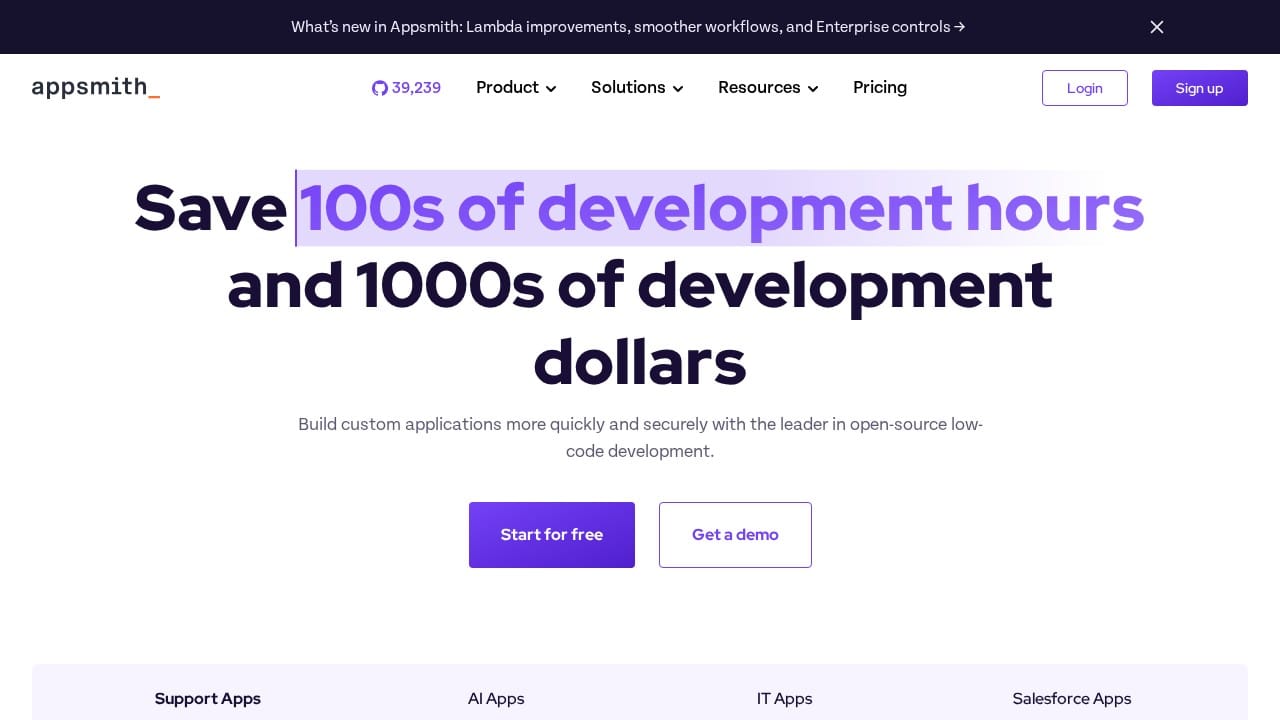
Appsmith is probably the closest open-source alternative to Retool. It has a similar drag-and-drop builder, similar database connectivity, and a similar approach to building internal tools. The key difference? You can self-host it for free.
Appsmith's component library is solid, covering tables, forms, charts, and most of what you need for internal tools. It supports JavaScript for custom logic and connects to all the major databases and APIs. The community is active, and the product has improved significantly over the past few years.
The downsides: the UI builder isn't quite as polished as Retool's, and some advanced features (like granular permissions and audit logs) are only available in the paid Business plan. Documentation can be hit-or-miss, and you'll encounter more bugs than with Retool.
If budget is your primary concern and you have engineers who can self-host and maintain the platform, Appsmith is a strong choice. But if you want something that just works without ops overhead, look elsewhere.
Best for: Engineering teams that want self-hosting control and don't mind some rough edges.
Pricing: Free (self-hosted), paid plans starting at $40/month for the Business edition.
3. Budibase - Best for Small Teams
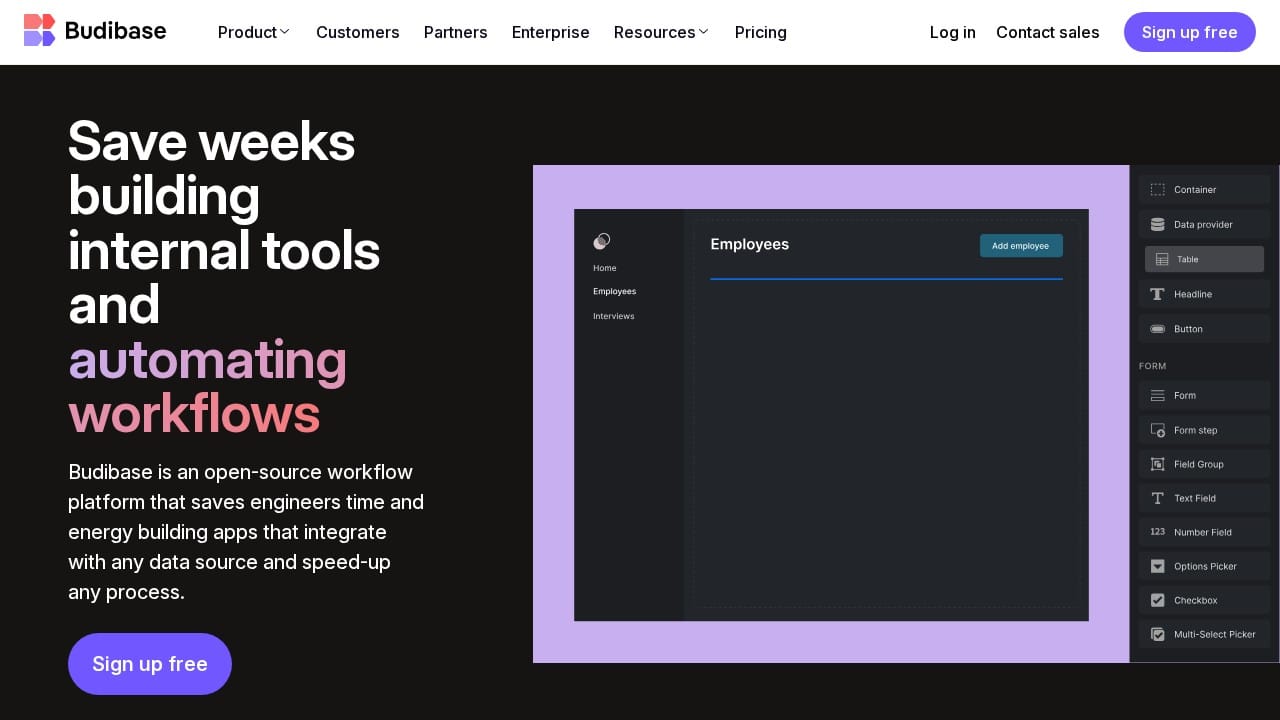
Budibase positions itself as a simpler, more approachable alternative to Retool. It has its own internal database (so you don't need an existing database to start building), a clean UI builder, and automation features.
Budibase is easier to pick up than Retool if you're not deeply technical. The built-in database with a spreadsheet-like interface lets non-developers create data structures without writing SQL. Automations are configured visually, and the overall learning curve is gentler.
The trade-off is power. Budibase can't handle the same level of complexity as Retool. If you need apps with dozens of queries, complex state management, or deep API integrations, you'll hit limitations. It's better suited for simpler tools: basic CRUD apps, form-based workflows, and straightforward dashboards.
Like Appsmith, Budibase offers a self-hosted open-source version, which makes it attractive for budget-conscious teams.
Best for: Small teams building simple internal tools who want an easier learning curve.
Pricing: Free tier available, premium plans from $50/month.
4. Tooljet - Best Budget-Friendly Option
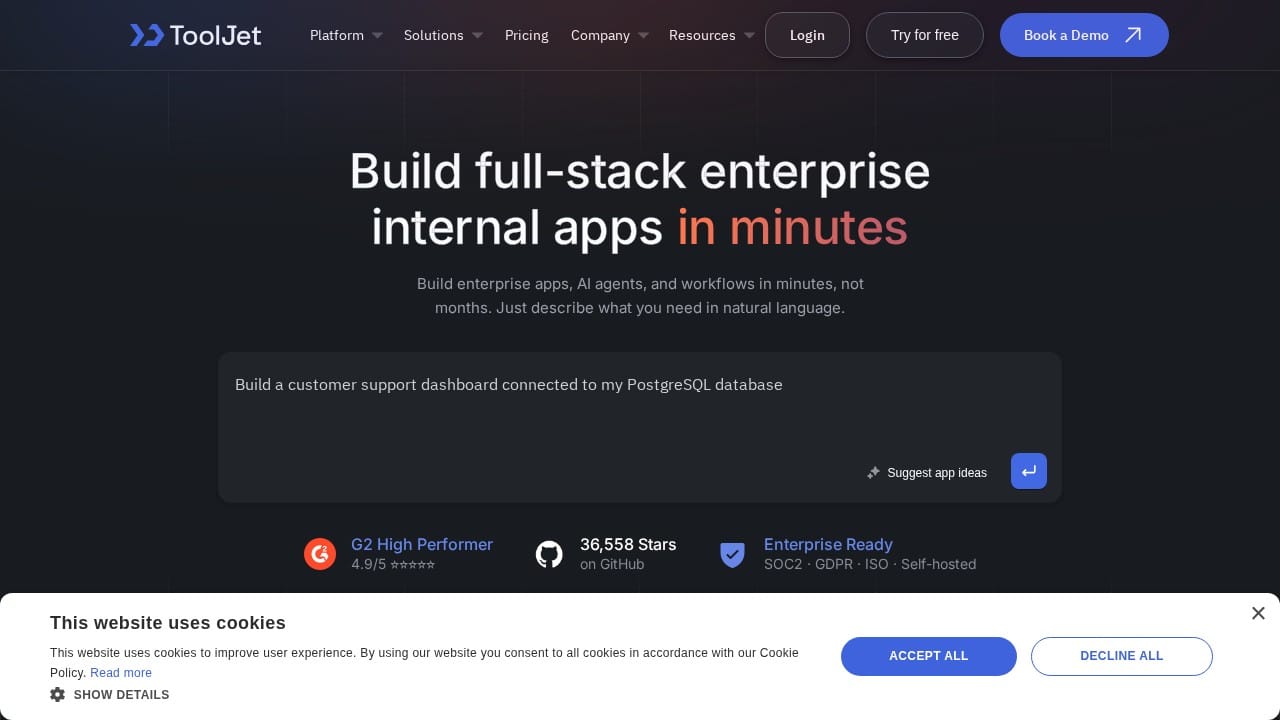
Tooljet is another open-source Retool alternative that's gained traction. It offers a visual app builder with database connectivity, JavaScript support, and a growing component library. The platform is younger than Retool but moves fast.
Tooljet's strongest point is value for money. The free self-hosted version is genuinely usable for production workloads, and the cloud plans are significantly cheaper than Retool. It supports multi-workspace setups, version control, and has decent RBAC.
The weaknesses are what you'd expect from a younger platform: fewer integrations, less documentation, smaller community, and occasional stability issues. But if you're willing to work around these, Tooljet delivers a lot for the price.
Best for: Teams that want Retool-like functionality at a fraction of the cost.
Pricing: Free (self-hosted), cloud plans from $20/month.
5. Superblocks - Best for Engineering Teams
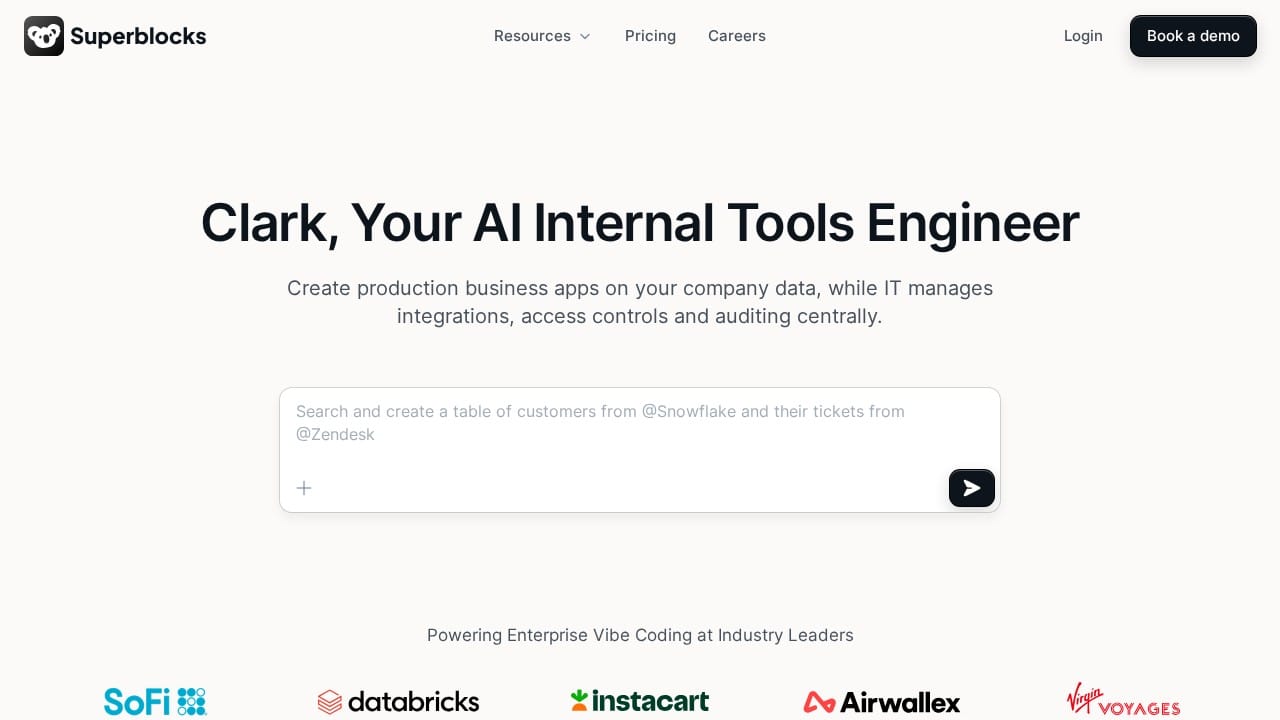
Superblocks targets the same audience as Retool but puts more emphasis on developer experience. It has better TypeScript support, built-in version control with Git, and a more code-centric approach that engineers tend to prefer.
Superblocks treats apps more like code projects than visual canvases. You get proper IDE features, debugging tools, and the ability to write complex logic without fighting against the platform. Server-side execution means you can run heavier computations without browser limitations.
The downside is that Superblocks is even more developer-focused than Retool. If Retool isn't accessible enough for your non-technical team members, Superblocks definitely won't be either. And pricing is in the same ballpark as Retool's Business tier.
Best for: Engineering teams that find Retool too limiting on the code side.
Pricing: Free tier available, paid plans comparable to Retool.
Comparison Table: Retool vs. Alternatives
| Feature | Retool | Capacity.so | Appsmith | Budibase | Tooljet | Superblocks |
|---|---|---|---|---|---|---|
| Approach | Low-code drag & drop | AI-powered (describe in English) | Low-code drag & drop | Low-code with built-in DB | Low-code drag & drop | Code-first low-code |
| Technical skill required | High (SQL + JS) | None | High (SQL + JS) | Medium | High (SQL + JS) | Very High |
| Code ownership | No export | Full export | Open source | Open source | Open source | No export |
| Modern UI output | Dated look | Modern by default | Dated look | Clean but basic | Dated look | Functional |
| Self-hosting | Paid only | Yes (you own the code) | Free | Free | Free | Available |
| Starting price | Free (5 users) | Free tier | Free | Free | Free | Free tier |
| Best for | Enterprise internal tools | Everyone - startups to enterprise | Self-hosting enthusiasts | Small teams | Budget-conscious teams | Developer teams |
Decision Framework: Which Tool Should You Pick?
Choosing the right platform depends on your specific situation. Here's a practical framework:
Choose Retool if:
- You're an enterprise with a dedicated engineering team
- You need complex internal tools with heavy database integrations
- Budget isn't a primary concern
- You need enterprise compliance features (SOC 2, HIPAA)
- Your builders are comfortable with SQL and JavaScript
Choose Capacity.so if:
- You want to build apps without coding
- You're a startup or small team
- You want modern-looking apps out of the box
- You want to own your code and avoid vendor lock-in
- You need both internal and customer-facing apps
- Your team includes non-technical members who need to build things
Choose Appsmith or Tooljet if:
- Self-hosting on your own infrastructure is a must
- You want an open-source solution
- Your engineering team can handle setup and maintenance
- Budget is tight but you have technical expertise
Choose Budibase if:
- You need simple internal tools with a gentle learning curve
- You don't have an existing database and need a built-in one
- Your team is small and semi-technical
Choose Superblocks if:
- Your engineering team finds Retool too restrictive
- You want better TypeScript/Git integration
- Developer experience is your top priority
Frequently Asked Questions
Is Retool free?
Retool has a free tier that supports up to 5 users with unlimited apps. It's good for testing and small projects but too limited for most real business use cases. You'll likely need the Team plan (starting at 9 EUR/month per builder) or higher.
Can non-technical people use Retool?
Honestly, not really. Despite being marketed as "low-code," Retool requires SQL knowledge for database queries and JavaScript for any custom logic. If your team members aren't developers, consider alternatives like Capacity.so where you can build apps by describing what you want in plain English.
Is Retool good for customer-facing apps?
Retool was designed for internal tools, not customer-facing products. While the Business plan adds external user support and some branding options, the apps still look like internal tools. For customer-facing applications, you're better off with a platform like Capacity.so that generates modern, production-ready web apps.
Can I self-host Retool?
Yes, but it's not free. Self-hosting Retool requires an Enterprise license, which means custom pricing (typically expensive). You also need to manage the infrastructure yourself. Open-source alternatives like Appsmith and Tooljet offer free self-hosting.
What happens if I want to leave Retool?
This is one of Retool's biggest weaknesses. There's no way to export your apps as standalone code. If you decide to leave, you're rebuilding everything from scratch. This vendor lock-in is a serious consideration before committing to the platform.
How does Retool compare to just coding from scratch?
For simple internal tools, Retool is genuinely faster than building from scratch. A CRUD dashboard that might take a week to code could be done in a day on Retool. But as apps get more complex, the time savings diminish. And you trade development speed for vendor lock-in and ongoing subscription costs. With AI-powered tools like Capacity.so, you can get the speed advantage of low-code while still owning your codebase.
Is Retool secure?
Retool takes security seriously. They're SOC 2 Type II certified, support SSO/SAML, offer granular role-based access control, and provide audit logs on Enterprise plans. You can also self-host for maximum data control. That said, Retool did experience a security breach in 2023 when an employee fell victim to a phishing attack, which led to unauthorized access to some customer accounts.
The Bottom Line
Retool is a solid platform for building internal tools, especially if you're an enterprise with engineering resources and budget to spare. It's fast for prototyping, connects to everything, and has the enterprise features large companies need.
But it's not the only option anymore, and for many teams, it's not the best one either. The per-seat pricing adds up quickly, the learning curve is steeper than advertised, the apps look dated, and vendor lock-in is a real risk.
If you want a modern approach that's accessible to everyone on your team - not just developers - Capacity.so is worth a serious look. You describe what you want, the AI builds it, and you own the code. No SQL required, no vendor lock-in, and apps that actually look good.
The internal tools space has evolved dramatically. You don't have to settle for drag-and-drop builders that require engineering skills and charge per seat. Pick the tool that matches how your team actually works, not how you wish they worked.