
What Is OpenClaw? The AI Agent That Runs Your Business While You Sleep
What Is OpenClaw? The AI Agent That Runs Your Business While You Sleep
What Is OpenClaw?
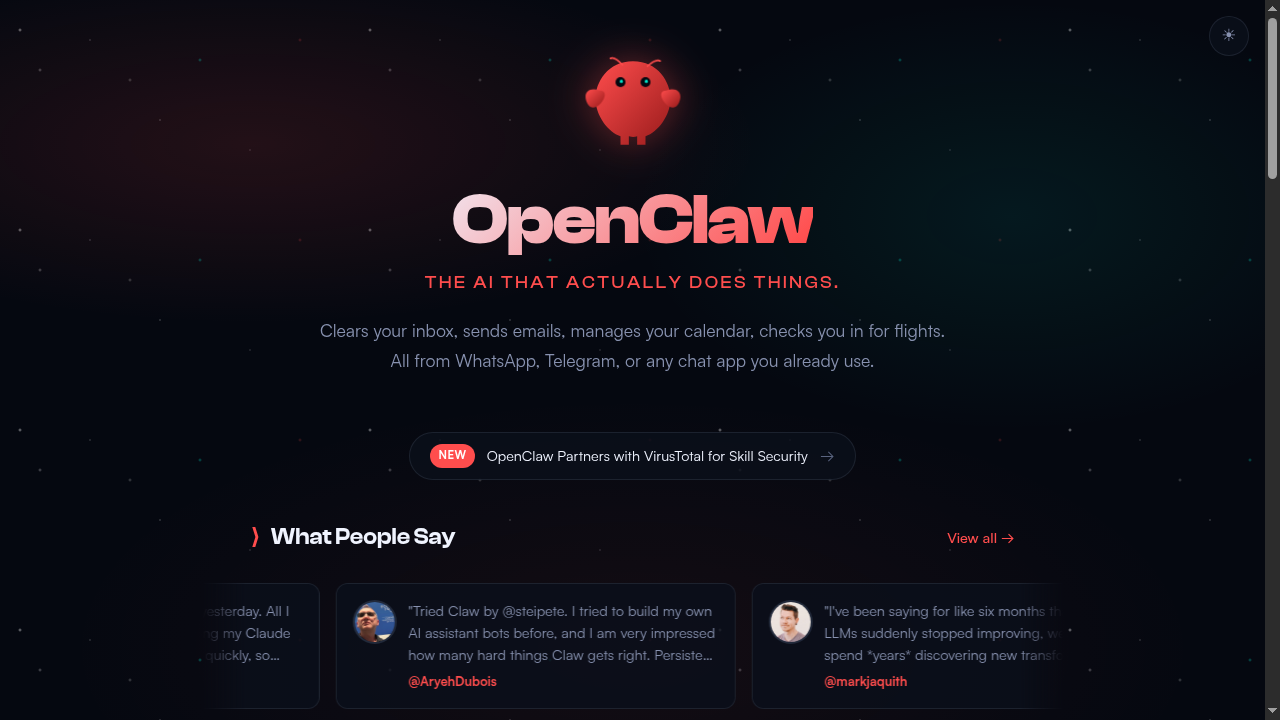
OpenClaw is a self-hosted, open-source AI personal assistant that runs on your own hardware. Think of it as an always-on AI agent you can talk to through WhatsApp, Telegram, Discord, Slack, iMessage, Signal, or any chat app you already use.
But it is not just a chatbot. OpenClaw can actually do things. It clears your inbox, sends emails, manages your calendar, browses the web, writes code, runs scripts, controls your smart home, and automates entire business workflows. All while you sleep.
Built by Peter Steinberger (known as @steipete, formerly the founder of PSPDFKit), OpenClaw launched in early 2025 and has quickly become one of the most talked-about open-source AI projects. It runs on anything from a Mac Mini to a Raspberry Pi 5, and it is completely free to self-host.

The key difference from tools like ChatGPT or Claude? OpenClaw is not a conversation partner. It is a digital employee. It has persistent memory, cron jobs, webhooks, browser control, file system access, and the ability to spawn sub-agents. It lives on your machine 24/7 and works even when you are not looking.
At Capacity.so, we run OpenClaw on a Raspberry Pi 5 to automate our entire marketing operation. More on that later.
How OpenClaw Works
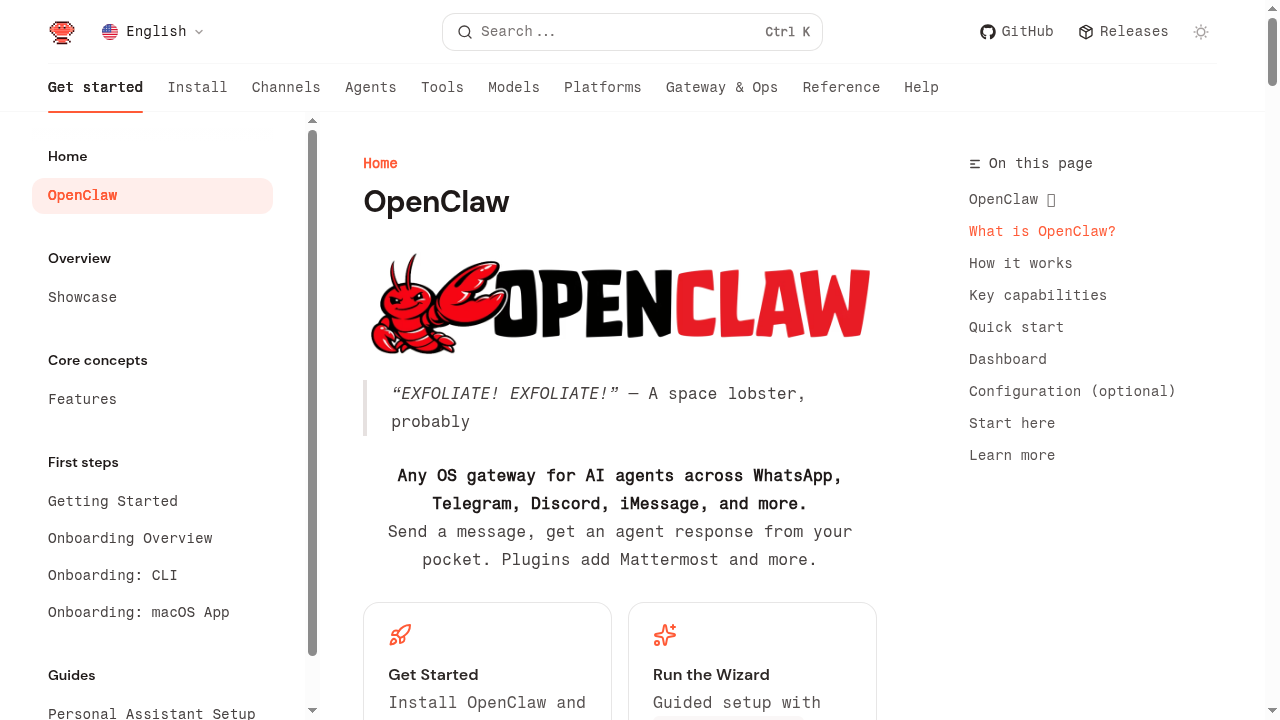
OpenClaw is built around a central concept: the Gateway. The Gateway is a Node.js process that runs on your machine (or server) and acts as the bridge between your messaging apps and AI models.
Here is how the architecture works:
- You send a message through WhatsApp, Telegram, Discord, or any connected channel
- The Gateway receives it and routes it to the AI agent
- The agent processes your request using tools (browser, file system, email, calendar, web search, etc.)
- The response comes back through the same channel you messaged from
The Gateway is the single source of truth for sessions, routing, and channel connections. It manages persistent memory, handles multi-agent routing, and keeps everything running as a background service (via systemd on Linux or launchd on macOS).
The Agent Layer
Under the hood, OpenClaw uses AI models (Anthropic Claude is the recommended default, but it works with OpenAI, Google, and others) to power its agent. The agent has access to a rich set of tools:
- Browser control - it can open websites, click buttons, fill forms, take screenshots
- File system - read, write, edit files on your machine
- Shell execution - run any command on your machine
- Email - read and send emails via Gmail or other providers
- Calendar - check and manage your schedule
- Web search - search the internet and fetch pages
- Node control - pair and control iOS/Android devices
- Canvas - render visual content and UI
- Sub-agents - spawn additional AI agents for parallel tasks
Memory and Persistence
One of the things that makes OpenClaw special is its memory system. The agent maintains:
- SOUL.md - the agent's personality and identity
- MEMORY.md - long-term curated memories
- Daily memory files - raw logs of what happened each day
- USER.md - information about you, the user
This means your assistant remembers your preferences, ongoing projects, and past conversations across sessions. It wakes up fresh each session but reads its memory files to maintain continuity. It is like a coworker who keeps good notes.
Skills and Plugins
OpenClaw uses a "skills" system to extend its capabilities. Skills are essentially tool packages that teach the agent how to use specific services. There are bundled skills (included by default), managed skills (installed from the community), and workspace skills (custom ones you create).
The community is actively building skills for everything from home automation to financial tracking. And because OpenClaw is open source, you can write your own skills or modify existing ones.
Key Features of OpenClaw
1. Multi-Channel Messaging
OpenClaw connects to virtually every messaging platform you can think of:
- Telegram
- Discord
- Slack
- iMessage (via BlueBubbles)
- Signal
- Google Chat
- Microsoft Teams
- Matrix
- IRC
- Mattermost
- And more via plugins
You configure one Gateway, and it serves all these channels simultaneously. Send a message from your phone on WhatsApp, get a response. Switch to Telegram on your laptop, the context carries over.
2. Cron Jobs and Automation
This is where OpenClaw goes from "cool chatbot" to "business automation engine." You can set up cron jobs that run on a schedule, completely autonomously. The agent wakes up, performs a task, and goes back to sleep.
Examples of what you can automate:
- Check your inbox every hour and summarize important emails
- Post to social media on a schedule
- Monitor websites for changes
- Generate and publish SEO articles
- Send weekly reports
- Run data collection scripts
Each cron job runs in its own isolated session with its own context and model settings. You can use different AI models for different tasks (cheaper models for simple tasks, powerful models for complex ones).
3. Browser Control
OpenClaw includes a built-in browser that the agent can control. It can navigate to websites, take screenshots, fill out forms, click buttons, and extract data. This is incredibly powerful for automation tasks that require interacting with web interfaces.
There is also a Chrome extension that lets the agent control your actual Chrome browser, which is useful for tasks that require authentication or specific browser state.
4. Sub-Agents
For complex tasks, OpenClaw can spawn sub-agents. These are independent AI sessions that run in parallel. The main agent can delegate work to sub-agents, wait for them to finish, and collect their results.
For example, if you ask OpenClaw to "research 10 competitors and write a report," it could spawn 10 sub-agents to research each competitor simultaneously, then compile the results into a single report. This is much faster than doing everything sequentially.
5. Webhooks and Event-Driven Automation
OpenClaw supports webhooks, which means external services can trigger agent actions. Got a new Sentry error? Webhook triggers the agent to investigate and open a PR. New email via Gmail PubSub? The agent processes it immediately.
This makes OpenClaw reactive, not just proactive. It can respond to real-world events as they happen.
6. Mobile Nodes (iOS and Android)
You can pair your phone as a "node" to OpenClaw. This gives the agent access to your phone's camera, location, screen recording, and more. The agent can take photos, check your location, and even render content on your phone's screen via Canvas.
7. Voice Support
OpenClaw supports voice input and output through ElevenLabs integration. You can talk to your assistant and hear it respond. There is even a "Voice Wake" feature for always-on speech on macOS, iOS, and Android.
8. Self-Hosted and Private
Everything runs on your hardware. Your data never leaves your machine (except when calling AI model APIs, which you control). There is no cloud service, no subscription to OpenClaw itself, no vendor lock-in. You own everything.
Real-World Use Cases for OpenClaw
For Developers
- Automated code review and PR creation
- Bug monitoring via Sentry webhooks, with automatic investigation
- Deployment monitoring and alerting
- Documentation generation
- Running and managing Claude Code or Codex sessions remotely
For Content Creators
- Automated SEO article writing and publishing
- Social media scheduling (Twitter, Reddit, Quora)
- Email newsletter management
- Content research and competitor analysis
- Image generation and processing
For Business Owners
- Email inbox management and auto-responses
- Calendar management and meeting scheduling
- Customer outreach automation
- Market research and competitive intelligence
- Financial tracking and reporting
For Personal Use
- Smart home control
- Travel planning and flight check-ins
- Health tracking (WHOOP integration, biomarker optimization)
- Personal knowledge management (Obsidian integration)
- Air quality and environment monitoring
How We Use OpenClaw at Capacity.so
This is where things get real. At Capacity.so, we do not just write about OpenClaw. We use it every single day to run our entire marketing operation. And we run it on a Raspberry Pi 5.
Let that sink in. A $80 single-board computer is running an AI agent that handles our SEO, social media, email outreach, and content creation. 24 hours a day, 7 days a week.
Our Setup
Here is what our OpenClaw instance looks like:
- Hardware: Raspberry Pi 5 (8GB RAM)
- OS: Raspberry Pi OS (Debian-based Linux)
- AI Model: Anthropic Claude Opus 4.6 (via API)
- Channel: Telegram (our primary interface)
- Uptime: 24/7, running as a systemd service
Our 9 Cron Jobs
We have 9 automated cron jobs running on our OpenClaw instance. Here is what each one does:
1. SEO Article Writer
Every few days, OpenClaw picks a topic from our content queue, researches it thoroughly (visiting competitor sites, reading documentation, checking search trends), writes a 3,500+ word article, creates a banner image, takes screenshots of every tool mentioned, and publishes it as a draft to our Ghost CMS. It then translates the article into French and Spanish, creating separate banners for each language. This article you are reading right now? Written and published by OpenClaw.
2. Reddit Engagement
OpenClaw monitors relevant subreddits (r/SaaS, r/nocode, r/webdev, r/startups) for questions where Capacity.so could genuinely help. It writes thoughtful, helpful replies that naturally mention our platform when relevant. No spam, no shilling. Just genuine value.
3. Quora Answers
Similar to Reddit, but for Quora. OpenClaw finds questions about building apps, no-code tools, AI development platforms, and SaaS building. It writes detailed, helpful answers that position Capacity.so as a solution.
4. Twitter/X Posts
OpenClaw creates and schedules tweets about AI development, vibe coding, SaaS building, and related topics. It mixes promotional content with genuine insights and engagement.
5. Email Outreach
For targeted outreach to potential partners, bloggers, and publications, OpenClaw drafts personalized emails based on research about each recipient.
6. Competitor Monitoring
OpenClaw regularly checks competitor websites, pricing pages, and feature updates. It summarizes changes and alerts us to anything significant.
7. SEO Performance Check
Monitors our search rankings and traffic, identifying which articles are performing well and which need updates.
8. Content Queue Management
Maintains and prioritizes our article queue based on keyword research, search volume, and competitive analysis.
9. Heartbeat and Maintenance
A regular check-in that reviews memory files, updates long-term memory, checks for urgent emails, and ensures everything is running smoothly.
The Results
Since setting up OpenClaw, our content output has increased dramatically. We publish multiple SEO-optimized articles per week in three languages. Our social media presence is consistent. Our outreach is personalized and timely.
The total cost? About $80 for the Raspberry Pi and whatever we spend on Anthropic API calls (which varies, but is surprisingly reasonable for the volume of work done).
This is the combination that makes OpenClaw powerful for SaaS founders: you get an AI employee that works around the clock, runs on cheap hardware, and costs a fraction of what you would pay a human marketing team.
OpenClaw + Capacity.so: Build AND Market Your SaaS
Capacity.so helps you build your SaaS product with AI. OpenClaw helps you market it with AI. Together, they cover the full lifecycle of a SaaS business.
Use Capacity.so to go from idea to working product. Then use OpenClaw to automate the marketing, outreach, and growth. It is the stack we use ourselves, and it works.
Getting Started with OpenClaw
Setting up OpenClaw is surprisingly simple. Here is a step-by-step guide to get you running in under 10 minutes.
Prerequisites
- Node.js 22 or later
- An AI model API key (Anthropic recommended)
- A machine to run it on (Mac, Linux, Windows via WSL2, or even a Raspberry Pi)
Step 1: Install OpenClaw
npm install -g openclaw@latestStep 2: Run the Onboarding Wizard
openclaw onboard --install-daemonThe wizard guides you through everything: setting up your API key, choosing your channels, configuring your workspace, and installing the Gateway as a background service.
Step 3: Connect Your Channels
openclaw channels loginThis lets you connect WhatsApp (via QR code), Telegram (via bot token), Discord, Slack, and more.
Step 4: Start the Gateway
openclaw gateway --port 18789That is it. Your AI assistant is now live and listening for messages on all connected channels.
Tips for Getting the Most Out of OpenClaw
- Customize SOUL.md - This file defines your agent's personality. Make it yours. Give it a name, a tone, specific instructions about how you like things done.
- Start with one channel - Pick your favorite messaging app and get comfortable before adding more.
- Set up memory early - Tell your agent about your projects, preferences, and workflows. The more context it has, the better it performs.
- Use cron jobs gradually - Start with simple automations (daily email summaries, weather checks) before building complex workflows.
- Join the Discord - The OpenClaw community at discord.gg/clawd is incredibly active and helpful. People share skills, troubleshoot issues, and showcase creative use cases.
- Use Claude Opus for complex tasks - For simple queries, cheaper models work fine. But for tasks involving multiple tools, long context, or complex reasoning, Anthropic's Claude Opus is the recommended choice.
- Run it on dedicated hardware - Even a Raspberry Pi works great. Having a dedicated machine means your assistant is always on, always available.
OpenClaw Pricing
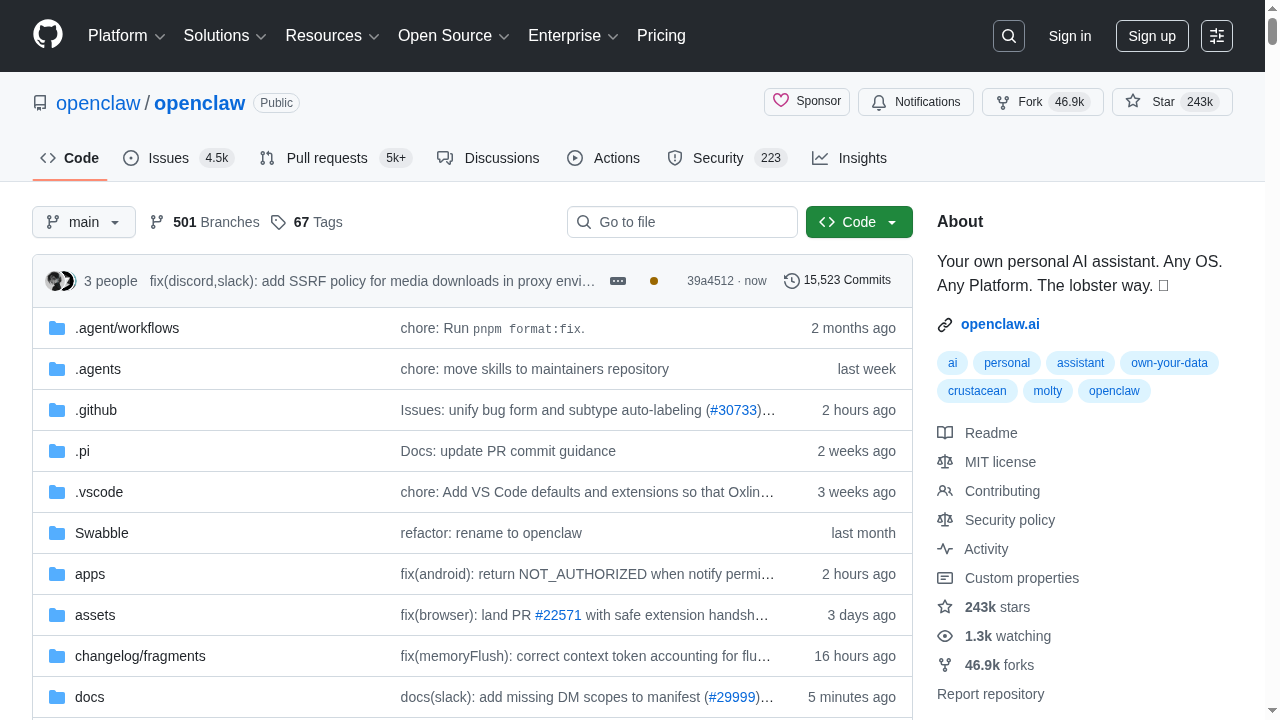
OpenClaw itself is completely free and open source (MIT license). You can download it, run it, modify it, and even use it commercially without paying anything to OpenClaw.
The costs come from the AI models you use:
- Anthropic Claude API - Pay per token. Costs vary based on usage, but expect $20-100/month for moderate use
- OpenAI API - Alternative option, also pay per token
- Anthropic Pro/Max subscription - $20-200/month for higher rate limits. OpenClaw can use your subscription via OAuth
You also need hardware to run it on. Options range from:
- Your existing computer - Free (but needs to stay on)
- Raspberry Pi 5 - Around $80 one-time
- Cloud VPS - $5-20/month for a small instance
- Mac Mini - Popular choice in the community, around $500-700
Compared to hiring a virtual assistant ($500-2000/month) or a marketing agency ($2000-10000/month), running OpenClaw is incredibly cost-effective. Especially considering it works 24/7 without breaks, vacations, or sick days.
OpenClaw Alternatives
OpenClaw is not the only AI assistant framework out there. Here are some alternatives and how they compare:
ChatGPT / Claude (Direct)
You can use ChatGPT or Claude directly through their web interfaces or apps. They are great for conversations, but they cannot run on your hardware, do not have persistent memory across sessions, cannot run cron jobs, and cannot access your file system or execute commands. They are conversation tools, not automation agents.
Auto-GPT / AgentGPT
These were early "autonomous agent" projects that got a lot of hype. They can chain together AI actions, but they lack the polish, stability, and channel integration that OpenClaw provides. Most of them are designed for one-off tasks rather than always-on assistance.
Dust.tt
Dust is a platform for building AI assistants for teams. It is more enterprise-focused, hosted (not self-hosted), and designed for company-wide deployment. If you want a personal, self-hosted solution, OpenClaw is a better fit.
Lindy.ai
Lindy lets you create AI agents for business workflows. It is a hosted SaaS product with a visual builder. Good for non-technical users, but you lose the customization, self-hosting, and open-source benefits of OpenClaw.
Custom Solutions (LangChain, CrewAI, etc.)
You could build your own agent using frameworks like LangChain or CrewAI. But you would spend weeks or months building what OpenClaw gives you out of the box: channel integration, memory, cron jobs, browser control, mobile nodes, and more.
Claude Code Remote Control (by Anthropic)
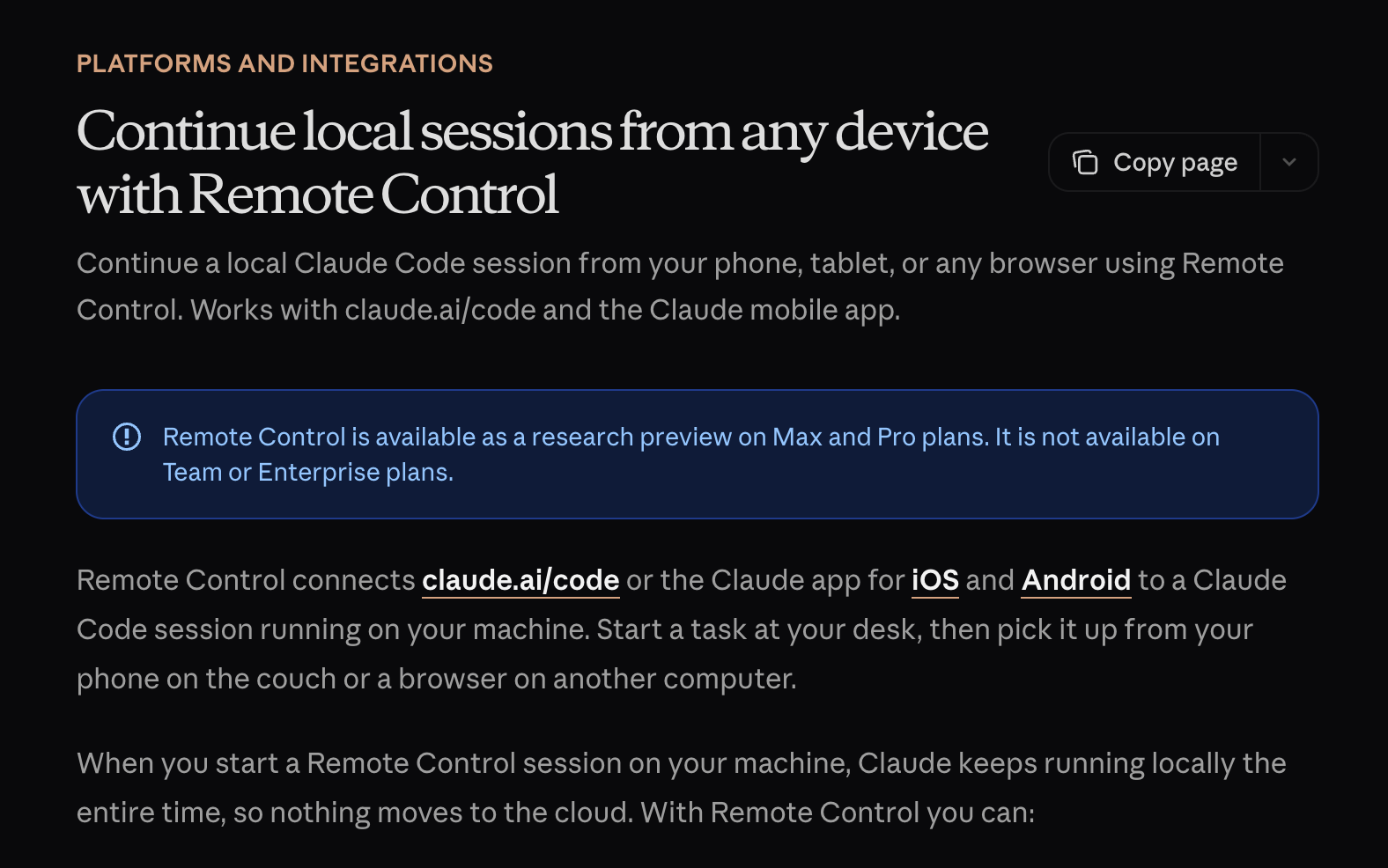
Claude Code Remote Control lets you start a local Claude Code session on your machine and then continue it from your phone, tablet, or any browser. Run claude remote-control in your terminal, scan the QR code, and you can monitor and interact with your coding agent from anywhere. It is a powerful way to manage long-running development tasks remotely, but it is focused on coding rather than general-purpose automation like OpenClaw.
Claude Cowork (by Anthropic)
Claude Cowork is Anthropic's agentic AI product for knowledge workers. It brings Claude Code-style capabilities to non-developers: file organization, document generation, browser automation, Google Drive integration, and scheduled tasks. Available on Claude Max ($100/month), it can chain tasks and work autonomously. However, it is a hosted SaaS product — not self-hosted or open-source like OpenClaw.
Perplexity Computer

Perplexity Computer is a general-purpose digital worker that orchestrates 19 AI models to research, code, design, and deploy projects autonomously. Launched in February 2026, it unifies every current AI capability into a single system with 400+ app integrations. Priced at $200/month (Perplexity Max), it is powerful but cloud-hosted and expensive compared to OpenClaw's free, self-hosted approach.
The key advantage of OpenClaw over all alternatives: it is the most complete, self-hosted, open-source personal AI assistant available today. Nothing else combines the channel integration, tool access, automation capabilities, and community support that OpenClaw offers.
Frequently Asked Questions
Is OpenClaw free?
Yes. OpenClaw is open source and MIT licensed. The software is completely free. You only pay for the AI model API calls (like Anthropic or OpenAI) and your hardware.
What hardware do I need to run OpenClaw?
Any machine with Node.js 22+ works. Popular choices include Mac Mini, Raspberry Pi 5, Linux servers, or cloud VPS instances. It runs on macOS, Linux, and Windows (via WSL2).
Which AI model should I use with OpenClaw?
Anthropic Claude (especially Opus 4.6) is strongly recommended by the creator for its long-context strength and prompt-injection resistance. But OpenClaw works with OpenAI, Google, and other model providers too.
Can OpenClaw access my email?
Yes. With the Gmail skill and PubSub integration, OpenClaw can read, search, and send emails on your behalf. It can also monitor your inbox in real-time via webhooks.
Is my data safe with OpenClaw?
Since OpenClaw is self-hosted, your data stays on your machine. The only external calls are to the AI model provider (like Anthropic) for processing. You control what data is sent and where it goes.
Can I use OpenClaw for my business?
Absolutely. The MIT license allows commercial use. Many people are already using OpenClaw to automate business operations, from solo founders to small teams.
How is OpenClaw different from ChatGPT?
ChatGPT is a conversation tool you visit in a browser. OpenClaw is an autonomous agent that runs on your machine 24/7, has access to your files and tools, can execute commands, runs on a schedule, and talks to you through your existing messaging apps. It is the difference between a search engine and a personal assistant.
Can OpenClaw control my phone?
Yes. Through the mobile node feature, you can pair your iOS or Android device. The agent can access your camera, location, and screen, and render content on your device via Canvas.
Who created OpenClaw?
Peter Steinberger (@steipete), the founder of PSPDFKit (a successful PDF SDK company). He built OpenClaw as an open-source project and it has quickly gained a large community of contributors and users.
How active is the OpenClaw community?
Very active. The Discord server (discord.gg/clawd) has thousands of members. The GitHub repository gets frequent updates, often multiple releases per week. New skills and integrations are being built constantly by the community.
What People Are Saying About OpenClaw
The buzz around OpenClaw has been remarkable. Here are some real quotes from users on X (Twitter):
@davemorin: "At this point I do not even know what to call OpenClaw. It is something new. After a few weeks in with it, this is the first time I have felt like I am living in the future since the launch of ChatGPT."
@nateliason: "Yeah this was 1,000% worth it. Separate Claude subscription + Claw, managing Claude Code / Codex sessions I can kick off anywhere, autonomously running tests on my app and capturing errors through a Sentry webhook then resolving them and opening PRs... The future is here."
@markjaquith: "I have been saying for like six months that even if LLMs suddenly stopped improving, we could spend years discovering new transformative uses. OpenClaw feels like that kind of 'just had to glue all the parts together' leap forward. Incredible experience."
@rovensky: "It will actually be the thing that nukes a ton of startups, not ChatGPT as people meme about. The fact that it is hackable (and more importantly, self-hackable) and hostable on-prem will make sure tech like this dominates conventional SaaS."
@kylezantos: "Today was one of those days that I sort of ran to my computer after dropping off my toddler at daycare. Why? Because I got part-way through setting up OpenClaw last night and it is a portal to a new reality."
These are not paid testimonials. These are developers, founders, and power users who tried OpenClaw and could not stop talking about it. The common theme? It feels like a genuine leap forward in how we interact with AI.
OpenClaw vs. Traditional SaaS Tools
One of the most interesting implications of OpenClaw is what it means for traditional SaaS tools. Think about all the subscriptions you pay for:
- Email management tools ($10-30/month)
- Social media schedulers ($20-100/month)
- Content writing tools ($30-100/month)
- SEO tools ($50-200/month)
- Automation platforms like Zapier ($20-100/month)
- Virtual assistant services ($500-2000/month)
OpenClaw can replace or reduce your dependence on many of these. Not all of them, not perfectly, but enough to make you question whether you need that social media scheduler when your AI agent can post directly to each platform.
The key insight is this: most SaaS tools exist because humans need user interfaces to interact with APIs. An AI agent does not need a pretty dashboard. It can call APIs directly, scrape websites, fill out forms, and coordinate complex workflows without any UI at all.
This does not mean every SaaS tool is doomed. Specialized tools with deep domain expertise will always have value. But generic "glue" tools that just connect things together? Those are the first to be replaced by agents like OpenClaw.
The Future of Personal AI Agents
OpenClaw is part of a bigger trend: the shift from AI as a tool to AI as an agent. We are moving from "I ask AI a question and get an answer" to "I give AI a goal and it figures out how to achieve it."
This shift has massive implications:
- Always-on vs. on-demand: Instead of opening ChatGPT when you need help, your agent is always running, proactively handling things before you even ask.
- Multi-step vs. single-step: Instead of one question and one answer, agents can chain together dozens of actions to complete complex tasks.
- Autonomous vs. supervised: Instead of you driving every interaction, the agent works independently and only bothers you when it needs a decision.
- Integrated vs. isolated: Instead of AI living in a separate app, it is woven into your existing communication channels and workflows.
OpenClaw is at the forefront of this shift. And because it is open source, the community is pushing it forward faster than any single company could.
Final Thoughts
OpenClaw represents a fundamental shift in how we interact with AI. It is not just another chatbot or AI tool. It is a new category: the personal AI agent that lives on your hardware, connects to your life, and works for you around the clock.
What makes it special is the combination of being open source, self-hosted, and genuinely useful for real work. The testimonials speak for themselves. People are calling it "an iPhone moment," "the future of AI assistants," and "the thing that will nuke a ton of startups."
We can confirm from firsthand experience at Capacity.so: OpenClaw is the real deal. It runs our marketing on a Raspberry Pi 5, publishes articles in three languages, engages on social media, handles email outreach, and does it all without supervision.
If you are a developer, founder, or power user who wants an AI assistant that actually does things (not just talks about doing things), OpenClaw is worth setting up. It takes 10 minutes to install, costs nothing beyond API calls, and the community is one of the most helpful in open source.
The future of personal AI is not a chat window in a browser. It is an agent on your machine, in your pocket, working while you sleep. And that future is already here.