
What Is GitHub Copilot? Pricing, Review & Alternatives in 2026
What Is GitHub Copilot? Pricing, Review & Alternatives in 2026
GitHub Copilot changed the way developers write code when it launched in 2021. Powered by OpenAI's models and trained on billions of lines of public code, it introduced the concept of an AI pair programmer that sits right inside your editor. But in 2026, the landscape of AI coding tools has exploded. Copilot is no longer the only game in town, and depending on your workflow, it might not even be the best fit.
In this comprehensive guide, we will break down exactly what GitHub Copilot is, how it works under the hood, what each pricing tier gets you, and whether it is worth the investment. Then we will walk through seven powerful alternatives, starting with tools that take a completely different approach to building software.
Whether you are a solo developer, a startup founder who does not code, or a team lead evaluating tools for your organization, this guide will help you make the right choice.
What Is GitHub Copilot?
GitHub Copilot is an AI-powered code completion and assistance tool developed by GitHub in partnership with OpenAI. It works as an extension inside popular code editors like Visual Studio Code, JetBrains IDEs, Neovim, and Visual Studio. At its core, Copilot uses large language models to predict and generate code based on the context of what you are writing.
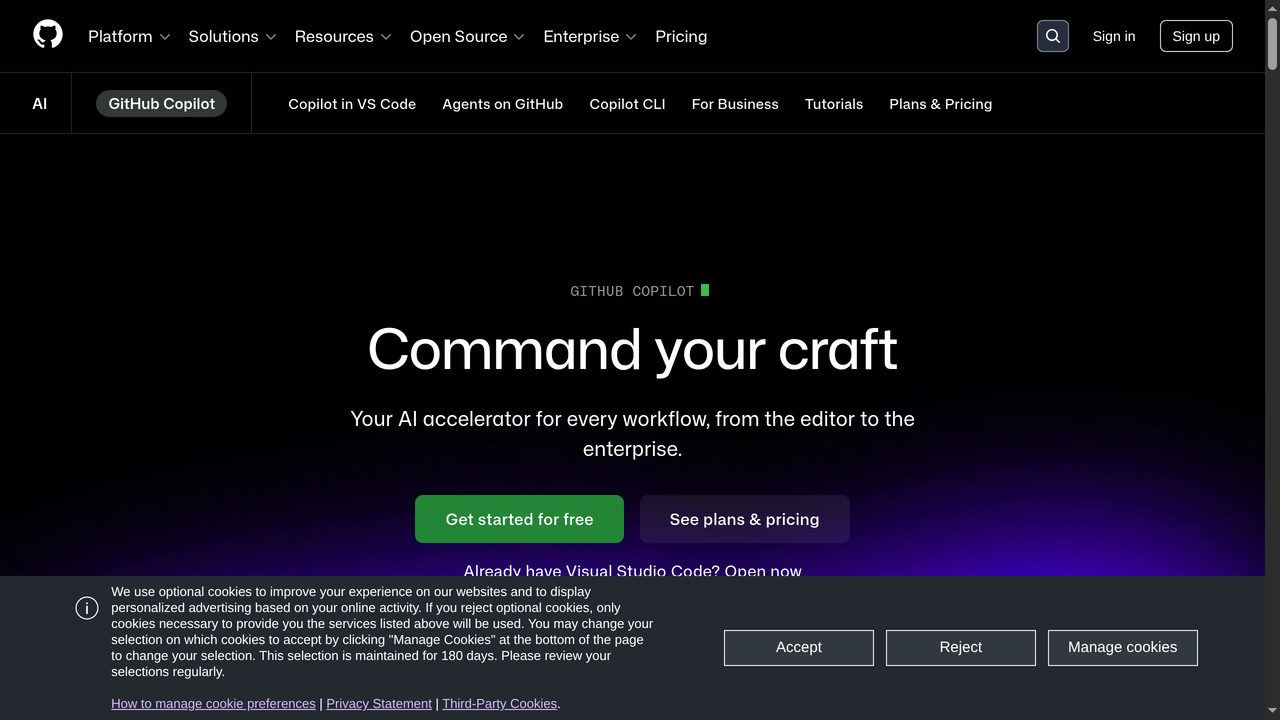
Think of it as an autocomplete system on steroids. Instead of just suggesting variable names or method signatures, Copilot can generate entire functions, write boilerplate code, explain complex logic, suggest bug fixes, and even help you write tests. It understands context from the file you are editing, other open files, and your comments.
How Does GitHub Copilot Work?
GitHub Copilot is powered by a family of language models, including OpenAI's Codex and GPT-4 variants optimized for code generation. Here is how it operates in practice:
- Context gathering: When you start typing in your editor, Copilot analyzes the current file, neighboring files in your project, and any comments or function signatures you have written.
- Model inference: This context is sent to GitHub's cloud servers where the AI model processes it and generates one or more code suggestions.
- Inline suggestions: The suggestions appear as grayed-out "ghost text" directly in your editor. You can accept them with Tab, reject them with Escape, or cycle through alternative suggestions.
- Chat interface: Beyond inline completions, Copilot Chat allows you to have natural language conversations about your code. You can ask it to explain functions, debug errors, generate tests, or refactor existing code.
The model improves over time as GitHub fine-tunes it with new data and user feedback patterns. It supports virtually every programming language, though it performs best with Python, JavaScript, TypeScript, Go, Ruby, and other languages with large open-source codebases.
Key Features of GitHub Copilot in 2026
GitHub has significantly expanded Copilot's capabilities since its initial launch. Here are the standout features as of 2026:
- Copilot Chat: A full conversational AI assistant integrated into VS Code and JetBrains. Ask questions, get explanations, generate code snippets, and debug errors through natural language.
- Copilot in the CLI: Get AI-assisted command suggestions directly in your terminal. Helpful for remembering complex git commands, Docker configurations, or shell scripting.
- Copilot for Pull Requests: Automatically generates PR descriptions, summaries of changes, and even suggests reviewers based on code ownership patterns.
- Copilot Workspace: A newer feature that lets you describe a task in natural language and have Copilot plan and implement changes across multiple files in your repository.
- Code referencing and attribution: Copilot can now flag when its suggestions closely match public code, letting you check licensing before using the suggestion.
- Multi-model support: Copilot now offers access to multiple AI models including GPT-4o, Claude, and Gemini, giving users the flexibility to choose the model that works best for their task.
- Agent mode: Copilot can now autonomously plan and execute multi-step coding tasks, running terminal commands and iterating on errors until the task is complete.
- MCP (Model Context Protocol) support: Copilot integrates with external tools and data sources through MCP, extending its capabilities beyond just code completion.
GitHub Copilot Pricing in 2026
GitHub offers several pricing tiers for Copilot, each designed for different use cases:
| Plan | Price | Best For | Key Features |
|---|---|---|---|
| Copilot Free | $0/month | Students, casual users | Limited completions per month, Copilot Chat with usage limits, access to GPT-4o and Claude Sonnet |
| Copilot Pro | $10/month | Individual developers | Unlimited completions, full Copilot Chat, agent mode, multi-model choice, MCP support |
| Copilot Pro+ | $39/month | Power users | Everything in Pro plus access to premium models like GPT-4.5, o1-pro, increased usage limits |
| Copilot Business | $19/user/month | Teams and organizations | Organization-wide management, IP indemnity, policy controls, audit logs |
| Copilot Enterprise | $39/user/month | Large enterprises | Everything in Business plus codebase-aware chat, documentation indexing, fine-tuning |
The free tier is genuinely useful for hobbyists and students. The Pro plan at $10/month is the sweet spot for most working developers. Business and Enterprise tiers add the management, security, and compliance features that organizations need.
Pros and Cons of GitHub Copilot
Pros
- Deep editor integration: Works seamlessly in VS Code, JetBrains, Neovim, and Visual Studio. The inline suggestion experience feels natural and unobtrusive.
- Massive training data: Trained on GitHub's enormous corpus of public code, giving it excellent pattern recognition across almost every language and framework.
- GitHub ecosystem: If you already use GitHub for version control, the integration with Pull Requests, Issues, and Actions creates a unified workflow.
- Free tier available: The free plan makes it accessible to students and hobbyists without any financial commitment.
- Multi-model flexibility: Being able to switch between GPT-4o, Claude, and Gemini within the same tool is a significant advantage.
- Active development: GitHub ships updates frequently and has clearly made Copilot a strategic priority.
Cons
- Cloud-dependent: All suggestions require an internet connection. No offline mode means no productivity boost on planes or in areas with poor connectivity.
- Privacy concerns: Your code context is sent to external servers for processing. While GitHub has improved its privacy policies, some organizations remain uncomfortable with this.
- Suggestion quality varies: For common patterns, Copilot is excellent. For niche frameworks, domain-specific logic, or novel algorithms, suggestions can be hit or miss.
- Not a full development environment: Copilot assists with coding but does not handle deployment, database setup, or full application architecture. You still need to know how to code.
- Cost at scale: For large teams, the per-user pricing (especially Enterprise at $39/user/month) can add up quickly.
- Licensing ambiguity: Despite the code referencing feature, there are still open questions about the licensing implications of AI-generated code trained on open-source repositories.
7 Best GitHub Copilot Alternatives in 2026
GitHub Copilot is a fantastic tool, but it is not the only approach to AI-assisted development. Depending on whether you want deeper editor integration, full application generation, enterprise privacy controls, or something that works for non-coders, one of these alternatives might be a better fit.
1. Capacity.so - Build Full-Stack Apps Through Conversation
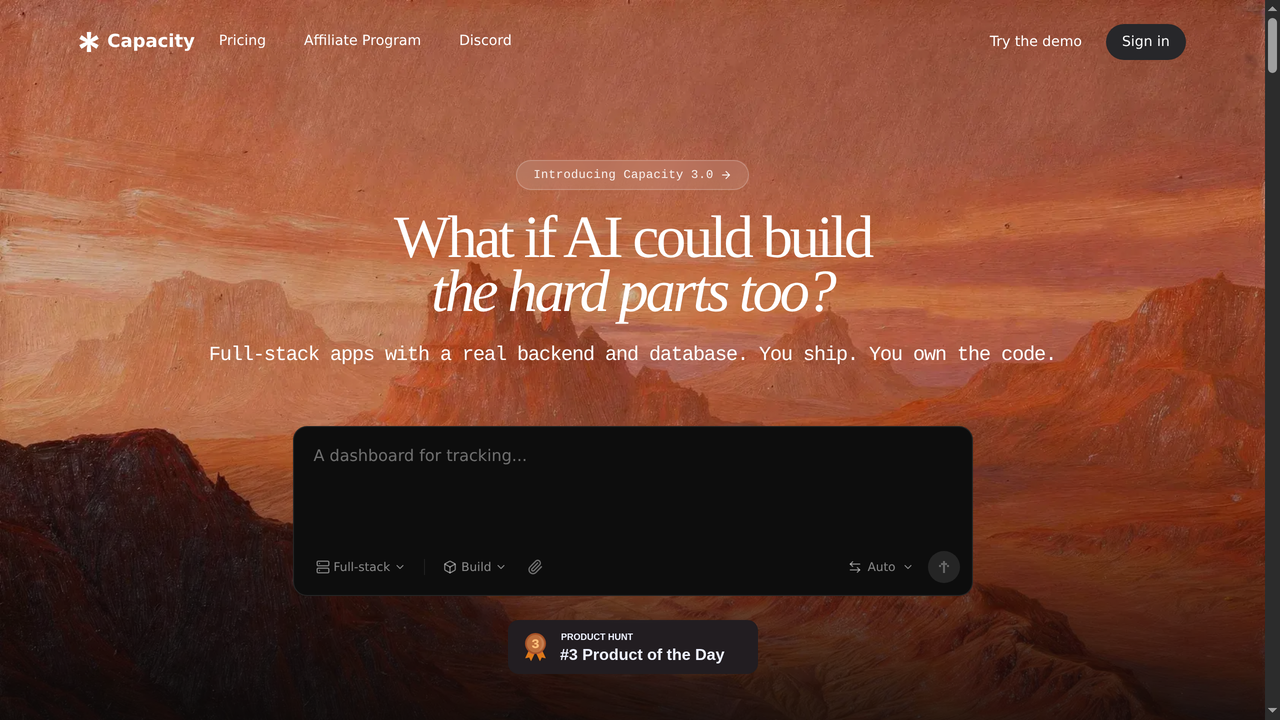
While GitHub Copilot helps developers write code faster, Capacity.so takes a fundamentally different approach: it lets you build complete, production-ready web applications through natural conversation, no coding required.
Capacity is an AI platform where you describe what you want to build in plain English, and it generates a full-stack web application for you. We are not talking about a simple landing page or a prototype. Capacity builds real applications with working backends, databases, authentication, and deployment, all from a single conversation.
The platform is designed for founders, entrepreneurs, designers, product managers, and anyone with an idea who does not want to spend months learning to code or thousands of dollars hiring a development team. You describe your vision, Capacity builds it, and you refine it through follow-up messages until it matches exactly what you need.
What sets Capacity apart from other AI app builders is the depth of what it can create. Your apps get real databases (powered by Supabase), responsive designs using modern frameworks like Next.js and Tailwind CSS, and one-click deployment to production. You can also iterate on your app endlessly, adding features, changing designs, and fixing bugs, all through conversation.
Pricing: Free tier available with generous usage. Pro plans start at an affordable monthly rate.
Best for: Non-technical founders, entrepreneurs, and anyone who wants to go from idea to live app without writing code. Also great for developers who want to rapidly prototype full applications.
Pros:
- No coding skills required to build production-grade apps
- Full-stack output: frontend, backend, database, and deployment
- Natural conversation interface makes iteration fast and intuitive
- Modern tech stack under the hood (Next.js, Tailwind, Supabase)
Cons:
- Best suited for web applications rather than mobile or desktop apps
- Complex, highly custom business logic may require manual refinement
2. Cursor AI - The AI-First Code Editor
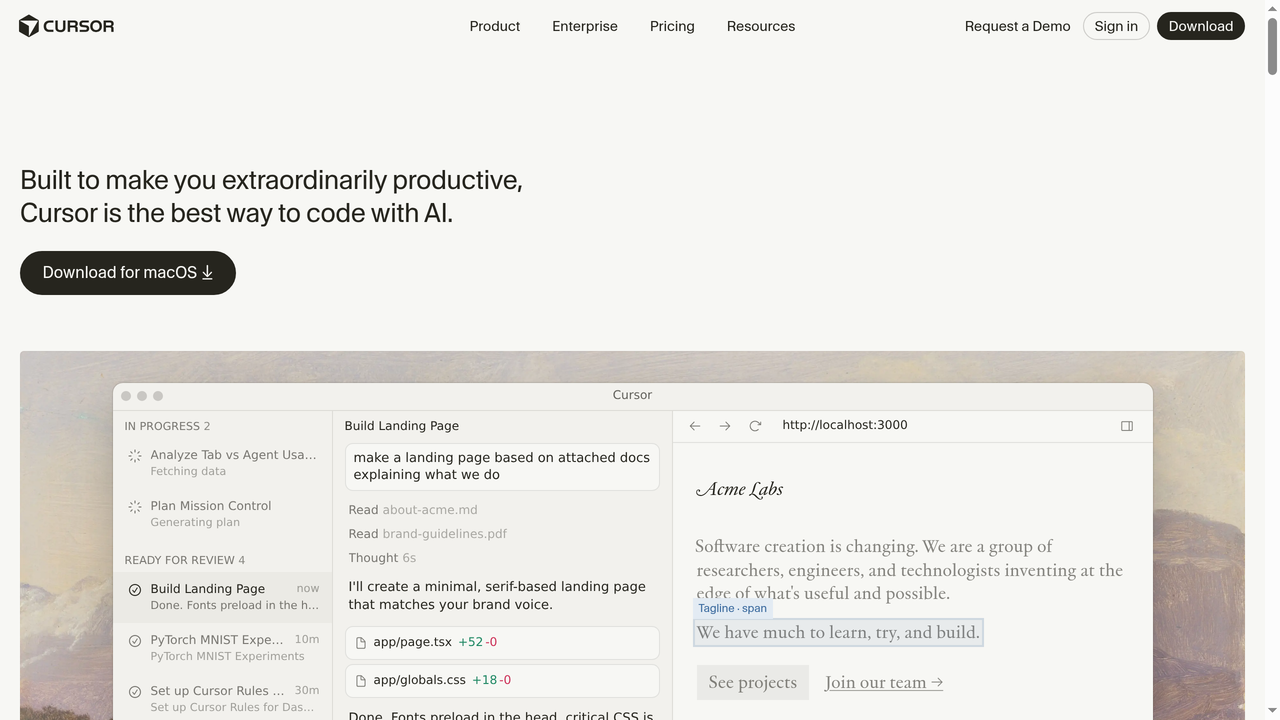
Cursor is a standalone code editor built from the ground up with AI at its core. Unlike Copilot, which is an extension you bolt onto VS Code, Cursor is a fork of VS Code that deeply integrates AI into every aspect of the editing experience.
The key differentiator is Cursor's approach to codebase awareness. It indexes your entire project and uses that context to provide more accurate suggestions, refactoring assistance, and chat responses. When you ask Cursor a question about your code, it actually understands the full architecture, not just the file you are looking at.
Cursor's Composer feature lets you describe changes in natural language and apply them across multiple files simultaneously. This goes well beyond single-line completions and into multi-file, multi-step code transformations. It also supports agent mode where it can autonomously iterate on tasks, running commands and fixing errors.
The editor supports multiple AI models including GPT-4, Claude, and its own fine-tuned models. You can switch between them based on the task at hand.
Pricing: Free tier with limited AI usage. Pro plan at $20/month. Business plan at $40/user/month.
Best for: Developers who want the deepest possible AI integration in their editing experience and are willing to switch editors.
Pros:
- Full codebase awareness leads to better, more contextual suggestions
- Multi-file editing through natural language (Composer)
- Built on VS Code, so extensions and keybindings carry over
- Agent mode for autonomous multi-step tasks
Cons:
- Requires switching from your current editor
- Pro pricing is higher than Copilot at $20/month
- Still a relatively young product with occasional stability issues
3. Windsurf (by Codeium) - The Agentic IDE

Windsurf, formerly known as Codeium's editor product, has positioned itself as an "agentic IDE" that goes beyond simple code completion. Like Cursor, it is a standalone editor (also based on VS Code), but it differentiates itself with its Cascade feature, a persistent AI agent that maintains context across your entire coding session.
Cascade is what makes Windsurf unique. Instead of treating each interaction as a standalone request, Cascade keeps track of everything you have done in your session: files you have edited, terminal commands you have run, errors you have encountered. This accumulated context means its suggestions get better the longer you work.
Windsurf also emphasizes accessibility. Its free tier is one of the most generous in the AI coding tool space, making it a strong option for developers who want to try AI-assisted coding without committing financially. The editor supports multiple AI models and offers both autocomplete and chat interfaces.
Codeium, the company behind Windsurf, has been growing rapidly and recently secured significant funding, which suggests continued investment in the product.
Pricing: Free tier with generous completions. Pro plan at $15/month. Enterprise plans available.
Best for: Developers who want an agentic coding experience with strong session-level context awareness at a competitive price.
Pros:
- Cascade provides excellent session-level context awareness
- Generous free tier, better than most competitors
- Good multi-language support and fast completions
- Available as both standalone editor and IDE extension
Cons:
- Newer product, still building its ecosystem and community
- Editor switching required for the full experience
- Some advanced features are still catching up to Cursor
4. Amazon Q Developer (formerly CodeWhisperer)
Amazon Q Developer is AWS's answer to GitHub Copilot. Originally launched as CodeWhisperer, it was rebranded and significantly expanded under the Amazon Q umbrella. If your development work revolves around AWS services, this tool deserves serious consideration.
The standout feature is its deep integration with the AWS ecosystem. Amazon Q Developer does not just help you write code; it understands AWS services, CDK constructs, CloudFormation templates, and IAM policies at a level that general-purpose tools simply cannot match. It can help you architect, deploy, and troubleshoot AWS applications.
Beyond AWS-specific assistance, Amazon Q Developer offers standard code completion, chat-based assistance, code transformation (helping you upgrade Java versions, for example), and vulnerability scanning. It also includes an agent that can implement features from Jira-like task descriptions.
One of its strongest selling points is the security scanning feature, which checks your code for vulnerabilities and suggests fixes. For enterprise teams that need to maintain compliance, this is genuinely valuable.
Pricing: Free tier with generous individual usage. Pro tier at $19/user/month for organizations.
Best for: Development teams heavily invested in the AWS ecosystem who want AI assistance that understands their infrastructure.
Pros:
- Unmatched AWS service integration and knowledge
- Built-in security scanning and vulnerability detection
- Generous free tier for individual developers
- Code transformation capabilities for legacy code upgrades
Cons:
- Less effective outside the AWS ecosystem
- Suggestion quality for general coding lags behind Copilot and Cursor
- Chat experience is not as polished as competitors
- Smaller community and fewer third-party resources
5. Tabnine - Privacy-First AI Code Assistant
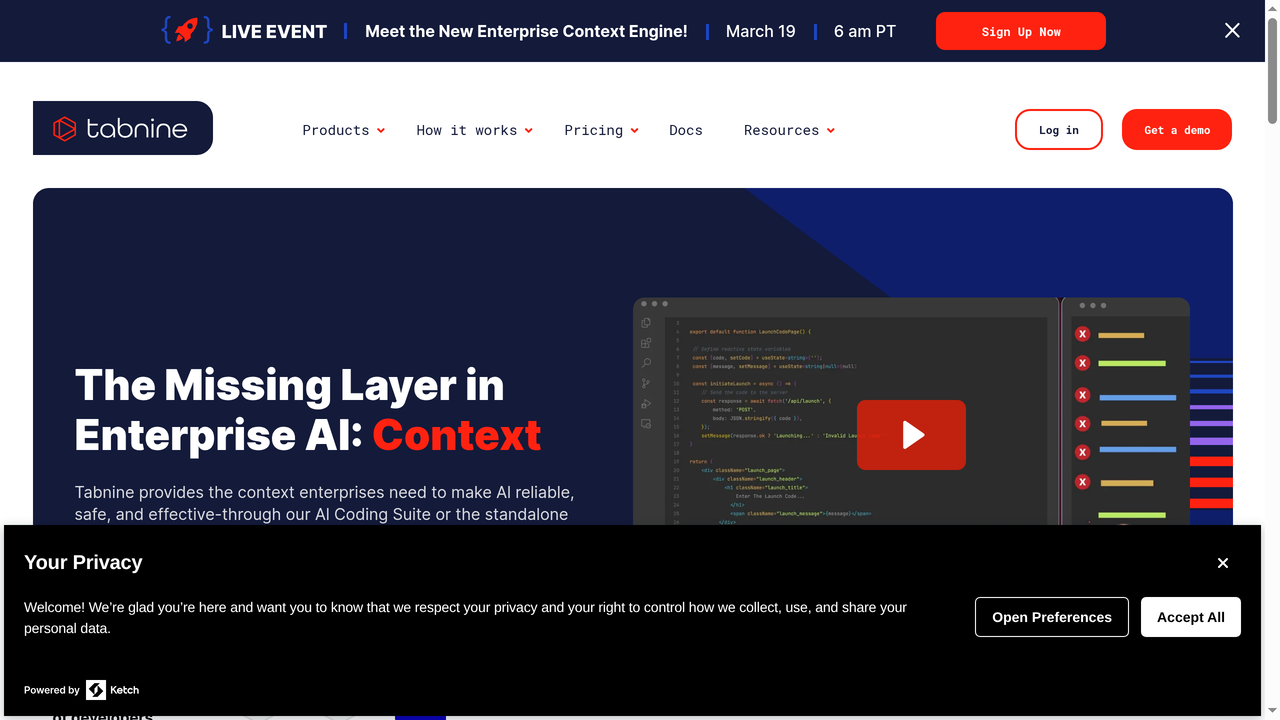
Tabnine has carved out a distinct position in the AI coding assistant market by focusing relentlessly on privacy and enterprise compliance. If your organization has strict policies about where code is processed, or if you work in regulated industries like finance or healthcare, Tabnine is worth a close look.
Unlike most competitors, Tabnine offers the option to run AI models entirely on your own infrastructure. This means your code never leaves your network, which is a hard requirement for many enterprises. The company also emphasizes that its models are trained exclusively on permissively licensed code, avoiding the licensing concerns that plague tools trained on all public GitHub repositories.
Tabnine has evolved from a simple autocomplete tool into a more comprehensive AI assistant. It now offers chat functionality, code explanation, test generation, and documentation writing. The Enterprise Context Engine allows the AI to understand your organization's specific codebase, coding standards, and architectural patterns.
The trade-off is that Tabnine's suggestion quality for general coding tends to be a step behind Copilot and Cursor. Its models are smaller and more focused, which means fewer "magic moments" but also fewer hallucinations and licensing risks.
Pricing: Free tier available. Pro at $12/user/month. Enterprise pricing is custom.
Best for: Enterprises and teams in regulated industries that need self-hosted AI coding assistance with strong privacy guarantees.
Pros:
- Self-hosted option keeps code completely on-premises
- Trained on permissively licensed code only
- Strong enterprise compliance and governance features
- Supports 20+ IDEs and editors
Cons:
- Suggestion quality is a step behind the market leaders
- Chat and agentic features are less mature
- Self-hosted deployment requires infrastructure investment
- Smaller model means less capability for complex generation tasks
6. Cody by Sourcegraph - AI That Knows Your Entire Codebase
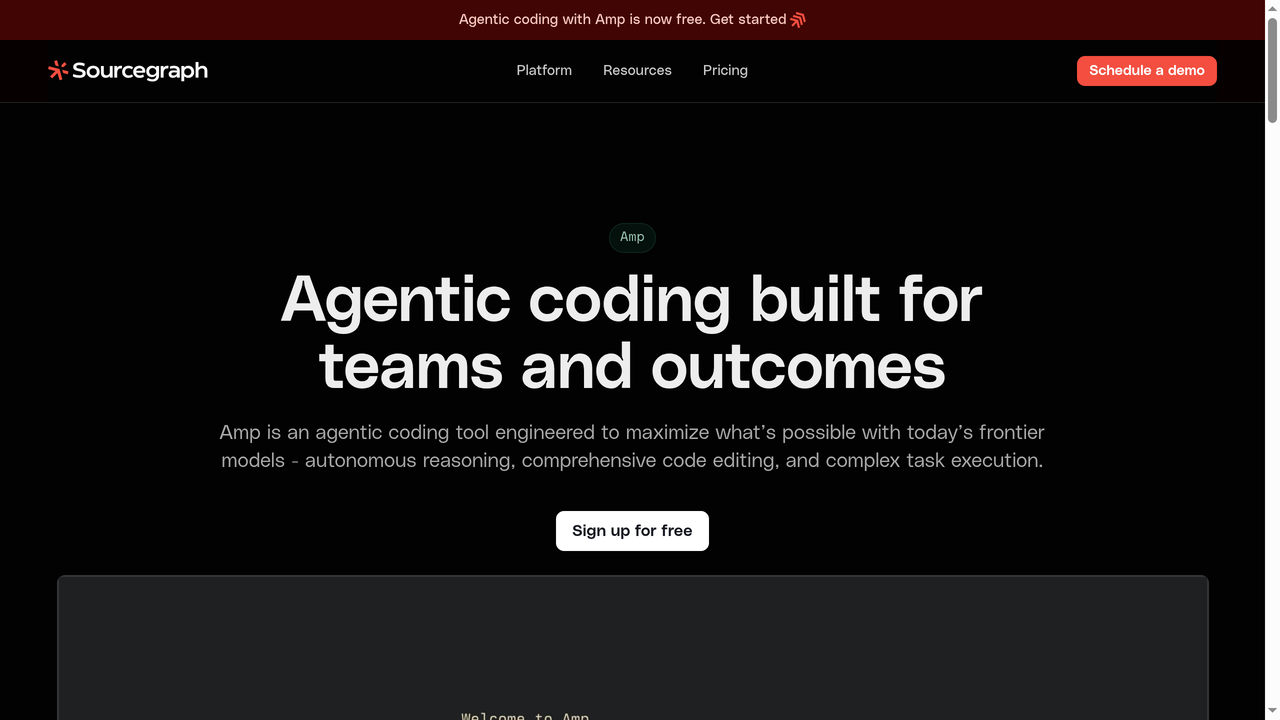
Sourcegraph has been in the code intelligence business for years with its powerful code search platform. Cody, now rebranded as Amp, brings AI assistance built on top of Sourcegraph's deep understanding of codebases. The result is an AI assistant that is exceptionally good at understanding large, complex repositories.
Where Cody shines is in its context retrieval. Sourcegraph's code graph technology means Cody can find and reference relevant code across your entire organization's codebase, even repositories you are not currently working in. When you ask Cody a question, it does not just look at your current file; it searches across all indexed repositories to find the most relevant context.
This makes Cody particularly valuable for large engineering teams working across multiple repositories. If you need to understand how a particular API is used across your organization, or find examples of a specific pattern, Cody's code search integration gives it an edge that pure LLM-based tools cannot match.
Cody supports multiple LLM providers and lets you choose which model powers different features. It is available as a VS Code extension, JetBrains plugin, and through the Sourcegraph web interface.
Pricing: Free tier for individual developers. Pro at $9/user/month. Enterprise pricing varies.
Best for: Large engineering teams working across multiple repositories that need AI assistance grounded in their actual codebase.
Pros:
- Unmatched codebase-wide context through Sourcegraph's code graph
- Excellent for understanding and navigating large codebases
- Multi-repository awareness is a genuine differentiator
- Affordable Pro tier at $9/user/month
Cons:
- Best experience requires Sourcegraph infrastructure setup
- Autocomplete and inline suggestions are less polished than Copilot
- Rebranding from Cody to Amp may cause confusion
- Smaller user community compared to Copilot or Cursor
7. Replit AI - Code, Run, and Deploy in One Place
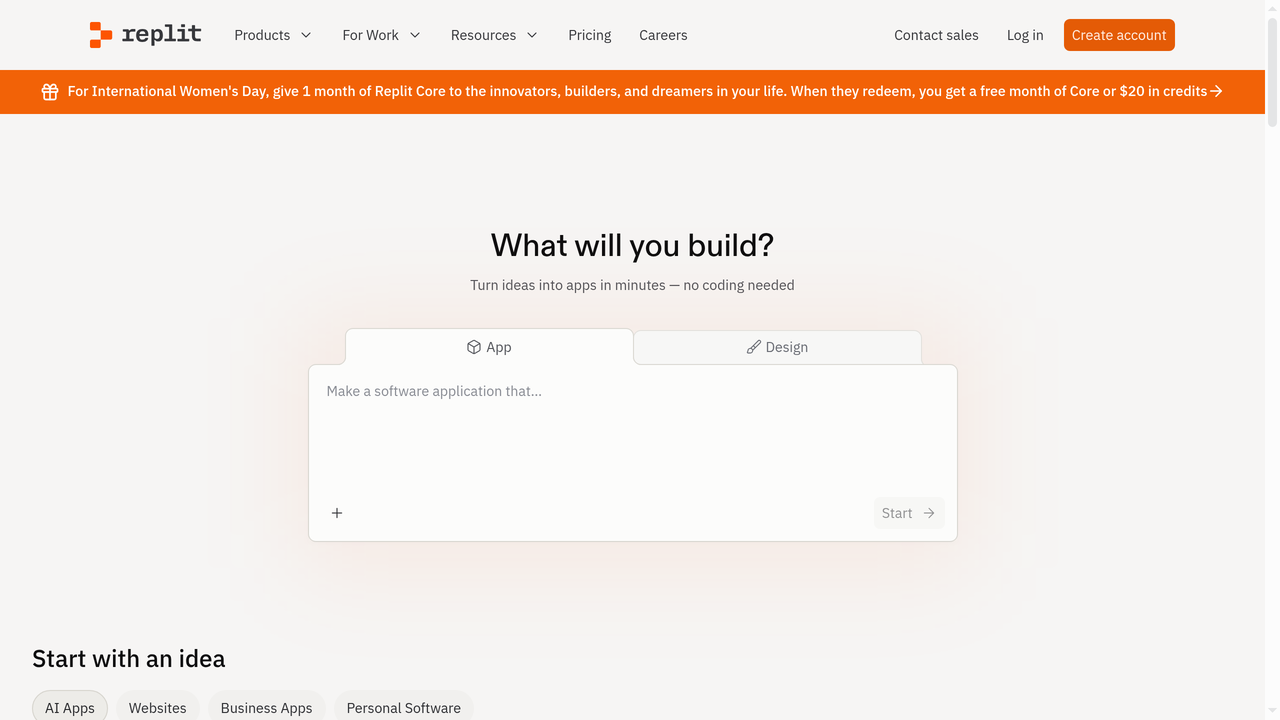
Replit takes a unique approach by combining a cloud-based IDE, AI coding assistant, and deployment platform into a single package. Instead of adding AI to an existing editor, Replit has built an entire development environment where AI is a first-class citizen.
The most compelling feature is Replit Agent, which can take a natural language description of an application and build it from scratch, setting up the project structure, writing the code, installing dependencies, and deploying it to a live URL. This goes far beyond code completion and into full application generation territory.
Replit's browser-based nature means you can code from any device without installing anything. Combined with its built-in hosting and deployment, you can go from idea to live application without ever leaving the platform. This makes it particularly appealing for beginners, students, and rapid prototypers.
The platform has also invested heavily in collaboration features. You can share your Repl with others for real-time pair programming, and the community aspect means there are millions of public projects you can fork and learn from.
Pricing: Free tier available but limited. Replit Pro at $95/month for professional use (includes AI features, more compute, and deployment).
Best for: Beginners, students, and rapid prototypers who want an all-in-one cloud development environment with strong AI features.
Pros:
- All-in-one environment: code, run, debug, and deploy from one place
- Replit Agent can generate entire applications from descriptions
- Browser-based, works from any device
- Strong community and collaboration features
Cons:
- Pro pricing at $95/month is significantly higher than alternatives
- Browser-based editor can feel limiting for experienced developers
- Performance can be inconsistent, especially on the free tier
- Less suitable for large, complex enterprise projects
GitHub Copilot vs. Alternatives: Comparison Table
| Tool | Type | Starting Price | Best For | Offline Mode | Self-Host |
|---|---|---|---|---|---|
| GitHub Copilot | Editor extension | Free / $10/mo | General development | No | No |
| Capacity.so | AI app builder | Free | Non-coders, founders | No | No |
| Cursor | AI-native editor | Free / $20/mo | Power developers | No | No |
| Windsurf | Agentic IDE | Free / $15/mo | Context-heavy workflows | No | No |
| Amazon Q Developer | Editor extension | Free / $19/user/mo | AWS teams | No | No |
| Tabnine | Editor extension | Free / $12/user/mo | Privacy-first teams | Yes | Yes |
| Cody (Sourcegraph) | Editor extension | Free / $9/user/mo | Large codebases | No | Yes |
| Replit AI | Cloud IDE | Free / $95/mo | Beginners, prototyping | No | No |
How to Choose the Right AI Coding Tool
With so many options available, picking the right tool comes down to understanding your specific needs. Here is a decision framework to help:
Choose GitHub Copilot if...
You are a developer who wants reliable, well-integrated AI assistance inside your existing VS Code or JetBrains setup. You value stability, a large community, and the seamless GitHub ecosystem integration. The $10/month Pro plan is an easy decision for most professional developers.
Choose Capacity.so if...
You want to build a complete web application but do not have coding skills, or you want to prototype at lightning speed. Capacity is not a code assistant; it is a platform that builds the entire app for you. If your goal is a working product rather than better code completions, Capacity is the right choice.
Choose Cursor if...
You are a power developer who wants the deepest possible AI integration in your editing experience. You are comfortable switching editors and want features like multi-file Composer, agent mode, and full codebase awareness.
Choose Windsurf if...
You want an agentic IDE experience similar to Cursor but at a lower price point and with a more generous free tier. The Cascade feature's session-level context is particularly appealing for long coding sessions.
Choose Amazon Q Developer if...
Your development work is centered on AWS services. The deep AWS integration, security scanning, and code transformation features make it the obvious choice for AWS-heavy teams.
Choose Tabnine if...
Privacy and compliance are non-negotiable for your organization. The self-hosted option and permissively-licensed training data make it the safest choice for regulated industries.
Choose Cody if...
You work across multiple large repositories and need an AI that truly understands your entire organization's codebase. Sourcegraph's code graph technology gives Cody unmatched cross-repository context.
Choose Replit if...
You want an all-in-one environment that handles everything from coding to deployment. Replit is particularly great for learning, prototyping, and quick projects, though the $95/month price tag is steep for professional use.
Frequently Asked Questions
Is GitHub Copilot free?
Yes, GitHub Copilot has a free tier that includes limited code completions per month and access to Copilot Chat. The free plan is suitable for students and hobbyists. For unlimited usage, the Pro plan costs $10/month.
Does GitHub Copilot work offline?
No, GitHub Copilot requires an active internet connection. All code suggestions are generated on GitHub's cloud servers. If you need offline AI assistance, Tabnine's self-hosted option is the primary alternative.
Is GitHub Copilot worth it in 2026?
For most professional developers, yes. The $10/month Pro plan typically pays for itself by saving 30-60 minutes per day on boilerplate code, documentation, and routine tasks. However, tools like Cursor and Windsurf offer compelling alternatives with deeper AI integration.
Can GitHub Copilot replace a developer?
No. Copilot is a productivity tool, not a replacement for developers. It excels at generating boilerplate, suggesting patterns, and speeding up routine tasks. But it still requires a developer to review suggestions, architect solutions, and handle complex logic. For non-coders who want to build applications, platforms like Capacity.so are a better fit.
Which is better: Copilot or Cursor?
It depends on your priorities. Copilot offers a smoother, more lightweight experience that integrates into your existing editor. Cursor offers deeper AI features like multi-file editing and full codebase awareness, but requires switching to a new editor. For most developers, trying both during their free tiers is the best approach.
What programming languages does GitHub Copilot support?
GitHub Copilot supports virtually all programming languages, including Python, JavaScript, TypeScript, Java, C++, Go, Ruby, Rust, PHP, Swift, Kotlin, and many more. It performs best with languages that have large open-source codebases on GitHub.
Can I use Copilot alternatives together?
In some cases, yes. Tools like Tabnine and Cody work as editor extensions and can technically be used alongside Copilot, though running multiple AI assistants simultaneously can cause conflicts and confusion. Most developers find it best to commit to one primary tool.
Conclusion
GitHub Copilot remains one of the best AI coding assistants available in 2026. Its combination of reliable code completions, strong editor integration, and competitive pricing makes it a solid default choice for most developers.
But the AI development tool landscape has grown far beyond code completion. If you want to build entire applications through conversation without writing code, Capacity.so offers something fundamentally different. If you want the deepest possible AI editing experience, Cursor and Windsurf are pushing boundaries that Copilot has not matched yet. And if privacy is your top priority, Tabnine's self-hosted approach stands alone.
The best tool for you depends on what you are actually trying to accomplish. Are you a developer looking to write code faster? A founder trying to bring an idea to life? A team that needs enterprise compliance? Each of these scenarios has a clear best choice.
Whatever you pick, one thing is certain: AI-assisted development is no longer optional. The developers and teams that embrace these tools effectively will build faster, ship sooner, and iterate more quickly than those who do not. The question is not whether to use an AI coding tool, but which one fits your workflow best.