
What Is Framer? The AI-Powered Website Builder (2026)
What Is Framer? The AI-Powered Website Builder (2026)
Framer has quietly become one of the most popular website builders in the world, and for good reason. Originally launched as a prototyping tool for designers, it has evolved into a full-fledged, AI-powered website builder that lets anyone create stunning, production-ready websites without writing a single line of code. But what exactly is Framer, who is it for, and how does it stack up against the competition in 2026?
In this comprehensive guide, we will break down everything you need to know about Framer: its features, pricing, strengths, limitations, and how it compares to alternatives like Webflow, Wix, WordPress, and AI-first platforms like Capacity.so. Whether you are a designer, startup founder, or someone who just wants a beautiful website fast, this article will help you decide if Framer is the right tool for you.
What Is Framer?
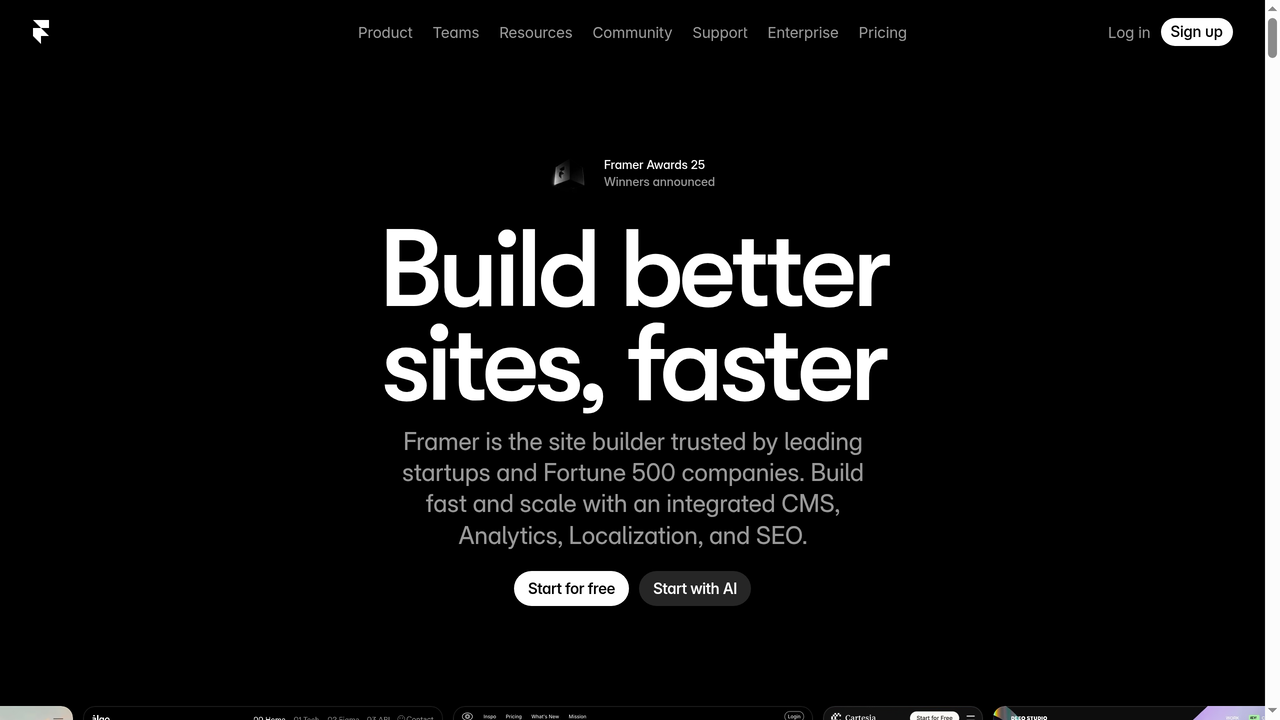
Framer is a no-code website builder that combines visual design tools with powerful publishing capabilities. It allows you to design, build, and launch responsive websites entirely within a browser-based editor. What sets Framer apart from traditional website builders is its design-first philosophy: the editor feels more like Figma than WordPress, giving designers pixel-perfect control over every element on the page.
Founded in 2013 by Koen Bok and Jorn van Dijk in Amsterdam, Framer started as a JavaScript-based prototyping framework for mobile and web interactions. Over the years, the company pivoted dramatically. By 2022, Framer had fully transformed into a website builder, leaving its prototyping roots behind. This shift turned out to be a masterstroke. The platform now powers hundreds of thousands of websites, from personal portfolios to enterprise marketing pages.
At its core, Framer offers three things that matter most to modern web creators:
- A visual canvas editor that works like a design tool (drag, drop, resize, style)
- Built-in CMS and localization for content-heavy and multilingual sites
- AI-powered features that can generate entire page layouts, rewrite copy, and translate content automatically
How Framer Works: The Core Experience
When you sign up for Framer, you are greeted with a clean, canvas-based editor. If you have ever used Figma or Sketch, the interface will feel immediately familiar. You work on a visual canvas where you can place elements (text, images, buttons, containers) and style them with fine-grained controls for spacing, typography, colors, borders, and effects.
The Visual Editor
Framer's editor is arguably the most polished visual website builder on the market. Unlike block-based editors (like WordPress Gutenberg or Squarespace), Framer gives you absolute freedom over layout. You can use auto-layout (similar to CSS Flexbox), stacks, grids, and even create complex responsive breakpoints for desktop, tablet, and mobile views.
Every element you place is a real web component. There is no "what you see is not what you get" problem here. The design canvas IS the live website. When you hit publish, what you built is exactly what visitors see.
Components and Reusability
Framer supports reusable components, just like a modern design tool. You can create a button, a navigation bar, or a card layout once and reuse it across your entire site. Changes to the master component propagate everywhere, which keeps your design consistent and saves enormous amounts of time on larger projects.
Framer also supports variants within components, meaning you can define hover states, active states, and different visual configurations all within a single component. This is a feature that many competing tools still lack or implement poorly.
Interactions and Animations
One of Framer's standout strengths is its animation system. You can add scroll-based animations, hover effects, page transitions, and micro-interactions without writing code. The animation panel lets you define triggers (scroll, hover, click, appear) and effects (fade, slide, scale, rotate) with precise timing controls.
For more advanced users, Framer supports code overrides, which are small JavaScript (or TypeScript) snippets that can control component behavior programmatically. This bridges the gap between no-code and full-code, giving developers the ability to extend Framer's capabilities when needed.
AI Features: Start with AI
Framer's AI capabilities have become a major selling point. The "Start with AI" feature lets you describe what kind of website you want in natural language, and Framer generates a complete multi-page site with layout, copy, images, and styling. It is not perfect (AI-generated sites often need refinement), but it is an incredibly fast way to get a first draft that you can then customize.
Beyond page generation, Framer's AI can rewrite and improve copy, suggest design adjustments, and translate your entire site into multiple languages automatically. The translation feature is particularly impressive: it plugs directly into Framer's built-in localization system, so you can publish a site in English, French, Spanish, and German all from the same project.
Framer Pricing in 2026
Framer offers a free tier along with three paid plans:
- Free: Design and prototype for free. You can build on a framer.site subdomain with Framer branding. Good for trying the platform, but not for production sites.
- Basic ($10/month, billed annually): Custom domain, AI-powered design tools, fast hosting, and built-in SEO. Ideal for personal sites and creative portfolios.
- Pro ($30/month, billed annually): Everything in Basic plus staging environments, instant rollback, roles and permissions, relational CMS, site redirects, and optional add-ons for A/B testing and multiple locales.
- Scale ($100/month, billed annually): Everything in Pro plus custom locale regions, events and funnels analytics, priority support, premium CDN, flexible limits, and custom proxy setup.
Additional editors cost $20/month on Basic and $40/month on Pro. Viewers are free on all plans.
Compared to competitors like Webflow (which starts at $14/month for basic hosting), Framer's pricing is competitive. The free tier is generous enough for experimenting, and the Basic plan covers most personal and small business needs. Where costs can add up is on the Pro and Scale plans if you need localization add-ons or multiple team editors.
What Framer Does Well
Design Quality and Flexibility
Framer produces some of the most visually polished websites you will find from any no-code platform. The design freedom is unmatched among website builders. If you are a designer who wants pixel-perfect control, Framer is the closest thing to designing in Figma and publishing directly to the web.
Performance and Speed
Framer sites are fast. The platform generates optimized, static HTML that loads quickly. Built-in image optimization, lazy loading, and a global CDN ensure that Framer sites score well on Google PageSpeed Insights and Core Web Vitals. For SEO-conscious users, this matters enormously.
Built-in CMS
Framer's CMS has matured significantly. You can create collections (like blog posts, team members, or products), define custom fields, and bind CMS data to visual components on your pages. The relational CMS (available on Pro) lets you create relationships between collections, which opens up more complex content architectures.
Localization
Multi-language support is a first-class feature in Framer. You can create locale variants of your entire site, manage translations in a clean interface, and publish localized versions under subfolders (e.g., /fr, /es) or separate domains. Combined with AI-powered translation, this makes Framer one of the easiest platforms for building multilingual websites.
SEO
Framer provides solid SEO controls: custom meta titles and descriptions, Open Graph tags, sitemap generation, canonical URLs, and clean URL structures. The platform generates semantic HTML, which helps search engines understand your content. While it is not as flexible as a fully custom-coded site, Framer's SEO capabilities are more than adequate for most use cases.
Where Framer Falls Short
Limited Backend Functionality
Framer is primarily a frontend website builder. It does not offer databases, user authentication, server-side logic, or API integrations out of the box. If you need a web application (with user accounts, dashboards, payment processing, or dynamic data), Framer is not the right tool. It excels at marketing sites, portfolios, and content-driven websites, but it cannot build a SaaS product or a web app.
CMS Limitations
While the CMS has improved, it still has limitations compared to dedicated CMS platforms. There is no built-in commenting system, no content versioning, and the CMS editor is not as intuitive for non-technical content authors. If your site will have hundreds of blog posts managed by a content team, WordPress or Ghost might be more appropriate.
E-commerce
Framer does not have native e-commerce functionality. You cannot create a product catalog, shopping cart, or checkout flow within Framer. You can embed third-party tools (like Shopify Buy Buttons or Lemonsqueezy), but it is not a seamless experience. If e-commerce is central to your project, look at Shopify, WooCommerce, or even Webflow's e-commerce features.
Learning Curve for Non-Designers
Framer's design-first approach is a double-edged sword. Designers love it. But if you are not comfortable with concepts like auto-layout, responsive breakpoints, and visual hierarchy, the editor can feel overwhelming. Block-based builders like Squarespace or Wix are more forgiving for beginners who just want to pick a template and swap out content.
Lock-in and Export
Like most no-code website builders, Framer has significant lock-in. You cannot export your site as clean HTML/CSS to host elsewhere. If you decide to leave Framer, you essentially need to rebuild your site from scratch on another platform. This is worth considering before committing to Framer for a major project.
Who Should Use Framer?
Framer is an excellent choice for:
- Designers and creative professionals who want a website builder that matches their design sensibility
- Startups and SaaS companies that need polished marketing sites and landing pages
- Agencies that build websites for clients and want a fast, design-forward workflow
- Freelancers who want to deliver high-quality sites without involving a developer
- Anyone who needs a multilingual website thanks to Framer's excellent localization features
Framer is NOT the best choice for:
- Web applications with backend logic, user auth, or databases
- E-commerce stores
- Content-heavy blogs managed by non-technical teams
- Absolute beginners who have never used a design tool
Framer vs. the Competition: 6 Alternatives Worth Considering
Framer is a fantastic tool, but it is not the only option. Depending on your needs, one of these alternatives might be a better fit.
1. Webflow
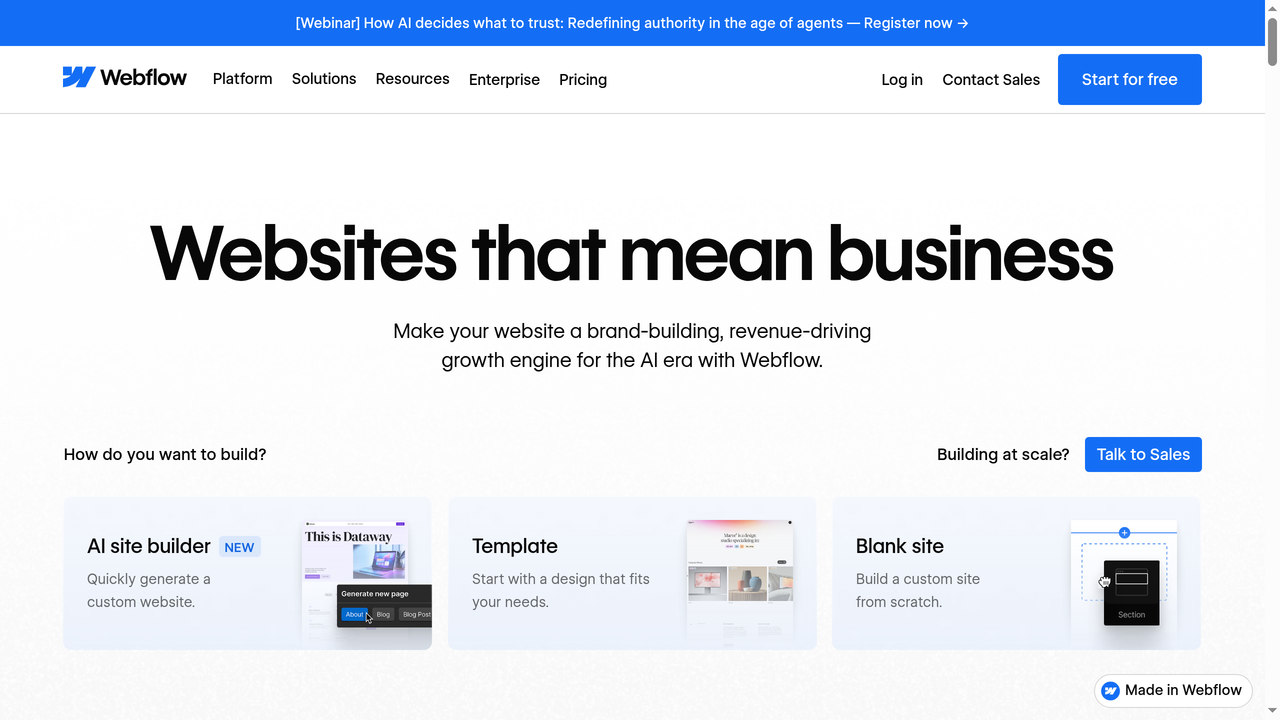
Webflow is Framer's most direct competitor. Like Framer, it is a visual website builder with design-level control, but Webflow has been around longer and offers more mature features in several areas.
Webflow's strengths include a more powerful CMS (with content versioning and a better editorial experience), built-in e-commerce, and a massive template and component marketplace. Webflow also generates clean, semantic HTML and CSS, and even lets you export code on certain plans.
The trade-off? Webflow's editor has a steeper learning curve than Framer's. It exposes more CSS concepts directly (flexbox, grid, positioning), which gives you more control but also more complexity. Webflow's pricing is also slightly higher, starting at $14/month for a basic site plan and $29/month for CMS hosting.
Choose Webflow over Framer if: You need e-commerce, a more mature CMS, or code export. Choose Framer if you prioritize animation, speed of design, and a more intuitive editor.
2. Wix
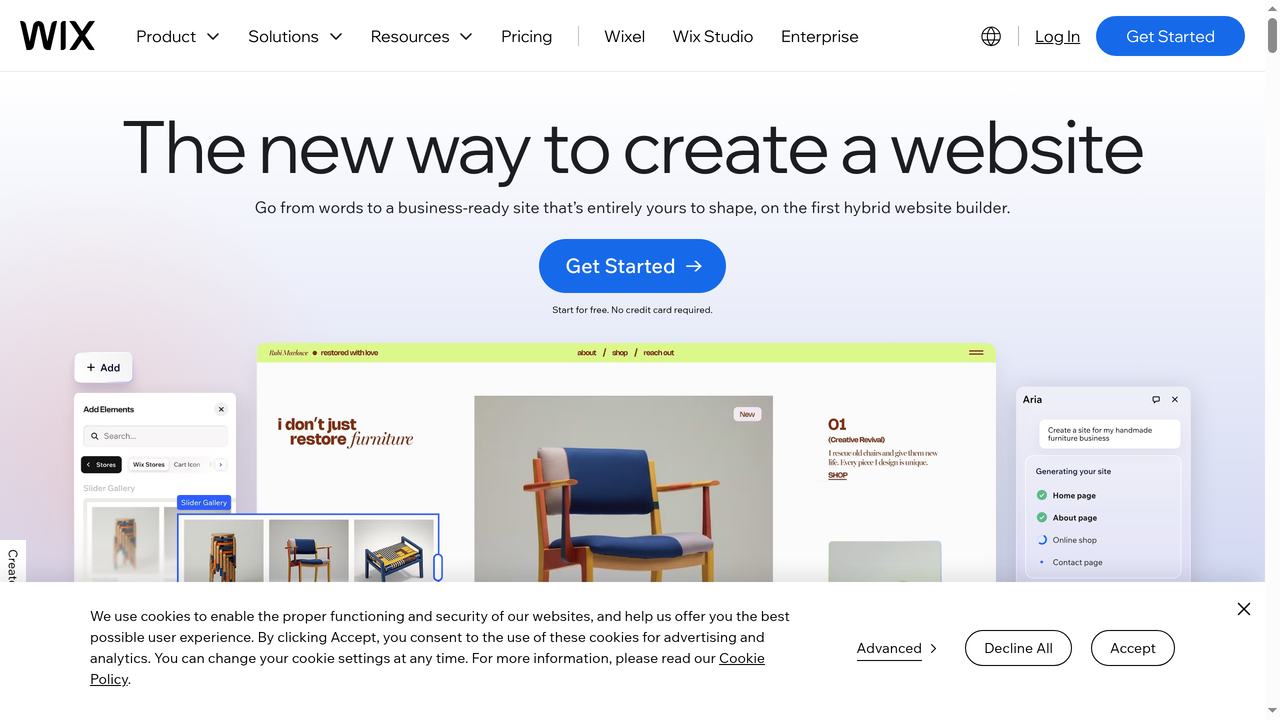
Wix is one of the world's most popular website builders, with over 250 million users. It targets a much broader audience than Framer, offering an easy drag-and-drop editor, hundreds of templates, built-in e-commerce, booking systems, marketing tools, and an app marketplace with thousands of add-ons.
Where Wix falls short compared to Framer is design quality and performance. Wix sites tend to be heavier, slower, and less polished than Framer sites. The editor, while easy to use, does not give you the same level of design control. Wix also adds its own scripts and tracking to your site, which can impact performance scores.
Wix is a good choice for small businesses that need an all-in-one solution (website + online store + booking + email marketing) without worrying about design perfection. Framer is better for anyone who prioritizes design quality and page speed.
Pricing: Wix starts at $17/month for a light plan and goes up to $159/month for business elite.
3. Squarespace
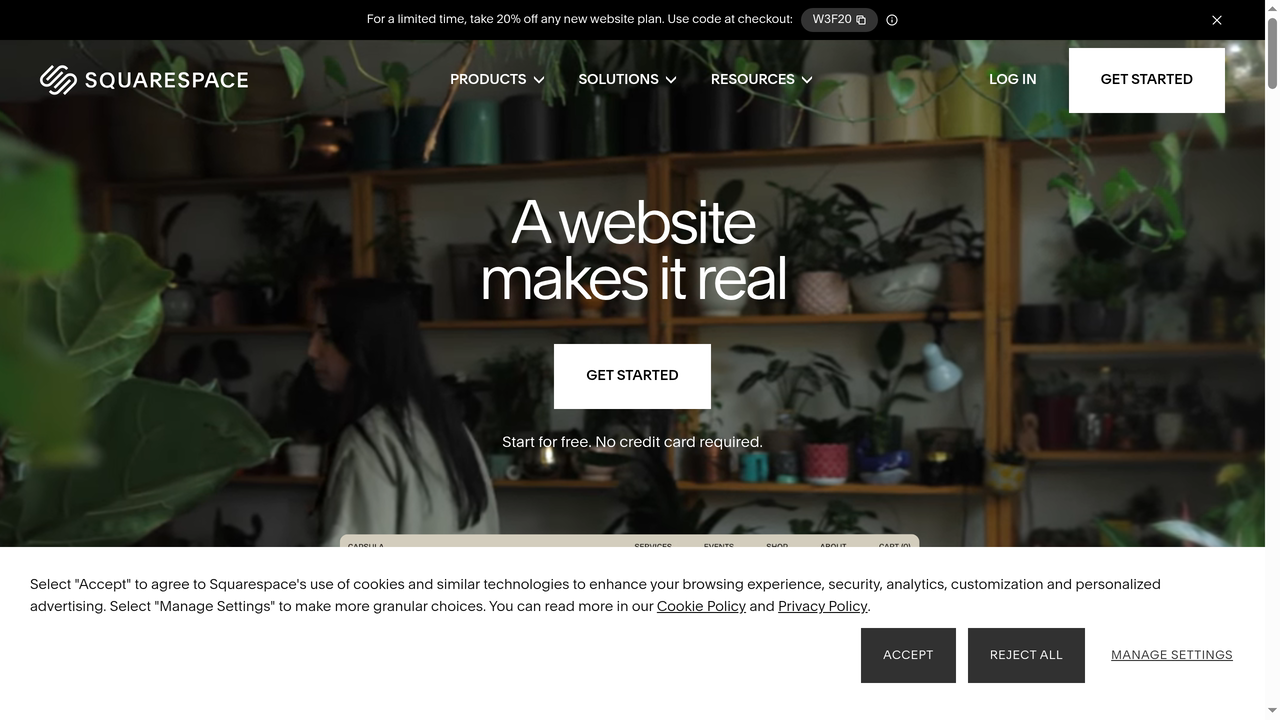
Squarespace has built its reputation on beautiful templates and a polished, guided editing experience. It is the go-to platform for creatives (photographers, artists, musicians, restaurants) who want a professional site with minimal effort.
Compared to Framer, Squarespace is more structured. You work within templates and sections rather than on a free-form canvas. This makes it easier for beginners but more limiting for designers who want full creative control. Squarespace also includes built-in e-commerce, email campaigns, scheduling, and member areas, making it more of an all-in-one platform.
Squarespace sites are visually attractive but often feel "template-y" since the design possibilities are narrower. Framer gives you significantly more creative freedom and better performance, but Squarespace wins on ease of use and built-in features.
Pricing: Squarespace starts at $16/month (Personal) and goes up to $52/month (Commerce Advanced).
4. WordPress
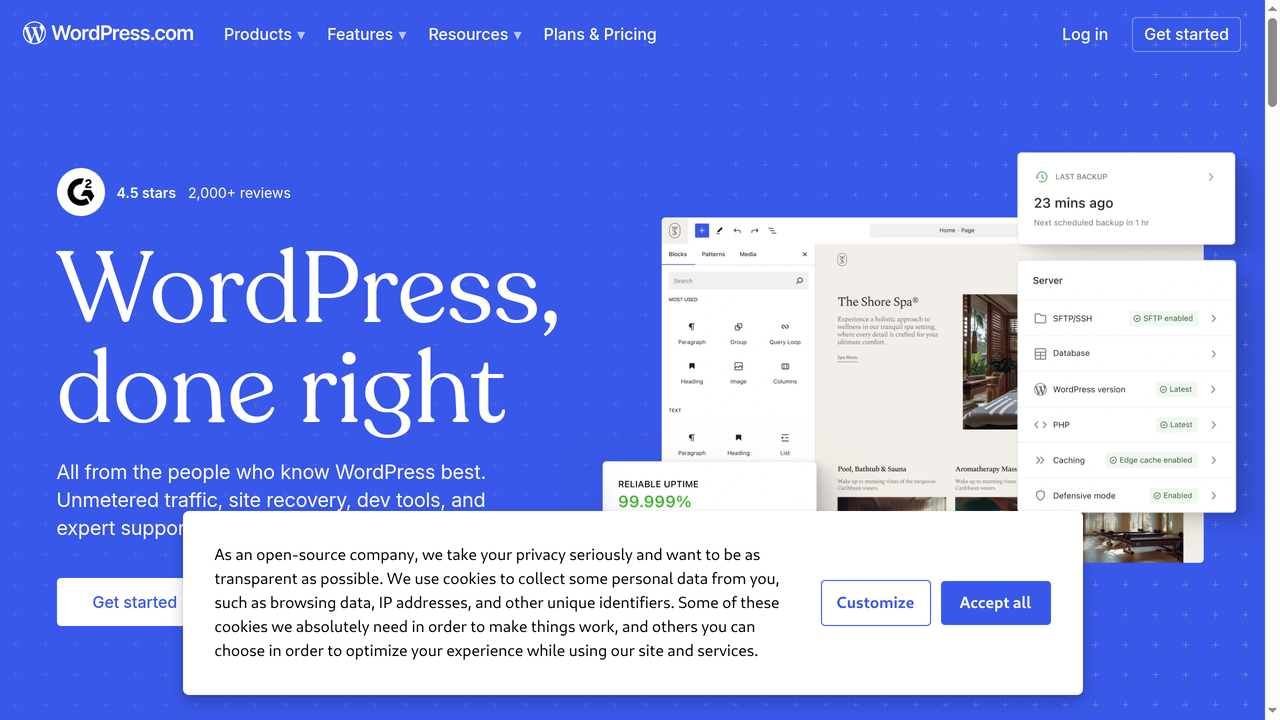
WordPress powers over 40% of all websites on the internet. It is the most flexible and extensible website platform in existence, with tens of thousands of themes, plugins, and integrations. WordPress can build anything: blogs, portfolios, e-commerce stores, forums, membership sites, learning platforms, and more.
The downside of WordPress is complexity. Self-hosted WordPress (wordpress.org) requires managing hosting, security, updates, and plugin compatibility. It is not a drag-and-drop experience. Even with page builders like Elementor or Divi, the workflow is nowhere near as smooth as Framer's visual editor.
WordPress.com (the hosted version) simplifies things but limits plugin access and customization. Either way, WordPress demands more technical knowledge than Framer.
Choose WordPress over Framer if: You need maximum flexibility, a massive plugin ecosystem, or advanced blogging/content management. Choose Framer if you want a modern, fast, visually-driven website without the overhead of managing WordPress.
5. Carrd
Carrd is a minimalist, single-page website builder that is incredibly simple and affordable. If all you need is a landing page, a personal link page, or a simple one-page site, Carrd is hard to beat. It costs just $19/year (yes, per year) for the Pro plan, which lets you build up to 10 sites with custom domains, forms, and analytics.
Carrd cannot compete with Framer on features. There is no CMS, no multi-page sites, no localization, and limited design flexibility. But that is by design. Carrd does one thing (single-page sites) and does it exceptionally well. If your project is a one-pager, Carrd saves you both money and time compared to setting up a full Framer project.
Choose Carrd over Framer if: You need a simple one-page site or landing page and want to spend as little as possible. Choose Framer for anything multi-page or design-intensive.
6. Capacity.so
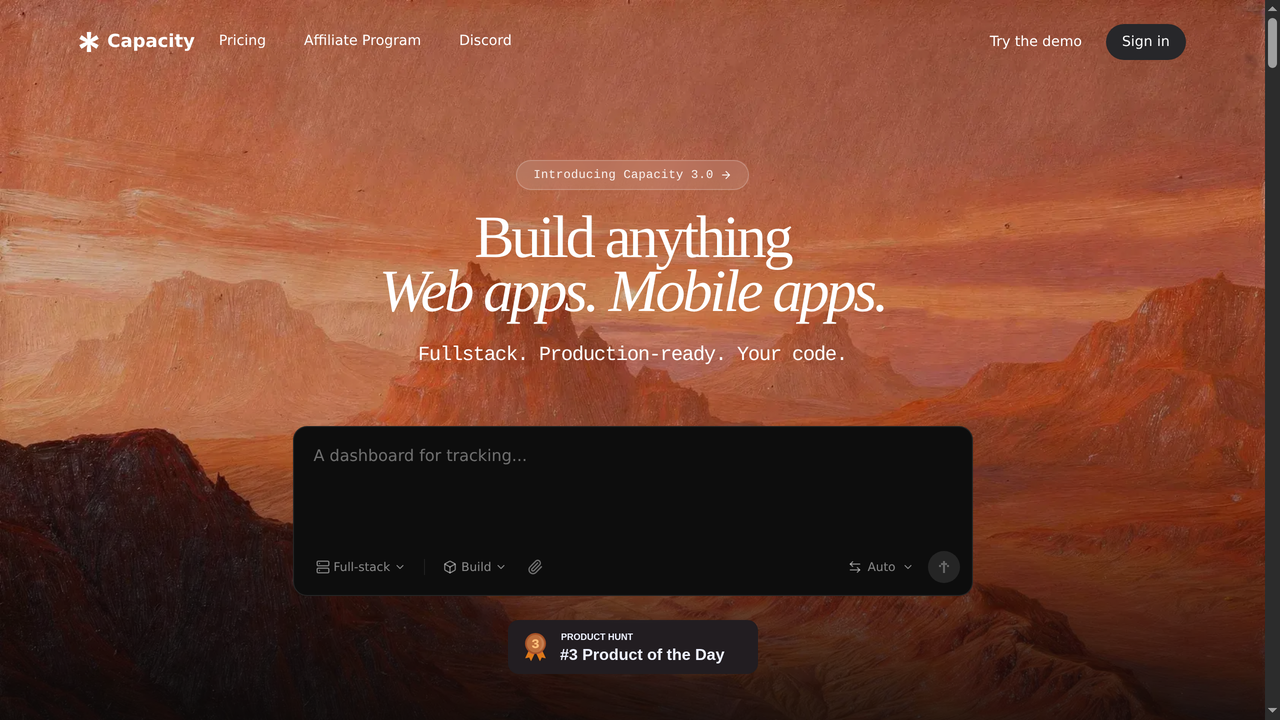
Capacity.so takes a fundamentally different approach from Framer. While Framer is a visual website builder focused on marketing sites and portfolios, Capacity is an AI-powered platform for building full-stack web applications. If Framer is about designing beautiful frontends, Capacity is about building entire products, complete with databases, user authentication, APIs, and backend logic.
With Capacity, you describe what you want to build in plain language, and the AI generates a working application. Need a customer dashboard? A SaaS product? A marketplace? An internal tool? Capacity can build these in minutes, not weeks. It handles both the frontend and the backend, which is something Framer simply cannot do.
The two tools actually complement each other well. You might use Framer to build your company's marketing website and landing pages, then use Capacity to build the actual product or web application that your customers log into. This combination gives you the best of both worlds: Framer's design excellence for your public-facing site, and Capacity's full-stack power for your application.
Choose Capacity.so over Framer if: You need to build a web application (not just a website) with backend functionality, databases, and user accounts. Choose Framer if your project is purely a marketing site, portfolio, or content-driven website with no app-like functionality.
Framer Comparison Table
| Feature | Framer | Webflow | Wix | Squarespace | WordPress | Capacity.so |
|---|---|---|---|---|---|---|
| Best For | Design-driven sites | Complex marketing sites | Small businesses | Creatives, portfolios | Any website type | Full-stack web apps |
| AI Features | Page gen, copy, translate | Basic AI assistant | AI site builder | Basic AI text | Via plugins | Full AI app generation |
| Visual Editor | Canvas-based (Figma-like) | CSS-driven visual | Drag-and-drop | Template sections | Block-based (Gutenberg) | AI-driven |
| CMS | Built-in, relational | Built-in, powerful | Built-in | Built-in | Native (best in class) | Auto-generated |
| E-commerce | No (embeds only) | Yes (native) | Yes (native) | Yes (native) | Yes (WooCommerce) | Custom-built |
| Backend/Database | No | No | Limited | No | Yes (PHP/MySQL) | Yes (full-stack) |
| Localization | Excellent (native) | Yes (Weglot/native) | Via apps | Limited | Via plugins (WPML) | N/A |
| Starting Price | Free / $10/mo | Free / $14/mo | Free / $17/mo | $16/mo | Free (self-hosted) | Free tier available |
| Performance | Excellent | Very good | Average | Good | Varies (plugin-dependent) | Excellent |
How to Get Started with Framer
Getting started with Framer is straightforward:
- Sign up for free at framer.com. No credit card required.
- Choose a starting point: Start from a blank canvas, use a template from the Framer marketplace, or try "Start with AI" to generate a site from a text description.
- Design your pages: Use the visual editor to build your layout. Add text, images, buttons, and containers. Set up responsive breakpoints for mobile and tablet.
- Add content: If you need a blog or dynamic content, set up CMS collections and bind them to your page components.
- Configure SEO and settings: Add meta titles, descriptions, and Open Graph images. Set up your sitemap and custom domain.
- Publish: Hit the publish button. Your site goes live on Framer's hosting with a free SSL certificate. Upgrade to a paid plan to use your own domain.
The entire process can take anywhere from 15 minutes (for a simple AI-generated site) to several hours (for a custom, multi-page site with CMS). Either way, Framer is one of the fastest ways to go from idea to live website.
Tips for Getting the Most Out of Framer
- Start with templates: Even experienced designers benefit from starting with a template and customizing it rather than building from scratch. Framer's template marketplace has hundreds of high-quality starting points.
- Master auto-layout: Understanding how auto-layout works is the key to building responsive sites efficiently. Spend time learning how stacks, spacing, and responsive breakpoints interact.
- Use components religiously: Create components for every repeating element (buttons, cards, sections, navigation). This keeps your project organized and changes easy to propagate.
- Leverage CMS for scaling: If you have more than a few pages of similar content (blog posts, case studies, team members), use the CMS instead of creating individual pages manually.
- Test on real devices: While Framer's responsive preview is excellent, always test your published site on actual phones and tablets to catch layout issues.
- Use code overrides sparingly: Code overrides are powerful but can make your project harder to maintain. Use them only when Framer's built-in features genuinely cannot achieve what you need.
Frequently Asked Questions About Framer
Is Framer free?
Yes, Framer offers a free plan that lets you design and publish a site on a framer.site subdomain. For custom domains and advanced features, you need a paid plan starting at $10/month.
Is Framer better than Webflow?
It depends on your needs. Framer has a more intuitive editor, better animations, and excellent localization. Webflow has a more powerful CMS, native e-commerce, and code export. For marketing sites and portfolios, Framer often wins on speed and design quality. For complex, content-heavy sites with e-commerce, Webflow has the edge.
Can I build an e-commerce site with Framer?
Framer does not have native e-commerce. You can embed third-party checkout tools (like Shopify Buy Buttons or Gumroad), but for a full e-commerce experience, tools like Shopify, Webflow, or WooCommerce are better options.
Can I build a web application with Framer?
No. Framer is a website builder, not an application builder. It does not support databases, user authentication, or server-side logic. For web applications, consider tools like Capacity.so, Bubble, or traditional code frameworks.
How does Framer's AI work?
Framer's AI can generate entire website layouts from text descriptions, rewrite copy, and translate content into multiple languages. It uses large language models to understand your intent and generate appropriate designs. The AI is a great starting point, but you will typically want to customize the results manually for the best outcome.
Is Framer good for SEO?
Yes. Framer generates fast, clean HTML with proper semantic structure. It supports custom meta tags, sitemaps, canonical URLs, and Open Graph data. Framer sites typically score well on Core Web Vitals, which is increasingly important for search rankings.
Can I use Framer with a custom domain?
Yes, starting from the Basic plan ($10/month). You can connect your own domain and Framer handles SSL certificates and hosting automatically.
Is Framer suitable for large, complex websites?
Framer works well for sites up to a few hundred pages. For very large sites (thousands of pages), you may encounter performance limitations in the editor. The Scale plan ($100/month) offers higher limits and priority support for larger projects.
The Verdict: Should You Use Framer in 2026?
Framer is one of the best website builders available in 2026, especially if you value design quality, performance, and a modern editing experience. Its AI features make it incredibly fast to get started, its animation capabilities are best-in-class among no-code tools, and its localization support is a genuine competitive advantage for businesses targeting international audiences.
That said, Framer is not a universal solution. It is a website builder, not an application builder. If your project requires backend logic, databases, user accounts, or e-commerce, you will need to look elsewhere (Capacity.so for full-stack applications, Shopify for e-commerce, WordPress for content-heavy sites with complex requirements).
For its target use case (beautiful, fast, design-driven websites), Framer is hard to beat. Try the free plan, experiment with the AI features, and see if the editor clicks for you. Chances are, if you care about design, it will.