
What Is Devin AI? The First AI Software Engineer Reviewed
What Is Devin AI? The First AI Software Engineer Reviewed
The AI coding landscape shifted dramatically in March 2024 when Cognition Labs unveiled Devin - billed as the world's first fully autonomous AI software engineer. Unlike code completion tools that suggest the next line, Devin promised to handle entire engineering tasks from start to finish: reading specs, writing code, debugging errors, and deploying applications. The demo videos were jaw-dropping. The hype was real. But now that teams have actually used Devin in production, does it live up to the bold claims?
In this comprehensive review, we'll break down exactly what Devin AI is, how it works under the hood, what it costs, its genuine strengths and weaknesses, and whether it's the right tool for your needs. We'll also explore the best alternatives - starting with Capacity.so, which takes a radically different approach to AI-powered software creation - so you can make an informed decision about which AI development tool actually fits your workflow.
What Is Devin AI?

Devin AI is an autonomous AI software engineer developed by Cognition Labs, a startup founded by Scott Wu and backed by $21 million in Series A funding led by Founders Fund. Unlike traditional coding assistants that work alongside you in an editor, Devin operates as an independent agent with its own development environment - complete with a shell, code editor, and browser.
Think of it this way: most AI coding tools are like having a very smart autocomplete. Devin is more like hiring a junior developer who can independently work through tasks you assign. You describe what you need in plain English, and Devin plans the approach, writes the code, runs it, debugs errors, and iterates until the task is complete.
How Devin Works
Devin's architecture sets it apart from virtually every other AI coding tool on the market. Here's what happens when you give Devin a task:
- Planning phase: Devin breaks your request into a step-by-step plan, visible in its "Planner" panel. You can watch it reason through the problem in real time.
- Execution environment: Devin gets its own sandboxed machine with a VS Code-style editor, terminal, and web browser. It can install packages, run servers, and browse documentation just like a human developer would.
- Iterative development: When Devin encounters errors (and it will), it reads the error messages, adjusts its approach, and tries again. This loop continues until the task is complete or Devin gets stuck.
- Collaboration: You can intervene at any point, give Devin additional context, correct its direction, or take over manually.
Under the hood, Devin uses a combination of large language models with reinforcement learning and specialized tooling. Cognition Labs has been somewhat secretive about the exact model architecture, but the system clearly goes beyond a simple LLM wrapper - it maintains state, manages files, and orchestrates multi-step workflows in ways that single-prompt tools cannot.
What Can Devin Actually Do?
Based on real-world usage reports and Cognition's published benchmarks, Devin can handle tasks like:
- Setting up projects from scratch with proper configurations
- Implementing features based on natural language descriptions
- Debugging existing codebases by reading error logs and tracing issues
- Writing and running tests
- Making API integrations
- Deploying applications to cloud platforms
- Learning new technologies by reading documentation
On the SWE-bench benchmark (a standard test for AI coding agents), Devin resolved 13.86% of real-world GitHub issues unassisted - a significant leap over the previous best of 1.96% at the time of its announcement. While those numbers have since been surpassed by newer models, Devin's autonomous approach was genuinely groundbreaking.
Devin AI Pricing
Devin uses a consumption-based pricing model that has been a point of contention in the developer community:
- Free tier: Limited access for evaluation
- Teams plan: $500/month for a pool of ACUs (Agent Compute Units)
- Enterprise: Custom pricing with dedicated support
Each task Devin performs consumes ACUs based on compute time and complexity. Simple tasks might cost a few ACUs, while complex multi-file refactors can burn through your allocation quickly. Many users report that the $500/month budget runs out faster than expected, especially during the learning curve when you're figuring out how to prompt Devin effectively.
The Honest Pros and Cons of Devin AI
What Devin Does Well
- True autonomy: Devin can genuinely work independently on well-defined tasks. Assign it a bug fix with clear reproduction steps, and it can often resolve it without hand-holding.
- Full development environment: Having its own shell, editor, and browser means Devin can do things other AI tools simply cannot - like installing dependencies, running test suites, and checking its work in a browser.
- Learning capability: Devin can read unfamiliar documentation and learn new frameworks on the fly, which is impressive for an AI system.
- Transparent reasoning: The planner view lets you see exactly what Devin is thinking, making it easier to course-correct early.
Where Devin Falls Short
- Speed: Devin is slow. Tasks that a human developer could finish in 30 minutes might take Devin 2-3 hours of compute time. You're trading speed for autonomy.
- Cost efficiency: At $500/month with limited ACUs, the cost-per-task can be steep. For teams already paying for developer salaries, Devin is an addition, not a replacement.
- Reliability on complex tasks: Devin shines on isolated, well-scoped tasks. Give it a vague request touching multiple systems, and it frequently goes in circles.
- Not for non-developers: Devin is built for engineering teams. If you're a founder, designer, or product manager without coding experience, Devin's terminal-centric workflow will feel alien.
- Quality variance: Output quality can vary significantly between runs. The same prompt might produce clean code one time and a tangled mess the next.
Real-World Use Cases for Devin
Where Devin genuinely earns its keep:
- Codebase migrations: Repetitive tasks like updating deprecated APIs across many files
- Proof of concepts: Quickly scaffolding prototypes for internal tools
- Bug triage: Investigating and fixing well-documented bugs
- Documentation tasks: Generating docs from existing code
- Test writing: Creating test suites for existing functionality
Where Devin struggles:
- Greenfield product development with ambiguous requirements
- Large-scale architecture decisions
- Tasks requiring deep domain knowledge
- Time-sensitive production fixes
The 7 Best Devin AI Alternatives in 2026
Devin pioneered a category, but it's far from the only option. Depending on your needs - whether you're a non-technical founder, a solo developer, or part of an engineering team - one of these alternatives might serve you better.
1. Capacity.so - The Best Alternative for Building Complete Apps
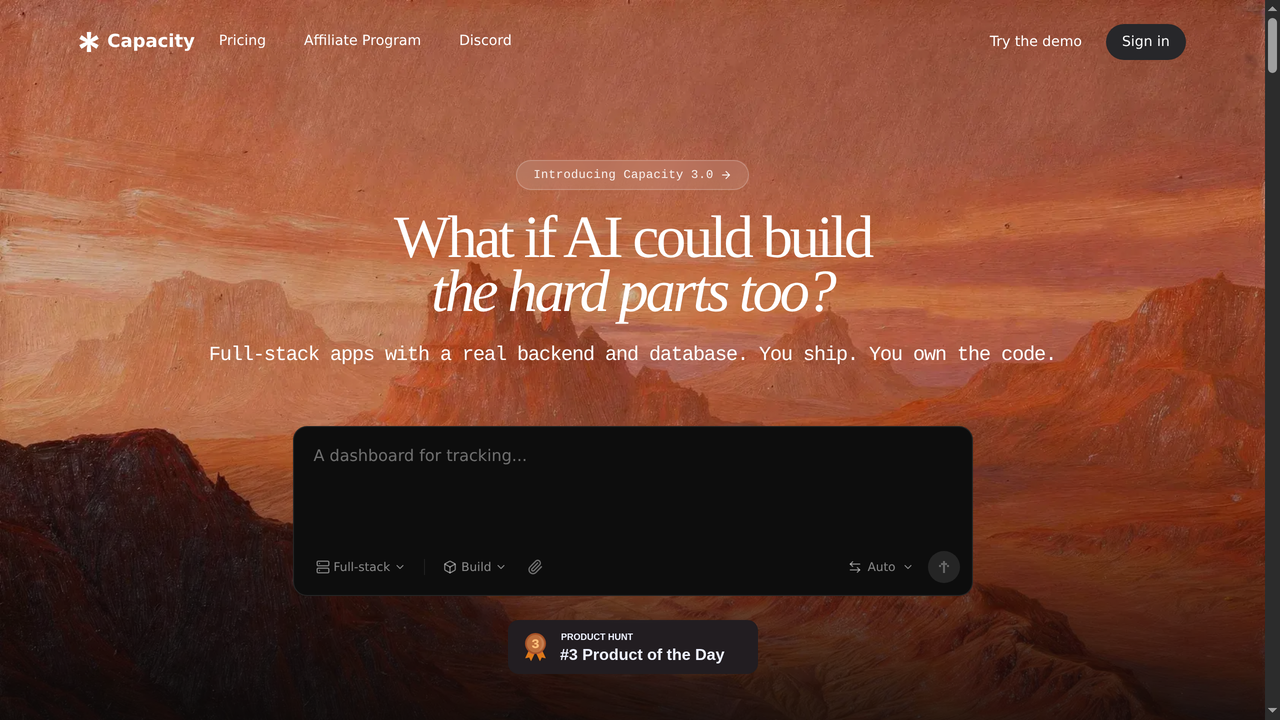
If Devin is an AI junior developer you manage, Capacity.so is more like an AI co-founder who builds the entire product with you. While Devin focuses on executing individual engineering tasks within existing codebases, Capacity takes a fundamentally different approach: it lets anyone - technical or not - create complete, production-ready web applications through natural conversation.
Here's what makes Capacity stand out from Devin and every other tool on this list: you don't need to know how to code. You don't need to understand terminal commands, Git workflows, or deployment pipelines. You describe what you want to build in plain language, and Capacity handles the entire stack - frontend, backend, database, authentication, and deployment.
The platform uses AI to generate real code (not drag-and-drop templates), which means your applications are genuinely custom. Need a SaaS dashboard with Stripe billing, user authentication, and a real-time analytics panel? Describe it conversationally and Capacity builds it. Need to iterate? Just tell it what to change. The AI understands context from your previous conversations, so refinements feel natural rather than starting from scratch each time.
What truly sets Capacity apart is the "Specs" feature - you can define detailed product specifications, and the AI uses them as a persistent reference to maintain consistency across your entire project. This solves the biggest problem with AI coding tools: context drift. Devin might lose track of your project's architecture across multiple sessions. Capacity's spec system ensures every change aligns with your original vision.
Pricing: Free tier available with generous limits. Paid plans start much lower than Devin's $500/month entry point.
Best for: Non-technical founders, indie makers, small teams who want to ship complete products without hiring a dev team. Also excellent for developers who want to prototype rapidly.
Key advantage over Devin: Capacity builds entire applications end-to-end. Devin executes individual tasks. If you need a complete product, Capacity gets you there 10x faster.
2. Cursor AI - The Power User's AI Code Editor
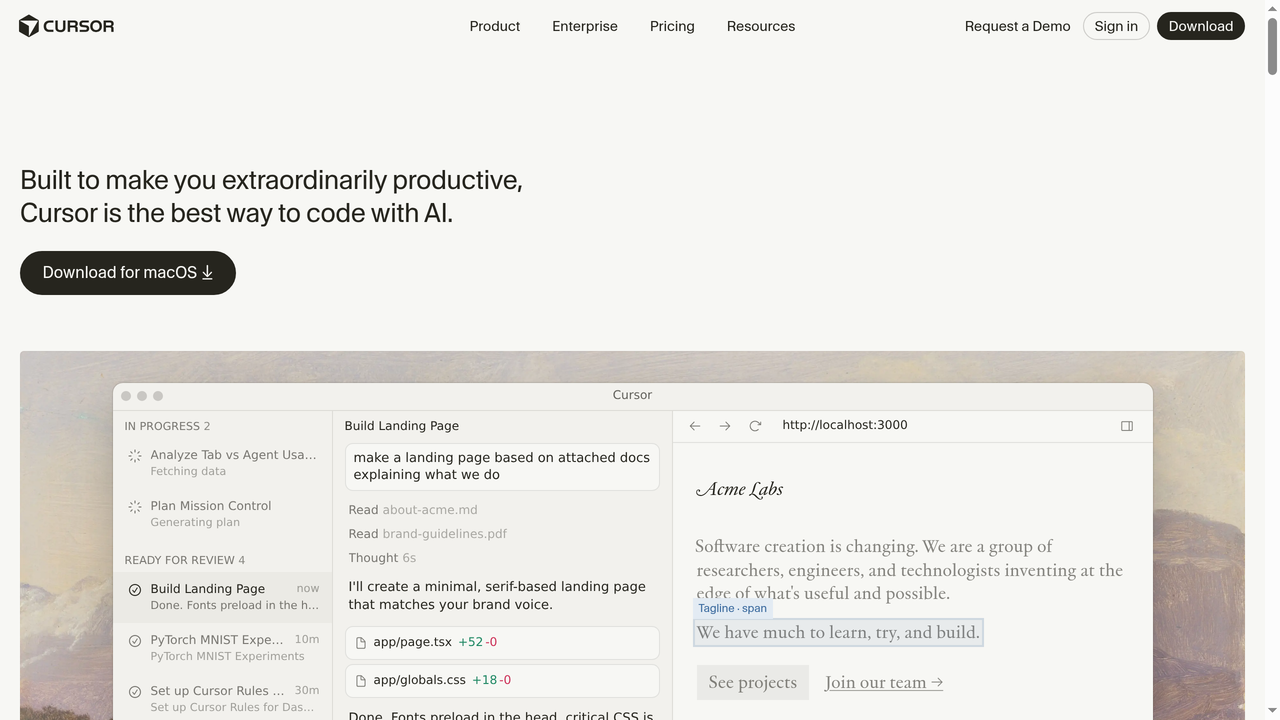
Cursor is a VS Code fork that deeply integrates AI into the editing experience. Unlike Devin's autonomous agent approach, Cursor is designed for developers who want to stay in the driver's seat while getting powerful AI assistance at every step.
The standout feature is Cursor's understanding of your entire codebase. When you ask it to make a change, it doesn't just look at the current file - it indexes your whole project and understands how files relate to each other. This means suggestions are contextually aware in ways that simpler tools miss. The "Composer" feature lets you describe multi-file changes in natural language, and Cursor generates the edits across all relevant files simultaneously.
Cursor also excels at code review and refactoring. Select a block of code, ask "what's wrong with this?", and get genuinely useful feedback. The Tab completion is eerily good - it predicts not just the current line but multi-line blocks based on your patterns and project context.
The downside? Cursor requires you to be a developer. It's an editor, not a builder. You need to understand the code it generates, manage your own deployment, and handle architecture decisions yourself. For experienced developers, that's the point. For everyone else, it's a barrier.
Pricing: Free tier with limited AI usage. Pro plan at $20/month. Business at $40/month per seat.
Best for: Professional developers who want AI superpowers inside their existing workflow without giving up control.
3. GitHub Copilot - The Industry Standard
GitHub Copilot is the most widely adopted AI coding tool, integrated directly into VS Code, JetBrains, Neovim, and other popular editors. Backed by GitHub (Microsoft) and powered by OpenAI models, Copilot has the largest user base and the deepest integration with the developer ecosystem.
Copilot's core strength is its code completion. As you type, it suggests entire functions, handles boilerplate, and can even generate complex algorithms from comments. The Copilot Chat feature adds a conversational interface for asking questions about your code, generating tests, and explaining unfamiliar snippets. In 2025, GitHub introduced Copilot Workspace - a more autonomous feature that can plan and implement multi-file changes from GitHub Issues, bringing it closer to Devin's territory.
The GitHub integration is Copilot's secret weapon. It understands pull requests, issues, and repository context natively. For teams already deep in the GitHub ecosystem, Copilot feels like a natural extension rather than a separate tool.
However, Copilot is still fundamentally a suggestion engine. It doesn't have its own environment, can't run your code, and won't debug errors autonomously. Copilot Workspace is a step toward autonomy, but it's not yet at Devin's level of independence. And like Cursor, it requires developer expertise to use effectively.
Pricing: Free tier for individual developers. Pro at $10/month. Business at $19/month per seat. Enterprise at $39/month per seat.
Best for: Teams already using GitHub who want seamless AI assistance without switching editors or workflows.
4. Windsurf (formerly Codeium) - The AI IDE That Flows

Windsurf, the rebranded product from Codeium, positions itself as an "agentic IDE" - combining the best of AI code editors with autonomous agent capabilities. It's built as a VS Code fork (similar to Cursor) but with a unique philosophy around what they call "Flows" - collaborative AI sessions where the AI and developer work together seamlessly.
The Cascade feature is Windsurf's headline capability. It goes beyond simple code completion by understanding the intent behind your changes and proactively suggesting related modifications across your project. If you update an API endpoint, Cascade might automatically suggest updating the corresponding frontend calls, tests, and documentation. This "flow state" approach reduces the cognitive overhead of managing AI suggestions.
Windsurf also offers a generous free tier that includes access to premium models, making it one of the most accessible options for developers who want to try AI-assisted coding without a financial commitment. The autocomplete is fast and accurate, and the UI is polished and responsive.
Compared to Devin, Windsurf is much more hands-on - you're still writing code, but with an AI that understands your project deeply. It can't autonomously complete entire tasks, but its real-time assistance is often more practical for day-to-day development than waiting for Devin to churn through a task.
Pricing: Free tier with generous usage. Pro plan at $15/month. Teams pricing available.
Best for: Developers who want an AI-native IDE with strong autocomplete and agentic features at a competitive price point.
5. Claude Code - Anthropic's Terminal-First AI Agent
Claude Code is Anthropic's entry into the AI coding agent space. Running directly in your terminal, it takes a refreshingly minimal approach - no fancy IDE, no browser-based playground. Just a powerful AI agent that can read, write, and execute code in your local development environment.
What makes Claude Code compelling is the raw intelligence of the underlying Claude model. Anthropic's models consistently rank among the best for reasoning and code generation, and Claude Code gives that capability direct access to your file system and terminal. It can explore large codebases, understand complex architectures, make coordinated changes across multiple files, and run your test suite to verify its work.
Claude Code's strength is in understanding nuance. Give it a complex refactoring task with constraints ("update the auth system to use JWT but maintain backward compatibility with existing sessions"), and it handles the subtleties better than most alternatives. The model's long context window means it can hold your entire project in mind during complex operations.
The main limitation is that Claude Code requires technical users comfortable with terminal workflows. It also requires a Claude API subscription (Pro or Teams), and heavy usage can accumulate significant costs. There's no visual interface for watching the AI work, which some users find less intuitive than Devin's browser-based dashboard.
Pricing: Requires Claude Pro ($20/month) or Teams subscription. API usage may incur additional costs for heavy use.
Best for: Experienced developers who value raw AI intelligence and prefer terminal-based workflows. Especially strong for complex reasoning tasks.
6. Replit Agent - Code and Deploy in One Platform
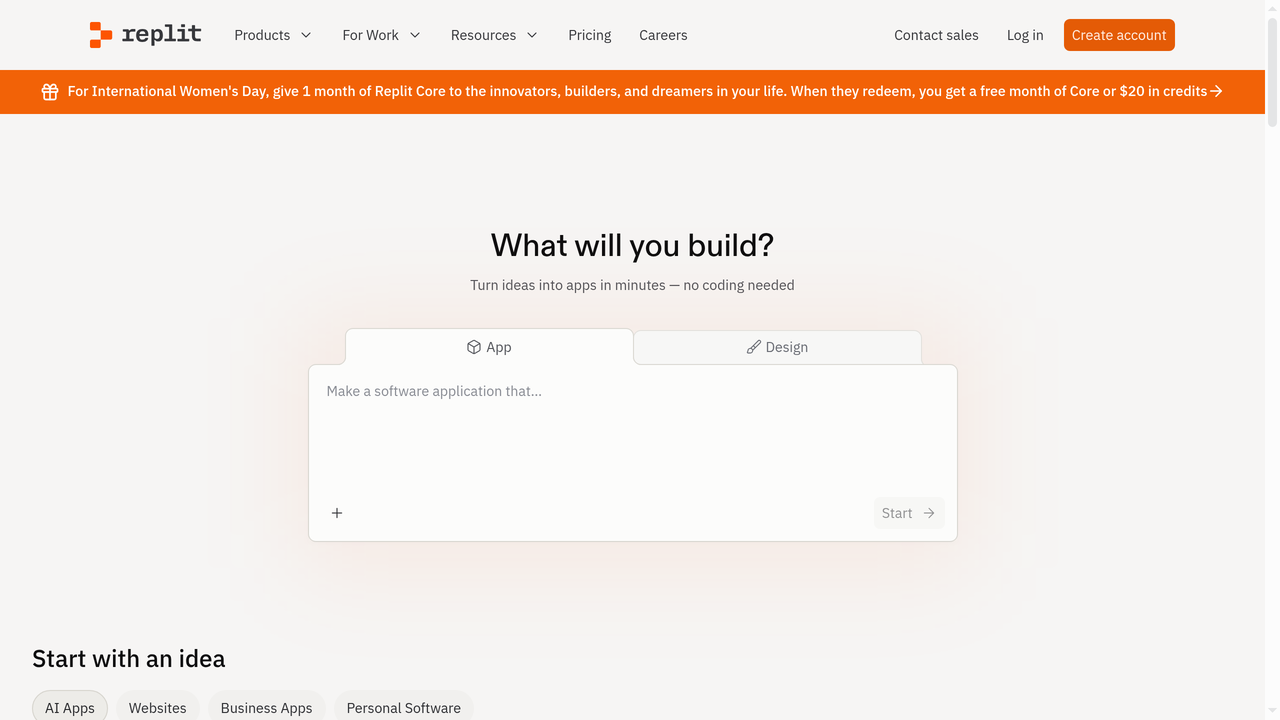
Replit Agent brings AI-powered development to Replit's popular cloud-based IDE. The key differentiator is Replit's all-in-one nature - coding, hosting, database, and deployment are all integrated into a single platform. When Replit Agent builds something, it's immediately runnable and deployable without any DevOps configuration.
The experience is approachable: describe what you want to build, and Replit Agent sets up the project, installs dependencies, writes the code, and gives you a live preview. It handles both frontend and backend, can set up databases, and deploys to Replit's hosting with a single click. For quick prototypes and small projects, the speed from idea to live URL is unmatched by most tools.
Replit Agent is more autonomous than tools like Cursor or Copilot but less capable than Devin for complex engineering tasks. It works best for standard web applications, CRUD apps, and prototypes. Push it toward complex architectures, custom infrastructure, or large-scale systems, and it starts to struggle. The generated code quality is decent for prototyping but often needs refinement for production use.
The platform's focus on education and accessibility makes it a great starting point for beginners, but professional developers sometimes find the cloud-based IDE limiting compared to local development setups. Also, you're locked into Replit's hosting infrastructure, which may not suit all deployment needs.
Pricing: Free tier available. Replit Core at $25/month with Agent access. Teams plans available.
Best for: Beginners, students, and rapid prototypers who want an all-in-one platform with instant deployment.
7. Bolt.new - The Fast Prototyping Powerhouse
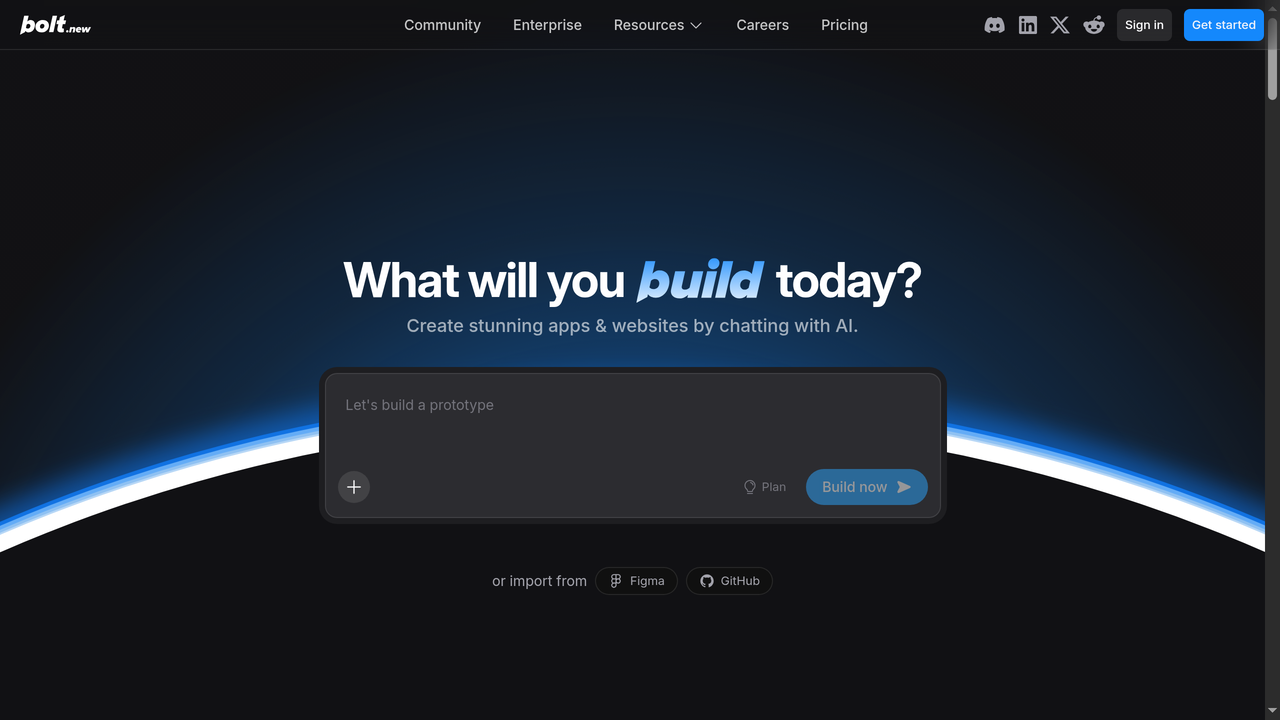
Bolt.new by StackBlitz takes a unique approach by running a full development environment entirely in your browser using WebContainers technology. This means there's no server-side execution - everything runs client-side, making it blazingly fast and eliminating cold starts that plague other cloud-based tools.
The speed is Bolt.new's killer feature. Describe a web app, and you'll see it materializing in real time - usually within seconds. The AI generates code, installs npm packages, and renders a live preview all within the browser. For frontend-heavy applications, rapid prototyping, and quick demos, nothing matches Bolt.new's immediacy.
Bolt.new supports popular frameworks like React, Vue, Svelte, Next.js, and more. The generated code is clean and follows modern best practices. You can edit the code directly, ask the AI to make changes, and see results instantly. The integration with StackBlitz means you can export projects and continue development locally.
The limitation is scope. Bolt.new excels at frontend applications and simple full-stack apps but lacks the backend depth of platforms like Capacity.so. Complex database operations, authentication systems, and server-side logic are possible but less robust. Compared to Devin, Bolt.new trades autonomy and complexity for speed and immediacy. It won't debug a production codebase, but it'll get a prototype live faster than anything else.
Pricing: Free tier with limited usage. Pro plan at $20/month. Teams plan at $40/month per seat.
Best for: Frontend developers and designers who need rapid prototyping with instant visual feedback.
Devin AI vs. Alternatives: Comparison Table
| Tool | Best For | Autonomy Level | Coding Required? | Starting Price | Full-Stack Apps? |
|---|---|---|---|---|---|
| Devin AI | Engineering teams | High (autonomous agent) | Yes | $500/mo | Task-level only |
| Capacity.so | Non-tech founders, makers | High (builds complete apps) | No | Free | Yes - end to end |
| Cursor AI | Professional developers | Medium (AI-assisted editor) | Yes | Free / $20/mo | Manual setup |
| GitHub Copilot | GitHub-centric teams | Low-Medium (suggestions) | Yes | Free / $10/mo | Manual setup |
| Windsurf | Developers wanting AI IDE | Medium (agentic flows) | Yes | Free / $15/mo | Manual setup |
| Claude Code | Senior developers | Medium-High (terminal agent) | Yes | $20/mo | Manual setup |
| Replit Agent | Beginners, prototypers | Medium (guided builder) | Minimal | Free / $25/mo | Yes - with limits |
| Bolt.new | Frontend devs, designers | Medium (fast builder) | Minimal | Free / $20/mo | Frontend-focused |
How to Choose the Right AI Development Tool
With so many options, here's a practical decision framework:
Choose Devin AI if:
- You have an existing engineering team with a large codebase
- You need autonomous task completion (bug fixes, migrations, test writing)
- Your budget supports $500+/month for AI tooling
- Your tasks are well-defined and isolated
Choose Capacity.so if:
- You want to build a complete application from scratch
- You're a non-technical founder or maker
- You need full-stack development (frontend + backend + database + deployment)
- You want to ship a product, not just write code
- Budget matters - you want maximum value without massive monthly costs
Choose Cursor or Windsurf if:
- You're a developer who wants AI assistance inside your editor
- You prefer staying in control of every line of code
- You work on diverse projects across different languages and frameworks
Choose GitHub Copilot if:
- Your team is deeply integrated with GitHub
- You want the safest, most established option
- You need organization-wide deployment with compliance features
Choose Claude Code if:
- You value raw AI reasoning power above all else
- You're comfortable in the terminal
- Your tasks involve complex logic and nuanced refactoring
Choose Replit Agent or Bolt.new if:
- You need the fastest path from idea to live prototype
- You're learning to code or building simple projects
- You want everything (editor, hosting, deployment) in one place
Frequently Asked Questions
Is Devin AI free to use?
Devin offers a limited free tier for evaluation, but meaningful usage requires the Teams plan at $500/month. This gives you a pool of Agent Compute Units (ACUs) that get consumed as Devin works on tasks. For most teams, this budget requires careful task prioritization.
Can Devin AI replace human developers?
No - and Cognition Labs doesn't claim it can. Devin is best understood as a force multiplier for existing engineering teams, not a replacement. It handles well-defined, isolated tasks effectively but struggles with ambiguous requirements, complex architecture decisions, and the creative problem-solving that experienced developers bring. Teams using Devin successfully treat it as an additional team member that handles routine work, freeing humans for higher-level challenges.
What programming languages does Devin support?
Devin works with most popular programming languages including Python, JavaScript, TypeScript, Java, Go, Rust, Ruby, and more. Since it has its own development environment, it can install any tools or frameworks needed. Performance varies by language, with Python and JavaScript/TypeScript being the strongest.
How does Devin compare to ChatGPT for coding?
ChatGPT is a conversational AI that generates code snippets in response to prompts. Devin is an autonomous agent with its own development environment. The key difference is execution: ChatGPT gives you code to copy and paste; Devin actually runs the code, tests it, and fixes errors. However, ChatGPT is free (or $20/month for Plus), while Devin starts at $500/month. For quick questions and code snippets, ChatGPT is more practical. For complete task execution, Devin offers more automation.
What's the best Devin alternative for non-technical users?
Capacity.so is the clear winner for non-technical users. While Devin requires engineering knowledge to assign tasks and review output, Capacity lets anyone build complete web applications through natural conversation. You describe your app idea in plain English, and Capacity handles everything from code generation to deployment - no terminal, no Git, no DevOps knowledge needed.
Can I use Devin AI for my startup?
You can, but consider whether Devin matches your stage. If you have developers and need to accelerate their output, Devin can help. If you're pre-technical-hire and need to build your MVP, tools like Capacity.so will get you to a working product much faster and at a fraction of the cost. Many successful startups use Capacity to build and validate their MVP before hiring their first developer.
Is Devin AI safe to use with proprietary code?
Cognition Labs provides enterprise security features including SOC 2 compliance, data encryption, and configurable data retention policies. The Enterprise plan includes additional security controls. However, any tool that processes your code through AI models involves some level of trust - review Cognition's security documentation and terms of service carefully before using Devin with sensitive codebases.
How long does Devin take to complete a task?
Task completion time varies dramatically based on complexity. Simple bug fixes might take 15-30 minutes, while feature implementations can run 1-4 hours. Complex multi-file changes may take even longer. This is one of Devin's biggest trade-offs: you gain autonomy but lose speed compared to a skilled human developer or faster tools like Cursor.
The Bottom Line
Devin AI deserves credit for pioneering the autonomous AI software engineer category. Its ability to independently navigate complex codebases, debug issues, and execute multi-step tasks was genuinely groundbreaking in 2024, and the platform continues to improve.
But "first" doesn't always mean "best for everyone." The AI development landscape in 2026 is rich with specialized tools, and the right choice depends entirely on your specific situation:
- If you're an engineering team looking to accelerate task throughput and can afford $500+/month, Devin is a solid choice for well-defined tasks.
- If you want to build a complete product without deep technical expertise, Capacity.so offers a faster, more accessible, and more affordable path from idea to live application.
- If you're a developer who wants AI assistance without giving up control, Cursor, Windsurf, or GitHub Copilot integrate naturally into your workflow.
The most important thing is matching the tool to your actual need. Don't pay for an autonomous AI engineer when what you really need is a platform that builds the whole app for you. And don't settle for a code suggestion tool when you need genuine autonomy.
Try the free tiers, test with real tasks, and let the results speak for themselves. The AI coding revolution is here - the question isn't whether to adopt these tools, but which one fits your workflow best.