
What Is Bolt.new? Complete Guide 2026
What Is Bolt.new? Complete Guide 2026
Bolt.new (also called Bolt AI) is one of the most popular AI-powered app builders right now. It lets you create full websites, web apps, and prototypes just by describing what you want in plain English. No coding required.
If you've been hearing about "vibe coding" and wondering what tools people actually use, Bolt.new is probably the first name that comes up. It's been around since late 2024, built by StackBlitz, and it has quickly become the go-to tool for non-technical founders, product managers, and developers who want to move fast.
In this guide, we'll cover everything you need to know about Bolt.new in 2026: how it works, what it costs, what it's good at, where it falls short, and what alternatives you should consider.
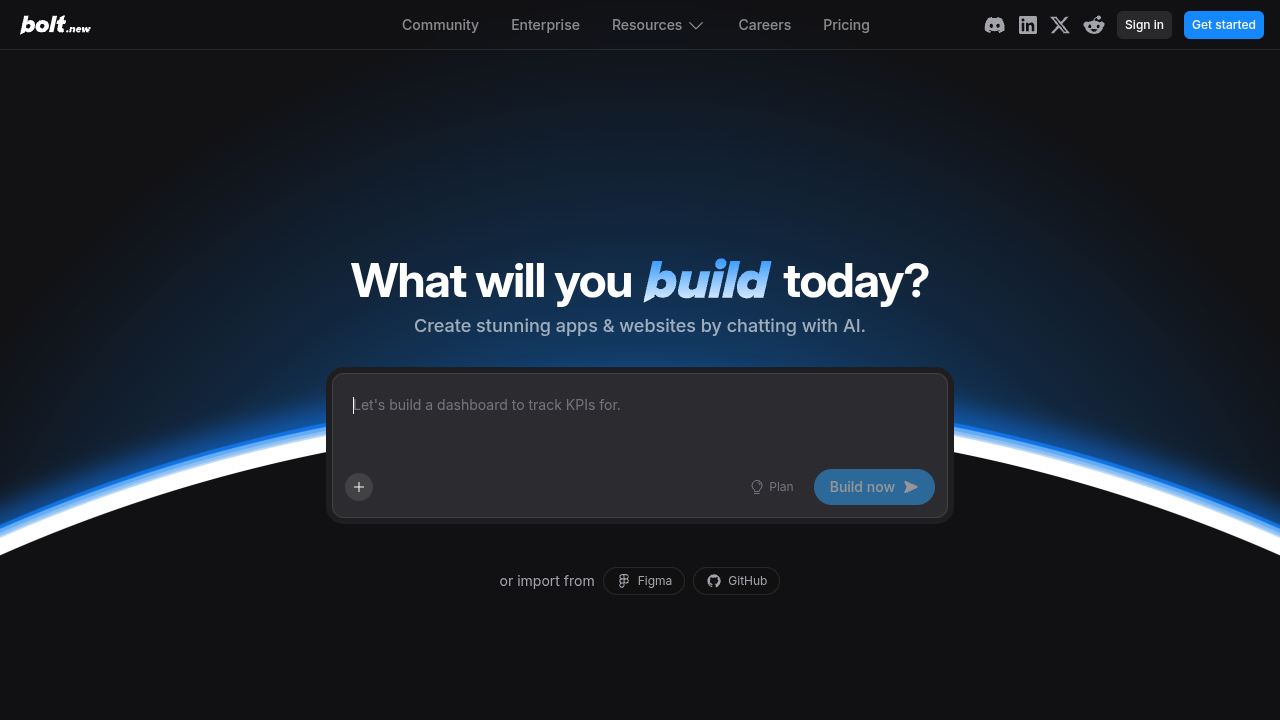
What Is Bolt.new?
Bolt.new is an AI-powered development platform that turns text prompts into fully functional web applications. You type what you want to build, and Bolt's AI agents write the code, set up the project structure, install dependencies, and deploy everything for you.
Think of it like having a junior developer who works instantly. You describe your app idea in a chat interface, and Bolt generates a working prototype in minutes. It handles both the frontend (what users see) and the backend (databases, authentication, server logic).
The platform runs entirely in your browser. There's nothing to install, no local development environment to set up. You open bolt.new, type your prompt, and start building. That's the whole pitch, and it works surprisingly well for many use cases.
Bolt was created by StackBlitz, the company behind the popular online IDE. They leveraged their WebContainer technology (which runs Node.js directly in the browser) to make Bolt possible. This means your code actually runs in the browser during development, which makes the whole experience feel fast and responsive.
The name "bolt.new" comes from the .new top-level domain (like docs.new for Google Docs). The idea is that you visit bolt.new and immediately start creating something new. It's a clever branding choice that reinforces the speed and simplicity of the product.
How Does Bolt.new Work?
The workflow is straightforward. Here's what happens when you use Bolt:
1. Describe your app
You start by typing a description of what you want to build. This can be as simple as "build me a todo app with user authentication" or as detailed as a multi-paragraph specification with specific design requirements, color schemes, and feature lists. The more detail you give, the better the result.
Bolt also offers a "Plan" mode where the AI first outlines what it's going to build before writing any code. This is useful for complex projects where you want to review the approach before committing to a direction.
2. AI generates the code
Bolt's coding agents take your prompt and generate a complete project. This includes the file structure, all the code files, package dependencies, and configuration. It uses frontier AI models from labs like Anthropic and OpenAI to write the actual code.
The platform automatically selects the best framework for your project. If you're building a simple landing page, it might use vanilla HTML/CSS. For a more complex app, it could choose React with Next.js or another modern framework. You can also specify your preferred stack in the prompt.
3. Live preview
As the code is generated, you see a live preview of your app updating in real time. You can interact with it, click buttons, fill forms, and see exactly what you're getting before making any changes. This is powered by StackBlitz's WebContainer technology, which runs Node.js natively in the browser without any server-side processing.
4. Iterate with chat
This is where it gets interesting. You can keep chatting with Bolt to refine your app. "Make the header blue," "add a dark mode toggle," "connect it to a database," "add a pricing page with three tiers." Each prompt updates the code and preview instantly.
The iterative process is what makes Bolt feel magical. You're essentially pair-programming with an AI, but instead of writing code yourself, you're describing what you want in natural language. It feels like having a conversation with a developer who types at superhuman speed.
5. Import from Figma or GitHub
You don't have to start from scratch. Bolt supports importing designs from Figma, so if you have mockups ready, the AI can turn them into working code. You can also import existing GitHub repositories and use Bolt's AI to modify, extend, or refactor the codebase.
6. Deploy
When you're happy with the result, Bolt can deploy your app to a live URL with one click. It handles hosting, SSL certificates, and even custom domains on paid plans. Your app gets its own subdomain on the Bolt platform, or you can connect a custom domain you own.
Key Features of Bolt.new
Here's what makes Bolt.new stand out from other AI builders:
Multiple AI models
Bolt integrates coding agents from different AI labs. You're not stuck with one model. It automatically picks the best model for the task, which means you get better results across different types of projects. This is a significant advantage over tools that are locked into a single AI provider.
Full-stack capabilities
Unlike some AI tools that only generate frontend code, Bolt handles the full stack. It can set up databases, create API endpoints, handle user authentication, and manage server-side logic. Everything runs in the browser during development thanks to WebContainer technology. This means you can build complete applications with persistent data, user accounts, and complex business logic without touching a terminal.
Built-in hosting and deployment
Every Bolt project can be deployed to a live URL directly from the platform. Free plans get Bolt-branded domains, while paid plans support custom domains with SEO optimization and analytics. The hosting infrastructure is managed by Bolt, so you don't need to worry about servers, scaling, or uptime.
Figma and GitHub imports
You can import designs from Figma or existing code from GitHub as a starting point. This is useful if you have mockups from a designer or a codebase you want to iterate on with AI assistance. The Figma integration is particularly popular with design teams who want to quickly turn their visual concepts into working prototypes.
Unlimited databases
Bolt includes unlimited databases on all plans, even the free tier. You can add persistent data storage to your apps without setting up external services like Supabase or Firebase. The Pro plan adds expanded capacity and a choice of database provider, giving you more flexibility for data-heavy applications.
Automatic error handling
Bolt claims 98% fewer errors compared to manual coding. It automatically tests, refactors, and iterates on the code it generates. When something breaks, you can simply tell Bolt about the error and it will attempt to fix it. The platform has gotten significantly better at self-correcting over the past year, though it's still not perfect.
Design system support
Teams can set up design systems so all generated apps follow consistent branding and component styles. This is a newer feature aimed at agencies and larger teams who need to maintain visual consistency across multiple projects. You can define your brand colors, typography, component library, and Bolt will follow those guidelines when generating new apps.
SEO optimization
Bolt includes built-in SEO tools on paid plans. It handles meta tags, Open Graph images, sitemaps, and server-side rendering to ensure your sites rank well in search engines. This is particularly useful for marketing teams who need landing pages that perform well in organic search.
User management and authentication
Building apps that require user accounts is straightforward with Bolt. It can set up sign-up flows, login pages, password resets, and role-based access control. You don't need to integrate a third-party authentication service, though you can if you prefer.
Bolt.new Pricing in 2026
Bolt offers four pricing tiers. Here's the full breakdown:
Free Plan - $0/month
- 300K tokens daily limit
- 1M tokens per month
- Public and private projects
- Website hosting included
- Up to 333K web requests
- Unlimited databases
- 10MB file upload limit
- Bolt branding on deployed websites
The free plan is decent for trying things out. You can build small projects and even deploy them. The main limitations are the token cap (you'll burn through 300K tokens quickly on a complex project) and the mandatory Bolt branding on your deployed sites.
To put the token limits in perspective: a simple landing page might use 50K-100K tokens, while a multi-page app with database integration could easily consume 200K-500K tokens in a single session. If you're iterating heavily, the daily limit can feel restrictive fast.
Pro Plan - $25/month
- No daily token limit
- Starting at 10M tokens per month
- No Bolt branding
- 100MB file upload limit
- Up to 1M web requests
- Custom domain support
- SEO optimization tools
- Expanded database capacity
- Choice of database provider
- AI image editing
- Unused tokens roll over to next month
- Private site sharing
The Pro plan is where Bolt becomes genuinely useful for real projects. The removal of the daily token limit is a big deal, since it means you can have intensive building sessions without hitting a wall. The token rollover is a nice touch, so months where you build less don't feel wasted.
Removing the Bolt branding is essential if you're building anything professional. Custom domain support is also critical for client projects or your own products.
Teams Plan - $30/month per member
- Everything in Pro
- Centralized billing
- Team-level access management
- Admin controls and user provisioning
- Private NPM registry support
- Design system knowledge with per-package prompts
- Organization-wide sharing
The Teams plan adds collaboration features on top of Pro. It's $30 per person per month, which adds up fast for larger teams. A team of five would pay $150/month, and a team of ten would pay $300/month. Whether this is worth it depends on how much time it saves compared to traditional development.
The design system feature is the standout here. Being able to enforce consistent branding across all AI-generated projects is valuable for agencies managing multiple client projects.
Enterprise Plan - Custom pricing
- SSO, audit logs, compliance support
- Dedicated account manager
- 24/7 priority support
- Custom workflows and integrations
- Flexible billing options
- Data governance and retention policies
- Hands-on onboarding and enterprise training
Enterprise pricing is not published. You need to contact their sales team for a quote. This tier is aimed at large organizations that need security compliance, single sign-on, and dedicated support.
Pros and Cons of Bolt.new (Honest Assessment)
Let's be straightforward about what Bolt does well and where it falls short. No sugarcoating.
Pros
Incredibly fast for prototyping. You can go from idea to working prototype in minutes. For validating ideas, client demos, or hackathons, this speed is hard to beat. What used to take a developer a week can be roughed out in an afternoon.
No setup required. Everything runs in the browser. No installing Node.js, no configuring build tools, no dependency hell, no "works on my machine" issues. You open the URL and start building. This is a huge advantage for non-technical users who would never get past the setup phase of traditional development.
Good for non-technical users. If you can describe what you want in plain English, you can build something with Bolt. The learning curve is essentially zero. You don't need to know what React is or how databases work. You just describe what you want, and the AI figures out the technical details.
Full-stack out of the box. Databases, authentication, hosting, all included. You don't need to stitch together five different services to get a working app. This is a real time-saver compared to the traditional approach of setting up separate services for each part of your stack.
Multiple AI models. Access to frontier models from different providers means you're not limited by the weaknesses of any single AI. If one model struggles with a particular task, Bolt can switch to another that handles it better.
Active development. The Bolt team ships updates frequently. The product in early 2026 is significantly better than what launched in 2024. They've improved context management, error handling, and the quality of generated code across the board.
Cons
Token limits can be frustrating. Complex projects eat through tokens fast. The free tier's 300K daily limit might only last a few iterations on a serious project. Even the Pro plan's 10M monthly tokens can feel limiting if you're building something substantial or iterating heavily on a complex feature.
Limited control over code quality. The AI generates code that works, but it's not always well-structured or maintainable. Variable names might be inconsistent, components might be too large, and the overall architecture might not follow best practices. If you eventually need to hand the codebase to a developer, they might want to rewrite significant portions.
Debugging can be painful. When something goes wrong (and it will), you're often stuck in a loop of describing the problem to Bolt and hoping it fixes it correctly. Sometimes it fixes one thing and breaks another. Experienced developers call this the "AI whack-a-mole" problem. Without coding knowledge, you're at the mercy of the AI's ability to understand and fix the issue.
Vendor lock-in concerns. Your project runs on Bolt's infrastructure. While you can export code, moving a Bolt project to a standard development environment isn't always smooth. Some Bolt-specific features (like built-in databases) need to be replaced with alternatives, and the generated code may have dependencies on Bolt's platform.
Not great for complex applications. Bolt shines for simple to medium-complexity apps. Once you need complex business logic, intricate state management, advanced API integrations, or custom algorithms, the AI starts struggling. Projects that require more than 10-15 interconnected features often hit a wall where the AI can't keep track of all the moving parts.
Pricing adds up quickly. $25/month for Pro sounds reasonable, but if you're building multiple projects or working in a team, costs escalate quickly. Teams at $30/person/month gets expensive fast. And unlike traditional hosting (which might cost $5-20/month), you're paying for both the AI generation and the hosting.
Generated designs can feel generic. While the apps work, they often have that "AI-generated" look. Without careful prompting or a custom design system, Bolt tends to produce similar-looking applications with default styling that doesn't stand out. Getting a truly unique, polished design requires significant iteration.
Who Is Bolt.new For?
Bolt.new works best for specific types of users and use cases. Here's an honest breakdown of who should (and shouldn't) use it:
Great fit:
Non-technical founders who want to validate a startup idea without hiring a developer. You can build an MVP in days instead of months, test it with real users, and iterate based on feedback before investing in professional development.
Product managers who need to create prototypes for stakeholder presentations. Going from concept to interactive demo in hours is a game changer for getting buy-in on new features or products.
Marketers who need landing pages, campaign microsites, or interactive content quickly. Bolt handles these use cases well, and the built-in SEO tools mean your pages are search-engine friendly from day one.
Agencies who want to deliver more projects faster without scaling their engineering team. Bolt can handle the initial build, with developers polishing the final product before client delivery.
Students and hobbyists who want to learn by building. Being able to create real applications without years of coding experience is incredibly empowering. It's a great way to understand how web apps work by seeing the generated code.
Developers who want to speed up prototyping. Even experienced developers use Bolt to scaffold projects quickly before diving into the code manually. It's faster than setting up a new project from scratch.
Not ideal for:
Enterprise software teams who need strict code standards, security audits, and long-term maintainability. The generated code doesn't meet enterprise quality standards without significant refactoring.
Performance-critical applications like real-time trading platforms, gaming engines, or high-throughput data processing. Bolt-generated code prioritizes working over optimized.
Highly regulated industries (healthcare, finance) where you need full control over your codebase, audit trails, and compliance documentation that AI-generated code can't provide.
Best Bolt.new Alternatives in 2026
Bolt.new is popular, but it's far from the only option. Here are the best alternatives worth considering, with honest assessments of each:
1. Capacity.so - Best for Serious Projects
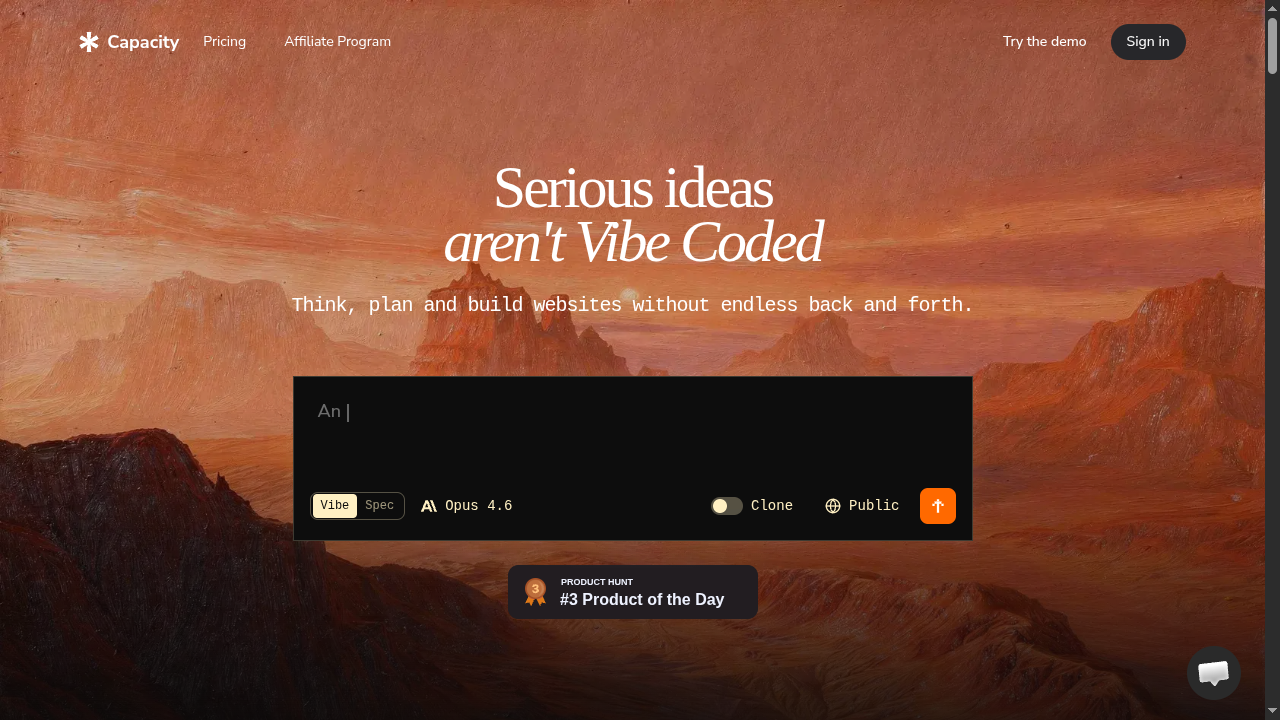
Capacity.so takes a different approach to AI app building. While Bolt focuses on quick generation, Capacity is built for people who want to create serious, production-ready applications.
The key difference is the workflow. Capacity lets you refine your vision before building. You work with an AI co-founder that helps you think through your app's architecture, features, and user experience before generating any code. This "think first, build second" approach leads to much better results for anything beyond a simple prototype.
Capacity also gives you more control over the output. You can see and edit the code, customize the design system, and deploy to your own infrastructure. It's not just a toy for prototypes. People are building real SaaS products, internal tools, and client projects with it.
The platform handles everything: frontend, backend, databases, authentication, hosting, and deployment. And it does it without the token-based pricing model that makes Bolt feel like a meter is always running. You can iterate freely without watching a counter tick down.
If you're serious about building something that lasts (not just a quick prototype), Capacity.so is worth trying first. It's free to start, and the building experience feels more thoughtful and intentional than Bolt's "generate and hope" approach.
2. Lovable - Best for Beautiful UIs
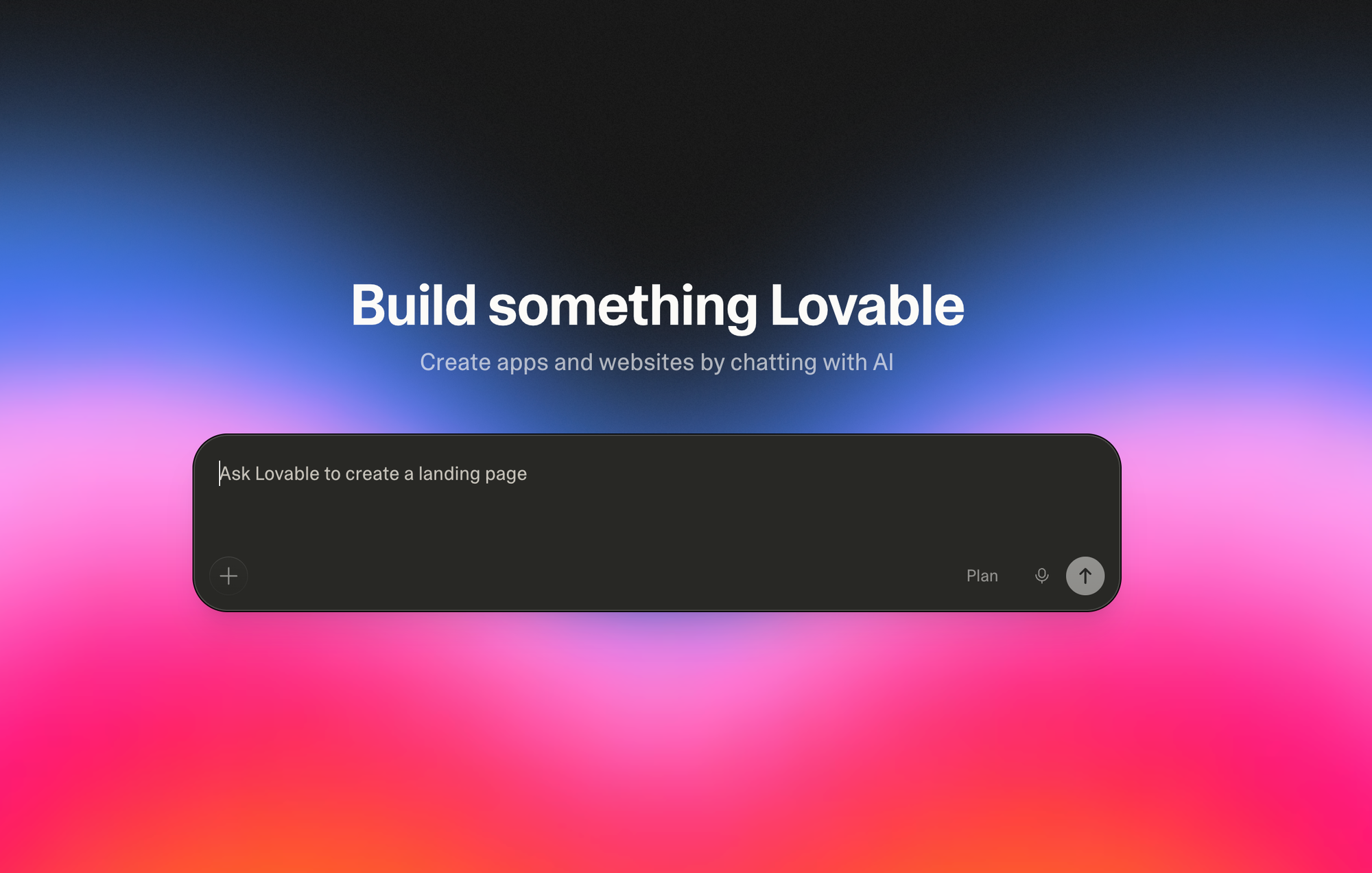
Lovable (formerly GPT Engineer) is another popular AI app builder that focuses on creating beautiful, production-quality applications. It uses a chat interface similar to Bolt but puts more emphasis on design quality. The apps Lovable generates tend to look more polished out of the box, with better typography, spacing, and visual hierarchy.
The platform integrates with Supabase for backend services and supports GitHub syncing for version control. This makes it easier to transition from a Lovable prototype to a developer-maintained codebase. Pricing starts at $20/month for the Starter plan.
Lovable is a solid choice if design quality is your top priority. However, it can feel limited for complex backend logic, and the Supabase dependency means you're tied to a specific backend ecosystem.
3. Cursor - Best for Developers
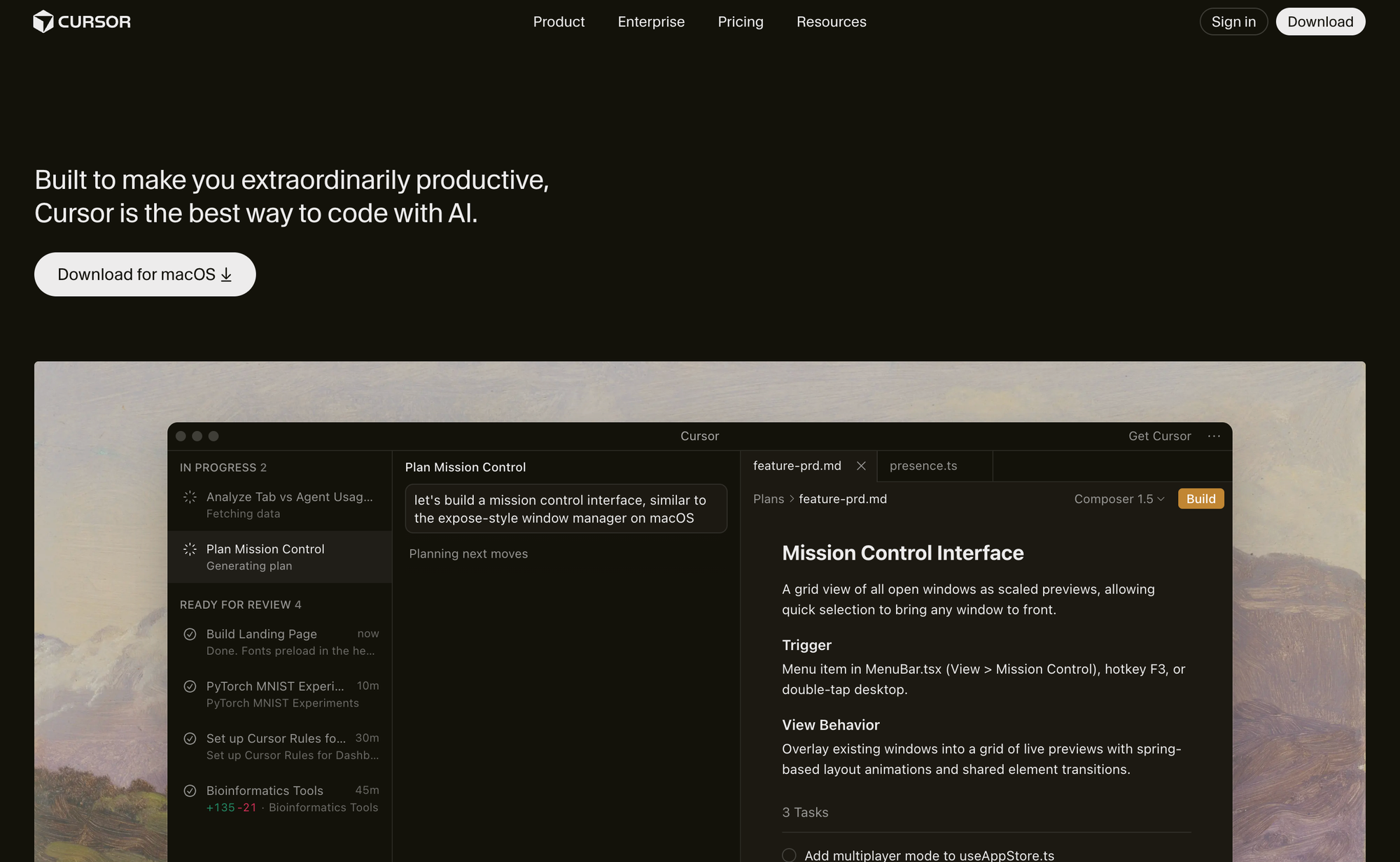
Cursor is an AI-powered code editor (not a no-code builder) that supercharges your development workflow. It's built on VS Code and adds AI capabilities for code generation, editing, and debugging directly in your editor.
Cursor is better suited for developers who want AI assistance while maintaining full control over their code. You can use it with any programming language, any framework, and any hosting provider. It's not the right choice if you can't code at all, but for technical users, it offers more flexibility and better code quality than any no-code builder.
The Pro plan starts at $20/month, and there's a free tier for casual use. Cursor is the tool of choice for professional developers who want to work faster without giving up control.
4. Replit - Best for Learning and Experimentation
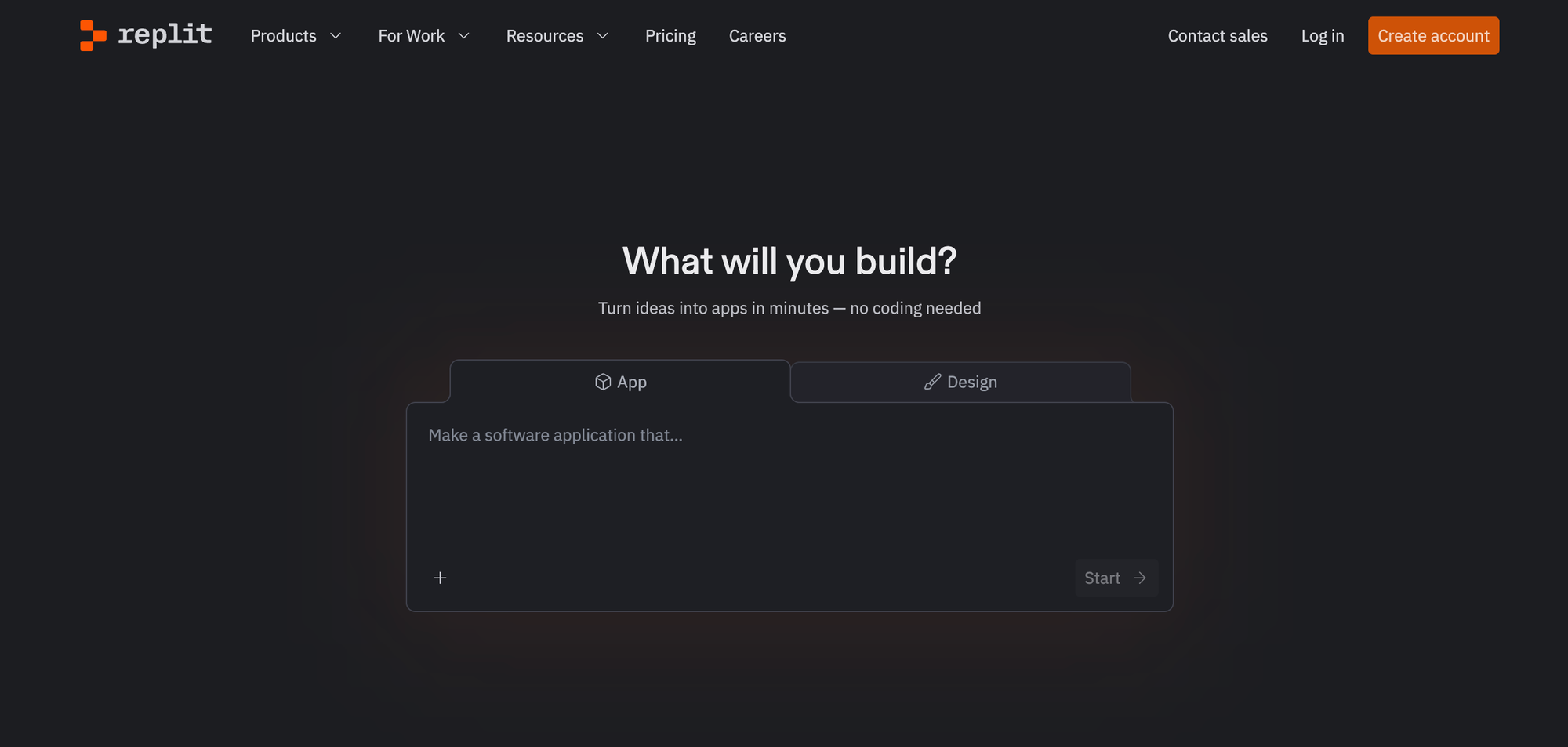
Replit is a cloud-based development environment with AI features. Its Replit Agent can build applications from prompts, similar to Bolt. The advantage is that Replit is also a full IDE, so you get AI generation plus the ability to manually code when needed.
Replit is a good middle ground between no-code builders and traditional development. It supports many programming languages beyond just web apps, including Python, Java, Go, and more. It's particularly popular in educational settings. The Core plan starts at $25/month.
The downside is that Replit's AI features are less polished than Bolt's, and the generated code tends to be simpler. But for learning and experimentation, it's hard to beat.
5. V0 by Vercel - Best for Frontend Components
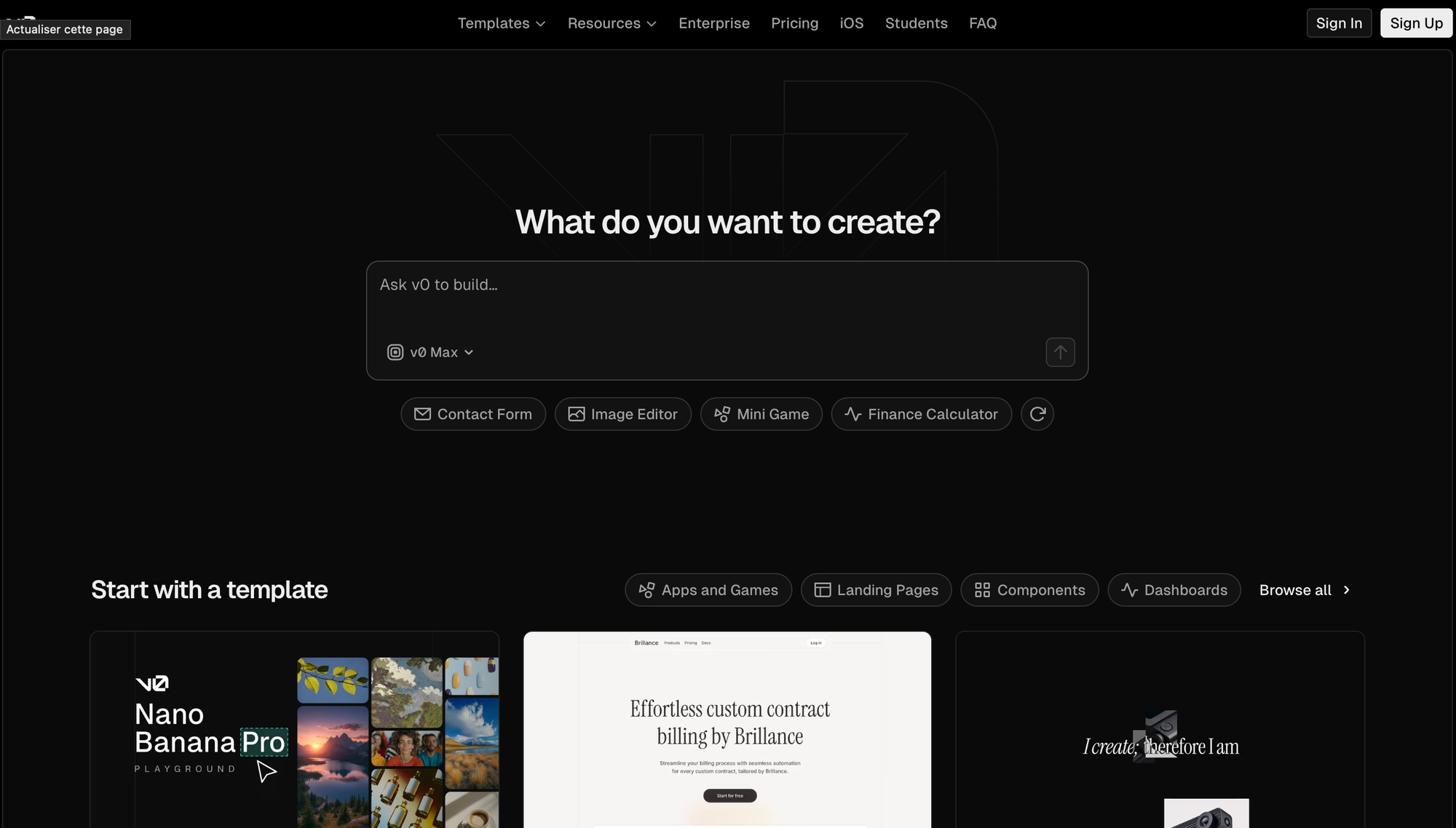
V0 is Vercel's AI tool for generating UI components and full pages. It's particularly strong at creating React and Next.js components with high-quality, modern designs. V0 excels at frontend generation but is more limited on the backend side compared to Bolt.
V0 is best for developers already in the Vercel/Next.js ecosystem who want to speed up their frontend work. The generated components follow best practices and use popular libraries like shadcn/ui. The free tier is generous, and premium plans start at $20/month.
If you need beautiful UI components quickly and plan to handle the backend yourself, V0 is excellent. For full-stack applications, you'll need to combine it with other tools.
6. Firebase Studio - Best for Google Ecosystem
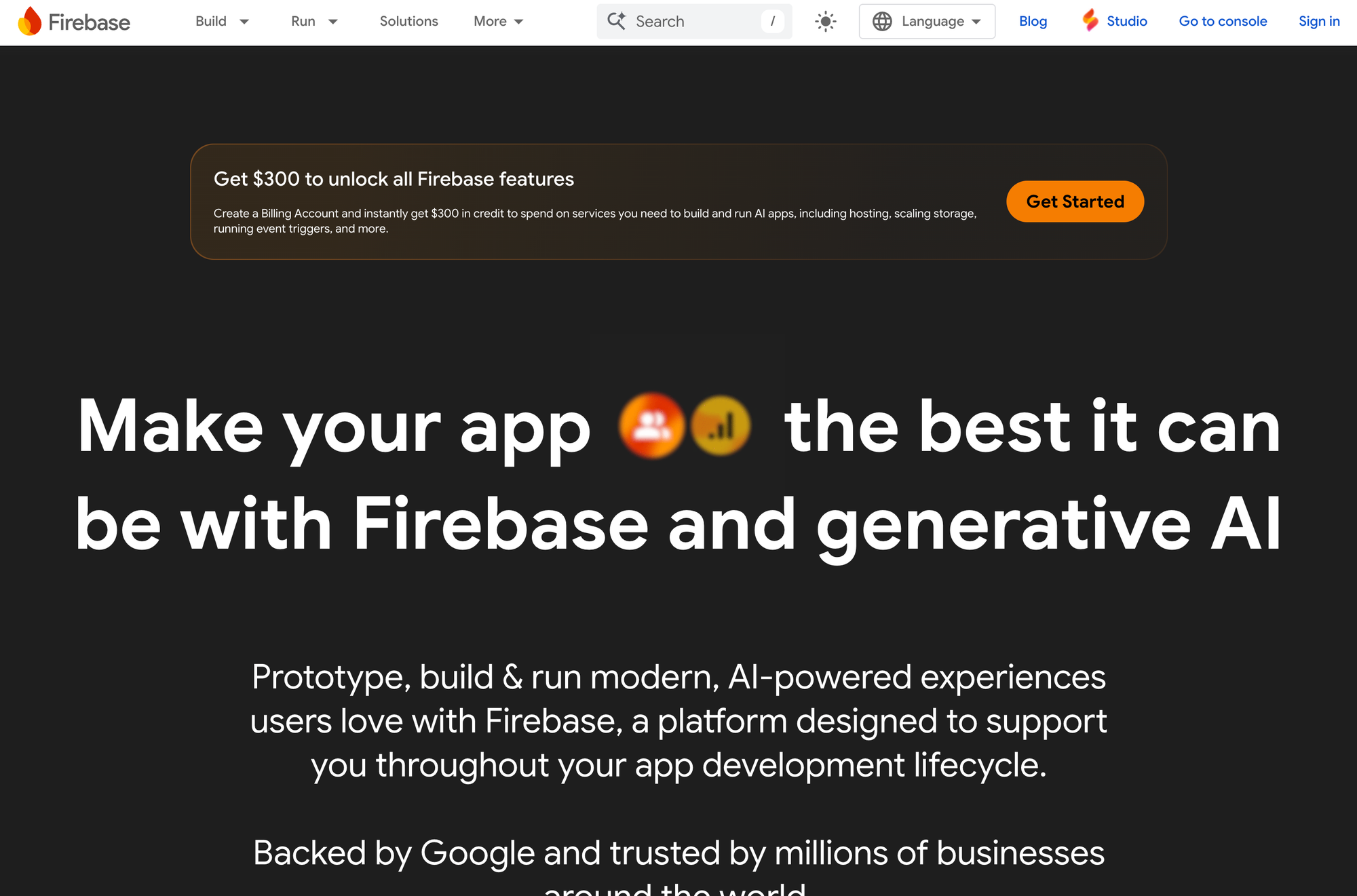
Firebase Studio (formerly Project IDX) is Google's cloud-based development environment with AI assistance. It integrates deeply with Firebase services for backend functionality (authentication, databases, storage, hosting) and offers Gemini-powered code generation.
The platform is currently free to use, which is a significant advantage. However, it requires more technical knowledge than Bolt and has a steeper learning curve. It's best suited for developers who are already comfortable with Google Cloud and Firebase services.
7. Windsurf - Best Budget AI Editor
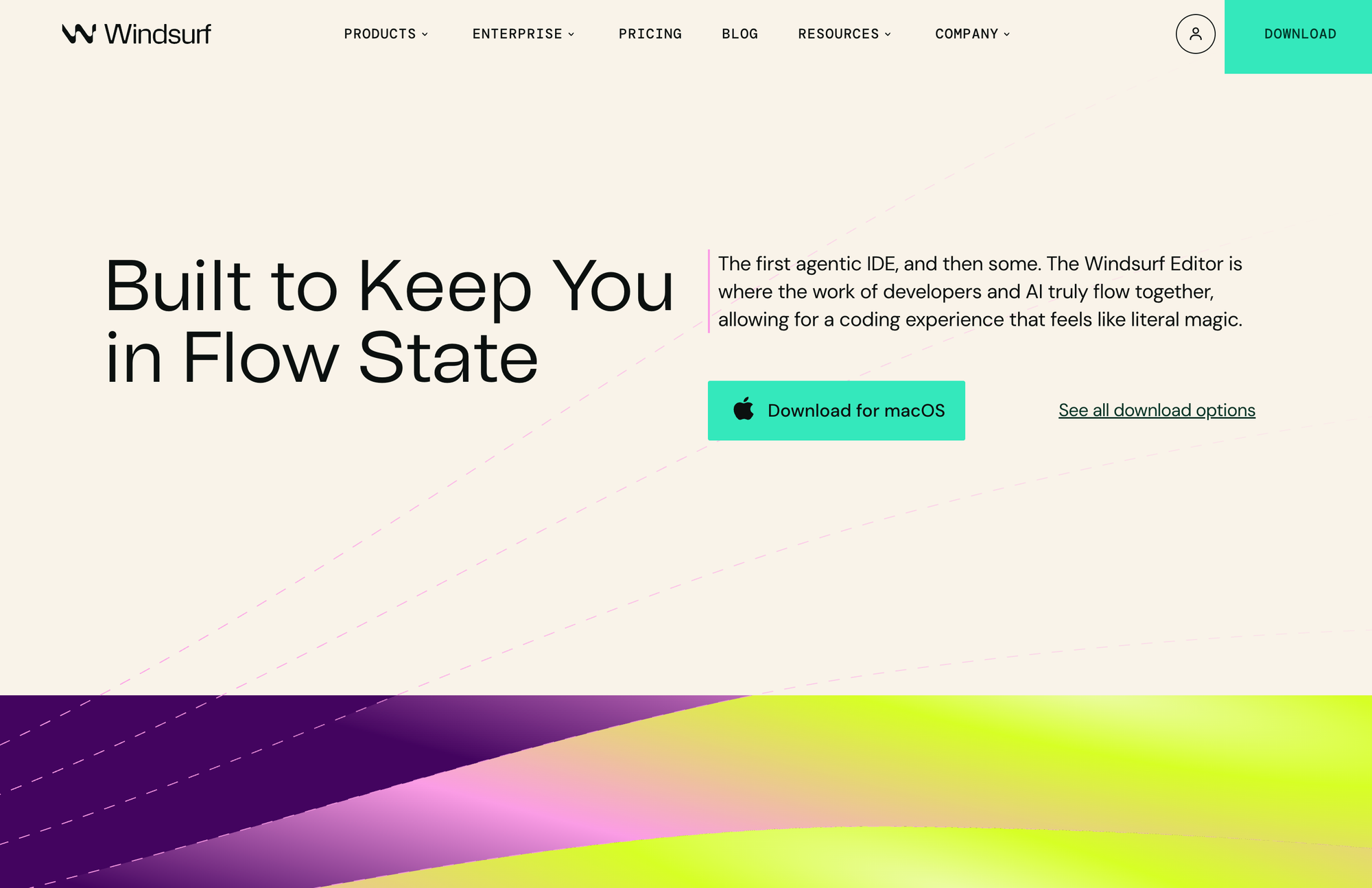
Windsurf (by Codeium) is an AI-powered IDE similar to Cursor. It offers intelligent code completion, AI chat, and automated coding flows called "Cascades" that can make multi-file changes across your project. Windsurf is particularly good at understanding large codebases and maintaining context across many files.
Like Cursor, Windsurf is aimed at developers rather than non-technical users. It's a great alternative if you want AI-assisted coding with more control than what Bolt offers. Pricing starts at $15/month, making it the most affordable option in the AI code editor category.
Bolt.new vs. The Competition: Quick Comparison
| Feature | Bolt.new | Capacity.so | Lovable | Cursor | Replit |
|---|---|---|---|---|---|
| Type | AI app builder | AI app builder | AI app builder | AI code editor | Cloud IDE + AI |
| No-code friendly | Yes | Yes | Yes | No | Partial |
| Full-stack | Yes | Yes | Partial | Yes (manual) | Yes |
| Built-in hosting | Yes | Yes | Yes | No | Yes |
| Free tier | Limited | Yes | Limited | Limited | Limited |
| Starting price | $25/mo | Free | $20/mo | $20/mo | $25/mo |
| Best for | Quick prototypes | Serious apps | Beautiful UIs | Developers | Learning |
Tips for Getting the Best Results with Bolt.new
If you decide to use Bolt, here are some practical tips to get better results:
Be specific in your prompts. Instead of "build me a dashboard," try "build me a project management dashboard with a sidebar navigation, a Kanban board view, and a calendar view. Use a dark theme with blue accents." The more detail you provide, the closer the first result will be to what you want.
Use the Plan mode for complex projects. Before letting Bolt generate code, ask it to plan first. Review the plan and make adjustments before committing. This saves tokens and leads to better results.
Iterate in small steps. Don't try to change everything at once. Make one request at a time. "Change the header color to blue." Then "add a search bar to the header." Then "make the search bar filter the list below." Small, focused prompts get better results than large, complex ones.
Start with a reference. If there's a website or app that looks similar to what you want, mention it. "Build something that looks like Linear's project board" gives Bolt a clear target to aim for.
Save your tokens. If you're on the free plan, don't waste tokens on experimentation. Plan what you want to build before you start. Write out your requirements in a document first, then give Bolt a clear, complete prompt.
Export early, export often. Don't rely solely on Bolt's hosting. Export your code regularly so you have a backup and can continue development elsewhere if needed.
Frequently Asked Questions
Is Bolt.new free?
Yes, Bolt.new has a free plan. You get 300K tokens per day and 1M tokens per month. This is enough to try the platform and build small projects. For anything serious or ongoing, you'll likely need the Pro plan at $25/month.
Is Bolt.new the same as Bolt AI?
Yes. "Bolt.new" and "Bolt AI" refer to the same product. The domain is bolt.new, and people often call it "Bolt AI" or just "Bolt" for short. It was originally launched under the bolt.new domain by StackBlitz.
Can I export my code from Bolt.new?
Yes. You can download your project's source code and run it locally or deploy it elsewhere. However, some Bolt-specific features (like the built-in databases) may need to be replaced with alternatives if you move to a different hosting environment. The exported code is standard JavaScript/TypeScript that any developer can work with.
What programming languages does Bolt.new support?
Bolt primarily generates JavaScript/TypeScript applications using popular frameworks like React, Next.js, Vue, Svelte, and Astro. It can also handle backend code with Node.js. It's focused on web technologies rather than mobile or desktop applications.
Can I build a mobile app with Bolt.new?
Bolt.new is designed for web applications, not native mobile apps. However, you can build Progressive Web Apps (PWAs) that work well on mobile devices. The apps are responsive by default, so they look good on phones and tablets. For native iOS or Android apps, you'd need to look at other tools or use a framework like React Native (which Bolt doesn't currently support well).
How does Bolt.new compare to hiring a developer?
Bolt is much faster and cheaper for simple projects and prototypes. A developer might take weeks and charge thousands of dollars for what Bolt can generate in minutes. However, for complex, production-grade applications, a skilled developer will produce better, more maintainable code. The sweet spot is using Bolt for the initial prototype and bringing in developers for refinement and scaling.
Is Bolt.new good for SEO?
Bolt includes basic SEO optimization tools on paid plans, including meta tags, Open Graph support, sitemaps, and server-side rendering. For simple marketing sites and landing pages, the SEO capabilities are adequate. For more advanced SEO needs (custom schema markup, fine-tuned Core Web Vitals, complex URL structures), you might want more control over the generated code.
What happened to StackBlitz?
StackBlitz is the company behind Bolt.new. They're still active and maintain both the StackBlitz online IDE and Bolt.new. Bolt is essentially StackBlitz's consumer-facing AI product, while the original StackBlitz IDE continues to serve developers who prefer a traditional coding environment with AI assistance.
How many tokens do I need for a typical project?
It depends on complexity. A simple landing page might use 50K-100K tokens. A multi-page app with a database and user authentication could use 500K-2M tokens during the initial build, plus more for each iteration. Complex projects with many features can easily consume 5M+ tokens over their development lifecycle.
Can I use my own domain with Bolt.new?
Yes, but only on paid plans (Pro and above). The free plan hosts your sites on Bolt-branded subdomains. With Pro, you can connect any custom domain you own and Bolt handles the SSL certificate automatically.
Conclusion
Bolt.new is a genuinely impressive tool that has made app building accessible to anyone who can type a sentence. It's fast, it's easy to use, and for simple to medium-complexity projects, it delivers real results. The combination of AI code generation, built-in hosting, and a frictionless browser-based experience makes it one of the most approachable development tools available in 2026.
That said, it's not perfect. Token-based pricing can feel restrictive, code quality varies, debugging AI-generated code is frustrating, and complex projects still require traditional development skills. It's best thought of as a powerful prototyping and MVP tool rather than a complete replacement for professional software development.
If you're looking to quickly validate an idea or build a simple web app, Bolt.new is worth trying. The free tier lets you test it without any commitment, and you can have something live on the internet in under an hour.
But if you want to build something more serious, something that could become a real product or business, take a look at Capacity.so. It gives you the same AI-powered building experience with a workflow specifically designed for production-quality results. The "plan first, build second" approach means you end up with better apps that are actually ready for real users. And it's free to get started.
The AI app building space is evolving fast. New tools launch every month, existing tools get better with each update, and what seemed impossible a year ago is now routine. Whatever tool you choose, the fact that you can go from idea to working app in minutes (instead of months) is pretty remarkable. Happy building.