
Webflow vs Framer: Which Website Builder Wins in 2026?
Webflow vs Framer: Which Website Builder Wins in 2026?
Webflow and Framer are two of the most popular website builders in 2026, but they take fundamentally different approaches to building for the web. Webflow positions itself as a professional-grade visual development platform with deep CMS capabilities, while Framer leans heavily into AI-powered design and rapid prototyping. If you have been going back and forth between the two, you are not alone - this is one of the most common comparisons in the website builder space right now.
Having spent considerable time building real projects with both platforms, I can tell you this: the "winner" depends entirely on what you are building, who you are, and how much control you need. This is not a surface-level feature checklist. We are going deep into the real differences, the frustrations nobody talks about, and the scenarios where each tool genuinely shines.
Webflow: The Professional Visual Development Platform
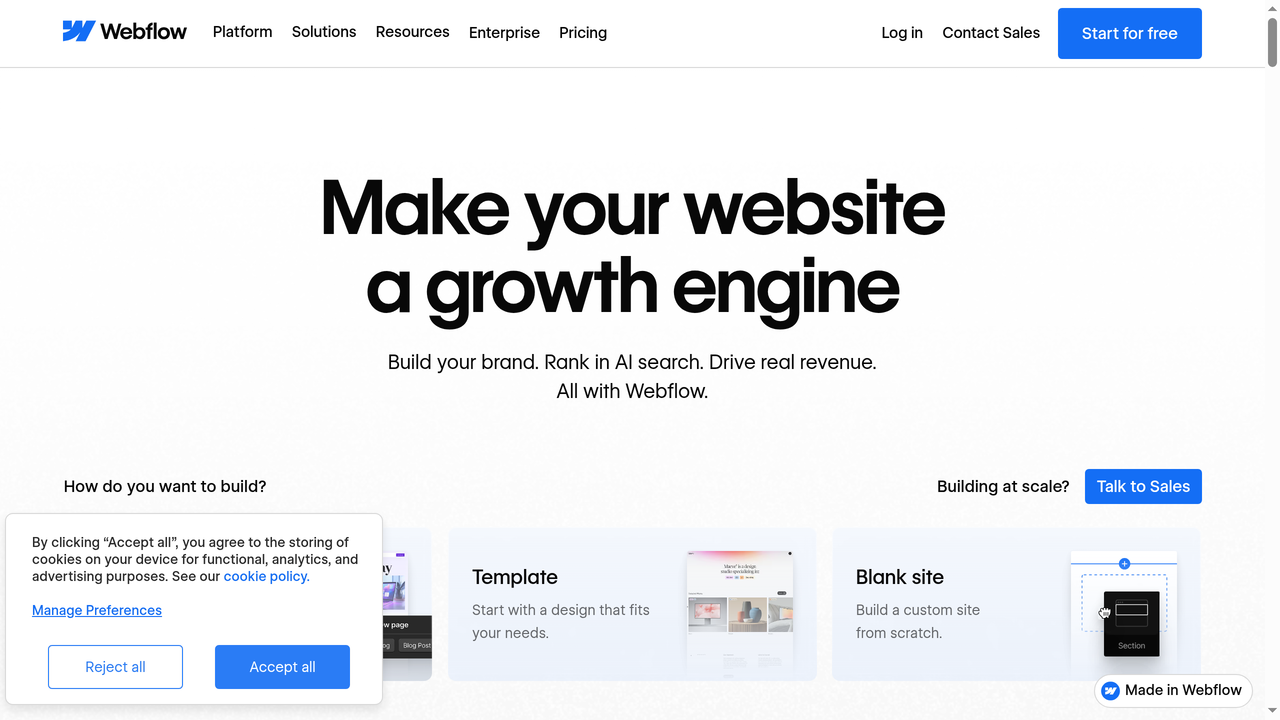
Webflow launched in 2013 and has steadily grown into one of the most powerful no-code web development platforms available. It gives you visual control over HTML, CSS, and JavaScript without writing code, but it does not hide the underlying web technologies. This is both its greatest strength and its steepest learning curve.
What Makes Webflow Stand Out
The core philosophy of Webflow is that you should be able to build anything a developer can build, but visually. The Designer tool maps directly to CSS properties. When you adjust spacing, typography, or layout, you are actually manipulating real CSS values through a visual interface. This means:
- Full CSS control - Flexbox, Grid, custom properties, responsive breakpoints, pseudo-classes, and transitions are all accessible through the visual editor
- Clean code output - The HTML and CSS Webflow generates is production-quality and semantically structured
- No vendor lock-in (sort of) - You can export your code and host it elsewhere, though this comes with caveats
The CMS That Sets Webflow Apart
Where Webflow truly separates itself from Framer and most other website builders is its Content Management System. Webflow CMS is genuinely powerful - you can create custom content types (called Collections), define relationships between them, and build dynamic pages that pull content from your database.
For example, if you are building a blog with categories, author profiles, and related posts, Webflow handles this natively. You can create a "Blog Posts" collection with fields for title, content, featured image, author (reference to Authors collection), and categories (multi-reference to Categories collection). Then you design a template page once, and every blog post uses that template while pulling in its unique content.
This is the kind of functionality that typically requires WordPress or a headless CMS. Webflow gives it to you without plugins, without databases to manage, and without security patches to install.
E-Commerce Capabilities
Webflow also offers built-in e-commerce, which Framer does not have at all. You can build fully custom online stores with product pages, cart functionality, checkout flows, and inventory management. It is not Shopify-level comprehensive, but for small to medium stores with unique design requirements, it is excellent.
Interactions and Animations in Webflow
Webflow Interactions is a powerful system for creating animations triggered by scrolling, clicking, hovering, or page loading. You can build multi-step animation timelines that control opacity, position, scale, rotation, and more. The Interactions panel lets you sequence these animations with precise timing and easing curves. For example, you can create a parallax scrolling effect where different elements move at different speeds, or build a complex onboarding animation that plays when a user first visits your site. The downside is that the learning curve for Interactions is steep on its own - it takes practice to understand how triggers, actions, and timelines work together.
The Webflow Learning Curve Problem
Here is the honest truth that Webflow's marketing does not emphasize enough: Webflow has a significant learning curve. If you have never worked with CSS concepts like the box model, flexbox, or positioning, you will struggle initially. The interface is dense, with panels for styles, layouts, interactions, and settings competing for your attention.
Webflow University is genuinely excellent - one of the best learning resources any SaaS company has ever created. But you should budget at least 2-4 weeks of dedicated learning before you can build confidently. For designers familiar with CSS concepts, that timeline shrinks dramatically. For complete beginners, it can take longer.
Webflow Pricing Breakdown
Webflow uses a two-tier pricing model that confuses many newcomers. You pay separately for Workspace plans (team collaboration features) and Site plans (hosting and features per website).
- Free plan - 1 site with webflow.io subdomain, limited to 2 pages, 50 CMS items
- Basic - $14/month (billed annually) for custom domain, 150 pages
- CMS - $23/month for 2,000 CMS items, 20 collection types
- Business - $39/month for 10,000 CMS items, form submissions, site search
- E-commerce plans - Start at $29/month, going up to $212/month for advanced features
For agencies and teams, Workspace plans add another $19-49/month per seat. The costs add up quickly when you factor in both workspace and site plans.
Framer: The AI-First Website Builder
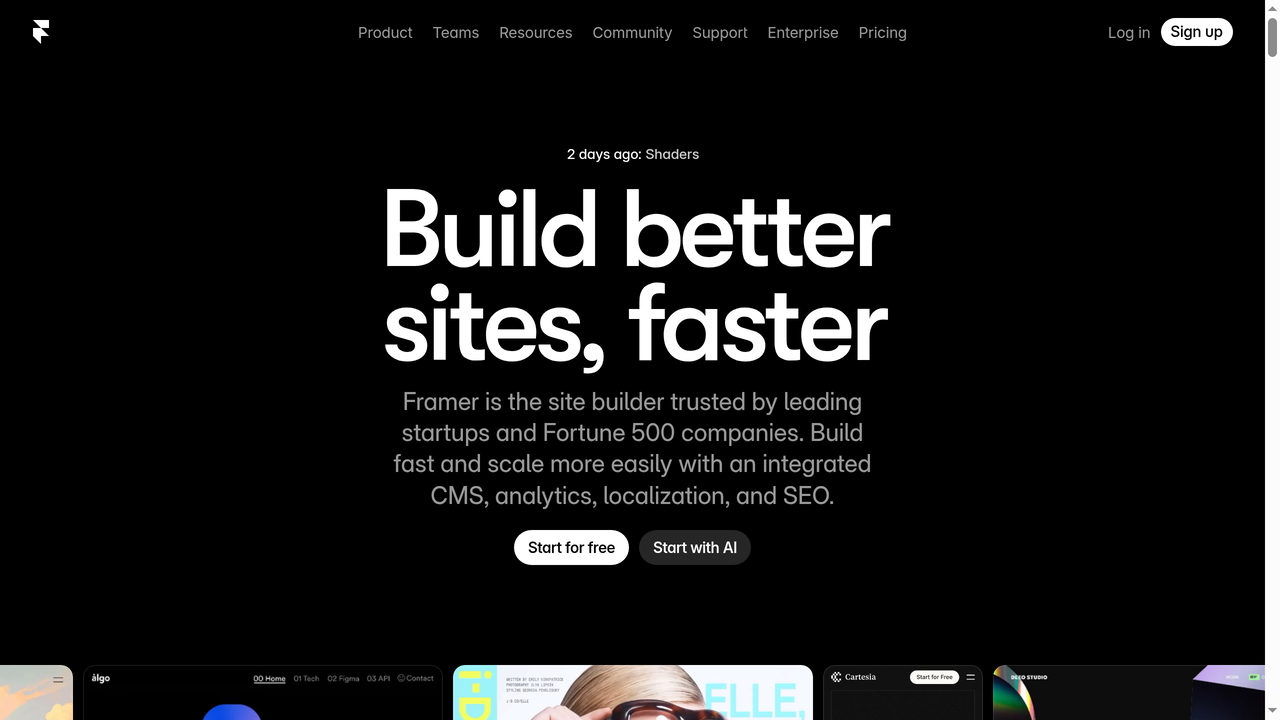
Framer has undergone a dramatic transformation. Originally launched as a prototyping tool for designers, it pivoted to become a full website builder in 2022 and has since doubled down on AI-powered site generation. In 2026, Framer positions itself as the fastest way to go from idea to published website.
The Speed Advantage
If Webflow's philosophy is "build anything with full control," Framer's philosophy is "build something beautiful, fast." And it delivers on that promise. You can go from a blank canvas to a polished, published website in hours rather than days.
The interface is closer to Figma than to a traditional website builder. You place elements on a canvas, adjust properties in a right-hand panel, and preview your site in real time. There is less to learn because Framer abstracts away many CSS concepts that Webflow exposes directly.
AI-Powered Generation
Framer's AI features are not just a gimmick - they are genuinely useful for getting started quickly. You can describe the website you want in natural language, and Framer generates a complete layout with real content, images, and styling. It is not perfect, but it gives you a solid starting point that you can then customize.
The AI also helps with:
- Content rewriting - Highlight text and ask AI to rewrite, expand, or translate it
- Layout suggestions - Get component and section recommendations based on your site type
- Image generation - Create placeholder images that match your site's aesthetic
- Responsive adjustments - AI can help adapt your desktop design for mobile
Animation and Interactions
Framer inherited its animation DNA from its prototyping tool origins, and it shows. Creating smooth scroll-based animations, hover effects, page transitions, and micro-interactions is remarkably intuitive. You can build complex animation sequences that would require significant custom JavaScript on other platforms.
The animation capabilities in Framer feel more natural and designer-friendly than Webflow Interactions, though Webflow offers more granular control for complex, multi-step animations.
Localization and Multi-Language Support
Another area where Framer impresses is built-in localization. You can create multi-language versions of your site natively, with automatic URL routing (e.g., /fr/ for French, /es/ for Spanish). Each locale gets its own content, and you can manage translations directly within the editor. Webflow has added localization features more recently, but Framer's implementation feels more polished and easier to manage for teams working across multiple markets.
Component System and Reusability
Framer's component system borrows heavily from React's component model. You can create reusable components with variants, properties, and states - similar to Figma's component system but for live websites. This makes maintaining consistency across a large site much easier. Want to update a button style across 50 pages? Change the component once, and every instance updates. Webflow has symbols (now called components), which serve a similar purpose but feel less flexible than Framer's approach, especially when it comes to component variants and prop-based customization.
Where Framer Falls Short
Despite its strengths, Framer has notable limitations that matter for professional projects:
- CMS is basic - Framer's CMS exists, but it is nowhere near as powerful as Webflow's. You get simple content collections without the relationship features, filtering options, or dynamic page flexibility that Webflow provides
- No e-commerce - There is no native e-commerce solution. You would need to integrate with external tools like Shopify or Lemonsqueezy
- Limited SEO control - While basic meta tags and sitemap generation work fine, you have less control over schema markup, canonical tags, and advanced SEO settings compared to Webflow
- Code export not available - Unlike Webflow, you cannot export your site's code. You are locked into Framer's hosting
- Scalability concerns - For sites with hundreds of pages or complex content structures, Framer can feel constraining
Framer Pricing
Framer's pricing is simpler and generally more affordable than Webflow's:
- Free - framer.com subdomain, limited bandwidth, Framer badge
- Mini - $5/month for custom domain, 1,000 visitors/month
- Basic - $15/month for 10,000 visitors, 10 CMS items
- Pro - $30/month for 200,000 visitors, 1,000 CMS items, advanced SEO
For most personal sites and small business websites, the Basic or Pro plan covers everything you need. The per-site pricing is straightforward - no separate workspace fees.
Head-to-Head Comparison: The 10 Factors That Matter
1. Ease of Use
Winner: Framer
Framer is significantly easier to pick up. A designer with Figma experience can be productive within hours. Webflow requires understanding CSS concepts and spending time with Webflow University before you can build with confidence. If speed to first launch matters, Framer wins decisively.
2. Design Flexibility
Winner: Webflow
Webflow gives you pixel-perfect control over every CSS property. You can build truly custom layouts that would be difficult or impossible in Framer. If you need complex grid layouts, custom CSS animations, or precise control over responsive behavior, Webflow is the better tool.
3. Content Management
Winner: Webflow (by a wide margin)
Webflow's CMS is in a completely different league. Multi-reference fields, dynamic filtering, conditional visibility, collection lists within collection pages - these features make Webflow suitable for content-heavy sites like blogs, directories, and marketplaces. Framer's CMS is adequate for simple blogs but struggles with anything more complex.
4. Animation and Interactions
Winner: Framer
Both platforms handle animations well, but Framer makes it more intuitive. Creating scroll-triggered animations, smooth transitions, and micro-interactions requires less effort in Framer. Webflow's Interactions panel is powerful but more complex to master.
5. AI Features
Winner: Framer
Framer's AI integration is more mature and more deeply embedded in the workflow. You can generate entire sites, rewrite content, and get design suggestions powered by AI. Webflow has started adding AI features, but they are more limited in scope and less central to the building experience.
6. SEO Capabilities
Winner: Webflow
Webflow offers more granular SEO control including custom meta tags per page, auto-generated sitemaps, 301 redirects, schema markup support, and clean semantic HTML output. Framer covers the basics but lacks the depth that SEO-focused teams need.
7. E-Commerce
Winner: Webflow
This is not even close. Webflow has native e-commerce; Framer does not. If you need to sell products directly from your site, Webflow is the only option between the two.
8. Performance and Speed
Winner: Tie
Both platforms generate fast-loading sites. Framer uses a React-based rendering approach that can add some JavaScript overhead, while Webflow outputs cleaner static HTML/CSS. In practice, both score well on Core Web Vitals when built properly. The difference is negligible for most use cases.
9. Collaboration
Winner: Framer
Framer's collaboration features feel more modern - real-time multiplayer editing, comments, and sharing work similarly to Figma. Webflow's collaboration has improved but still feels more traditional, with role-based access control and less fluid real-time editing.
10. Pricing Value
Winner: Framer
For a single marketing site or portfolio, Framer typically costs less than Webflow. When you factor in Webflow's separate workspace and site plans, the total cost can be 2-3x higher than a comparable Framer plan. Webflow justifies its price with more features, but if you do not need those features, you are overpaying.
Feature Comparison Table
| Feature | Webflow | Framer |
|---|---|---|
| Learning Curve | Steep | Moderate |
| CMS Power | Advanced | Basic |
| E-Commerce | Built-in | None |
| AI Features | Limited | Extensive |
| Animation | Powerful | Intuitive |
| Code Export | Yes | No |
| SEO Control | Advanced | Basic |
| Collaboration | Good | Excellent |
| Starting Price | $14/mo | $5/mo |
| Custom Code | Full Access | Limited |
| Hosting | Built-in + Export | Built-in Only |
When to Choose Webflow
Webflow is the right choice when your project demands depth and flexibility. Specifically, choose Webflow if:
- You are building a content-heavy site - Blogs, magazines, directories, and resource libraries benefit enormously from Webflow's CMS capabilities
- You need e-commerce - Selling physical or digital products directly from your site requires Webflow's built-in store
- SEO is a top priority - The granular control over meta tags, schema, redirects, and semantic HTML gives you an edge
- You want code ownership - The ability to export clean HTML/CSS means you are not permanently locked in
- You are building for clients - Agencies love Webflow because they can hand off sites to clients with the Editor interface, keeping the design locked while allowing content updates
- Your site will scale - If you expect to grow to hundreds of pages with complex content relationships, Webflow handles this better
When to Choose Framer
Framer excels when speed and visual polish are your top priorities:
- You need a site fast - Landing pages, portfolios, and marketing sites can be live within hours using AI generation and pre-built components
- Design quality matters most - Framer sites tend to look more modern and animated out of the box, with less effort required to achieve polished micro-interactions
- You are a designer, not a developer - The Figma-like interface feels natural to designers without requiring CSS knowledge
- Budget is tight - Framer's simpler pricing and lower entry point make it more accessible for personal projects and startups
- Rapid prototyping - If you are testing ideas and need to iterate quickly, Framer's speed from concept to published site is unmatched
- Your team collaborates in real-time - Framer's multiplayer editing is superior for teams working simultaneously
The Alternative Nobody Is Talking About: Building with AI
Here is a perspective that most Webflow vs Framer comparisons miss entirely: both tools assume you want to build websites through a visual editor. But what if you could describe what you want in plain language and get a fully functional web application - not just a static site, but something with real backend logic, databases, authentication, and APIs?
That is exactly what platforms like Capacity.so enable. Instead of dragging elements around a canvas or learning CSS properties, you describe your project to an AI that generates a complete full-stack application. Need a SaaS dashboard with user authentication, a database, payment processing, and an admin panel? Describe it, and the AI builds it.
This is not a replacement for Webflow or Framer in every scenario - if you specifically need a marketing website with custom animations, those tools are still excellent choices. But if your real goal is building a web application or a dynamic product, the visual website builder approach might be the wrong tool entirely. Capacity.so bridges that gap, letting non-developers create production-ready applications that go far beyond what any website builder can achieve.
Other Alternatives Worth Considering
WordPress
Still the most widely used CMS globally, WordPress offers unmatched plugin ecosystem and flexibility. It requires more technical setup than Webflow or Framer, but its open-source nature means zero platform lock-in. Best for: content-heavy sites, blogs, and anyone who wants complete ownership of their platform.
Squarespace
If neither Webflow nor Framer feels right, Squarespace occupies the middle ground - easier than both but more limited. It offers beautiful templates, decent e-commerce, and a straightforward editor. Best for: small businesses, restaurants, portfolios, and anyone who wants "good enough" design without a learning curve.
Wix
Wix has improved dramatically and now includes AI site generation similar to Framer. It offers more built-in features than Framer (booking, events, forums) but less design control than Webflow. Best for: small businesses that need lots of built-in functionality without third-party integrations.
Carrd
For simple one-page sites, Carrd is unbeatable at $19/year for up to 10 sites. It does one thing (single-page sites) extremely well. Best for: landing pages, personal sites, link-in-bio pages, and quick project showcases.
Decision Framework: 5 Questions to Pick Your Builder
Still not sure? Answer these five questions:
- Do you need a CMS with complex content relationships? If yes, choose Webflow. Framer's CMS will limit you.
- Do you need e-commerce? If yes, choose Webflow. Framer has no native store.
- Is time-to-launch your top priority? If yes, choose Framer. AI generation and simpler interface get you live faster.
- Are you building a web application (not just a website)? If yes, neither tool is ideal - consider Capacity.so or a full development framework.
- What is your budget? If under $20/month, Framer offers more value. If you need CMS and e-commerce features, Webflow's higher price is justified.
Real-World Scenarios
Scenario 1: Freelance Designer Portfolio
Best choice: Framer
A designer building a portfolio wants visual polish, smooth animations, and fast iteration. Framer's design-first approach and AI-assisted generation make it ideal. You can have a stunning portfolio live in an afternoon, and the Pro plan at $30/month covers all you need.
Scenario 2: SaaS Marketing Website
Best choice: Webflow
A SaaS company needs a marketing site with a blog (SEO matters), a changelog, documentation pages, and eventually pricing pages with dynamic content. Webflow's CMS handles all of this elegantly, and the SEO capabilities help drive organic traffic.
Scenario 3: Startup Landing Page
Best choice: Framer
A startup needs to validate an idea quickly. They want a beautiful landing page with an email capture form, social proof sections, and maybe a waitlist. Framer gets this done in hours, not days, and the cost is minimal.
Scenario 4: E-Commerce Brand
Best choice: Webflow (or Shopify)
If you need to sell products with a custom-designed storefront, Webflow's e-commerce gives you design freedom that Shopify templates cannot match. Framer is not even an option here.
Scenario 5: Full-Stack Web Application
Best choice: Capacity.so
If what you actually need is a web application with user accounts, a database, backend logic, and API integrations, neither Webflow nor Framer is the right tool. Capacity.so lets you describe your app and generates the complete stack, from frontend to backend to deployment.
The Verdict: Which Builder Wins?
Neither Webflow nor Framer "wins" universally. They are optimized for different use cases and different types of builders.
Webflow wins when you need professional-grade websites with complex content management, e-commerce, granular SEO control, and long-term scalability. It rewards the time you invest in learning it with unmatched flexibility.
Framer wins when speed, visual polish, and modern design are your priorities. It is the better choice for designers who want to ship quickly, teams that value real-time collaboration, and projects where a beautiful marketing site is the goal.
And if you find yourself wishing either tool could do more - handle backend logic, manage databases, process payments with custom flows - you might be looking at the wrong category entirely. Tools like Capacity.so represent the next evolution: AI that builds complete applications, not just websites.
The best tool is the one that matches your actual needs, not the one with the most features. Start with what you are building, work backward to the tool, and you will make the right choice every time.
FAQ
Can I migrate from Framer to Webflow (or vice versa)?
There is no direct migration path between the two platforms. You would need to rebuild your site from scratch. Webflow allows code export, so moving from Webflow to another platform is easier than moving from Framer, which has no export option. Plan your choice carefully before investing significant time in either platform.
Is Webflow better for SEO than Framer?
Yes, Webflow offers more advanced SEO features including custom schema markup, granular meta tag control, 301 redirect management, and cleaner HTML output. Framer covers basic SEO (meta titles, descriptions, Open Graph tags), but Webflow gives you more tools to optimize for search engines.
Can I use Framer for a blog?
Yes, but with limitations. Framer has a basic CMS that works for simple blogs. However, if you need categories, author pages, related posts, or complex content filtering, you will quickly outgrow Framer's CMS. Webflow is significantly better for content-heavy blogs.
Which is better for a design agency?
Most design agencies prefer Webflow because of its client handoff capabilities. The Editor role lets clients update content without touching the design, and Webflow's more powerful features justify the higher price when building for clients. Framer works well for agencies focused on marketing sites and landing pages where speed is valued over CMS complexity.
Do Webflow or Framer require coding knowledge?
Neither requires coding, but Webflow benefits significantly from understanding CSS concepts. If you know what flexbox, grid, and the box model are, Webflow becomes much more intuitive. Framer requires less technical knowledge - its interface is designed for visual thinkers rather than developers.
Can I build a web app with Webflow or Framer?
Not really. Both are website builders, not application development platforms. You can build static or CMS-driven sites, but anything requiring user authentication, databases, server-side logic, or complex interactivity is beyond their scope. For web applications, consider dedicated platforms like Capacity.so that generate full-stack applications from natural language descriptions.
Which platform has better customer support?
Webflow has a larger community, more tutorials (Webflow University is exceptional), and a robust forum. Framer's community is smaller but growing quickly, and the documentation has improved significantly. Both offer email support, but Webflow's ecosystem of agencies, templates, and educational content is more mature.