
The 19 Best AI Platforms in 2026 | Tested & Reviewed
The 19 Best AI Platforms in 2026 | Tested & Reviewed
Artificial intelligence (AI) is no longer a futuristic concept, it's integrated into the fabric of daily life and business operations in profound ways. The global AI market reached $390 billion in 2025 and is projected to hit $539 billion in 2026 (Grand View Research). From boosting productivity and creativity to streamlining software development, AI apps are now indispensable tools for millions worldwide.
The numbers speak for themselves: 72% of organizations now use generative AI in at least one business function, and AI copilots are delivering 30-45% productivity improvements across industries (McKinsey). If you're searching for the best AI app to solve your unique challenges or advance your projects, the market presents you with thousands of possibilities.
In this comprehensive guide, you'll discover the 19 best AI apps of 2026, arranged by their impact, capabilities, and innovation. Whether you're a business leader, creative professional, student, or entrepreneur, you'll find actionable insights and usage tips for each app category. Let's dive in.
Quick Comparison Table
| Tool | Best For | Free | Price |
|---|---|---|---|
| ChatGPT | General AI assistant, writing, coding | Yes | $8/mo |
| Capacity | No-code app building, MVPs | No | $25/m |
| Gemini | Google Workspace, multimodal tasks | Yes | $99/yr |
| Claude | Long documents, nuanced analysis | Yes | $20/mo |
| Perplexity | Research with citations | Yes | $20/mo |
| Microsoft Copilot | Microsoft 365 power users | Yes | $20/mo |
| DALL-E & Midjourney | AI image generation | Yes/No | $10/mo |
| Character.AI | Roleplay, tutoring, practice | Yes | $10/mo |
| Notion AI | Team knowledge management | Yes | $10/mo |
| Replika | Mental wellness, companionship | Yes | $20/mo |
| Fireflies | Meeting transcription & summaries | Yes | $10/mo |
| Suno | AI music generation | Yes | $8/mo |
| Leonardo AI | Game assets, visual content | Yes | $10/mo |
| Grammarly | Writing improvement, grammar | Yes | $12/mo |
| Canva AI | Design for non-designers | Yes | $13/mo |
| ElevenLabs | Voice synthesis, cloning, dubbing | Yes | $5/mo |
| Cursor | AI-powered code editor | Yes | $20/mo |
| Zapier | Workflow automation across apps | Yes | $20/mo |
| Runway | AI video generation & editing | Yes | $12/mo |
1. ChatGPT : The Conversational AI Powerhouse
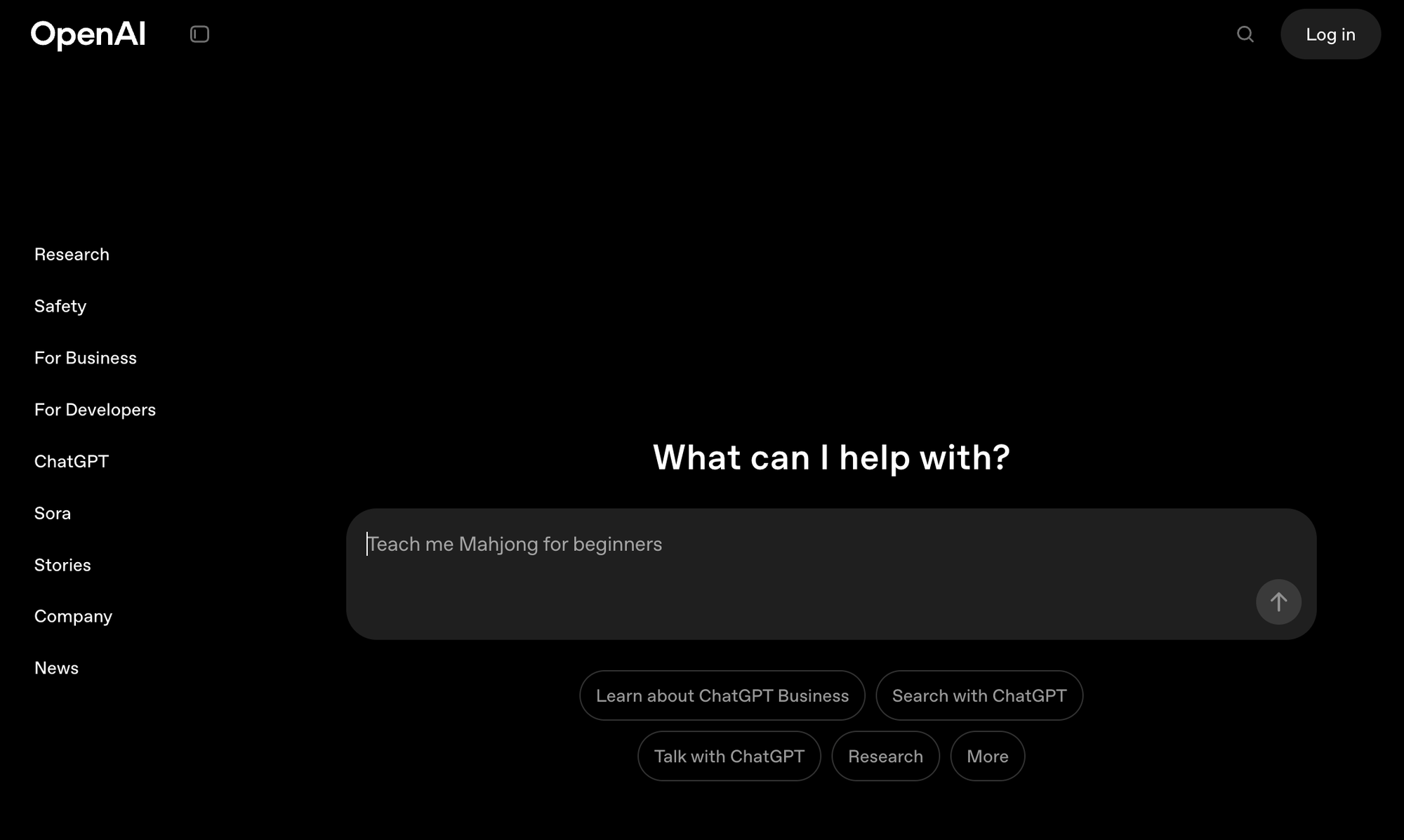
Overview: ChatGPT, developed by OpenAI, remains the most popular AI app worldwide, with 800 million weekly active users and $10 billion in annual recurring revenue as of mid-2025 (DemandSage). The platform processes over 2.5 billion prompts per day and commands an 81% market share in the generative AI chatbot space. Trained on massive datasets, it's capable of natural language conversations, writing, brainstorming, and automating tasks for both individuals and organizations.
What You Can Do With It:
- Content creation at scale: Draft blog posts, social media content, newsletters, ad copy, and product descriptions in seconds. Ask it to match a specific tone or format and iterate until you're satisfied.
- Research and analysis: Summarize lengthy reports, compare competing products, extract key insights from documents, or get quick explanations of complex topics.
- Coding assistance: Generate code snippets, debug errors, explain unfamiliar code, or scaffold entire applications. Works with Python, JavaScript, SQL, and dozens of other languages.
- Personal productivity: Create meal plans, draft emails, prepare interview questions, plan travel itineraries, or brainstorm gift ideas.
- Business automation: Connect via API to power chatbots, automate customer support responses, or build AI-driven features into your products.
Practical Tips:
- Use ChatGPT for drafting emails, summarizing documents, or generating marketing copy.
- Leverage its API to add AI-driven conversation to your own products or customer support systems.
- Always verify critical or sensitive output for accuracy, AI-generated information can occasionally be incorrect.
Actionable Insight: Check for new features or plugins regularly, OpenAI frequently updates with improvements and industry integrations.
Pricing:
- Free: Access to GPT-5.2 Instant with ~10 messages every 5 hours
- Go: $8/month - 10x more messages, file uploads, image creation
- Plus: $20/month - GPT-5.2 Thinking mode, DALL-E 4, Codex agent
- Pro: $200/month - Unlimited GPT-5.2 Pro, largest context windows
- Business: $25-30/user/month - Team workspace, admin controls
2. Capacity.so : Instantly Build Full-Stack Web Apps Without Code
Overview:
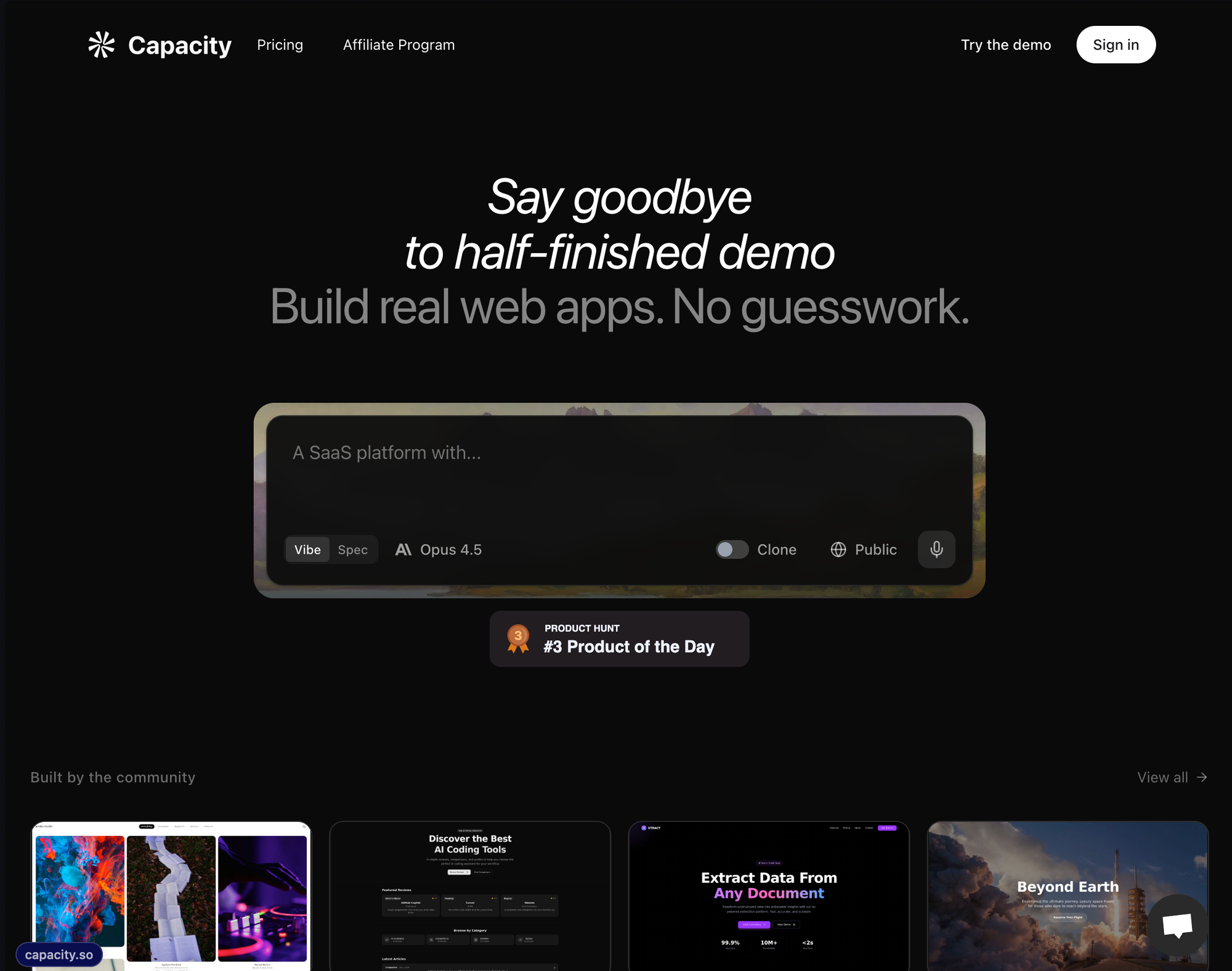
Capacity revolutionizes app development by enabling users to turn ideas into fully functional, production-ready web applications within seconds, no coding required. It's ideal for business owners, MVP builders, marketers, educators, and anyone needing a dashboard, tool, or custom workflow app.
What You Can Do With It:
- Launch MVPs in hours: Describe your app idea in plain English and get a working web application with authentication, database, and responsive UI. Perfect for validating business ideas before investing in full development.
- Build internal tools: Create inventory trackers, employee dashboards, CRM systems, or approval workflows for your team without hiring developers.
- Create client-facing apps: Booking systems, customer portals, quote generators, or membership sites that look professional and work reliably.
- Prototype and iterate: Test different approaches quickly, show stakeholders working demos instead of mockups, and refine based on real feedback.
- Connect your domain name: Easily connect your own domain name and make your website visible by anyone.
Practical Tips:
- Describe your app idea in clear, specific terms for best generation results ("I need a real estate listing manager with user logins and map view").
- Use the exportable code feature for further customization if you have dev resources, or deploy instantly for working MVPs.
- Invite team members to collaborate in-app for faster iteration.
Actionable Insight: According to Capacity, businesses that prototype ideas with no-code AI-assisted platforms can reduce project deployment times by up to 80%, making it a strategic edge for startups and enterprises alike.
Pricing:
- Starting at $25 per month for 100 credits.
3. Gemini : Google's Multimodal Assistant

Overview:
Google's Gemini, formerly Bard, has grown to 650 million monthly active users as of late 2025, with 370% growth in total sign-ups since early 2024 (DemandSage). Over 70% of Google Cloud customers now use Gemini, and 13+ million developers are building applications with its APIs. It goes beyond chat by natively handling text, images, and code. Its seamless Google Workspace integration (Docs, Sheets, Drive, Gmail) makes it a favorite among professionals and students for productivity and knowledge management.
What You Can Do With It:
- Analyze images and documents: Upload screenshots, diagrams, receipts, or handwritten notes and ask Gemini to extract information, explain content, or convert to structured data.
- Supercharge Google Workspace: Summarize email threads in Gmail, generate formulas in Sheets, draft documents in Docs, or organize files in Drive using natural language commands.
- Research with real-time data: Get current information from Google Search integrated directly into responses, with source citations.
- Code with context: Write, debug, and explain code with access to Google's vast documentation and Stack Overflow-style knowledge.
- Creative projects: Generate ideas for presentations, write scripts, brainstorm marketing campaigns, or plan events with AI assistance.
Practical Tips:
- Use Gemini to summarize PDFs or lengthy research for instant insights.
- Create data-driven reports in Google Sheets by instructing Gemini to analyze trends or create visualizations.
- Secure your documents; always review AI-summarized content for confidentiality.
Actionable Insight: Gemini's strong context-awareness and integration make it one of the best AI apps for knowledge workers looking to streamline research and documentation.
Pricing:
- Free: Basic Gemini access with limited features
- Google AI Pro: $199.99/year ($99.99 first year promo) - Gemini Advanced, 2TB storage
- Google AI Ultra: $249.99/month - 30TB storage, Gemini 3 Pro, Deep Research, Agent features
4. Claude : AI with an Emphasis on Safety and Depth
Overview:
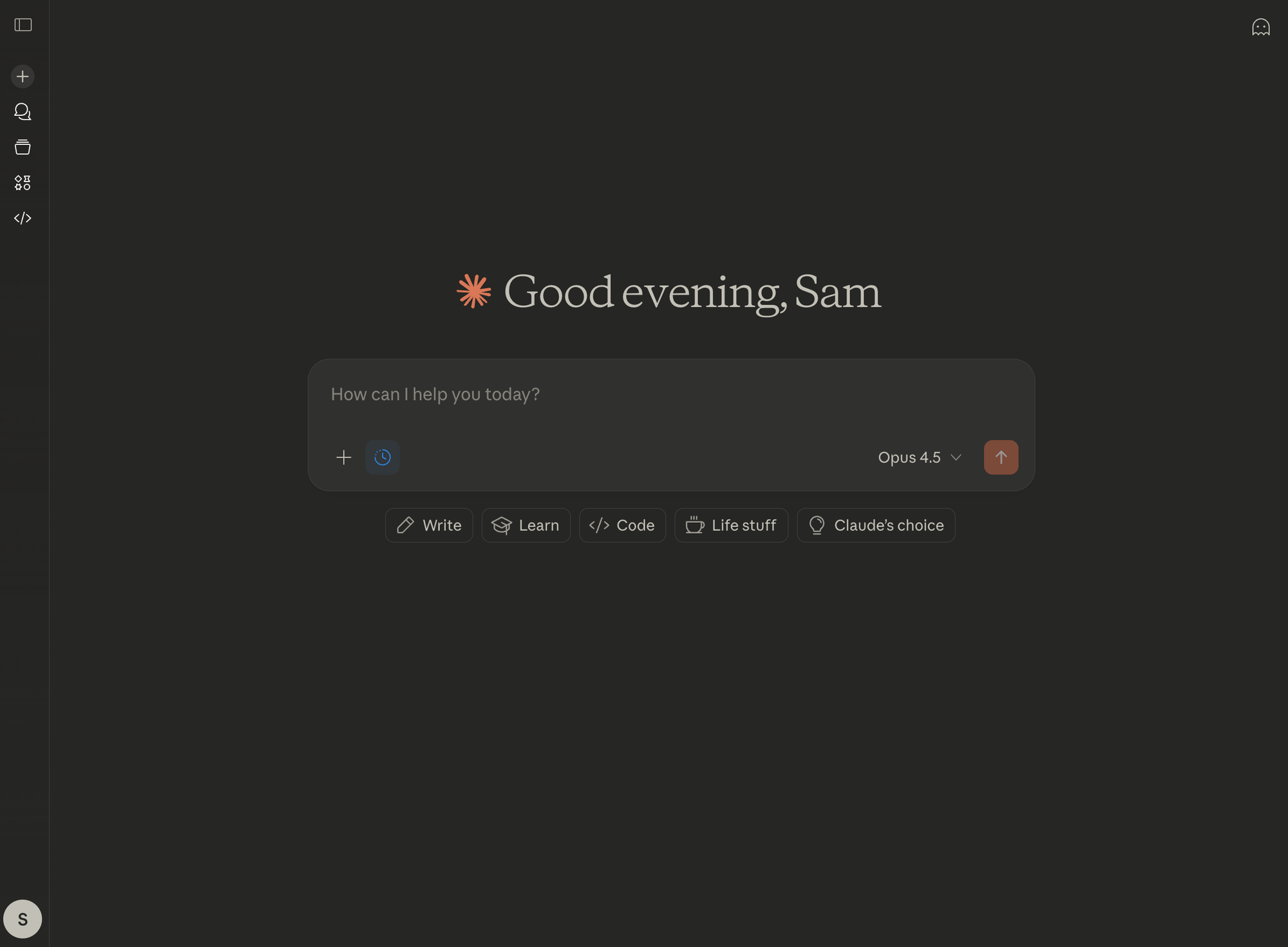
Claude, by Anthropic, has seen explosive growth with 164 million monthly visits in August 2025, a 10x increase from January 2025 (Backlinko). The platform now reaches 60% of Fortune 500 companies and processes over 25 billion API calls monthly. Valued at $350 billion, Claude is designed to produce thoughtful, safe, and nuanced outputs, making it a top choice for enterprises and ethical AI proponents. Its ability to deeply analyze, summarize, and understand long documents or threads is noted as best-in-class.
What You Can Do With It:
- Process massive documents: Upload entire books, legal contracts, research papers, or financial reports (up to 200K tokens) and get accurate summaries, key point extraction, or specific answers.
- Complex analysis and reasoning: Ask Claude to compare arguments, identify logical flaws, evaluate evidence, or explain nuanced topics with balanced perspectives.
- Safe content generation: Create content for sensitive industries (healthcare, legal, finance) with built-in guardrails and thoughtful handling of edge cases.
- Code review and development: Get thorough code reviews, security audits, documentation generation, and architectural advice with attention to best practices.
- Research assistance: Synthesize information from multiple sources, generate literature reviews, or help structure academic papers.
Practical Tips:
- Opt for Claude when you have large reading or review tasks (contracts, books, reports).
- Leverage its "Constitutional AI" approach for sensitive or compliance-heavy projects.
Actionable Insight: Combine Claude with other AI chatbots for cross-verification of critical analysis, multiple model perspectives can surface overlooked details.
Pricing:
- Free: Claude 4.5 with ~30-100 messages/day, basic web search
- Pro: $20/month - 5x usage, all model access, Projects feature
- Max 5x: $100/month - 5x Pro usage limits
- Max 20x: $200/month - 20x Pro usage limits
- Team: $25/user/month (annual, min 5 users)
5. Perplexity : The AI-Powered Search Engine
Overview:
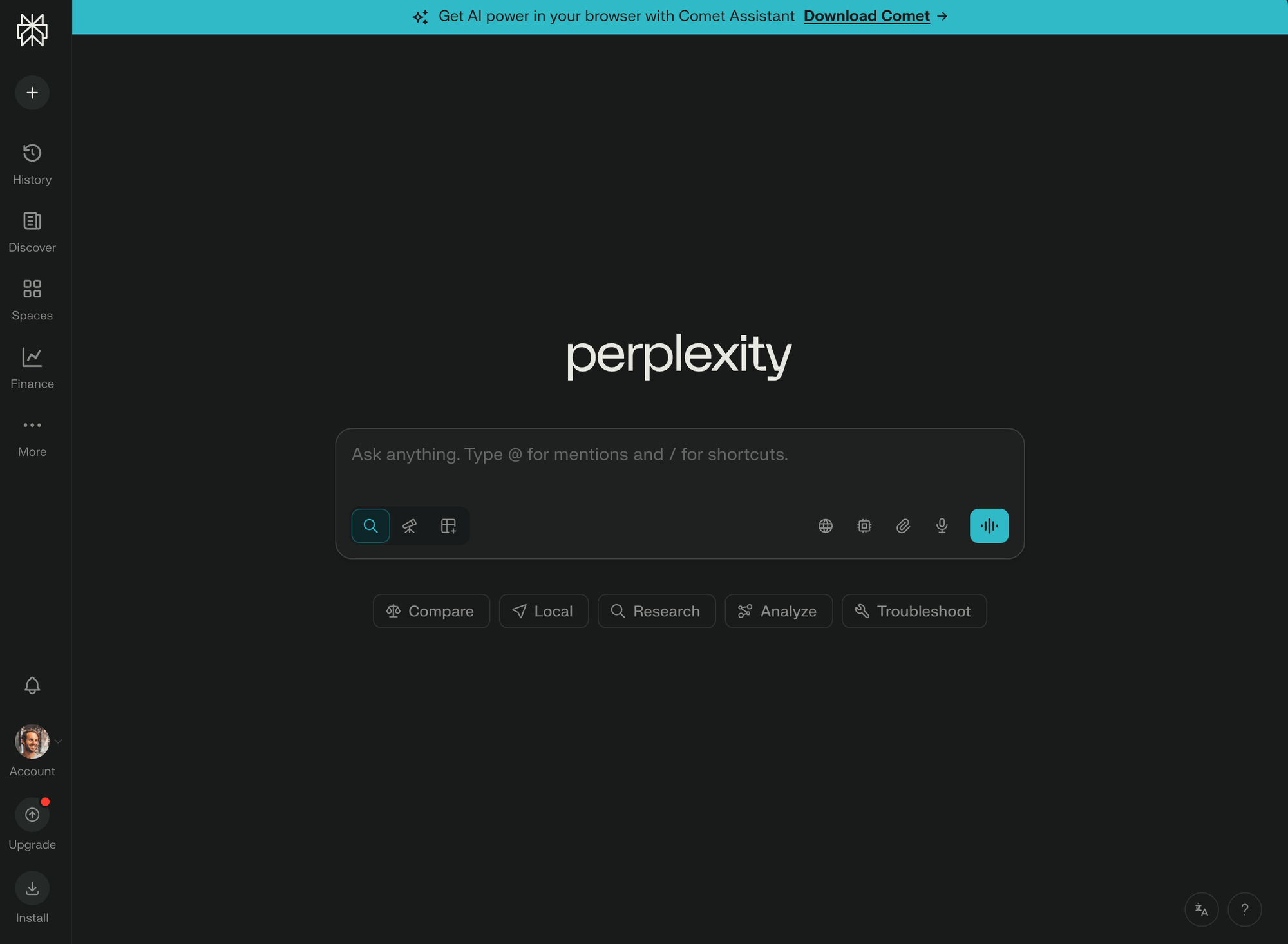
Perplexity reimagines web search and has rapidly grown to 780 million monthly queries (a 239% increase from 2024) and 45 million active users (DemandSage). Valued at $20 billion, the platform now handles 35-45 million queries per day using advanced language models to synthesize information from multiple sources, delivering relevant, citation-backed answers instead of just search links. It's ideal for researchers, journalists, and anyone who wants to find precise answers fast.
What You Can Do With It:
- Research with citations: Get comprehensive answers to complex questions with automatic source citations, eliminating hours of manual research and verification.
- Stay current: Access real-time information about news, stock prices, weather, sports scores, or any rapidly changing topic.
- Deep-dive investigations: Use follow-up questions to explore topics layer by layer, building understanding progressively.
- Academic research: Find scholarly sources, compare studies, identify research gaps, or get explanations of technical concepts with references.
- Competitive intelligence: Research competitors, market trends, industry news, or customer sentiment with synthesized insights from across the web.
Practical Tips:
- Enter detailed, specific queries ("What were the economic impacts of the 2023 global supply chain crisis?") for richer results.
- Check cited sources directly for fact verification and further reading.
Actionable Insight: For efficient academic or business research, combine traditional search engines with Perplexity to balance breadth and depth.
Pricing:
- Free: Unlimited basic searches plus 5-10 daily premium queries
- Pro: $20/month or $200/year - Unlimited Pro queries, multi-step reasoning
- Education Pro: $4.99/month (verified students/faculty)
- Enterprise Pro: $40/seat/month - SSO, Spaces, admin controls
6. Microsoft Copilot : The AI Productivity Suite Companion
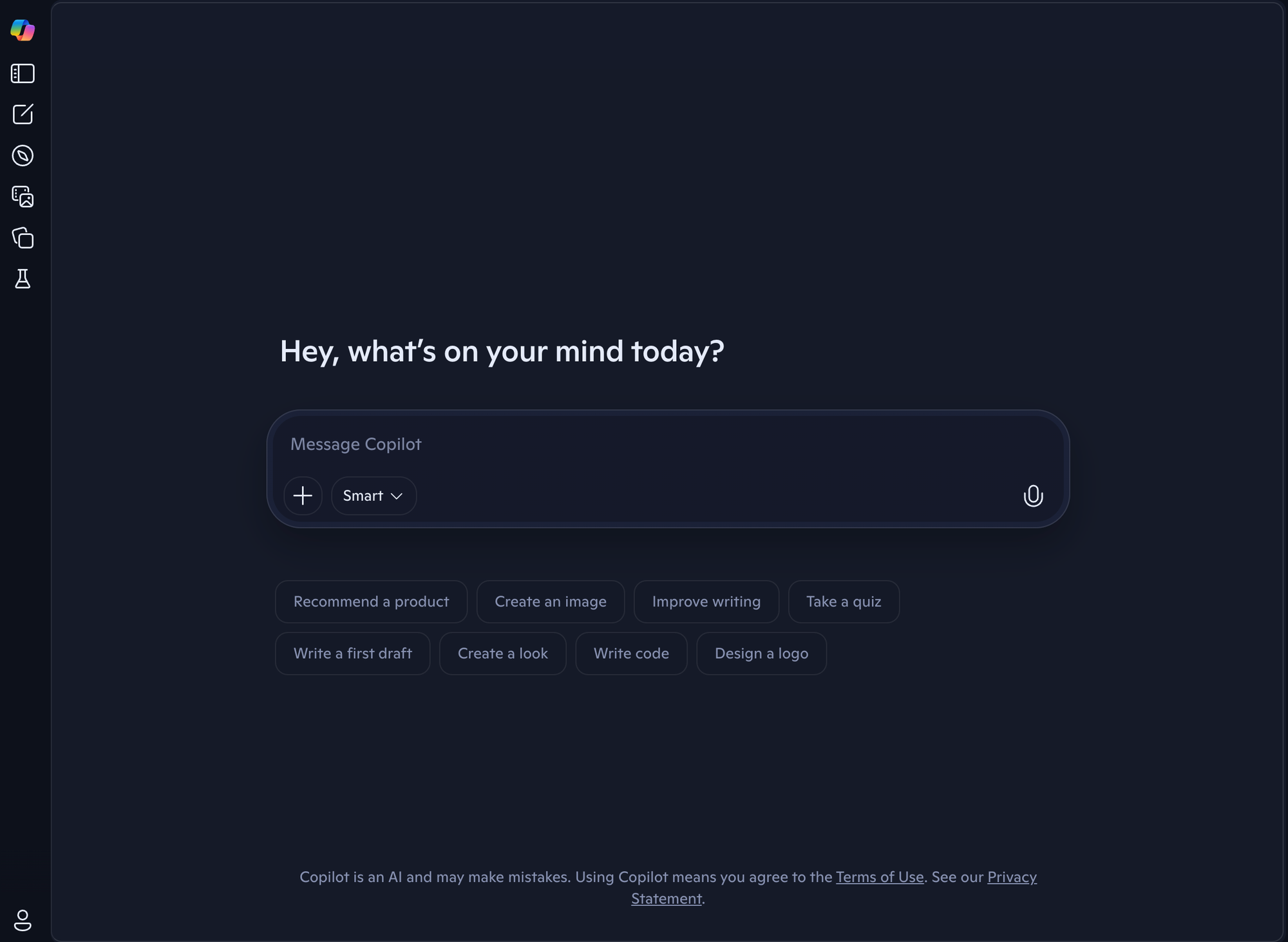
Overview: Microsoft Copilot has achieved massive enterprise adoption, with 70% of Fortune 500 companies now using Microsoft 365 Copilot and 90% of Fortune 100 utilizing GitHub Copilot (Business of Apps). Users report 77% productivity increases, with one UK government pilot showing 26 minutes saved per day across 20,000 employees. The platform now contributes to 46% of all code written by active GitHub Copilot users. It brings enterprise-grade AI into everyday productivity apps like Word, Excel, Outlook, and Teams, automating document generation, data analysis, email drafting, and team collaboration.
What You Can Do With It:
- Excel automation: Analyze datasets with natural language queries ("What's the trend in Q3 sales by region?"), generate pivot tables, create charts, and write complex formulas without knowing syntax.
- Word document generation: Draft reports, proposals, contracts, or marketing materials from bullet points or outlines. Reformat, summarize, or translate existing documents instantly.
- Outlook email management: Summarize long email threads, draft context-aware replies, schedule meetings based on email content, and prioritize your inbox intelligently.
- Teams meeting intelligence: Get real-time transcription, automatic meeting summaries, action item extraction, and catch up on meetings you missed.
- PowerPoint creation: Generate presentation drafts from Word documents, create slides from prompts, add speaker notes, and suggest design improvements.
Practical Tips:
- Ask Copilot to generate meeting minutes immediately after calls or to extract key action items.
- Use it to automate repetitive tasks in Outlook and stop spending hours sorting emails.
Actionable Insight: Regularly explore Copilot's built-in tutorials, many time-saving shortcuts are not immediately visible. In enterprise deployments, combine with a platform like Capacity to easily build and customize in-house tools for further efficiency.
Pricing:
- Free: Basic GPT access in Bing and Edge
- Copilot Pro: $20/month - Priority GPT-4 Turbo, 100 image boosts/day, M365 integration
- Copilot Business: $21/user/month - Team workspace features
- Copilot Enterprise: $30/user/month add-on for M365 E3/E5
7. DALL-E & Midjourney : Creative AI Image Generation
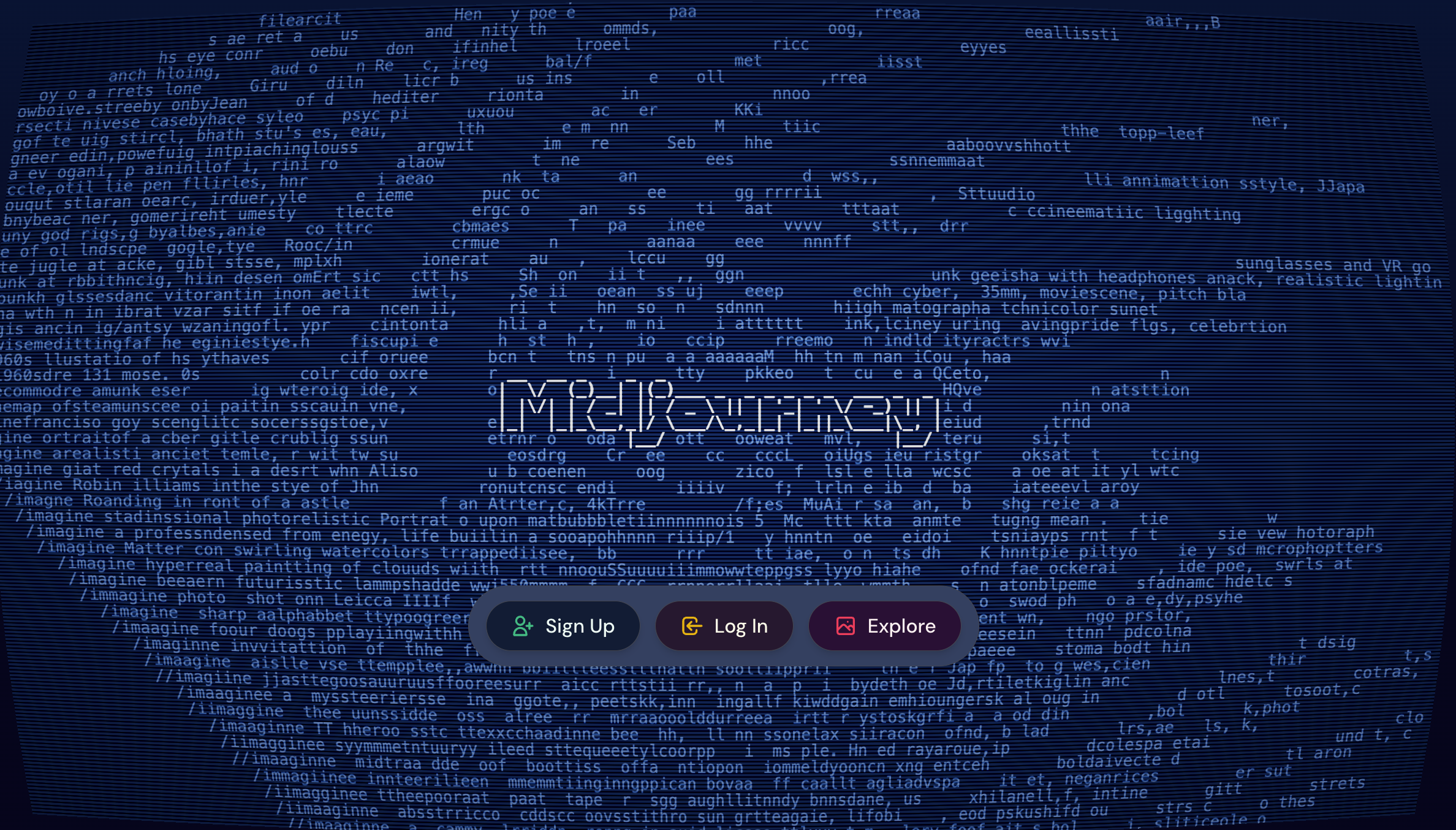
Overview: AI image generators like DALL-E (OpenAI) and Midjourney have revolutionized digital art and content creation. Midjourney alone has 19.8 million users and generated $500 million in revenue in 2025, commanding 26.8% market share in AI image tools (DemandSage). Together, these platforms have contributed to 15+ billion images created using text-to-image AI since 2022, with an average of 34 million images generated daily. They turn text prompts into high-quality, original images in seconds, empowering designers, marketers, educators, and hobbyists.
What You Can Do With It:
- Marketing visuals: Create social media graphics, ad creatives, blog headers, email banners, and promotional materials without photographers or stock subscriptions.
- Product mockups: Generate realistic product shots, packaging concepts, or lifestyle images for e-commerce listings and pitch decks.
- Concept art and storyboarding: Visualize ideas for games, films, books, or presentations before investing in full production.
- Brand identity exploration: Quickly iterate on logo concepts, color schemes, mascot designs, or visual styles to find your brand direction.
- Educational content: Create illustrations for presentations, infographics, course materials, or children's learning content.
Practical Tips:
- Experiment with prompt engineering to sharpen creativity ("A cyberpunk street scene, dusk, neon lights, photorealistic").
- Use for storyboarding, marketing campaigns, or brainstorming sessions.
Actionable Insight: Incorporate generated images into your apps or dashboards built with Capacity to streamline asset creation for your products.
Pricing:
DALL-E:
- Free: Limited credits through free ChatGPT account
- ChatGPT Plus: $20/month - Expanded image generation included
Midjourney:
- Basic: $10/month - ~3.3 GPU hours
- Standard: $30/month - ~15 GPU hours, Relax Mode
- Pro: $60/month - ~30 GPU hours, Stealth Mode
- Mega: $120/month - ~60 GPU hours
8. Character.AI : AI Companions for Conversation and Roleplay
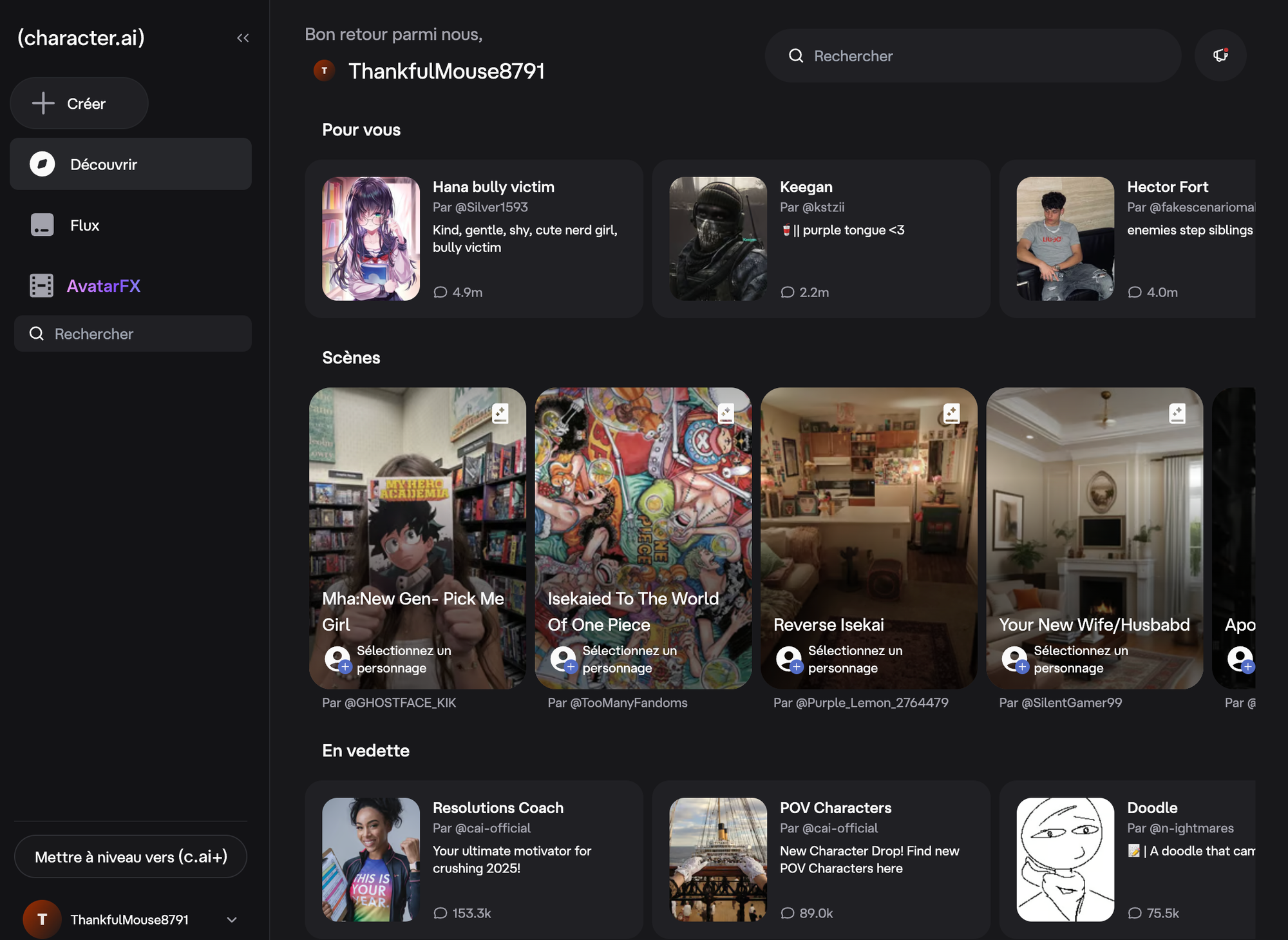
Overview: Character.AI enables users to create, customize, and interact with AI personalities for companionship, tutoring, entertainment, or brainstorming. Its unique appeal lies in imaginative, persistent AI characters.
What You Can Do With It:
- Practice and preparation: Rehearse job interviews, sales pitches, difficult conversations, or public speaking with AI personas that give realistic feedback.
- Language learning: Converse with AI characters in different languages, get corrections, and practice real dialogue scenarios.
- Educational tutoring: Create subject-specific tutors (history professor, math coach, coding mentor) that adapt to your learning style and pace.
- Creative writing assistance: Develop characters for novels, games, or scripts by having conversations with them to understand their personality and voice.
- Entertainment and roleplay: Engage in interactive storytelling, play through scenarios, or simply have entertaining conversations with unique personalities.
Practical Tips:
- Use for soft skills practice ("Interview me for a software engineer position").
- Build educational simulations or customer service bots to enrich training materials.
Actionable Insight: For businesses, using Character.AI alongside custom data dashboards built with Capacity can create powerful, interactive product demos and onboarding assistants.
Pricing:
- Free: Unlimited messaging, character creation, community access (queue during peak hours)
- c.ai+: $9.99/month or $94.99/year - Priority access, better memory, voice calls, ad-free
9. Notion AI : Knowledge Management and Productivity
Overview:
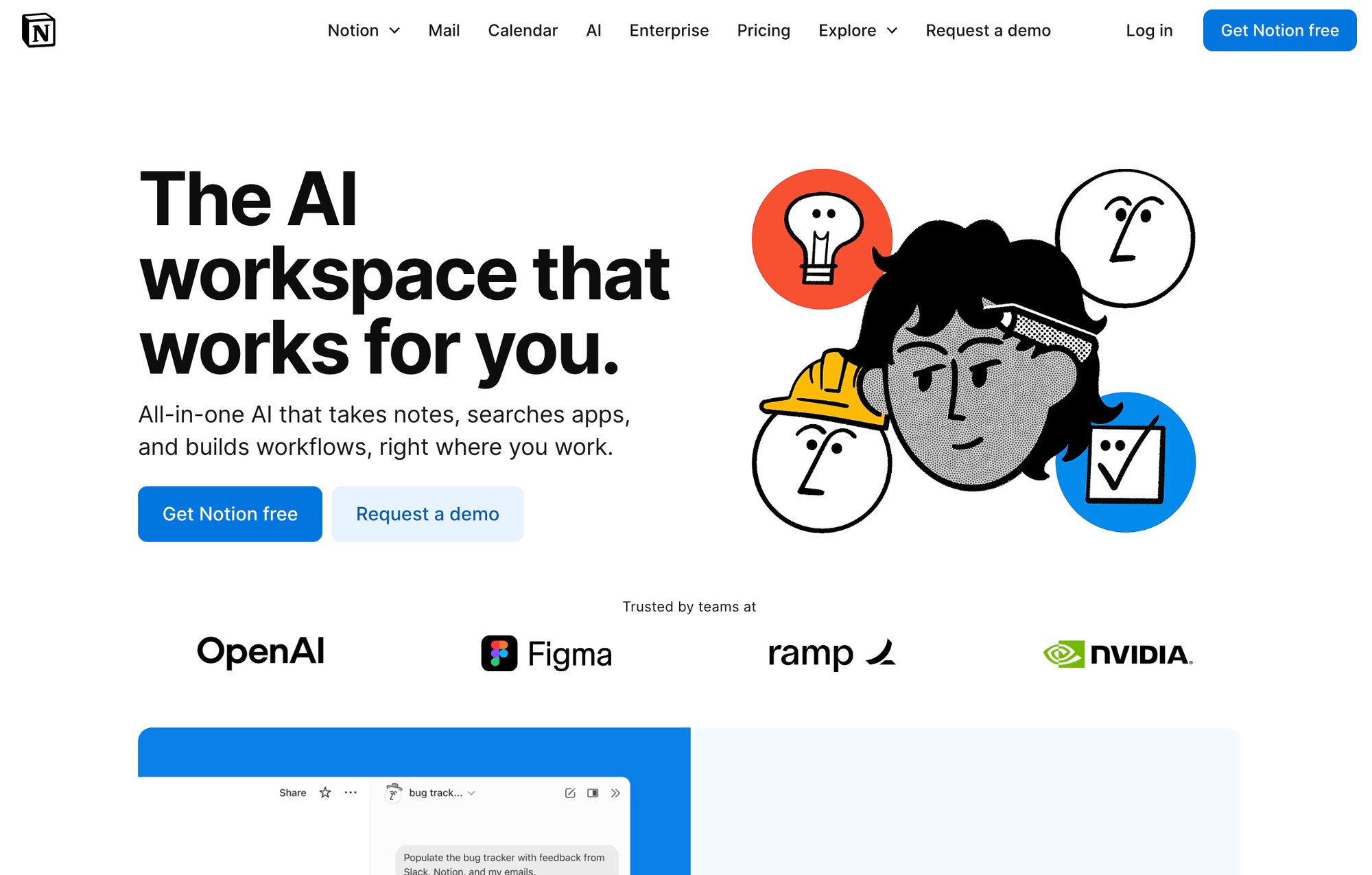
Notion AI upgrades the popular workspace app Notion with natural language-based organization, summarization, and content generation. It's an essential tool for teams managing projects, wikis, and collaborative knowledge bases.
What You Can Do With It:
- Documentation automation: Generate product specs, meeting notes, project briefs, or standard operating procedures from rough notes or bullet points.
- Knowledge base management: Automatically summarize long documents, extract key information, and keep your wiki organized and searchable.
- Writing assistance: Draft, edit, translate, or reformat any content directly in your workspace. Change tone, fix grammar, or expand on ideas.
- Data extraction: Pull action items from meeting notes, create task lists from discussions, or identify deadlines and owners from unstructured text.
- Template generation: Create reusable templates for common documents, with AI helping fill in sections based on context.
Practical Tips:
- Let Notion AI summarize meeting recordings and update documentation in real-time.
- Develop project plans or knowledge articles with a single prompt.
Actionable Insight: Pair Notion with Capacity's dashboard generation to create intelligent knowledge portals, perfect for startups and remote teams scaling information.
Pricing:
- Free: 20 AI responses per workspace (trial only)
- Plus: $10/user/month - Limited AI trial
- Business: $20/user/month - Full Notion AI access included
- Enterprise: Custom pricing
10. Replika : AI for Mental Wellness and Personal Companion
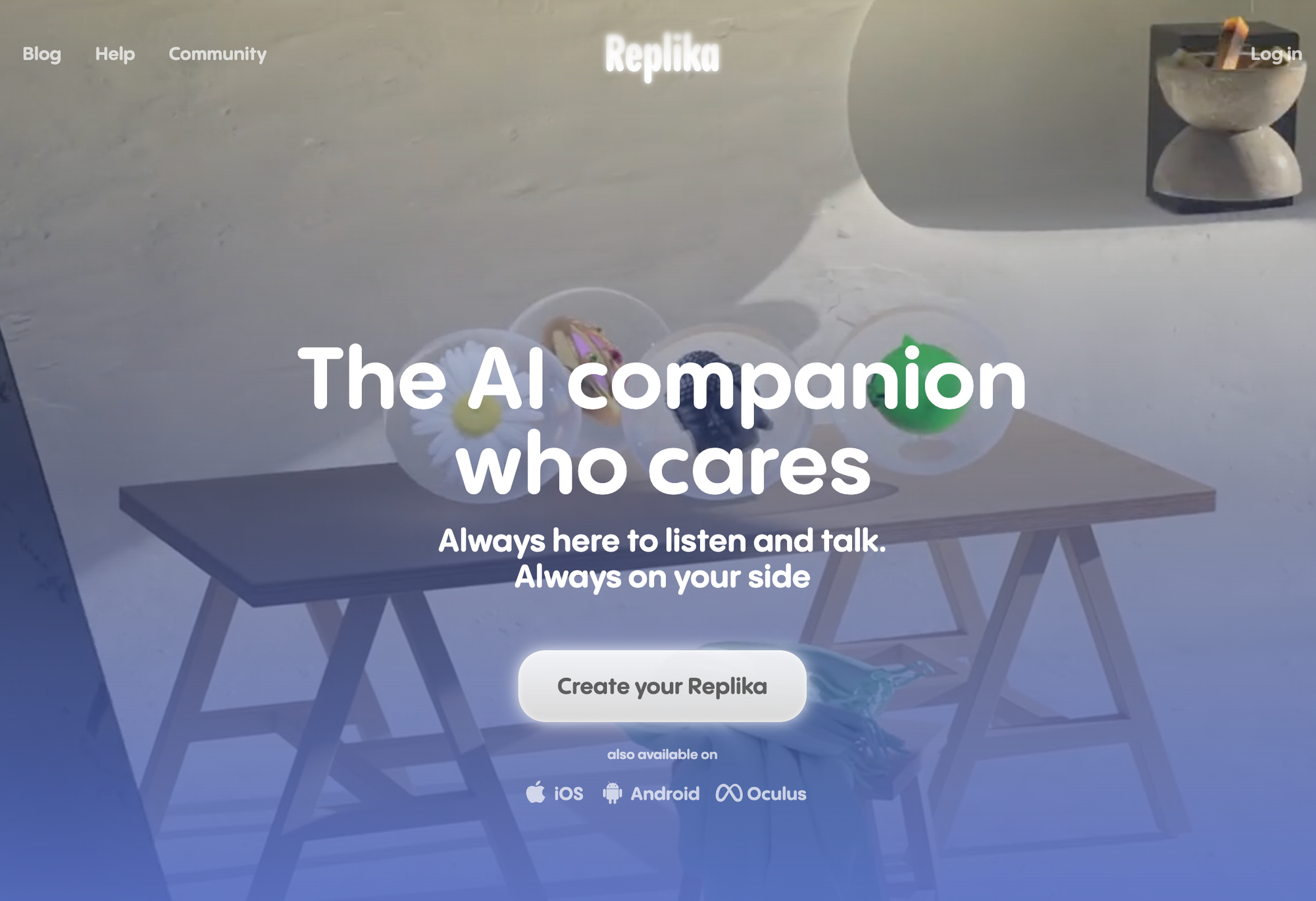
Overview:
Replika is one of the best AI apps in the wellness space, acting as a supportive AI companion for conversation, motivation, and reflection. With millions of users, it's been shown to help people reduce loneliness and stress.
What You Can Do With It:
- Daily check-ins: Process your day, talk through challenges, celebrate wins, or simply have a friendly conversation when you need one.
- Mood tracking and reflection: Monitor emotional patterns over time, identify triggers, and develop better self-awareness through guided conversations.
- Mindfulness exercises: Access breathing exercises, meditation prompts, and relaxation techniques through conversational guidance.
- Journaling and self-discovery: Use conversational prompts to explore thoughts, set intentions, or work through decisions.
- Social skill practice: Practice conversations, work on communication patterns, or prepare for social situations in a judgment-free environment.
Practical Tips:
- Use Replika during stressful work periods for mindfulness check-ins.
- Set daily goals and get wellness reminders directly via chat.
Actionable Insight: While Replika is no substitute for professional help, it's a supportive addition for personal check-ins, especially crucial in high-pressure work-from-home environments.
Pricing:
- Free: Basic chat, 3D avatar customization, 24/7 access
- Pro: $19.99/month or $69.99/year - Voice/video calls, advanced AI, memory features
- Lifetime: $299.99 one-time payment
11. Fireflies : AI Meeting Assistant and Transcription
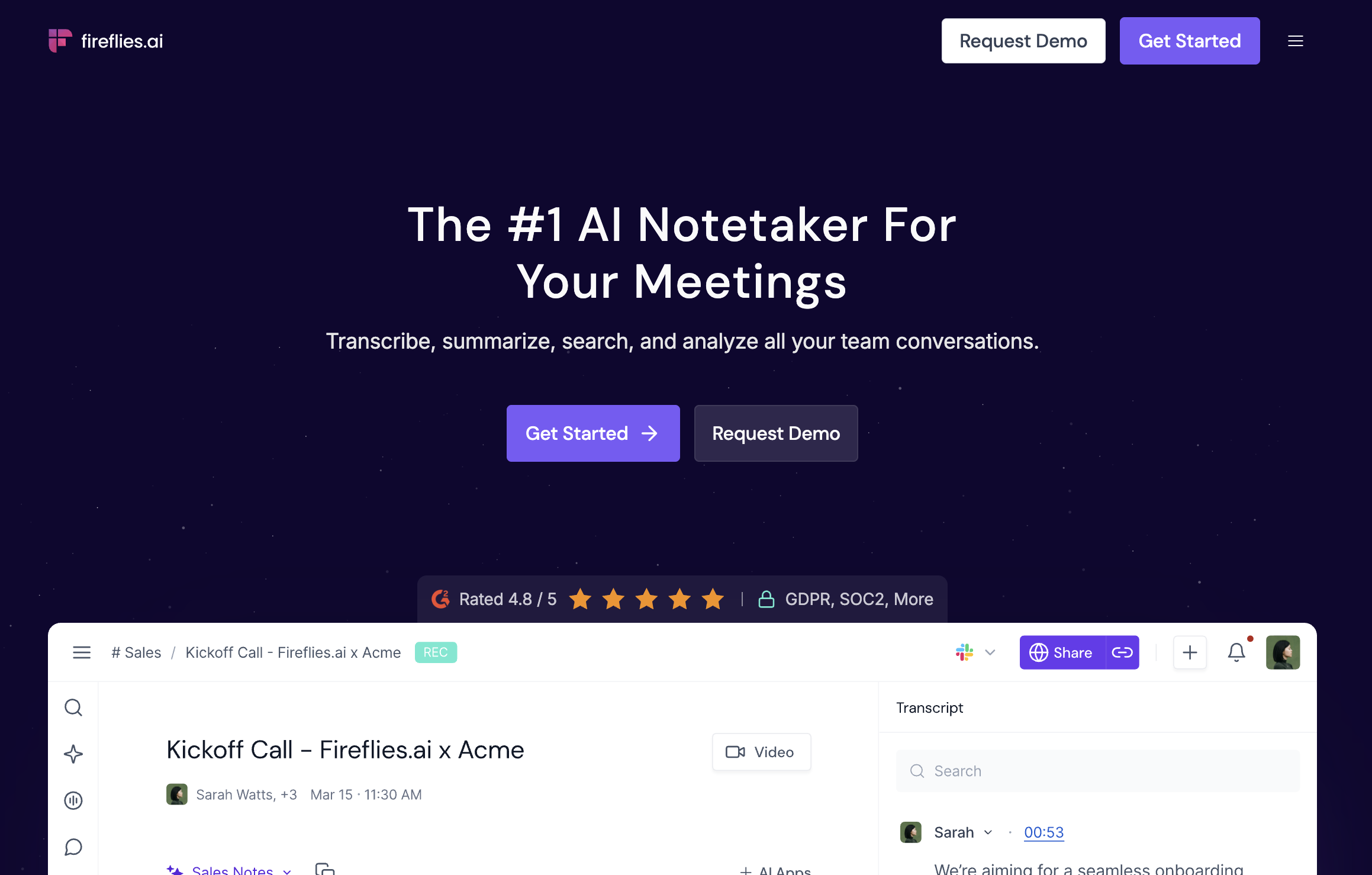
Overview: Fireflies uses AI to record, transcribe, summarize, and extract actionable tasks from meetings, saving busy teams hours each week and greatly improving documentation quality.
What You Can Do With It:
- Automatic transcription: Get accurate transcripts of meetings in 30+ languages, with speaker identification and timestamps.
- Smart summaries: Receive AI-generated meeting summaries with key points, decisions, and action items, delivered right after the call ends.
- Searchable meeting archive: Search across all your meeting transcripts by keyword, speaker, or topic to find past discussions instantly.
- Action item tracking: Automatically extract tasks, deadlines, and owners from conversations and push them to project management tools.
- CRM integration: Log meeting notes and action items directly to Salesforce, HubSpot, or other CRMs without manual data entry.
Practical Tips:
- Use Fireflies to automate post-meeting follow-ups, no more manual note-taking.
- Search meeting transcripts by keyword to recall decisions fast.
Actionable Insight: Layer AI meeting assistants into wider productivity stacks (e.g., combine with Notion and Capacity-generated dashboards for seamless project management).
Pricing:
- Free: 800 minutes/month transcription, 2-hour max per meeting
- Pro: $10/user/month (annual) - Unlimited transcription, AI summaries, 8,000 min storage
- Business: $19/user/month - Advanced analytics, team features
- Enterprise: Custom pricing
12. Suno : AI-Generated Music Composer
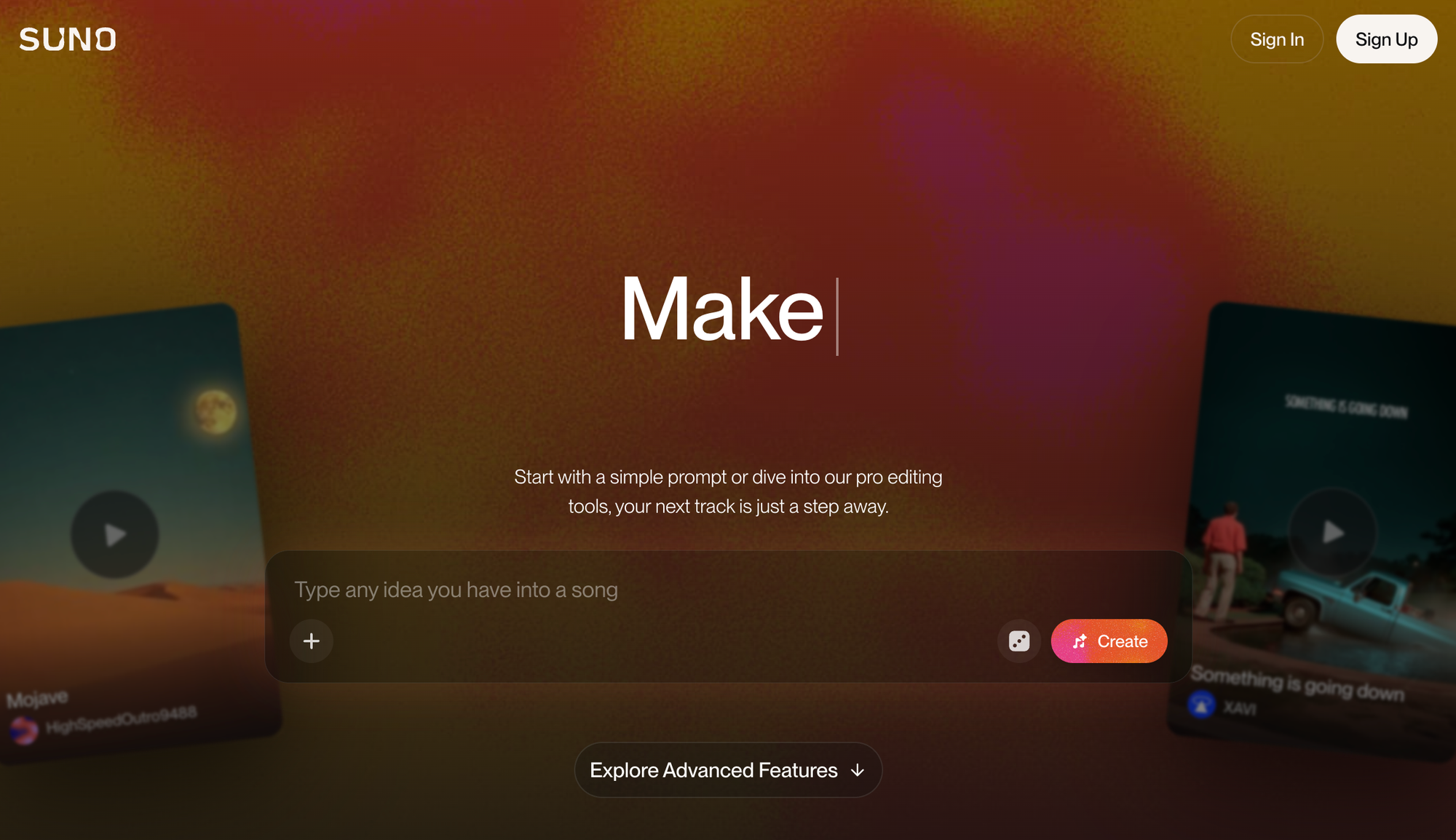
Overview: Suno brings the power of generative AI to music, allowing users to create original, royalty-free tracks in a variety of genres from a simple prompt.
What You Can Do With It:
- Background music creation: Generate custom soundtracks for videos, podcasts, presentations, or games without licensing fees or composer costs.
- Brand audio identity: Create unique jingles, hold music, or sonic logos that match your brand personality.
- Content production: Produce intro/outro music for YouTube channels, podcast themes, or social media content.
- Prototype and pitch: Create demo tracks for music projects, film scenes, or game concepts to communicate your vision before full production.
- Educational and personal: Make songs for learning, celebrations, personalized gifts, or just creative exploration.
Practical Tips:
- Quickly add background music to presentations, explainer videos, or product launches.
- Experiment with genres and styles for unique brand audio signatures.
Actionable Insight: Combining Suno's music with video and app projects (such as those built on Capacity) can elevate your marketing collateral or course content effortlessly.
Pricing:
- Free: 50 credits/day (~10 short songs), no commercial rights
- Pro: $8-10/month - 2,500 credits/month, commercial licensing
- Premier: $24-30/month - 10,000 credits/month
- Enterprise: Custom pricing
13. Leonardo AI : AI-Driven Image and Asset Generation for Artists
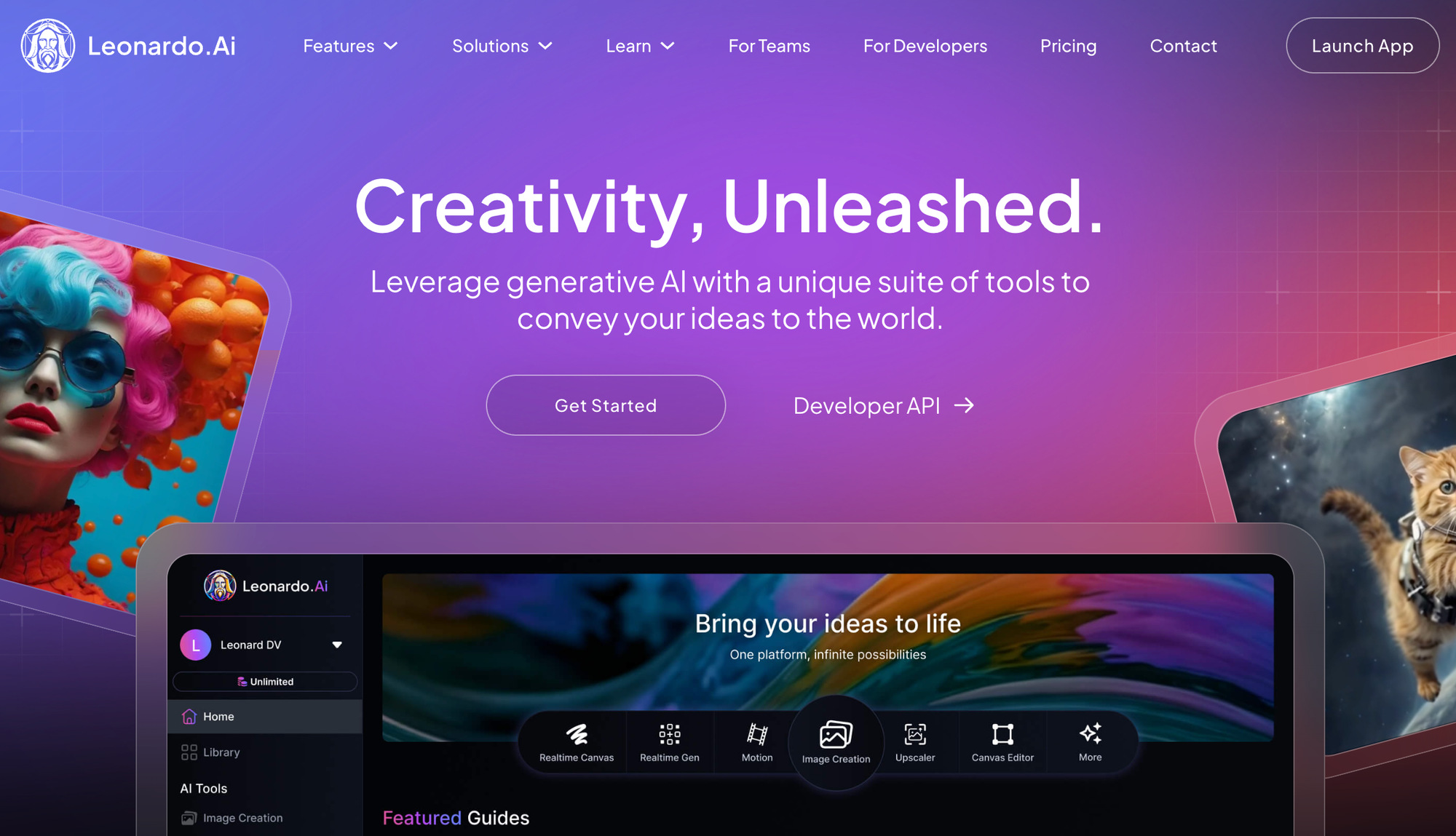
Overview: Leonardo AI is a game-changer for creators needing rapid, customizable visual assets for games, graphics, or social media.
What You Can Do With It:
- Game asset creation: Generate characters, environments, items, icons, and UI elements with consistent style across your project.
- Social media content: Create eye-catching graphics, thumbnails, profile images, and promotional visuals at scale.
- Concept iteration: Rapidly explore visual directions, color schemes, and styles before committing to final designs.
- Print-on-demand products: Generate designs for merchandise, apparel, posters, or physical products.
- Training data and references: Create reference images for traditional artists, mood boards, or visual guides for teams.
Practical Tips:
- Use Leonardo to accelerate game or brand asset production.
- Combine output with human editing for best cosmetic results.
Actionable Insight: For products or games, use Leonardo together with a platform like Capacity to rapidly assemble and deploy entire MVPs with unique front-end visuals.
Pricing:
- Free: 150 tokens/day (~18-30 images), public generations only
- Apprentice: $10-12/month - Private generations, commercial rights, token rollover
- Artisan: $24-30/month - Higher limits, advanced features
- Maestro: $48-60/month - Professional-grade output
14. Grammarly : The AI Writing and Communication Enhancer
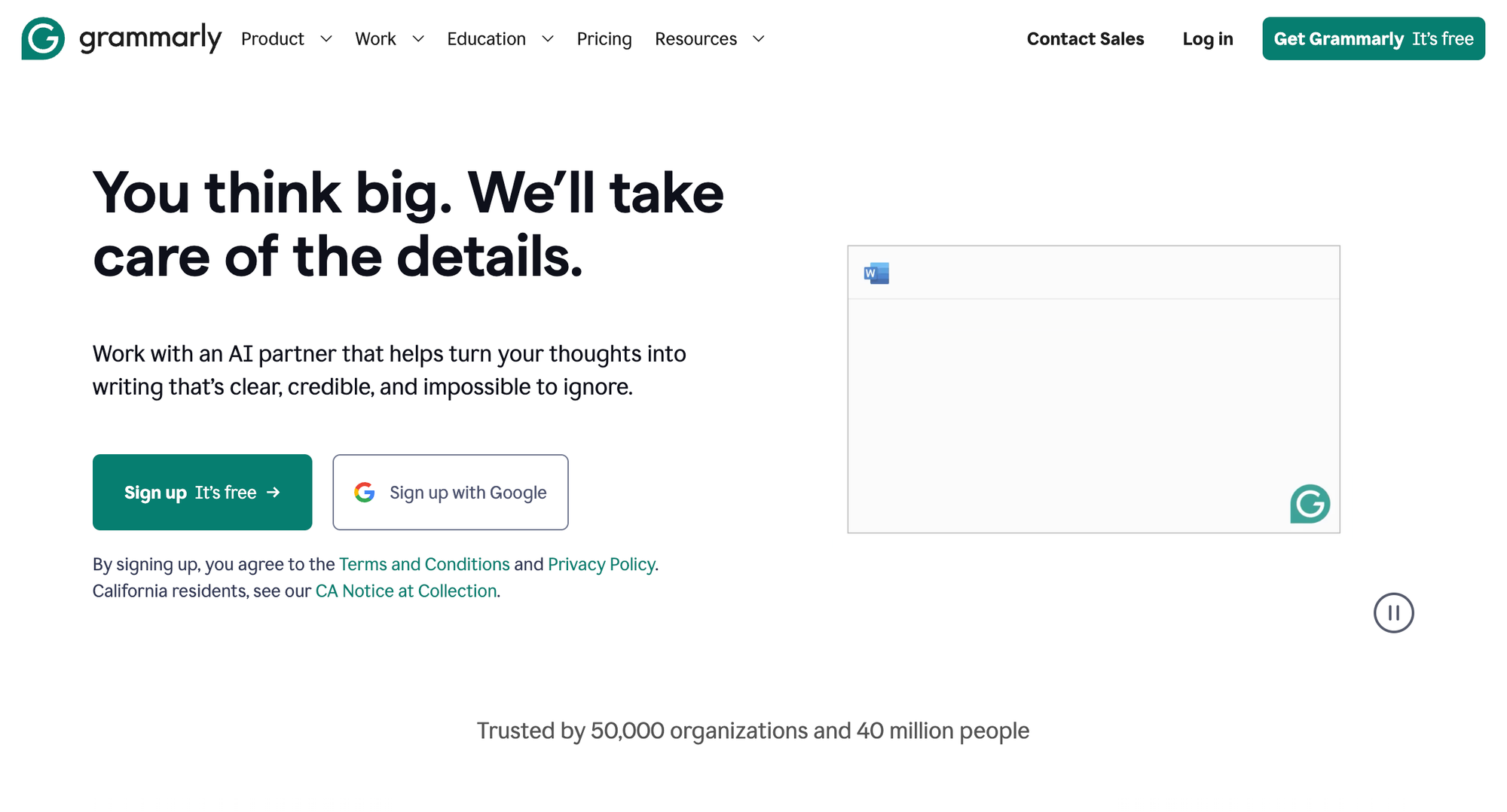
Overview: Grammarly uses AI to improve your writing by correcting grammar, enhancing clarity, and offering style suggestions, contextually for emails, essays, or reports.
What You Can Do With It:
- Real-time writing correction: Get instant grammar, spelling, and punctuation fixes as you type in any application, browser, or platform.
- Clarity and conciseness: Receive suggestions to simplify complex sentences, eliminate wordiness, and improve readability.
- Tone adjustment: Adapt your writing for different audiences (formal, casual, confident, friendly) with AI-powered tone detection and suggestions.
- Generative writing: Turn notes and bullet points into polished paragraphs, emails, or full documents with AI assistance.
- Plagiarism detection: Check content against billions of web pages to ensure originality before publishing.
Practical Tips:
- Activate Grammarly's browser extension for 24/7 AI writing support, even on web-based platforms like LinkedIn or Gmail.
- Use style recommendations to adapt to different audiences (formal, casual, persuasive).
Actionable Insight: Grammarly's ongoing AI evolution incorporates generative writing, turning notes into polished documents, complementing drafting capabilities in productivity platforms and app builders like Capacity.
Pricing:
- Free: Basic grammar, spelling, punctuation; 100 AI prompts/month
- Pro: $12/month (annual) or $30/month - 2,000 AI prompts, advanced suggestions, plagiarism checker
- Enterprise: Custom pricing - Unlimited AI credits, style guides
15. Canva AI (Magic Studio) – Design for Everyone, Powered by AI
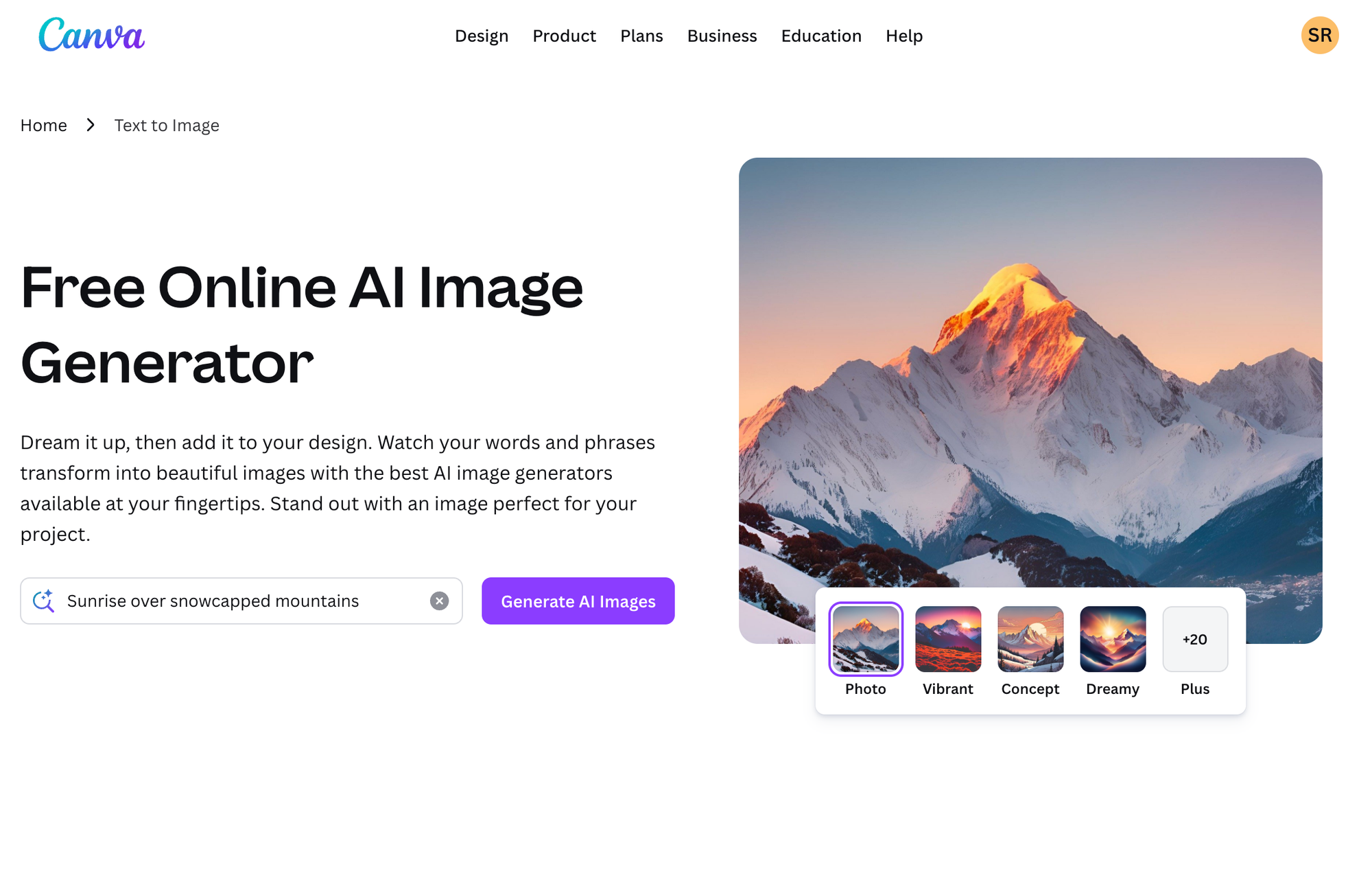
Overview:
Canva has evolved from a simple drag-and-drop design tool into a full AI-powered creative suite with 260 million monthly active users and $3.5 billion in revenue (DemandSage). The platform now hosts 30+ billion total designs created, with 38.5 million new designs per day, and is used by 95% of Fortune 500 companies. Magic Studio brings together text-to-image generation, background removal, smart resizing, and AI-driven layout suggestions, all accessible to users with zero design experience. It's become the go-to platform for marketers, small business owners, educators, and social media managers who need professional visuals fast.
What You Can Do With It:
- Instant design generation: Describe what you need ("Instagram post for summer sale") and get complete, on-brand designs in seconds.
- Photo editing without skills: Remove backgrounds, extend images, erase unwanted objects, or enhance photos with one-click AI tools.
- Brand consistency at scale: Set up your brand kit once and AI automatically applies your fonts, colors, and logos to every design.
- Content repurposing: Resize any design for different platforms (Instagram, LinkedIn, print) with intelligent layout adjustments.
- Copywriting assistance: Generate headlines, taglines, and body copy directly in the editor without switching tools.
Practical Tips:
- Start with Magic Design for social media campaigns, upload a product photo and let AI generate a dozen variations instantly.
- Use Magic Write to draft headlines and taglines without leaving the editor.
- Set up your Brand Kit first; AI suggestions will automatically pull your fonts, colors, and logos.
Actionable Insight: Canva AI dramatically lowers the barrier between idea and finished asset. For teams without dedicated designers, it eliminates the bottleneck of waiting on creative resources, expect 5--10x faster turnaround on routine visual content.
Pricing:
- Free: 250,000+ templates, limited Magic Write uses (25-50/month)
- Pro: $12.99-15/month or ~$120/year - Full Magic Studio access, 100 Brand Kits
- Teams: $100/year per person (min 3) - 3,000 Brand Kits, collaboration tools
- Enterprise: Custom pricing
16. ElevenLabs : Lifelike AI Voice Synthesis and Cloning
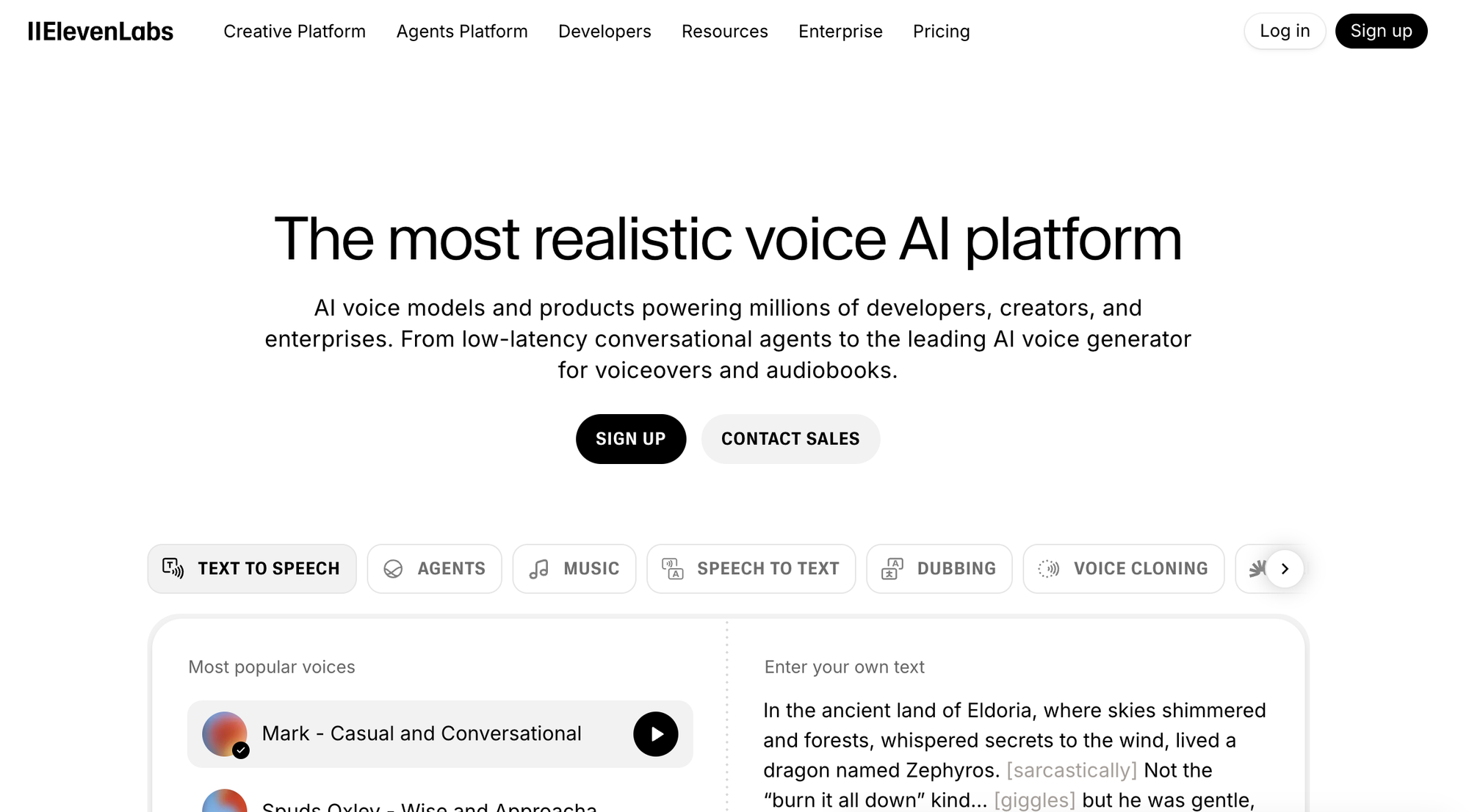
Overview:
ElevenLabs has emerged as the industry leader in AI-generated voice, valued at $6.6 billion with over $100 million in annual revenue (Fueler). The platform has generated 1+ million hours of AI audio and now serves 60% of Fortune 500 employees with voice AI tools.
Offering text-to-speech, voice cloning, and real-time dubbing in 70+ languages with startling realism, content creators, audiobook producers, game developers, and enterprises use it to generate narration, localize video content, and build voice-enabled products, all without a recording studio.
What You Can Do With It:
- Professional narration: Create voiceovers for videos, courses, presentations, or ads with natural-sounding AI voices in 30+ languages.
- Voice cloning: Clone your own voice (or licensed voices) for consistent brand narration across all content without repeated recording sessions.
- Global localization: Dub videos into multiple languages while preserving the original speaker's tone and emotion.
- Audiobook production: Convert manuscripts into full audiobooks with expressive, chapter-length narration at a fraction of traditional costs.
- Product integration: Add voice capabilities to apps, games, customer service systems, or accessibility features via API.
Practical Tips:
- Clone your own voice for consistent narration across all your video content.
- Use the dubbing tool to localize marketing videos for international markets without re-recording.
- Experiment with voice settings (stability, clarity, expressiveness) to match your brand tone.
Actionable Insight: Voice content is exploding, podcasts, short-form video, and accessibility features all demand quality audio. ElevenLabs lets solo creators and lean teams produce broadcast-quality voiceovers at a fraction of traditional costs, opening markets that were previously gated by production budgets.
Pricing:
- Free: 10,000 credits/month (~10 minutes), non-commercial use only
- Starter: $5/month - 30K credits, commercial license, instant voice cloning
- Creator: Higher credits tier (pricing varies)
- Business: $1,320/month - 11M credits (~366 hours)
- Enterprise: Custom pricing
17. Cursor : The AI-Native Code Editor
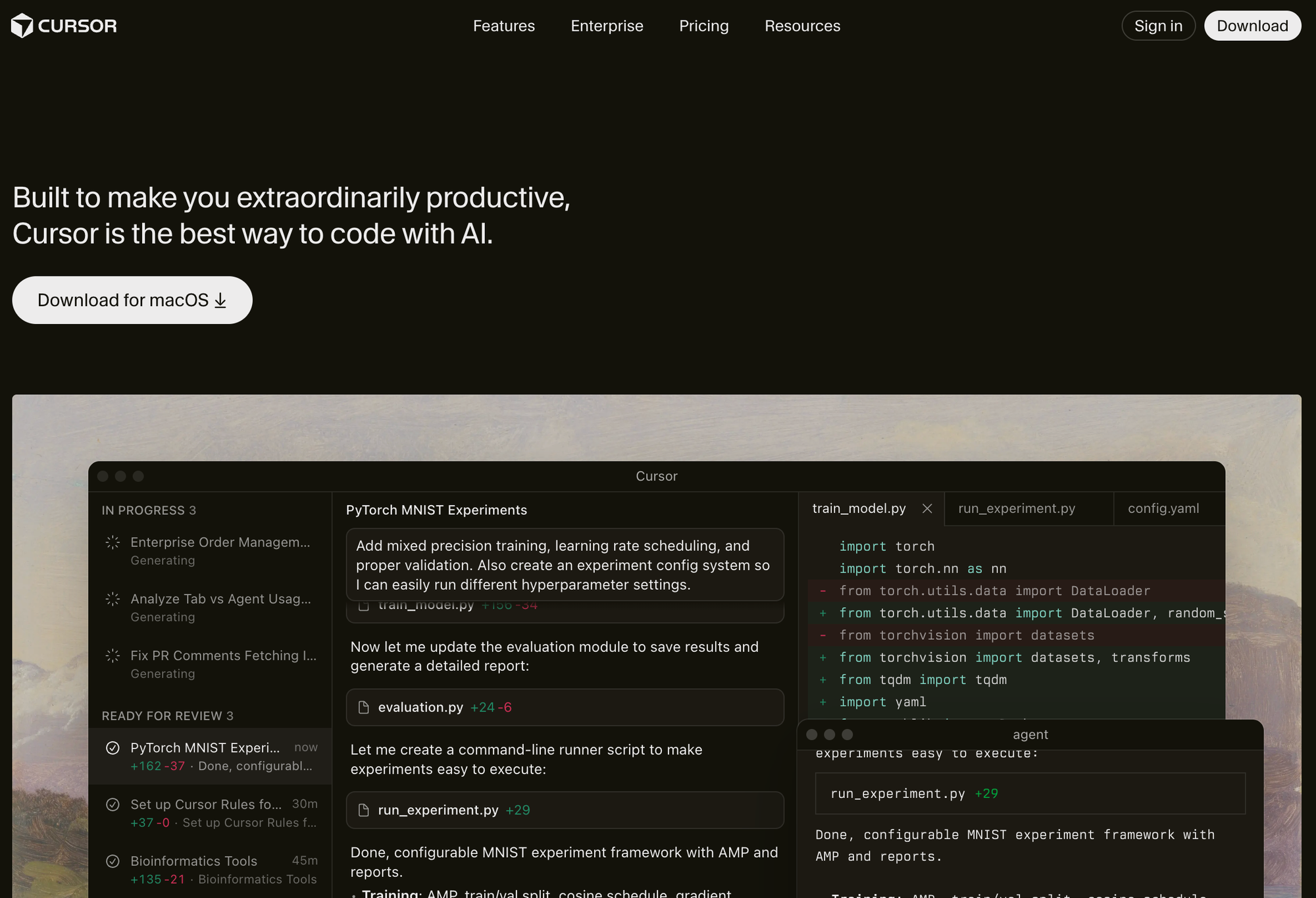
Overview: Cursor has become a phenomenon in the developer world, reaching 1 million users in just 16 months and achieving $500 million in annual recurring revenue, making it the fastest SaaS ever to hit $100M ARR (Sacra). Valued at $29.3 billion, the platform is now used by 100% of NVIDIA engineers and adopted by 50%+ of Fortune 500 companies. Built as a fork of VS Code, it feels instantly familiar to developers but adds deep AI integration: multi-file editing, codebase-aware chat, and intelligent autocomplete that understands your entire project, not just the current file.
What You Can Do With It:
- Multi-file refactoring: Describe changes in plain English and watch Cursor edit across multiple files simultaneously, maintaining consistency.
- Codebase Q&A: Ask questions about your project ("Where is authentication handled?", "How does the payment flow work?") and get accurate, contextual answers.
- Intelligent autocomplete: Get predictions based on your recent edits and project patterns, not just generic code suggestions.
- Debugging assistance: Paste error messages and get explanations plus suggested fixes that account for your specific codebase.
- Documentation generation: Create README files, API documentation, or inline comments that accurately reflect your code.
Practical Tips:
- Use Cmd+K (Ctrl+K) to describe changes in plain English, Cursor will edit across multiple files simultaneously.
- Reference specific files or functions in chat (@filename) for precise, context-aware answers.
- Enable privacy mode when working on proprietary or client code.
Actionable Insight: Cursor represents a shift from "AI as assistant" to "AI as pair programmer." Developers report 30--50% reductions in time spent on boilerplate, refactoring, and debugging, gains that compound significantly on larger codebases.
Pricing:
- Hobby (Free): 2,000 code completions/month, 50 slow premium requests
- Pro: $20/month - Unlimited Tab completions, $20 credit pool for advanced models
- Pro+: $60/month - 3x credits and limits
- Ultra: $200/month - High-volume predictable pricing
- Teams: $40/user/month - Collaboration features
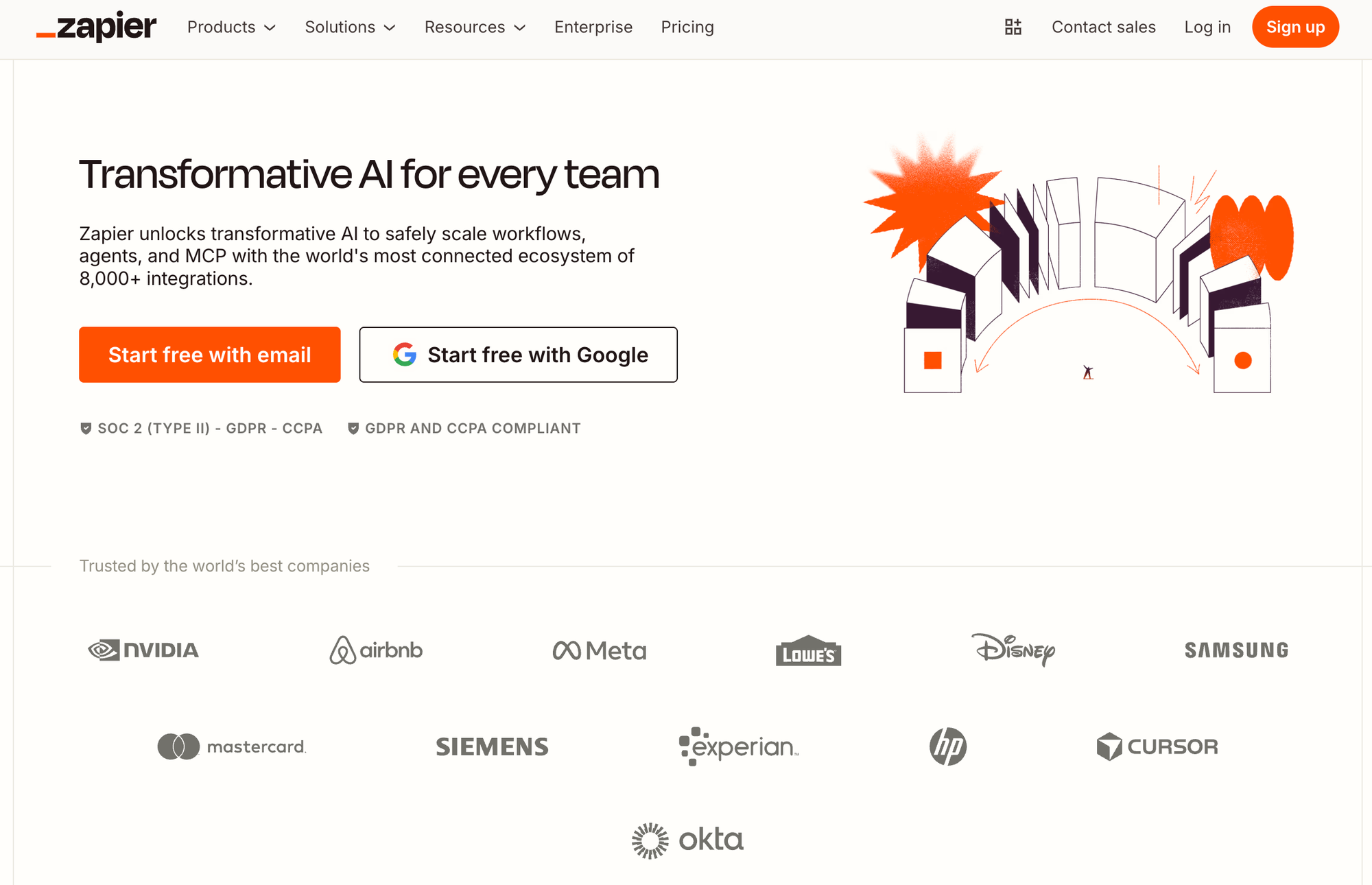
18. Zapier : AI-Powered Workflow Automation
Overview:
Zapier connects over 8,000 apps and has automated 81+ billion tasks since launch, with 1.5+ billion tasks running monthly, a 60% increase since 2023 (Fueler).
Used by 2.2+ million businesses including 69% of Fortune 1000 companies, the platform generates $310 million in revenue while remaining largely bootstrapped.
With natural language Zap creation, AI-powered data formatting, and built-in AI actions (summarization, classification, extraction), it transforms how businesses automate repetitive tasks, no code required. It's the connective tissue between all the other tools on this list.
What You Can Do With It:
- Natural language automation: Describe what you want ("When I get a new lead in HubSpot, summarize it and post to Slack") and Zapier builds the workflow automatically.
- AI-powered data processing: Clean messy data, extract information from emails, classify support tickets, or summarize documents as part of any workflow.
- Cross-platform orchestration: Connect your CRM to your email to your project management tool to your spreadsheets, all running automatically.
- Lead and customer workflows: Route leads, send personalized follow-ups, update records, and trigger sequences based on behavior or data changes.
- Internal operations: Automate expense approvals, onboarding tasks, inventory alerts, report generation, or any repetitive business process.
Practical Tips:
- Start by automating your most repetitive task, lead routing, invoice processing, or support ticket triage.
- Use the AI "Formatter" step to clean and standardize messy data between apps.
- Combine Zapier with tools like Notion, Fireflies, or your CRM to create end-to-end automated workflows.
Actionable Insight: The real power of AI tools multiplies when they're connected. Zapier acts as the orchestration layer, linking your AI meeting assistant to your project management system to your CRM. Teams using AI-augmented automations report reclaiming 10+ hours per week on administrative tasks.
Pricing:
- Free: 100 tasks/month, two-step Zaps only
- Professional: $19.99/month (annual) or $29.99/month - 750 tasks, multi-step Zaps
- Team: $69/month (annual) - Shared folders, SSO, user roles
- Enterprise: Custom pricing
19. Runway – AI Video Generation and Editing for Creators

Overview:
Runway has positioned itself at the forefront of generative AI video, growing from $3M revenue in 2021 to $121.6 million in 2024, with projections reaching $265-300 million for 2025-2026 (Sacra).
Valued at $3.55 billion (with Series D talks at $5 billion), the platform has attracted enterprise clients like CBS, Lionsgate, and major film productions, Amazon's "House of David" Season 2 used 350+ AI-generated shots from Runway.
From text-to-video and image-to-video generation to motion tracking and background removal, it's become essential for filmmakers, advertisers, and content creators pushing visual boundaries.
What You Can Do With It:
- Text-to-video creation: Generate video clips from text descriptions for ads, social content, concept visualization, or creative projects.
- Image animation: Bring still photos to life with realistic motion, perfect for product showcases, historical photos, or artistic projects.
- Video editing automation: Remove backgrounds, track objects, apply style transfers, or extend clips without manual frame-by-frame work.
- Prototype and pitch: Create video mockups for commercials, film scenes, or product demos to communicate vision before full production.
- Hybrid production: Combine AI-generated elements with live footage for unique visual styles that blend reality and AI creativity.
Practical Tips:
- Start with image-to-video for more predictable results, upload a strong still and let Runway animate it.
- Use Motion Brush selectively; animating one element (flowing hair, rippling water) often looks better than animating everything.
- Combine Runway clips with traditional footage in your editor for hybrid productions that blend AI and live action seamlessly.
Actionable Insight: AI video generation has crossed the threshold from "interesting experiment" to "production-ready tool." Runway lets small teams produce visual content that previously required six-figure budgets, product demos, ad concepts, music videos, and short films can now be prototyped in hours rather than weeks. For creators and marketers, early fluency with these tools is a significant competitive edge.
Pricing:
- Free: 125 one-time credits (non-renewable), watermarks, 10-second limit
- Standard: $12/month (annual) or $15/month - 625 credits/month, 1080p, Gen-4 access
- Pro: $28/month (annual) or $35/month - 2,250 credits, 4K export
- Unlimited: $76/month (annual) or $95/month - Unlimited relaxed-rate generations
Conclusion
The explosion of AI apps in 2026 is matched only by their diversity and depth, there's an innovative solution for nearly every challenge, from automating knowledge work to launching full-stack web apps. Leaders like ChatGPT, Gemini, Microsoft Copilot, and Perplexity cover a vast range of conversational and productivity needs, while specialist tools such as Suno, Leonardo AI, and Fireflies bring AI to music, art, and meetings.
If you're looking to build or experiment in the digital space, platforms like Capacity.so are pioneering the next frontier: allowing anyone, regardless of technical skill, to turn raw ideas into production software, unlocking creativity and business agility at a scale never before possible.
Next Steps:
- Identify your top-priority task or challenge, writing, research, design, development, or collaboration.
- Trial the relevant AI app(s) above for a week with a real project.
- Combine general-purpose and specialist AI tools for maximum leverage (e.g., ChatGPT for content, Capacity for app creation, Notion AI for documentation).
- Stay updated, AI feature sets grow month by month.
The best AI app is the one that delivers transformative value for your workflow, empowering you to focus on results, not routine. Explore, experiment, and evolve your stack with these cutting-edge programs.