
Lovable AI Review 2026: Honest Deep Dive + 7 Alternatives Compared
Lovable AI Review 2026: Honest Deep Dive + 7 Alternatives Compared
You've got an app idea. Maybe it's a SaaS dashboard, an internal tool for your team, or a side project you've been sketching on napkins for months. You know what you want — you just can't build it. Or rather, you could, but it would take weeks of wrestling with React boilerplate, database schemas, and deployment configs.
This is the promise of AI app builders in 2026: describe what you want, and get a working application. No bootcamp required. No $15,000 freelancer invoice. Just you, a text prompt, and an AI that (supposedly) understands what you mean.
Lovable AI is one of the most hyped tools in this space. With millions of projects created and a rebrand from GPT Engineer, it's positioned itself as the go-to AI app builder. But does it actually deliver? And if not, what should you use instead?
We spent three weeks testing Lovable AI alongside seven alternatives, building real projects — not toy demos — to give you an honest assessment. This is the review we wish we'd had before starting.
What Is Lovable AI?
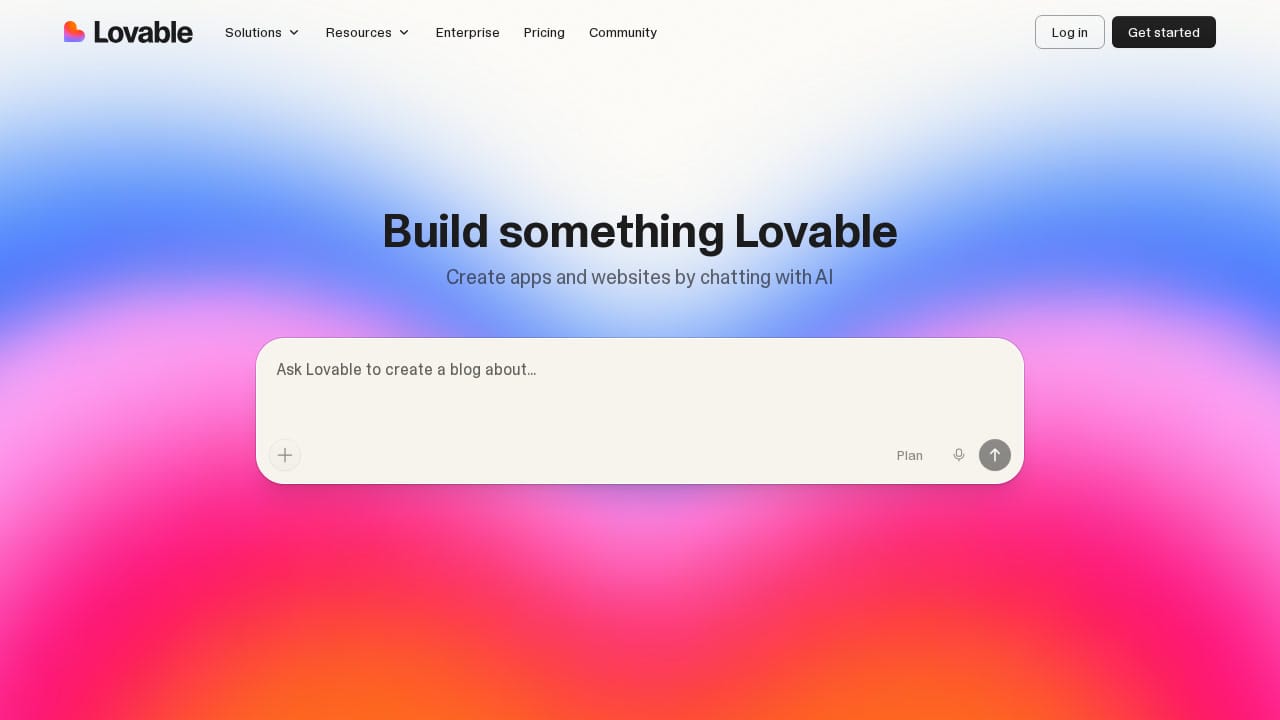
Lovable AI is an AI-powered app builder that turns natural language prompts into full-stack web applications. You describe what you want — "build me a project management tool with kanban boards and team assignments" — and Lovable generates a working React application with UI, routing, and optionally a Supabase backend.
The platform originally launched as GPT Engineer in 2023, rebranded to Lovable in late 2024, and has since grown into one of the most popular AI coding tools. If you visit gptengineer.app today, you'll be redirected straight to Lovable — the two are the same product.
How Lovable AI Actually Works
The workflow is straightforward:
- Prompt your app idea — Write a description of what you want. The more detailed, the better. "Build a habit tracker with daily streaks, a calendar view, and user authentication" works much better than "make me an app."
- Watch it generate — Lovable creates your application in real-time. You see the code being written and a live preview updating as components are built. It typically takes 30-90 seconds for an initial generation.
- Iterate through chat — Don't like the color scheme? Want to add a new page? You chat with the AI to make changes. "Make the sidebar collapsible" or "add a dark mode toggle" — and Lovable modifies the code accordingly.
- Connect a backend — For apps that need data persistence, Lovable integrates with Supabase. It can set up database tables, authentication, and row-level security policies through the chat interface.
- Deploy — One-click deployment gets your app live with a URL. Lovable also syncs everything to a GitHub repo, so you own the code.
What You Can Actually Build with Lovable
In our testing, Lovable handled these types of projects well:
- Landing pages and marketing sites — This is where Lovable shines brightest. The generated UI is polished, using shadcn/ui components and Tailwind CSS. Results look professional out of the box.
- Simple CRUD applications — Todo apps, inventory trackers, basic dashboards. Anything that's essentially "display a list, add items, edit items, delete items" works reliably.
- MVPs and prototypes — If you need something functional to show investors or test with users, Lovable can produce a convincing prototype in hours rather than weeks.
- Internal tools — Admin panels, data viewers, simple workflow tools. These are straightforward enough that the AI rarely gets confused.
Where it struggles:
- Complex business logic — Multi-step workflows, conditional pricing engines, or anything requiring intricate state management. The AI often generates something that looks right but doesn't handle edge cases.
- Real-time features — Chat applications, live collaboration tools, or anything with WebSocket connections. Lovable can attempt these, but the results are usually buggy.
- Custom integrations — Connecting to third-party APIs beyond Supabase requires manual coding. Lovable might scaffold the fetch call, but authentication flows, error handling, and rate limiting are on you.
- Anything beyond React — If you need Vue, Svelte, or a mobile app, Lovable can't help. It generates React + Vite + Tailwind + shadcn/ui, period.
The Iteration Problem
Here's Lovable's biggest weakness, and it's one most reviews don't talk about: the first generation is usually impressive, but iteration is where things break down.
Your initial prompt might produce a beautiful, working app. You think "this is amazing, AI has replaced developers." Then you ask for a change — "move the navigation to the left sidebar" — and the AI restructures three components, breaks the mobile layout, and introduces a bug in the routing. You ask it to fix the routing, and it fixes that but breaks the sidebar. Three iterations later, you've burned through credits and the app is worse than where you started.
This isn't every time, but it's frequent enough to be a real pattern. Lovable's AI doesn't have a strong sense of "preserve what's working, only change what I asked about." It tends to rewrite more broadly than necessary, which cascades into unexpected breakage.
For developers, the escape hatch is clear: clone the GitHub repo and fix things manually. For non-technical users — Lovable's primary target audience — this is a dead end.
Lovable AI Pricing in 2026
Lovable uses a credit-based system tied to monthly plans:
- Free: 5 messages per day. Enough to kick the tires, not enough to build anything real.
- Starter ($20/month): 100 messages/month, GitHub integration, basic deployment. You'll burn through this in 2-3 focused building sessions.
- Pro ($50/month): 500 messages/month, priority generation, advanced features. This is the minimum viable plan for serious use.
- Teams ($100/month per seat): Collaboration features, shared projects, higher limits.
The credit consumption is the hidden gotcha. Complex prompts — especially ones involving backend changes or multi-component updates — consume more credits than simple UI tweaks. Users regularly report running out mid-project and having to wait for the next billing cycle or upgrade.
Our Verdict on Lovable AI
Lovable AI is genuinely impressive for first-generation outputs and simple projects. If you need a polished MVP or landing page fast, it delivers. The GitHub integration means you're never locked in, and the Supabase backend support adds real functionality beyond just UI generation.
But it's not the revolutionary "anyone can build software" tool it's marketed as. The iteration quality issues, credit unpredictability, and React-only limitation mean that for anything beyond a simple prototype, you'll either need developer skills or a different tool.
Rating: 7/10 — Great for prototypes, frustrating for production apps.
7 Best Lovable AI Alternatives in 2026
Lovable isn't your only option, and depending on what you're building, it might not be your best one. Here are seven alternatives we tested, each with a different philosophy on how AI should help you build software.
1. Capacity.so — The Full-Stack AI Co-Founder
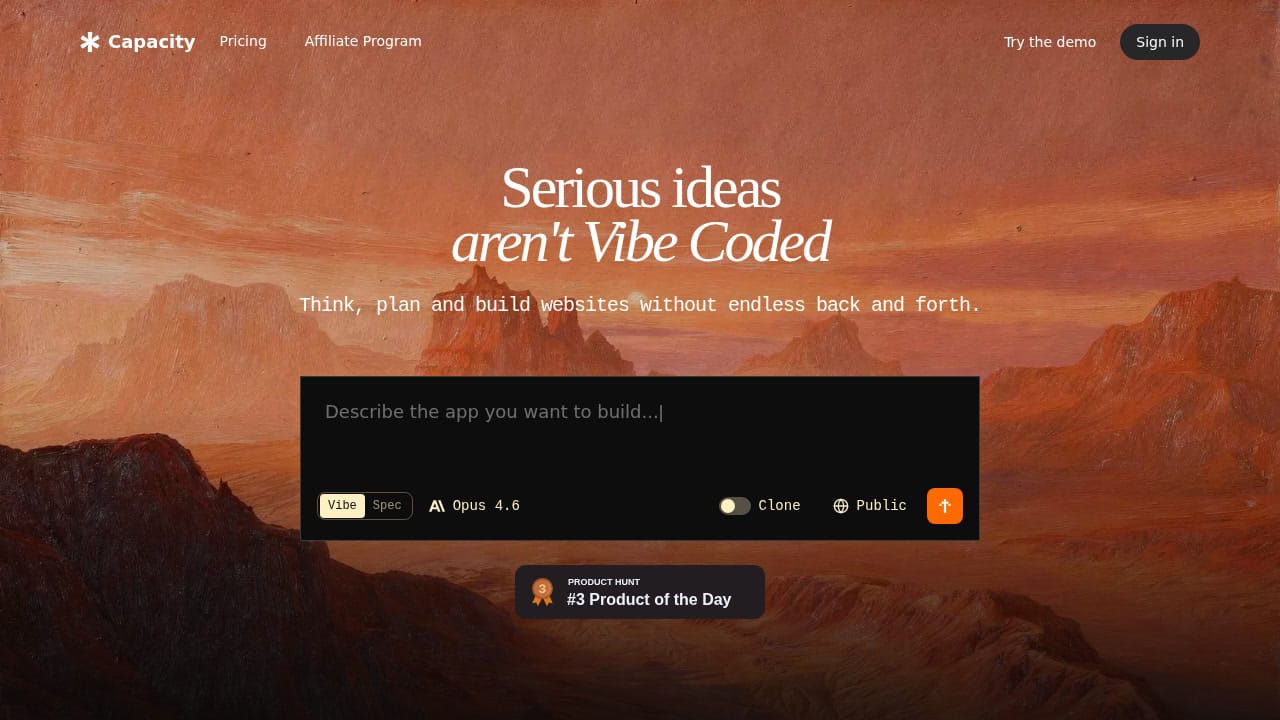
Capacity.so takes a fundamentally different approach to AI app building, and it's the difference that matters most. Where Lovable throws you into a chat box and says "describe your app," Capacity acts more like an AI co-founder — it helps you think through what you're building before writing a single line of code.
The tagline — "Serious ideas aren't vibe coded" — is a direct shot at the prompt-and-pray approach, and honestly? They have a point.
How Capacity Works Differently
When you start a project on Capacity, the AI asks clarifying questions. What's the core user flow? What data do you need to store? Who's the target user? This planning phase might feel slower at first, but it produces dramatically more coherent applications. Instead of generating a generic CRUD app and iterating through 50 chat messages, Capacity builds something closer to your actual vision on the first try.
The technical output is full-stack — frontend, backend, database, and deployment — all from a single conversation. And unlike Lovable's React-only approach, Capacity supports multiple technology stacks.
The Clone Website Feature
One standout feature is Capacity's website cloning tool. Point it at any existing website, and it recreates the design as a starting point for your project. This is incredibly useful when a client says "I want something like this, but for our industry." Instead of manually recreating a reference design, you clone it and customize from there.
Why It's Our #1 Alternative
Capacity solves Lovable's biggest weakness — the iteration problem. Because the planning phase catches misunderstandings early, you spend less time fighting the AI to change things and more time building. The results feel more intentional and less like "AI guessed what you wanted."
For non-technical founders, this guided approach is the difference between shipping a product and abandoning the project in frustration. For developers, it's a legitimate time-saver that doesn't produce code you'd be embarrassed to maintain.
Best for: Founders and makers who want a structured, full-stack building experience
Pricing: Free tier available; paid plans for advanced features
Standout feature: AI co-founder planning phase + website cloning
Limitation: Newer platform, smaller community than established tools
2. Bolt.new — The Developer's AI Playground
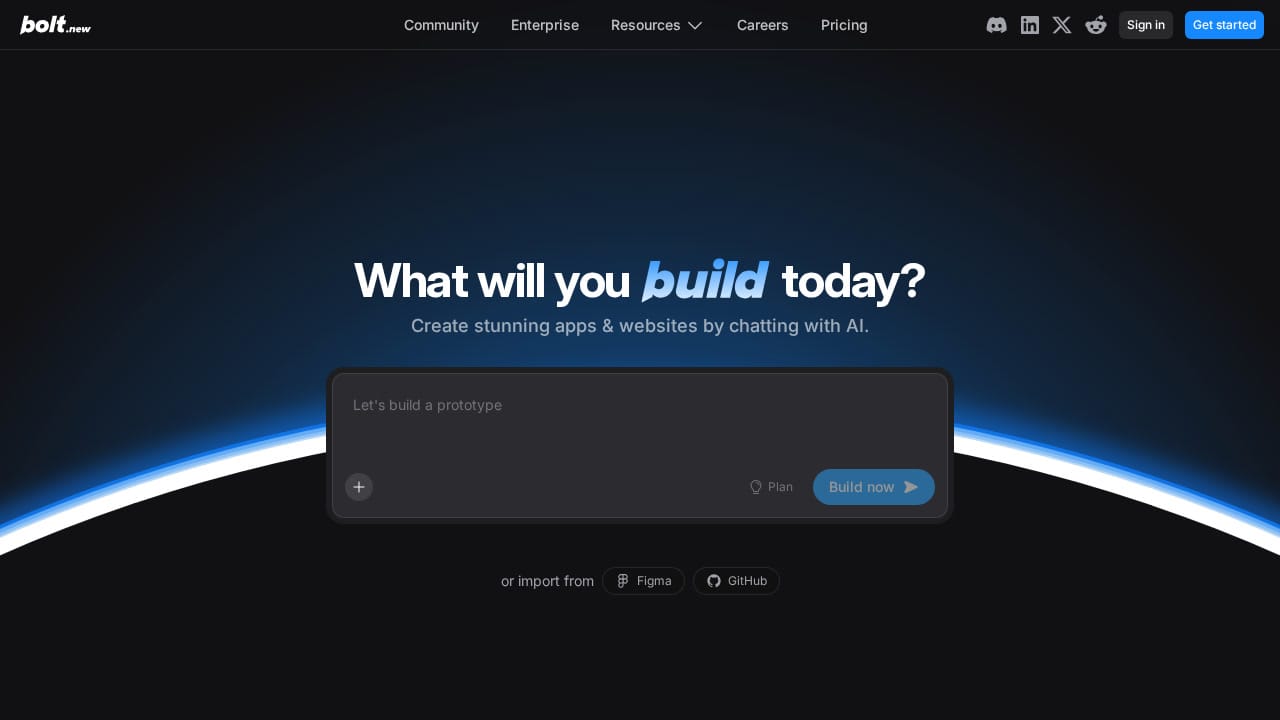
Bolt.new from StackBlitz occupies interesting middle ground: it's an AI app builder that doesn't pretend developers don't exist. The entire experience runs in a browser-based development environment powered by WebContainers — StackBlitz's technology for running Node.js natively in the browser.
What this means in practice: you prompt an app, and instead of getting a black-box output, you get a full IDE with editable source code, a terminal, and a live preview. The AI generates code, but you can immediately jump in and modify anything manually. This hybrid approach is Bolt's superpower.
Where Bolt.new Excels
Bolt is the best tool on this list for developers who want AI assistance rather than AI replacement. The generated code is visible, editable, and runnable — all in the same interface. If the AI gets something wrong, you don't need to describe the fix in chat; you just edit the file.
It also supports Figma and GitHub imports, making it practical for real development workflows rather than isolated AI experiments. The "Plan" mode lets you review what the AI intends to do before it generates code — a small feature that prevents a lot of wasted iterations.
The Honest Downside
Bolt's strength is also its weakness: if you're not a developer, the exposed IDE and terminal are intimidating rather than empowering. The AI handles a lot, but when something goes wrong, debugging requires actual coding knowledge. It's also token-based, and complex operations eat through your allocation fast.
Best for: Developers who want AI-accelerated coding with full control
Pricing: Free tier with limited tokens; Pro from ~$20/month
Standout feature: Full in-browser IDE with AI + manual editing
Limitation: Not beginner-friendly; requires coding knowledge to get full value
3. Cursor AI — The AI Code Editor That Gets Your Codebase
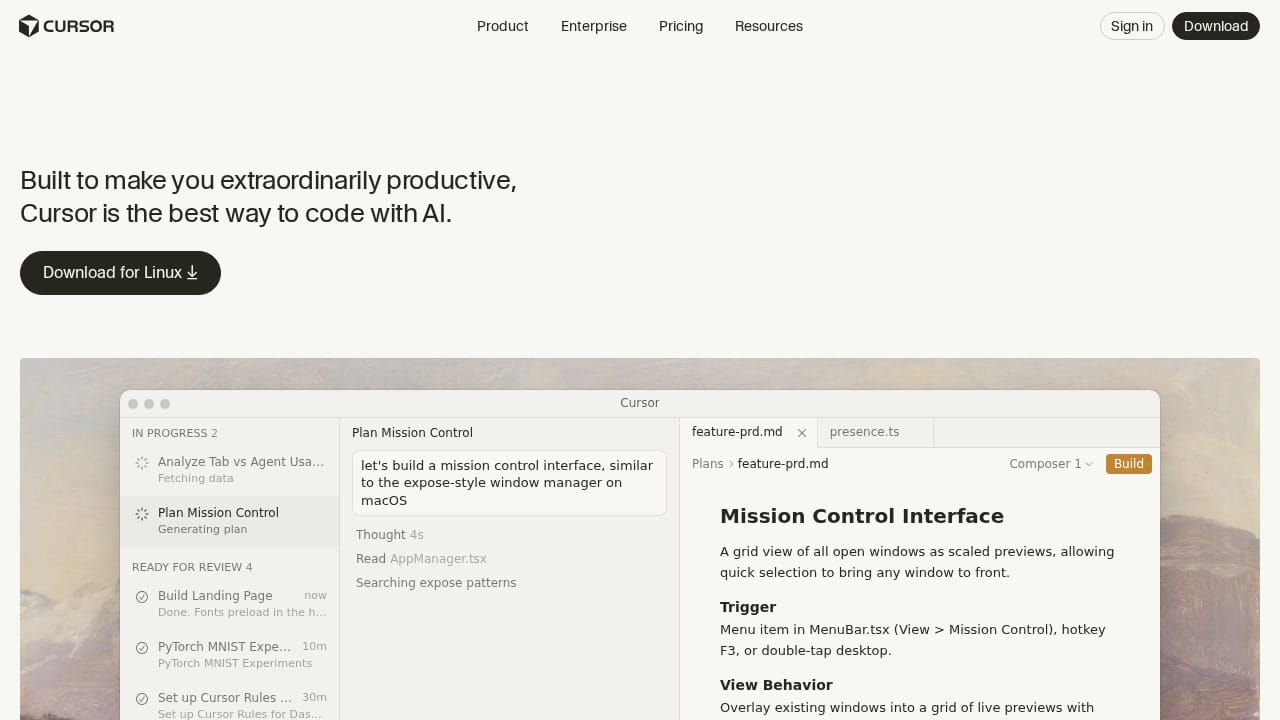
Cursor is a different animal entirely. It's not an app builder — it's an AI-powered code editor (forked from VS Code) designed to make experienced developers dramatically faster. If Lovable is "AI builds for you," Cursor is "AI builds with you."
What Makes Cursor Special
Cursor's killer feature is codebase awareness. Unlike generic AI assistants that only see the file you're editing, Cursor indexes your entire project and uses it as context. Ask it to "add a new API endpoint that follows the same pattern as the existing ones," and it actually knows what your existing patterns look like.
The Tab completion is eerily good — it predicts multi-line code changes based on what you're doing, not just the current line. The inline chat (Cmd+K) lets you describe changes in natural language within any file. And the Composer feature can coordinate changes across multiple files simultaneously.
Who Should Use It
If you already know how to code and want to be 2-5x faster, Cursor is the best tool on this list. Period. It won't build an app from a text description for a non-technical person, but it will fundamentally change how quickly a developer ships features.
The catch: it's $20/month and the free tier is limited. Also, the AI suggestions aren't always right, and blindly accepting them can introduce subtle bugs. You need enough expertise to review what it generates.
Best for: Professional developers who want AI-enhanced coding speed
Pricing: Free tier; Pro $20/month; Business $40/month
Standout feature: Full codebase indexing and context-aware suggestions
Limitation: Not for non-coders; it's a power tool, not a magic wand
4. V0.dev — The UI Component Machine
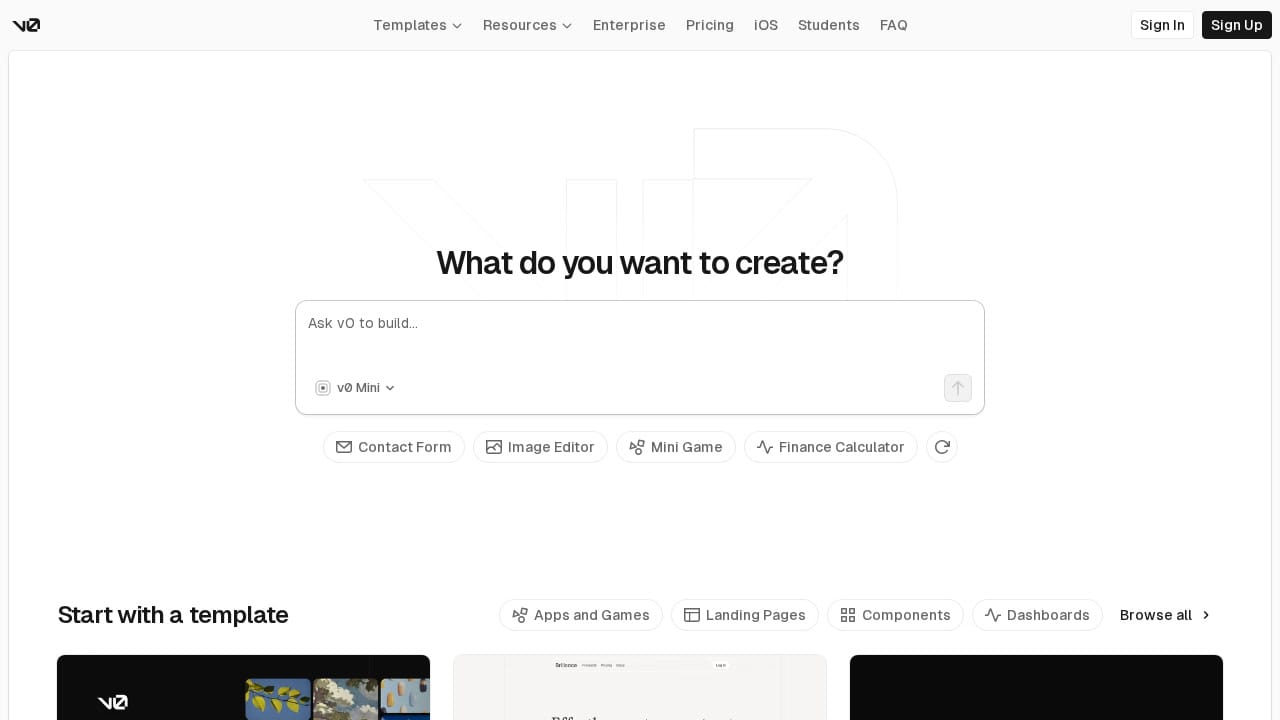
V0 by Vercel has carved out a specific niche: it's the best AI tool for generating individual UI components and page layouts. Not full applications — components. And within that niche, it's exceptional.
The V0 Sweet Spot
Need a pricing table? A dashboard layout? A settings page with toggle switches and form validation? V0 generates these with stunning quality. The output uses React, Tailwind CSS, and shadcn/ui — the same stack as Lovable, but the UI quality is noticeably higher because V0 is laser-focused on frontend excellence.
You can also feed V0 an image or screenshot, and it will recreate the UI in code. This "screenshot to code" capability is genuinely useful for replicating designs you find online or converting Figma mockups into working components.
The Limitation
V0 is not a full-stack tool. It generates frontend components that you then need to integrate into your own project. There's no database, no authentication, no deployment. Think of it as an incredibly talented UI designer that hands you React components — assembly is your responsibility.
For frontend developers, this is fine. For non-technical users looking for a Lovable alternative, V0 isn't it. But if your bottleneck is "I can handle the logic but I'm slow at building UIs," V0 will change your life.
Best for: Frontend developers and designers who need rapid UI generation
Pricing: Free tier; Premium ~$20/month
Standout feature: Best-in-class UI component quality + image-to-code
Limitation: Frontend only — no backend, no database, no deployment
5. Replit — The All-in-One Cloud IDE
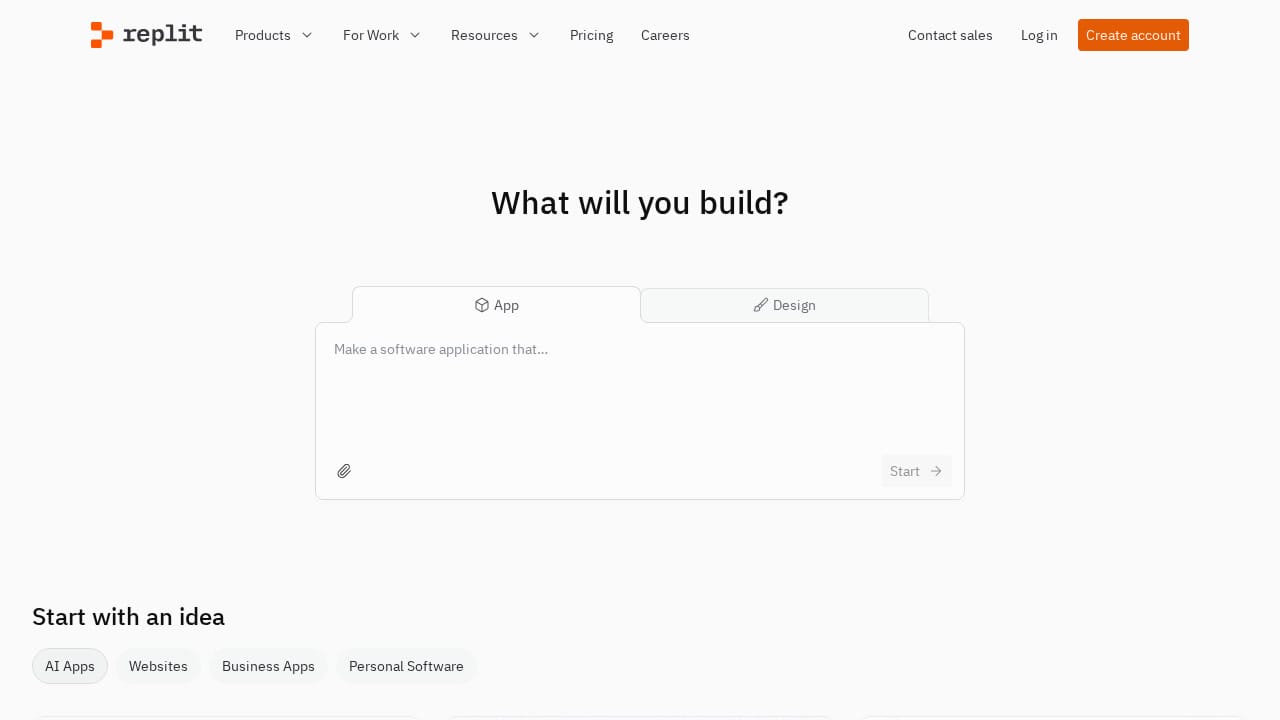
Replit has transformed from a browser-based coding sandbox into a full AI development platform. Its Replit Agent can generate entire applications from natural language descriptions, while the underlying IDE supports Python, Node.js, Go, Ruby, and dozens of other languages.
The Multi-Language Advantage
This is Replit's biggest differentiator: while Lovable and Bolt are locked into JavaScript/React, Replit can build a Python Flask API, a Next.js frontend, or a Go microservice. For projects that need specific technology choices — maybe your team uses Python, or your backend needs to be in a particular language — Replit is the only AI builder that doesn't force a stack on you.
The Agent feature handles surprisingly complex projects. In our testing, it successfully scaffolded a multi-page web application with a PostgreSQL database, user authentication, and file uploads — all from a conversational prompt. The code quality wasn't perfect, but it was a solid starting point.
The Trade-offs
Replit's AI is powerful but inconsistent. Some generations are impressive; others produce code with obvious errors that the Agent then struggles to fix (sound familiar?). The platform can also be slow — running a development server in the cloud introduces latency that local tools don't have.
Pricing has also been a pain point. Replit's free tier has shrunk over time, and the $25/month Core plan feels expensive when you're also paying for AI features that don't always work reliably.
Best for: Developers who need multi-language support and cloud-based development
Pricing: Free tier; Core ~$25/month
Standout feature: Language-agnostic AI generation with built-in hosting
Limitation: Cloud latency, inconsistent AI quality, increasingly expensive
6. GPT Engineer (Now Lovable) — The Rebrand Story
If you're searching for "GPT Engineer" as a Lovable alternative, here's the important update: GPT Engineer and Lovable are the same product. The GPT Engineer project rebranded to Lovable in late 2024, and visiting gptengineer.app now redirects to lovable.dev.
This matters because many comparison articles still list them as separate tools. They're not. If you've used GPT Engineer before, you've used an earlier version of Lovable.
The open-source GPT Engineer project (the CLI tool you can run locally) still exists on GitHub as a separate entity, but the hosted platform is entirely Lovable now. If you specifically want the open-source, self-hosted experience, check out the GitHub repository — but know that it receives less attention than the commercial Lovable product.
For an actual seventh alternative, let's look at a tool that is genuinely different:
Alternative: Pythagora — The Spec-First Builder
Pythagora (formerly known as GPT Pilot) takes the planning-first approach to an extreme. Instead of generating code from a single prompt, Pythagora creates a detailed technical specification first, then implements it step by step — asking for your input at each stage.
The result is more predictable than Lovable's approach. You know exactly what's being built before any code is written, and you can course-correct during development rather than after. The downside is speed — a project that Lovable generates in 60 seconds might take 15-20 minutes with Pythagora because of the deliberate, step-by-step process.
Best for: Technical users who want maximum control over AI-generated code
Standout feature: Step-by-step specification and implementation with human checkpoints
Limitation: Slow compared to instant generators; requires technical understanding
7. Windsurf (formerly Codeium) — The Cascade Flow State
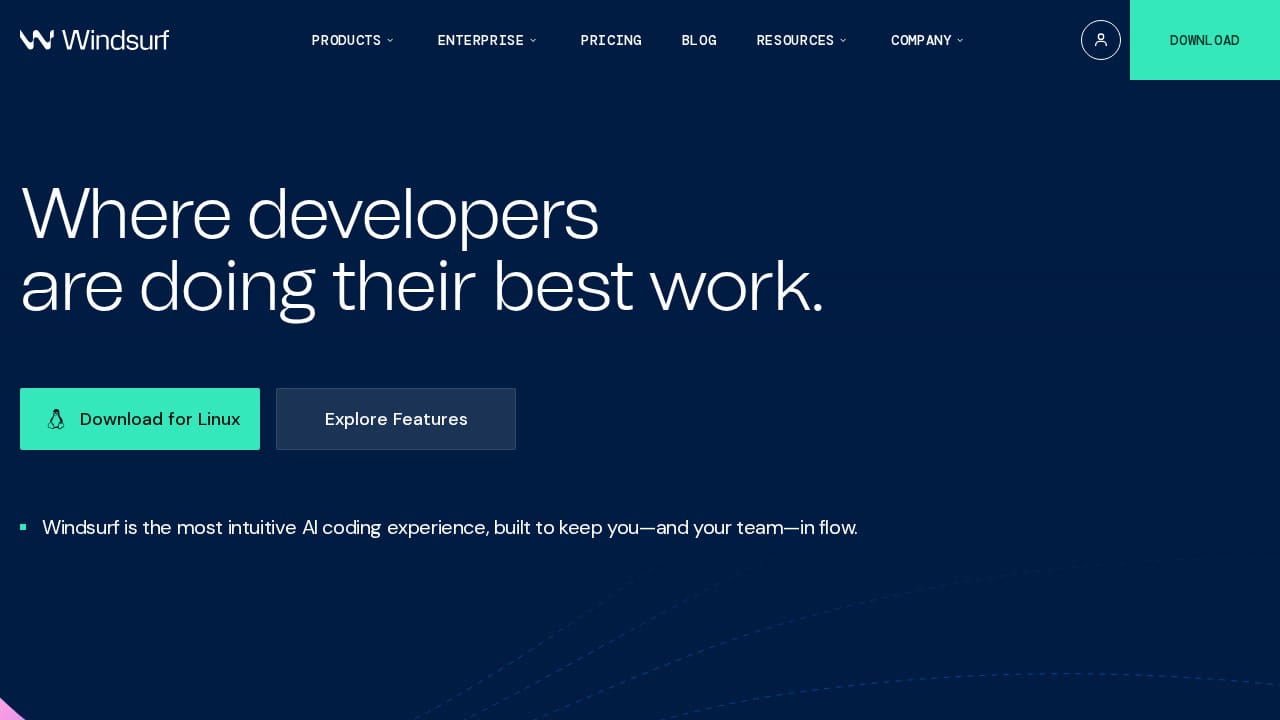
Windsurf (rebranded from Codeium) is Cursor's most direct competitor — another AI-powered code editor built for professional developers. Its headline feature is Cascade, an agentic AI system that can autonomously execute multi-step coding tasks.
What Makes Windsurf Different from Cursor
While Cursor focuses on making you faster at writing code line-by-line, Windsurf's Cascade agent can handle larger autonomous tasks. Tell it to "refactor the authentication system to use JWT tokens instead of sessions," and Cascade will plan the changes, modify multiple files, update tests, and run them — all without you touching the keyboard.
The "Tab Tab Tab...Ship" philosophy means Windsurf is optimized for accepting AI suggestions rapidly. In practice, this creates a flow state where you're reviewing and approving changes rather than writing them. For routine coding tasks, this is genuinely faster than typing.
The Reality Check
Windsurf is impressive but still maturing. Cascade sometimes takes wrong turns on complex refactors, and unwinding its changes can be more work than doing the refactor manually. The editor itself is solid (also VS Code-based), but Cursor currently has the edge in code completion quality and community support.
If Cursor's subscription is too expensive or you want to try the agentic approach to coding, Windsurf is worth evaluating. The free tier is more generous than Cursor's.
Best for: Developers who want autonomous AI coding agents, not just autocomplete
Pricing: Free tier; Pro from ~$15/month
Standout feature: Cascade autonomous agent for multi-file changes
Limitation: Agentic changes can go wrong; less mature ecosystem than Cursor
Lovable AI vs Alternatives: The Honest Comparison
| Tool | Type | Best For | Coding Required? | Full-Stack? | Starting Price |
|---|---|---|---|---|---|
| Lovable AI | AI App Builder | Quick MVPs & prototypes | No | Yes (React + Supabase) | Free / $20/mo |
| Capacity.so | AI App Builder | Serious full-stack apps | No | Yes (multiple stacks) | Free |
| Bolt.new | AI + IDE | Developers wanting control | Helpful | Yes | Free / $20/mo |
| Cursor AI | Code Editor | Professional developers | Yes | N/A (editor) | Free / $20/mo |
| V0.dev | UI Generator | Frontend components | Somewhat | No (frontend only) | Free / $20/mo |
| Replit | Cloud IDE | Multi-language projects | Helpful | Yes | Free / $25/mo |
| Pythagora | Spec-First Builder | Planned, controlled builds | Helpful | Yes | Varies |
| Windsurf | Code Editor | Autonomous AI coding | Yes | N/A (editor) | Free / $15/mo |
Which Tool Should You Actually Pick?
After testing all eight tools extensively, here's our decision framework:
🚀 "I have an app idea and I can't code"
→ Start with Capacity.so. The guided planning process means you're less likely to waste time on misunderstood prompts. If Capacity doesn't work for your specific use case, try Lovable next — but manage your expectations around iteration quality.
👨💻 "I'm a developer and I want to build faster"
→ Cursor AI is the clear winner. It integrates into your existing workflow and makes you measurably faster without changing how you work. Windsurf is worth trying if you want more autonomous AI behavior.
🎨 "I need beautiful UI components fast"
→ V0.dev, no contest. Generate the components, drop them into your project. Done.
🏗️ "I'm building something complex with specific tech requirements"
→ Replit for multi-language support, or Bolt.new if you want a browser-based environment with full code access.
🧪 "I just want to prototype something quickly"
→ Lovable is actually great for this. The first generation is impressive, and for prototypes, you don't need perfect iteration — you need fast output. Just don't expect to take that prototype to production without developer involvement.
Frequently Asked Questions
Is Lovable AI free?
Lovable offers a free plan with 5 messages per day. It's enough to test the platform but not enough to build a real project. Paid plans start at $20/month.
Is Lovable AI the same as GPT Engineer?
Yes. GPT Engineer rebranded to Lovable in late 2024. They are the same product, same team, same platform. Visiting gptengineer.app redirects to lovable.dev.
Can Lovable AI build production-ready applications?
For simple applications (landing pages, basic CRUD tools, portfolios), yes. For complex applications with intricate business logic, real-time features, or custom integrations, you'll need developer involvement to refine the generated code.
What's the best free Lovable alternative?
Capacity.so offers a generous free tier for full-stack app generation. Bolt.new and Replit also have free tiers, though with token limitations.
Lovable vs Bolt.new — which is better?
Lovable is better for non-technical users who want a polished output without seeing code. Bolt.new is better for developers who want to see and edit the code alongside AI generation. If you can code, Bolt gives you more control. If you can't, Lovable is more accessible.
Can I use Lovable AI for commercial projects?
Yes. Lovable exports code to GitHub, and you own everything generated. There are no licensing restrictions on commercial use of the output code.
Final Thoughts: The AI App Builder Landscape in 2026
The AI app builder space is maturing fast, and the tools are genuinely useful — within their limitations. Lovable AI is a solid choice for prototyping and simple applications, but it's not the revolution its marketing suggests. The iteration problems, credit unpredictability, and React-only constraint mean it works best as a starting point, not a complete solution.
If we had to pick one tool for a non-technical person building a real product, we'd recommend Capacity.so for its structured approach and full-stack capabilities. For developers, Cursor AI remains the most impactful tool — it doesn't build for you, but it makes you dramatically better.
The honest truth? None of these tools will replace a skilled developer for complex applications. But they've made it possible for anyone to build simple, functional software — and for developers to ship faster than ever. That's not nothing. That's a genuine shift in who gets to create software.
Whatever you choose, start building. The best AI tool is the one that helps you ship.