
5 Best Bolt.new Alternatives for Building Apps with AI (2026)
5 Best Bolt.new Alternatives for Building Apps with AI (2026)
Bolt.new burst onto the scene as one of the most hyped AI app builders - promising to let anyone create full-stack web applications from a simple text prompt. And for quick prototypes, it delivers. But once you start building anything serious, the cracks show fast: token limits that halt you mid-project, deployment headaches, limited backend capabilities, and a pricing model that punishes iteration.
If you've hit those walls, you're not alone. Thousands of builders are looking for Bolt.new alternatives that offer more power, better reliability, and fewer surprise limitations. I've spent weeks testing every credible option on the market, building the same project across each platform to give you an honest, hands-on comparison.
Here are the 5 best Bolt.new alternatives in 2026 - ranked by how well they actually perform when you're building real applications, not just demos.
Why Look for Bolt.new Alternatives?
Before we dive into the alternatives, let's be honest about where Bolt.new falls short. Understanding these limitations will help you pick the right replacement for your specific needs.
Token Limits Kill Momentum
Bolt.new's biggest frustration is its token-based system. You start a project, get into the flow, and then - mid-feature - you run out of tokens. The free tier is extremely limited, and even paid plans can burn through tokens fast on complex projects. Every time you iterate on a design, fix a bug, or add a feature, you're spending tokens. For serious builders, this creates a painful stop-and-start workflow that destroys productivity.
Limited Backend and Database Support
Bolt.new excels at frontend work, but building real applications requires backends, databases, authentication, and API integrations. Bolt.new's backend capabilities feel bolted on (pun intended) rather than native. You'll often find yourself fighting the platform when trying to set up database schemas, server-side logic, or third-party integrations that would be straightforward in a more complete tool.
Deployment Isn't Always Smooth
Getting your Bolt.new project from "works in the editor" to "live on the internet" can be surprisingly painful. Deployment options are limited, custom domain setup is clunky, and you have minimal control over hosting infrastructure. If you need to scale, add a CDN, or configure server settings, you're largely on your own.
The AI Can Get Stuck in Loops
Bolt.new's AI sometimes enters frustrating loops where it tries to fix one issue, introduces another, then tries to fix that and reintroduces the first problem. This eats through tokens while making zero progress. Experienced users learn workarounds, but for newcomers, it's a dealbreaker that wastes both time and money.
Code Quality Concerns
The code Bolt.new generates is functional but not always production-ready. You'll find inconsistent patterns, unnecessary dependencies, and occasionally fragile implementations that work in the preview but break in edge cases. If you plan to maintain or extend the codebase, you'll need to do significant cleanup.
The 5 Best Bolt.new Alternatives in 2026
1. Capacity.so - Best Overall Bolt.new Alternative
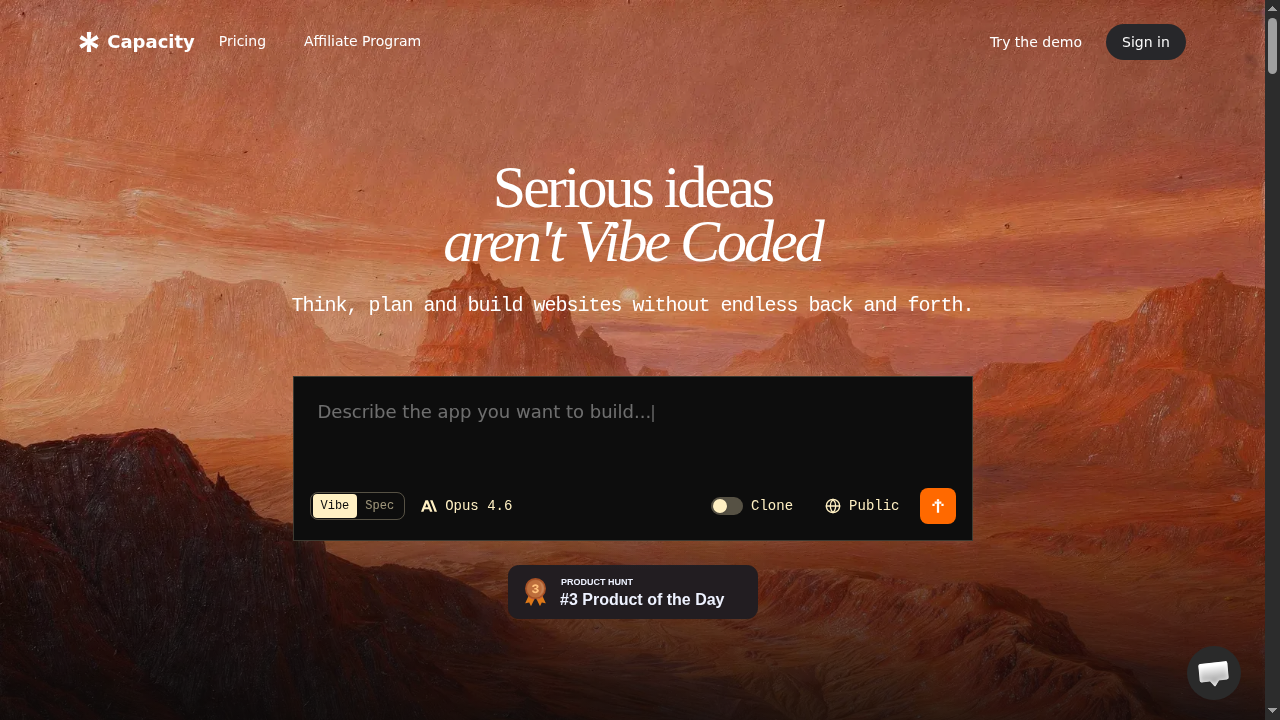
Capacity.so is what Bolt.new should have been. Where Bolt.new gives you a prompt box and hopes for the best, Capacity provides a complete AI-powered development environment where you build full-stack applications through natural conversation - and the results actually work in production.
The difference is immediately obvious from your first project. Instead of burning through tokens trying to get the AI to understand what you want, Capacity's conversational approach lets you describe your app naturally, refine it iteratively, and watch it come together in real-time. There are no arbitrary token limits cutting you off mid-flow.
What Makes Capacity.so Stand Out
True Full-Stack Generation: Capacity doesn't just create a pretty frontend and leave you to figure out the rest. It generates complete applications with real backends, database schemas, authentication systems, API endpoints, and deployment configurations. You describe what your app should do, and Capacity builds the entire stack.
Conversational Building: Instead of writing detailed prompts and hoping the AI interprets them correctly, you have an actual conversation with Capacity. "Add a user dashboard that shows their recent activity" becomes a real feature in minutes. Need to change something? Just say so. The AI remembers context from your entire conversation, so you're never re-explaining your project.
No Token Anxiety: This alone is worth the switch from Bolt.new. Capacity's pricing model means you can iterate freely without watching a token counter tick down. Build, test, refine, rebuild - the creative process flows naturally instead of being rationed.
Production-Ready Output: The code Capacity generates follows modern best practices, uses clean architecture patterns, and deploys reliably. You won't spend hours cleaning up the output before you can put it in front of real users. The generated applications include proper error handling, input validation, responsive design, and security basics out of the box.
Instant Deployment: Your app goes from conversation to live URL in minutes. Capacity handles hosting, SSL, and infrastructure so you can focus on what your app does rather than how it's served. Custom domains are straightforward, and scaling happens automatically.
Capacity.so Pricing
Capacity offers a generous free tier that lets you build and deploy real applications - not just toy demos. Paid plans scale based on your usage without the punishing token model that makes Bolt.new expensive for active builders. For teams, there are collaboration features that let multiple people contribute to the same project conversationally.
Who Should Switch to Capacity.so
If you're frustrated with Bolt.new's token limits, limited backend support, or deployment headaches, Capacity is the most natural upgrade. It's especially powerful for founders building MVPs, freelancers prototyping client projects, and anyone who wants to build complete web applications without writing code. The conversational interface means you spend time thinking about your product, not wrestling with prompts.
Capacity.so vs Bolt.new: Key Differences
- Building approach: Conversation (Capacity) vs. prompt-based (Bolt.new)
- Backend support: Full-stack native (Capacity) vs. limited (Bolt.new)
- Token limits: No token anxiety (Capacity) vs. strict limits (Bolt.new)
- Deployment: One-click with custom domains (Capacity) vs. limited options (Bolt.new)
- Code quality: Production-ready (Capacity) vs. needs cleanup (Bolt.new)
2. Lovable - Best for Beautiful UI-Focused Apps
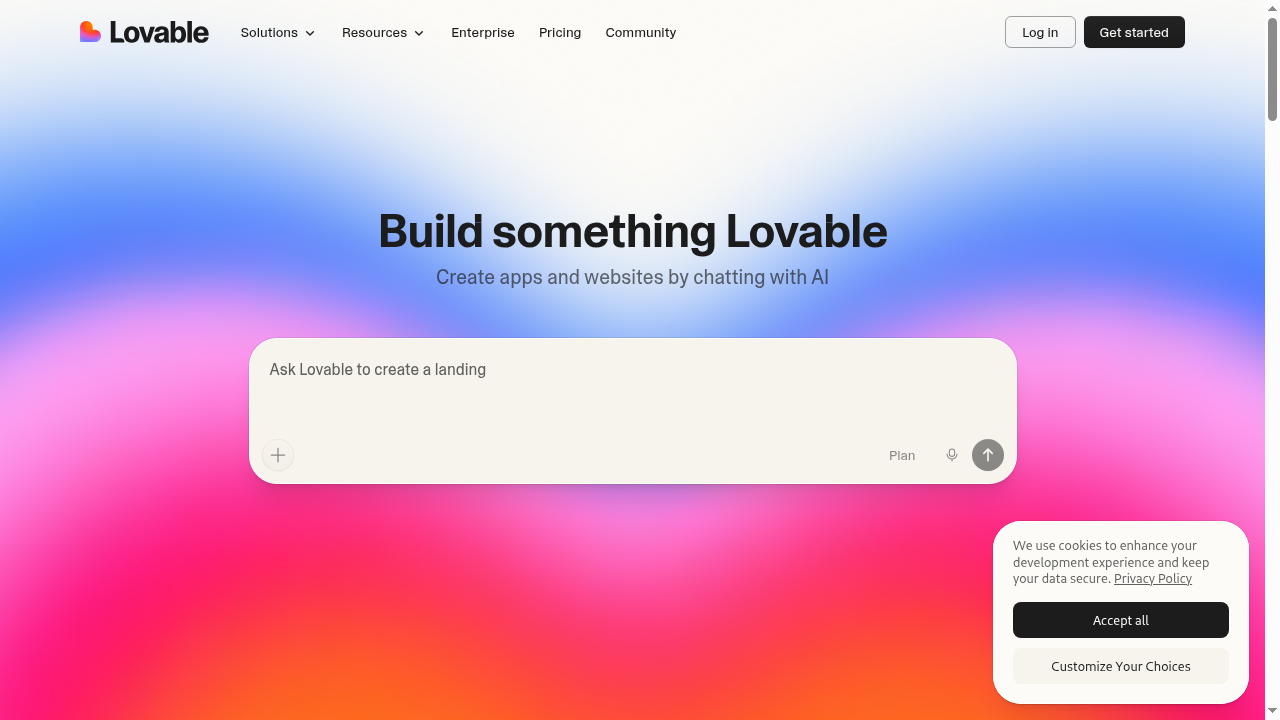
Lovable (formerly GPT Engineer) has carved out a strong niche as the AI app builder that produces the most visually polished output. If your primary frustration with Bolt.new is that the generated designs look generic or require heavy customization, Lovable is worth serious consideration.
Lovable's AI has been specifically trained to produce modern, attractive interfaces with thoughtful design choices. Where Bolt.new often generates functional-but-bland UIs, Lovable creates apps that look like a designer was involved. Subtle animations, proper spacing, consistent color palettes, and responsive layouts come standard.
Lovable's Strengths
Design Quality: This is Lovable's killer feature. The generated UIs are genuinely beautiful - proper typography, thoughtful whitespace, smooth animations, and modern design patterns. For landing pages, portfolios, and customer-facing apps where first impressions matter, Lovable's output is noticeably superior to most competitors.
Supabase Integration: Lovable has deep, native integration with Supabase for backend needs. This means authentication, database operations, and real-time features work reliably out of the box. It's not as flexible as Capacity's built-in full-stack approach, but for Supabase users, it's seamless.
GitHub Sync: Your code lives in a real GitHub repository from the start. This means you can clone it, modify it locally, bring in other developers, and maintain version control. It's a mature approach that gives you an escape hatch if you outgrow the platform.
Iterative Refinement: Lovable handles design iterations well. "Make the header more modern," "Add a gradient background," "Switch to a dark theme" - these kinds of design-focused instructions produce reliable results. The AI understands design language better than most competitors.
Lovable's Limitations
Lovable's token/credit system is similar to Bolt.new's, which means you'll face the same cost concerns on complex projects. Backend capabilities, while improved through Supabase, aren't as comprehensive as what Capacity offers natively. You're essentially choosing between Supabase or limited alternatives for your backend needs.
Complex business logic and multi-step workflows can trip up Lovable's AI. It excels at CRUD operations and standard patterns but can struggle with custom logic that doesn't fit neatly into templates. For apps that need complex state management or unusual architectures, you may hit walls.
Lovable Pricing
Lovable's free tier allows limited projects with basic features. The Starter plan runs around 0/month with a reasonable message allocation. The Launch plan at approximately 0/month adds more messages and advanced features. Like Bolt.new, heavy users may find costs escalating quickly.
Best For
Lovable is ideal for designers and creatives who need pixel-perfect UIs, landing pages, portfolio sites, and customer-facing apps where visual polish is the top priority. If backend complexity is your main concern, Capacity.so is a better fit.
3. V0.dev - Best for Frontend Components and Prototyping
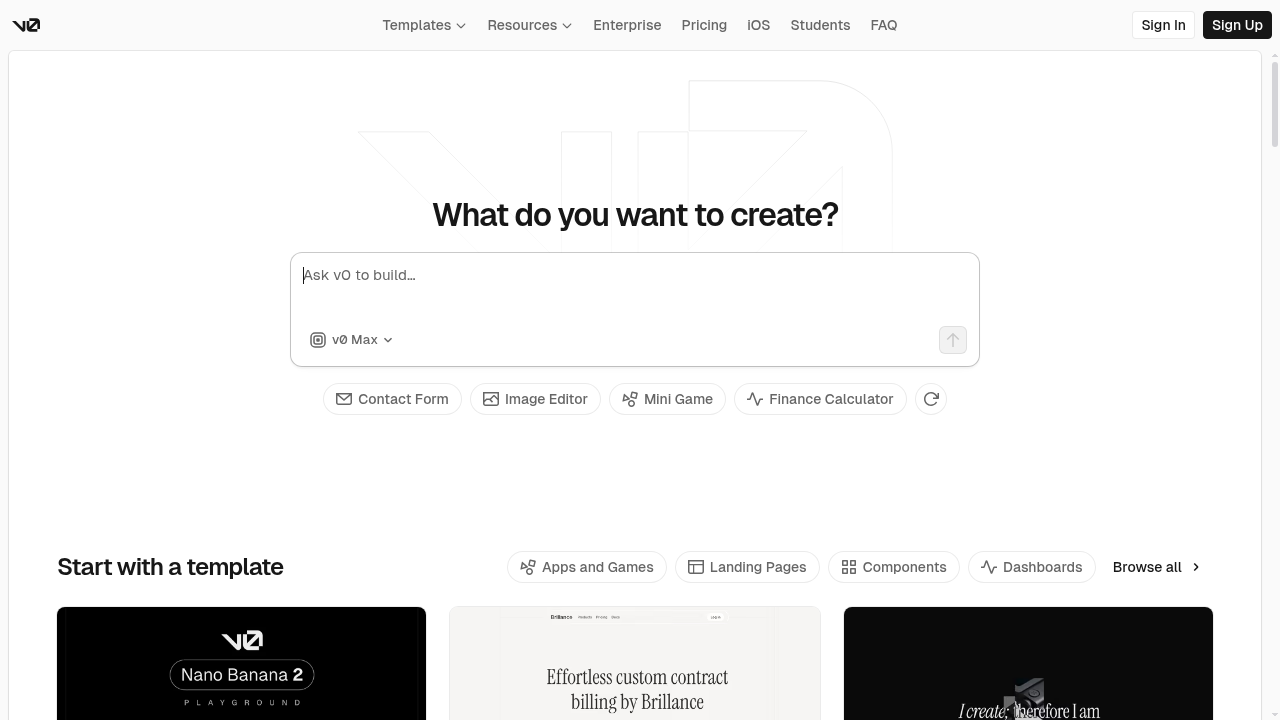
V0.dev by Vercel takes a fundamentally different approach to AI-powered building. Rather than trying to generate complete applications, V0 focuses on creating high-quality UI components and frontend code using React, Next.js, and the shadcn/ui component library.
This focused approach means V0 is exceptional at what it does - but what it does is narrower than Bolt.new. If you need individual components, page layouts, or frontend prototypes, V0 produces arguably the cleanest code of any AI tool. But if you need a complete application with a backend, you'll need to pair it with other tools.
V0.dev's Strengths
Code Quality: V0 generates some of the cleanest React/Next.js code in the AI space. Components use proper TypeScript typing, follow React best practices, and integrate smoothly with the shadcn/ui design system. Professional developers actually want to use this code in their projects, which is rare for AI-generated output.
Vercel Ecosystem: If you're already in the Vercel/Next.js ecosystem, V0 is a natural fit. Components deploy directly to Vercel, work with their hosting infrastructure, and integrate with the broader Next.js toolchain. The developer experience is polished and professional.
Component Library: V0's output leverages shadcn/ui components, which means you get a consistent, accessible, and customizable design system. Every component follows the same patterns, uses the same styling approach, and works together harmoniously.
Iteration Speed: For frontend work specifically, V0's iteration cycle is fast. Describe a component, see the preview, refine it, and export the code. The feedback loop is tight and productive for UI-focused work.
V0.dev's Limitations
V0 doesn't generate backends, databases, or server-side logic. It's purely a frontend tool. This means you'll need to combine it with Supabase, Firebase, or a custom backend to build a complete application. For non-developers, this is a significant barrier.
The output is tied to the React/Next.js/shadcn stack. If you need Vue, Svelte, or plain HTML/CSS, V0 isn't the right tool. And while the components are excellent individually, assembling them into a complete application requires development knowledge that Bolt.new and Capacity.so abstract away.
V0.dev Pricing
V0 offers a free tier with limited generations. Premium plans start at 0/month for more generations and faster processing. For professional developers who use it as a component generation tool, it's reasonably priced. For non-developers trying to build complete apps, the cost of V0 plus a backend service adds up.
Best For
V0.dev is best for React/Next.js developers who need high-quality UI components fast. It's a productivity multiplier for professional developers, not a replacement for full-stack app builders like Capacity.so. If you can code but want to speed up frontend work, V0 is excellent. If you can't code and need complete applications, look at Capacity instead.
4. Replit - Best for Developers Who Want AI-Assisted Coding
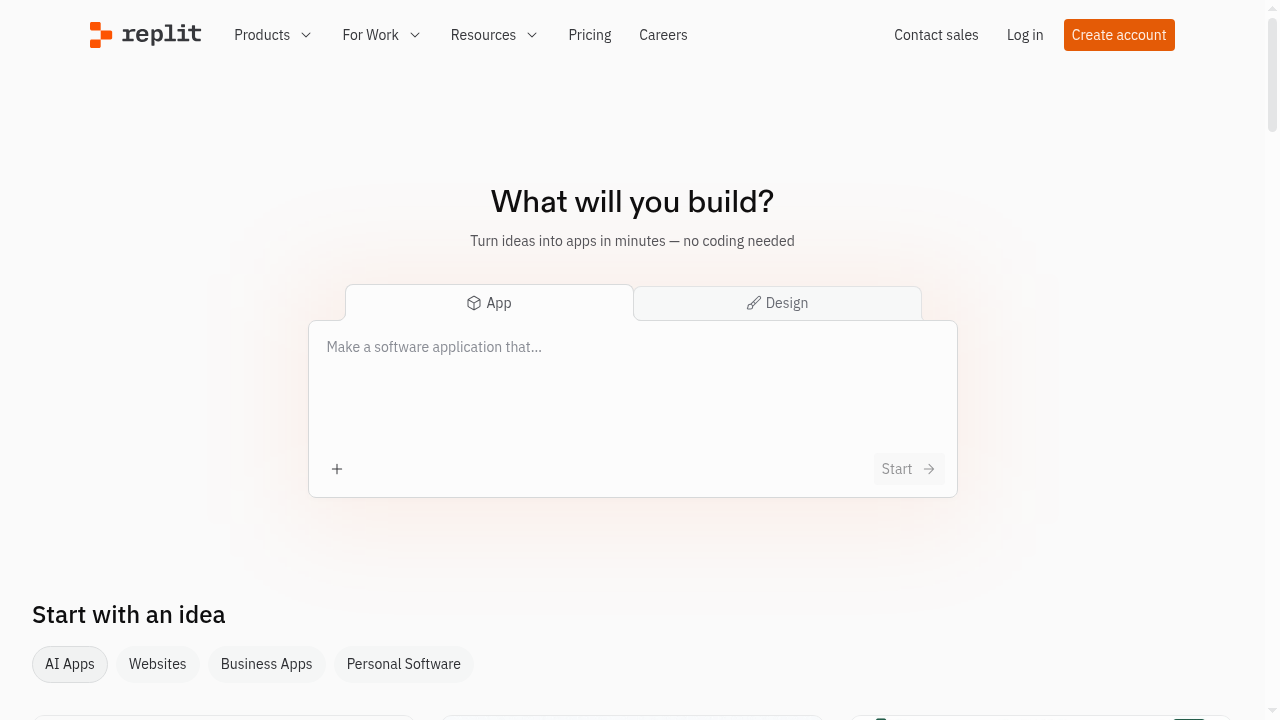
Replit is the veteran in this space, having evolved from an online code editor into an AI-powered development platform. Its Agent feature positions it as a Bolt.new alternative, but Replit's approach is fundamentally different: it's a development environment first and an AI tool second.
This means Replit gives you more control and flexibility than Bolt.new, but also requires more technical knowledge to use effectively. The AI assists you within a full IDE rather than abstracting the code away entirely. For users comfortable with code (or willing to learn), this is powerful. For non-technical users, it can be overwhelming.
Replit's Strengths
Full Development Environment: Replit isn't just an AI generator - it's a complete cloud IDE with a terminal, file browser, package manager, database, and deployment tools. You have full control over your code at all times. If the AI generates something you don't like, you can manually edit it. This control is something Bolt.new and most AI builders don't offer.
Language Flexibility: While Bolt.new is largely focused on web apps, Replit supports Python, Node.js, Go, Rust, Java, and dozens of other languages. Need to build a Discord bot, a data pipeline, or a CLI tool? Replit handles it. This versatility makes it more than just a web app builder.
Replit Agent: The AI Agent feature can build applications from descriptions, similar to Bolt.new. But because it operates within a full IDE, you can see every file it creates, every command it runs, and every decision it makes. It's transparent in a way that Bolt.new's black-box approach isn't.
Always-On Hosting: Replit's deployment system keeps your apps running 24/7 with built-in hosting. The experience is more developer-oriented than Bolt.new's, with better support for custom domains, environment variables, and scaling options.
Community and Templates: Replit has a massive community with thousands of templates, tutorials, and shared projects. If you're learning to code alongside using AI, this community aspect is invaluable. Bolt.new has nothing comparable.
Replit's Limitations
Replit's pricing has been a consistent pain point. The free tier is restrictive, and the paid plans (5/month for Core) can feel expensive when you factor in compute costs for always-on deployments. Heavy usage can rack up additional charges quickly.
The AI Agent, while capable, isn't as polished or reliable as purpose-built app generators. It sometimes generates overly complex solutions, installs unnecessary packages, or creates file structures that are harder to maintain than what a human developer would build. The quality is improving but remains inconsistent.
For non-developers, Replit's IDE interface is intimidating. The terminal, file tree, and code editor assume familiarity with development concepts. Capacity.so's conversational approach is far more accessible for non-technical users.
Replit Pricing
Replit's free tier allows basic projects with limited compute. The Replit Core plan at 5/month includes AI features, more compute, and always-on deployments. Additional compute cycles are billed separately, which can surprise users who leave apps running. For teams, pricing starts around 0/user/month.
Best For
Replit is best for developers and aspiring developers who want AI assistance within a real coding environment. If you want to understand and control your code while getting AI help, Replit is powerful. If you want to describe an app and have it built for you without touching code, Capacity.so is a better choice.
5. Cursor - Best for Professional Developers
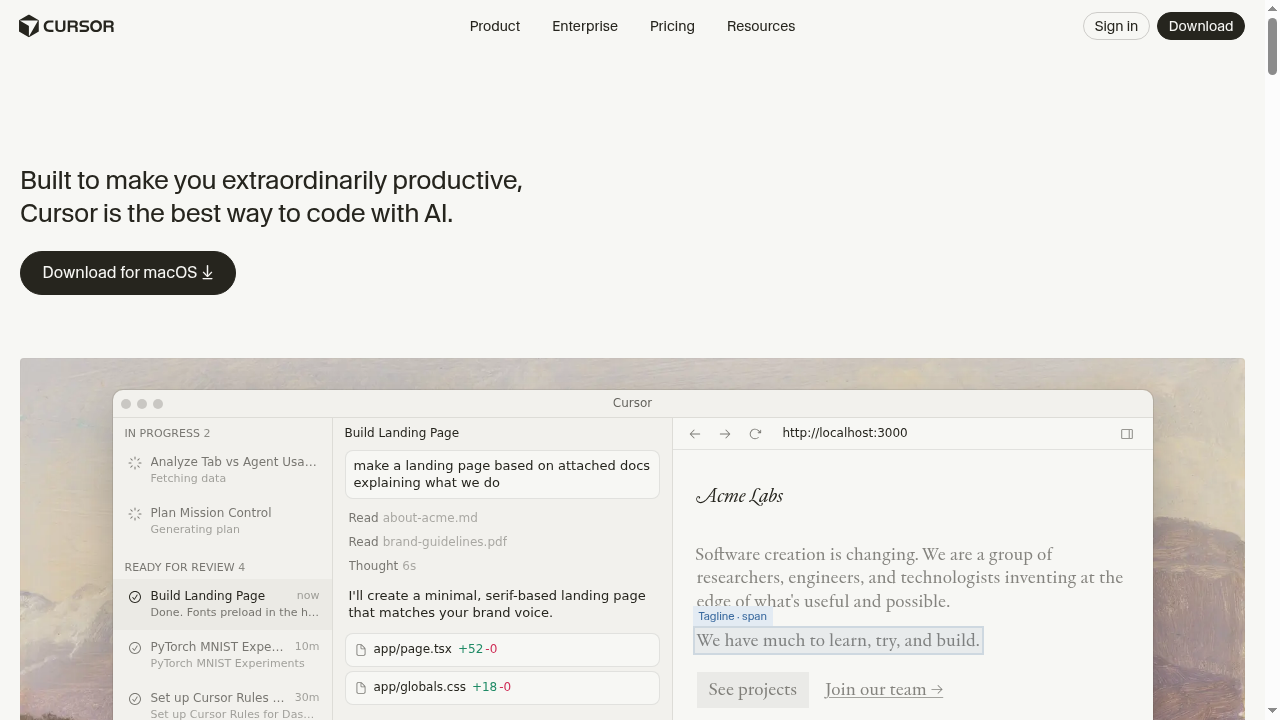
Cursor is the most developer-focused tool on this list, and calling it a "Bolt.new alternative" requires some qualification. Cursor is an AI-powered code editor (a VS Code fork) designed to make professional developers dramatically faster. It doesn't generate complete apps from prompts the way Bolt.new does - instead, it supercharges the coding process itself.
Including Cursor here makes sense because many Bolt.new users are developers who started with Bolt for speed but got frustrated with the quality and control limitations. Cursor offers the speed benefits of AI without sacrificing the control and code quality that professional developers demand.
Cursor's Strengths
AI-Powered Code Editing: Cursor's inline AI editing is best-in-class. Select code, describe a change, and Cursor makes it - correctly - in seconds. This isn't just autocomplete; it understands your entire codebase, project structure, and coding patterns. Refactoring, bug fixing, and feature implementation are dramatically faster.
Codebase Awareness: Cursor indexes your entire project and uses that context in every AI interaction. Ask it to "add pagination to the users endpoint" and it knows where your users endpoint is, what framework you're using, and how pagination fits into your existing patterns. This context-awareness produces much higher quality output than Bolt.new's isolated prompt approach.
Composer Feature: Cursor's Composer allows multi-file edits from a single description. "Add a dark mode toggle that affects all components" results in coordinated changes across your entire codebase. This is closer to Bolt.new's generation capability but with the precision of a professional tool.
Works With Any Stack: Because Cursor is a general-purpose code editor, it works with any programming language, framework, or toolchain. Python/Django, Ruby on Rails, Rust, Go - Cursor adapts to whatever you're building. Bolt.new's web-app-only focus is limiting by comparison.
Privacy and Control: Your code stays on your machine (with options for privacy mode). You control your repositories, deployments, and infrastructure. There's no vendor lock-in - if you stop using Cursor, your code works exactly the same in VS Code or any other editor.
Cursor's Limitations
Cursor requires you to know how to code. It accelerates developers; it doesn't replace them. If you picked Bolt.new because you can't code, Cursor won't help you. For non-developers, Capacity.so's natural conversation approach is the right choice.
You're responsible for your own deployment, hosting, and infrastructure. Cursor generates code but doesn't deploy it. You'll need Vercel, Railway, AWS, or similar services to get your app live. This is standard for developers but adds complexity compared to Bolt.new's built-in deployment.
The learning curve is steeper than any other tool on this list. Cursor's power comes from its depth, but that depth takes time to master. Keyboard shortcuts, prompt engineering, and understanding how to leverage AI effectively within a code editor are skills that develop over weeks, not minutes.
Cursor Pricing
Cursor offers a free tier (Hobby) with limited AI completions. The Pro plan at 0/month includes generous fast completions and the full feature set. The Business plan at 0/user/month adds admin controls and team features. For professional developers, the productivity gains easily justify the cost.
Best For
Cursor is best for professional developers and teams who want AI to accelerate their existing workflow. If you know how to code and want to go 5-10x faster, Cursor is transformative. If you need an app built without writing code, Capacity.so is your tool.
Bolt.new Alternatives: Quick Comparison Table
| Feature | Capacity.so | Lovable | V0.dev | Replit | Cursor | Bolt.new |
|---|---|---|---|---|---|---|
| Best For | Complete apps, no-code | Beautiful UI apps | React components | Dev-friendly IDE | Pro developers | Quick prototypes |
| Full-Stack | Yes (native) | Yes (via Supabase) | Frontend only | Yes | Yes (manual) | Limited |
| No-Code Friendly | Very | Mostly | Somewhat | Somewhat | No | Yes |
| Token/Credit Limits | No token anxiety | Credit-based | Generation limits | Compute-based | Completion limits | Strict token limits |
| Deployment | Built-in, one-click | Built-in | Via Vercel | Built-in | Manual (BYO) | Built-in (limited) |
| Code Quality | Production-ready | Good (UI-focused) | Excellent (React) | Variable | Excellent | Needs cleanup |
| Starting Price | Free | Free / 0/mo | Free / 0/mo | Free / 5/mo | Free / 0/mo | Free / 0/mo |
How to Choose the Right Bolt.new Alternative
Picking the right tool depends on who you are and what you're building. Here's a decision framework:
Choose Capacity.so if:
- You want to build complete, production-ready web applications
- You prefer describing what you want in natural conversation
- Token limits and usage anxiety frustrate you
- You need real backend functionality (databases, auth, APIs)
- You're a founder, freelancer, or non-developer building a real product
- You want deployment handled for you
Choose Lovable if:
- Visual design quality is your top priority
- You're building customer-facing apps where aesthetics matter most
- You're comfortable with Supabase for backend needs
- You want GitHub integration for version control
Choose V0.dev if:
- You're a React/Next.js developer who needs component generation
- You already use Vercel for hosting
- You need individual UI components, not complete apps
- Clean, typed code matters more than deployment convenience
Choose Replit if:
- You want a complete development environment with AI features
- You need multi-language support beyond web apps
- You're learning to code and want AI assistance alongside full IDE access
- You want community templates and collaborative features
Choose Cursor if:
- You're a professional developer who writes code daily
- You want AI to accelerate your existing workflow, not replace it
- You work with multiple languages and frameworks
- You need full control over code, architecture, and deployment
What About Windsurf?
Windsurf (formerly Codeium) deserves an honorable mention. It's another AI-powered code editor that competes with Cursor, offering similar features at a lower price point. Windsurf's "Cascade" feature provides agentic coding capabilities that can generate multi-file changes, similar to Cursor's Composer.
Windsurf is worth considering if you're a developer looking for a Cursor alternative at a lower price. However, for the same reasons as Cursor, it's not a direct Bolt.new replacement for non-developers. If you can't code, Capacity.so remains the strongest option for building complete applications through conversation.
Frequently Asked Questions
Is Bolt.new still worth using in 2026?
Bolt.new is still decent for quick prototypes and simple single-page applications. If you need to throw together a demo in 15 minutes, it works. But for anything you plan to iterate on, deploy to real users, or maintain over time, the alternatives listed above - especially Capacity.so - offer significantly better experiences. The token limits alone make Bolt.new frustrating for serious projects.
What's the best free Bolt.new alternative?
Capacity.so offers the most generous free tier for building complete applications. You can build and deploy real, functional apps without paying. Replit's free tier is also notable if you want a full development environment. V0.dev's free tier works well for component generation but won't build complete apps.
Can I migrate my Bolt.new project to another platform?
It depends on the platform. If you can export your Bolt.new code (via StackBlitz), you can import it into Replit or edit it with Cursor. For Capacity.so, it's usually faster to describe your existing app and let it rebuild it - the conversational approach means you can explain what your app does and get a clean, well-structured version quickly. Lovable and V0.dev would require manual code migration.
Which Bolt.new alternative is best for non-developers?
Capacity.so is the clear winner for non-developers. Its conversational interface requires zero technical knowledge - you describe what you want in plain English, and Capacity builds it. Lovable is second-best for non-developers, though its interface is slightly more technical. Bolt.new itself is fairly accessible, but the alternatives beat it on reliability and output quality.
Do these alternatives also use AI tokens?
Most AI builders have some form of usage limits, but they vary significantly. Capacity.so stands out for not imposing the strict per-message token limits that make Bolt.new frustrating. Lovable uses a credit system similar to Bolt.new. V0.dev limits generations per month. Replit charges for compute. Cursor limits fast completions on the free tier but is generous on paid plans.
Which tool produces the best code quality?
For raw code quality, Cursor and V0.dev lead the pack since they're designed for developers who read and maintain code. Among the no-code-friendly options, Capacity.so produces the most production-ready output, with clean architecture and modern best practices. Bolt.new's code quality is its weakest point compared to all alternatives on this list.
Conclusion: The Best Bolt.new Alternative Depends on You
The AI app builder space has matured significantly since Bolt.new first made waves. You no longer have to accept token limits, mediocre backends, and deployment headaches as the price of AI-powered development.
For most users - especially non-developers, founders, and freelancers who want to build complete web applications - Capacity.so is the strongest Bolt.new alternative in 2026. Its conversational approach, full-stack capabilities, and freedom from token anxiety make it the natural next step for anyone who's outgrown Bolt.new.
If you're a developer, the choice splits between Cursor (for maximum control and code quality) and Replit (for a complete cloud development environment). And if UI design is your primary concern, Lovable delivers the most polished visual output.
The best advice? Try your top two picks with the same project. Build something real - not a todo app, but something you'd actually use. The right tool will feel obvious within 30 minutes.