
Best Vibe Coding Tools of 2026
Best Vibe Coding Tools of 2026
The vibe coding revolution isn't coming — it's already here. In 2026, building a full-stack web application no longer requires years of programming experience, a computer science degree, or even knowing what a "div" is. You describe what you want. AI builds it. You refine with conversation.
But with dozens of AI-powered coding tools flooding the market, choosing the right one is harder than ever. Some excel at generating beautiful frontends but fall apart when you need a database. Others are designed for professional developers and will confuse anyone who hasn't spent time in a terminal. A few promise the world and deliver a broken landing page.
We spent weeks testing every major vibe coding tool on the market — building real projects, pushing each tool to its limits, and documenting exactly where they shine and where they break. This isn't a listicle scraped from marketing pages. It's an honest, opinionated guide based on hands-on experience.
Here are the best vibe coding tools of 2026, ranked by how well they actually deliver on the promise of turning ideas into working software.
What Is Vibe Coding?
The term "vibe coding" was coined by Andrej Karpathy in early 2025, and it's stuck because it perfectly describes a new way of building software. Instead of writing code line by line, you describe what you want in natural language, and an AI system generates the application for you. You guide the process through conversation — refining, adjusting, and iterating until the result matches your vision.
But vibe coding in 2026 is significantly more mature than those early experiments. The best tools now handle full-stack applications: frontend interfaces, backend logic, databases, authentication, deployment, and even SEO optimization. The gap between "AI-generated prototype" and "production-ready application" has narrowed dramatically.
What makes vibe coding fundamentally different from traditional no-code tools is the absence of rigid templates and drag-and-drop constraints. You're not choosing from pre-built blocks — you're having a conversation with an AI that understands web development deeply enough to create custom solutions. The ceiling is much higher, and the floor is much lower (in terms of required skill).
That said, not all vibe coding tools are created equal. Some are essentially AI wrappers around code editors — powerful but requiring developer knowledge. Others are true end-to-end platforms where non-technical users can build and deploy complete applications. The distinction matters, and we'll call it out for each tool below.
1. Capacity.so — Best Overall Vibe Coding Tool
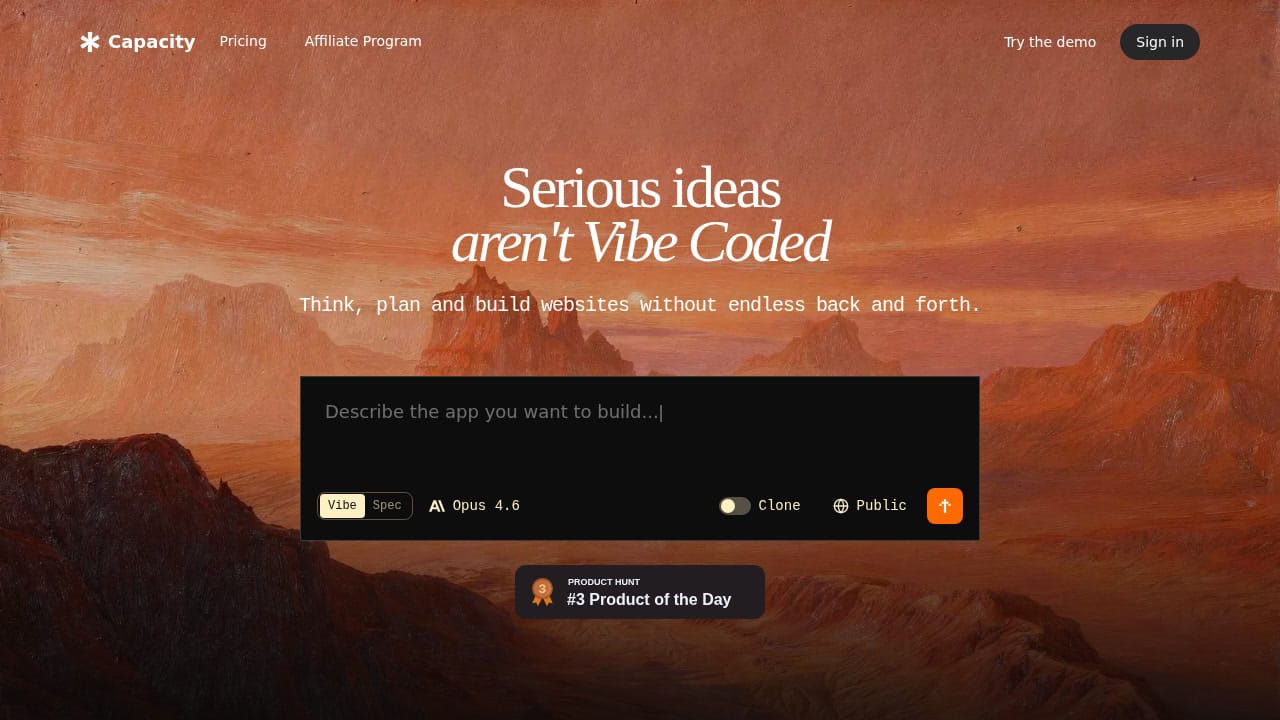
Capacity.so takes the top spot because it solves the problem that most vibe coding tools only partially address: going from idea to deployed, production-ready application without touching code. While competitors focus on either the generation phase or the editing phase, Capacity treats the entire journey — ideation, planning, building, refining, and deploying — as a single continuous conversation.
What sets Capacity apart is its "AI Co-founder" approach. Instead of dumping you into a code editor with an AI sidebar, Capacity starts by helping you clarify your idea. Not sure exactly what your SaaS dashboard should include? The AI asks smart questions, suggests features you hadn't considered, and builds a plan before writing a single line of code. This planning phase is where most AI coding tools fail — they generate code too quickly without understanding the full picture, leading to architectural problems that compound over time.
The tech stack is modern and production-grade: React, TypeScript, and Tailwind CSS on the frontend, with flexible backend options. You can switch between Claude, GPT-4, Gemini, and other leading AI models depending on the task, which means you're never locked into one model's strengths and weaknesses. Code quality is consistently high — we reviewed several Capacity-generated projects and found clean component structures, proper TypeScript typing, and sensible Tailwind usage.
Deployment is genuinely one-click. No configuring build pipelines, no wrestling with hosting providers, no DNS headaches. You build your app, hit publish, and it's live. For non-technical founders and creators, this alone is worth the price of admission.
Pros:
- End-to-end workflow from idea to deployment
- AI-guided planning phase prevents architectural mistakes
- Multi-model support (Claude, GPT-4, Gemini)
- Clean, production-quality code output
- One-click deployment with custom domains
- No coding experience required
Cons:
- Newer platform — smaller community compared to established tools
- Template library is still growing
Best for: Non-technical founders, solo creators, and small teams who want to build real applications without learning to code. If you have an idea and want it live by end of day, Capacity is your best bet.
2. Lovable — Best for Rapid Prototyping
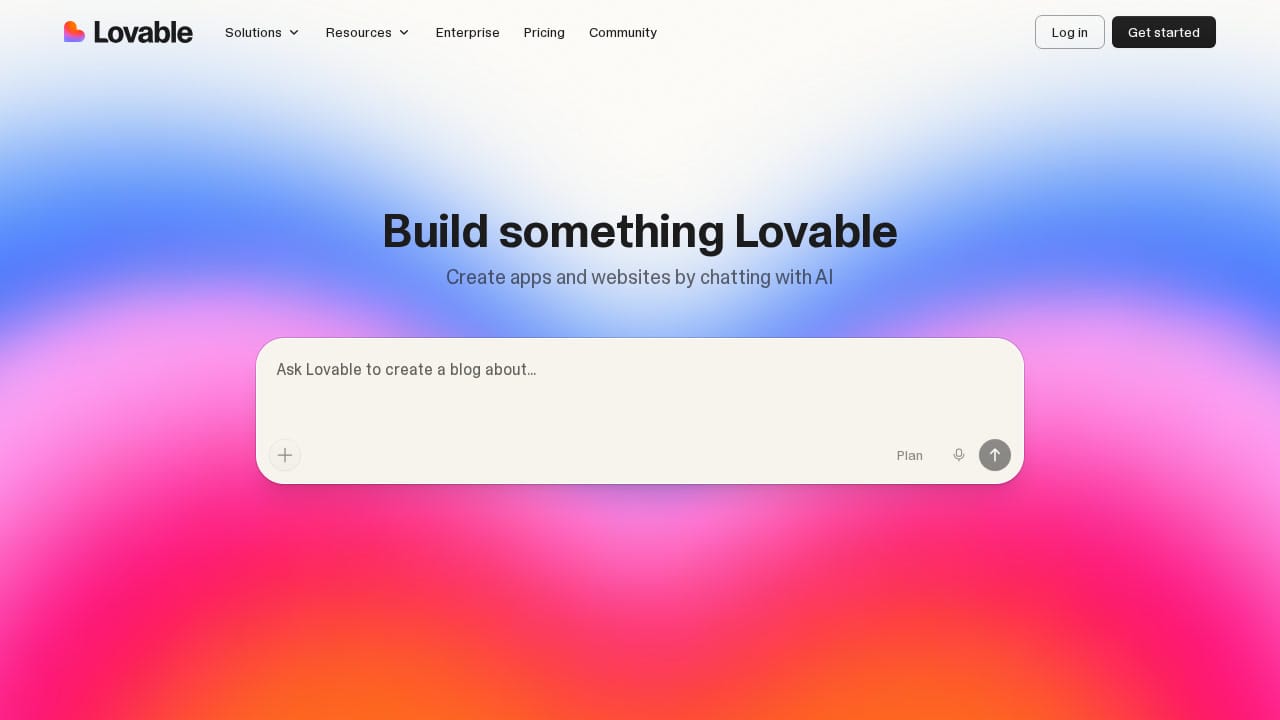
Lovable (formerly GPT Engineer) has carved out a strong position in the vibe coding space with its focus on speed. The experience is straightforward: describe what you want, and Lovable generates a working prototype in real-time. You can watch your application materialize as you type, which creates a genuinely satisfying feedback loop.
Where Lovable excels is in that initial 0-to-1 phase. Need a working MVP to show investors? A functional prototype to validate an idea with users? Lovable gets you there faster than almost anything else on the market. The generated interfaces are polished — not the rough wireframe quality you'd expect from AI — and the tool has a solid grasp of modern design patterns.
The platform also benefits from strong social proof: teams from companies like Zendesk, Uber, and Microsoft use it, and the community is active. Lovable offers a template library and a "Discover" section where you can see what others are building, which serves as both inspiration and a way to jumpstart your own projects.
However, Lovable's speed-first approach has trade-offs. Complex backend logic can be hit-or-miss, and we found that projects requiring custom database schemas or multi-step API integrations sometimes needed significant manual intervention. The tool is excellent at generating what you see but can struggle with what happens behind the scenes.
Pros:
- Extremely fast prototype generation
- Beautiful default UI output
- Strong community and template library
- Good for investor demos and user testing
Cons:
- Complex backend logic can require manual fixes
- Less structured planning phase than Capacity
- Scaling beyond MVP can be challenging
Best for: Startup founders who need a polished prototype fast, designers who want to bring mockups to life, and product managers validating ideas.
3. Bolt.new — Best for Professional Vibe Coders
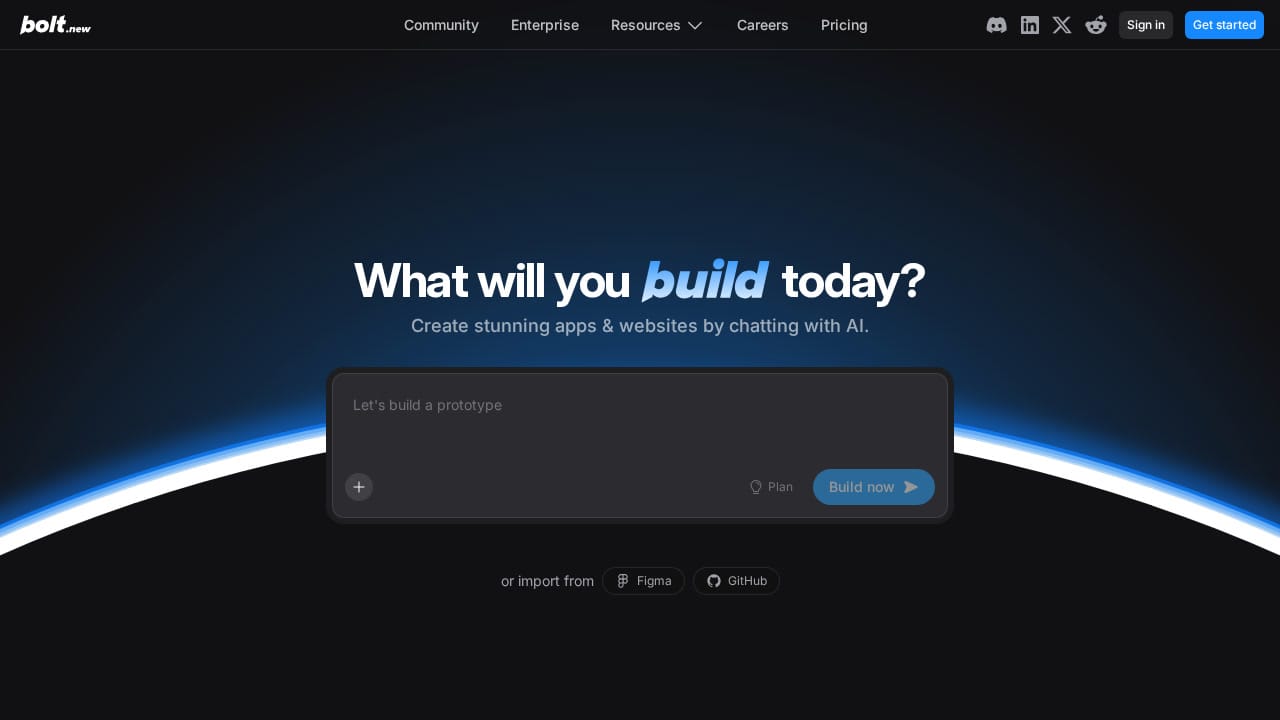
Bolt.new by StackBlitz brands itself as "the #1 professional vibe coding tool," and it's a claim that holds weight. Bolt occupies an interesting middle ground: it's accessible enough for non-developers but powerful enough that experienced engineers actually use it for production work.
The standout feature is Bolt's error handling. The platform claims 98% fewer errors compared to competitors, and in our testing, this tracked. Bolt automatically tests, refactors, and iterates on its generated code, catching issues before you even see them. This matters enormously for anyone building something more complex than a landing page — cascading bugs are the silent killer of AI-generated codebases.
Bolt has also made significant strides in handling large projects. While early vibe coding tools would choke on anything beyond a few pages, Bolt can now manage projects that are orders of magnitude more complex, thanks to improved context management. You can import from Figma and GitHub, build with design systems for brand consistency, and deploy with built-in hosting, databases, and authentication — all from one interface.
The "Bolt Cloud" infrastructure provides enterprise-grade backend services: unlimited databases, user management, SEO optimization, and analytics. This is a clear signal that Bolt is targeting serious production use, not just prototyping.
Pros:
- Excellent error handling and code quality
- Handles complex, large-scale projects
- Figma and GitHub import
- Built-in hosting, databases, auth, and analytics
- Design system support for brand consistency
Cons:
- Interface can feel overwhelming for beginners
- Premium features require paid plan
- Less conversational than Capacity — more tool-like
Best for: Professional developers who want to speed up their workflow, agencies delivering client projects, and product teams building production applications.
4. Cursor AI — Best AI Code Editor for Developers
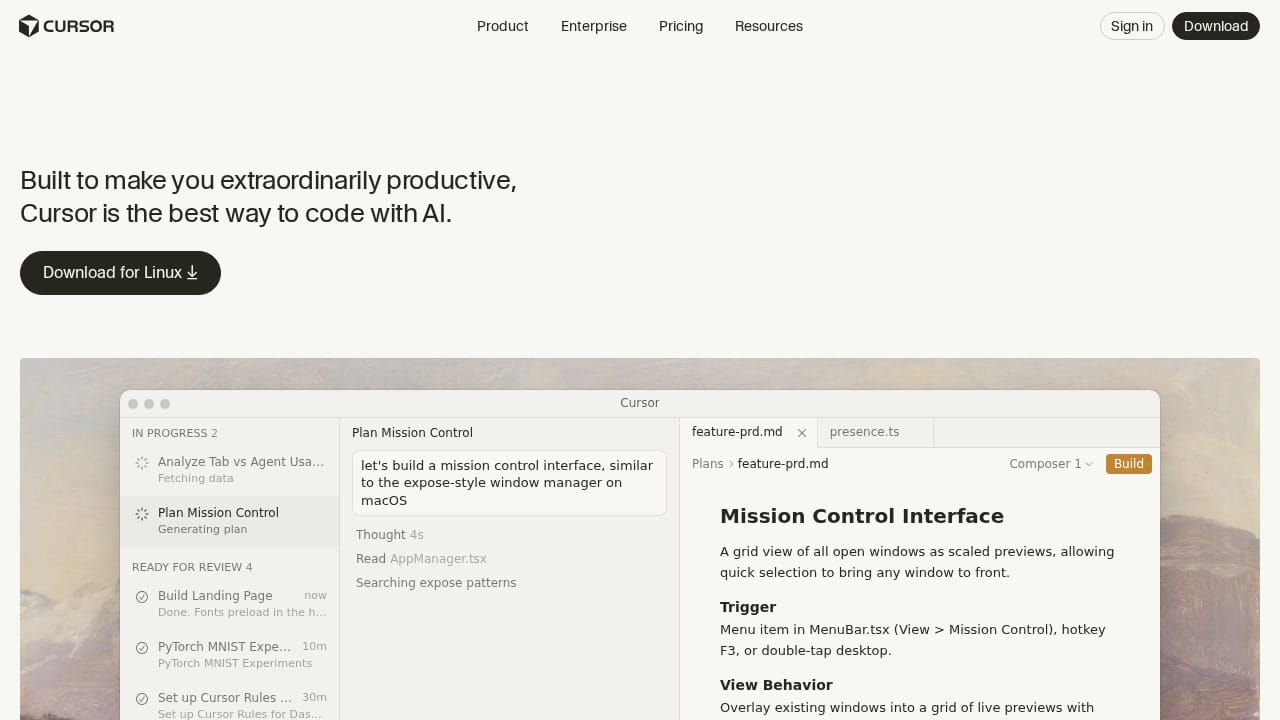
Cursor isn't a vibe coding tool in the traditional sense — it's a full-featured code editor (forked from VS Code) with AI deeply integrated into every interaction. But it deserves a place on this list because for developers, it represents the most powerful way to "vibe code" within a professional environment.
Cursor's "autonomy slider" concept, praised by Andrej Karpathy himself, is what makes it special. You choose how much control to give the AI: use Tab for subtle autocomplete suggestions, Cmd+K for targeted edits on specific code blocks, or let the full agentic mode take over and build entire features autonomously. This flexibility means Cursor scales from "helpful assistant" to "autonomous developer" based on your comfort level and the task at hand.
The numbers are staggering. Cursor is used by over half the Fortune 500. NVIDIA's Jensen Huang credits it with massive productivity gains across 40,000 engineers. Salesforce reports double-digit improvements in cycle time and code quality across 20,000 developers. These aren't theoretical endorsements — they're production deployments at scale.
In February 2026, Cursor announced their "self-driving codebases" research, introducing multi-agent systems that can autonomously navigate and modify complex codebases. This is bleeding-edge AI-assisted development, and it positions Cursor at the frontier of what's possible.
Pros:
- Industry-leading AI code completion and generation
- Flexible autonomy levels from autocomplete to full agent
- Supports all major AI models (OpenAI, Anthropic, Gemini, xAI)
- Enterprise-grade security and compliance
- Massive user base and ecosystem
Cons:
- Requires developer experience — not for non-coders
- Desktop application, not browser-based
- No built-in deployment or hosting
- Learning curve for advanced agent features
Best for: Professional developers and engineering teams who want AI-powered acceleration without leaving their familiar editor workflow.
5. V0.dev — Best for UI Component Generation
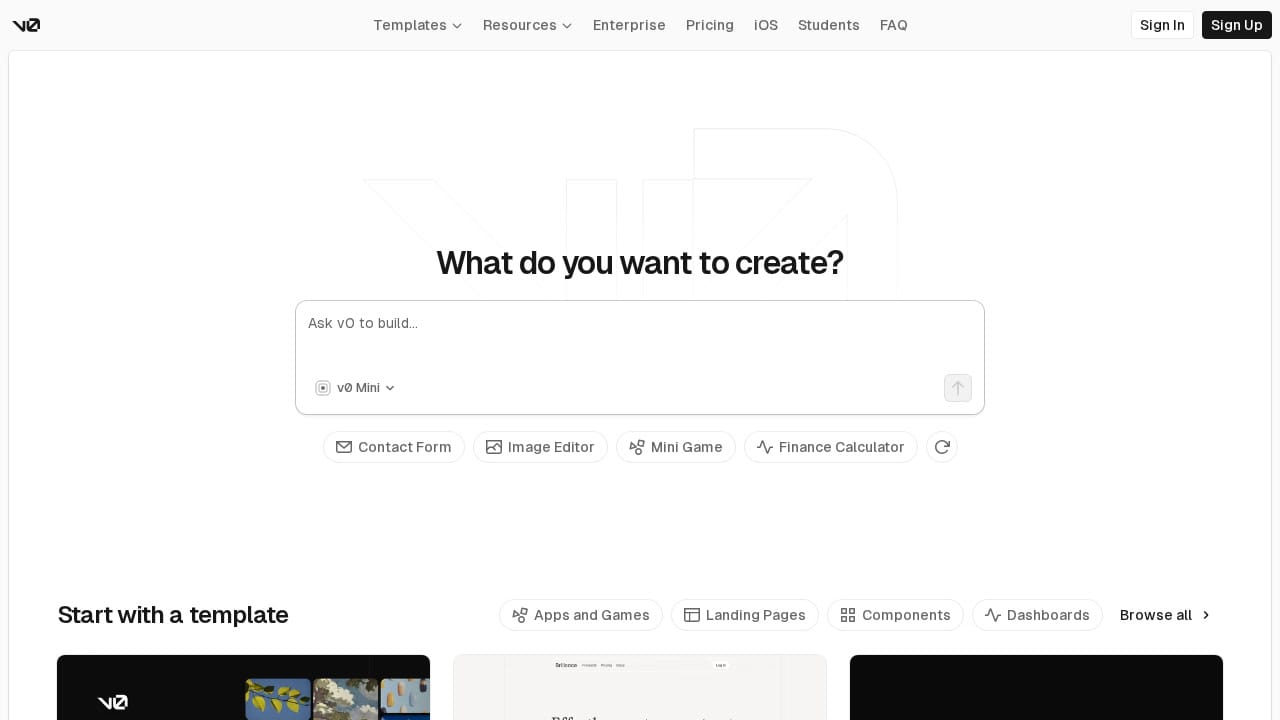
V0 by Vercel has evolved significantly from its origins as a UI component generator. Now redirecting to v0.app, the platform has expanded into a full app builder with agentic capabilities — planning tasks, connecting to databases, and deploying to Vercel's infrastructure.
V0's greatest strength remains its UI output quality. Being built by the team behind Next.js and Vercel means V0 generates components using shadcn/ui, Tailwind CSS, and React with a level of polish that other tools can't match. The design mode lets you fine-tune visual details with direct controls, bridging the gap between AI generation and pixel-perfect design.
The template ecosystem is impressive and growing. From dashboards to mini-games to e-commerce stores, V0's community has created thousands of starting points. The "agentic by default" approach means V0 now plans multi-step tasks, creates database schemas, and handles API integrations automatically — a significant upgrade from its prompt-and-generate origins.
V0 also uniquely offers an iOS app for building on mobile, and its tight integration with the Vercel deployment platform means going live is effortless for anyone already in that ecosystem. The addition of design systems lets teams maintain consistent branding across projects.
Pros:
- Best-in-class UI component quality
- Seamless Vercel deployment
- Rich template marketplace
- Design mode for visual fine-tuning
- iOS app for mobile building
- Agentic task planning and database support
Cons:
- Heavily tied to Vercel/Next.js ecosystem
- Backend capabilities still maturing
- Can generate overly complex component structures
- Pricing can add up for heavy usage
Best for: Frontend developers and designers who want beautiful UI components, teams already using Vercel/Next.js, and anyone who values design quality above all else.
6. Replit — Best Browser-Based Development Environment
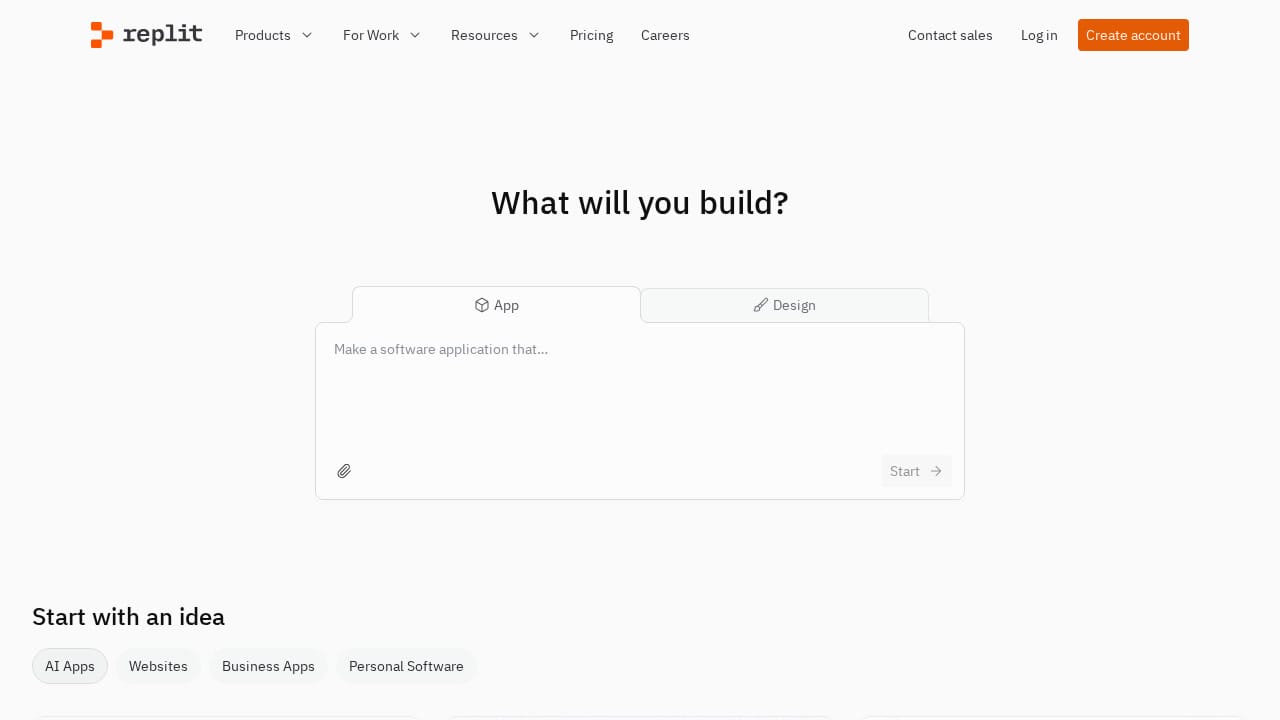
Replit pioneered the browser-based IDE concept years before vibe coding was a term, and they've successfully pivoted to make AI the centerpiece of the experience. The pitch is compelling: open a browser tab, describe what you want to build, and watch a full application come together — complete with hosting, database, and a shareable URL.
What makes Replit unique in the vibe coding landscape is its agent-based architecture. The Replit Agent doesn't just generate code — it plans, creates multi-step workflows, and manages the entire development lifecycle. In our testing, asking Replit to "clone LinkedIn" produced a surprisingly functional prototype from a single prompt, demonstrating the agent's ability to infer complex requirements from minimal input.
Replit's enterprise push is worth noting. The platform now offers workflow automation, enterprise security controls, and team collaboration features that go well beyond its indie-hacker roots. Companies like Coinbase, ClickUp, Duolingo, and Google use Replit, and the testimonials from founders building real businesses on the platform are convincing.
The biggest advantage for newcomers is that Replit removes every barrier to getting started. No installation, no environment setup, no deployment configuration. You literally open a URL and start building. The pricing includes hosting, which means your projects stay live without a separate hosting bill.
Pros:
- Zero setup — build entirely in the browser
- Powerful AI agent with multi-step planning
- Built-in hosting and deployment
- Strong enterprise features and security
- Large community and learning resources
Cons:
- Performance can lag on complex projects
- Generated code sometimes prioritizes speed over quality
- Limited control over deployment infrastructure
- Free tier has meaningful restrictions
Best for: Beginners learning to build, educators and students, solo developers who want zero-friction development, and teams that need a shared cloud environment.
7. Windsurf (by OpenAI) — Best AI Coding Assistant for Teams
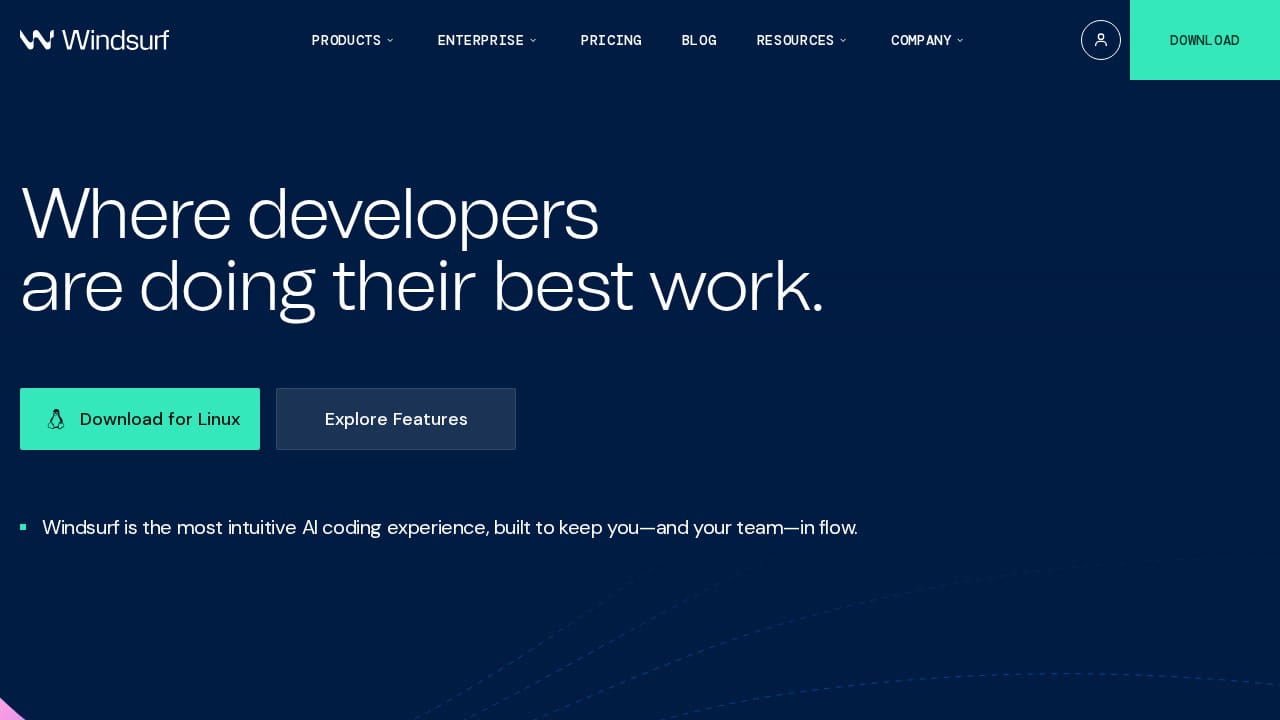
Windsurf (originally Codeium, now acquired by OpenAI) has rapidly grown to over 1 million users and 4,000+ enterprise customers. The editor positions itself as "where developers are doing their best work," and its Cascade agent is the engine that makes that claim plausible.
Cascade is Windsurf's standout feature — an AI agent that codes, fixes, and ships while staying 10 steps ahead of you. It remembers important details about your codebase and workflow through its "Memories" system, detects and automatically fixes linting errors, and supports MCP (Model Context Protocol) for connecting external tools like Figma, Slack, and Stripe directly into your development workflow.
The "94% of code written by AI" stat that Windsurf quotes is eye-catching, and in practice, the tool does handle an impressive amount of boilerplate and routine coding. The Turbo mode, which auto-executes terminal commands and manages the full build cycle, is genuinely impressive — you can tell Cascade to "continue my work" and it picks up exactly where you left off.
One unique feature is drag-and-drop image support: drop a design mockup into Cascade and it builds the layout instantly. Combined with plugin support for databases, testing frameworks, and deployment tools, Windsurf is building toward being an all-in-one development environment.
Pros:
- Cascade agent with memory and context awareness
- Automatic linting and error fixing
- MCP support for external tool integration
- Image-to-code from design mockups
- Strong enterprise adoption (4,000+ companies)
- Backed by OpenAI
Cons:
- Requires developer knowledge to use effectively
- Desktop editor, not a browser-based builder
- Can be aggressive with auto-fixes that change intended behavior
- Plugin ecosystem still developing
Best for: Development teams wanting an AI-augmented editor with strong memory and context features, enterprises needing security compliance, and developers who want tight integration with external tools.
Vibe Coding Tools Comparison Table
| Tool | Best For | Skill Level | Full-Stack | Deployment | Starting Price |
|---|---|---|---|---|---|
| Capacity.so | Overall best, idea-to-app | Beginner | ✅ Yes | One-click | Free tier |
| Lovable | Rapid prototyping | Beginner | Partial | Built-in | Free tier |
| Bolt.new | Professional vibe coding | Intermediate | ✅ Yes | Bolt Cloud | Free tier |
| Cursor AI | AI code editing | Advanced | ✅ Yes | None (BYO) | Free / $20/mo |
| V0.dev | UI components | Beginner-Intermediate | Growing | Vercel | Free tier |
| Replit | Browser-based dev | Beginner | ✅ Yes | Built-in | Free tier |
| Windsurf | Team AI coding | Advanced | ✅ Yes | None (BYO) | Free / $15/mo |
How to Choose the Right Vibe Coding Tool
With so many options, picking the right tool depends on who you are and what you're building. Here's a framework to cut through the noise:
"I have an idea but no coding skills"
Start with Capacity.so. Its AI Co-founder approach means you don't need to know how to structure a prompt like a developer — just describe your idea like you'd explain it to a smart friend. The planning phase catches architectural issues before they become problems, and one-click deployment means you're not learning DevOps on top of everything else.
"I need a quick prototype for a pitch or user test"
Lovable is your fastest path from concept to clickable prototype. The visual quality is high enough for investor meetings, and the speed is unmatched for rapid iteration.
"I'm a developer who wants to move faster"
Choose between Cursor and Windsurf based on your priorities. Cursor has the larger ecosystem and more flexible autonomy controls. Windsurf has better memory features and external tool integrations. Both will fundamentally change how fast you ship.
"I need to build something complex and production-ready"
Bolt.new has the most mature infrastructure for production applications, with built-in databases, auth, and enterprise-grade hosting. Capacity.so is the better choice if you want a more guided experience without sacrificing production quality.
"I want to build from my browser without installing anything"
Replit is the obvious choice. Everything runs in the cloud, and the AI agent handles the heavy lifting. Add V0.dev if you specifically need beautiful UI components you can drop into any project.
Frequently Asked Questions
What is vibe coding?
Vibe coding is a software development approach where you describe what you want to build in natural language, and an AI generates the code for you. Coined by Andrej Karpathy in 2025, it represents a shift from manually writing code to guiding AI through conversation. The best vibe coding tools handle everything from UI design to backend logic to deployment.
Can I build a real business with vibe coding tools?
Yes. In 2026, several tools — particularly Capacity.so, Bolt.new, and Replit — produce production-quality code suitable for real businesses. The generated code uses modern frameworks (React, TypeScript) and follows best practices. Many startups have launched products built entirely with vibe coding tools.
Do I need to know how to code to use vibe coding tools?
It depends on the tool. Capacity.so, Lovable, Replit, and V0.dev are designed for non-coders. Cursor and Windsurf are AI-enhanced code editors that require programming knowledge. Bolt.new sits in the middle — accessible to beginners but more powerful with some technical understanding.
What's the difference between vibe coding and no-code?
No-code tools use visual builders with pre-built components — you drag and drop elements within predefined constraints. Vibe coding uses AI to generate actual code from natural language descriptions, offering much more flexibility and customization. The output of vibe coding is real, modifiable source code; the output of no-code is locked into the platform's framework.
Which vibe coding tool is best for beginners?
Capacity.so is our top recommendation for beginners because its AI Co-founder guides you through the entire process — from clarifying your idea to deploying a live application. Unlike tools that dump you into a code editor, Capacity meets you where you are.
Are vibe-coded applications scalable?
Modern vibe coding tools generate code using standard frameworks (React, Next.js, TypeScript) that scale like any hand-coded application. The bottleneck isn't the generated code — it's the architecture decisions. Tools like Capacity.so that include a planning phase help ensure your app is built on a scalable foundation from the start.
The Bottom Line
The vibe coding landscape in 2026 is mature enough that choosing "bad" tools is actually difficult — most of these platforms produce genuinely useful output. The real question is which tool matches your specific situation.
For the broadest range of users — from non-technical founders to experienced developers — Capacity.so offers the most complete experience. Its combination of AI-guided planning, multi-model support, production-quality code generation, and one-click deployment creates a workflow that takes you from "I have an idea" to "it's live" faster and more reliably than anything else we tested.
But the best vibe coding tool is the one that fits how you work. If you're a developer who lives in VS Code, Cursor or Windsurf will transform your productivity without changing your habits. If you need a quick prototype, Lovable gets you there in minutes. If you want a full cloud IDE, Replit is unmatched.
The era of vibe coding is no longer experimental. These tools are building real products, launching real companies, and fundamentally changing who gets to call themselves a builder. The only question left is: what will you build?