
Best AI Website Builders in 2026
Best AI Website Builders in 2026
Disclosure: We built Capacity.so, which is included in this roundup. We've done our best to give every tool a fair, honest review — but you should know where we're coming from.
I've been testing AI website builders since late 2024. Back then, most of them were glorified template pickers with a chatbot glued on top. In 2026, the space is unrecognizable. Some tools now generate entire full-stack applications from a single prompt. Others have refined the template approach to the point where you get a professional site in under a minute.
For this guide, I gave each builder the same test: build a landing page for a fictional project management SaaS called "TaskFlow." I evaluated the output on design quality, how much I could customize it, performance scores, and whether the tool could handle anything beyond a static page. I also spent time with each platform's editor to assess the real day-to-day experience.
Here are the eight best AI website builders in 2026, ranked by who they're best for — not by who paid us the most.
Quick Comparison Table
| Builder | Best For | Starting Price | Free Tier | Code Export | E-commerce |
|---|---|---|---|---|---|
| Wix | Small businesses | $17/mo | Yes (limited) | No | Yes |
| Framer | Startups & marketing | $5/mo | Yes | Partial | Via integrations |
| Squarespace | Design-focused sites | $16/mo | No | No | Yes |
| 10Web | WordPress users | $10/mo | No | Yes (WordPress) | Yes |
| Capacity | Web apps & MVPs | Free | Yes | Yes | Via code |
| Hostinger | Budget sites | $2.99/mo | No | No | Yes (basic) |
| Durable | Local businesses | $15/mo | Free trial | No | No |
| Jimdo | Simple personal sites | $11/mo | Yes (with branding) | No | Yes (basic) |
How I Tested These AI Website Builders
Each tool got the same treatment:
- The prompt test — I asked each builder to create a landing page for "TaskFlow," a project management SaaS. Same description, same requirements.
- Customization check — After generation, I spent 30 minutes trying to customize the result. Could I change fonts, colors, layout? Or was I stuck with what the AI gave me?
- Performance audit — I ran every generated site through Google PageSpeed Insights and checked the Lighthouse scores.
- Real-world usage — I used each platform for at least a week, building different types of pages to stress-test the editor and AI features.
What to Look for in an AI Website Builder
Before the reviews, here's what actually separates the good tools from the mediocre ones:
- AI output quality — Does the generated site look custom or generic? The best tools produce designs you wouldn't immediately recognize as AI-generated.
- Customization after generation — Some builders lock you into the AI's output. Others give you full control to tweak everything.
- What it can actually build — A landing page is table stakes. Can it handle databases, user auth, payments, or dynamic content?
- Page speed — Slow sites tank your Google rankings and conversion rates. This matters more than most people think.
- Pricing honesty — Watch for tools that advertise low prices but charge extra for custom domains, analytics, or removing their branding.
1. Wix AI — Best for Small Business Websites
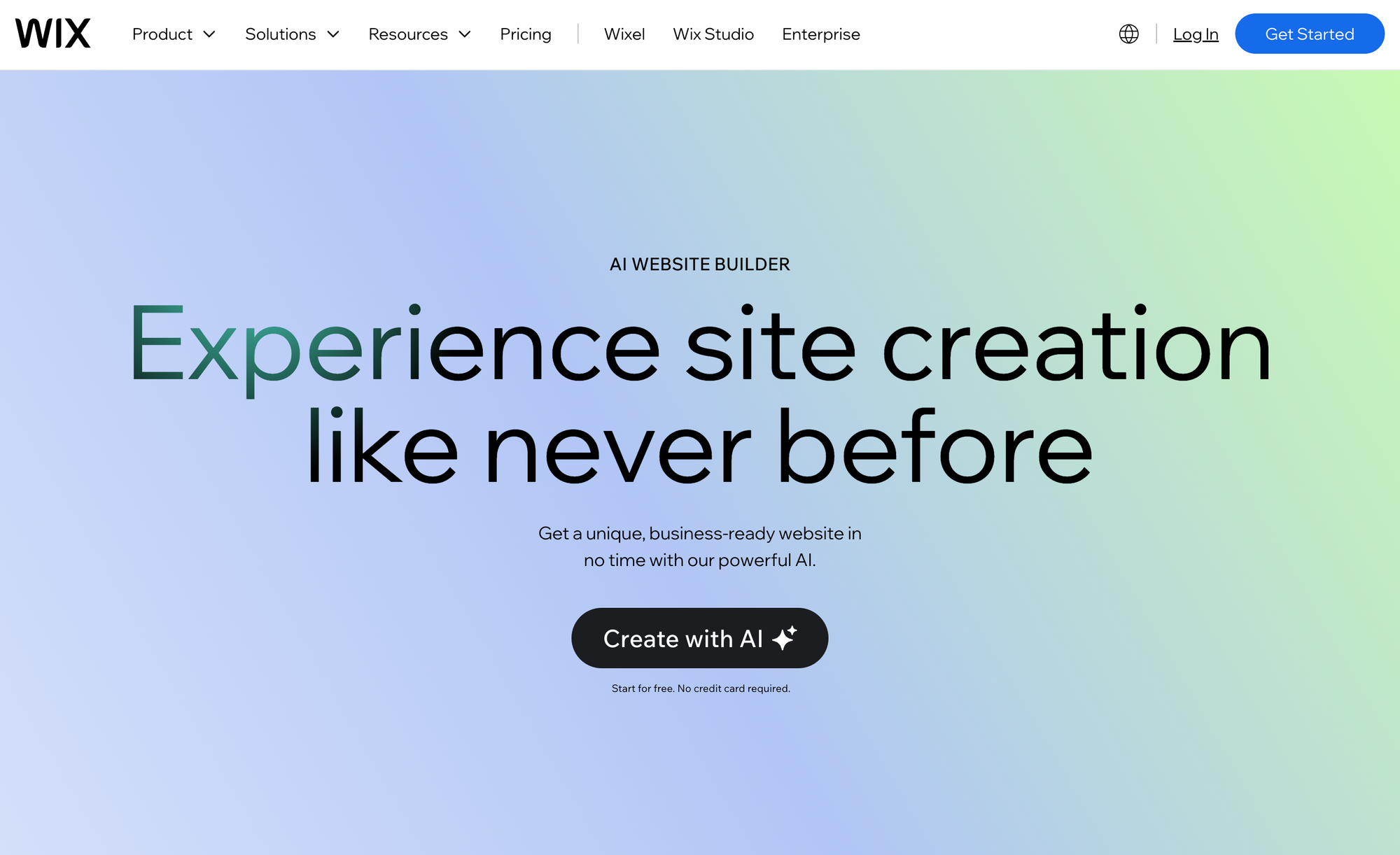
Wix has been in the website builder game for over a decade, and their AI features have matured significantly. The Wix AI Site Generator creates a complete business website from a few questions about your industry, style, and goals.
Their AI assistant Aria guides the creation process. Answer a few questions, pick a style direction, and Wix generates a multi-page website with content, images, and SEO basics configured. The AI also helps with ongoing tasks: blog posts, product descriptions, social media content, and design improvements.
Strengths
- Massive app ecosystem — Wix's App Market has hundreds of integrations for booking, e-commerce, email marketing. Whatever you need, there's probably an app for it.
- Mature e-commerce — Wix Stores is a legitimate e-commerce solution with inventory management, shipping calculators, and multi-channel selling.
- Built-in AI text and image generation — Populate your entire site without leaving the editor.
- Strong SEO tools — The Wix SEO Wizard walks you through optimization step by step.
Weaknesses
- Template-dependent — Even with AI, Wix sites tend to look like Wix sites. The AI works within template constraints.
- Performance — Wix sites historically load slower than competitors due to heavy JavaScript. They've improved, but it's still a factor.
- Pricing creep — The free tier is very limited, and premium plans get expensive once you add features you actually need.
- No code export — You're locked into the Wix ecosystem permanently.
Pricing: $17/mo (Light) to $159/mo (Business Elite). Most small businesses need the Core plan at $29/mo.
Bottom line: Wix AI is the safe pick for small businesses that need a professional website without technical expertise. It covers virtually every business need. Just be aware of vendor lock-in and costs that creep up.
2. Framer AI — Best for Marketing Sites and Startups
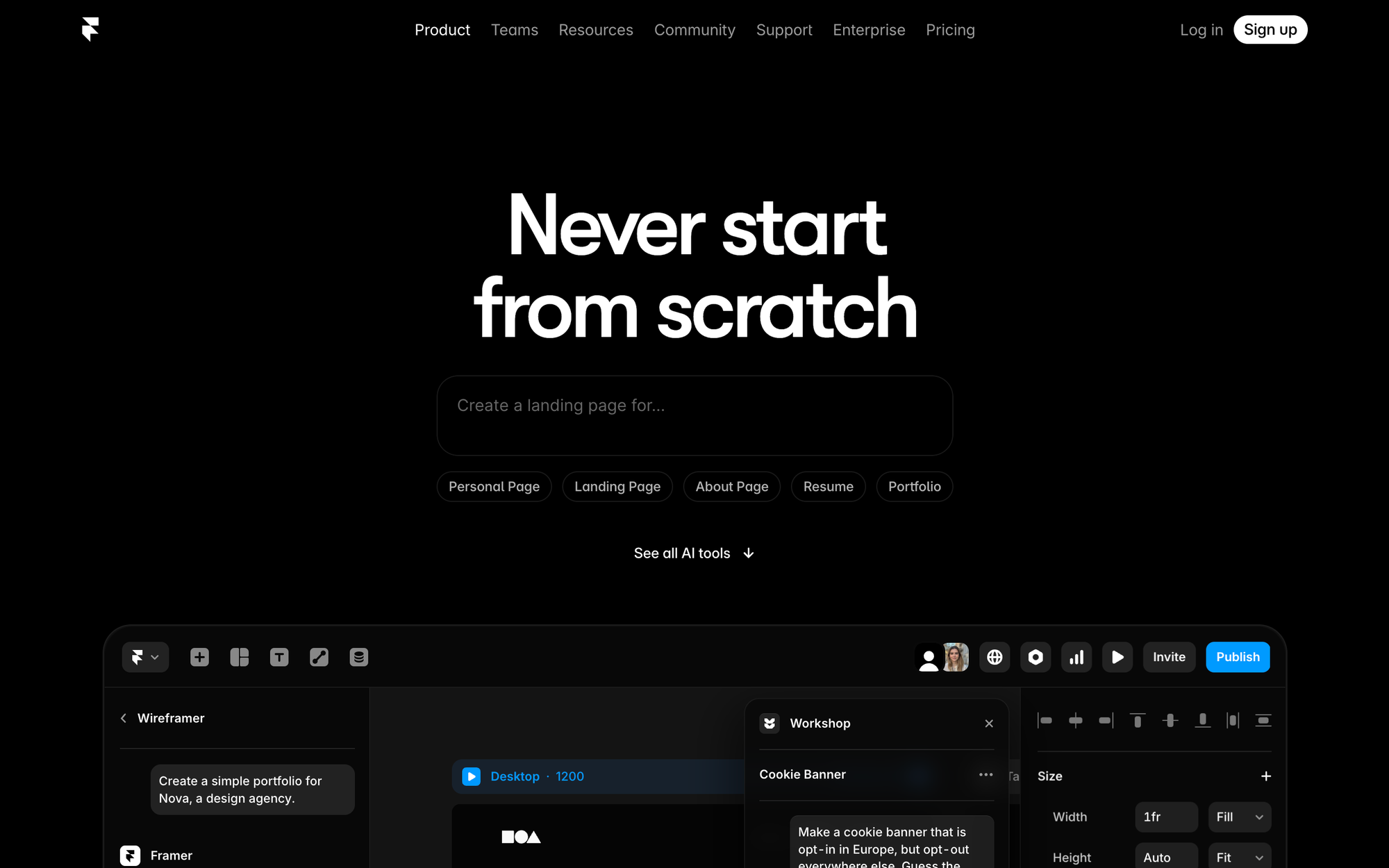
Framer started as a prototyping tool for designers and evolved into one of the most exciting website builders available. Its AI can generate entire pages from text prompts — and the results are often better than what you'd get from a template.
Beyond page generation, Framer uses AI for localization (translating your site into multiple languages), content suggestions, and layout variations.
Strengths
- Design tool quality — Framer gives you Figma-level design control in a website builder. Advanced animations, custom breakpoints, precise layouts.
- Blazing fast sites — Framer generates static sites that load incredibly quickly. Consistently the highest performance scores among website builders.
- Built-in CMS — Flexible and well-integrated for blogs, portfolios, or any content-driven section.
- AI localization — Automatic translation into dozens of languages. A killer feature for global businesses.
- Generous free tier — Publish on a framer.site subdomain for free.
Weaknesses
- Steep learning curve — Significantly more complex than Wix or Squarespace. Non-designers may struggle.
- Static only — Framer excels at marketing sites but can't handle user auth, databases, or application logic.
- No native e-commerce — You'll need third-party tools for any sales functionality.
- AI quality varies — Generated pages sometimes need significant refinement depending on your prompt.
Pricing: Free plan available. Paid plans from $5/mo (Mini) to $20/mo (Pro).
Bottom line: Framer is the top choice for designers and startups building marketing sites. Design quality and performance are outstanding. But if you need anything beyond a content site, you'll hit its limits.
3. Squarespace AI — Best for Design-Forward Websites
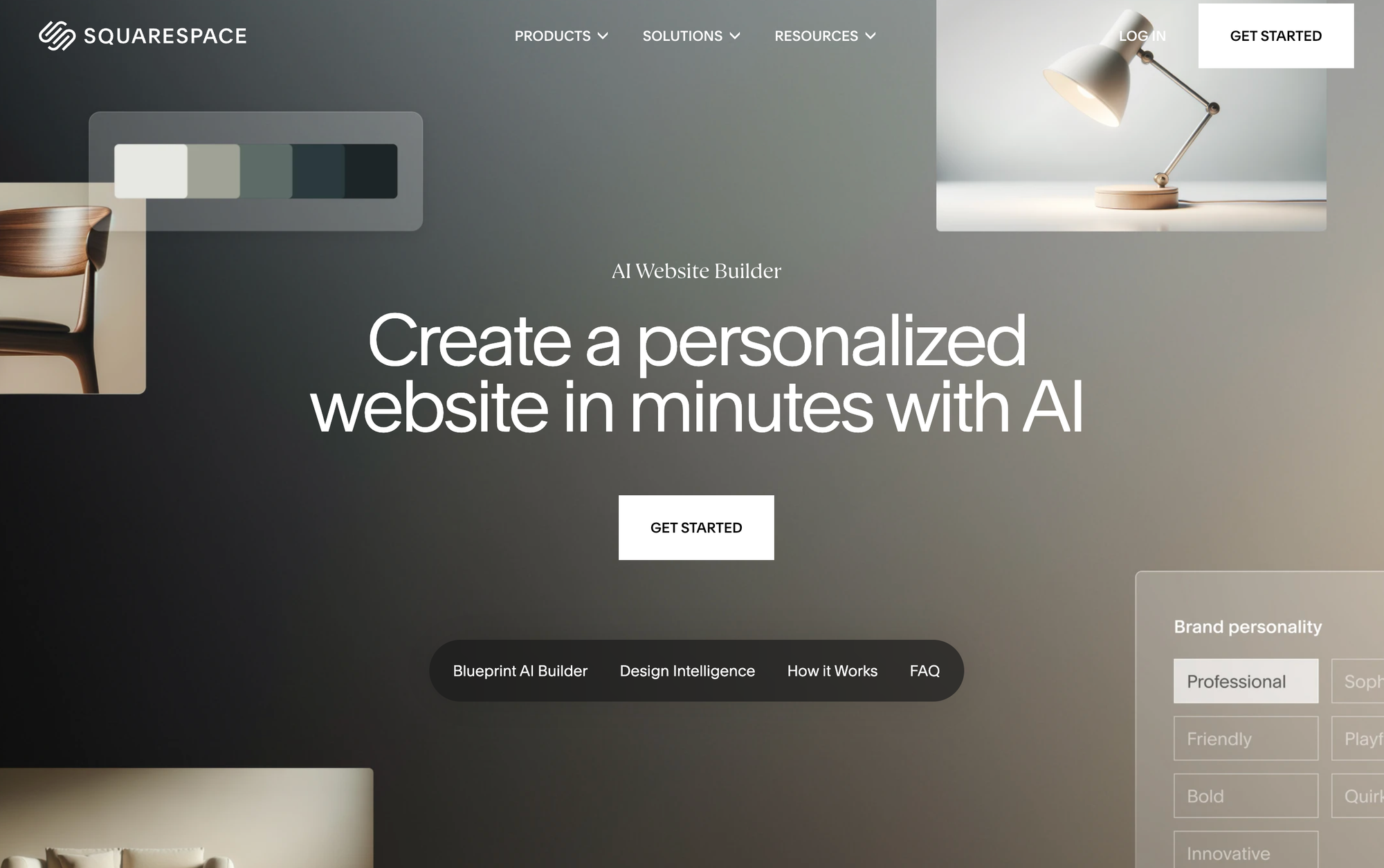
Squarespace has always been the design-first website builder. Their AI features (Squarespace Blueprint) ask about your site's purpose, preferred layouts, and color palettes, then generate a custom design using their Fluid Engine layout system.
The AI also handles content generation, image suggestions from Unsplash, and design recommendations. It's the tool where the AI output consistently looks the most polished out of the box.
Strengths
- Unmatched design quality — Squarespace templates are the gold standard. The AI enhances this with layout and color combinations that genuinely look beautiful.
- Fluid Engine flexibility — Precise control over every element's position and size, unlike rigid block-based editors.
- Built-in scheduling — Squarespace Scheduling (formerly Acuity) is one of the best booking tools available.
- Excellent mobile optimization — Sites automatically adapt to mobile with careful attention to typography and spacing.
Weaknesses
- Limited integrations — Much smaller extension ecosystem compared to Wix.
- Conservative AI — The AI plays it safe. Polished results, but rarely anything surprising.
- E-commerce ceiling — Handles basic e-commerce well but can't compete with dedicated platforms for complex catalogs.
- No free plan — You're committing to at least $16/mo from day one.
Pricing: $16/mo (Personal) to $52/mo (Commerce Advanced). The Business plan at $33/mo is the sweet spot.
Bottom line: Squarespace AI is the pick for creatives, photographers, restaurants, and anyone who wants a stunning website without hiring a designer. It won't build you an app, but for content-focused sites, the design quality is hard to beat.
4. 10Web AI — Best for WordPress Sites
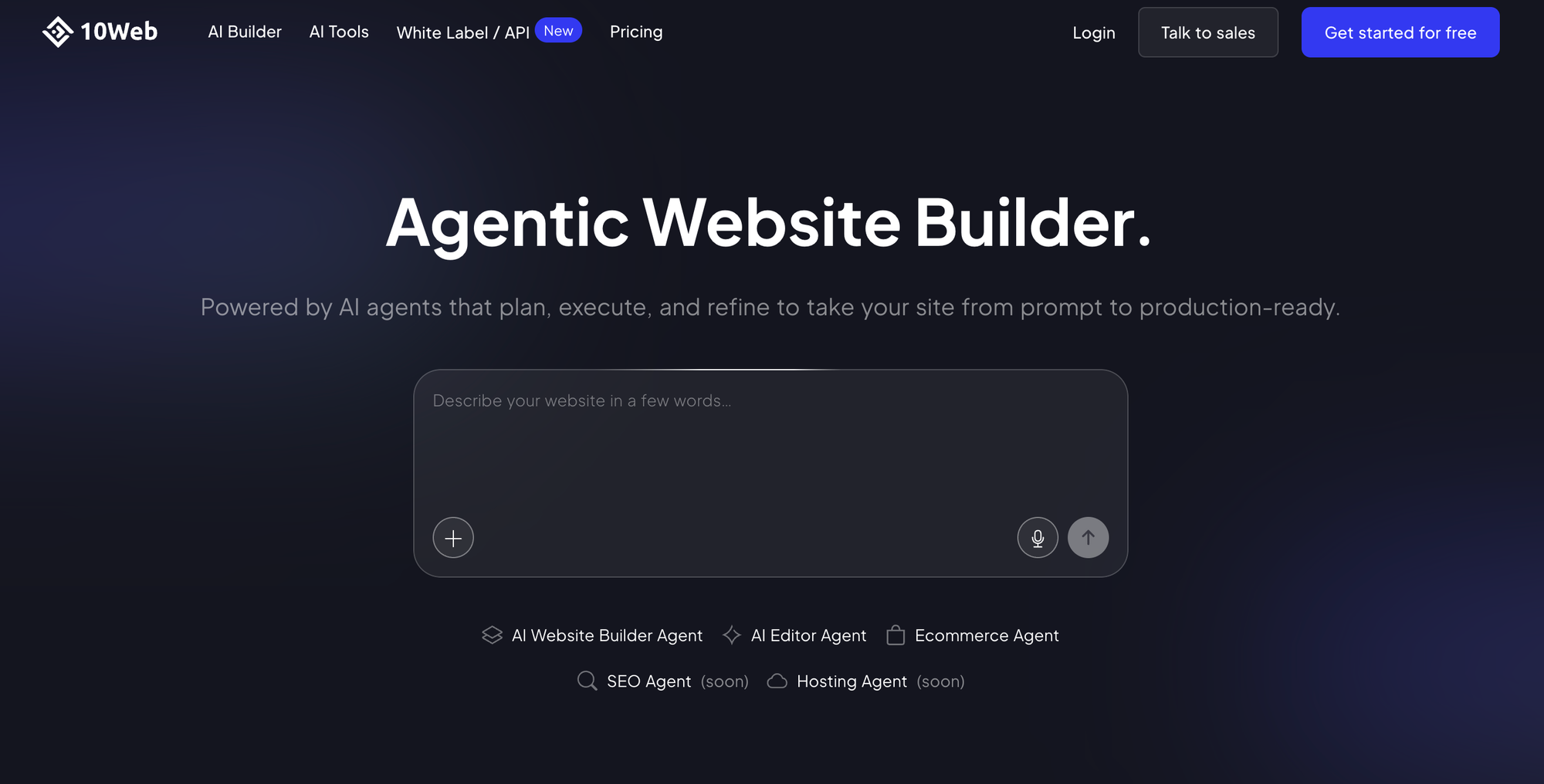
10Web combines AI website generation with the WordPress ecosystem. Their AI generates WordPress sites using Elementor, so you get full visual editing capabilities after the initial generation. They also offer an AI recreation tool that can clone an existing website's design into WordPress.
Strengths
- WordPress flexibility — Access to thousands of plugins, themes, and customization options.
- Managed hosting included — WordPress hosting on Google Cloud with automatic backups and security.
- Website recreation — Clone an existing site's design with AI. Useful for migrations.
- PageSpeed optimization — Automatic performance optimization that consistently scores 90+ on PageSpeed Insights.
Weaknesses
- Still WordPress underneath — Updates, plugin conflicts, and security are still your problem.
- Generic initial designs — Plan to spend time refining with Elementor.
- Higher base cost — Starting at $10/mo, more expensive than basic builders.
Pricing: $10/mo for one site. Higher tiers at $24/mo and $60/mo.
Bottom line: The smart choice for anyone committed to WordPress. The AI removes setup friction, and managed hosting solves WordPress's biggest headaches.
5. Capacity.so — Best for Web Applications and MVPs
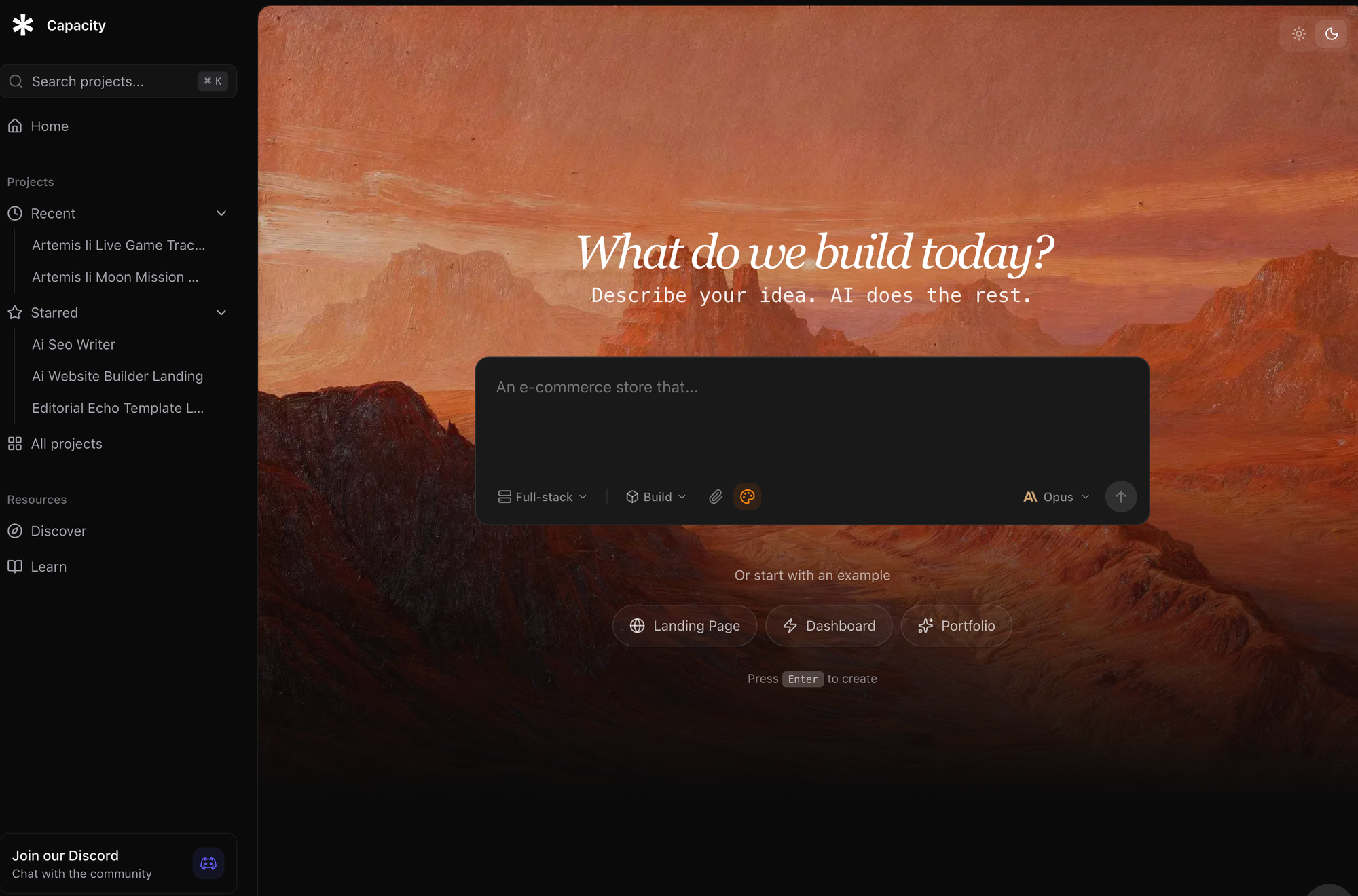
Full disclosure: we built Capacity. I'll try to be as honest about its limitations as its strengths.
Capacity is a different category from the other tools on this list. It's a vibe coding platform — instead of dragging and dropping pre-made blocks, you describe what you want in plain English and the AI generates a complete, functional application. Frontend, backend, database, API routes — all from a prompt.
This makes it genuinely useful for projects that the other builders on this list simply can't handle: SaaS dashboards, customer portals, internal tools, marketplaces, and anything that needs user accounts or a database.
Strengths
- Full-stack generation — Frontend, backend, database schema, and API routes all created from your prompt. Not just a landing page.
- Real, exportable code — Everything is built with React, Next.js, and Tailwind CSS. You can export the code and host it anywhere. No lock-in.
- Iterative development — Chat with the AI to refine features, fix bugs, and add new functionality over time.
- One-click deployment — Go from prompt to live application in minutes.
Weaknesses
- Not a traditional website builder — If you just need a brochure site or portfolio, tools like Squarespace or Wix will give you better design templates with less effort.
- AI can get confused on complex prompts — Very detailed requirements sometimes need multiple iterations to get right.
- Younger platform — Smaller community and fewer tutorials compared to established builders.
- Design output is functional, not award-winning — The AI prioritizes working functionality over pixel-perfect design. You'll likely want to tweak the UI.
Pricing: Free tier available. Paid plans scale based on usage.
Bottom line: If you're building a web application — a SaaS product, a marketplace, an internal tool, anything with dynamic functionality — Capacity handles things the other builders on this list can't. If you just need a marketing site, pick Framer or Squarespace instead.
6. Hostinger AI — Best Budget Option
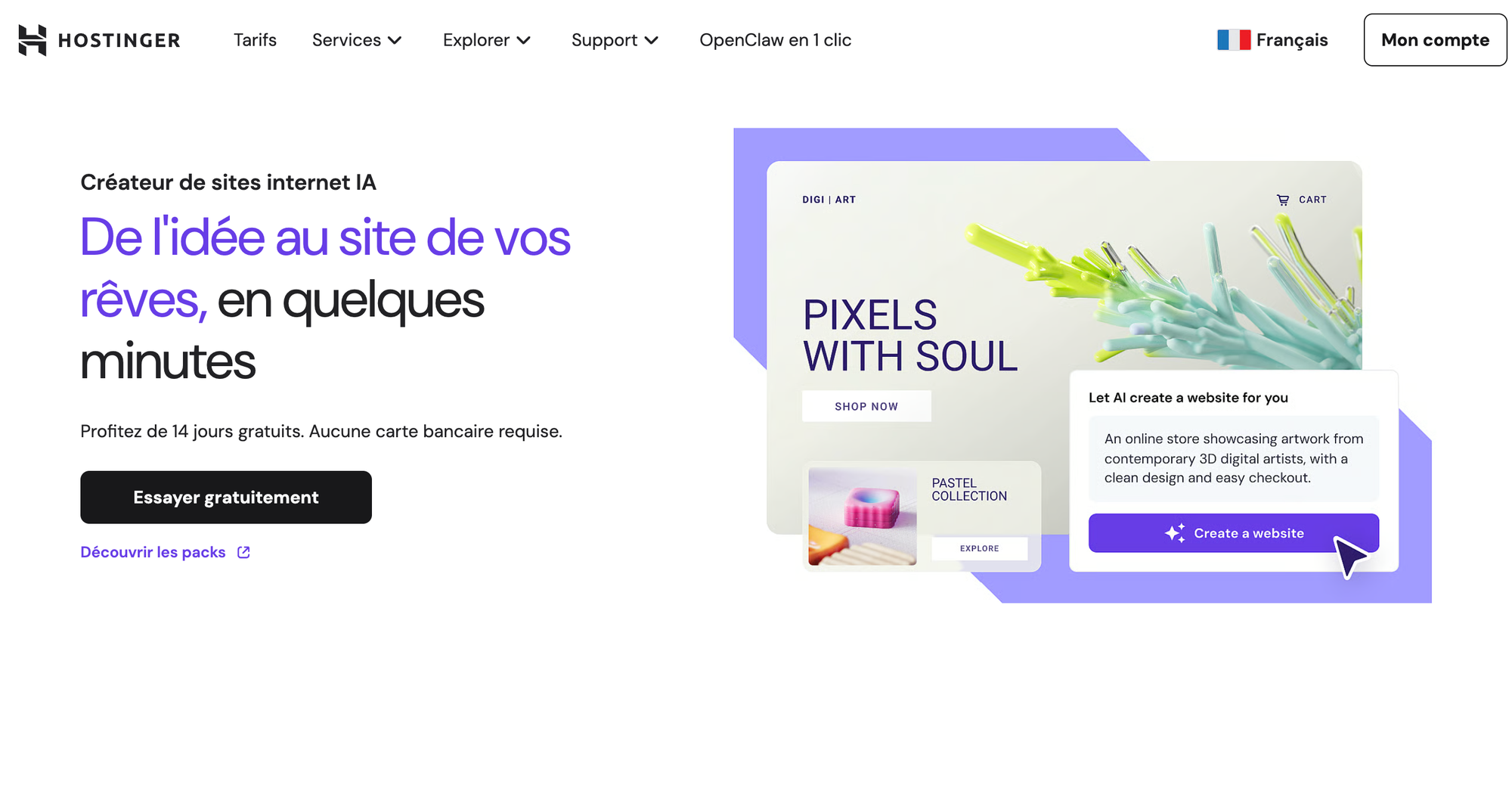
Hostinger made its name in affordable web hosting, and their AI website builder extends that value. It follows a question-and-answer flow: tell it about your business, describe your brand, and choose from style suggestions. A few minutes later, you have a complete website with AI-generated text and a logical page structure.
Strengths
- Unbeatable pricing — Plans start at $2.99/mo with a longer commitment. Includes hosting, SSL, and a free domain.
- Simple interface — Perhaps the most beginner-friendly editor on this list.
- Hosting included — One bill, one dashboard. No configuring servers.
- Decent e-commerce — Support for up to 500 products even on lower-tier plans.
Weaknesses
- Design limitations — Templates are functional but not inspiring.
- Basic AI output — Generates competent but generic websites.
- Limited integrations — Small app ecosystem compared to Wix.
- Renewal price jump — That $2.99/mo rate is promotional. Renewals are significantly higher.
Pricing: From $2.99/mo (48-month commitment). Renewals around $7.99/mo.
Bottom line: The best choice if budget is your primary constraint. You get a functional website at a fraction of what competitors charge. Just set realistic expectations for design quality.
7. Durable AI — Best for Speed
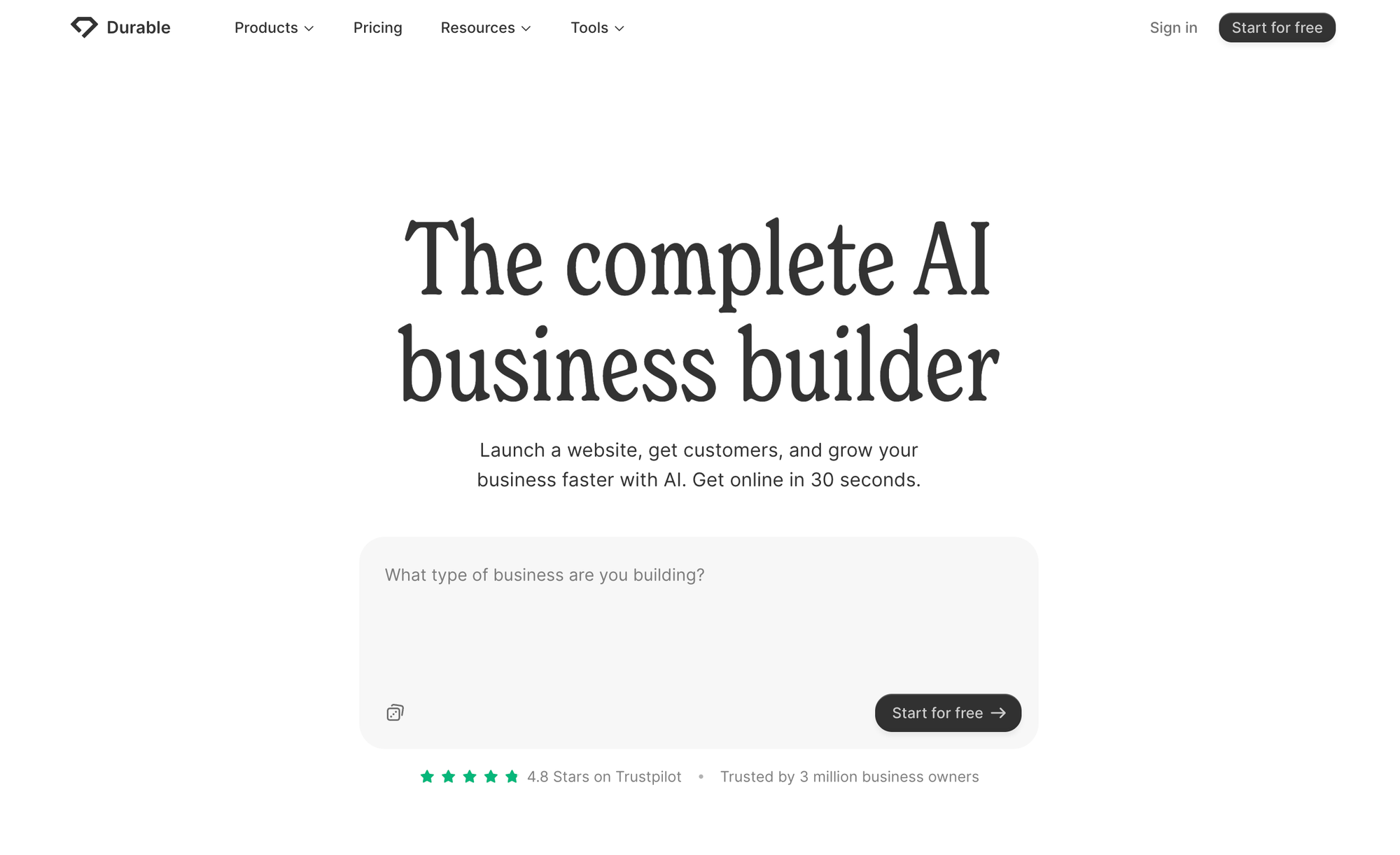
Durable bills itself as the world's fastest AI website builder, and it delivers. Enter your business type and location, and you have a complete website in roughly 30 seconds. Beyond the website, it includes a CRM for managing leads and an invoicing tool.
Strengths
- Fastest generation — No other tool matches Durable's speed. If you need a website right now, this is the answer.
- Built-in business tools — CRM and invoicing mean service businesses can manage everything in one place.
- Extremely beginner-friendly — Almost no learning curve.
Weaknesses
- Very limited customization — The trade-off for speed is flexibility.
- Generic designs — Sites tend to look similar to each other.
- Basic feature set — No e-commerce, minimal integrations, no CMS beyond the blog.
Pricing: $15/mo (Starter), $25/mo (Business). Free trial available.
Bottom line: Perfect for local service businesses (plumbers, dentists, consultants) who need a web presence fast and don't need extensive customization.
8. Jimdo AI — Best for Simple Personal Sites
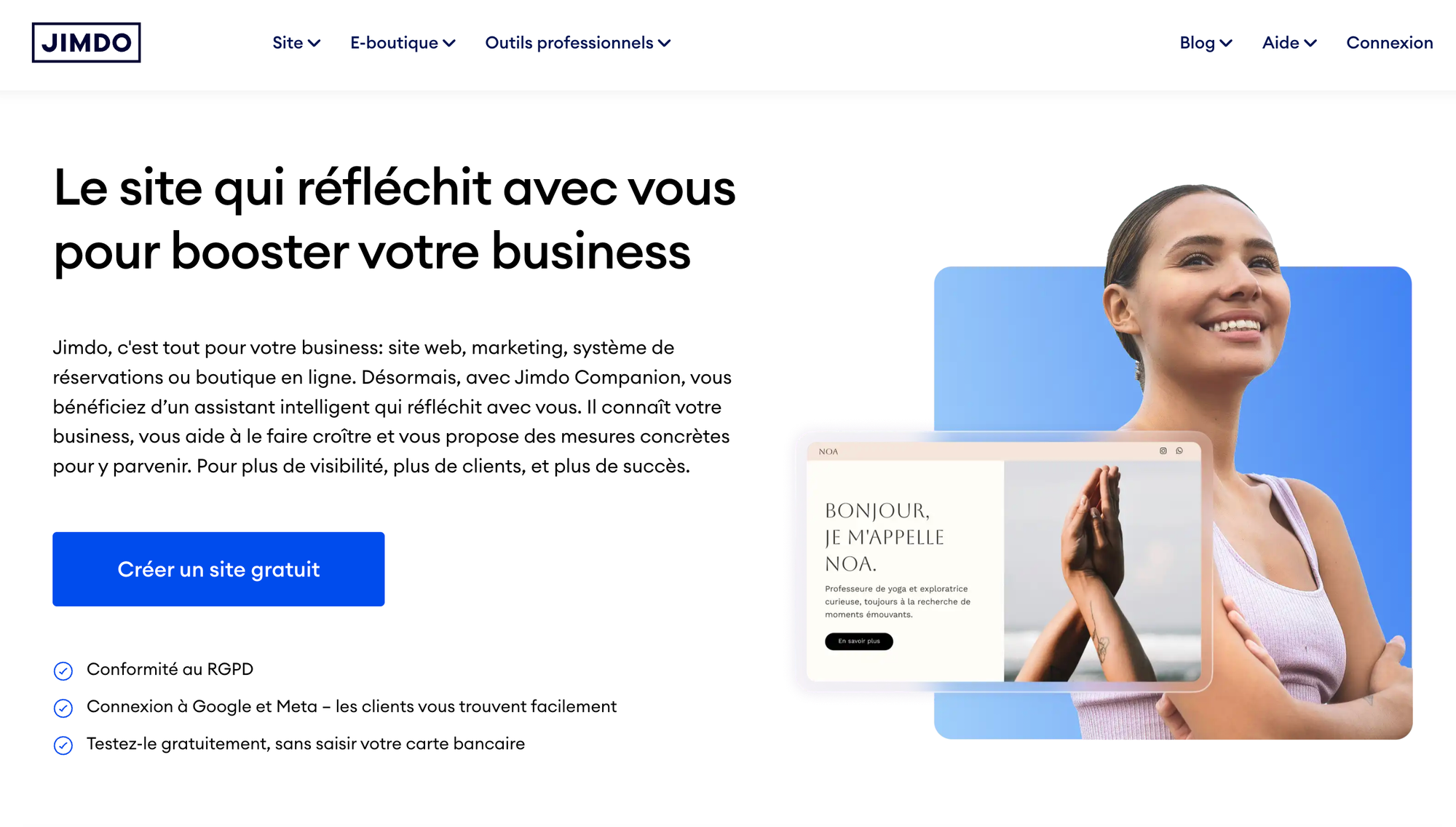
Jimdo is a German-based builder that leans heavily into AI with its Dolphin setup process. Answer questions about your business, connect your Google Business or social media profiles, and Jimdo pulls in existing content to generate your site automatically.
Strengths
- Pulls from existing data — Imports content from your Google Business or social profiles. Less work for you.
- Very beginner-friendly — If you can use social media, you can build a Jimdo site.
- GDPR compliance built in — Handles European privacy requirements automatically.
Weaknesses
- Very limited design options — Minimal customization compared to others on this list.
- Basic e-commerce — Functional but barebones.
- Smaller community — Less support and fewer resources than bigger platforms.
Pricing: Free plan with Jimdo branding. Paid from $11/mo (Start) to $39/mo (Grow).
Bottom line: A good choice for individuals and small businesses in Europe who want a simple, privacy-compliant website without any technical complexity.
How to Choose: The Decision Framework
With eight options, here's how to narrow it down:
- Need a business website with lots of features? Go with Wix. The app ecosystem covers nearly everything.
- Care most about design quality? Pick Squarespace. The templates are the industry benchmark.
- Building a startup marketing site? Choose Framer. Best performance scores and design tools.
- Want WordPress flexibility with AI setup? Use 10Web.
- Building a web app, SaaS, or MVP? Use Capacity. It's the only tool here that generates full-stack applications.
- On a tight budget? Hostinger gives you the most for the least money.
- Need a site in 30 seconds? Durable is the fastest generator.
- Want the simplest possible path? Jimdo, especially if you're in Europe.
Traditional Builders vs. Vibe Coding: What's the Difference?
There's a real distinction worth understanding here. Traditional AI website builders (Wix, Squarespace, Jimdo) use AI to enhance a template-based workflow. The AI helps you choose templates, write copy, and arrange elements — but you're still working within the constraints of a drag-and-drop editor.
Vibe coding platforms like Capacity take a different approach. You describe what you want in plain language, and the AI writes the actual code — creating something custom every time. This means you can build things that template-based builders simply can't: user authentication, database-backed features, payment processing, API integrations.
For a landing page or portfolio, the template approach works great. For anything with real functionality — a customer portal, a booking system, a dashboard — you'll need the vibe coding approach. Neither is "better" across the board. It depends entirely on what you're building.
Frequently Asked Questions
What is the best AI website builder in 2026?
It depends on what you're building. For small business websites, Wix is the most complete option. For design quality, Squarespace leads. For marketing sites, Framer has the best performance and design tools. For web applications and MVPs, Capacity.so handles full-stack functionality that the others can't.
Can AI really build a complete website?
Yes. In 2026, every tool on this list can produce a publishable website from a text description. Quality ranges from basic (Durable, Jimdo) to highly customizable (Framer, Squarespace) to full-stack applications (Capacity). You'll want to customize the AI's output, but the starting point is usually solid.
Are AI-built websites good for SEO?
Most modern AI website builders generate clean HTML that search engines can crawl. Wix, Squarespace, and Framer include built-in SEO features like meta tags, sitemaps, and structured data. But SEO success still depends on your content quality, keyword strategy, and ongoing optimization. The AI gives you a solid technical foundation — the rest is up to you.
What is vibe coding?
Vibe coding means describing what you want to build in natural language and letting AI generate the code. Instead of learning programming languages or dragging blocks around, you focus on the vision — what the app should do and how it should work. Platforms like Capacity have made this accessible to non-technical users while producing production-quality applications.
Do I need coding skills to use an AI website builder?
No. Every tool on this list works without coding knowledge. Basic web knowledge helps you make better use of customization options, but it's not required. With vibe coding platforms, technical users can also work directly with the generated code for deeper customization.
How much does an AI website builder cost?
Prices range from free (Framer, Jimdo, Capacity free tiers) to $50+/month for premium plans. Hostinger is the most affordable paid option at $2.99/month. Most businesses spend $15-35/month for a plan with the features they need.
Can I switch from one AI website builder to another?
Migration is the biggest drawback of most website builders. Wix, Squarespace, and Jimdo don't allow code export — you'd need to rebuild from scratch. Capacity generates real, exportable code. Framer and 10Web (WordPress) also offer more portability than the closed platforms. Consider this before committing to a platform.
Final Thoughts
The best AI website builder depends on what "website" means for your project. A photographer needs something completely different from a SaaS founder.
For most small businesses, Wix or Squarespace will serve you well — they're proven, reliable, and their AI features make setup painless. For startups that need fast, high-performing marketing sites, Framer is hard to beat. And for anyone building something with real application logic — user accounts, databases, APIs — Capacity fills a gap that the traditional builders can't.
My suggestion: try the free tiers before committing. Most of these tools let you build something real without paying, and 30 minutes of hands-on testing is worth more than any review (including this one).