Quick answer
For designers, Framer is the strongest pick: a Figma-like canvas, CMS case studies and password protection, from €10 a month billed yearly. Webflow gives even finer control, with its CMS from $25 a month billed yearly. Photographers and artists get a polished result fastest with Squarespace: portfolio pages, gallery layouts, password-protected pages and unlimited bandwidth on every plan.
Wix is the easiest start, with hundreds of portfolio templates and AI that sorts your uploads into projects. Writers who publish often should look at WordPress.com. On a budget, Carrd puts a one-page portfolio on your own domain for $19 a year, and Hostinger bundles a domain and email if you pay 48 months upfront.
If the portfolio needs a client area, project data or payments, it's an app. Capacity, which we make, builds one from a description and hosts it, from $25 a month; an architecture portfolio built with Capacity is live on capacity.so/discover. For a portfolio that is only pages, the builders above cost less.
| Tool | Best for | Paid plans from | Free plan | Watch out for |
|---|---|---|---|---|
 Framer Framer | designers who want a custom, animated portfolio with CMS case studies. | €10/month (yearly) | Yes, 500 AI credits | AI credits and CMS collections by plan |
 Squarespace Squarespace | photographers, artists and creatives who want a polished portfolio from a template. | €12/month (yearly) | No, a 14-day trial | Store and membership fees on Basic |
 Webflow Webflow | designers and studios who want control of every element and a CMS for case studies. | $15/month (yearly) | Yes, 2 static pages | The CMS starts on Premium |
 Wix Wix | creatives who want a portfolio from a template or a prompt, with a store or bookings later. | $17/month (yearly) | Yes, with Wix branding | Payments and bookings start on Core |
 WordPress.com WordPress.com | writers, and creatives who publish articles or a newsletter next to the work. | $4/month (yearly) | Yes, with ads and a subdomain | AI builder needs a paid plan |
 Hostinger Website Builder Hostinger Website Builder | the cheapest portfolio with a domain and email, if you can pay for years upfront. | $2.99/month (48 months upfront) | No, a 14-day trial | Renews at $10.99+/month |
 Carrd Carrd | a one-page portfolio or link page on your own domain for $19 a year. | $9/year | Yes, up to 3 sites | One-page sites only |
 Durable Durable | a photographer or designer who sells a service and wants bookings and a CRM behind the site. | $22/month (yearly) | Preview only, 300 AI credits | Not built for online stores |
| Capacity | a studio whose portfolio needs more than pages: a client area with login, project data or payments. | $25/month | Web app: no. Desktop: 1 project | No free plan on the web; login via Clerk, Auth0 or Supabase |
What a portfolio site needs. And where the builders differ.
Layout control
Designers want to place every element; photographers want the images to lead. Framer and Webflow give you a visual canvas, Squarespace and Wix give you templates you adjust, and Carrd keeps everything on one page.
Project pages that scale
Ten projects are easy to lay out by hand; fifty need a CMS. Framer includes 1,000 CMS items on Basic, Webflow starts its CMS on Premium, Squarespace has portfolio pages built for projects, and Wix's AI sorts uploaded work into titled projects.
Images, video and bandwidth
Large images use bandwidth and storage. Squarespace has unlimited bandwidth on every plan, but caps video hosting at 30 minutes on Basic. Framer includes 50 GB of bandwidth on Basic, Webflow 10 GB, Wix 2 GB of storage on Light, and WordPress.com 6 GB on Personal.
Pages only a client can see
Password protection lets you share unreleased work. Squarespace protects the whole site or single pages, Wix a page or the whole site, Framer every paid site, Webflow from Basic and Carrd on Pro Plus. On WordPress.com, images inside a protected page can still be opened directly.
Your own domain
A portfolio on yourname.com reads as a business. Framer includes a free custom domain on paid plans, Squarespace, Wix and WordPress.com give the first year free on yearly plans, and Carrd connects one from $19 a year.
When a portfolio becomes an app
Client logins with their own files, project data a team updates, or paid downloads are app features. That's where an AI app builder like Capacity fits; for a portfolio that is only pages, it costs more than you need.
How we compared them. The same questions for every tool.
- Design control: a visual canvas, adjustable templates, or a description.
- Project pages and galleries, and how many projects a plan holds.
- Images and video: bandwidth, storage and video limits.
- Password-protected pages for client work.
- Your own domain, contact forms, and selling prints, products or services.
- Price for a portfolio that runs for years, not just the first month.
- In the comparison table, a dash means the official pages we read don't list it.
Design-led portfolios

01
Framer
Best for designers who want a custom, animated portfolio with CMS case studies.
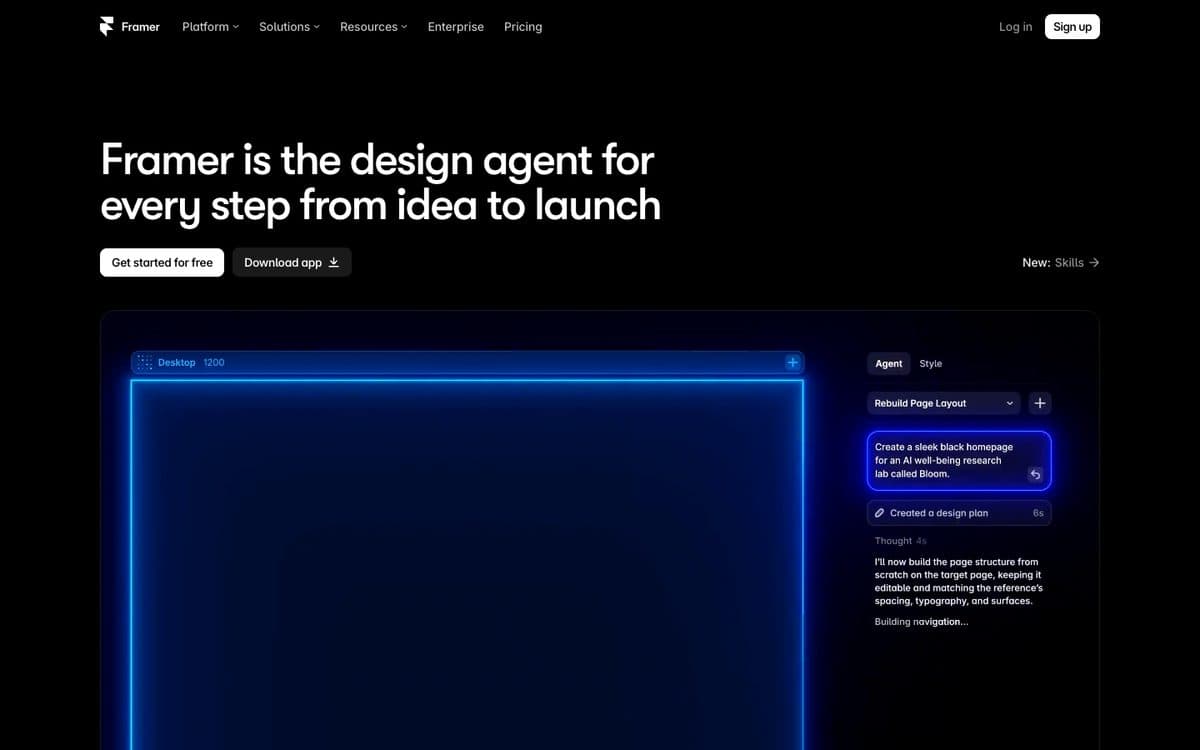
Framer is a website builder with an AI design agent: you design and publish sites on its hosting, with a CMS, a free custom domain on paid plans, and monthly AI credits to generate and edit pages.
Why pick it
- A freeform canvas that feels like Figma, with motion and responsive layouts, so the portfolio looks custom rather than templated.
- CMS case studies (1,000 items on Basic, 2,500 on Pro) and password protection on every paid plan, for work you only show clients.
- AI agents help write project copy and structure case studies as you build.
Watch out for
- Basic stops at 30 pages and 2 CMS collections, and AI credits are monthly (1,000 on Basic, 3,000 on Pro).
- Framer describes its free plan as meant for non-commercial use, with a Framer domain and 5 MB file uploads.
Pricing
Free: 500 AI credits to try, a Framer domain, 1 GB bandwidth. Billed yearly: Basic €10/month (1,000 AI credits a month, custom domain, 2 CMS collections, 50 GB), Pro €30/month (3,000 credits, 10 CMS collections, 100 GB).

02
Squarespace
Best for photographers, artists and creatives who want a polished portfolio from a template.
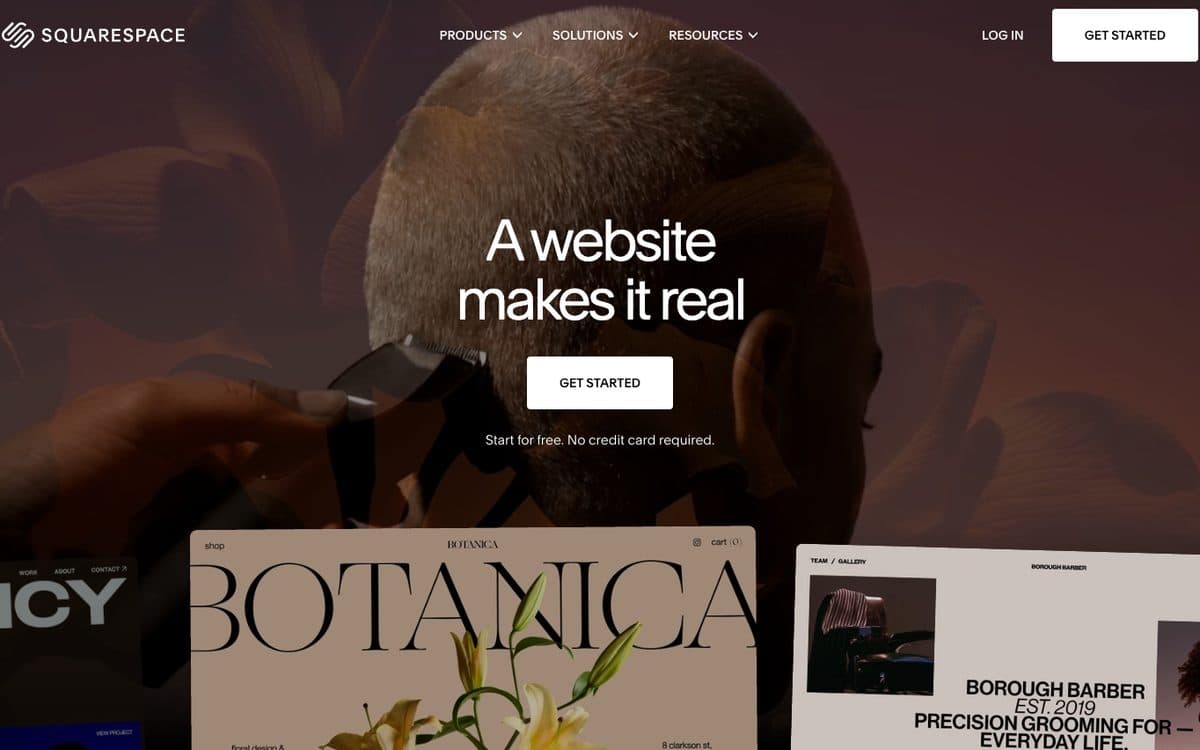
Squarespace builds websites from templates, with built-in AI tools, a custom domain free for the first year of an annual plan, and commerce on every plan: products, services, invoices, content and memberships.
Why pick it
- Portfolio pages that organize projects and galleries, with gallery layouts from slideshow strips to grids, an image editor and focal point control.
- Password-protect the whole site or specific pages, for client previews.
- Unlimited bandwidth on every plan, plus commerce to sell prints, services or downloads.
Watch out for
- No free plan, only a 14-day trial.
- Video hosting is capped by plan: 30 minutes on Basic, 5 hours on Core, 50 hours on Plus.
- Basic takes a 2% online store transaction fee and 7% on digital content and memberships; Core drops the store fee to 0%.
Pricing
Billed yearly: Basic €12/month, Core €18/month, Plus €32/month, Advanced €69/month (prices shown in euros from France; paying monthly costs up to 36% more). 14-day free trial.

03
Webflow
Best for designers and studios who want control of every element and a CMS for case studies.
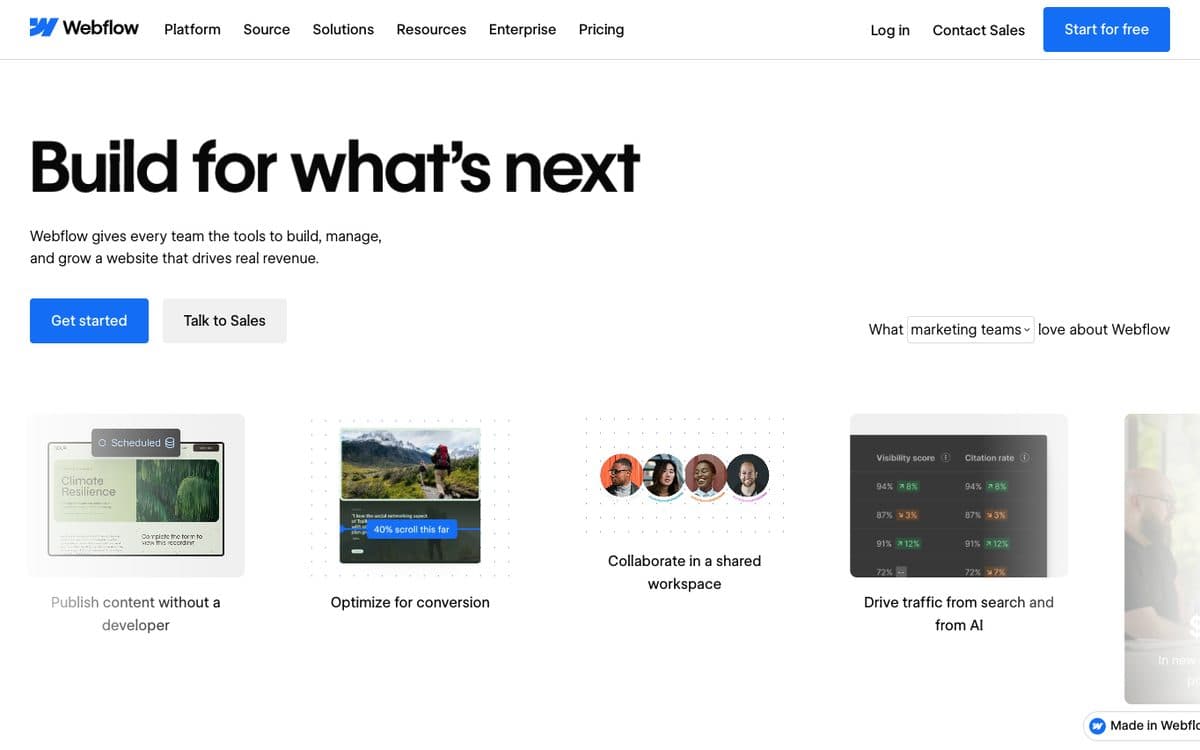
Webflow is a visual web platform for professional sites: you design every element, publish on its hosting, and manage content in its CMS. Every site plan, including the free Starter, now includes Webflow AI, an MCP server and app hosting on Webflow Cloud.
Why pick it
- Fine-grained control over design, with code components and site search on Premium.
- Password protection, unlimited form submissions and 300 static pages from Basic, at $15 a month billed yearly.
Watch out for
- Basic has no CMS: a collection of case studies needs Premium, at $25 a month billed yearly.
- Basic includes 10 GB of bandwidth, and Premium starts at 50 GB.
- You build visually, element by element, which takes longer to learn than a template or a prompt.
Pricing
Starter: free on a webflow.io domain, 2 static pages, 1 GB bandwidth. Billed yearly: Basic $15/month (custom domain, 300 static pages, 10 GB), Premium $25/month (Webflow CMS, from 50 GB). Team plans above.
All-round builders

04
Wix
Best for creatives who want a portfolio from a template or a prompt, with a store or bookings later.
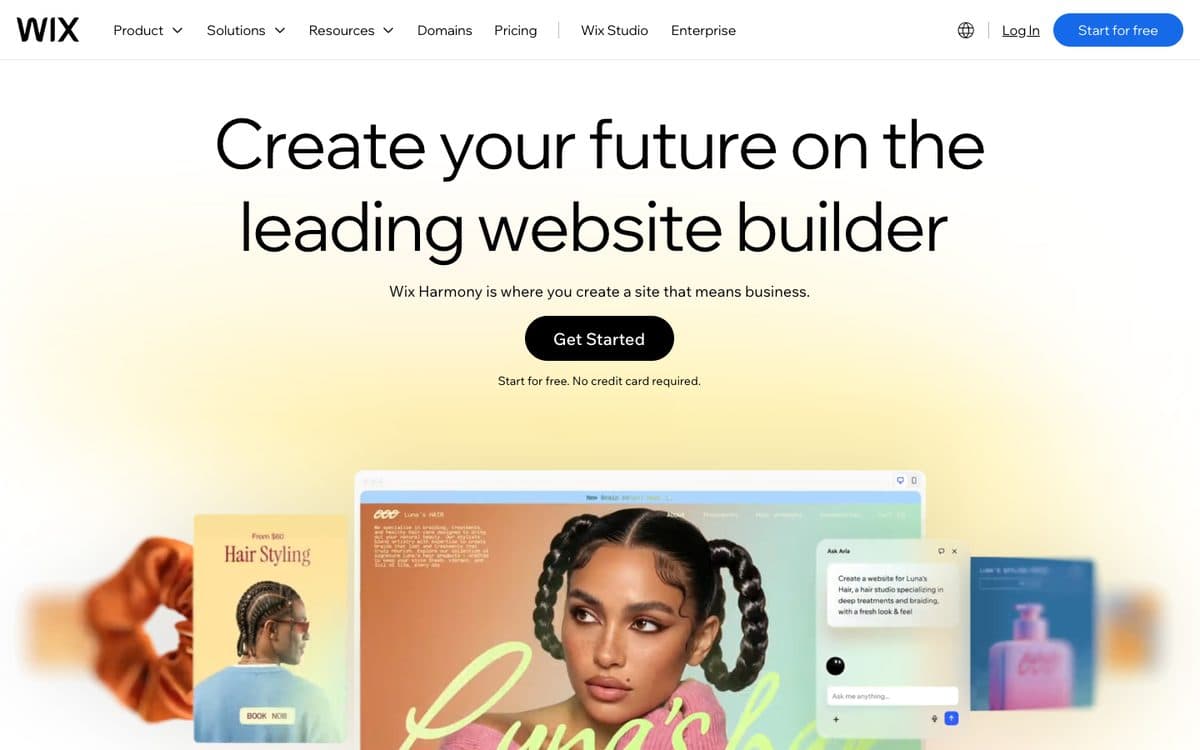
Wix is a website builder with an AI website builder: you describe the site in a prompt, then refine it with drag and drop or with Aria, its built-in AI agent. Hosting is included, and you add business tools as you need them, such as an online store, scheduling software for bookings, or a blog.
Why pick it
- Hundreds of free portfolio templates, including architecture, art, illustration, music, modeling and photography.
- Upload your work and Wix's AI sorts it into titled projects with descriptions, or describe the portfolio and let its AI generate it.
- A contact form and email campaigns, then an online store, print-on-demand merchandise or bookings when you start selling.
- Password-protect a single page or the whole site.
Watch out for
- The free plan keeps Wix branding and a wixsite.com address; your own domain needs a Premium plan, from $17 a month billed yearly.
- Light includes 2 GB of storage and can't take payments; Core, at $29 a month billed yearly, has 50 GB and adds payments.
Pricing
Free: Wix branding on a wixsite.com address. Billed yearly: Light $17/month (2 GB storage, 2 collaborators, no online payments), Core $29/month (50 GB, payments, basic eCommerce, scheduling), Business $39/month (100 GB, standard eCommerce), Business Elite $159/month (unlimited storage, advanced eCommerce). Wix shows yearly prices only; other billing periods exist. 14-day money-back guarantee.

05
WordPress.com
Best for writers, and creatives who publish articles or a newsletter next to the work.
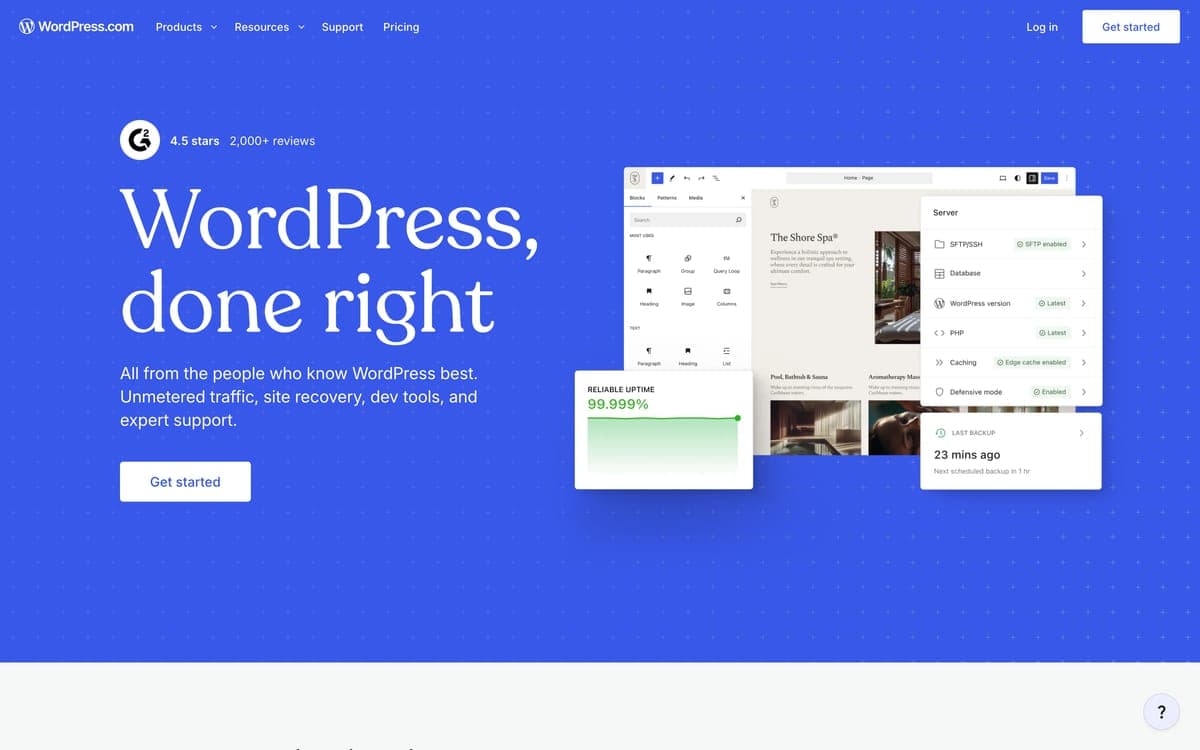
WordPress.com is hosted, managed WordPress: themes, plugins on paid plans, and the WordPress Agent, an AI website builder that generates pages, layouts, images and copy from a prompt and keeps helping in the editor. It covers blogs, newsletters and business sites, and online stores through WooCommerce.
Why pick it
- Made for publishing, with unlimited pages, posts and users on every paid plan.
- All premium themes and over 60,000 plugins on any paid plan, and you can export your full site anytime.
- Password-protect any page or post, and Business adds VideoPress with 250 GB of video storage.
Watch out for
- Images added to a password-protected page can still be opened directly by anyone with their link.
- Storage is 6 GB on Personal and 13 GB on Premium; 50 GB starts on Business, at $25 a month billed yearly.
- The free plan shows WordPress.com ads on a wordpress.com subdomain with no plugins, and standard payments carry a fee below Commerce (4% on Premium, 2% on Business).
Pricing
Free: a wordpress.com subdomain, 1 GB, ads shown to visitors. Billed yearly: Personal $4/month (6 GB, custom domain free for a year, no ads, plugins), Premium $8/month (13 GB, payment buttons), Business $25/month (50 GB, developer tools), Commerce $45/month (WooCommerce store). Billed monthly: $9, $18, $40 and $70 (no free domain). Two- and three-year terms go down to $2.75/month. Excluding taxes.

06
Hostinger Website Builder
Best for the cheapest portfolio with a domain and email, if you can pay for years upfront.
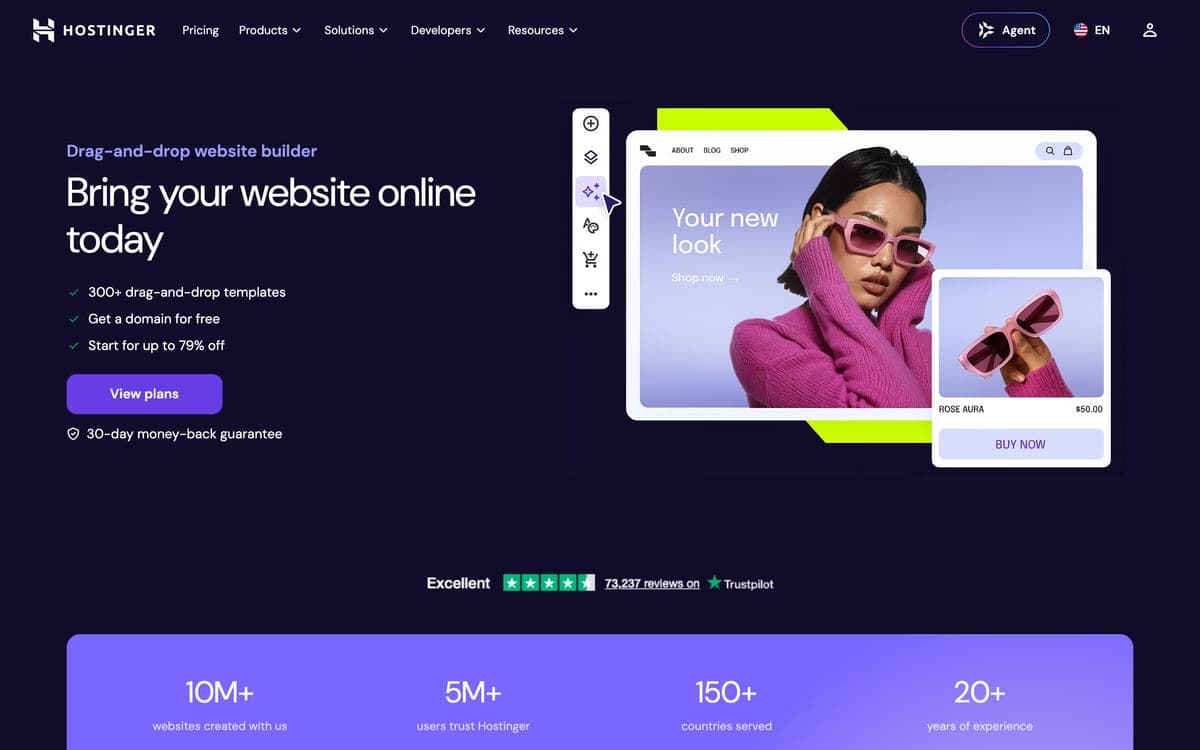
Hostinger's website builder is part of Hostinger AI Builder, which has two modes: Manual, where AI generates a site from your description and you refine it with drag and drop, and Agentic, where you build websites and web apps by chatting with AI. Plans bundle hosting, and email mailboxes and a domain free for the first year on terms of 12 months or more (each mailbox then renews at $0.59 a month, per hostinger.com/website-builder).
Why pick it
- Hostinger pitches Premium at first websites such as portfolios and resumes, with 400+ templates.
- Hosting, a custom domain and 2 mailboxes free for the first year, plus AI tools for copy, logos, images and SEO.
- The Agentic mode builds web apps, membership sites and reservation systems, with source code access.
Watch out for
- Headline prices assume paying 48 months upfront: Premium is $11.99 on a monthly plan, and every plan renews higher ($10.99 a month for Premium).
- AI credits are a one-time gift (250 on Premium, 500 on Unlimited, 1,000 on Cloud Startup), topped up after that, and there's no free plan, only a 14-day trial.
Pricing
Paid upfront, excluding VAT. Premium (3 websites, 250 AI credits): $11.99 for 1 month, $3.99/month on 12 months ($47.88), $2.99/month on 48 months ($143.52), renews at $10.99/month. Unlimited (unlimited websites, 500 credits): $18.99, $4.99 or $3.99/month, renews at $16.99. Cloud Startup (1,000 credits): $27.99, $9.99 or $7.99/month, renews at $25.99. Hostinger Ecommerce add-on: $1 for 3 months, then $8.99/month.
Source: Hostinger Website Builder pricing page, October 17, 2026
One page, or a service business

07
Carrd
Best for a one-page portfolio or link page on your own domain for $19 a year.
Carrd builds simple, responsive one-page sites, such as a personal profile or a landing page to capture emails, from a template or a blank page. The free plan covers up to three sites; Pro plans, paid per year, add custom domains, forms, embeds and more sites.
Why pick it
- Pro plans are priced per year: custom domains, forms and analytics from $19 a year on Pro Standard.
- Contact forms, embeds and analytics with Google Analytics, Plausible or Matomo on Pro.
- Pro Plus adds Stripe payment forms, password protection, redirects and site downloads.
Watch out for
- One page per site, split into sections; Carrd's site and docs don't list AI generation, a blog or online booking.
- Custom domains start on Pro Standard ($19 a year), and payment-enabled forms need Pro Plus ($49 a year) with your own Stripe account.
Pricing
Free: up to 3 sites with Carrd branding. Per year: Pro Lite $9 (3 sites, no branding, no custom domain), Pro Standard $19 (10 sites, custom domains, forms, embeds, analytics), Pro Plus $49 (25 sites, Stripe payment forms, password protection, redirects). Higher tiers add sites, up to 1,000 ($599/year on Standard, $999 on Plus). Renew yearly or pay as you go; 7-day free Pro trial.

08
Durable
Best for a photographer or designer who sells a service and wants bookings and a CRM behind the site.
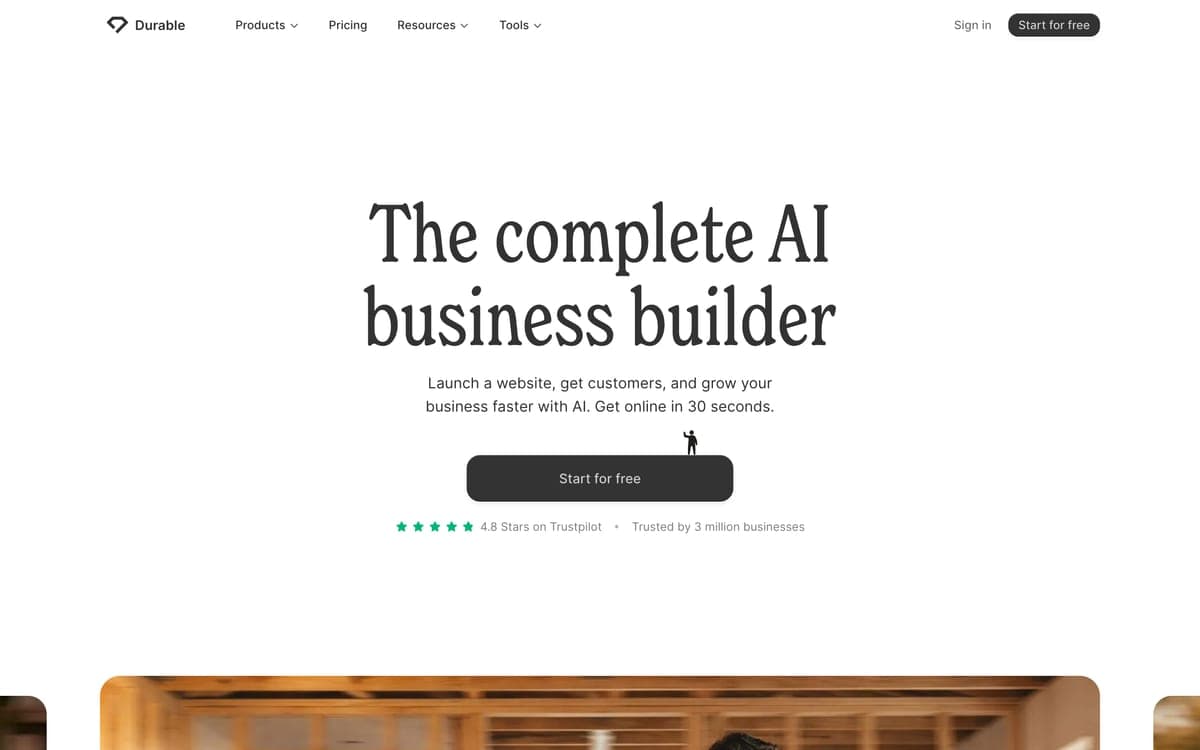
Durable is an AI business builder for small service businesses: it gets a business online with an AI-generated website in about 30 seconds, then adds a CRM, online bookings, SEO tools and AI agents that write blog posts, reply to leads and Google reviews, and research competitors.
Why pick it
- Online bookings on paid plans: unlimited bookings synced to your calendar, paid bookings and intake questions.
- A built-in CRM and AI agents for blog posts, lead replies, review replies and keyword research.
- A free custom domain on paid plans (up to $20 on Launch, $40 on Grow), with hosting and unlimited traffic.
Watch out for
- On the free plan the site is a private preview; publishing to a durable.site subdomain or your own domain, and AI website edits, start on Launch.
- Durable says it isn't designed specifically for e-commerce, and as a no-code tool it offers few HTML customization options.
Pricing
Free: a private website preview, 300 AI credits in total, a CRM for up to 10 customers. Billed yearly: Launch $22/month (1,000 AI credits a month, custom domain up to $20, unlimited bookings, AI agents), Grow $41/month (5,000 credits a month, unlimited team members, site translation, $40 domain credit). Billed monthly: $25 and $49.
When the portfolio needs to be an app
09 · our product
Capacity
Best for a studio whose portfolio needs more than pages: a client area with login, project data or payments.
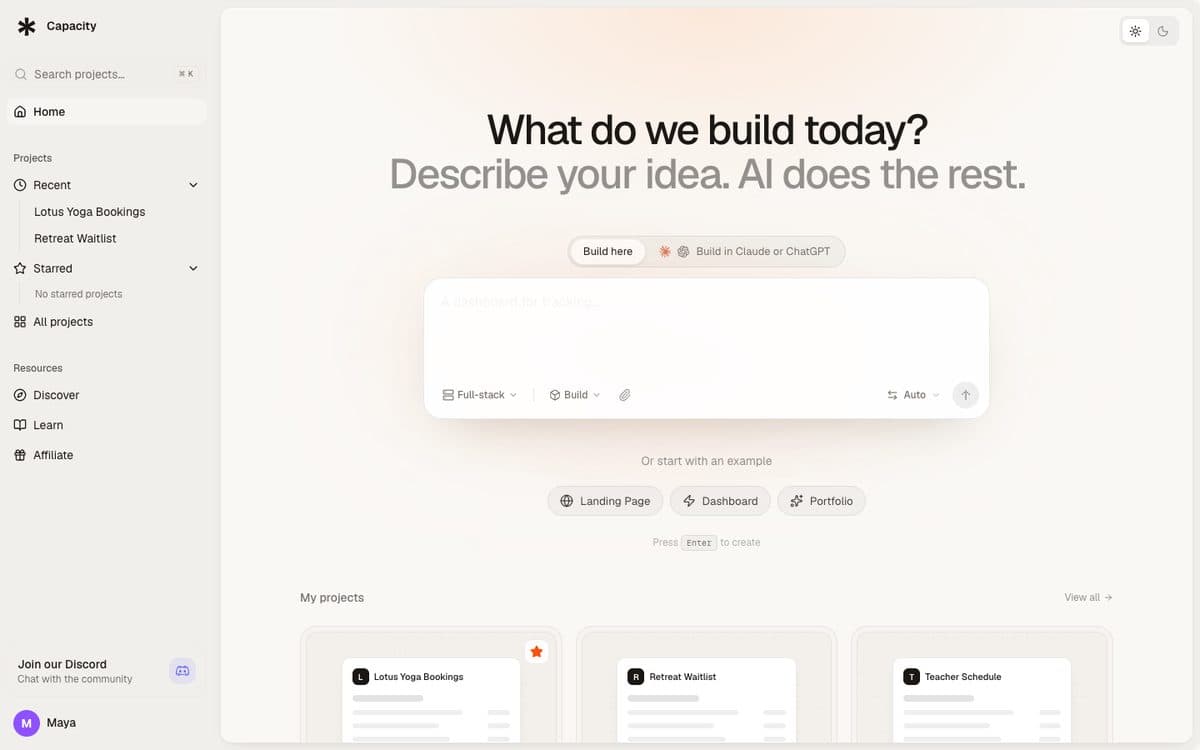
Capacity turns a plain-language description into a working app: a React front end, a server and its own database, published at a capacity.studio address or on your own domain. You change it by chatting and watch each change in the preview. You choose the model (Claude Opus 5.5, Claude Sonnet 5.5, Fable 5.1, Mistral Large 4 or Kimi K3) or leave it on Auto.
Why pick Capacity
- An architecture portfolio built with Capacity is live on capacity.so/discover.
- Add a client login with Clerk, Auth0 or Supabase, payments with Stripe, a CMS blog, and analytics with Google Analytics 4 or Hotjar.
- Hosting and a custom domain on every paid plan, with a full version history to roll back any change.
- Build it from Claude, ChatGPT or Mistral through Capacity's connector, unlimited on every paid plan.
Watch out for
- There's no drag-and-drop editor or visual canvas: you describe the layout and change it by asking. If you want to place every element by hand, Framer or Webflow suit you better.
- Plans start at $25 a month, more than Carrd, Hostinger or WordPress.com charge for a portfolio that is only pages. Capacity Desktop has a free plan with one project.
Pricing
Starter $25/month (100 credits), Growth $69/month (250 credits), Professional $129/month (500 credits), Business $299/month (1,000 credits). Every plan includes unlimited projects, custom domains and unlimited building from Claude and ChatGPT.
The 9 builders, side by side. From each official site, October 17, 2026.
| Feature | Framer | Squarespace | Webflow | Wix | WordPress.com | Hostinger Website Builder | Carrd | Durable | Capacity |
|---|---|---|---|---|---|---|---|---|---|
| Paid plans from | €10/month (yearly) | €12/month (yearly) | $15/month (yearly) | $17/month (yearly) | $4/month (yearly) | $2.99/month (48 months upfront) | $9/year | $22/month (yearly) | $25/month |
| Free plan | Yes, non-commercial use | No, a 14-day trial | Yes, 2 static pages | Yes, with Wix branding | Yes, with ads and a subdomain | No, a 14-day trial | Yes, up to 3 sites | Preview only | Desktop only (1 project) |
| Your own domain | Free on paid plans | First year free on annual plans | From Basic | Premium plans; first year free on yearly plans | First year free on yearly paid plans | First year free on 12+ month terms | From Pro Standard ($19/year) | Included on paid plans | Every paid plan |
| Projects and galleries | CMS case studies (1,000 items on Basic) | Portfolio pages, gallery grids and slideshows | CMS from Premium ($25/month) | Portfolio templates; AI sorts work into projects | Themes and 60,000+ plugins | 400+ templates | One page per site | – | Built from your description |
| Bandwidth or storage | 50 GB bandwidth (Basic), 100 GB (Pro) | Unlimited bandwidth; video 30 min on Basic | 10 GB bandwidth (Basic) | 2 GB storage (Light), 50 GB (Core) | 6 GB (Personal), 13 GB (Premium), 50 GB (Business) | – | – | Unlimited traffic on paid plans | – |
| Password-protected pages | Every paid plan | Whole site or specific pages | From Basic | A page or the whole site | Any page or post | – | Pro Plus ($49/year) | – | Add a login (Clerk, Auth0, Supabase) |
| Built for | Designers and startups | Photographers, artists, creatives | Designers and studios | Creatives starting from a template | Writers and bloggers | Low-cost sites paid upfront | One-page sites on a budget | Service businesses | Studios that need an app |
How to choose. Start from what you need, not from the ranking.
 A custom portfolio, designed like in FigmaFramer
 Photo galleries and client previewsSquarespace
 Control of every element, with a CMSWebflow
 A portfolio from a template or a promptWix
 Writing samples, a blog or a newsletterWordPress.com
 The lowest price with a domain and emailHostinger
 One page on your own domainCarrd
 Bookings and a CRM behind the portfolioDurableA client area, project data or paymentsCapacity
Questions people ask. Short answers, with the details above.
What is the best AI portfolio website builder in 2026?
For designers, Framer (from €10 a month billed yearly), with Webflow for finer control. For photographers and artists, Squarespace (from €12 a month billed yearly), with unlimited bandwidth and password-protected pages. For the easiest start, Wix. For writers, WordPress.com. For one page on a budget, Carrd at $19 a year.
What's the best portfolio website builder for photographers?
Squarespace: portfolio pages and gallery layouts, an image editor with focal point control, password-protected pages for clients and unlimited bandwidth on every plan. Wix is close behind, with photography templates and AI that sorts uploads into projects; Light includes 2 GB of storage, Core 50 GB. Framer suits photographers who design their own layout.
What's the best portfolio builder for designers?
Framer, if you work in Figma: the canvas feels familiar, it adds motion and CMS case studies, and Basic costs €10 a month billed yearly. Webflow gives control of every element and a CMS from Premium ($25 a month billed yearly), with a steeper learning curve.
What's the cheapest way to get a portfolio on my own domain?
Carrd Pro Standard is $19 a year for a one-page site on your domain. WordPress.com Personal is $4 a month billed yearly, with the domain free for the first year. Hostinger Premium is $2.99 a month if you pay 48 months upfront ($143.52), then renews at $10.99 a month. Framer Basic is €10 a month billed yearly with a free custom domain.
Can I password-protect my portfolio for a client?
Yes, on most of them. Squarespace protects the whole site or specific pages, Wix a single page or the whole site, WordPress.com any page or post, Framer every paid site, Webflow from Basic ($15 a month billed yearly) and Carrd on Pro Plus ($49 a year). On WordPress.com, images inside a protected page can still be opened by direct link.
Is there a free portfolio website builder?
Yes, with limits. Wix is free with Wix branding on a wixsite.com address, Webflow's Starter plan allows 2 static pages, Framer's free plan is meant for non-commercial use, Carrd is free for up to 3 sites, and WordPress.com is free with ads on a subdomain. Squarespace and Hostinger offer 14-day trials instead.
Can AI build my portfolio from my work?
Partly. Wix's AI sorts the work you upload into titled projects with descriptions, Framer's AI agents help shape copy and structure case studies, and Durable generates a whole site in about 30 seconds. You still choose which projects to show. Capacity builds a portfolio from a description; an architecture portfolio built with Capacity is on capacity.so/discover.
Portfolio builder or app builder?
If the site shows your work and collects inquiries, a portfolio builder is enough and costs less. If clients need to log in to see their own files, or you sell downloads and track projects, you need an app. Capacity builds one with its own database and hosting, from $25 a month, with login added through Clerk, Auth0 or Supabase.
Related comparisons
When the portfolio needs to be an app.
Describe your app in a sentence and Capacity builds it, or connect it to Claude or ChatGPT and build from the chat. Plans from $25 a month.