Define comprehensive specs before code, not just prompts
Full version control vs no GitHub integration
Next.js & Supabase vs proprietary custom framework
What is Floot?
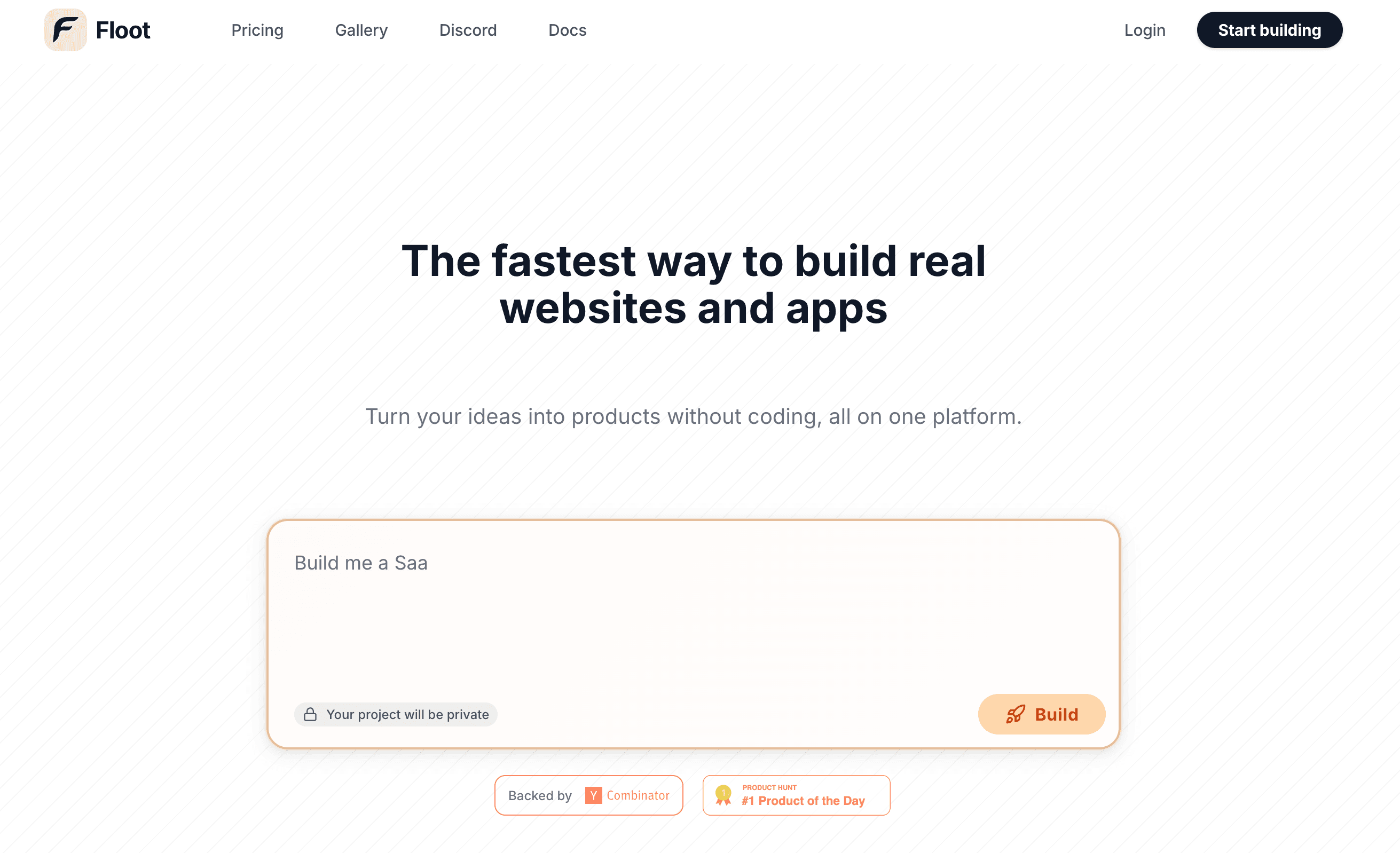
Floot is a Y Combinator-backed (YC S25) AI platform that enables entrepreneurs to build web applications through conversational AI and visual editing, without coding experience.
Floot Strengths
- Conversational building - describe apps in plain English
- Visual drawing editor - circle and draw changes
- Autonomous error fixing - auto-diagnoses and fixes bugs
- All-in-one platform with hosting, database, and payments
- Y Combinator backed with experienced team (AWS, Asana)
Floot Limitations
- No spec-first methodology - jumps straight to code
- No GitHub integration for version control
- Custom proprietary framework - not open source code
- Limited to web applications only
- Credit-based pricing at $25/month for 25K credits
Floot Review Summary
Floot has gained traction with over 3,000 users creating 4,000+ apps since its launch. The platform excels at rapid prototyping through its conversational interface and unique visual drawing editor that lets you circle elements to modify them.
However, Floot's approach has significant limitations for serious application development. The custom proprietary framework means your code isn't using industry-standard tools, making it harder to hire developers or migrate to other platforms. The lack of GitHub integration means no version control, branching, or collaboration features that professional teams expect.
For quick prototypes and non-technical founders, Floot can be a good starting point. But for applications that need to scale, maintain code quality, and support professional development workflows, Capacity's spec-first approach provides a more sustainable foundation.
Why Choose Capacity Over Floot
Capacity offers a fundamentally different approach to AI-powered development that produces better results for production applications.
Spec-First Methodology
While Floot jumps straight to code from prompts, Capacity builds comprehensive specifications first. This means your project brief, UX specs, design system, and user stories are all defined before a single line of code is written, resulting in more accurate implementations.
Native GitHub Integration
Floot has no GitHub integration, limiting version control options. Capacity provides native GitHub integration for full version control, branching, collaboration, and CI/CD workflows that professional development teams expect.
Open Standards, Not Proprietary
Floot uses a custom proprietary framework that isn't open source. Capacity generates standard Next.js, TypeScript, and Tailwind CSS code that works anywhere, can be maintained by any developer, and integrates with the broader ecosystem.
Native Supabase Integration
Capacity integrates natively with Supabase, giving you PostgreSQL database, authentication, real-time subscriptions, and edge functions. Floot has its own built-in database, but it locks you into their ecosystem with less flexibility.
How Capacity Works
A structured approach that produces better results than conversational AI building.
Project Brief
Start by defining your project goals, target audience, and key features. The AI Co-founder helps refine your vision.
UX Specifications
Define user flows, page structures, and interaction patterns before any design work begins.
Design System
Establish colors, typography, spacing, and component styles that ensure consistency across your app.
User Stories
Break down features into implementable user stories with clear acceptance criteria.
Code Generation
AI generates production-ready code based on your detailed specifications, with GitHub integration.
Feature-by-Feature Comparison
See how Capacity stacks up against Floot across key features
| Feature |  Capacity Capacity |  Floot Floot |
|---|---|---|
| Spec-First Development | ||
| AI Code Generation | ||
| Project Brief Management | ||
| User Story Tracking | ||
| UX Specifications | ||
| Design System Specs | ||
| Real-time Live Preview | ||
| Supabase Integration | ||
| GitHub Integration | ||
| Code Export | ||
| Custom Domains | ||
| Built-in Hosting | ||
| AI Co-founder Assistant | ||
| Iterative Spec Updates | ||
| Living Documentation | ||
| Visual Drawing Tools | ||
| Payment Processing | Partial | |
| Free Tier |
Real-World Examples
See how the same project would be built differently on each platform.
SaaS Dashboard
With Floot
Describe the dashboard in chat, draw circles around elements to modify, hope the AI understands your intent
With Capacity
Define dashboard specs, user roles, data visualization requirements, then generate with GitHub integration
E-commerce Store
With Floot
Conversational building with visual edits, built-in payments but proprietary code structure
With Capacity
Full product specs, Supabase for inventory, Stripe integration via Supabase, standard Next.js code
Team Collaboration Tool
With Floot
Quick prototype possible, but no version control for team development workflows
With Capacity
User story planning, real-time features via Supabase, GitHub for team collaboration and CI/CD
Pricing Comparison
Both platforms offer free tiers, but with different value propositions.
Capacity- Generous free tier to build your first app
- Full spec-first methodology included
- GitHub integration at all tiers
- Supabase integration included
- Custom domains
- No credit-based anxiety
FlootPro plan with 25K credits
- Free tier with 6,000 credits
- Conversational AI building
- Visual drawing editor
- Built-in hosting and database
- No GitHub integration
- Proprietary framework only
The Spec Coding Advantage
Why comprehensive specifications beat conversational prompting for production apps.
Floot's Approach"Build me a dashboard with user analytics, charts, and a settings page"
Capacity's ApproachProject Brief: Analytics dashboard for SaaS UX Specs: 5 pages, admin roles, data export Design: Dark theme, chart components Stories: 12 user stories with criteria
Migrating from Floot to Capacity
Ready to upgrade to spec-first development? Here's how to transition.
Export from Floot
Export your Floot project code and document what features you've built.
Create Project Brief
Define your project in Capacity with comprehensive specifications.
Define Specs
Create UX specs, design system, and user stories based on your Floot app.
Generate & Deploy
Generate production-ready code with GitHub integration and deploy.
Who Should Choose Capacity
Capacity is built for builders who want more than a quick prototype.
Serious Founders
Building an MVP that needs to be production-ready with clear documentation, not just a quick visual prototype.
Technical Teams
Developers who want AI assistance without sacrificing code quality, architecture decisions, or version control.
Complex Projects
Applications requiring careful planning, multiple features, and long-term maintainability beyond the initial build.
Enterprise Builders
Teams that need structured documentation, clear specifications, and GitHub-based workflows for compliance.
Budget-Conscious
Those who want a generous free tier and flexible pay-as-you-go pricing without credit-based anxiety.
Iterative Builders
Builders who want to refine specifications over time without rebuilding from scratch each iteration.
Technical Comparison
A deeper look at the technical differences between platforms.
Tech Stack
Capacity
- • Next.js 14+ with App Router
- • TypeScript for type safety
- • Tailwind CSS for styling
- • Supabase (PostgreSQL, Auth, Realtime)
Floot
- • Custom proprietary framework
- • Node.js + React + TypeScript
- • Not open source
- • Built-in database (non-standard)
Deployment
Capacity
- • GitHub integration for CI/CD
- • Export and self-host anywhere
- • Custom domains with auto SSL
- • Standard deployment workflows
Floot
- • Built-in hosting on Floot infrastructure
- • AWS autoscaling included
- • Custom domains on Pro plan
- • No GitHub integration
Database
Capacity
- • Supabase (PostgreSQL)
- • Real-time subscriptions
- • Edge functions
- • Built-in authentication
Floot
- • Built-in database
- • Database editor included
- • Automatic backups
- • Proprietary system
Development Approach
Capacity
- • Spec-first with 4 layers
- • AI Co-founder for guidance
- • Living documentation
- • Iterative spec refinement
Floot
- • Conversational prompts
- • Visual drawing editor
- • Autonomous error fixing
- • No specification layer
Frequently Asked Questions
Common questions about Capacity vs Floot
What makes Capacity different from Floot?
The fundamental difference is methodology. Floot uses conversational AI where you describe what you want and AI generates it immediately with visual drawing for refinements. Capacity uses spec-first development where you define detailed specifications (project brief, UX, design, user stories) before code generation. This results in more accurate, maintainable code that matches your exact requirements and creates living documentation.
Is Floot good for building production apps?
Floot can build functional web applications and offers production-grade hosting. However, its conversational approach lacks the structured planning that complex applications need. Capacity's spec-first methodology ensures every feature is planned, documented, and reviewed before implementation, reducing bugs and technical debt.
Can I export code from Floot?
Yes, Floot allows code export and you retain full ownership. However, Floot uses a custom proprietary framework that isn't open source. Capacity generates standard Next.js, TypeScript, and Tailwind CSS code that works anywhere and integrates directly with GitHub for version control and CI/CD.
Which platform is better for startups?
It depends on your stage. Floot is great for quick prototypes and non-technical founders who need something working fast. Capacity is better for startups building production applications that need to scale, maintain code quality, and have clear documentation for investors and future developers.
Does Capacity support payment processing like Floot?
Yes, Capacity supports payment processing through Supabase and Stripe integration. While Floot has built-in payment processing, Capacity's approach gives you more control and flexibility, plus you own the integration code completely.
How does pricing compare between Capacity and Floot?
Both offer free tiers. Floot's Pro plan is $25/month with 25K credits. Capacity has a generous free tier to start building, with flexible pricing that scales with your needs. Capacity doesn't use a credit-based system that creates anxiety about running out mid-project.
What about the visual drawing feature in Floot?
Floot's drawing feature lets you circle elements and draw arrows to indicate changes. While intuitive for simple edits, this approach becomes limiting for complex applications. Capacity uses detailed specifications and direct code editing, giving you precise control over every aspect of your application.
Can I migrate from Floot to Capacity?
Yes, you can migrate from Floot to Capacity. Export your Floot project and use it as reference when creating specifications in Capacity. Since Capacity generates standard code, you'll end up with a more maintainable codebase that integrates with professional development workflows.
Which has better version control?
Capacity has native GitHub integration for full version control, branching, and collaboration. This means you can track every change, roll back when needed, and collaborate with other developers. Floot doesn't offer GitHub integration, limiting version control capabilities.
Who should use Floot vs Capacity?
Use Floot if you're a non-technical entrepreneur who needs a quick prototype and prefers visual/conversational interaction. Choose Capacity if you're building a serious application that needs to be maintainable, well-documented, and ready for professional development workflows.
What's the difference in tech stack?
Floot uses a custom proprietary framework (Node.js/React/TypeScript) that isn't open source. Capacity generates standard Next.js with TypeScript and Tailwind CSS, integrates with Supabase for the database, and produces industry-standard code that any developer can work with.
Does Floot have an AI co-founder feature like Capacity?
No, Floot focuses on conversational building and visual editing. Capacity's AI Co-founder helps you think through your product strategy, refine your specifications, and make better architectural decisions before writing any code.
The Bottom Line
Floot is great for non-technical entrepreneurs who want to quickly prototype ideas through conversational AI and visual drawing. Its Y Combinator backing and autonomous error fixing make it accessible for beginners.
Capacity is built for serious builders who want production-ready applications with comprehensive specifications, native GitHub integration, open-source tech stack, and living documentation. If you're building something that needs to scale and be maintained by a team, Capacity's spec-first approach provides the foundation for long-term success.